Key Takeaways

- Steam's shader pre-caching downloads pre-compiled shaders from Valve's servers, eliminating real-time compilation stutter
- Vulkan games benefit most because Steam's system is built on Fossilize, a Vulkan-specific library
- Enable it via Steam Settings > Downloads > Shader Pre-caching, and turn on background Vulkan processing
Steam has a built-in feature that downloads pre-compiled shaders before you launch a game, eliminating the stuttering caused by real-time shader compilation. It's called shader pre-caching, and most PC gamers don't know it exists. Enable it once, and those frustrating micro-freezes when you enter a new area or trigger an explosion disappear.
The feature works by pulling shader data from Valve's servers rather than forcing your CPU to compile shaders from scratch. With over 132 million daily active users contributing shader data, Valve has built a massive crowdsourced cache. When you download a game, Steam checks if compatible shader data exists for your GPU and fetches it automatically. The compilation work is already done.
Why does shader compilation cause stuttering?
Modern games ship with millions of shaders. Different lighting conditions, material types, weather effects, and explosions each require their own shader programs. These are written in high-level languages like HLSL or GLSL, but your GPU can't execute them directly. Your CPU has to compile them into machine code first.
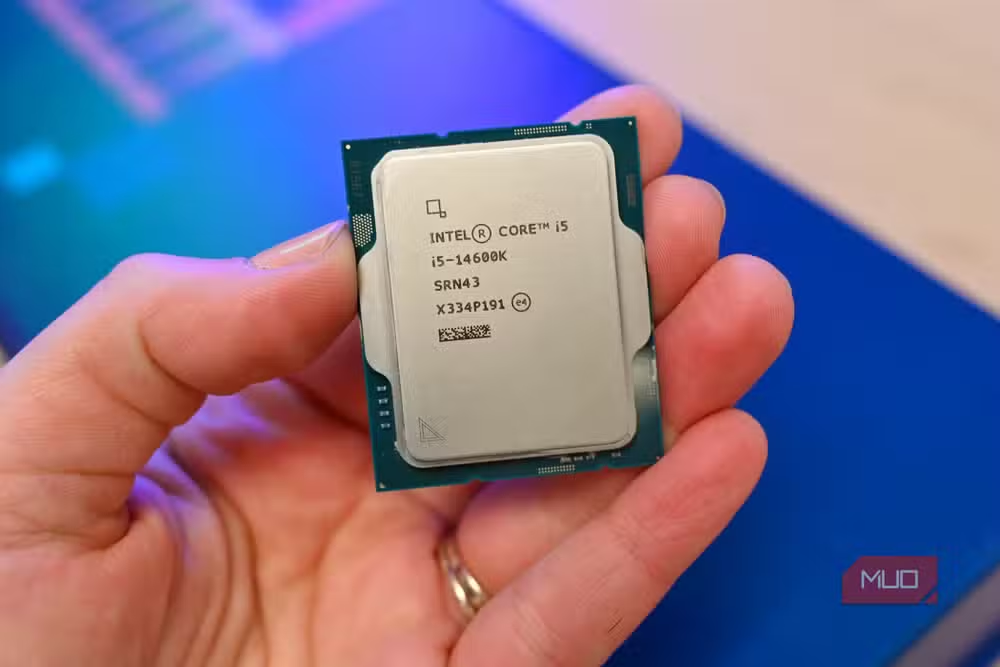
Here's where the problem starts. When a new effect appears on screen, your CPU compiles that shader in real time, and the game freezes for a split second. Walk into a new area? Stutter. First explosion of the match? Stutter. The game resumes once compilation finishes, but by then your immersion is broken.
Notice how the same stutter never happens twice in a session. That's because compiled shaders get cached locally. Replay the same level, and those shaders are already compiled. The problem is first encounters, and every PC configuration requires its own compilation because hardware varies wildly.
Why consoles don't have this problem
Console developers know exactly what hardware every player has. A PlayStation 5 has one GPU, one CPU architecture, one memory configuration. Developers compile shaders for that exact spec and ship them with the game. Done.
PC gaming has no such luxury. There are thousands of GPU and CPU combinations. Shipping pre-compiled shaders for every possible configuration is impossible. Some games force you to sit through a lengthy shader compilation process before the main menu. The Last of Us Part 1 on PC took up to an hour. Unreal Engine 5 games are particularly bad because they use massive shader variant counts.

How Steam shader pre-caching solves this
Steam's approach is clever. When you compile shaders, Steam collects anonymized usage data about which shaders you needed and which GPU you have. That data goes to Valve's servers. When another player with the same GPU downloads the game, Steam sends them your pre-compiled shaders.
The download happens in the background before you launch. No hour-long compilation screens. No first-time stutters. The system is entirely built around Fossilize, a Vulkan-specific library, which is why Vulkan games see the biggest improvements. DirectX handles shader caching at the driver level, so the benefit there is smaller.
How to enable Steam shader pre-caching
The setting is buried but easy to find:
- Open Steam and go to Settings
- Click Downloads in the left sidebar
- Scroll to Shader Pre-caching
- Enable Shader Pre-caching
- Enable Allow background processing of Vulkan shaders
The second toggle is important. It allows Steam to process Vulkan shader data even when you're not playing, so the cache is ready when you launch. Leave it on unless you're concerned about background CPU usage.
Which games benefit most?
Vulkan games see the largest improvement because Steam's system was designed around Vulkan's pipeline architecture. DirectX games still benefit, but drivers already handle some caching there.
Open-world games and Unreal Engine 5 titles are prime candidates. These games have enormous shader counts and constantly load new areas. Linear games with smaller shader variety see less dramatic improvement, but any reduction in stutter is welcome.
The trade-off: storage and bandwidth
Pre-cached shaders take up disk space. For most games, the cache is a few hundred megabytes, but shader-heavy titles can push past a gigabyte. Steam downloads these automatically when game updates ship, so your bandwidth usage increases slightly.
If you're on a metered connection or have limited SSD space, you might disable the feature for games you don't play frequently. For your main rotation, the stutter-free experience is worth the storage cost.
Logicity's Take
Steam's shader pre-caching is one of those features that should be on by default for everyone, yet it's buried in settings menus. Valve is sitting on the largest crowdsourced shader database in PC gaming. With 35 million concurrent users at peak times, they have compilation data for almost every GPU and game combination. The feature's biggest limitation is developer support. Games need to integrate properly with Steam's shader collection system, and not all do. Valve should make this integration mandatory for new releases on the platform.
Frequently Asked Questions
Does Steam shader pre-caching work for all games?
Not all games. The developer must support Steam's shader collection system. Vulkan games benefit most because Steam's pre-caching is built on Fossilize, a Vulkan-specific library. DirectX games see smaller improvements.
How much storage does shader pre-caching use?
Typically a few hundred megabytes per game, though shader-intensive titles can exceed a gigabyte. Steam stores these caches locally on your drive.
Will shader pre-caching improve my FPS?
No, it eliminates stutter, not low framerates. Stuttering happens when your CPU pauses gameplay to compile shaders. Pre-caching removes that pause. Average FPS stays the same, but frame pacing becomes smoother.
Should I enable background Vulkan processing?
Yes, unless you're worried about background CPU usage. It processes shader data when you're not gaming so the cache is ready at launch time.
Why do consoles not have shader compilation stutter?
Console hardware is uniform. Developers know exactly what GPU every player has, so they ship pre-compiled shaders with the game. PC hardware varies too much for this approach.
Need Help Implementing This?
If you're a game developer looking to optimize shader pipeline performance or implement proper Steam shader pre-caching support, contact Logicity's technical team for guidance on integration best practices.
Source: MakeUseOf
Manaal Khan
Tech & Innovation Writer
Produced with AI assistance and reviewed by the Logicity editorial team. Learn more in our Editorial Policy.






