Key Takeaways
- Seal supports over 1,700 video and audio platforms through the yt-dlp engine
- The app contains zero ads or tracking scripts and is completely free
- It's not on the Play Store but is available through F-Droid and GitHub
If you've ever tried to download a video on Android, you know the drill. YouTube offers downloads, but only within its app and at limited quality. Instagram saves videos, but only to a disappearing folder. Browser-based downloaders work, but they're minefields of pop-ups, fake download buttons, and sketchy permissions.
Seal is different. It's an open-source Android app that downloads videos and audio from over 1,700 platforms. No ads. No tracking. No paywall. It supports resolutions up to 4K. And it looks like a native Google app thanks to Material You design.
The catch? Google won't let it on the Play Store.
What Makes Seal Different
Seal is a graphical front-end for yt-dlp, the command-line tool that powers most video downloading on desktop. If you've ever typed cryptic commands into a terminal to grab a YouTube video, yt-dlp was probably doing the work. Seal wraps that engine in a clean Android interface.
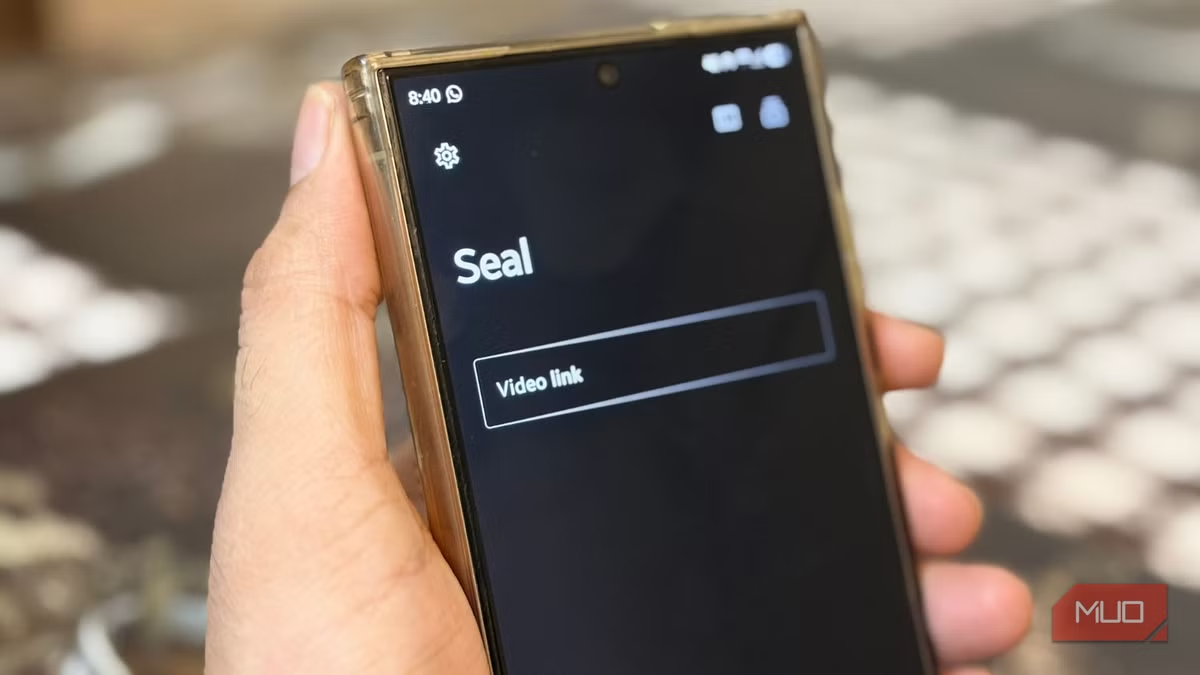
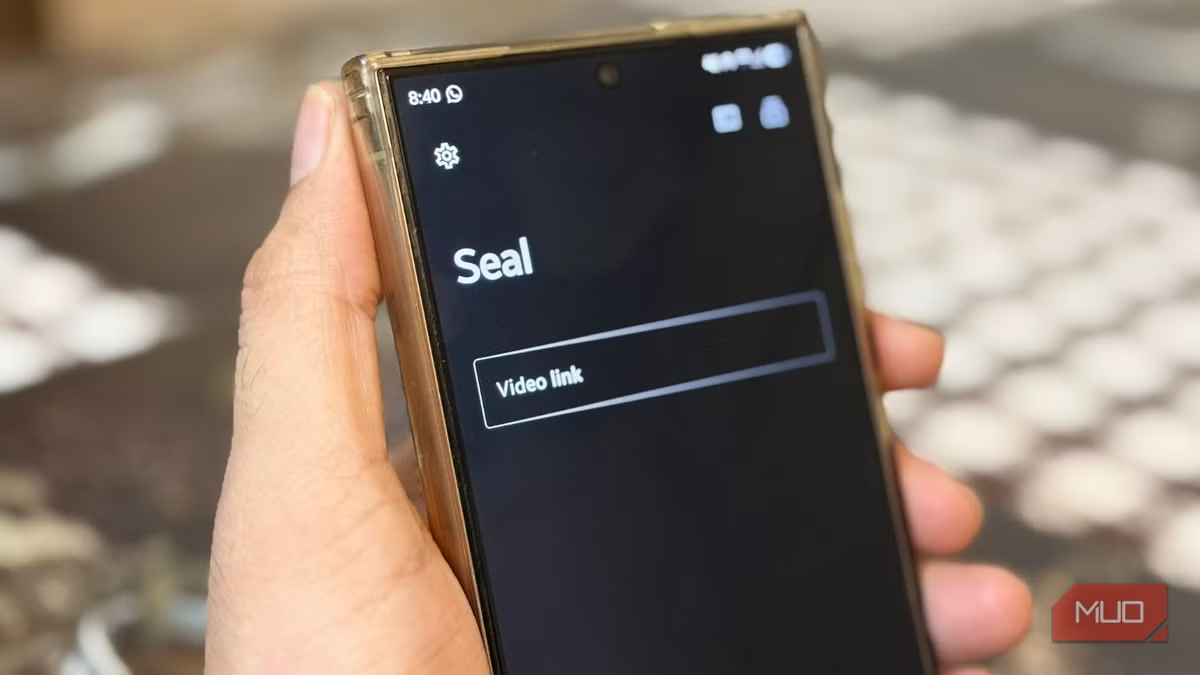
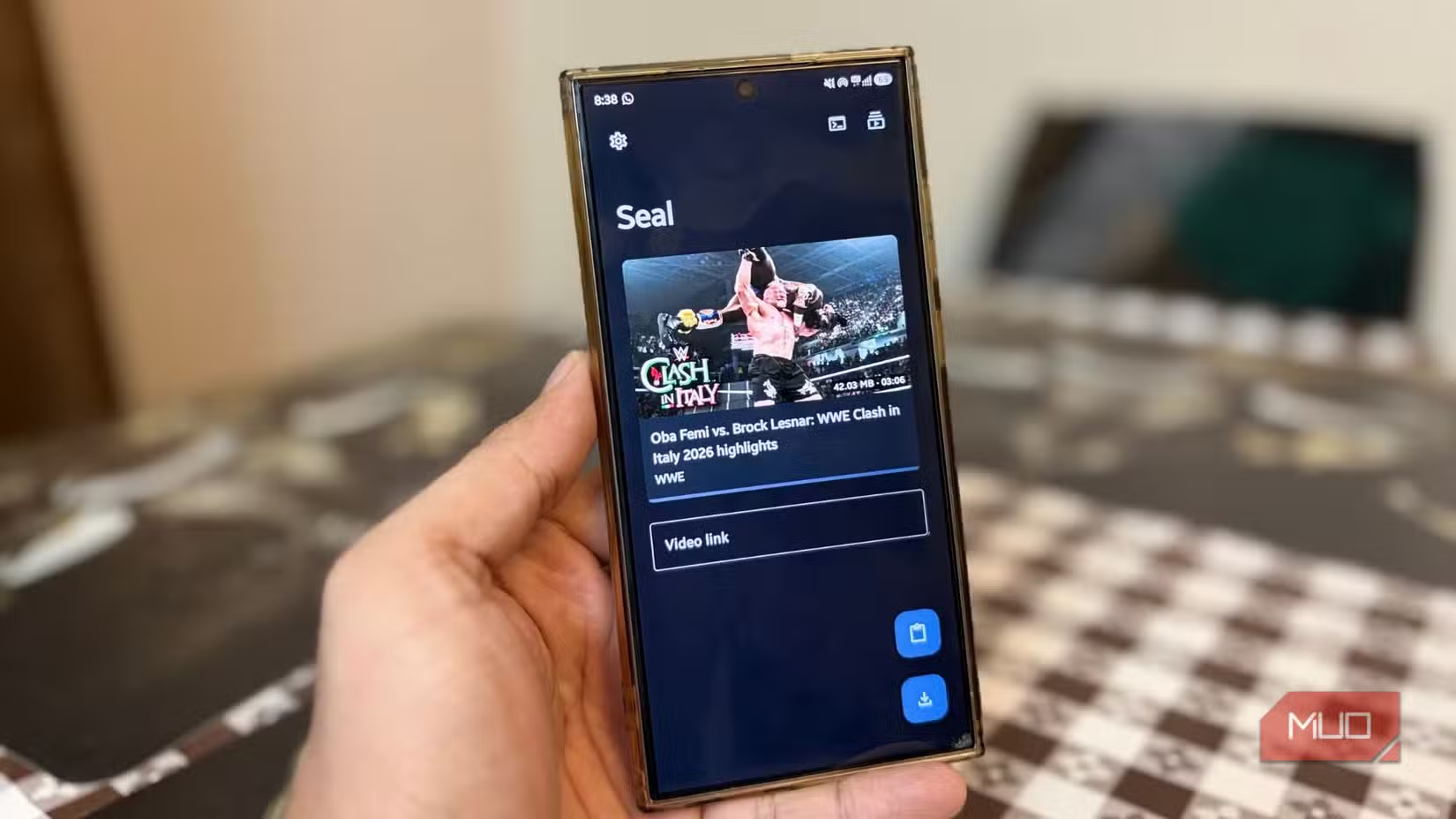
The app's simplicity is its strength. Copy a video URL, open Seal, and the app automatically detects the link from your clipboard. Choose your quality, and hit download. You can also use Android's share menu to send links directly to Seal from any app.
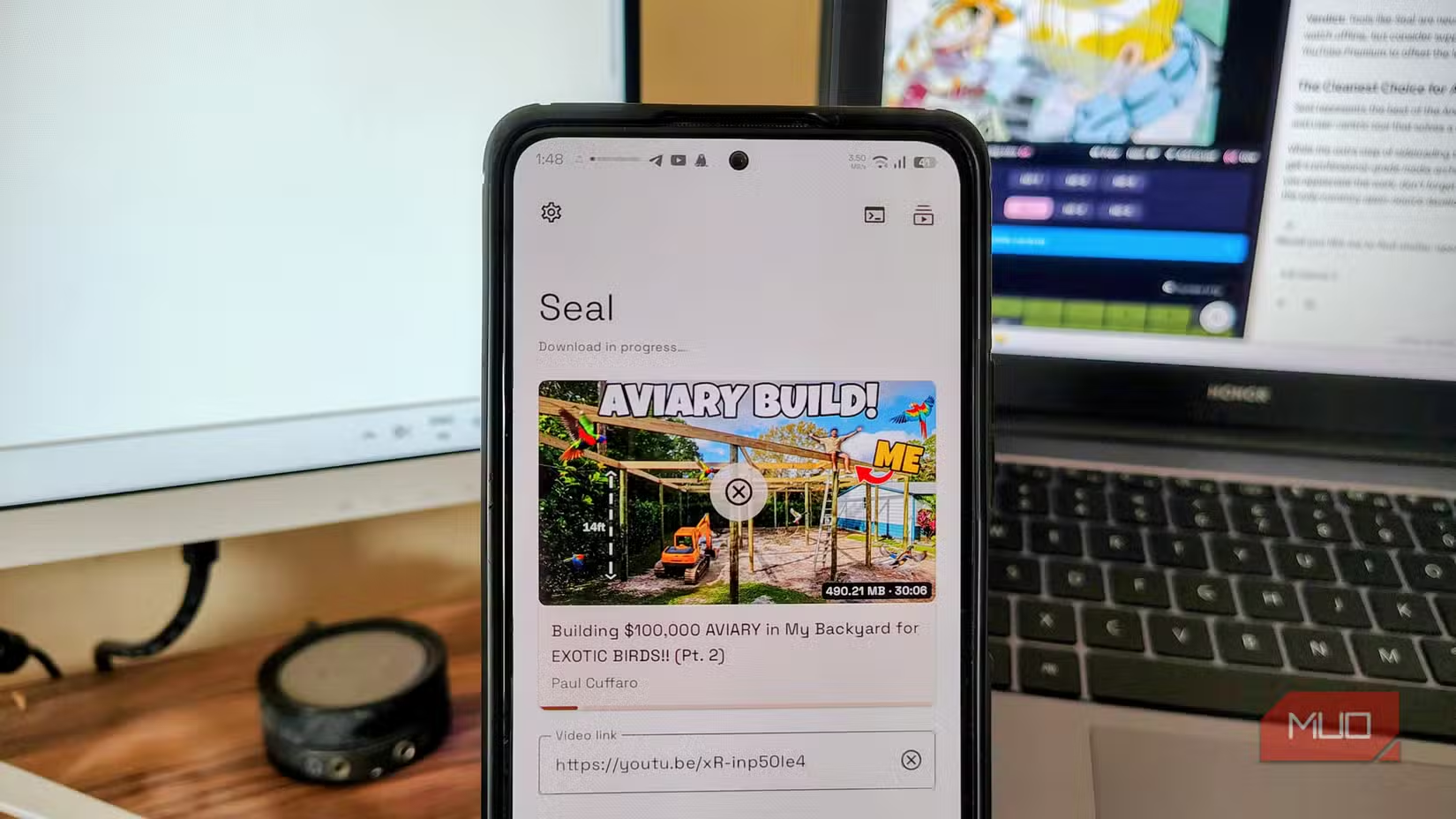
Quality options go up to 4K where the source supports it. That's a significant upgrade from YouTube's in-app downloads, which cap at 1080p for Premium subscribers and 720p for everyone else.
Zero Ads, Zero Tracking
Most free video downloaders make money through ads. Not banner ads. The kind that hijack your screen, hide close buttons, and redirect you to app install pages when you tap anywhere.
Seal has none of that. The app contains zero ads and zero tracking scripts. It's developed in the open on GitHub, where anyone can audit the code. This transparency is why it's become a favorite in the FOSS (Free and Open Source Software) community.
“The best video downloader I've used on Android, hands down. It just works, it's beautiful, and it respects your privacy.”
— Community feedback on GitHub
The app's GitHub repository and community discussions on Reddit (r/AndroidApps, r/fossdroid) consistently highlight two things: it actually works, and it doesn't feel like it's trying to scam you.
Why It's Not on the Play Store
Google's Play Store policies prohibit apps that download copyrighted content. Since Seal can download videos from YouTube (which Google owns), it was never going to pass review.
This means you'll need to install it from alternative sources. The two main options are F-Droid, an open-source app store for Android, or downloading the APK directly from Seal's GitHub releases page.
If you've never used F-Droid, it's worth setting up. It's a curated repository of open-source Android apps, many of which offer privacy-focused alternatives to mainstream software.
How to Install Seal
- Download F-Droid from f-droid.org (you'll need to allow installs from unknown sources)
- Open F-Droid and search for 'Seal'
- Install and open the app
- Copy any video URL and Seal will detect it automatically
Alternatively, go to Seal's GitHub repository and download the latest APK from the Releases section. This method gets you updates faster but requires manual installation each time.
Supported Platforms
Because Seal uses yt-dlp under the hood, it inherits support for everything that tool can handle. The list includes:
- YouTube (including Shorts and live streams)
- Instagram (posts, Reels, Stories)
- Twitter/X
- TikTok
- Vimeo
- SoundCloud
- Twitch clips and VODs
- And roughly 1,690 other sites
The yt-dlp project maintains a full list on its GitHub page. If a site isn't supported, it's often added within weeks of a request.
The Tradeoffs
✅ Pros
- • Supports 1,700+ platforms with a single app
- • Downloads up to 4K resolution
- • No ads, tracking, or hidden costs
- • Material You design feels native on modern Android
- • Active development with regular updates
❌ Cons
- • Not available on Google Play Store
- • Requires sideloading (F-Droid or APK)
- • Some platforms may break temporarily when they update their systems
- • Legal gray area for copyrighted content
The legal question is worth addressing. Downloading videos for personal use exists in a gray area in most jurisdictions. Redistributing copyrighted content is clearly illegal. Using Seal to save a recipe video for offline viewing is probably fine. Use your judgment.
Alternatives Worth Knowing
If Seal doesn't fit your needs, a few other options exist. NewPipe is another open-source app focused specifically on YouTube. It includes a built-in player and subscription management without requiring a Google account. For desktop users, yt-dlp itself works on Windows, Mac, and Linux with more advanced options.
Another open-source tool that improves on default system functionality
Logicity's Take
Frequently Asked Questions
Is Seal safe to install?
Yes. Seal is open source with publicly auditable code on GitHub. It contains no ads, tracking, or malicious scripts. It's also listed on F-Droid, which has its own security review process for apps.
Why isn't Seal on the Google Play Store?
Google prohibits apps that can download videos from YouTube and similar platforms. Since Seal can download from over 1,700 sites including YouTube, it violates Play Store policies.
Can Seal download Instagram Reels and Stories?
Yes. Seal supports Instagram posts, Reels, and Stories. Copy the link and paste it into the app, or use the share menu to send it directly to Seal.
What video quality does Seal support?
Seal supports up to 4K resolution, depending on what the source video offers. You can choose your preferred quality before each download.
Is it legal to use Seal to download videos?
This depends on your jurisdiction and how you use the content. Downloading for personal offline viewing is generally tolerated. Redistributing copyrighted content is illegal in most places.
Need Help Implementing This?
Source: MakeUseOf
Manaal Khan
Tech & Innovation Writer
Produced with AI assistance and reviewed by the Logicity editorial team. Learn more in our Editorial Policy.






