Key Takeaways
- Samsung phones capture photos on finger release, not touch, adding 50-100ms delay
- Camera Assistant is a free Samsung app that unlocks hidden camera settings
- The Quick Tap Shutter toggle eliminates shutter lag for action and candid shots
Why Samsung Cameras Feel Slow
You line up the perfect shot of your kid laughing or a wave crashing on rocks. You press the shutter. Nothing happens. By the time the camera fires, the moment is gone and the image is blurry.
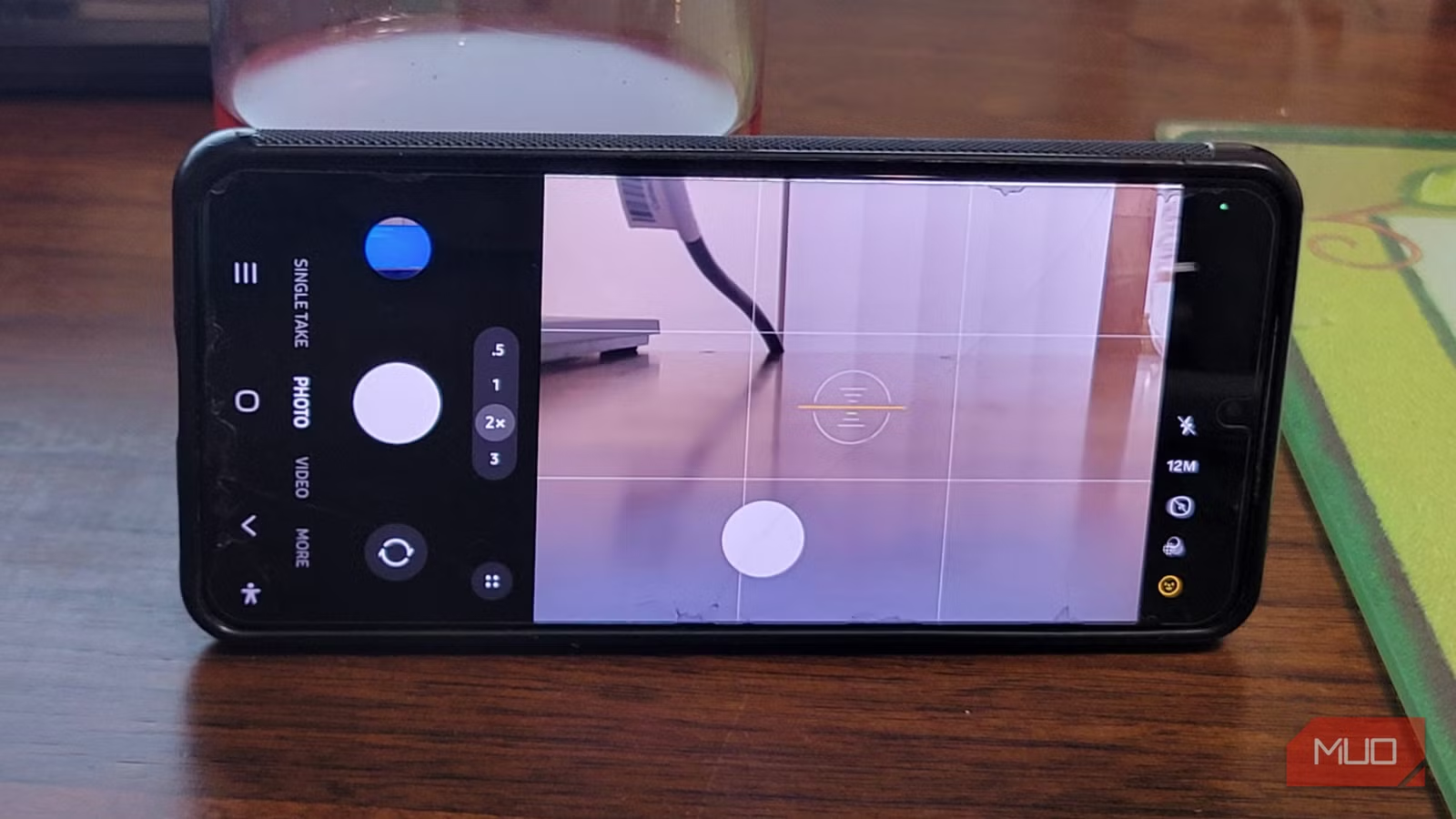
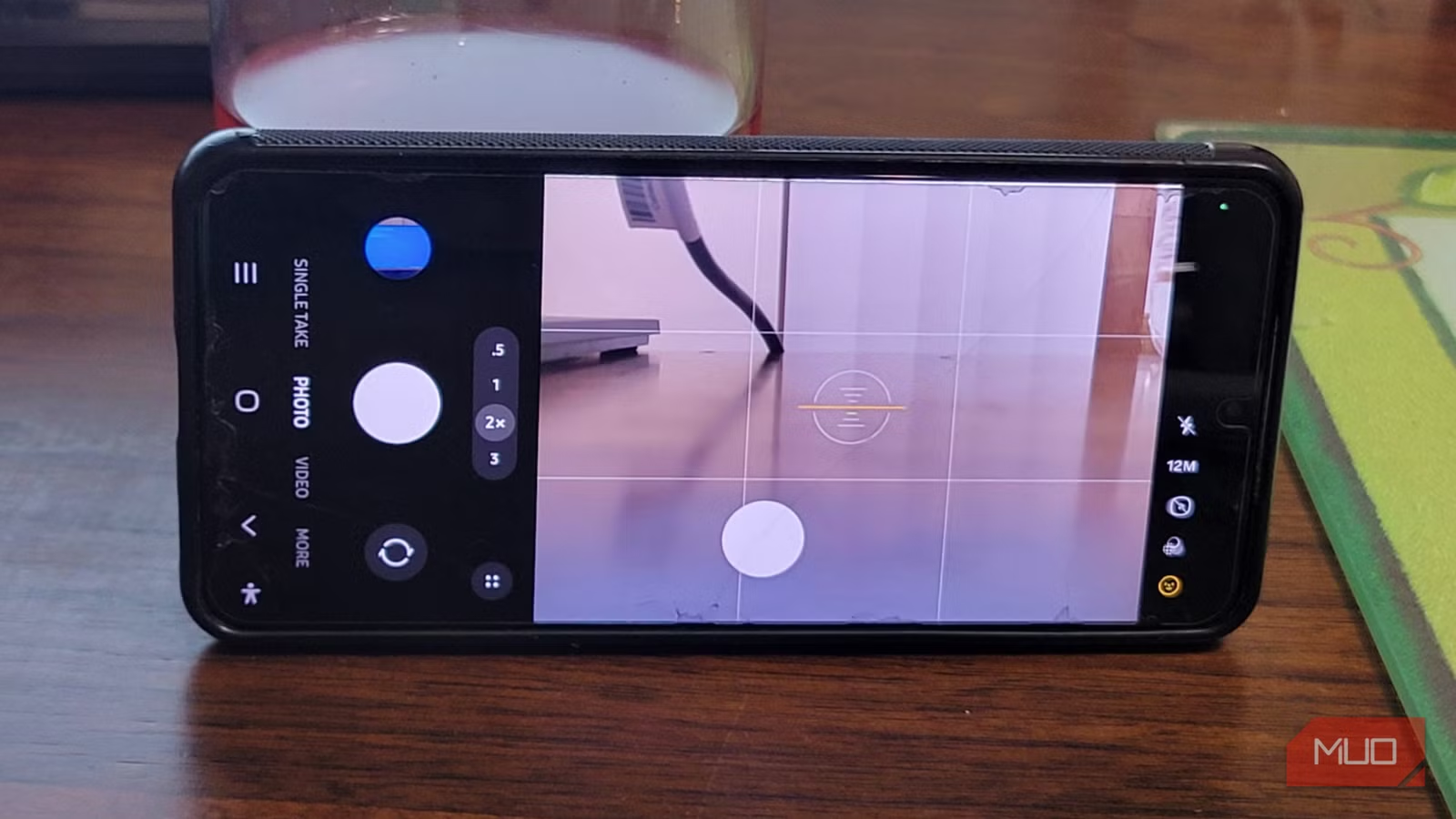
This isn't a hardware problem. It's a deliberate software choice. Samsung devices capture photos when you lift your finger off the screen, not when you first touch the shutter button. The company designed it this way so you can hold the button down to start recording video instead.
That sounds minor. It isn't. A hundred milliseconds is enough for a facial expression to change, a pet to move out of frame, or a sports moment to end. The delay compounds with the phone's other processing time, turning what should be instant capture into a frustrating guessing game.
What makes this worse: you can't change it in the standard settings app. Samsung buried this behavior control in a separate application.
Camera Assistant: The Hidden Fix
Camera Assistant is a free Samsung app available in the Galaxy Store. It's part of the Good Lock suite, Samsung's collection of customization tools with an estimated 25 million active users worldwide.
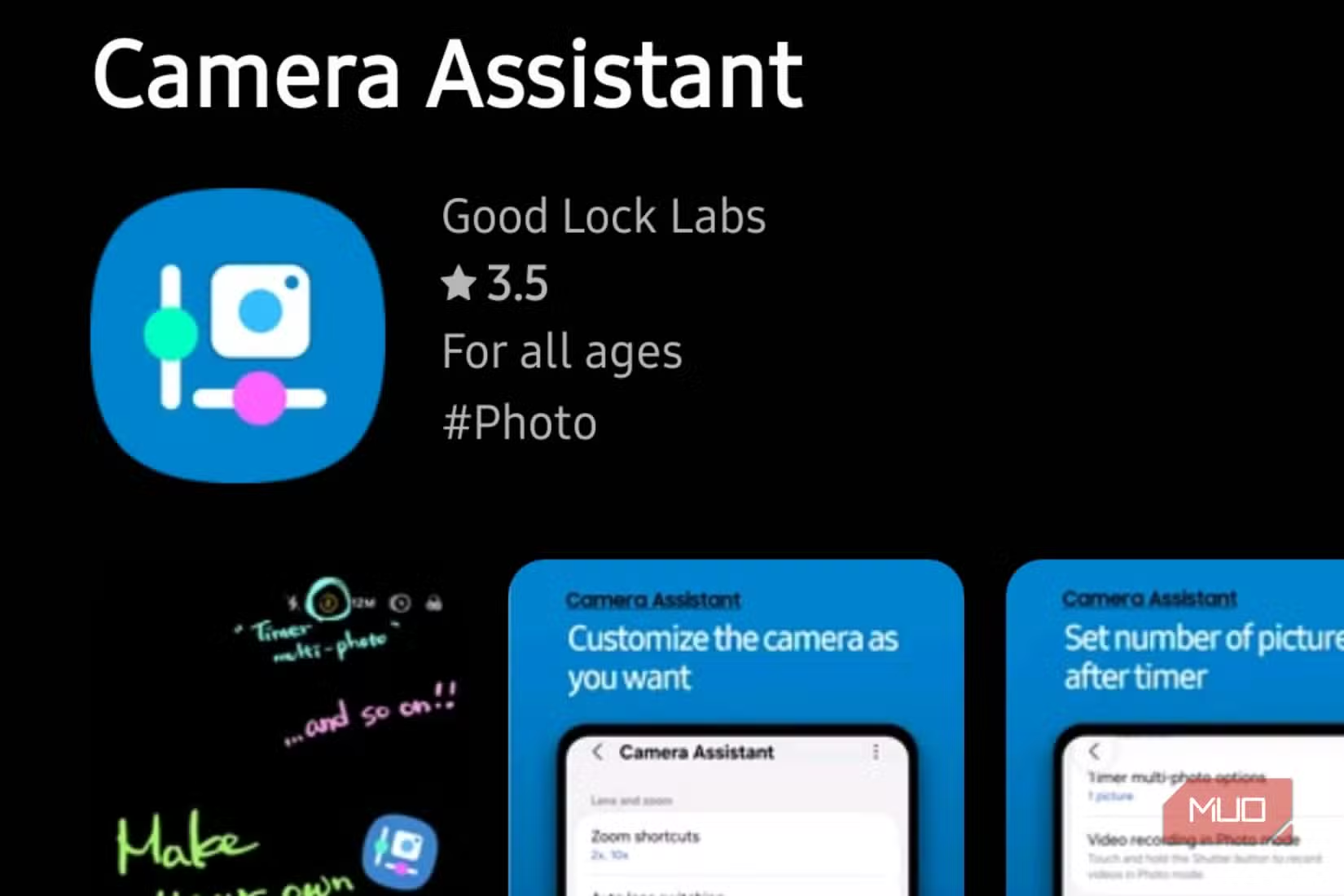
The app doesn't replace your stock camera. It adds a hidden settings menu directly inside it. Once installed, you get access to camera behaviors Samsung decided to hide from the standard interface.
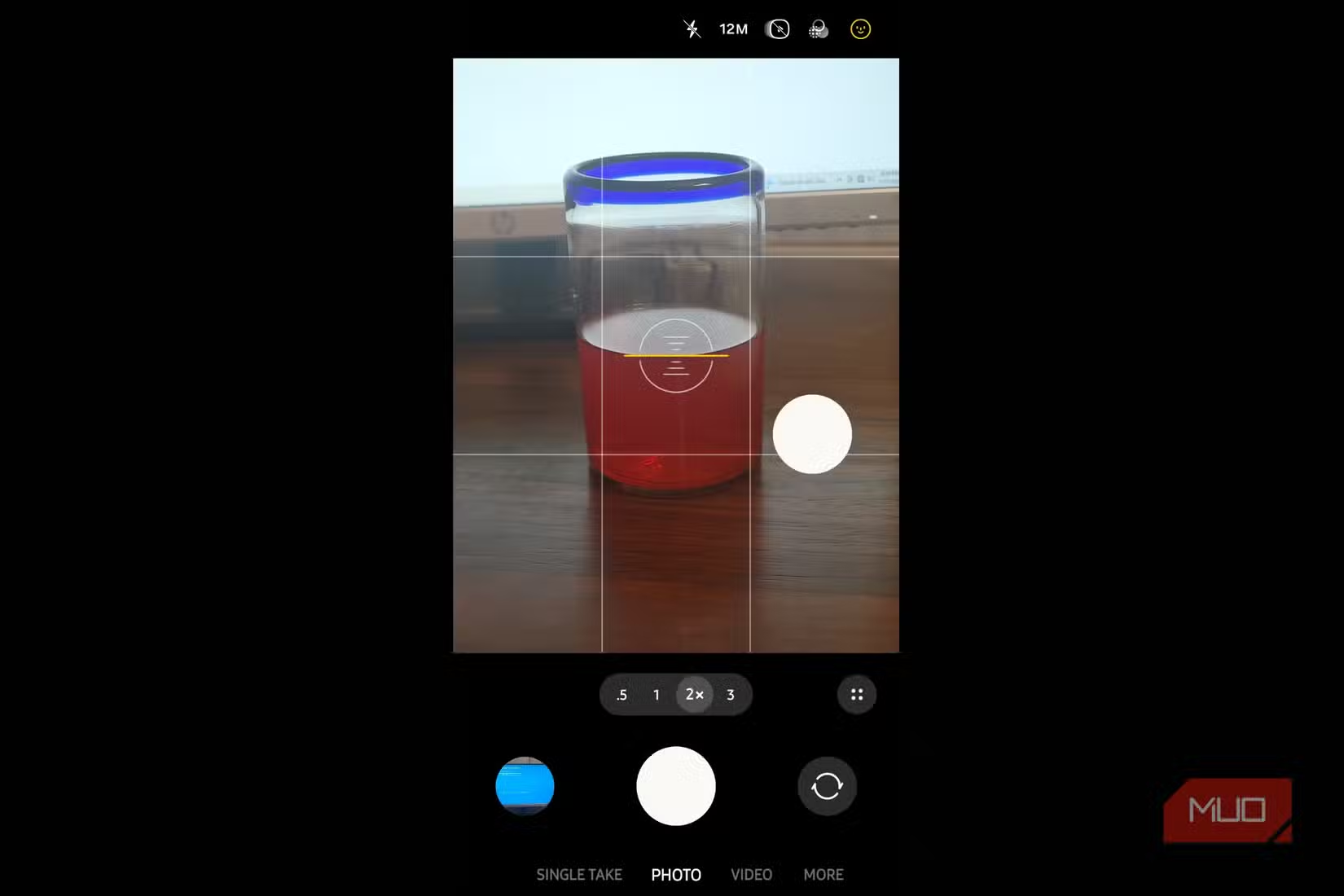
The specific toggle you want is called Quick Tap Shutter. Enable it, and the camera fires the instant your finger touches the shutter button. No waiting for release. No lag.
How to Set It Up
- Open the Galaxy Store on your Samsung phone
- Search for "Camera Assistant" and install it
- Open your stock Camera app
- Go to Settings (gear icon) and look for the new Camera Assistant section
- Enable Quick Tap Shutter
That's it. The change takes effect immediately. Try taking a few photos of moving subjects to see the difference.
“The shutter lag has been the Achilles' heel of Galaxy photography for years. It's frustrating that such a massive improvement is buried in a separate app, but it is night-and-day for capturing moving subjects.”
— Sarah Mitchell, Senior Tech Reviewer at Digital Trends
What You Lose
Quick Tap Shutter has one tradeoff: you can't hold the shutter button to start recording video anymore. If you use that feature often, you'll need to tap the dedicated video button instead.
Camera Assistant also has a "Prioritize Speed" option that reduces capture latency further by adjusting how much processing the phone does before saving. User reports suggest around 13% additional improvement. The cost is slightly less post-processing polish on each shot.
One thing the app won't fix: motion blur in low light. That's a sensor and shutter speed issue, not a software delay. For indoor action shots, you'll still need good lighting or a phone with a faster lens.
Logicity's Take
Other Camera Assistant Features Worth Checking
- Auto lens switching: Control when the camera changes between lenses
- Picture softening: Reduce or increase Samsung's default skin smoothing
- Timer shortcuts: Faster access to countdown timers
- HDR controls: Override automatic HDR decisions
The Good Lock suite includes several other Samsung customization apps. If you want more control over your phone's interface, notifications, or lock screen, it's worth browsing the Galaxy Store's Good Lock section.
Another approach to smarter phone photography
Frequently Asked Questions
Does Camera Assistant work on all Samsung phones?
It works on most Galaxy phones running One UI 5 or later. Check the Galaxy Store listing for your specific model's compatibility.
Will Camera Assistant affect my camera quality?
No. Quick Tap Shutter only changes when the photo is captured, not how it's processed. Image quality stays the same.
Is Camera Assistant an official Samsung app?
Yes. It's developed by Samsung and distributed through the Galaxy Store as part of the Good Lock suite.
Can I still record video with Quick Tap Shutter enabled?
Yes, but you'll need to tap the video button directly. The hold-to-record shortcut on the shutter button is disabled.
Need Help Implementing This?
Source: MakeUseOf
Manaal Khan
Tech & Innovation Writer
Produced with AI assistance and reviewed by the Logicity editorial team. Learn more in our Editorial Policy.