Key Takeaways
- One UI 9 requires PIN verification before you can power off or restart your Galaxy phone
- Exiting the power menu automatically triggers Lockdown Mode, disabling biometrics
- The feature blocks thieves from using the turn-it-off method to stop location tracking
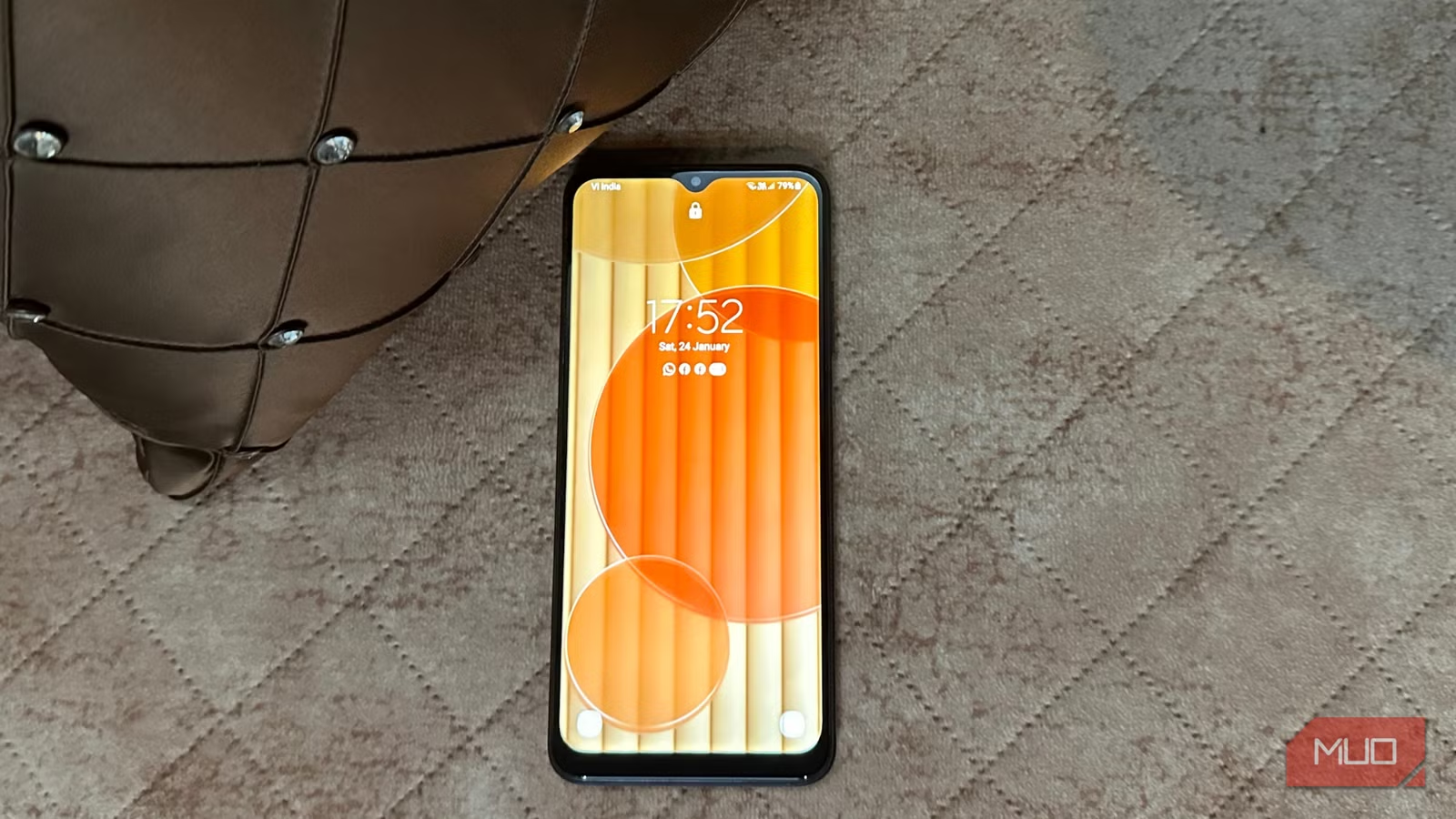
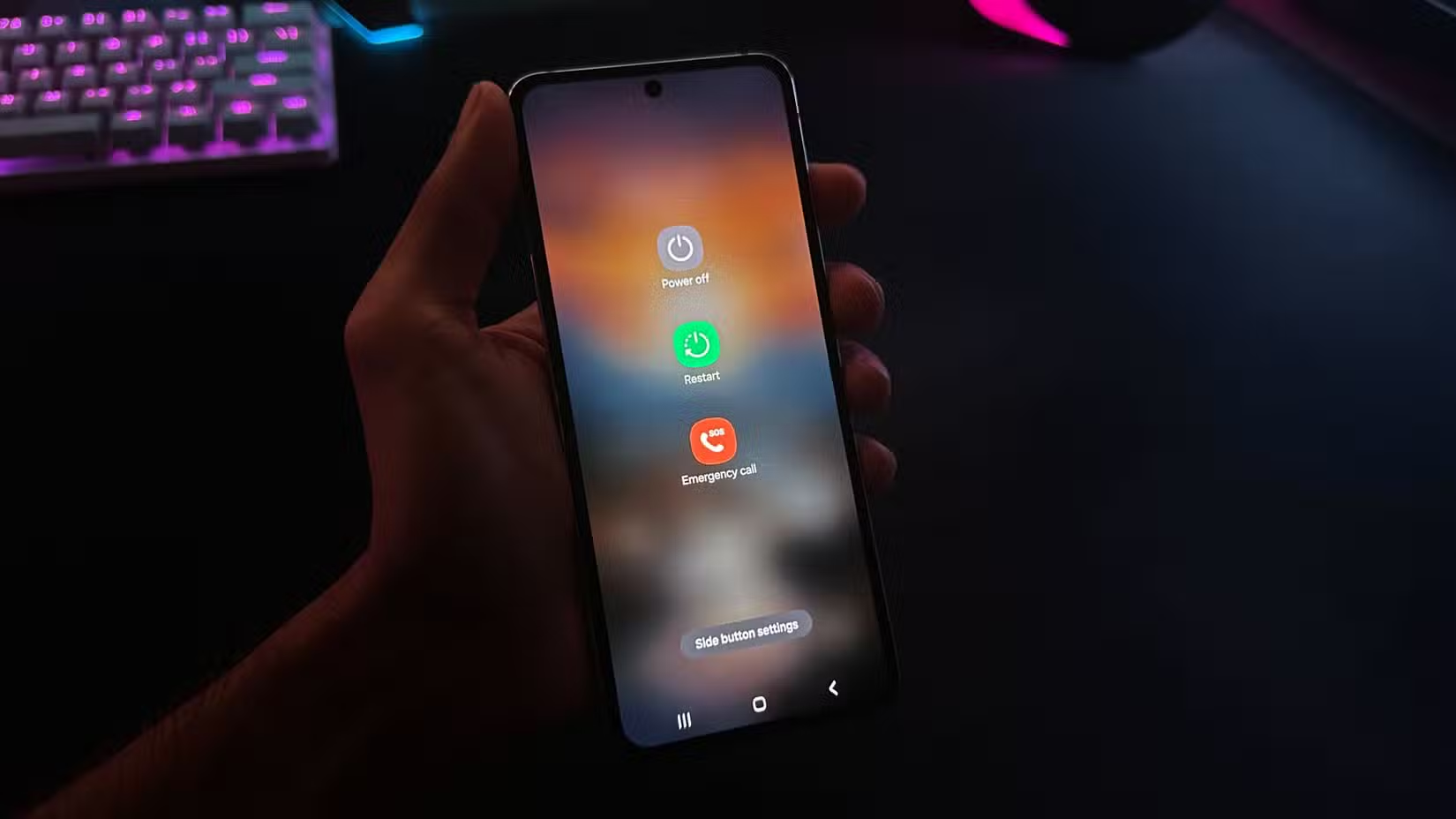
Samsung is closing a security gap that phone thieves have exploited for years. One UI 9, currently in beta testing, will require you to enter your PIN before you can power off or restart your Galaxy phone.
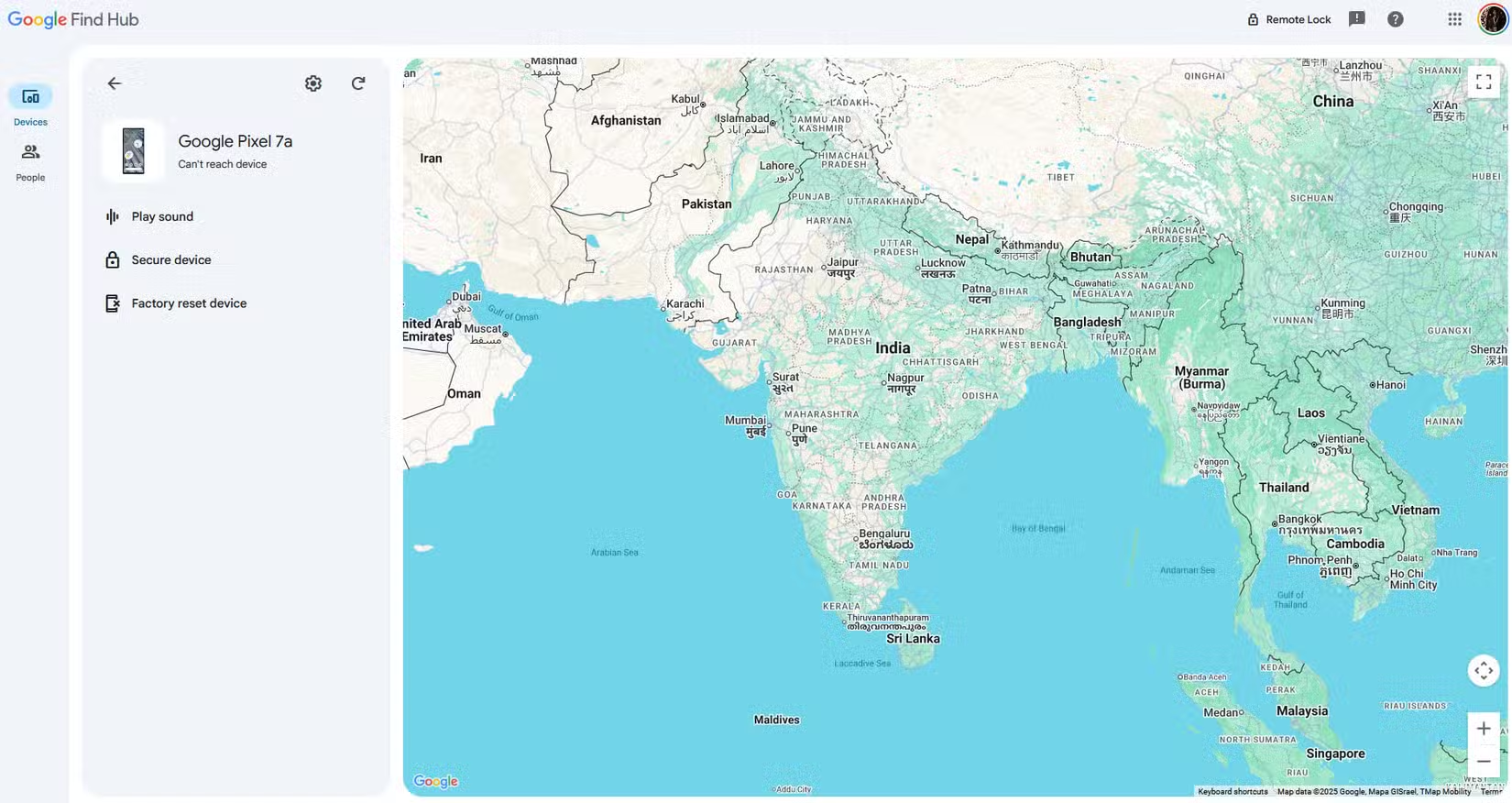
The change targets a simple but effective theft tactic. Right now, anyone holding a locked Samsung phone can access the power menu and shut down the device without any authentication. Once off, the phone stops broadcasting its location. Google's Find Hub and Samsung's Find app become useless.
Beta testers on Reddit and reports from SammyFans confirm the new behavior. When you press the power button and try to restart or shut down, One UI 9 will prompt for your PIN first. No PIN, no power off.
Automatic Lockdown Mode Takes It Further
Samsung added a second layer. When you open the power menu and then back out without entering your PIN, the phone automatically enters Lockdown Mode.
Lockdown Mode is a restricted state that removes notifications from the lock screen and disables biometric authentication. Only your PIN or password will unlock the device. This mirrors how Apple's iPhone handles similar scenarios.
Currently in One UI 8.5, you can manually trigger Lockdown Mode from the power menu. The new approach makes it automatic. A thief who grabs your phone and instinctively tries to power it down will instead lock themselves out of biometric access entirely.
Why This Matters for Stolen Phones
Modern smartphone theft relies on speed. Thieves know that a powered-on phone can be tracked. Their first move is almost always to turn it off or remove the SIM.
Samsung's new protection turns that instinct against them. The moment a thief tries the power menu, they trigger Lockdown Mode. The phone stays on, broadcasting its location. They can't use face unlock or fingerprint scanning to get in.
One UI 9 also introduces a "Security Delay" of 1 hour for biometric changes, preventing account hijacking even if a thief does manage to access the device.
Not a Perfect Solution
There are workarounds. Most Android phones, including Samsung devices, can be force restarted using a button combination. Holding the power and volume buttons for 10 to 15 seconds will typically force a restart regardless of authentication.
Some Galaxy models can also be restarted by connecting to specific hardware or entering recovery mode. A determined thief with technical knowledge could still bypass these protections.
But the feature does not need to be perfect to be useful. It raises the difficulty and time required to disable a stolen phone. Every extra minute the phone stays on is another minute it can be tracked.
Community Response
Reddit's Android community has praised the change. Many users called it "long overdue" and questioned why this was not standard years ago.
Some raised concerns about edge cases. What happens if you need to restart during a legitimate emergency and forget your PIN? Users have suggested Samsung should add an emergency-only override, though no such feature has been confirmed in the beta.
Logicity's Take
When to Expect the Update
One UI 9 is currently in beta testing. Samsung has not announced a final release date. Based on typical timelines, expect the stable release alongside or shortly after the next major Android version rollout to Galaxy devices.
The feature will likely arrive first on Samsung's flagship Galaxy S and Z series phones, then roll out to mid-range A series devices.
More on the latest security and AI features from major tech platforms
Frequently Asked Questions
Can I still force restart my Samsung phone in One UI 9?
Yes. Holding the power and volume down buttons for 10 to 15 seconds will still force a restart. The new PIN requirement only applies to the normal power menu.
What is Samsung Lockdown Mode?
Lockdown Mode is a security state that disables biometric authentication and hides notifications from the lock screen. Only your PIN or password can unlock the device.
When will One UI 9 be released?
Samsung has not announced a final release date. The update is currently in beta testing and will likely roll out with or after the next major Android version.
Does Apple have a similar feature?
Yes. Recent iOS versions require Face ID or passcode authentication before powering off the device, similar to what Samsung is implementing.
Will this feature come to all Samsung phones?
One UI 9 will likely launch first on flagship Galaxy S and Z series devices, then expand to mid-range A series phones over time.
Need Help Implementing This?
Source: MakeUseOf
Huma Shazia
Senior AI & Tech Writer
Produced with AI assistance and reviewed by the Logicity editorial team. Learn more in our Editorial Policy.