Key Takeaways
- Samsung's Gallery OneDrive sync feature ends September 30, 2026, affecting potentially millions of Galaxy users
- Microsoft's native OneDrive app can replace the sync, but requires unlinking your Samsung account first
- Privacy-focused alternatives like Proton Drive offer more control over which folders get backed up
Samsung's Gallery OneDrive sync feature dies on September 30, 2026. The integration, which quietly mirrored photos between Samsung Gallery and Microsoft OneDrive since 2019, worked so seamlessly that most users forgot it existed. Now those users need a replacement, and the transition is messier than it should be.
Gregory Gibson at MakeUseOf tested ten alternatives and narrowed them to five workable options. The results reveal a fragmented landscape where no single solution matches the original's simplicity.
Why is Samsung ending Gallery OneDrive sync?
Samsung hasn't publicly explained the decision. The partnership with Microsoft began in 2019 as part of a broader collaboration between the two companies. The integration let users toggle a single setting in Samsung Gallery, and photos would automatically appear in OneDrive, syncing deletions both ways.
That two-way sync is the key feature users are losing. Microsoft's standalone OneDrive app offers camera backup, but it's one-directional. Delete a photo from your phone, and it stays in the cloud. Delete it from OneDrive, and it stays on your phone. For users who relied on the Gallery integration to manage their library from either location, this creates friction.
How to switch to native OneDrive backup
The most straightforward replacement is Microsoft's own OneDrive app, but the setup process has a catch. The camera backup option won't appear until you complete two steps: disable OneDrive syncing in Samsung Gallery, then unlink your Microsoft account from Samsung in Android settings.
Microsoft's official instructions claim it's a simple toggle, but Gibson found the option hidden until he completed the unlinking process. Once running, the OneDrive app uploads new photos to the same Microsoft account, preserving existing images.
One warning for users watching their data: OneDrive's camera backup syncs all images, not just camera files. Screenshots, downloaded images, everything under DCIM goes to the cloud. For users paying for OneDrive storage, this is the cleanest transition. For those on the free 5GB tier, the alternatives become more attractive.
Is Google Photos a better replacement?
Google Photos offers the most complete gallery replacement experience. Gibson found the setup trivial. Open the app, accept the backup prompt, and several hundred gigabytes later, every image under the DCIM folder syncs to Google's servers.
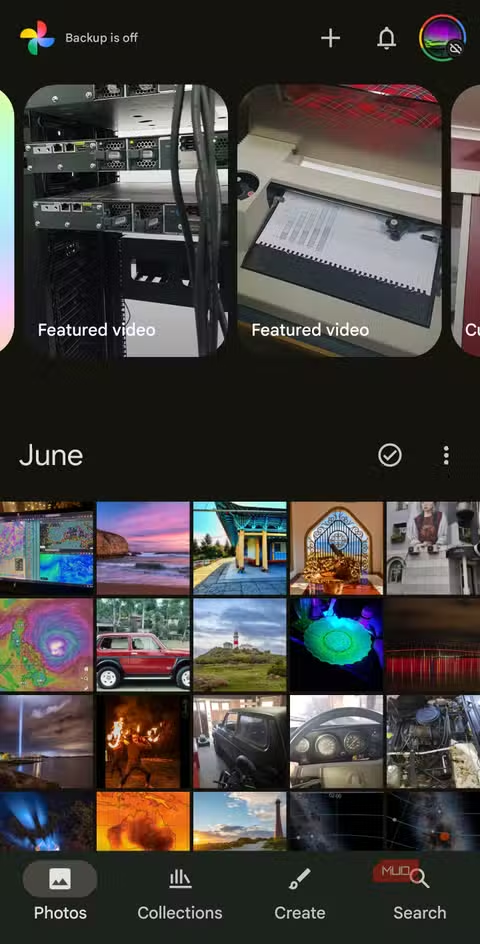
The app doesn't let you choose which folders to back up. It takes everything. But Google Photos compensates with features Samsung Gallery never matched: automatic organization, AI-powered search, and 15GB of free storage versus OneDrive's 5GB.
The trade-off is obvious. You're moving your entire photo and video collection to Google. For users already embedded in Google's ecosystem, this is seamless. For those who specifically chose OneDrive to avoid Google, it defeats the purpose.
What about privacy-focused alternatives?
Proton Drive emerged as Gibson's surprise recommendation. The setup is simple: download the app, create a free account, grant file access. Unlike Google Photos, Proton Drive asks which folders you want to back up rather than assuming you need everything synced.
The privacy difference matters. Google Photos encrypts data in transit and at rest, standard practice for cloud services. Proton Drive uses end-to-end encryption, meaning even Proton can't access your photos. For users who left Google specifically for privacy reasons, this is the only commercial option that improves on the original Samsung-OneDrive setup.
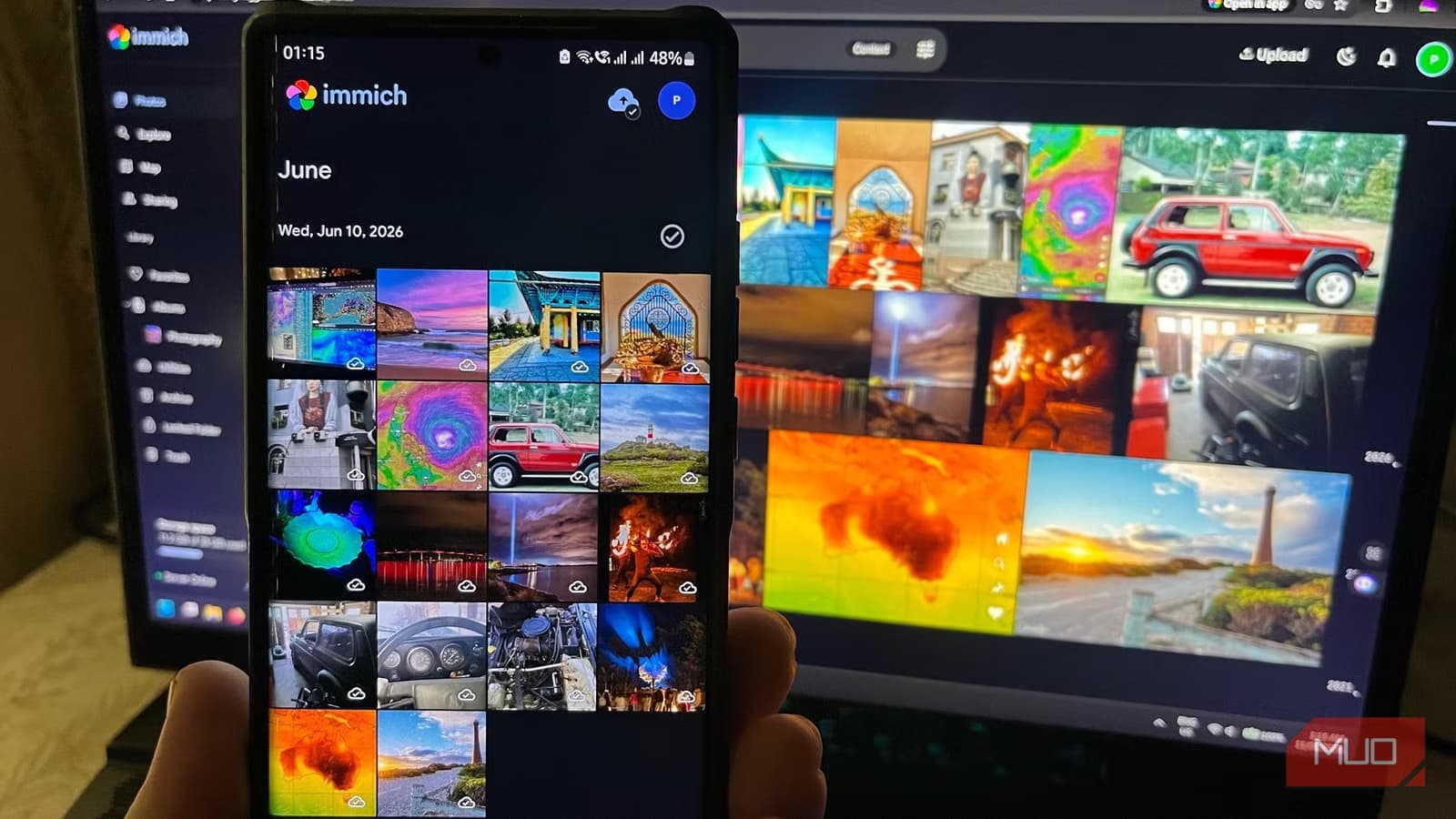
Reddit users on r/samsung and r/android have been discussing self-hosted alternatives like Immich and Nextcloud. These require more technical setup but offer complete control over the photo ecosystem. No monthly fees, no third-party access, no surprise feature removals. The trade-off is maintenance responsibility.
| Service | Free Storage | Folder Selection | Two-Way Sync | End-to-End Encryption |
|---|---|---|---|---|
| OneDrive App | 5GB | No | No | No |
| Google Photos | 15GB | No | No | No |
| Proton Drive | 5GB | Yes | No | Yes |
| Self-hosted (Immich) | Unlimited* | Yes | Yes | Yes |
What happens to existing synced photos?
Photos already in OneDrive stay there. The September 30 deadline only affects future syncing. Users don't need to rush, but they do need to act before the cutoff to ensure new photos continue backing up.
The bigger concern is workflow disruption. Users who managed their photo libraries from OneDrive's web interface, deleting photos there to free space on their phones, will need to change habits. No commercial replacement offers the same two-way deletion sync that made Samsung's integration invisible.
Logicity's Take
Samsung killing a seven-year-old feature that 'just worked' exemplifies the risk of depending on platform partnerships. Microsoft and Samsung both benefit from pushing users toward their standalone apps, where engagement metrics and upsell opportunities live. The real winner here might be self-hosted solutions like Immich, which are gaining traction precisely because users are tired of cloud features disappearing.
Frequently Asked Questions
When does Samsung Gallery OneDrive sync end?
The feature stops working on September 30, 2026. Photos synced before that date remain in OneDrive, but new photos won't sync automatically.
Can I still use OneDrive with my Samsung phone?
Yes. Microsoft's standalone OneDrive app offers camera backup, but it requires unlinking your Samsung account first. The backup is one-way only.
What's the best free alternative to Samsung OneDrive sync?
Google Photos offers 15GB free storage and the most complete gallery replacement experience. Proton Drive offers better privacy with 5GB free storage and folder selection.
Will my existing OneDrive photos be deleted?
No. Photos already synced to OneDrive remain there. Only future automatic syncing from Samsung Gallery will stop.
Is there any replacement with two-way sync?
No commercial option matches the original two-way sync. Self-hosted solutions like Immich or Nextcloud can replicate this functionality but require technical setup.
Need Help Implementing This?
Setting up a self-hosted photo backup solution or migrating your cloud storage? Contact the Logicity team for guidance on enterprise-grade alternatives that keep your data under your control.
Source: MakeUseOf
Manaal Khan
Tech & Innovation Writer
Produced with AI assistance and reviewed by the Logicity editorial team. Learn more in our Editorial Policy.






