Key Takeaways
- Plex lifetime pass jumps from $250 to $750 on July 1, 2026, with hints it may disappear entirely
- Jellyfin reported 300% growth in new user sign-ups during the first two weeks of June 2026
- Remote access on Plex now requires a separate $3/month 'Remote Watch Pass'
Plex is tripling its lifetime license from $250 to $750 on July 1, 2026, and the self-hosting community isn't waiting around. Jellyfin, the open-source media server, reported a 300% spike in new user sign-ups during the first two weeks of June. The message from power users is clear: if Plex wants to act like a subscription service, they'll find a Plex alternative that doesn't.
Why is Plex raising prices now?
For years, Plex owned the self-hosted media server category. It handled metadata scraping, transcoding, and client apps with polish that rivaled Netflix. A one-time $250 payment unlocked lifetime access to premium features like hardware transcoding and offline sync. That deal attracted exactly the audience Plex courted: tech-savvy users who wanted control over their media without ongoing fees.
The $750 price tag breaks that implicit contract. Worse, Plex now charges $3 per month for a "Remote Watch Pass" just to stream your own library outside your home network. For users who built entire setups around Plex's remote capabilities, that feels like a bait-and-switch.
Plex has also leaned heavily into ad-supported streaming, bundling free movies and TV shows into the interface. While this appeals to casual users, self-hosters see it as clutter. They want a media server, not another Tubi clone.
Where are Plex users going?
Jellyfin has emerged as the primary destination. It's completely free, open-source, and requires no account creation or central authentication. Your server, your rules.
The recent Jellyfin 10.11 release closed much of the polish gap that kept users on Plex. Hardware transcoding now works out of the box on Intel Quick Sync, AMD AMF, and NVIDIA NVENC. The web interface got a visual refresh. Mobile apps, once the weakest link, have improved significantly.

Emby remains another option, though its closed-source model and premium tier put it closer to Plex's philosophy. For users who want the Netflix-like experience without monthly fees, Jellyfin's ethos aligns better.
How hard is the migration?
Easier than you'd expect. Reddit's r/selfhosted has become a clearinghouse for migration guides. The most popular approach uses tools like Jellyfin's metadata export scripts to preserve watch history, ratings, and collection data. For straightforward libraries, you can point Jellyfin at the same folder structure Plex used and let it rescan.
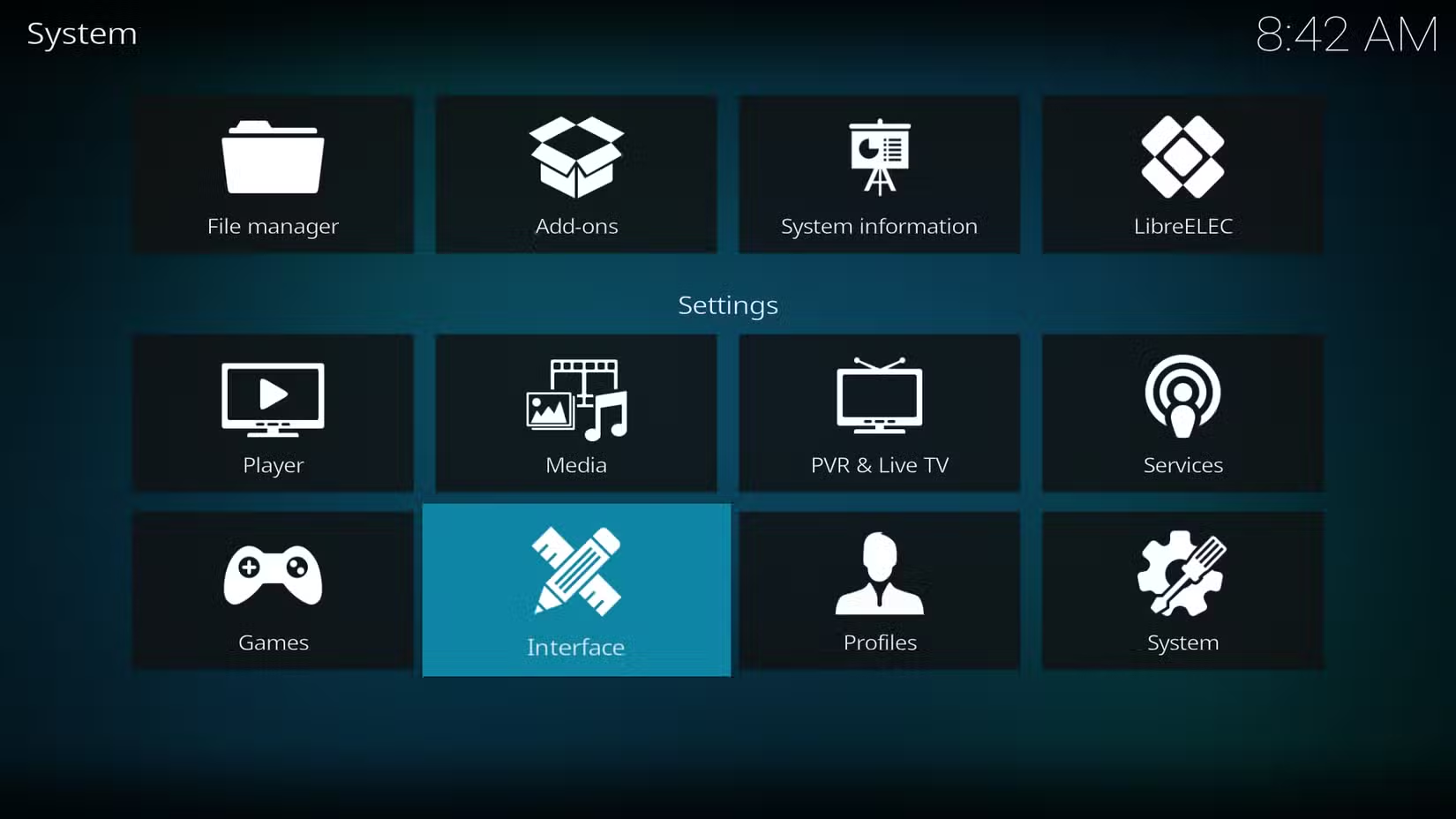
The biggest friction point is client apps. Plex's apps are genuinely excellent, available on everything from Roku to PlayStation. Jellyfin covers most platforms, but smart TV apps are less polished. Many users run Kodi with a Jellyfin plugin on living room devices and use native apps elsewhere.
| Feature | Plex | Jellyfin |
|---|---|---|
| Lifetime cost | $750 (from July 1) | Free |
| Remote access | $3/month pass required | Free, self-configured |
| Hardware transcoding | Plex Pass required | Free, built-in |
| Central account | Mandatory | None |
| Ad-supported content | Bundled in UI | None |
| Open source | No | Yes |
What does this mean for Plex's future?
The pricing move reads like a soft phaseout of lifetime licenses entirely. Plex hinted as much in its announcement, framing the $750 tier as a "last chance" before potential discontinuation. That's a clear ultimatum: pay now or subscribe forever.
Whether Plex can sustain itself on subscriptions alone depends on its casual user base. Power users are leaving, but the company has spent years courting cord-cutters who want free streaming content. If that audience grows, Plex may not miss the self-hosters. If it doesn't, the company just alienated its most loyal advocates for nothing.
Should you switch?
If you already have a lifetime Plex Pass, you're grandfathered in. No reason to panic. But the Remote Watch Pass requirement changes the calculus. $36 per year for remote access adds up, and it's a feature Jellyfin provides for free.
For new users deciding between the two, the choice is straightforward. Jellyfin costs nothing, respects privacy, and now matches Plex's core functionality. Unless you specifically want Plex's ad-supported library or its slightly slicker apps, there's little reason to pay $750 for a lifetime license when the alternative is genuinely free.
Logicity's Take
Plex's pricing shift reveals a company caught between two audiences: casual streamers who generate ad revenue and self-hosters who don't. The $750 lifetime pass isn't meant to attract buyers; it's meant to push fence-sitters toward subscriptions. Jellyfin's 300% growth suggests the self-hosting community has made its choice. Plex will survive, but it won't be the same product. It's becoming a streaming aggregator that happens to support local media, not a media server that happens to offer streaming.
Another guide for users seeking alternatives to dominant platforms
Frequently Asked Questions
Is Jellyfin really free?
Yes. Jellyfin is open-source software with no premium tier, no account requirements, and no features locked behind payment. You run it on your own hardware.
Can I migrate my Plex library to Jellyfin?
Yes. Community tools can export watch history, ratings, and metadata from Plex. If your files are well-organized, Jellyfin can scan the same folders directly.
Does Jellyfin support remote access?
Yes, but you configure it yourself via port forwarding or a reverse proxy. There's no subscription fee for the feature.
What's the Remote Watch Pass on Plex?
A $3/month add-on required to stream your Plex library outside your home network. It's separate from the Plex Pass subscription.
Will my existing Plex lifetime pass still work?
Yes. Existing lifetime pass holders retain their benefits. The price increase only affects new purchases after July 1, 2026.
Need Help Implementing This?
Planning a Plex-to-Jellyfin migration or setting up a self-hosted media server? Logicity's consulting partners specialize in home lab infrastructure and can help you design a system that fits your hardware. Contact us for recommendations.
Source: How-To Geek
Huma Shazia
Senior AI & Tech Writer
Produced with AI assistance and reviewed by the Logicity editorial team. Learn more in our Editorial Policy.






