Key Takeaways
- Google's May 2026 update replaced the traditional search bar with an AI-first 'Action Engine' powered by Gemini 3.5 Flash
- Zero-click searches rose to 83% for informational queries, frustrating users who want direct links
- SearXNG, DuckDuckGo, Brave, and Perplexity's Comet browser offer different trade-offs for privacy and AI involvement
Google's May 2026 update fundamentally changed how search works. The company replaced its iconic search bar with an AI-first "Action Engine" powered by Gemini 3.5 Flash, defaulting all users globally to "AI Mode" and prioritizing generative summaries over traditional blue links. Zero-click searches now account for 83% of informational queries. If you want your search engine to behave like it did in 2024, you need to look elsewhere.
The backlash has been swift. Publishers complain about lost traffic. Privacy advocates worry about "agentic checkout" features that let Google's AI act on your behalf. And plenty of regular users just want to scroll through ten blue links without an AI assistant interrupting.
That's the vision. Whether you share it is another matter. Here are four alternatives, each with different trade-offs.
SearXNG: the meta search engine for purists
SearXNG is an open-source, self-hosted meta search engine that aggregates results from up to 70 different sources. It displays them as a straightforward list of links, no AI summaries, no ads. Each result gets a small tag showing which engine supplied it.
The appeal is nostalgia, plus control. SearXNG looks like Google did in 2010: a text box, a page of blue links, nothing else. Because it's self-hosted, you can run your own instance and trust that no third party logs your queries. Public instances exist for those who don't want to manage a server.
The downside is setup complexity. Running your own instance requires some Linux familiarity. Public instances vary in reliability and speed. And because SearXNG pulls from other engines, result quality depends on what those engines return.
DuckDuckGo: the mainstream privacy option
DuckDuckGo built its brand on not tracking users. It doesn't compile search histories or sell data to advertisers. For people leaving Google over privacy concerns, DDG remains the obvious first stop.
Reddit users fleeing Google's AI overhaul describe DuckDuckGo as "feeling like the old 2010s Google." One post with over 900 upvotes made exactly that comparison. The interface looks similar: a search box, images, videos, news tabs.
There's a catch. DuckDuckGo has recently added its own AI features. If you want a completely AI-free experience, DDG no longer guarantees that. It's still less aggressive than Google's new defaults, but the direction is clear.
A useful workaround for Google itself: adding "-ai" to the end of any search query disables the AI Overview. It works. But it's a band-aid, not a solution.
Brave Browser: privacy-first with built-in search
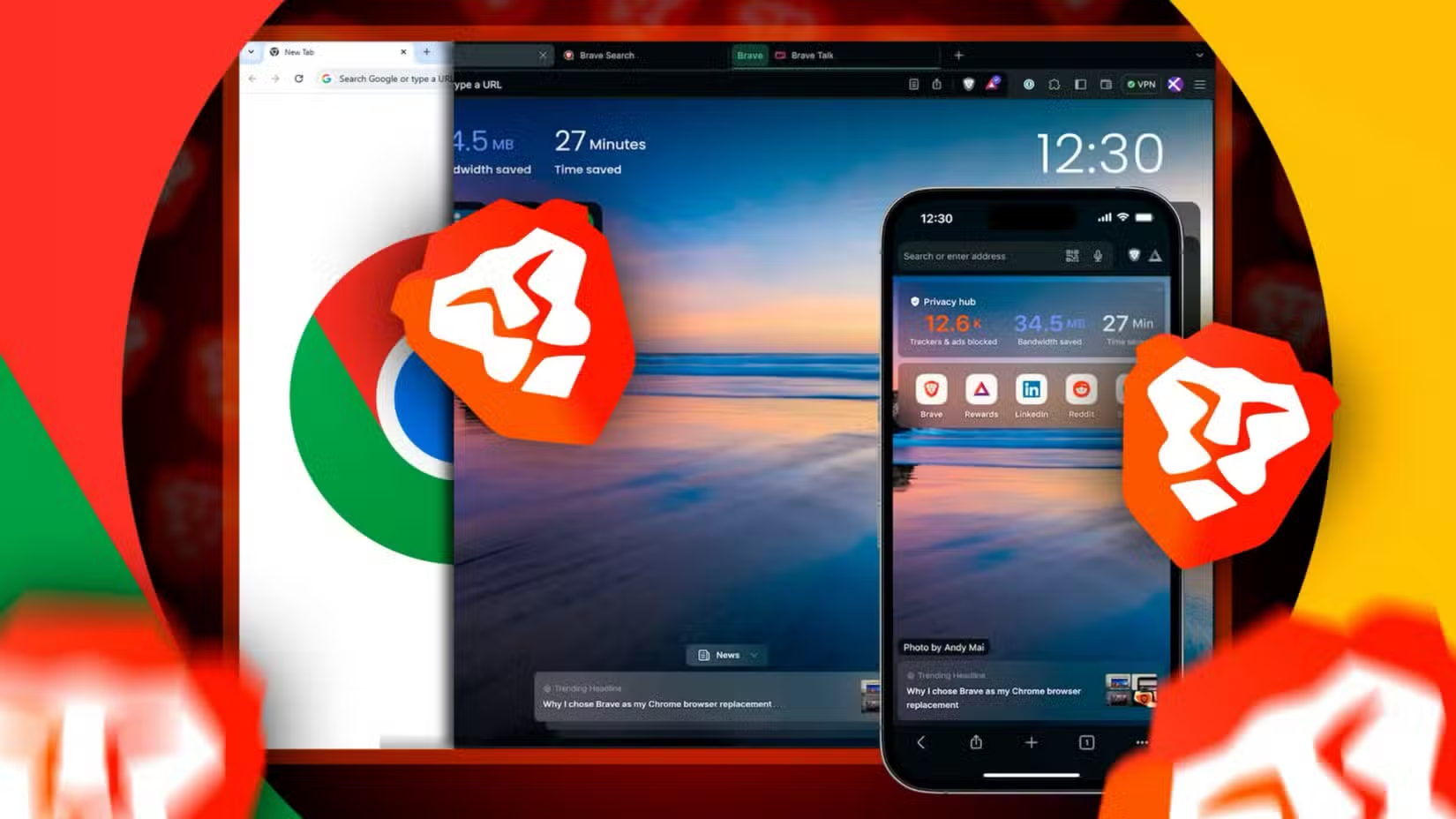
Brave is a browser, not just a search engine, but it includes its own search functionality. The browser blocks ads and trackers by default through a feature called Brave Shields. You don't need to configure anything. Privacy settings come pre-enabled.
For Chrome users hesitant to switch, there's comfort in knowing Brave is built on Chromium, the same open-source code underpinning Google's browser. Extensions work. Muscle memory transfers.
Brave also offers a cryptocurrency rewards program. Users can opt into seeing privacy-respecting ads and earn Basic Attention Tokens (BAT) in return. It's optional. Most users ignore it.
The search results themselves come from Brave's own index, supplemented by other sources. Quality is good for common queries, weaker for obscure ones. That gap is shrinking as Brave's index grows.
Perplexity Comet: if you want more AI, not less
This recommendation cuts against the grain. If you're leaving Google because of AI, Comet is the wrong choice. If you're leaving because Google's AI isn't good enough, Comet might be right.
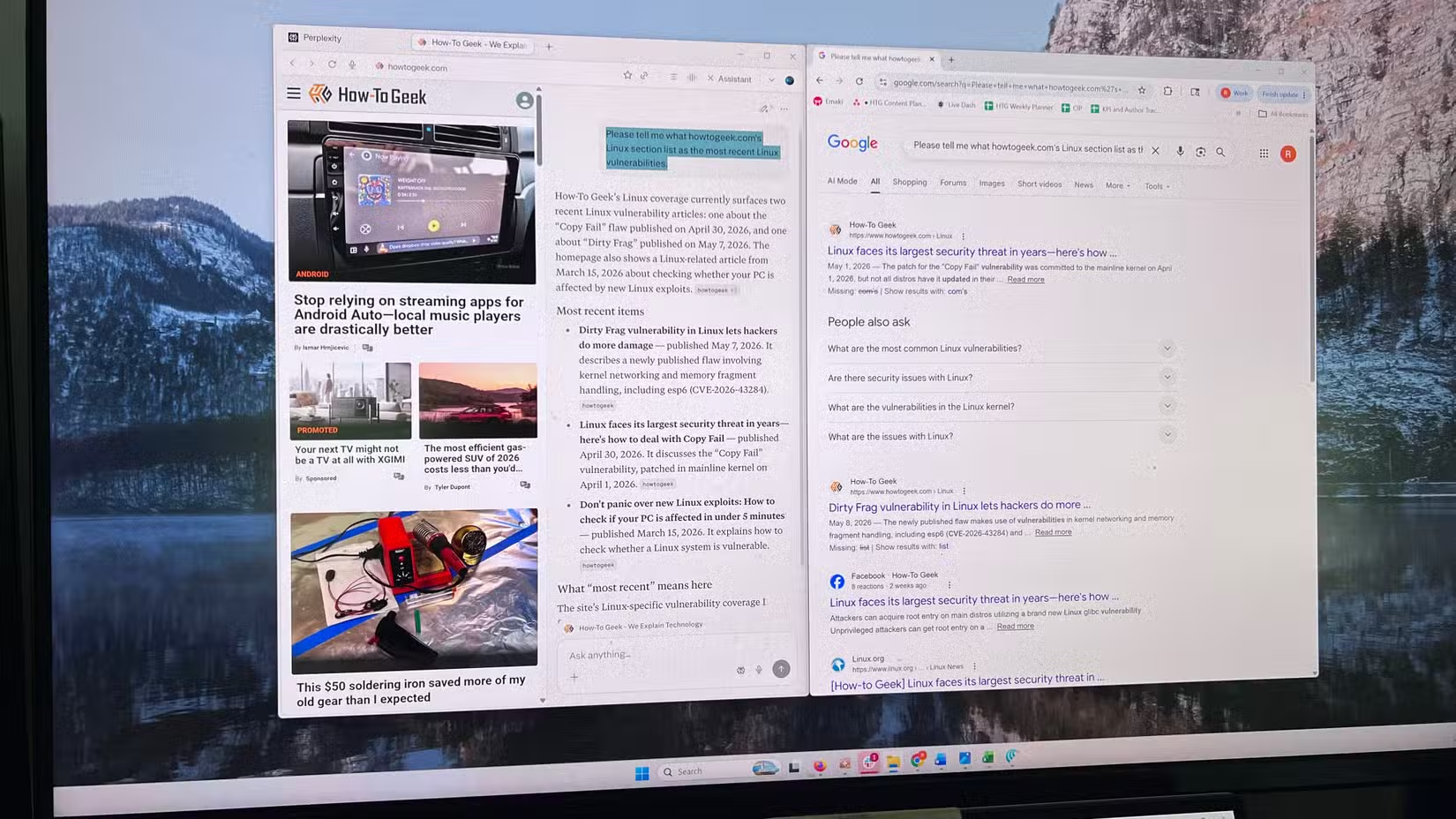
Perplexity's Comet browser integrates the company's AI search directly into the browsing experience. It treats search as a conversation, not a query. The AI cites sources, follows up on questions, and acts more like a research assistant than a results page.
The experience is polarizing. Some users find it faster and more useful than traditional search. Others find it intrusive. Comet represents the opposite end of the spectrum from SearXNG: maximum AI involvement versus none at all.
Which alternative fits your needs?
| Engine | AI Features | Privacy Focus | Setup Effort | Best For |
|---|---|---|---|---|
| SearXNG | None | High (self-hosted) | High | Technical users wanting full control |
| DuckDuckGo | Optional | High | None | Mainstream users wanting privacy |
| Brave | Minimal | High | Low | Chrome users wanting tracker blocking |
| Comet | Heavy | Medium | Low | Users wanting better AI than Google |
The traditional search bar remained largely unchanged for over 25 years before Google's May 2026 overhaul. That's a long time for users to build habits. Breaking them takes motivation.
For most people, DuckDuckGo offers the easiest transition. The interface is familiar, the privacy benefits are real, and switching requires nothing more than changing your browser's default search engine. Power users comfortable with self-hosting will prefer SearXNG. Chrome loyalists will find Brave the gentlest off-ramp.
Comet is the outlier. It's not an escape from AI search. It's a bet that Perplexity does AI search better than Google. Whether that's true depends on what you use search for.
Another deep dive into understanding how default system behaviors can backfire when users try to optimize their experience
Logicity's Take
Google's bet is that users will trade direct links for AI-mediated answers. The 83% zero-click rate suggests they're right about behavior, if not about preference. The interesting question isn't which search engine wins, it's whether the concept of "searching" survives at all. When the AI can book your flight, order your groceries, and summarize your research, the ten blue links become a curiosity for holdouts. These four alternatives are lifeboats. The ship is already turning.
Frequently Asked Questions
Can I disable Google's AI Overviews without switching search engines?
Yes. Adding "-ai" to the end of your search query removes the AI Overview for that specific search. It's a manual workaround, not a permanent setting.
Is DuckDuckGo still AI-free?
No. DuckDuckGo has added optional AI features. It's less aggressive than Google's defaults, but the engine now includes AI components.
Does SearXNG cost money?
No. SearXNG is free and open-source. You can use public instances at no cost or self-host your own.
Will Brave extensions work like Chrome extensions?
Yes. Brave is built on Chromium, so most Chrome extensions work without modification.
What happened to Google's traditional search bar?
Google replaced it in May 2026 with an AI-first "Action Engine" powered by Gemini 3.5 Flash. The new interface supports multimodal queries and prioritizes generative AI summaries over traditional link results.
Need Help Implementing This?
Switching search engines takes five minutes. Switching your organization's default across hundreds of devices takes planning. If you're evaluating privacy-focused alternatives for enterprise deployment, Logicity can connect you with consultants who specialize in browser and search policy configuration. Reach out through our contact page.
Source: How-To Geek
Huma Shazia
Senior AI & Tech Writer
Produced with AI assistance and reviewed by the Logicity editorial team. Learn more in our Editorial Policy.






