Key Takeaways
- Paragon embeds 130+ native integrations into your product; Zapier offers 9,000+ app connections for end users
- Many companies run both platforms: Paragon for core integrations, Zapier for the long tail
- Zapier connectors are free to build; Paragon uses usage-based enterprise pricing
Paragon and Zapier solve integration problems from opposite directions. Zapier gives your customers access to 9,000+ apps through a no-code builder. Paragon lets you embed 130+ native integrations directly into your product so users never leave your interface. For operations and RevOps teams evaluating these platforms, the choice hinges on whether you're building customer-facing integrations or internal workflows—and in practice, many companies end up running both.
Disclosure
Some links in this post are affiliate links — Logicity earns a commission if you sign up, at no extra cost to you. We only link products we have used or actively recommend.
One important note: the source for this comparison comes from Zapier's own blog. The analysis below draws from that material while adding independent context.
What does each platform actually do?
Paragon is an embedded iPaaS. B2B SaaS companies use it to build integrations that live inside their product. When a user connects their CRM or email tool through your app, Paragon handles the authentication, data syncing, and API management behind the scenes. The user never sees Paragon's brand.
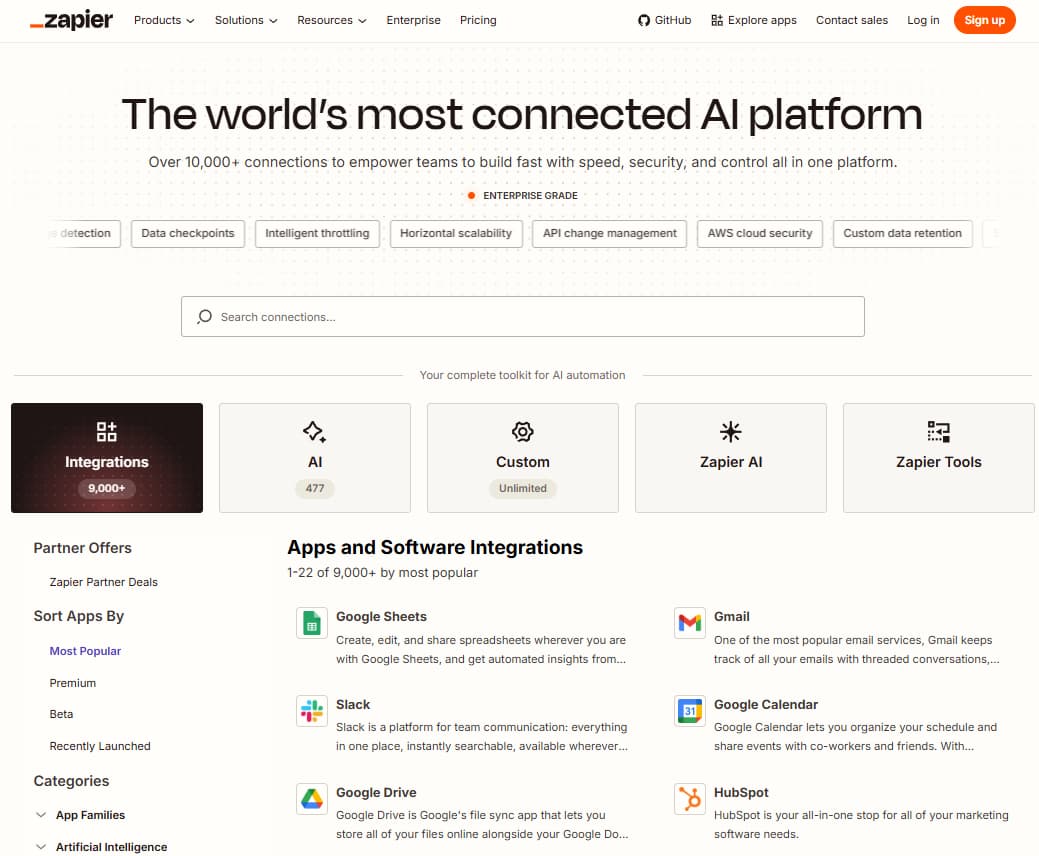
Zapier is a workflow automation platform. Users build their own connections between apps using a visual editor or AI assistant. When someone wants to sync HubSpot leads to Airtable, they create that workflow in Zapier's interface—not inside HubSpot or Airtable.
There's overlap. Zapier now offers "Powered by Zapier," which embeds its 9,000+ app connections into third-party products. Paragon focuses on a narrower set of 130+ connectors but handles them natively. The architectural difference matters: Paragon's integrations run through your infrastructure; Zapier's run through theirs.
Why companies run both platforms
Software products typically have a handful of mission-critical integrations. A social media scheduler needs flawless Facebook and LinkedIn connections. A CRM needs email and calendar sync. These core integrations justify the engineering investment because they're central to the product's value.
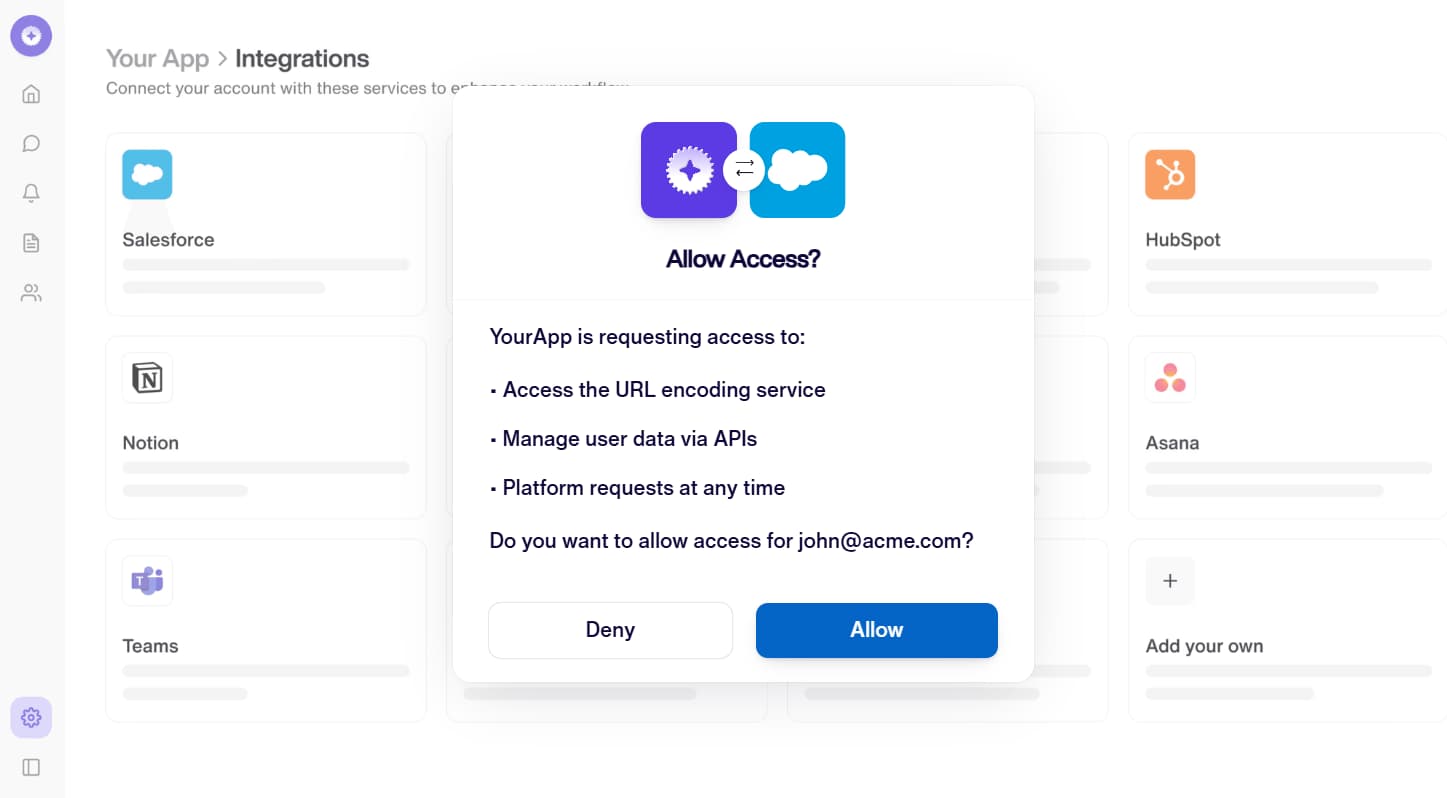
Then there's everything else. A customer asks if you integrate with the project management tool their team adopted last month. Your sales team wants to close a deal with a company using an obscure ERP system. Zapier's 9,000+ connections handle this long tail. Your engineering team maintains Paragon's native integrations for the core stuff; Zapier covers the rest.
This dual approach shows up frequently in enterprise SaaS. The marketing pitch: "We integrate natively with Salesforce, HubSpot, and Gmail. For everything else, we connect through Zapier."
Speed to market: Building integrations yourself vs. using Paragon
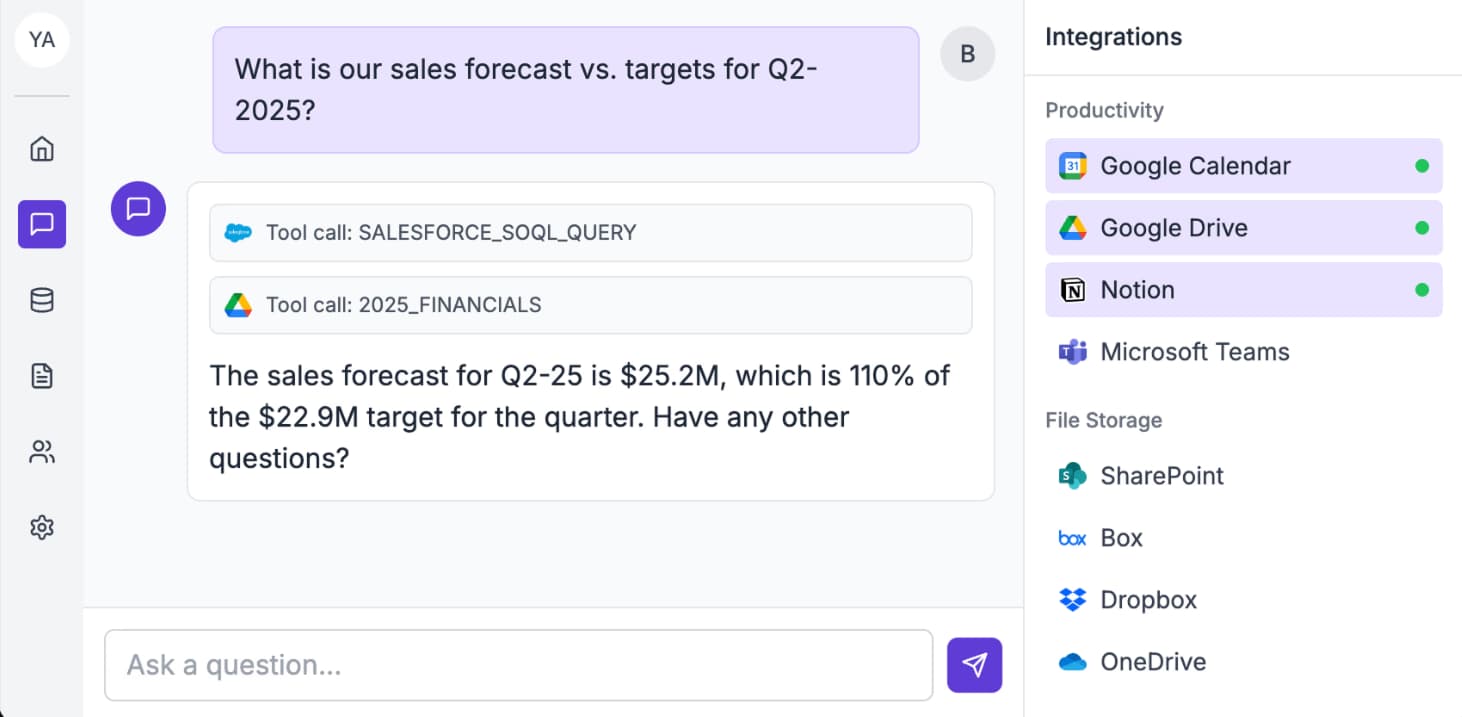
Building a single native integration can take months. Every API is different. Rate limits, token refresh cycles, app review processes, and documentation quality vary wildly. Paragon handles this complexity with pre-built connectors, cutting development time significantly.
For comparison: Make and n8n also offer integration platforms, but they're designed for workflow automation rather than embedded product integrations. Paragon's positioning is specifically for B2B SaaS companies that want integrations to feel native to their product.
How AI tools change the integration equation
Both platforms now emphasize AI capabilities. Zapier lets users' AI tools interact with apps via MCP (Model Context Protocol), SDK, and CLI. If your customers use AI assistants, those assistants can trigger Zapier actions across 9,000+ apps.
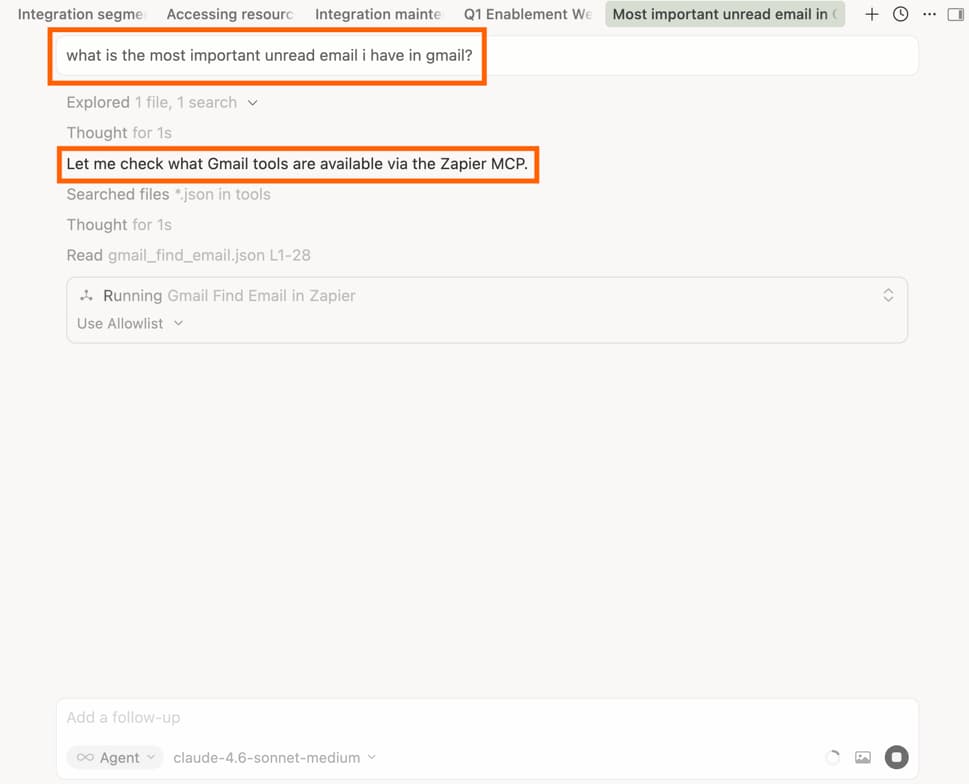
Paragon's approach differs. ActionKit lets your product's AI agents access your users' connected apps. Managed Sync handles RAG data ingestion. If you're building AI features into your SaaS product, Paragon gives your AI native access to customer data in connected apps.
Pricing: Free connectors vs. enterprise contracts
Building a Zapier connector and listing your app is free. End users choose their own Zapier plans—free tier available, paid plans starting at $19.99/month. Zapier Partners can subsidize costs for users who connect through their product.
Paragon doesn't publish pricing. The model includes platform fees plus usage-based charges. Enterprise contracts are standard. For early-stage startups, this pricing structure can be harder to budget. For established SaaS companies with predictable integration usage, it may be more economical than managing integrations in-house.
Security and compliance
Both platforms hold SOC 2 Type II certification and comply with GDPR. Paragon offers on-premise deployment for companies that need data to stay within their infrastructure. Zapier has 13+ years of track record securing enterprise workflows at scale.

| Feature | Zapier | Paragon |
|---|---|---|
| App integrations | 9,000+ | 130+ pre-built |
| Best for | User-facing automation, internal workflows | Native product integrations |
| Embed option | Powered by Zapier | Connect Portal (white-label) |
| AI capabilities | MCP, SDK, CLI for external AI tools | ActionKit, Managed Sync for product AI |
| Pricing model | Free tier + $19.99/mo paid plans | Enterprise contracts (usage-based) |
| Setup complexity | No-code, visual builder | Engineering setup required |
Which should you choose?
If you're a RevOps team automating internal processes, Zapier is the obvious choice. Connect Salesforce to Slack, sync form responses to your CRM, trigger notifications based on deal stages. No engineering resources required.
If you're building a B2B SaaS product and need integrations that feel native, Paragon makes sense. Your users connect their tools through your interface. You control the experience.
If you're doing both—running internal ops and shipping a product with customer-facing integrations—you'll likely end up with both platforms. Paragon for core integrations where the user experience must be seamless. Zapier for everything else.
Logicity's Take
The framing of Paragon vs. Zapier as competitors misses the point. They serve different buyers solving different problems. Operations teams evaluating Zapier should also look at Make (starting at $9/month) and n8n (self-hosted free tier) for workflow automation. Product teams evaluating Paragon should factor in Workato and Tray.io for embedded iPaaS alternatives. The real question isn't which platform wins—it's whether you need embedded integrations, workflow automation, or both.
Frequently Asked Questions
Can I use Paragon and Zapier together?
Yes. Many companies use Paragon for core native integrations and Zapier's embedded option for long-tail app connections. The platforms address different parts of the integration stack.
Does Paragon have a free tier?
No. Paragon uses enterprise pricing with platform fees and usage-based charges. Contact their sales team for quotes.
How many integrations does Zapier support?
Zapier supports 9,000+ app integrations, all maintained by Zapier. This is significantly larger than Paragon's 130+ pre-built connectors.
Which platform is better for non-technical users?
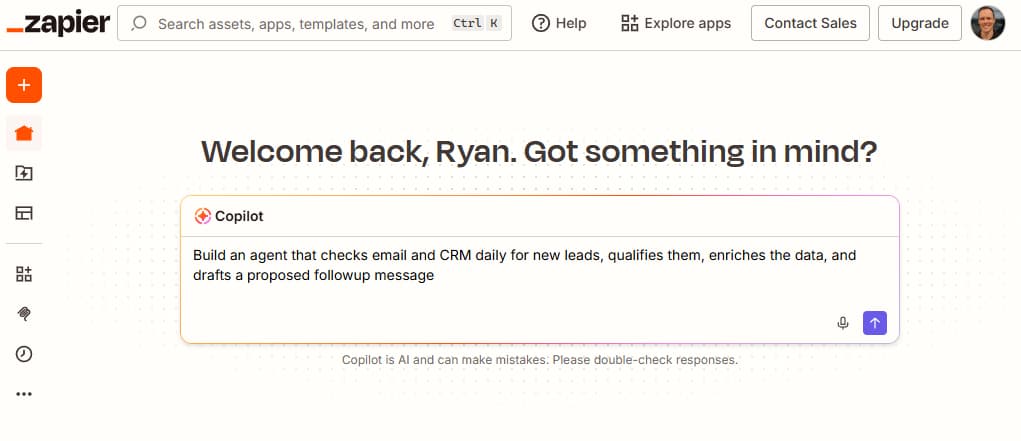
Zapier. It offers a no-code visual builder, templates, and an AI copilot. Paragon requires engineering setup and is designed for technical teams building product integrations.
Is Powered by Zapier the same as Paragon's embed?
Not quite. Powered by Zapier embeds Zapier's 9,000+ connections into your product, but users authenticate through Zapier. Paragon's Connect Portal is fully white-labeled—users never see Paragon's branding.
Need Help Implementing This?
If you're evaluating integration platforms for your team or product, Logicity can help you map the decision to your specific stack. Reach out at hello@logicity.in for a quick consultation.
Source: The Zapier Blog
Manaal Khan
Tech & Innovation Writer
Produced with AI assistance and reviewed by the Logicity editorial team. Learn more in our Editorial Policy.