Key Takeaways
- Home screen resizing and Flux icons give finer control over the OnePlus Open's large inner display
- Parallel Processing 2.0 eliminates UI lag by running animations concurrently system-wide
- O+ Connect now supports cross-device file search between phone and PC
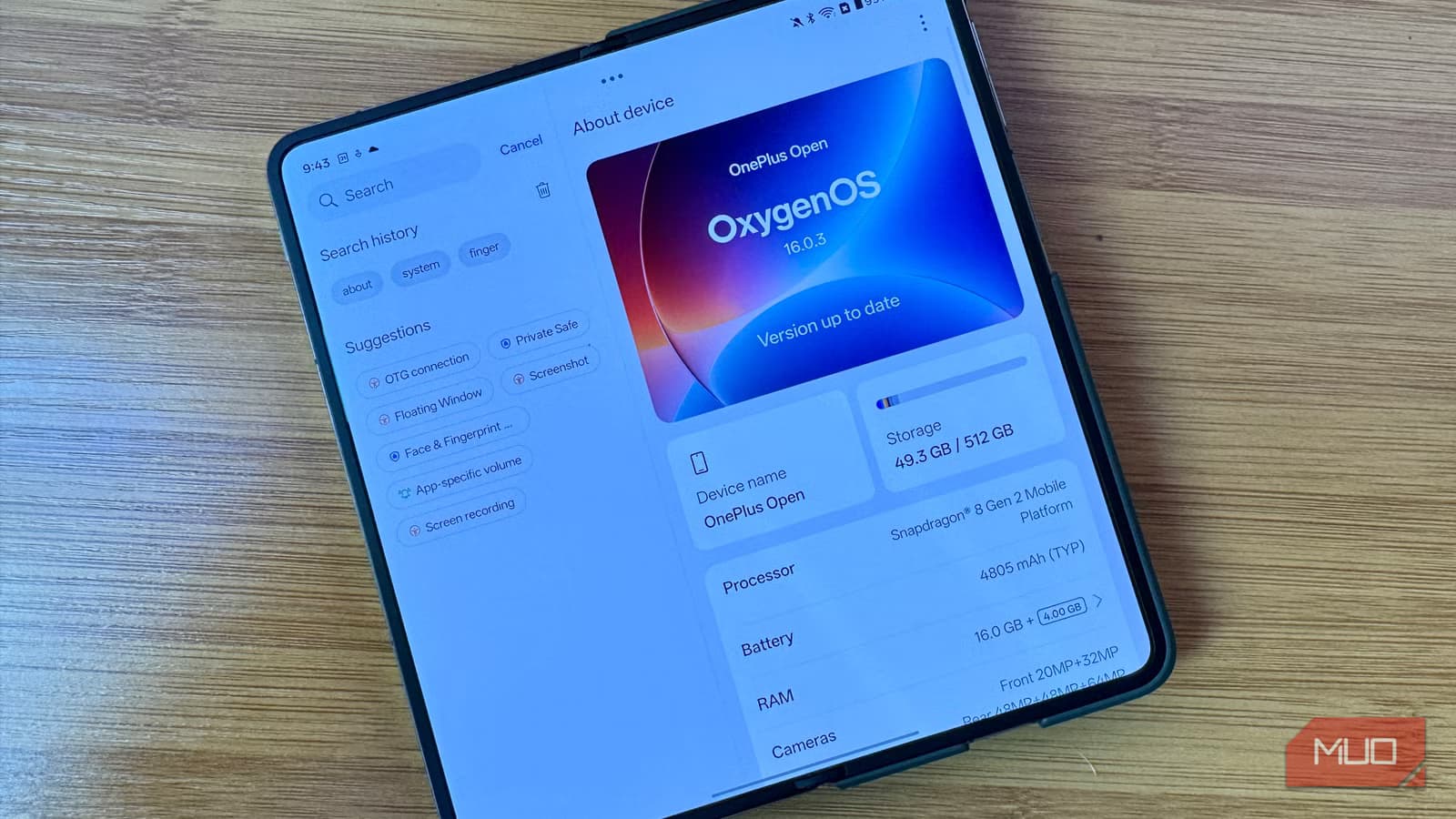
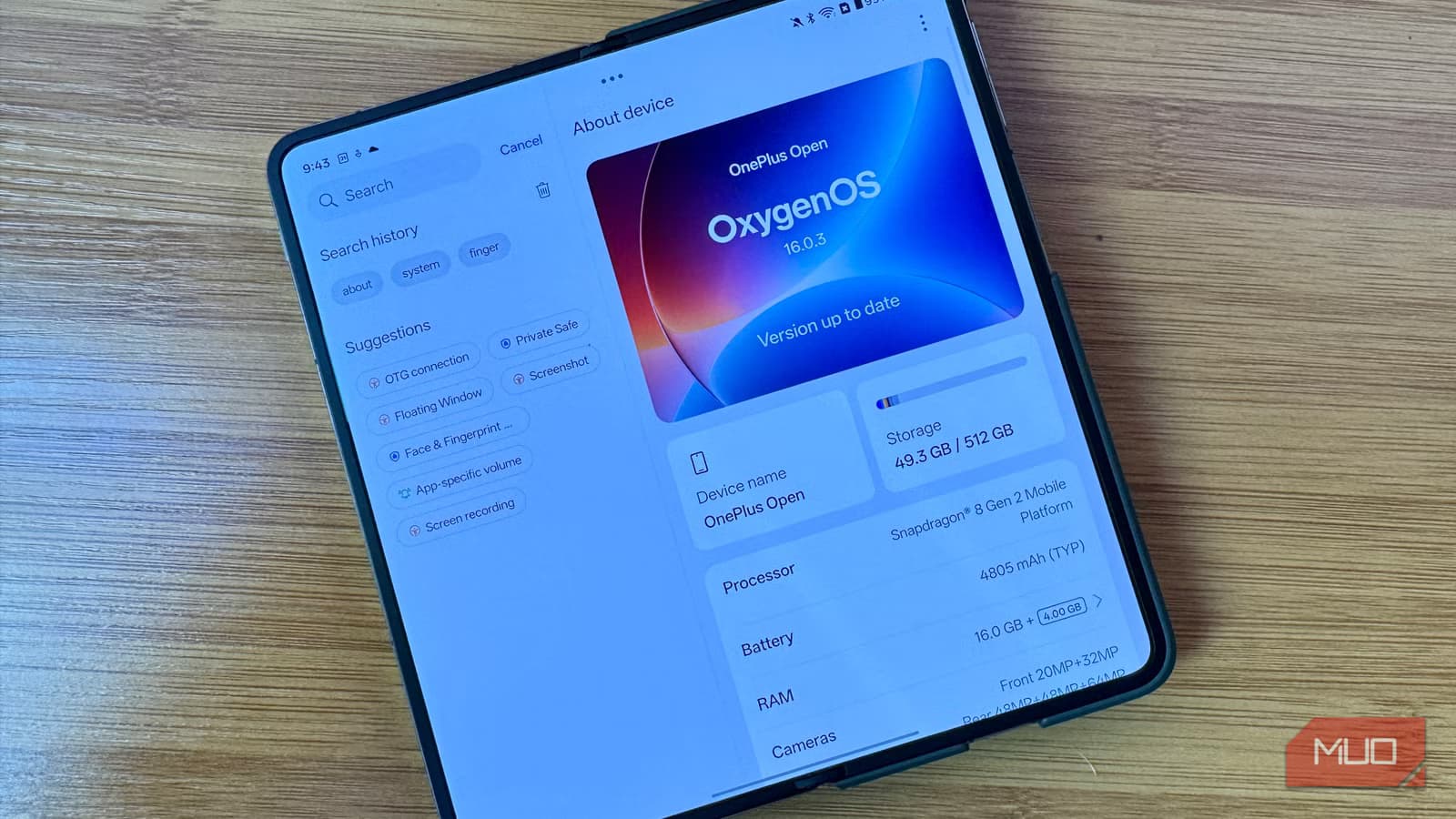
OxygenOS 16 turned the OnePlus Open from a foldable I rarely touched into one I'm reconsidering as a daily driver. The update, based on Android 16, adds practical features that actually matter on a device with two screens and a productivity-first pitch. Five changes stand out.
Rob LeFebvre, who has owned the Open since its 2023 launch, put it bluntly: "OxygenOS 16 feels like a return to form, reducing friction for power users while making the software feel modern and alive." That's a notable shift from a device that felt abandoned after OnePlus paused the Open 2.
Home screen resizing finally fits the foldable form factor
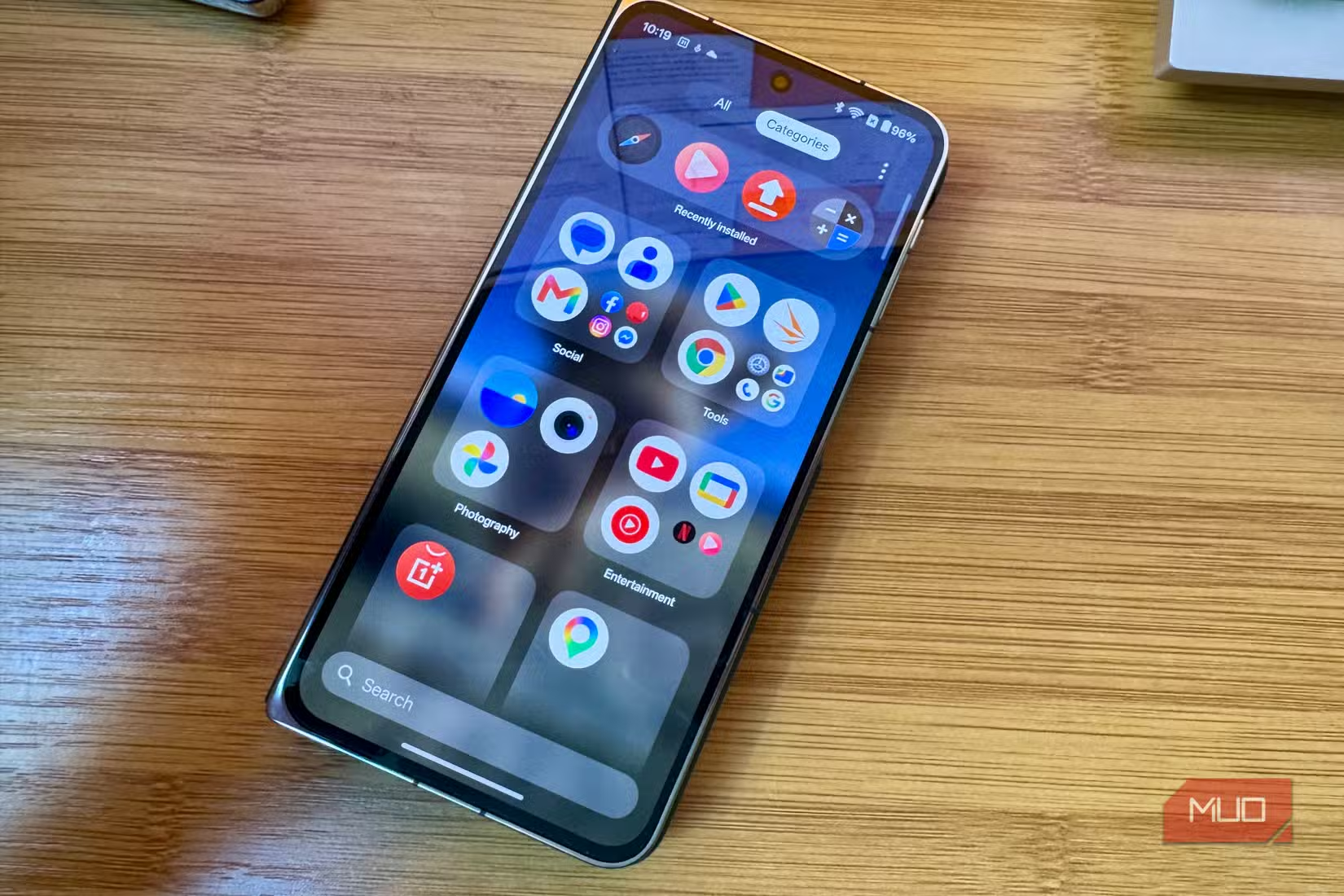
The new update lets you resize icons and folders directly on the home screen using a drag handle. You can also scale the dock to hold up to five apps. The Flux icon pack auto-themes icons to match your wallpaper colors, keeping the layout visually coherent without manual adjustment.
One limitation: resizing a folder on one screen changes it on both. You won't get fully independent layouts for the cover and inner displays. But the finer control over icon sizing makes the Open's large inner display feel more expansive. That matters when you're trying to justify a foldable's price tag.
App Lock stops the hand-off anxiety
OxygenOS 16 adds App Lock directly to the home screen long-press menu. Hold an app icon, tap lock, and it now requires your fingerprint or PIN before opening. The feature existed before, buried in settings. Putting it one tap away changes how often you'll use it.
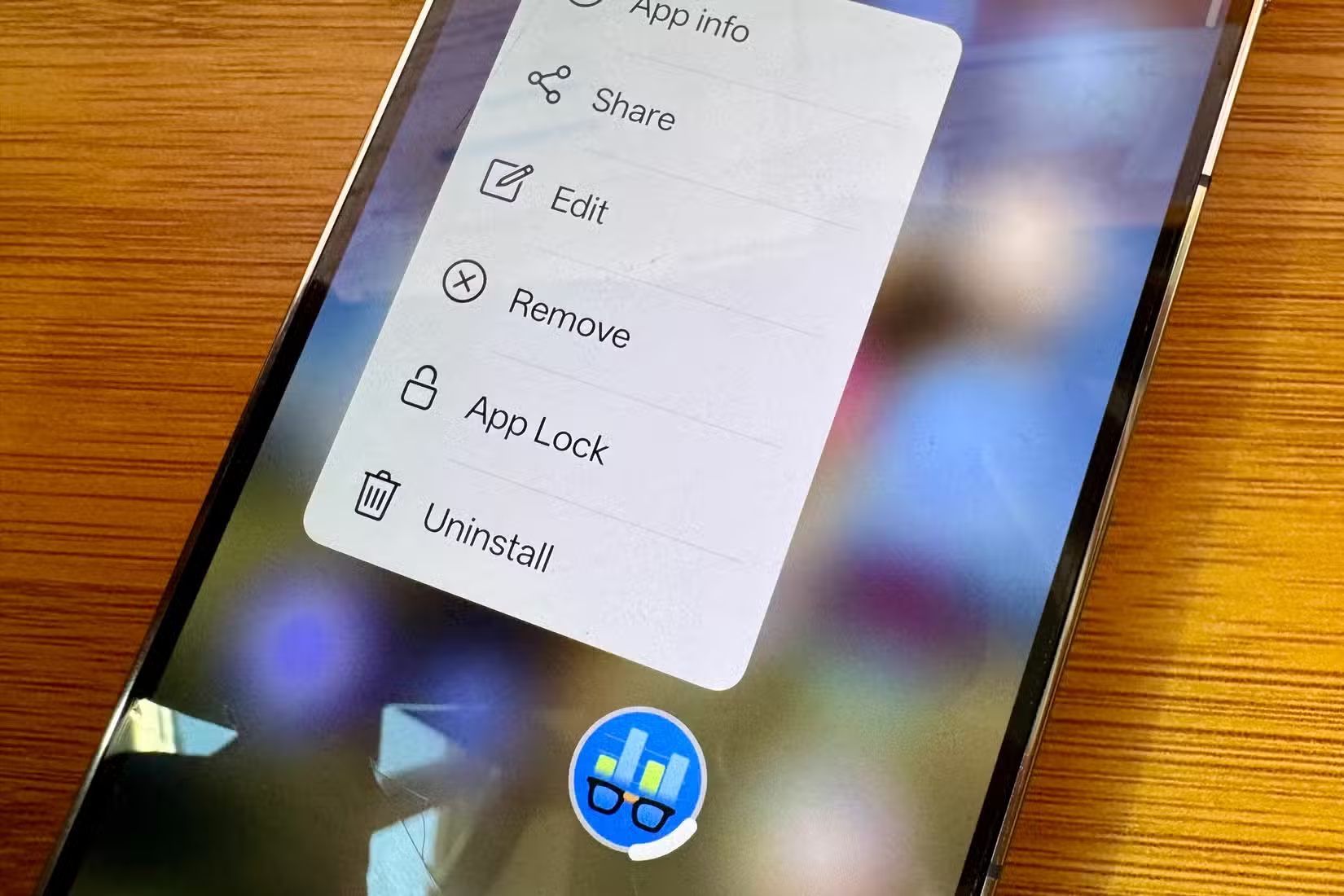
Foldables are built for sharing. The inner display is large enough to show photos to a group, pull up directions for a passenger, or hand to a kid for videos. App Lock means you can secure banking apps or work email on the fly without planning ahead. It's a small change that removes a real friction point.
Parallel Processing 2.0 kills the micro-delays
OxygenOS 15 introduced parallel processing for home screen animations. OxygenOS 16 extends it system-wide: the three-button navigation, the Shelf, the app drawer, and the notification shade can all run animations concurrently instead of sequentially.
The practical effect: a second animation can start before the first finishes. Tap quickly through the UI and you won't notice the delay that previously existed. On a foldable with a lot of screen real estate, this matters more than on a standard phone. Switching between split-screen apps, unfolding mid-task, or bouncing between the cover and inner display all feel snappier.
You won't find this improvement in a benchmark. You'll notice it after ten minutes of use.
O+ Connect becomes a real productivity tool
O+ Connect isn't new. Clipboard sync and screen mirroring between the Open and Windows or macOS already existed. What OxygenOS 16 adds is cross-device file search: search files across your phone and PC simultaneously with a single query.
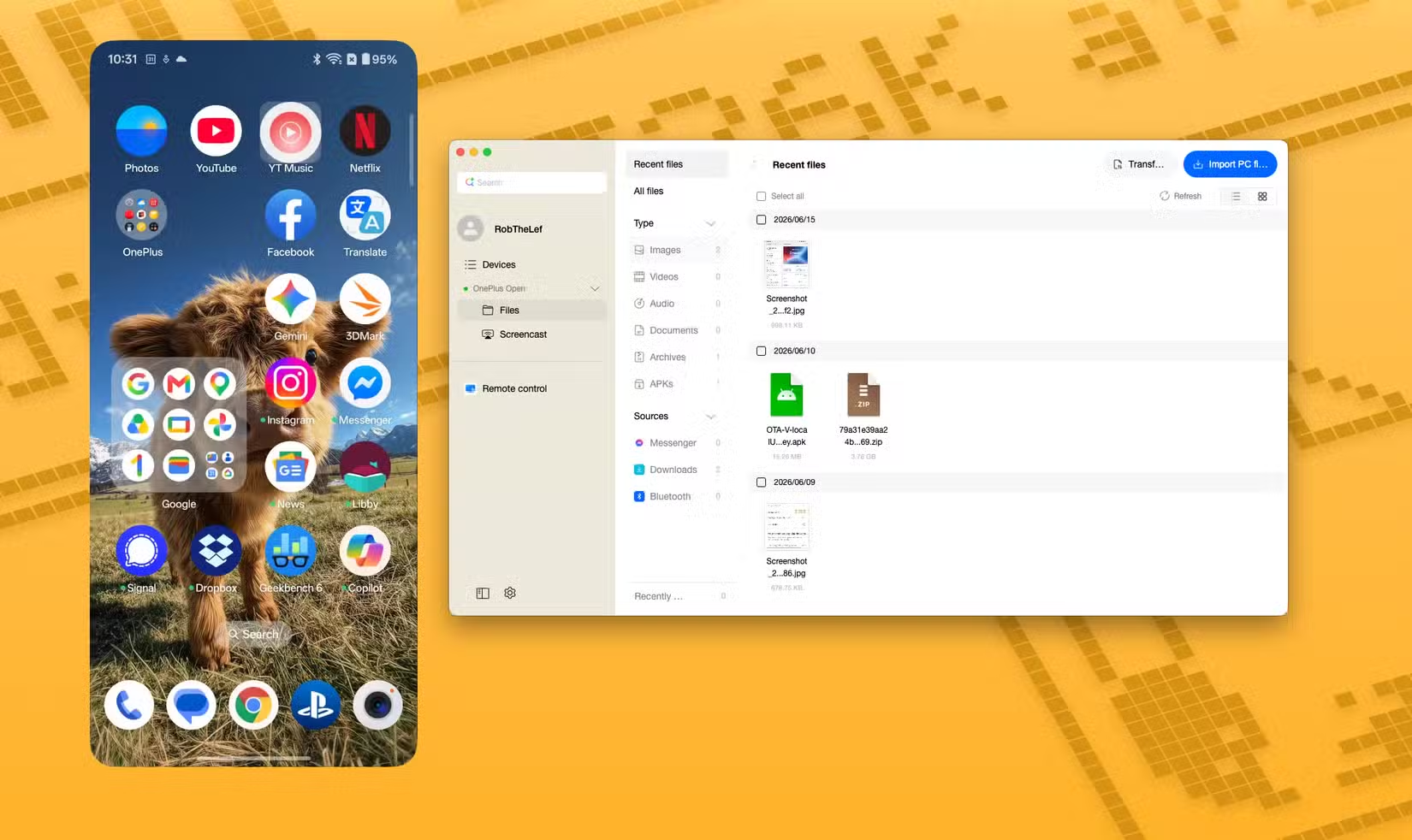
Clipboard sync with Mac also gets a proper native implementation. It previously required workarounds or third-party apps to reliably push text between devices. The combination makes O+ Connect feel more like a proper ecosystem than a file transfer utility. For a foldable that pitches itself as a productivity device, this tighter PC integration is genuinely useful.
Live Space puts glanceable info on the lock screen
Live Space adds at-a-glance widgets to the lock screen. You can surface calendar events, weather, fitness stats, or app shortcuts without unlocking the device. The feature isn't revolutionary, but it's table stakes for a phone trying to compete with Samsung's One UI and Apple's iOS lock screen widgets.
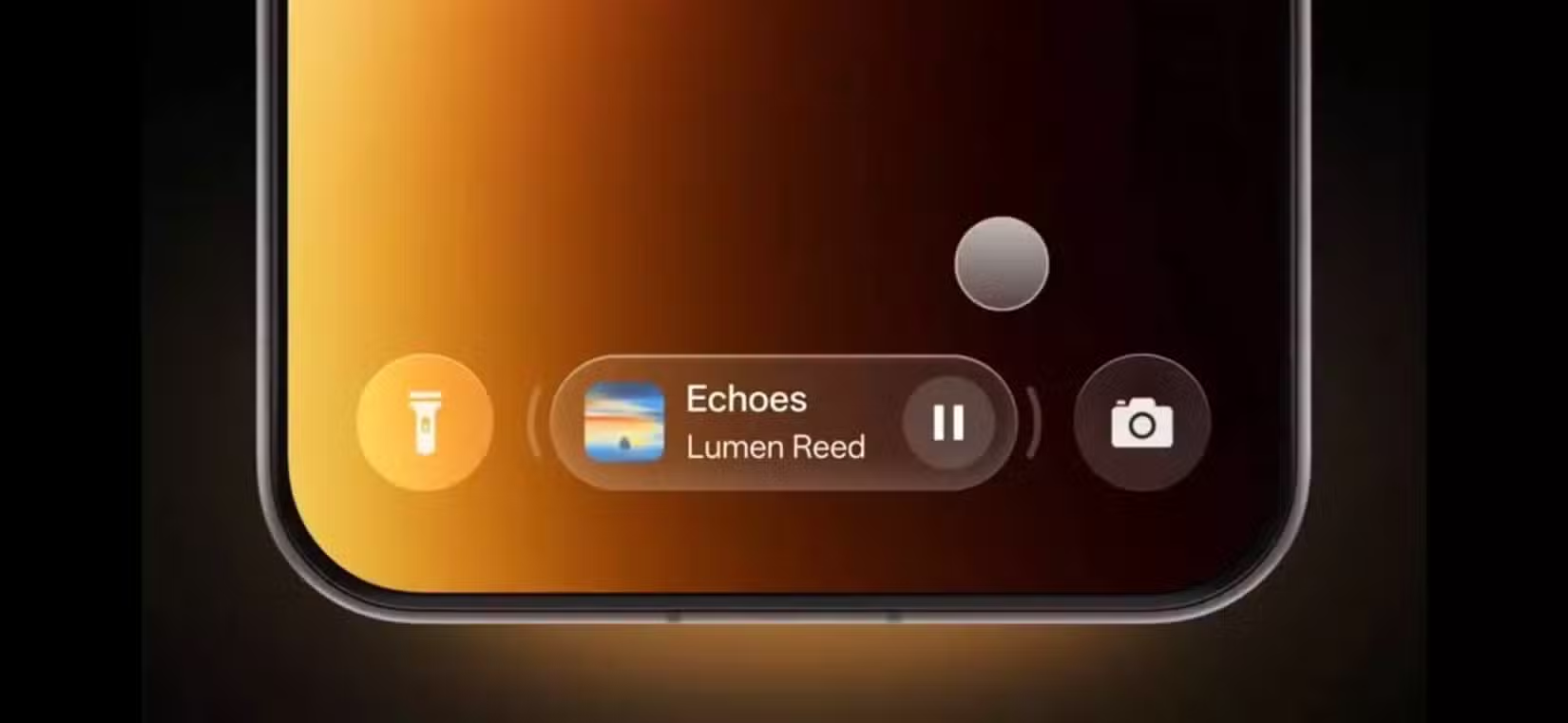
On the Open's cover screen, this matters more. The smaller external display benefits from quick access to information that doesn't require unfolding the phone.
The Liquid Glass design language
OnePlus calls the new visual direction "Liquid Glass." In practice, it means smoother transitions, more consistent iconography, and interface elements that feel cohesive rather than bolted together. Reddit users have noted similarities to iOS, but most argue the depth of customization in OxygenOS 16 maintains the Android-first utility that long-time fans prefer.
Early public polls show 72% of users reporting positive sentiment toward OxygenOS 16. That's a strong start for an update that needs to convince Open owners not to jump to the Samsung Galaxy Z Fold 6 or wait for Google's rumored foldable.
Does this save the OnePlus Open?
The hardware was never the problem. The Open's hinge, display, and camera held up against Samsung's best when it launched. The issue was software that felt like an afterthought on a device that cost $1,700.
OxygenOS 16 doesn't fix the fact that OnePlus paused the Open 2. It doesn't address the long-term support question for a device that's now nearly three years old. What it does is make the existing hardware feel worth using again.
Another approach to rethinking Android home screen organization
Logicity's Take
OxygenOS 16 is OnePlus acknowledging that foldables need purpose-built software, not scaled-up phone UIs. The Parallel Processing 2.0 change is the most significant: foldables have always felt slightly laggy during screen transitions, and fixing that addresses a complaint users couldn't articulate but definitely felt. The bigger question is whether OnePlus will ship an Open 2 to build on this foundation or let the software improvements paper over a dead product line.
Frequently Asked Questions
What Android version is OxygenOS 16 based on?
OxygenOS 16 is based on Android 16, bringing system-level improvements alongside OnePlus's custom features.
Does OxygenOS 16 work with Mac and Windows?
Yes. O+ Connect supports clipboard sync and cross-device file search with both macOS and Windows computers.
Can I resize icons differently on each OnePlus Open screen?
Partially. You can resize icons and folders, but folder changes apply to both the cover and inner displays. You don't get fully independent layouts.
Is OxygenOS 16 available for all OnePlus phones?
The rollout is ongoing. The OnePlus Open received the update, with other devices following OnePlus's standard update schedule.
What is Parallel Processing 2.0?
It allows UI animations to run concurrently rather than sequentially, eliminating micro-delays when tapping quickly through menus and switching apps.
Need Help Implementing This?
If your organization is evaluating foldable devices for enterprise use or needs guidance on mobile productivity workflows, Logicity can connect you with consultants who specialize in Android device management and cross-platform integration strategies.
Source: MakeUseOf
Manaal Khan
Tech & Innovation Writer
Produced with AI assistance and reviewed by the Logicity editorial team. Learn more in our Editorial Policy.






