Key Takeaways
- The tool handles 500+ data broker sites automatically with monthly scheduling
- CAPTCHA solving costs roughly $0.001 per solve through CapSolver integration
- All personal data stays local. Config files are gitignored by default
What the Tool Does
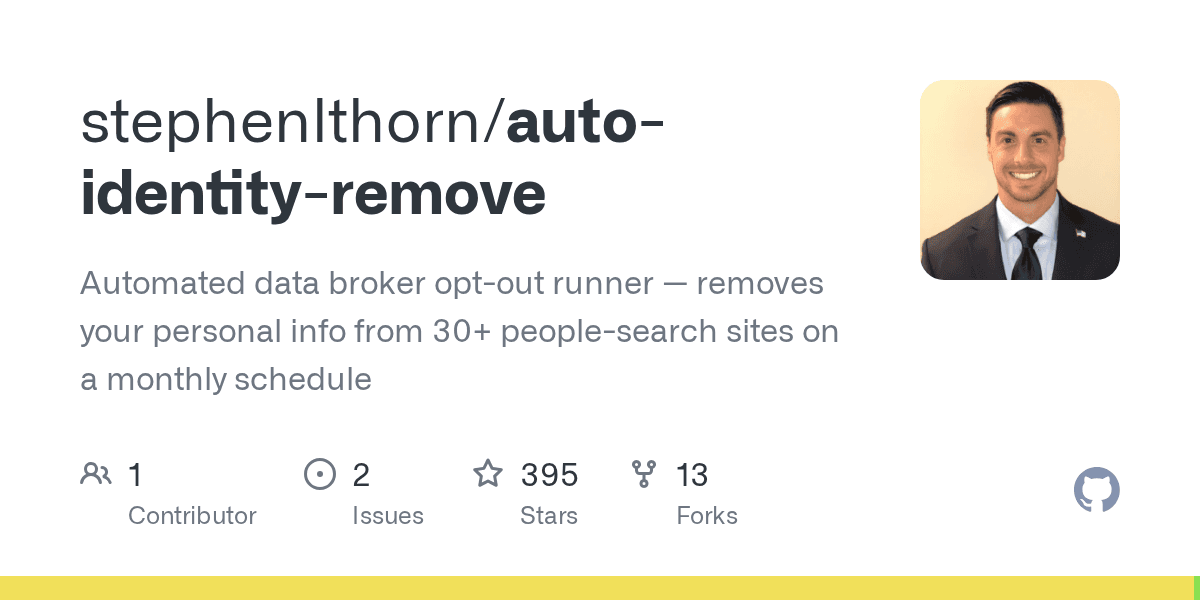
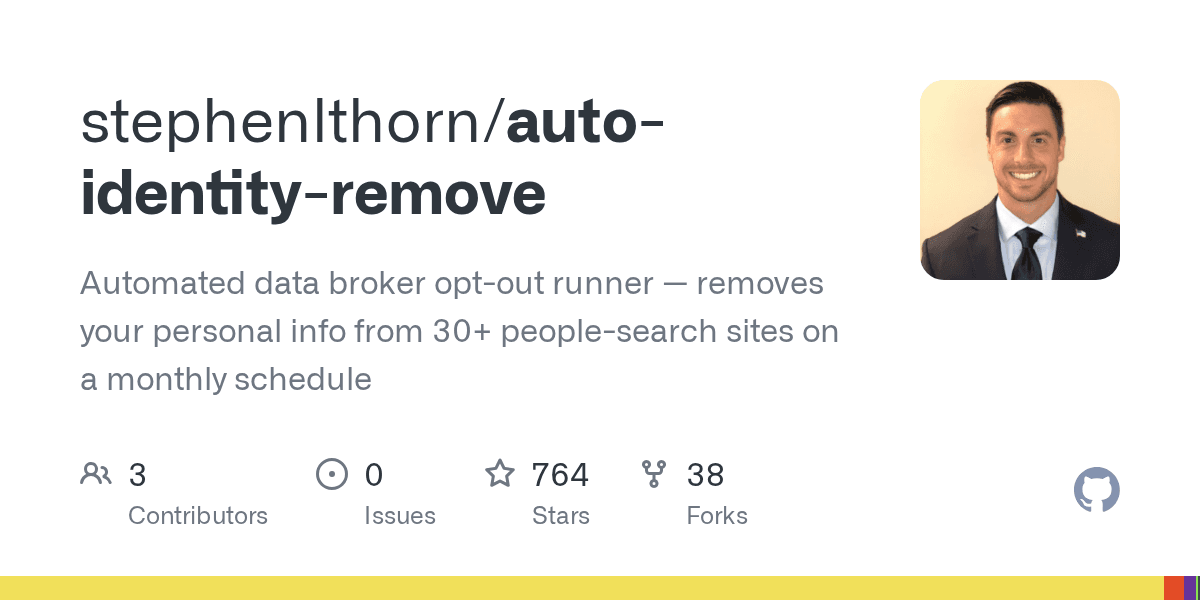
Stephen Thorn, the developer behind auto-identity-remove, built the tool to handle the tedious process of requesting data removal from people-search sites. These sites scrape public records and sell access to your name, address, phone number, and relatives' information. Removing yourself typically means visiting each site individually, finding your listing, and filling out an opt-out form.
The script automates this entire workflow. Each month, it searches every broker site for your name and state, locates your specific listing, fills out the opt-out form, and submits it. When finished, it sends an iMessage summary to your phone.
- Searches 500+ data broker sites for your information
- Automatically fills and submits opt-out forms
- Solves CAPTCHAs using CapSolver's API
- Tracks completed opt-outs to avoid duplicate submissions
- Opens sites requiring manual action in your browser
How State Tracking Works
Data brokers don't permanently remove your information. Most will re-add you within a few months as they continue scraping public records. The tool accounts for this with a 90-day re-check window.
A state.json file tracks when each broker last received a successful opt-out request. If less than 90 days have passed, the script skips that broker. Once the window expires, it resubmits. This prevents unnecessary requests while ensuring your data gets removed again before brokers re-add you.
The CAPTCHA Problem
Many opt-out forms use reCAPTCHA to prevent automated submissions. The tool integrates with CapSolver, an AI-powered CAPTCHA solving service. Each solve costs about $0.001, so a few dollars covers months of use across hundreds of sites.
Without CapSolver, CAPTCHA-protected sites get added to your manual list instead. The tool opens these in your browser so you can complete them yourself. The CapSolver integration is optional but handles the bulk of automated submissions.
Setup and Requirements
The tool runs on macOS only. It uses launchd for scheduling monthly runs and the Messages app for iMessage notifications. You'll need Node.js 18 or later and Playwright browsers installed.
Setup happens through an interactive script that walks you through entering your personal information, past names or aliases, your CapSolver API key, and the phone number for result notifications. It also creates accounts on sites that require login before submitting opt-outs.
# Clone and install
git clone https://github.com/stephenlthorn/auto-identity-remove.git
cd auto-identity-remove
npm install

# Interactive setup
node setup.js

# Manual run anytime
./run.sh
Privacy Considerations
Your personal information stays on your machine. The config.json file containing your details and state.json tracking your opt-out history are both gitignored by default. The only external service the tool contacts is CapSolver for CAPTCHA solving, and that receives only the CAPTCHA image, not your personal data.
The tool creates some accounts on data broker sites that require login before accepting opt-out requests. These credentials get stored locally in config.json.
Another story about protecting sensitive data
Limitations
The macOS requirement limits who can use the tool. Windows and Linux users would need to adapt the scheduling and notification systems. The tool uses launchd, which is macOS-specific, and relies on the Messages app for iMessage alerts.
Some brokers will still require manual intervention. Sites with unusual verification flows or those that change their opt-out process may not work with the automated approach. The tool handles these by opening them in your browser.
More automation tools for repetitive tasks
Logicity's Take
Frequently Asked Questions
Does this tool work on Windows or Linux?
No. It requires macOS for launchd scheduling and iMessage notifications. You would need to replace those components for other operating systems.
How much does it cost to run?
The tool itself is free. CapSolver credits for CAPTCHA solving run about $0.001 per solve. A few dollars covers months of use.
Will data brokers permanently remove my information?
No. Most brokers re-add your data within 90 days as they continue scraping public records. The tool re-submits opt-outs automatically when the window expires.
Is my personal information sent to external servers?
Only CAPTCHA images go to CapSolver for solving. Your personal details stay in local config files on your machine.
How is this different from paid services like DeleteMe?
It does the same job but costs a fraction of commercial services. You handle setup yourself and need macOS. Paid services offer broader platform support and customer service.
Need Help Implementing This?
Source: Hacker News: Best
Huma Shazia
Senior AI & Tech Writer
Produced with AI assistance and reviewed by the Logicity editorial team. Learn more in our Editorial Policy.




