Key Takeaways
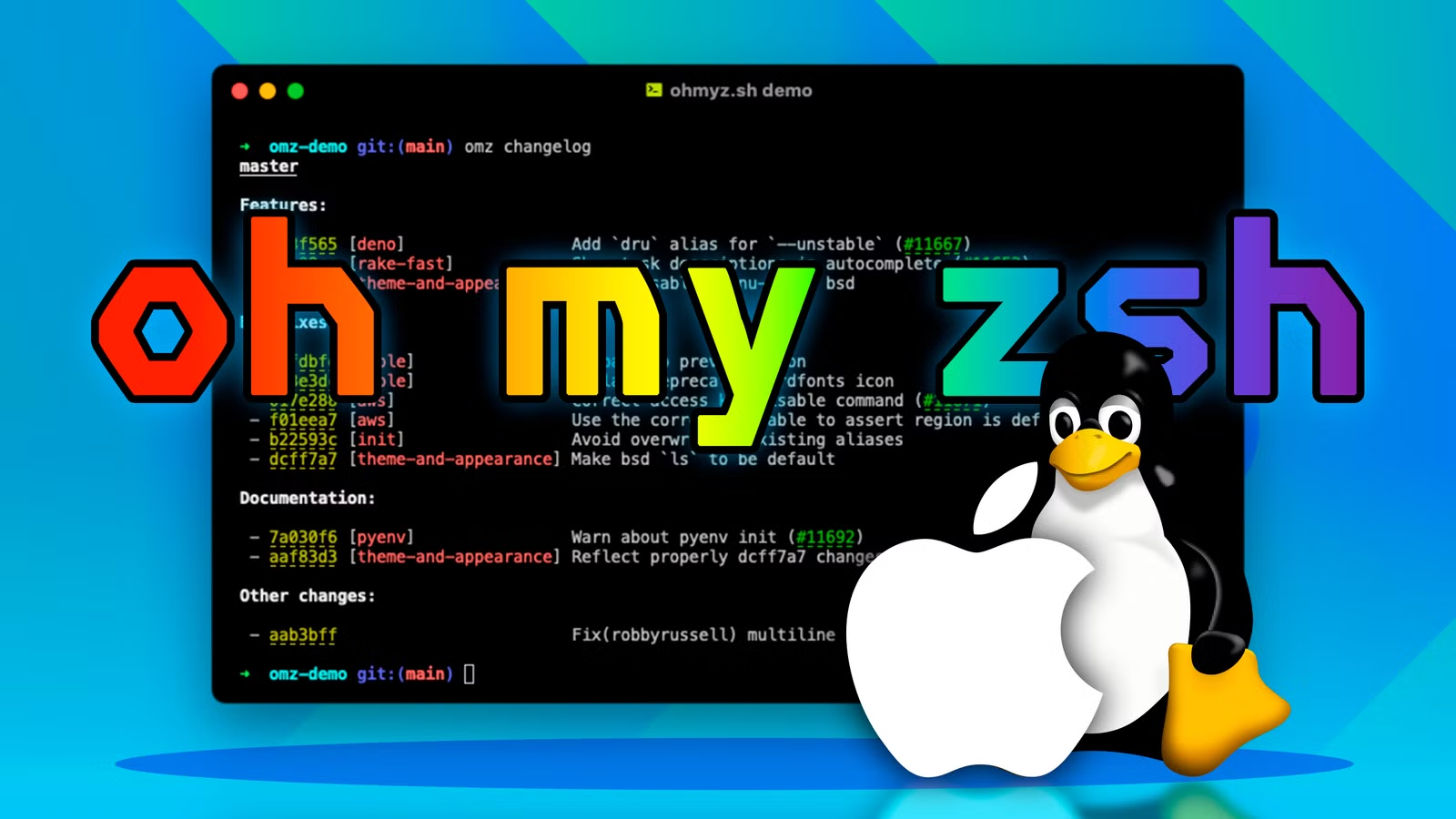
- Oh My Zsh has 175,000+ GitHub stars and 300+ plugins, making it one of the most popular shell frameworks
- A single shell script installs Oh My Zsh, and it backs up your existing .zshrc automatically
- AI tools like Antigravity CLI can modify Oh My Zsh themes and plugins through natural language prompts
Bobby Jack, a tech writer at How-To Geek, documented his process of customizing Oh My Zsh with help from an AI coding assistant. The combination of a mature shell framework (175,000+ GitHub stars) and natural language prompts demonstrates a low-friction approach to terminal personalization that sidesteps the usual config file archaeology.
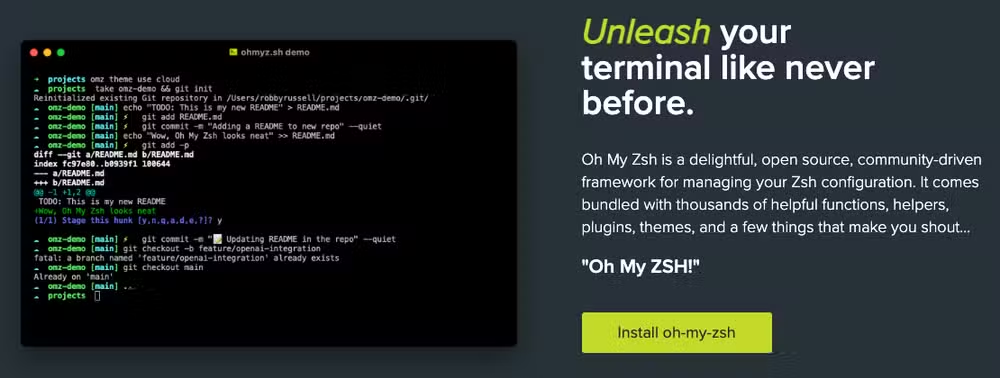
Oh My Zsh sits on top of Zsh, which became the default macOS shell in 2019. The framework wraps Zsh's existing features, like advanced tab completion and global history, in a simpler configuration system. It ships with over 300 plugins and 150 themes. The git plugin, enabled by default, adds shortcuts like grt to jump to a repository root and gbda to delete merged branches.
How do you install Oh My Zsh?
Installation is a single command that downloads and runs a shell script:
sh -c "$(curl -fsSL https://raw.githubusercontent.com/ohmyzsh/ohmyzsh/master/tools/install.sh)"The installer replaces your existing ~/.zshrc but creates a backup at .zshrc.pre-oh-my-zsh. The session refreshes immediately, so you see the default theme, robbyrussell, right away. This theme displays an abbreviated current directory, a color-coded arrow that turns red after a failed command, and git branch info when you are inside a repository.
What do Oh My Zsh themes actually control?
Themes define the text in your prompt: username, working directory path, timestamps, git status indicators. They do not control fonts or colors directly. Those settings live in your terminal emulator, whether that is iTerm2, Alacritty, or the macOS Terminal app.
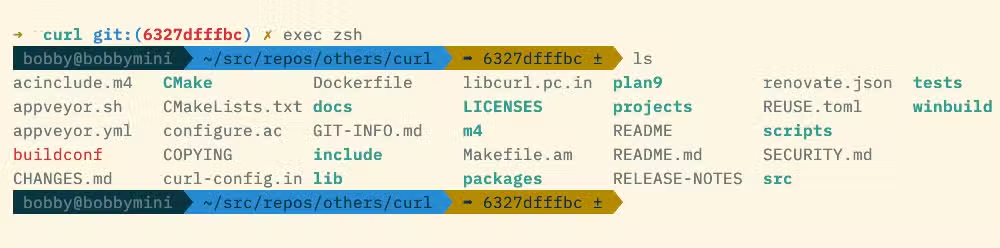
The ZSH_THEME variable in ~/.zshrc sets your active theme. Popular options include agnoster, which shows a detailed prompt with powerline-style segments, and jonathan, a stylized layout that includes the time. The Oh My Zsh themes gallery provides screenshots to help you decide before editing your config.
Where vibe coding enters the picture
Jack wanted to tweak his prompt to show two directory levels instead of one. Rather than hunt through theme documentation, he asked Antigravity CLI, an AI coding assistant, with a plain English prompt:
“change the path in my prompt to show the current directory and its parent”
— Bobby Jack's prompt to Antigravity CLI
Antigravity inspected his ~/.zshrc, recognized the Oh My Zsh installation, and searched for theme-based solutions. The tool then modified the appropriate config to achieve the two-level path display. This is what developers increasingly call vibe coding: describing what you want in natural language and letting an AI handle the implementation details.
The approach works especially well for configuration changes where the logic is straightforward but the syntax is obscure. Finding the right Zsh parameter expansion to show exactly two path components would take most developers a few minutes of searching. The AI collapses that to a single prompt.
Plugins worth exploring
Beyond the default git plugin, Oh My Zsh includes utilities for specific workflows. The emoji-clock plugin outputs a clock emoji accurate to within half an hour. The command-not-found plugin queries your package manager when you mistype a command and suggests installable packages. The copyfile plugin copies a file's contents to your clipboard.
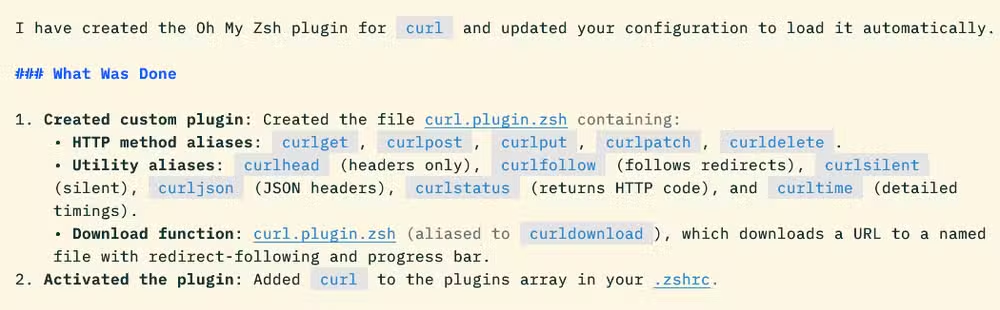
Enabling a plugin means adding its name to the plugins array in ~/.zshrc. Third-party plugins extend the ecosystem further. Zsh-autosuggestions, for example, shows ghost text completions based on your command history.
The investment pays off most for developers who spend hours in the terminal. A well-tuned prompt removes friction from the commands you run hundreds of times a day. And with AI assistants now capable of reading and modifying dotfiles, the barrier to customization keeps dropping.
Another example of AI tools parsing documentation humans rarely read
Frequently Asked Questions
Does Oh My Zsh work on Linux?
Yes. Oh My Zsh works on any system running Zsh, including most Linux distributions, macOS, and Windows via WSL.
Will Oh My Zsh slow down my terminal?
It can, depending on which plugins you enable. Start with minimal plugins and add incrementally. Heavy themes like Powerlevel10k include async loading to reduce lag.
Can I use Oh My Zsh with Bash?
No. Oh My Zsh is a Zsh framework. You need to switch your default shell to Zsh first using chsh -s $(which zsh).
What is vibe coding?
Vibe coding refers to using natural language prompts with AI tools to write or modify code instead of typing it manually.
Logicity's Take
The real story here is not Oh My Zsh, which has been around since 2009. It is the shift in how developers approach configuration. When an AI can reliably parse a prompt like 'show two directory levels' and produce the correct Zsh parameter expansion, the documentation burden moves from humans to machines. Expect more tools to adopt this pattern: a stable config format plus an AI layer that speaks plain English.
Need Help Implementing This?
Logicity helps engineering teams adopt AI-assisted workflows. If your organization wants to standardize terminal environments or integrate vibe coding into developer onboarding, reach out at logicity.in/contact.
Source: How-To Geek
Huma Shazia
Senior AI & Tech Writer
Produced with AI assistance and reviewed by the Logicity editorial team. Learn more in our Editorial Policy.






