Key Takeaways
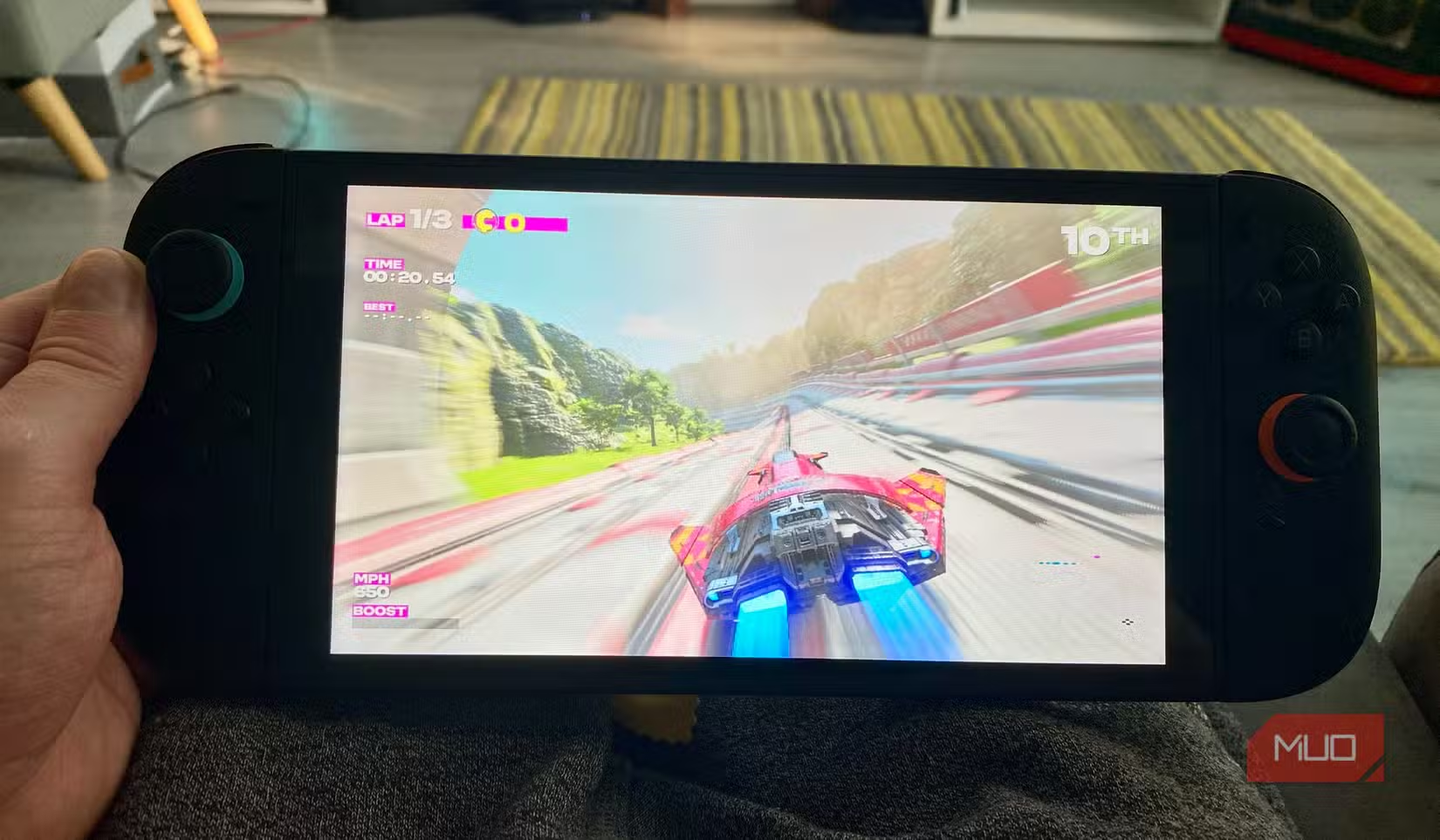
- The Switch 2's LCD panel has a 33ms response time, causing visible motion blur in fast games
- Despite the jump to 1080p, the display lacks the contrast and black levels of the original Switch OLED
- Portable OLED monitors offer a practical workaround for gamers who want better visuals
Nintendo made an odd choice with the Switch 2. The company's latest handheld hybrid packs genuine power. It supports DLSS upscaling. It outputs 1080p in handheld mode. But the screen itself? It's a step backward.
The Switch 2 uses an IPS LCD panel instead of the OLED technology Nintendo introduced with the Switch OLED model in 2021. The decision has frustrated early adopters who paid $499 expecting a premium experience across the board.
The Numbers Tell the Story
Hardware reviewers have put the Switch 2's display through rigorous testing. The results explain why the screen feels sluggish during gameplay.
Digital Foundry's analysis found the panel operates with response times exceeding 40ms in certain games. For context, gaming monitors marketed to enthusiasts hit under 1ms. The Switch 2's screen is technically rated at 120Hz, but that refresh rate means little when pixels can't keep up.
“It is one of the slowest modern LCD panels we've tested. The motion smear is actually worse than the original 2017 model.”
— John Linneman, Senior Staff Writer at Digital Foundry
The screen measures 7.9 inches, up from 7.0 inches on the Switch OLED. Peak brightness hits 450 nits. That's adequate for indoor play but falls short of what you'd need for a genuine HDR experience.
Why OLED Spoiled Us
The Switch OLED raised expectations. Its 720p panel had lower resolution than the Switch 2's 1080p screen, but resolution isn't everything. OLED technology delivers true blacks because each pixel produces its own light. When a pixel needs to show black, it simply turns off.
LCD panels use a backlight that bleeds through even when displaying dark scenes. The result: grays instead of blacks, less contrast, and a flatter image overall. Games like Metroid Prime 4, designed with atmospheric lighting and dark environments, lose impact on the Switch 2's built-in screen.
“The internal display is simply not up to snuff for a $500 machine in 2026. Pairing it with a portable OLED monitor is the only way to see these games as they were intended.”
— Dave Meikleham, Hardware Editor at MakeUseOf
The Workaround: Portable OLED Monitors
Enthusiasts aren't waiting for Nintendo to release an OLED revision. They're buying portable monitors instead.
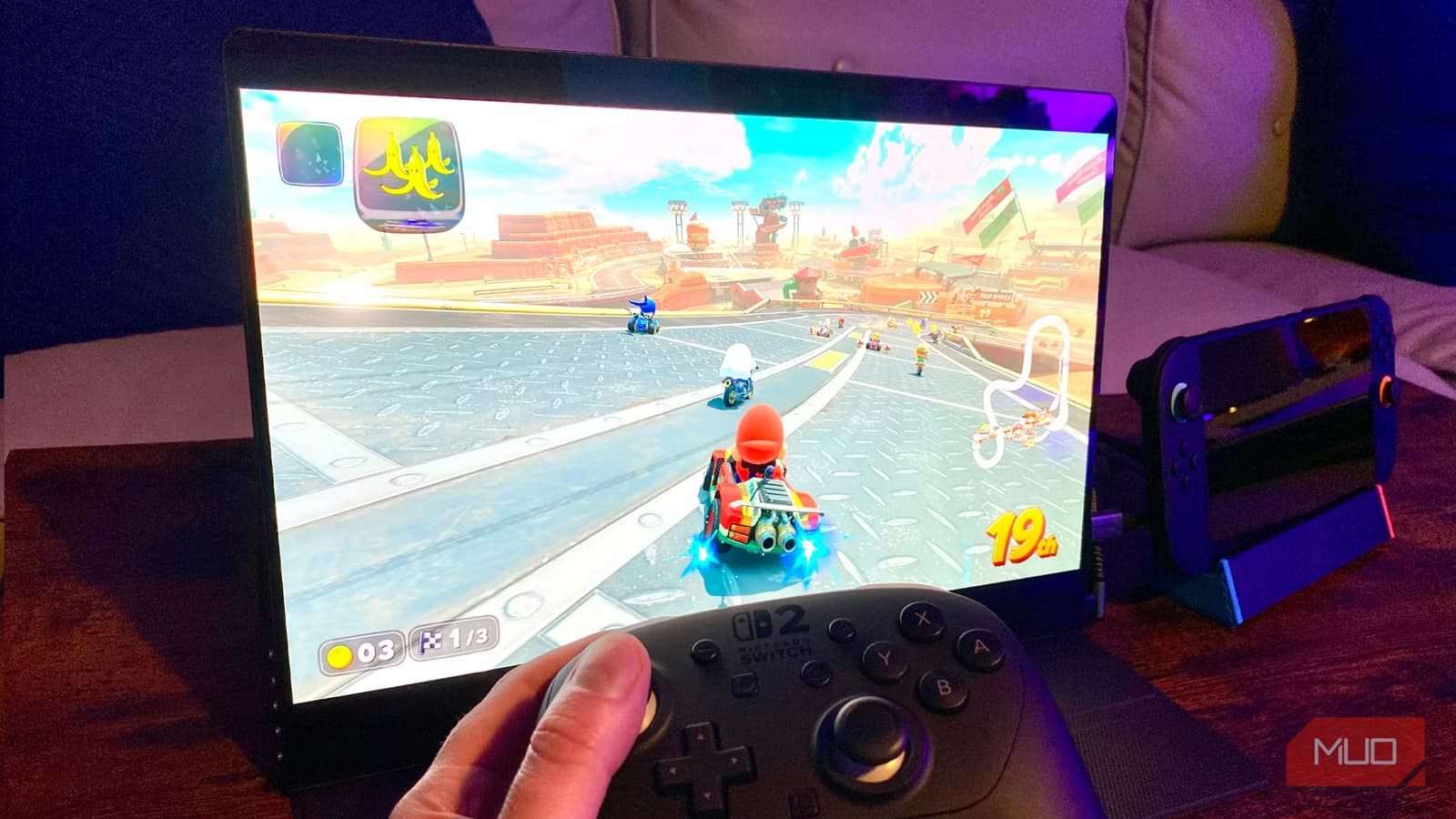
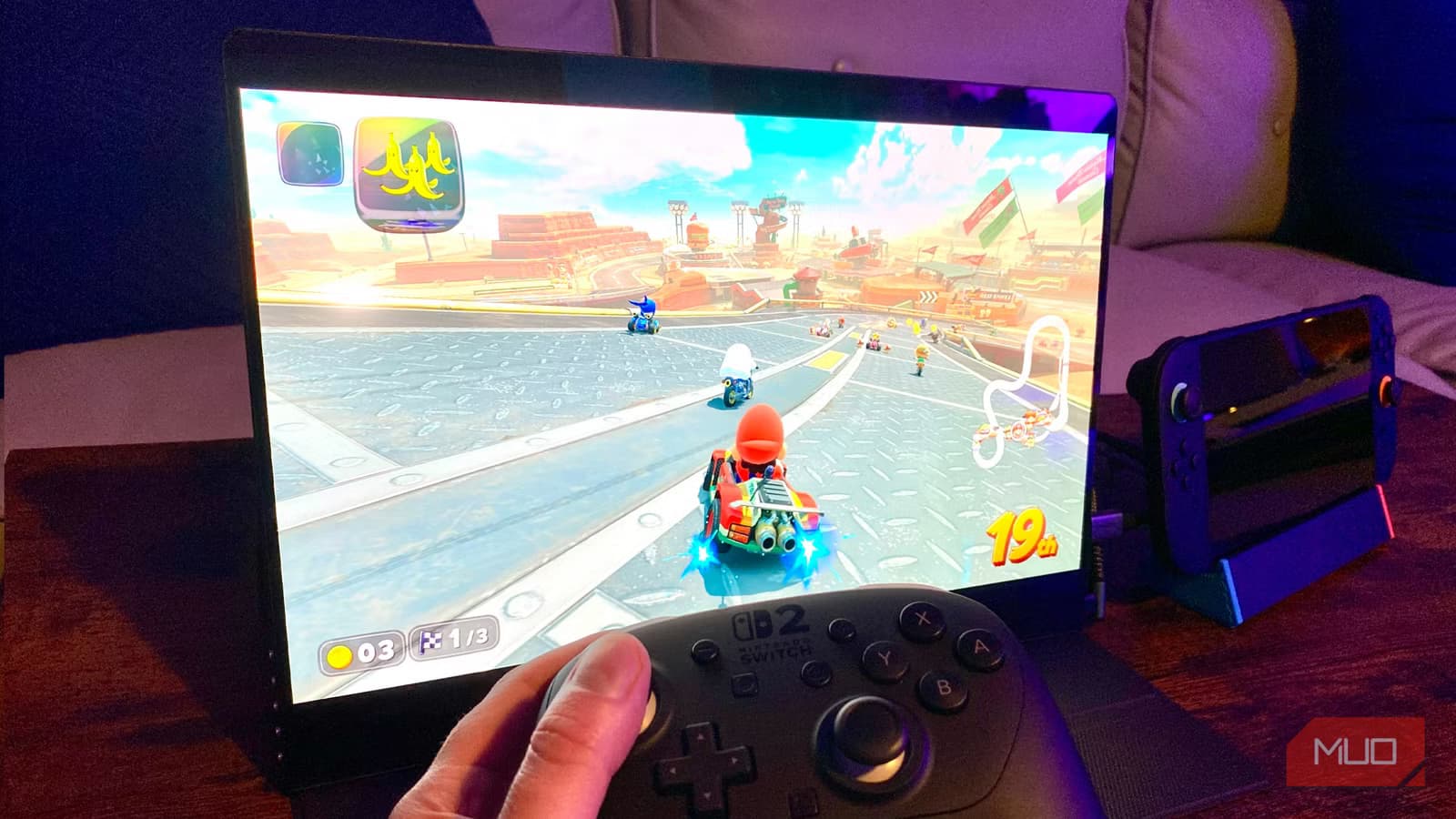
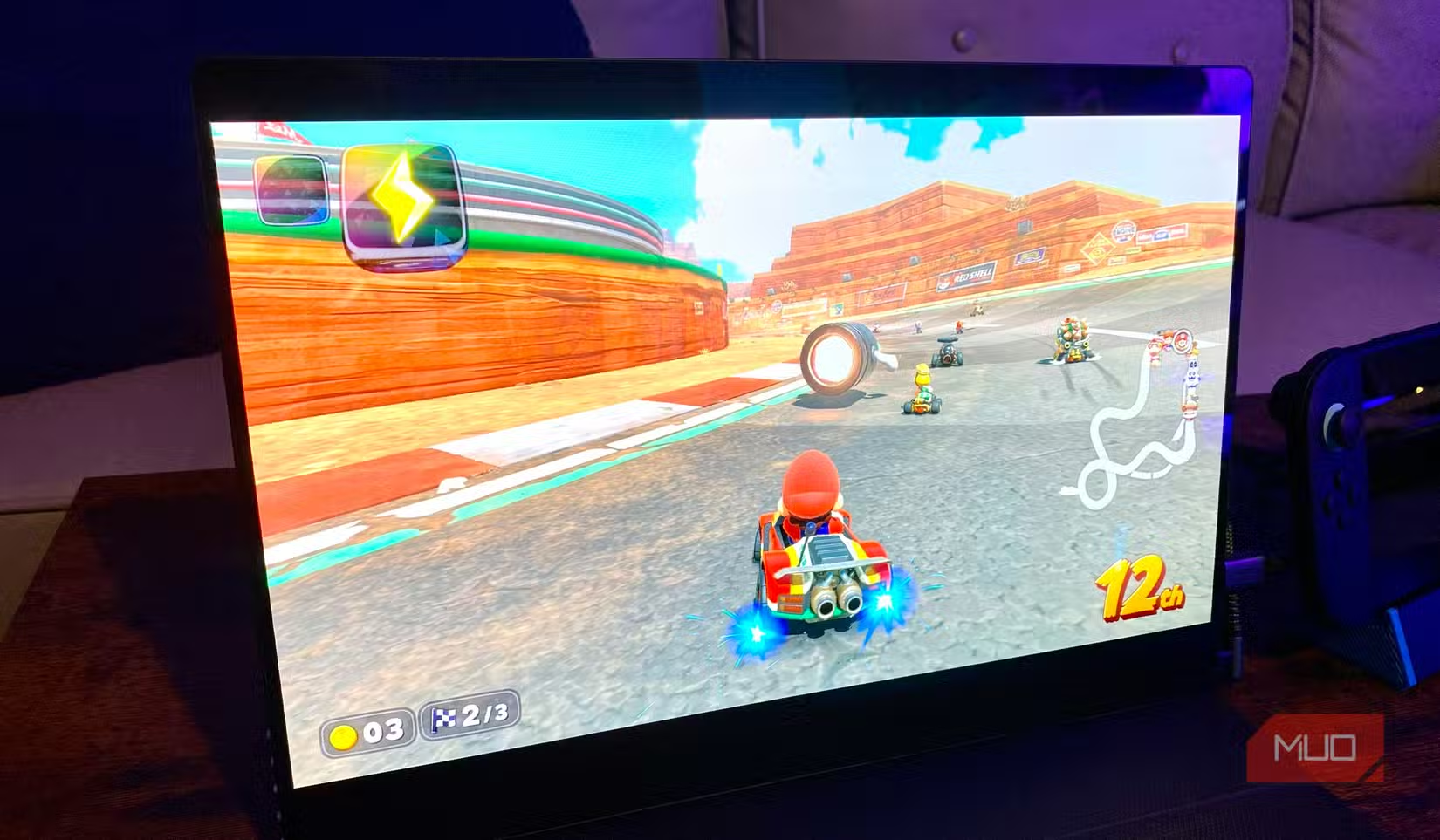
The setup is straightforward. The Switch 2 outputs video over USB-C. Connect it to a portable OLED monitor, and you bypass the built-in screen entirely. You lose some portability since you're now carrying two devices. But you gain the visual quality the console's hardware actually supports.
Portable OLED monitors range from $200 to $400 depending on size and features. Popular options include 13.3-inch and 15.6-inch panels with 1080p or 4K resolution. Most support the Switch 2's 120Hz output for smoother gameplay.
✅ Pros
- • True blacks and superior contrast compared to the built-in LCD
- • Faster pixel response times eliminate motion blur
- • Works with laptops, Steam Deck, and other USB-C devices
- • No permanent modification to the Switch 2 required
❌ Cons
- • Adds $200-400 to your total cost
- • Less portable than using the built-in screen
- • Requires carrying and powering an additional device
- • Some monitors introduce slight input lag
Why Nintendo Went with LCD
Nintendo hasn't explained the decision publicly. The likely reasons are cost and battery life.
OLED panels remain more expensive to manufacture than LCDs at larger sizes. The Switch 2's 7.9-inch screen would cost significantly more in OLED, potentially pushing the console past the $499 price point.
Battery life also factors in. The Switch 2's more powerful processor already draws substantial power. Adding an OLED panel, which can consume more energy displaying bright content, might have cut playtime below acceptable levels.
Community speculation points to a familiar pattern. Nintendo released the original Switch in 2017, then the Switch OLED in 2021. A Switch 2 OLED in 2028 or 2029 would fit that timeline.
What to Consider Before Buying a Portable Monitor
Not every portable OLED monitor works well with the Switch 2. Check these specs before purchasing:
- USB-C video input with Power Delivery (allows single-cable connection)
- 120Hz refresh rate support for compatible games
- Response time under 5ms for fast-paced titles
- 1080p minimum resolution to match the Switch 2's output
- Built-in speakers or 3.5mm jack if you don't want to use headphones
Size is a personal preference. A 13.3-inch monitor fits in most bags and provides a meaningful upgrade over the 7.9-inch built-in screen. A 15.6-inch model offers more immersion but sacrifices portability.
The Bigger Picture
The Switch 2's display controversy reflects a broader tension in console gaming. Manufacturers balance cost, performance, and features. Something usually gives. In this case, Nintendo prioritized raw processing power over display quality.
For casual players who use their Switch docked to a TV most of the time, the LCD panel is a non-issue. For handheld enthusiasts who upgraded from the Switch OLED expecting better visuals, the downgrade stings.
Logicity's Take
Nintendo made a calculated bet that most buyers care more about games than screen technology. They're probably right. But the company also knows enthusiasts will pay twice, first for the LCD model now and again for an OLED revision later. If you can't wait, a portable OLED monitor is the cleanest workaround available.
Frequently Asked Questions
Why doesn't the Nintendo Switch 2 have an OLED screen?
Nintendo hasn't confirmed, but cost and battery life are the likely factors. OLED panels at 7.9 inches are more expensive to produce, and they can consume more power displaying bright content.
Can I use any USB-C monitor with the Switch 2?
Most USB-C monitors with video input work, but check for Power Delivery support and 120Hz refresh rate compatibility if you want the best experience.
Is the Switch 2 screen worse than the Switch OLED?
In terms of contrast, black levels, and response time, yes. The Switch 2 has higher resolution (1080p vs 720p) but uses LCD technology instead of OLED.
Will Nintendo release a Switch 2 OLED model?
No official announcement exists, but Nintendo's history suggests an OLED revision could arrive 2-4 years after the initial launch.
How much do portable OLED monitors cost?
Expect to pay between $200 and $400 for a quality portable OLED monitor suitable for gaming.
Need Help Implementing This?
Looking for specific portable OLED monitor recommendations or setup guidance for your Switch 2? Reach out to our team. We're happy to help you find the right solution for your gaming setup and budget.
Source: MakeUseOf
Manaal Khan
Tech & Innovation Writer
Produced with AI assistance and reviewed by the Logicity editorial team. Learn more in our Editorial Policy.