Key Takeaways
- Navidrome runs on almost any hardware, including a Raspberry Pi Zero 2 W with just 512MB of RAM
- The server uses roughly 48MB of RAM at idle and connects to dozens of Subsonic-compatible client apps
- Self-hosting eliminates monthly fees and protects your playlists from licensing changes
Why ditch Spotify for a DIY setup?
Replacing a polished streaming service with self-hosted software sounds like a downgrade. It's not. Nick Lewis at How-To Geek spent time building a Navidrome server and found it matched or exceeded his expectations. The key difference: you own the library, you control the experience, and you pay nothing after the initial hardware cost.
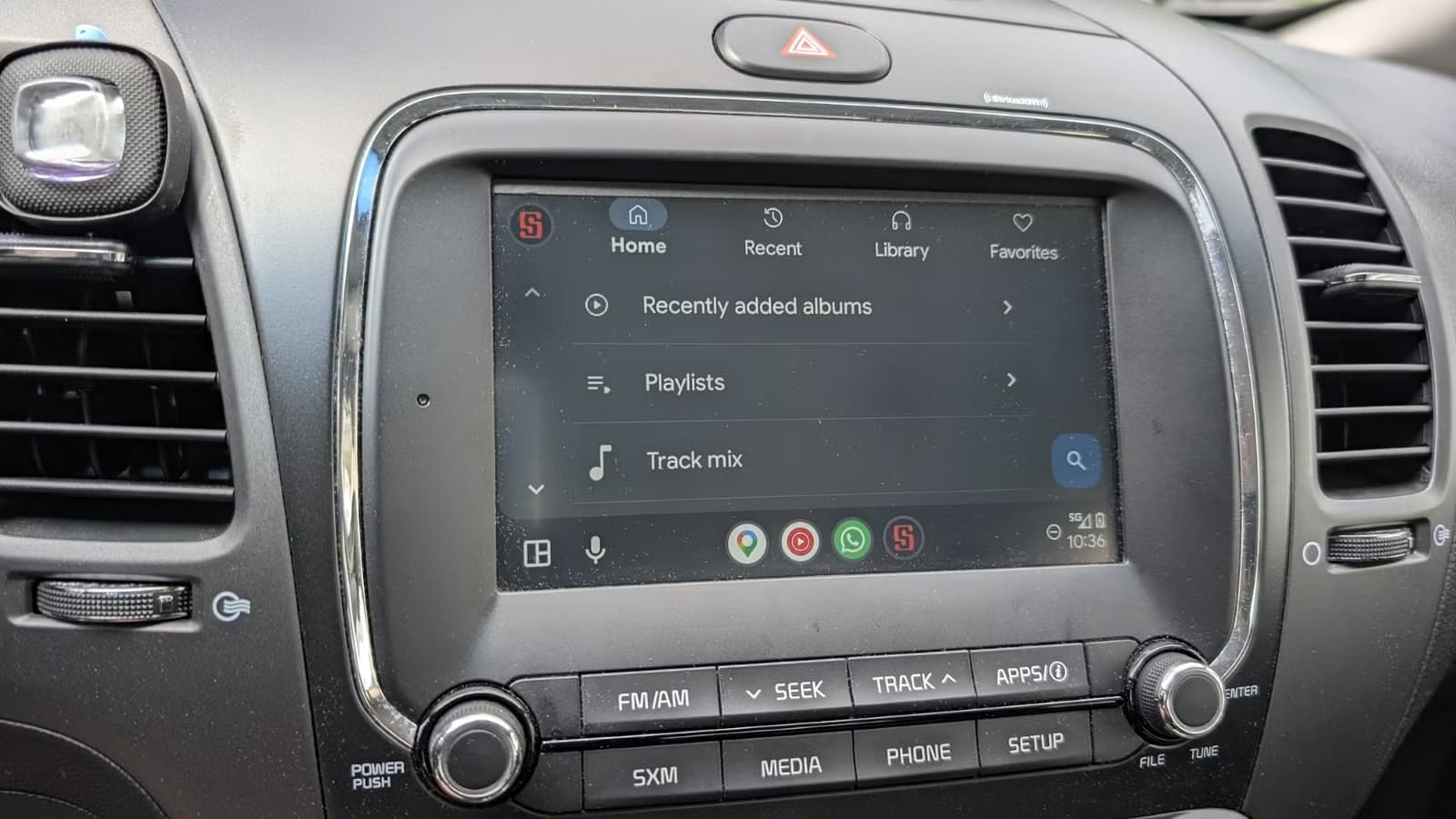
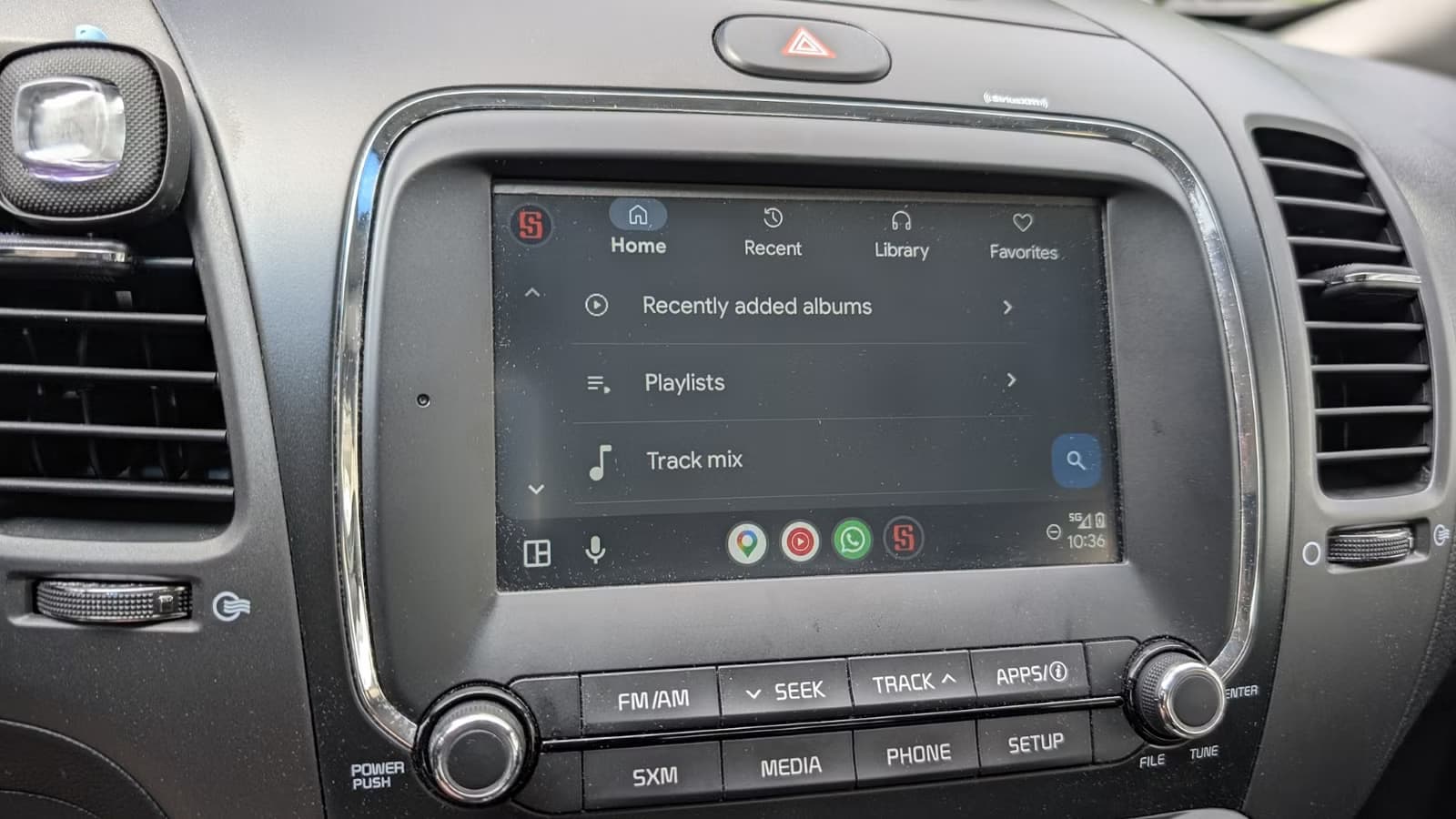
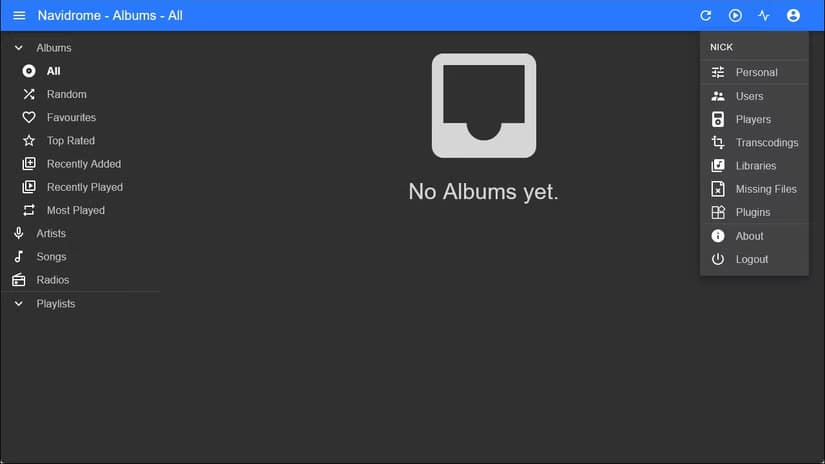
Navidrome is a free, open-source music server written in Go. You install it on your own hardware, point it at your music collection, and access your library through a web interface or any app that supports the Subsonic API. There are dozens of compatible clients, ranging from basic players to full-featured apps that rival Spotify's UI.
It runs on almost anything
Navidrome's lightweight design means it runs on hardware you might already have lying around. Lewis tested it on a Raspberry Pi 4 with 8GB of RAM, a Pi Zero 2 W with just 512MB of RAM, and various Proxmox containers. All worked fine.
The Pi Zero 2 W costs around $15. It has a quad-core ARM Cortex-A53 processor and 512MB of SDRAM. That's enough. A 10-year-old PC running Proxmox has far more power than Navidrome will ever need.
For most users, Lewis recommends running Navidrome in a Proxmox container. It's quick to set up and easy to manage alongside other self-hosted services.
The Subsonic API opens up your options
Navidrome's default web interface is clean and functional. But the real flexibility comes from the Subsonic API, a protocol that lets third-party apps connect to your server. This means you can pick a client that matches your preferences, whether you want something minimal or a feature-packed app with offline downloads, smart playlists, and gapless playback.
The community around self-hosted music servers has built dozens of Subsonic-compatible clients for iOS, Android, Windows, macOS, and Linux. Some are free, some cost a few dollars. You can switch between them without migrating your library.

Why self-hosting your music matters
Streaming services are convenient until they're not. Licensing agreements expire. Songs disappear from playlists. Artists pull their catalogs. If you've built a playlist over years, watching half of it vanish is frustrating.
With Navidrome, your library stays intact because you own the files. You can rip your CD collection, buy DRM-free downloads, or migrate music you already have. The files sit on your hardware, and no corporate decision can remove them.
There's also privacy. Navidrome doesn't phone home or analyze your listening habits for advertisers. Your data stays on your network.
Community reception has been strong
Navidrome has 21,500 stars on GitHub. The self-hosted community on Reddit and Hacker News frequently recommends it as the best option for music-specific hosting. Users praise its focus. It doesn't try to handle video, podcasts, and live TV like Plex or Jellyfin. It just handles music, and it handles it well.
“Navidrome is the gold standard for users who want a dedicated, lightweight, and modern music server that just works.”
— Anonymous Tech Reviewer, Self-Hosted Community Forum
The "do one thing and do it well" philosophy resonates with users who want reliability over feature bloat. Navidrome handles large libraries without the overhead of general-purpose media servers.
The tradeoffs to consider
✅ Pros
- • No monthly subscription fees after hardware purchase
- • Full control over your music library and metadata
- • Runs on cheap hardware like a Raspberry Pi Zero 2 W
- • Dozens of client app options through Subsonic API
- • Your playlists can't disappear due to licensing changes
❌ Cons
- • Requires initial setup and basic technical knowledge
- • You need to source your own music files
- • No access to streaming catalog of millions of songs
- • You're responsible for backups and maintenance
This isn't for everyone. If you rely on Spotify's discovery features or access to new releases the day they drop, self-hosting won't replace that. But if you have a music collection you care about and want it available anywhere without paying $12 a month, Navidrome is worth the setup time.
Logicity's Take
If you're setting up a Navidrome server, you'll want to manage storage efficiently
Frequently Asked Questions
What hardware do I need to run Navidrome?
Navidrome runs on almost anything. A Raspberry Pi Zero 2 W with 512MB of RAM is sufficient. Any old PC or a Proxmox container will work even better.
Is Navidrome free to use?
Yes. Navidrome is free and open-source. Your only costs are the hardware and electricity to run it.
Can I access my Navidrome server on my phone?
Yes. Navidrome supports the Subsonic API, which means dozens of mobile apps for iOS and Android can connect to your server.
How does Navidrome compare to Plex or Jellyfin?
Navidrome focuses exclusively on music and uses far fewer resources. Plex and Jellyfin are general-purpose media servers that handle video, photos, and more, but with higher overhead.
Where do I get music files for Navidrome?
You can rip CDs, buy DRM-free downloads from services like Bandcamp or iTunes, or use music files you already own.
Need Help Implementing This?
Source: How-To Geek
Manaal Khan
Tech & Innovation Writer
Produced with AI assistance and reviewed by the Logicity editorial team. Learn more in our Editorial Policy.






