Key Takeaways
- The Run dialog gets its first visual overhaul since Windows 95, adding dark mode and a cleaner interface
- Microsoft removed the Browse button after finding only 0.0038% of users actually clicked it
- The new Run menu loads in 94ms median time, down from 103ms, thanks to native WinUI 3 code
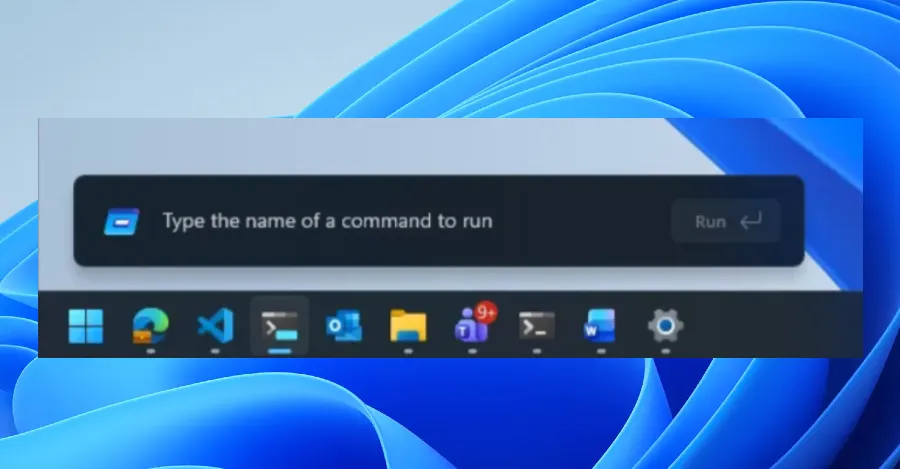
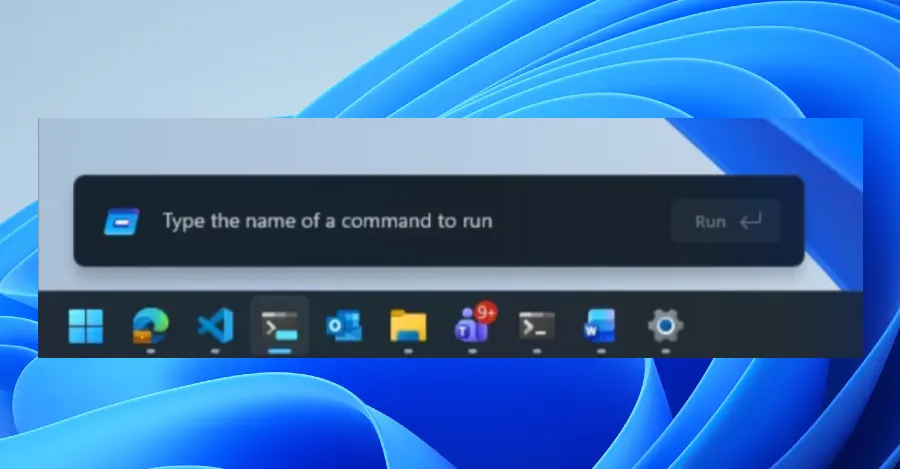
Microsoft is testing a redesigned Run menu for Windows 11. The update brings dark mode support, faster performance, and a cleaner look to one of the most enduring pieces of Windows interface design.
The refreshed Run dialog is rolling out now to Windows Insiders in the new Experimental Channel. It marks the first major visual overhaul for the utility since it debuted in Windows 95, some 31 years ago.
What's Changing in the Run Menu
The most obvious change is visual. The Run dialog now supports dark mode, matching the rest of Windows 11's interface. Microsoft also streamlined the layout, removing visual clutter that accumulated over three decades.
One notable removal: the Browse button. Microsoft's telemetry showed that only 0.0038% of users actually clicked it. Instead of a button, you can now type "~\" to jump directly to your user directory.
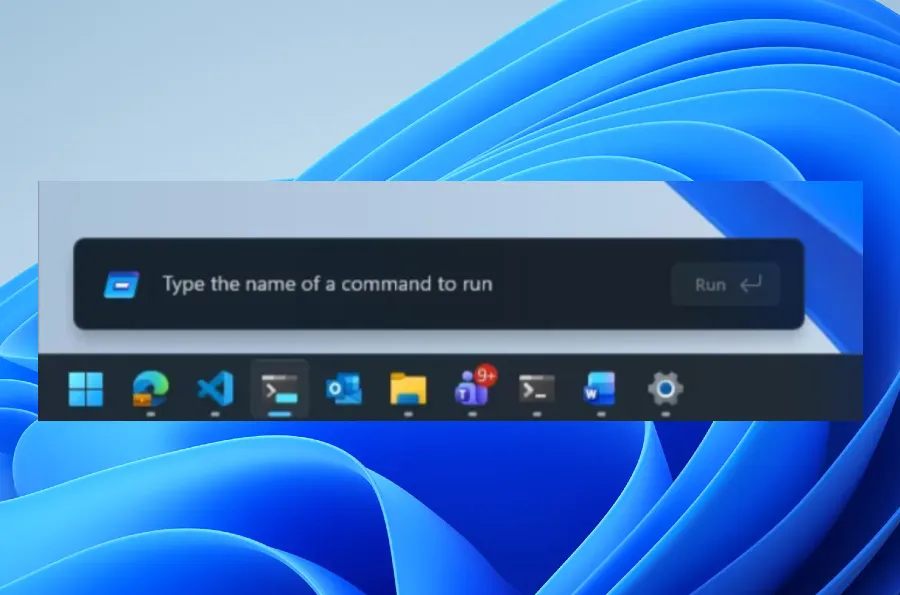
Under the hood, Microsoft rebuilt the Run menu using code from Command Palette. That's a PowerToys utility that lets you quickly run commands, open websites, and search files. The shared codebase means improvements to one tool can benefit the other.
“We focused on maintaining the 'muscle memory' of power users while removing the UI spaghetti that's been there since the 90s.”
— March Rogers, Partner Director of Design at Microsoft
Performance Gains from Native Code
Speed matters for a utility people use hundreds of times. The new Run menu loads in 94ms on average, shaving about 9ms off the previous version. That might sound small, but it reflects a broader push inside Microsoft to replace legacy code with native WinUI 3.
"We've collaborated tightly with partners across the platform to get these UI surfaces loading snappy," Microsoft's blog post says. "Improvements we've made to the platform don't just make Run fast, but they help make the whole OS more efficient."
The redesign is part of an internal initiative called "Project K2." The goal is modernizing legacy Win32 UI elements and stripping out web-based frameworks that add latency. Overall, Microsoft claims a 9% reduction in UI latency from these changes.
How to Try It
Windows 11 Insiders in the Experimental Channel can enable the new Run menu now. Go to Settings, then System, then Advanced, and toggle the option on.
An early version of the redesign appeared in preview builds last year. The current test version represents what Microsoft considers close to the final design.
Community Reaction: Divided on Browse Button Removal
Reactions online are mixed. Most users welcome the dark mode support and faster performance. The Browse button removal is more controversial.
On Reddit's r/Windows11 community, several users argued that "low usage" doesn't justify removing power-user features. Others pointed out that the ~\ shortcut is actually faster once you learn it.
Hacker News discussion centered on "framework fatigue." Some developers praised Microsoft's move back to native code. Others questioned why it took 31 years to update a dialog box.

Logicity's Take
What This Signals for Windows
The Run menu redesign is part of a larger pattern. Microsoft has been quietly modernizing legacy Windows components throughout 2025 and 2026. The company seems committed to making Windows 11 feel more cohesive, even if it means touching UI elements that haven't changed since the Clinton administration.
For IT teams and enterprise users, the practical impact is minimal. The Run menu works the same way it always has. You'll just notice it looks better and loads slightly faster.
Microsoft faces new competition as Samsung considers alternatives to Windows
More productivity shortcuts for power users
Frequently Asked Questions
When will the new Windows 11 Run menu be available to everyone?
Microsoft hasn't announced a public release date. It's currently in testing with Windows Insiders in the Experimental Channel. Expect it to roll out to stable Windows 11 builds in late 2026.
How do I open the Run menu in Windows 11?
Press Windows key + R. This keyboard shortcut has worked the same way since Windows 95.
Why did Microsoft remove the Browse button from Run?
Microsoft's telemetry showed only 0.0038% of users clicked it. You can still access your user directory by typing ~\ in the Run dialog.
Does the new Run menu support dark mode?
Yes. The redesigned Run menu follows your Windows 11 system theme, including dark mode.
Is the new Run menu faster than the old one?
Yes. Microsoft reports a median load time of 94ms, down from 103ms. The improvement comes from using native WinUI 3 code instead of legacy frameworks.
Need Help Implementing This?
Manaal Khan
Tech & Innovation Writer
Produced with AI assistance and reviewed by the Logicity editorial team. Learn more in our Editorial Policy.




