Key Takeaways
- Post-update battery drain is documented Apple behavior, not a bug
- Background indexing and AI recalibration consume significant CPU power for 48-72 hours
- Disabling Apple Intelligence features can reduce drain on older devices
Apple released iOS 26.5 on May 11, 2026. Within days, iPhone owners started complaining. Battery draining fast. Phones getting hot. The usual post-update panic.
But here's the thing: Apple says this is supposed to happen.
What Users Are Reporting
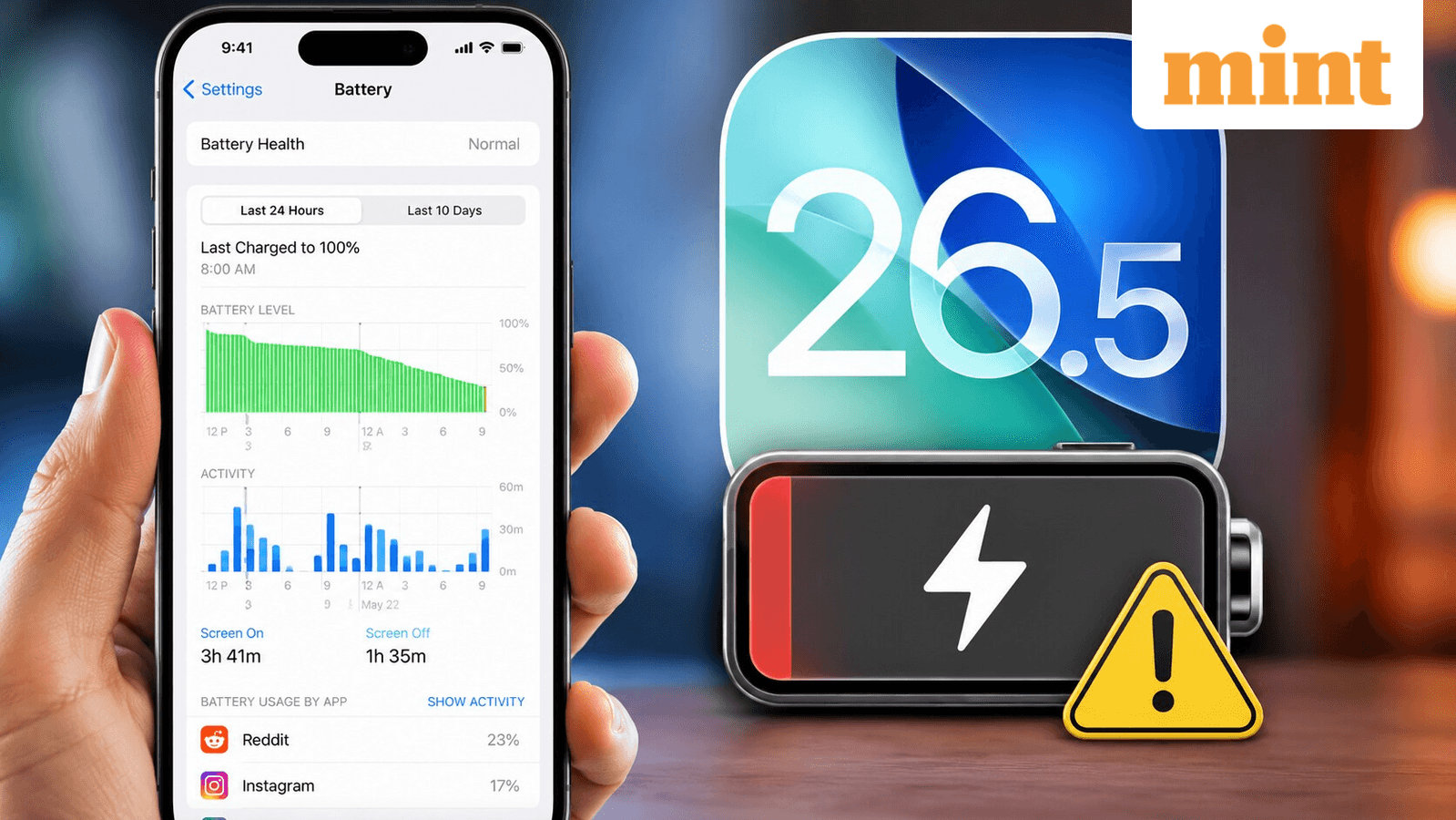
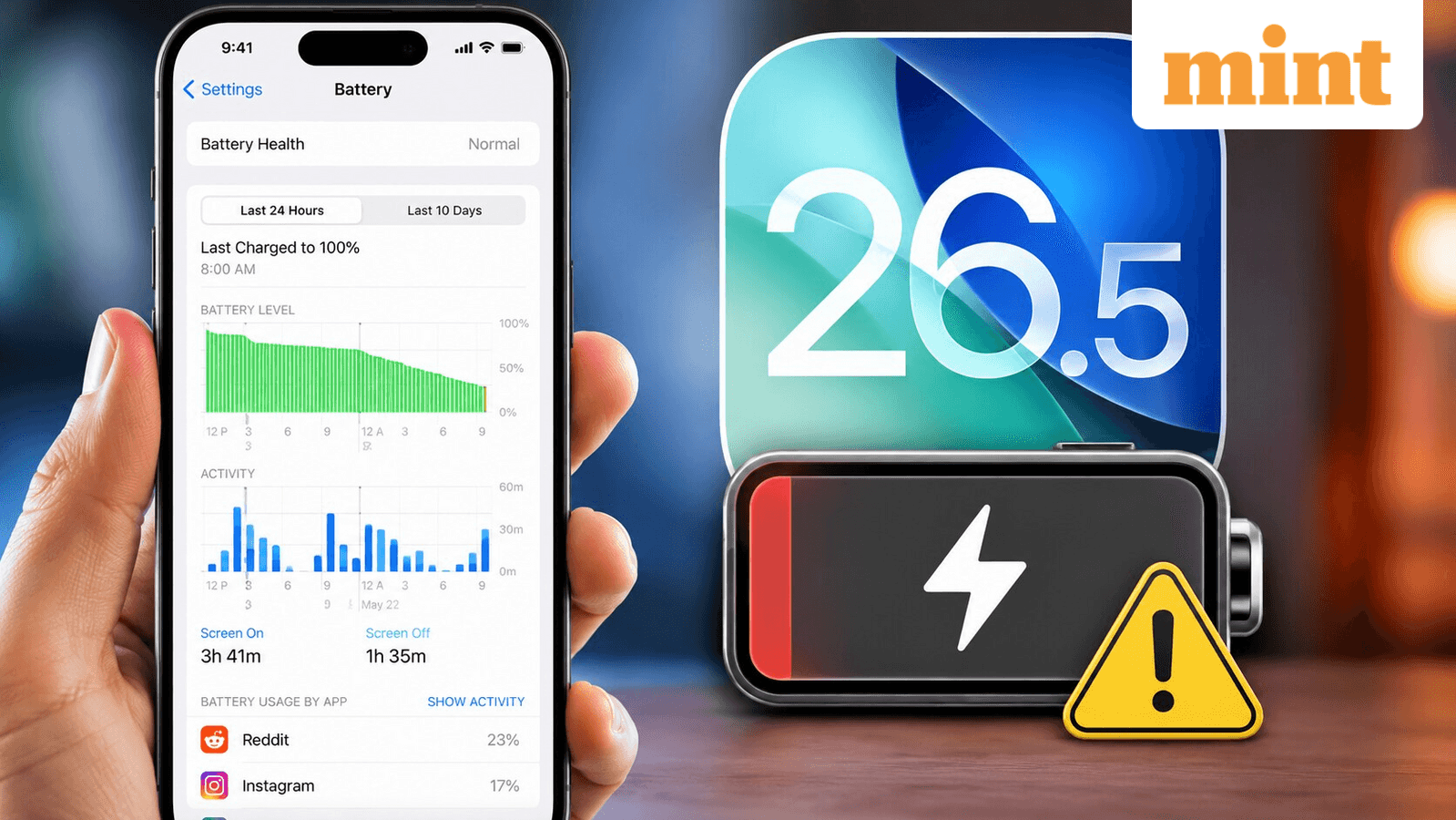
The complaints started on r/ios26, Reddit's dedicated iOS forum. One iPhone 14 Pro Max user described the problem clearly: "Before this update my battery was honestly still really solid... I could get through a full work day and still have like 30-40% when I got home. Ever since updating to 26.5 though... man. I unplugged at 100% this morning around 8am, and by lunch I was already at 48%."
That's a 52% drain in roughly four hours. The user said they did "nothing wild" beyond streaming Spotify, scrolling Reddit, and watching TikTok videos.
Heat is the other complaint. One Reddit user wrote: "The phone gets noticeably warm doing basic stuff now. Especially while charging or if I have the camera open for more than a couple minutes. It was never like this on 26.4. Not even close."
Why This Happens After Every Major Update
Apple's official support page explains the phenomenon. When you install a new iOS version, your iPhone doesn't just reboot and continue where it left off. The operating system runs intensive background processes that take hours or days to complete.
“Immediately after completing an update, particularly a major release, you might notice a temporary impact on battery life and thermal performance. This is normal, as your device needs time to complete the setup process in the background.”
— Apple Support
What's happening behind the scenes? Three main tasks. First, the system indexes all your data and files for Spotlight search. Second, it downloads new system assets. Third, it updates and optimizes every app for the new code.
All of this requires significant CPU power. More CPU usage means faster battery drain and noticeable heat. It's basic physics, not a bug.
iOS 26.5's Extra Wrinkle: Apple Intelligence
This update adds complexity beyond normal indexing. iOS 26.5 introduces the "Liquid Glass" visual interface and requires Apple Intelligence to recalibrate its on-device models.
“The complexity of iOS 26.5's background tasks, particularly the new Apple Intelligence re-calibration, may require up to three full charge cycles to normalize.”
— James Peckham, Tech Analyst at PCMag
One Reddit user figured this out on their own: "Turn AI off. Running AI in the background kills your battery." This advice has merit. If you're on an older device and need to preserve battery, disabling Apple Intelligence in Settings can help during the transition period.
Tech reviewer Marques Brownlee (MKBHD) offered similar advice about the visual redesign: "The new 'Liquid Glass' UI is a battery-hungry monster. If you're on an older device, disabling these animations is the first thing you should do."
How Long Will This Last?
Most users report normal battery behavior returning within 48 to 72 hours. Some need up to three full charge cycles, especially on older devices with more data to index.
The best approach: install the update, plug in your phone overnight, and let it work. Keep your iPhone connected to power and Wi-Fi when possible during the first couple of days. The background processes complete faster when the device isn't also managing active use.
What to Do Right Now
- Wait 48-72 hours before concluding something is wrong
- Keep your iPhone plugged in overnight to let background tasks complete
- If battery drain persists after 3 days, check Battery Health in Settings
- Consider temporarily disabling Apple Intelligence if you need maximum battery life
- Reduce Liquid Glass animations by enabling Reduce Motion in Accessibility settings
If severe drain continues beyond a week, that's when to contact Apple Support. At that point, you may have a legitimate bug rather than normal post-update behavior.
Logicity's Take
More on device longevity and maintenance
Frequently Asked Questions
Why is my iPhone battery draining fast after iOS 26.5?
Your iPhone is completing background processes including data indexing, system asset downloads, and app optimization. This typically resolves within 48-72 hours.
Is iOS 26.5 battery drain a bug?
No. Apple's official support page confirms this is expected behavior after major updates. The system needs time to complete setup processes.
How do I fix iOS 26.5 battery drain?
Wait 2-3 days and keep your phone plugged in when possible. You can also temporarily disable Apple Intelligence or reduce Liquid Glass animations to conserve power.
Why is my iPhone getting hot after iOS 26.5?
Background indexing and AI recalibration require significant CPU power, which generates heat. This should subside once the processes complete.
When should I contact Apple Support about battery drain?
If severe battery drain persists beyond one week after the update, contact Apple Support. At that point, it may indicate a bug rather than normal post-update behavior.
Need Help Implementing This?
Source: mint / Aman Gupta
Looking Ahead: iOS 27 Performance Focus and AI Upgrades
The new article provides details on the upcoming iOS 27, which is expected to focus on performance and stability similar to the 'Snow Leopard' update. It also highlights a major Siri redesign involving a partnership with Google and new visual integration within the Dynamic Island.
Huma Shazia
Senior AI & Tech Writer
Produced with AI assistance and reviewed by the Logicity editorial team. Learn more in our Editorial Policy.




