Key Takeaways
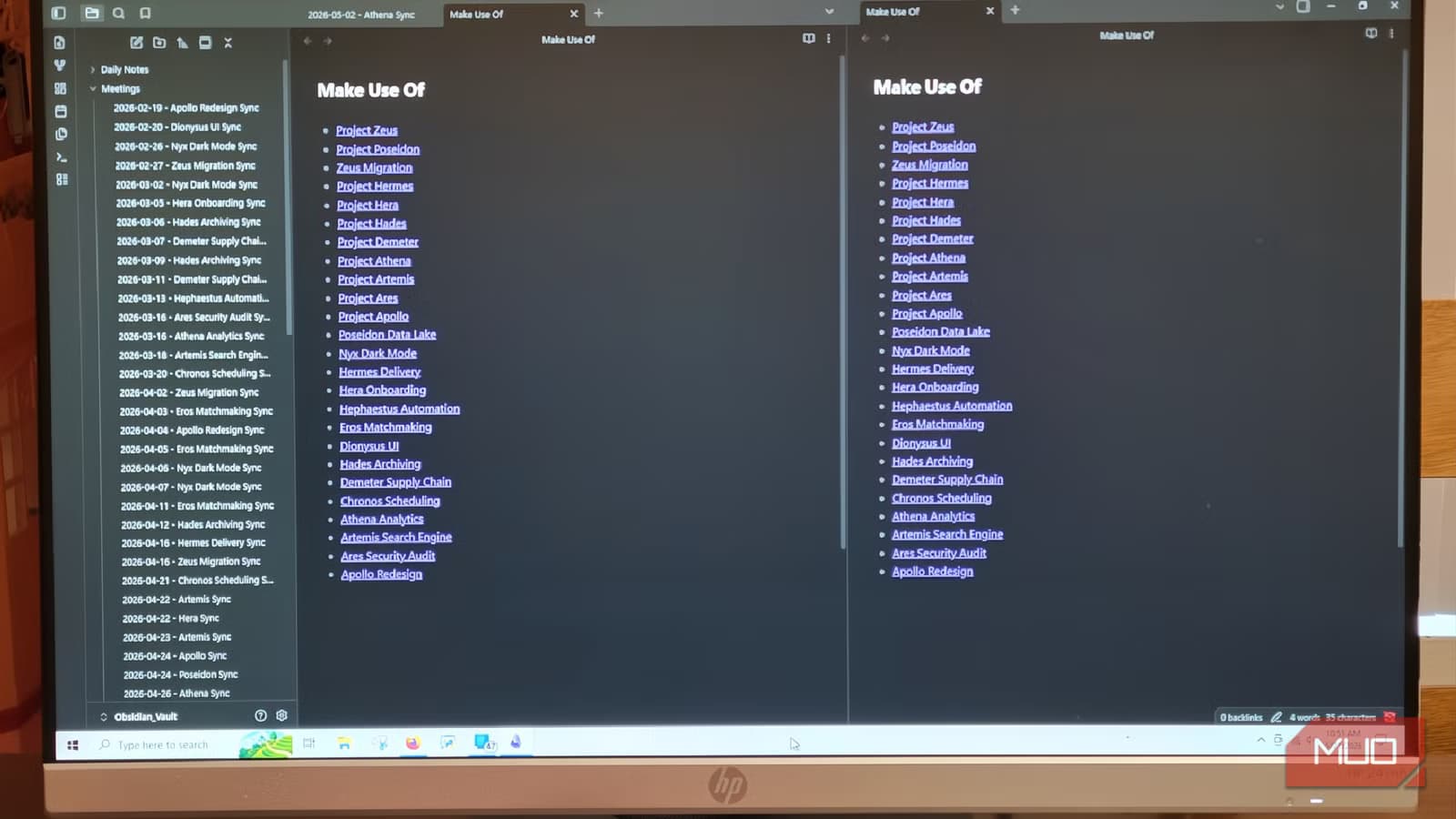
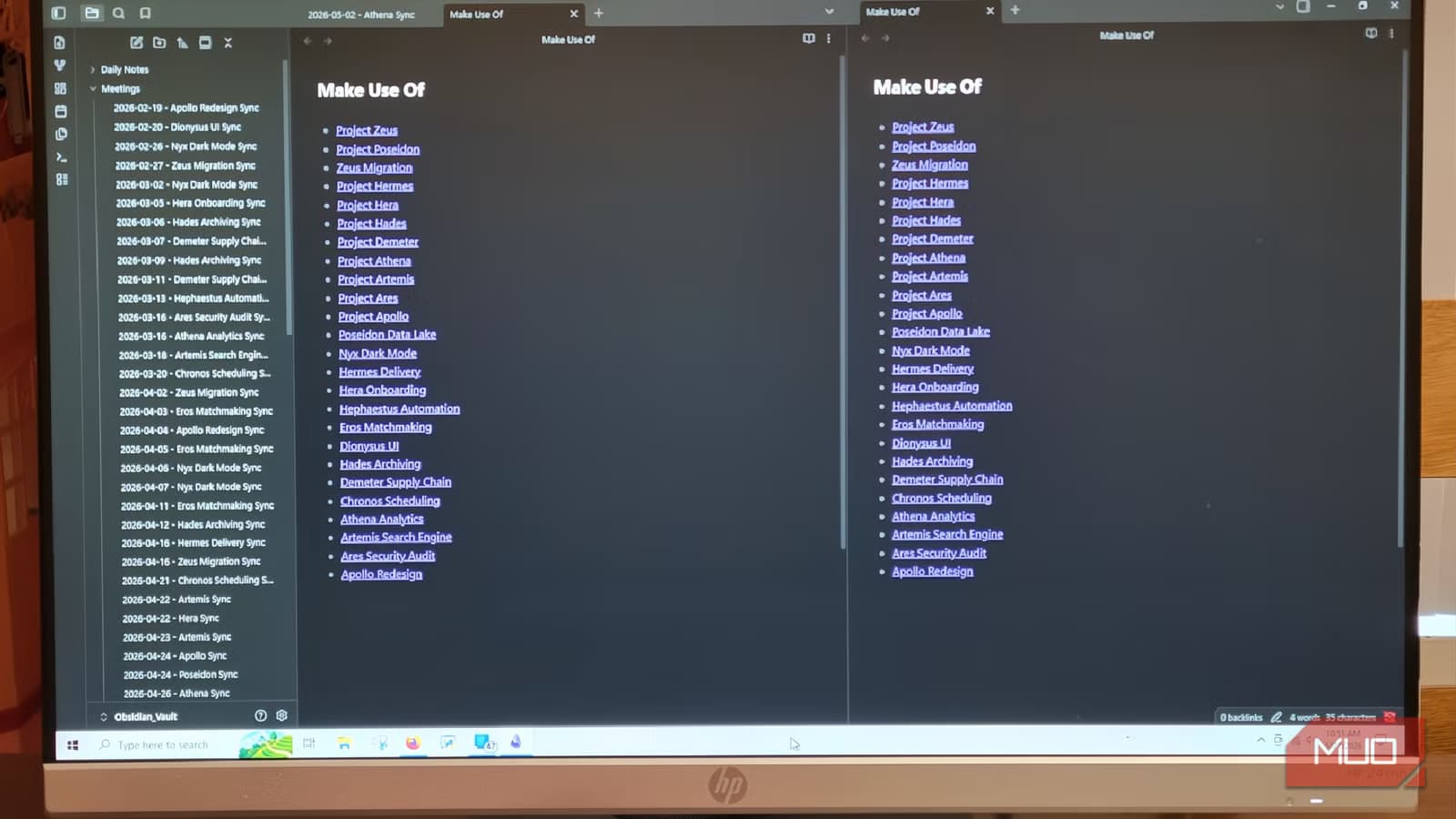
- Dataview creates a live, in-memory index of all metadata across your Obsidian vault
- A single query can pull every active project and deadline into one auto-updating view
- The plugin is free and works with Obsidian's existing local Markdown file system
The Problem With Large Obsidian Vaults
Building a massive note collection in Obsidian is easy. The app runs on local, plaintext Markdown files. Writing is fast. Before you know it, you have hundreds or thousands of notes scattered across nested folders.
That's when the trouble starts. Finding specific information across a library that large takes real time. Manual navigation through folders only works for so long. Tech writer Jorge Aguilar describes the frustration: spending twenty minutes hunting for a single meeting note.
The fix isn't switching apps. It's treating your vault like a database.
What Dataview Actually Does
The Dataview community plugin transforms how Obsidian handles your notes. Instead of just storing files, it creates a live, in-memory index of all the metadata scattered across your vault.
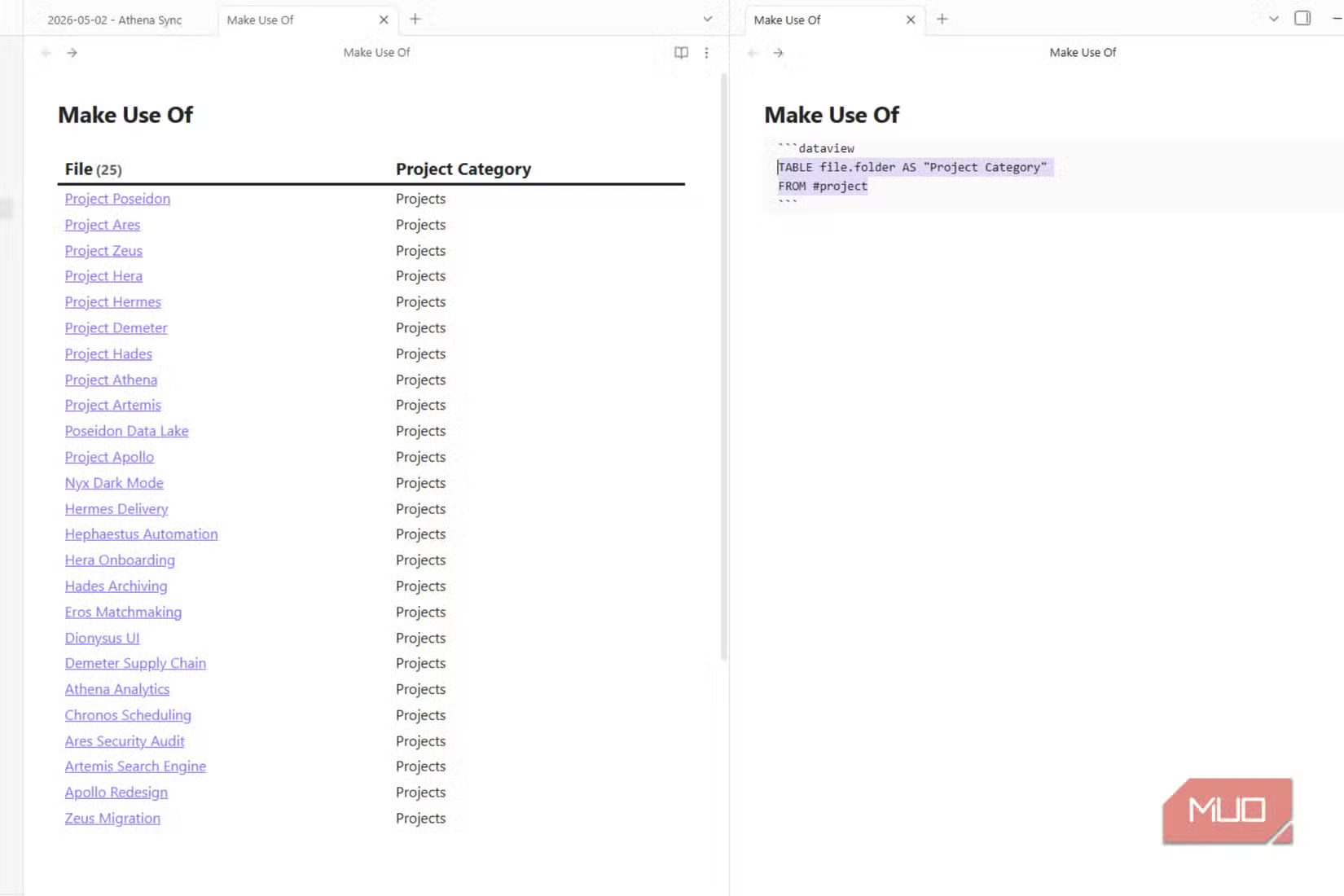
Once installed, you can query your notes using the Dataview Query Language (DQL). Add metadata to your notes, things like tags, dates, statuses, and project names, and you can search across all of it instantly.
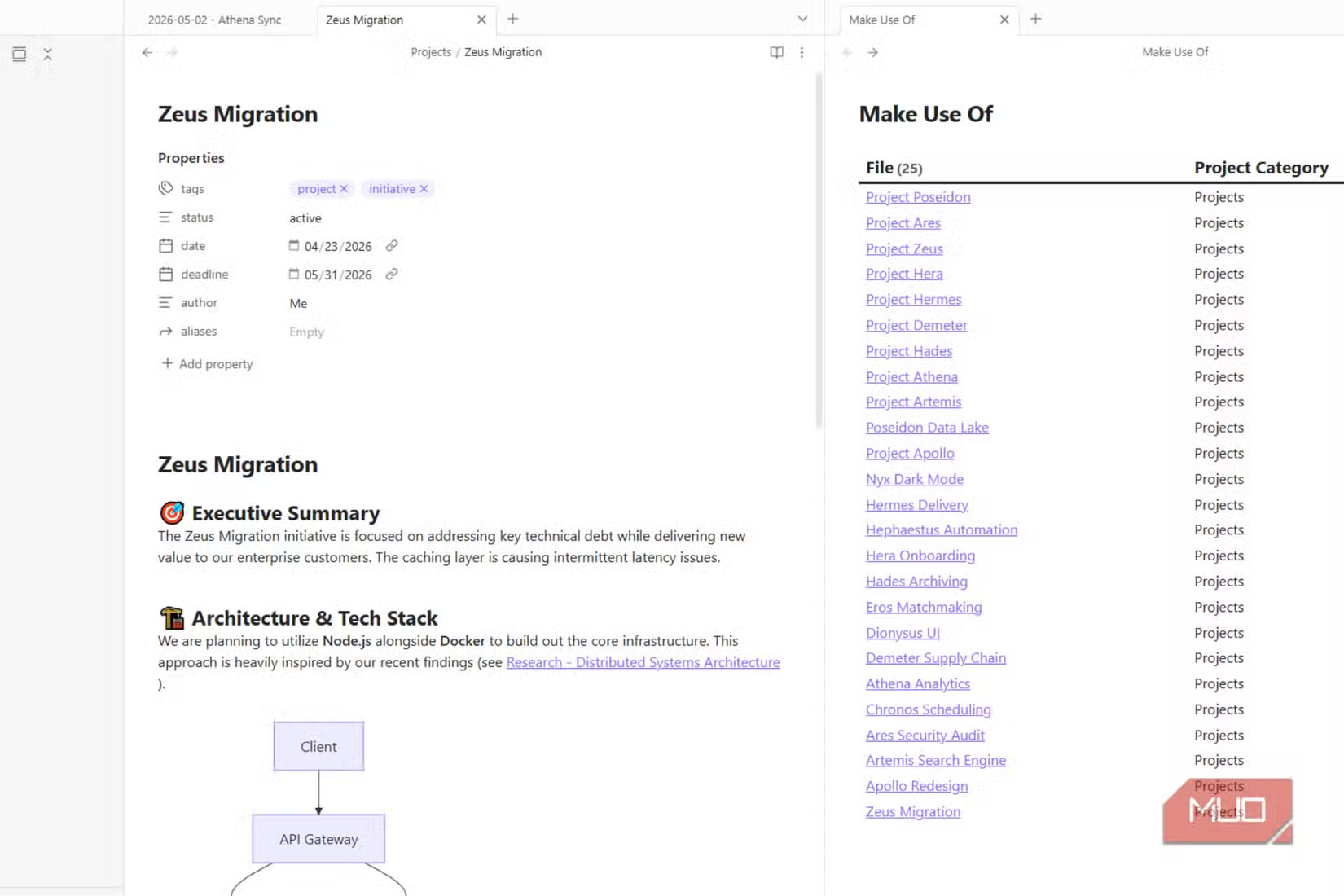
The plugin pulls results as structured lists, dynamic tables, or calendar views. A single table query can show every active project and its upcoming deadline in one view. That view updates automatically as your notes change.
Building a Project Dashboard
The real power shows up when you build a project dashboard. This is a single page that monitors every active project at once. No jumping between Obsidian and a separate project management app.
Aguilar reports that a few basic queries for his daily checklist saved him more time than expected in the first week alone. Since Dataview pulls any note with the right metadata into your queries, regardless of where it's saved in your folder structure, nothing gets buried or lost as the vault grows.
How to Install Dataview
The plugin is free and installs directly through Obsidian's community plugin browser. Here's the process:
- Open Obsidian Settings
- Navigate to Community Plugins
- Turn off Restricted Mode if you haven't already
- Click Browse and search for "Dataview"
- Install and enable the plugin
After installation, you'll need to add metadata to your notes using YAML frontmatter. This is the structured data that Dataview queries. A simple project note might include fields like status, due date, and project name at the top of the file.
The Learning Curve
Dataview requires some upfront work. You need to consistently add metadata to notes, and you need to learn the query syntax. Reddit's r/ObsidianMD community frequently discusses this tradeoff.
Users commonly share query snippets for everything from automated reading lists to complex CRM systems. New users often note the learning curve compared to standard Markdown. But most who stick with it report significant time savings once the system is set up.
Why This Matters for Heavy Note-Takers
Obsidian's plugin ecosystem now includes over 1,000 community plugins, serving an estimated 500,000+ active monthly users. Dataview stands out because it addresses a core scaling problem: the more notes you create, the harder they are to find.
The plugin turns Obsidian from a note repository into something that manages your work. Your notes become queryable. Your projects become trackable. And you stop losing twenty minutes hunting for a single file.
Logicity's Take
Another free tool hack for power users
Frequently Asked Questions
Is the Dataview plugin free?
Yes. Dataview is a free community plugin available through Obsidian's built-in plugin browser.
Do I need coding experience to use Dataview?
No coding experience is required, but you'll need to learn the Dataview Query Language (DQL). The syntax is simpler than most programming languages, and many users share ready-to-use query snippets online.
Will Dataview work with my existing Obsidian notes?
Dataview works with any Obsidian vault. However, you'll need to add YAML metadata to notes you want to query. Existing notes without metadata won't appear in your queries until you add the relevant fields.
Does Dataview sync across devices?
Dataview indexes your local files, so it works on any device where your vault is synced. The queries and results are generated locally on each device.
Need Help Implementing This?
Source: MakeUseOf
Huma Shazia
Senior AI & Tech Writer
Produced with AI assistance and reviewed by the Logicity editorial team. Learn more in our Editorial Policy.