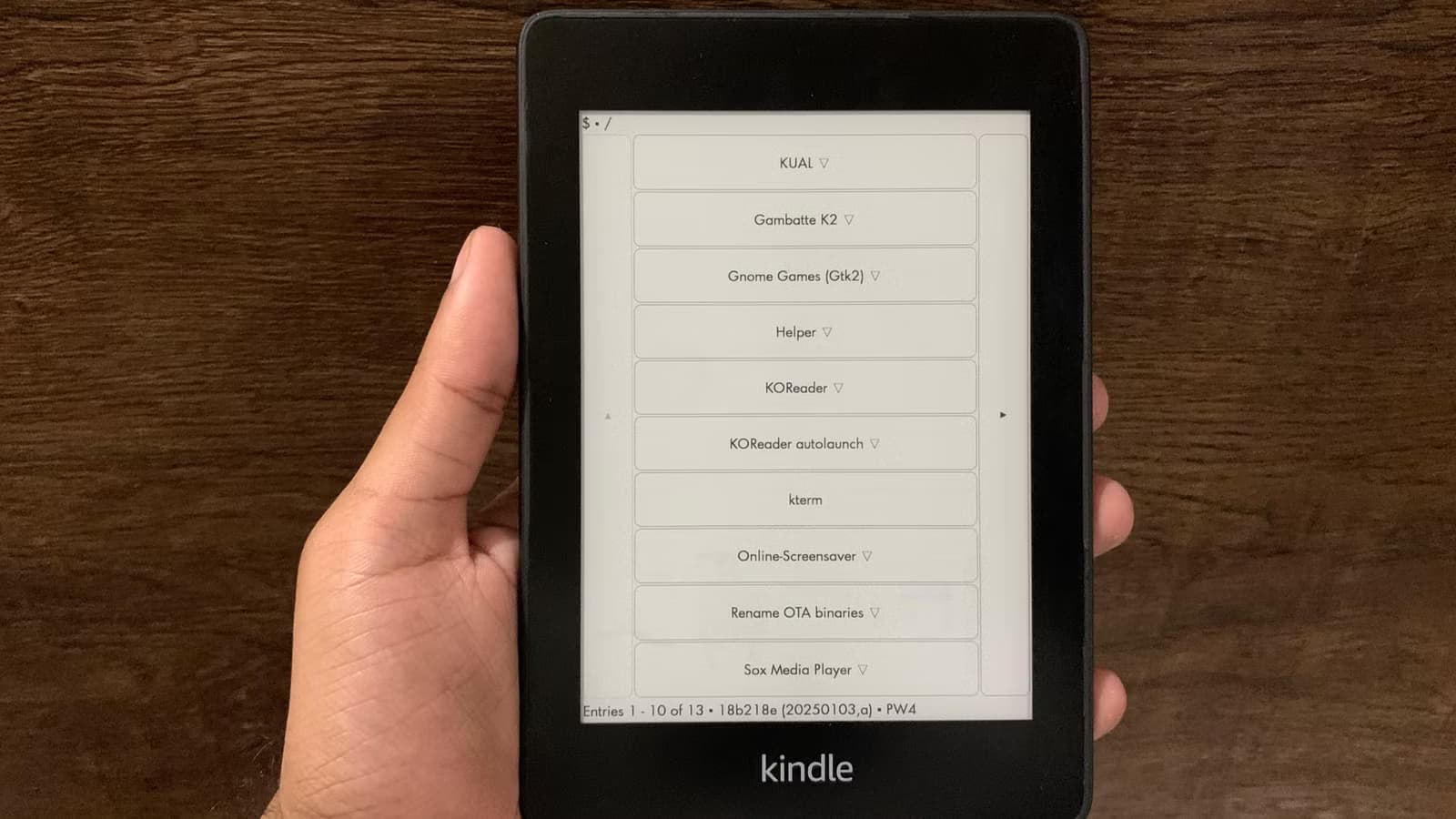
Your Kindle can do far more than display e-books and Amazon ads. A dedicated online community has spent years unlocking that potential, and their work has never been more relevant. With Amazon officially cutting off store access for Kindle models up to 14 years old as of May 20, 2026, jailbreaking has shifted from hobbyist tinkering to a practical necessity for keeping functional hardware out of landfills.
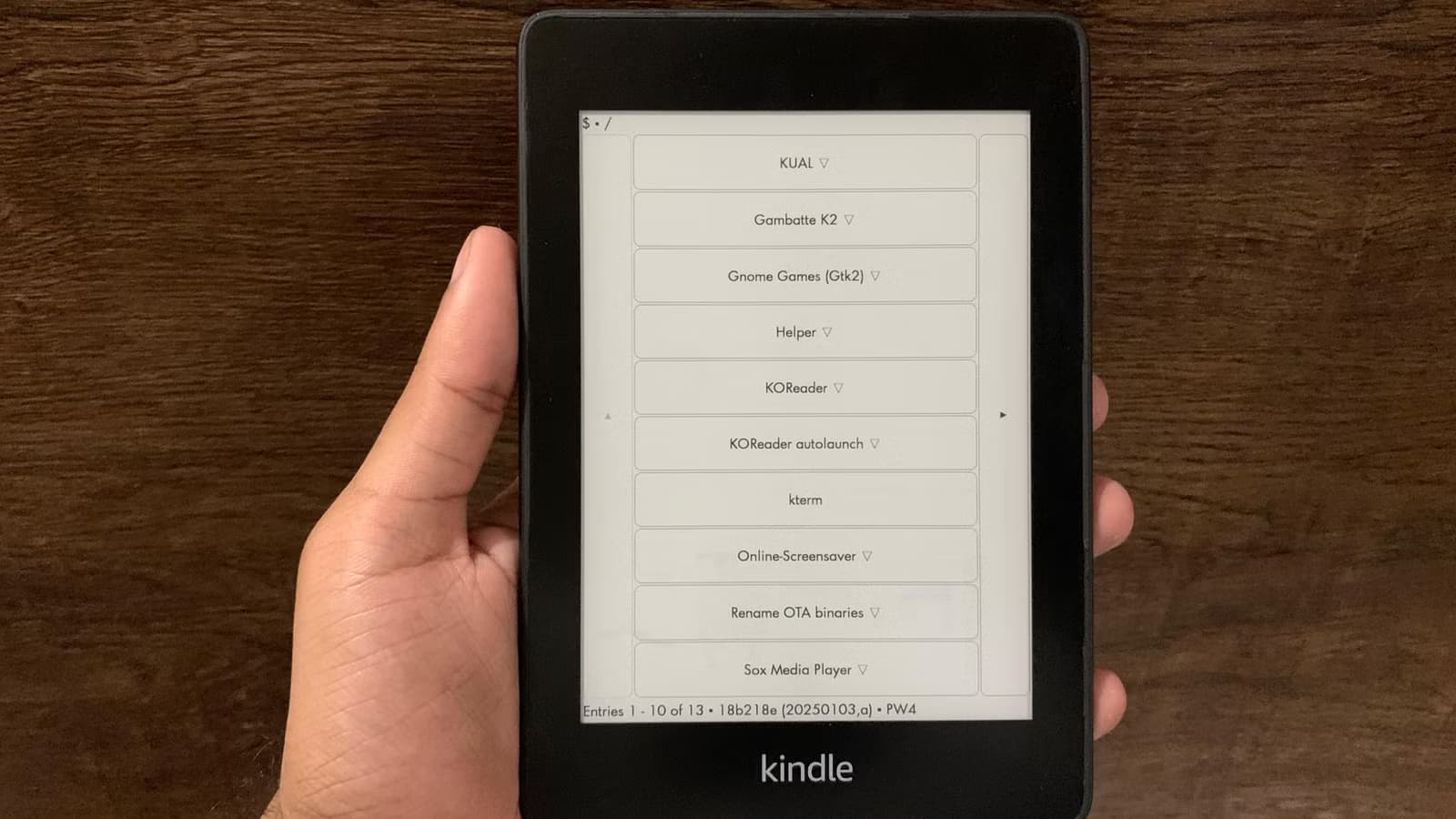
Faisal Rasool, a feature writer at How-To Geek, recently shared the six plugins he uses daily on his jailbroken Kindle. All of them are free. Several of them, he admits, are good enough that he'd pay for them.
KOReader: The Open-Source Replacement
KOReader is the flagship of the Kindle modding scene. It's a free, open-source replacement for the entire Kindle interface and reader app. Rasool says he never went back to the stock reader after installing it.
“KOReader transforms the Kindle from a restricted reader into a true document computer.”
— Alex Rivera, Open-Source Enthusiast
The appeal is practical. KOReader opens any file format, including EPUB, DOC, and comic book archives. Its PDF viewer includes a text reflow feature that automatically fits content to the screen. You can set your current book cover as the lock screen wallpaper, or use custom images instead.
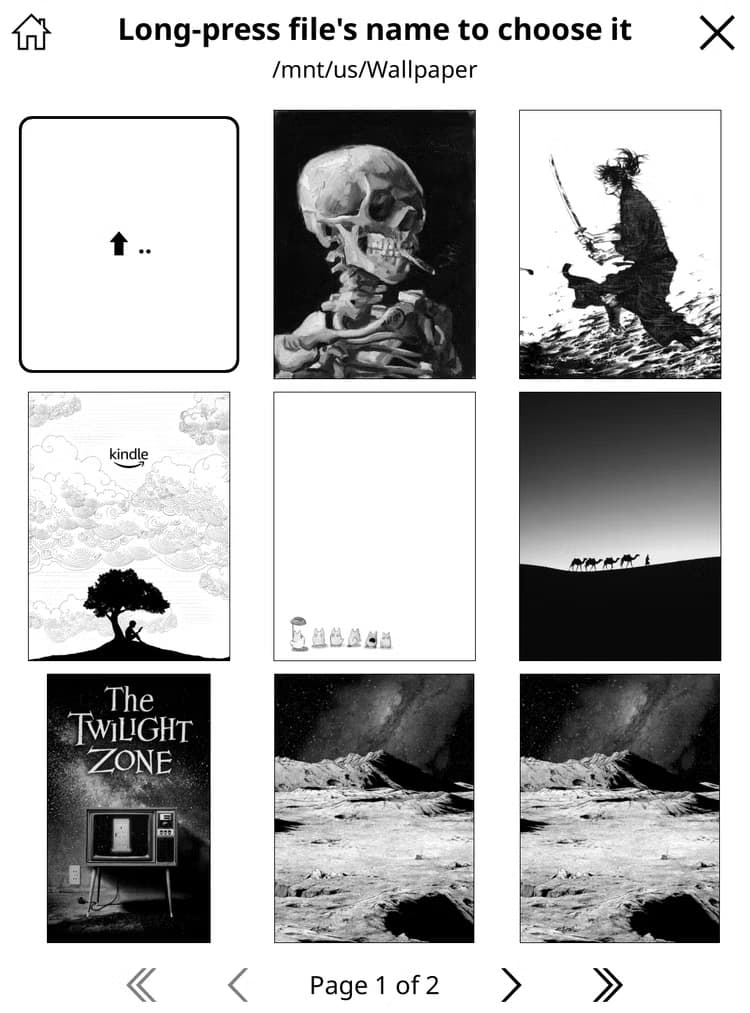
The customization runs deep. Every aspect of the interface and reader appearance can be tweaked. There are detailed book and reading statistics, direct Calibre integration, automatic RSS feed downloads, read timers, and profiles for quickly switching layouts.
KOReader has its own plugin ecosystem. Rasool installed one that auto-launches KOReader on boot, so he never sees the Amazon interface unless he deliberately exits. It's an effective way to de-Amazon the experience entirely.
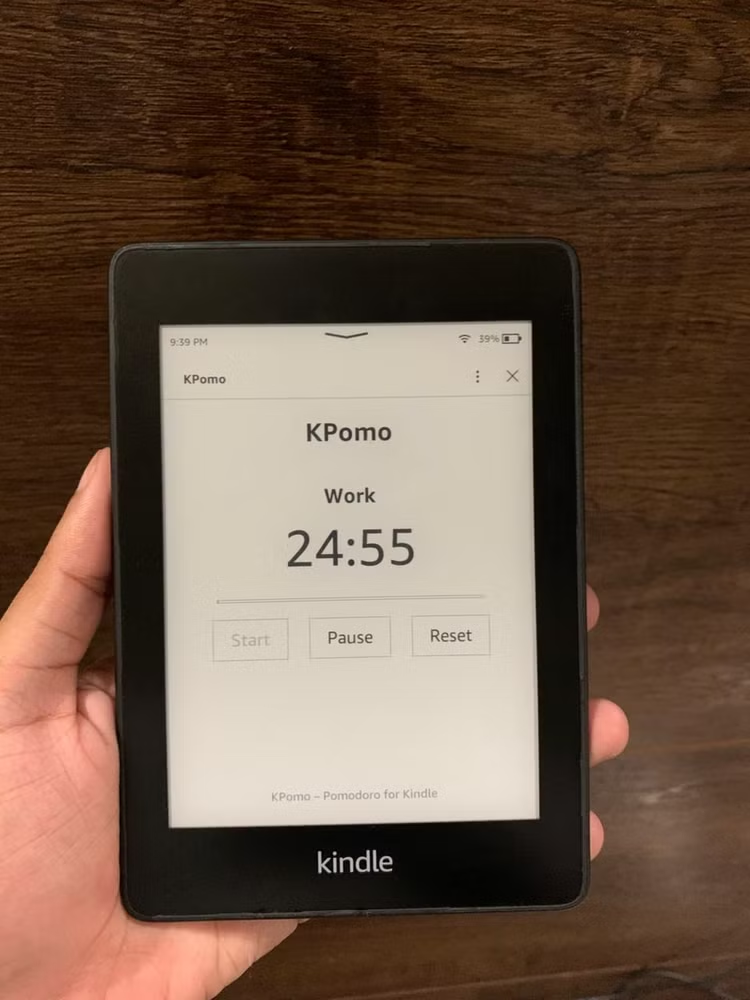
KPomo: A Pomodoro Timer on E-Ink
E-ink displays draw minimal power, which makes them excellent dashboards. Rasool uses his Kindle as a Spotify remote, but most often it serves as his work timer. KPomo brings the Pomodoro technique to the Kindle's low-power screen.
Why Jailbreaking Matters Now
The timing of this guide isn't coincidental. Amazon's decision to discontinue support for older Kindle models has triggered a surge in jailbreaking activity. The community frames it as a right-to-repair initiative.
The current method of choice is called "Adbreak." It targets firmware versions in the 5.18.x range and uses the Kindle's own ad-delivery system to gain root access. The exploit has gone viral in modding communities.
The Catch: Airplane Mode Required
Jailbreaking isn't without trade-offs. Community members consistently warn that it requires technical patience. Most importantly, jailbroken Kindles must stay in Airplane Mode to prevent mandatory firmware updates that would permanently patch the exploits.
For users who primarily sideload books via Calibre or USB anyway, this isn't a major limitation. For those who rely on over-the-air purchases from the Kindle Store, it's a dealbreaker.
Games on Your Kindle
The plugin ecosystem extends beyond productivity. Rasool mentions installing games, including a Wordle clone that runs directly on the e-ink display.
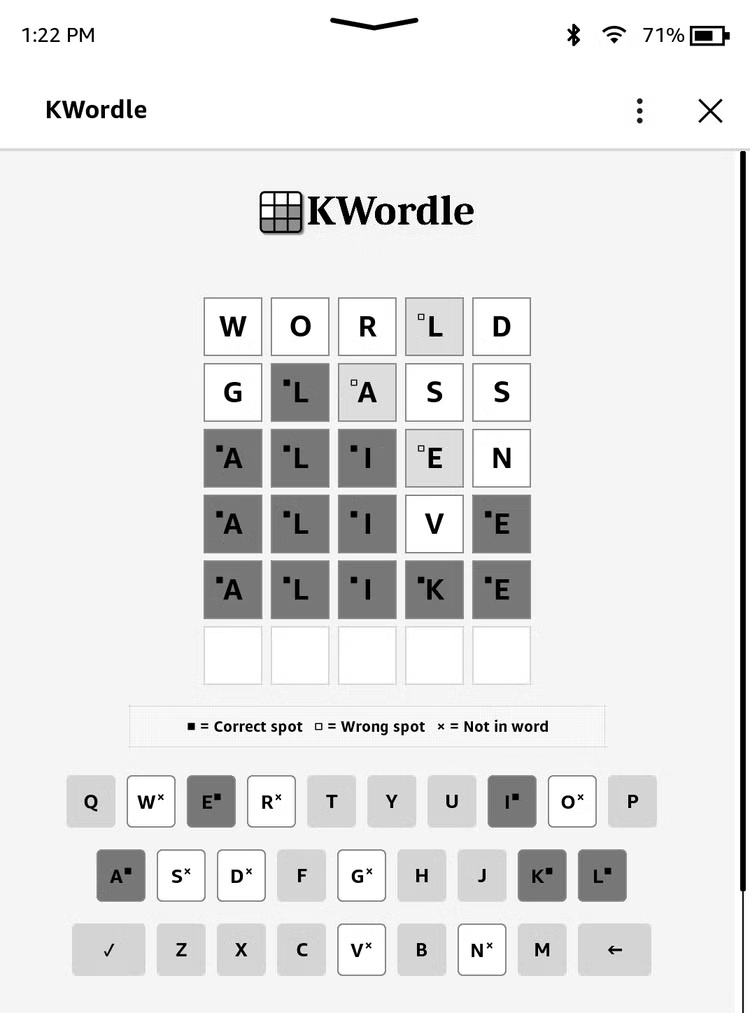
The e-ink refresh rate makes fast-paced games impractical, but turn-based puzzles work well. It's a reminder that these devices are general-purpose computers artificially limited by their stock software.
Logicity's Take
Getting Started
The Adbreak method targets specific firmware versions. Before attempting anything, check your Kindle's current firmware in Settings > Device Info. If you're on 5.18.x, the community's documentation covers the process in detail.
Reddit and Hacker News threads are the best starting points. The community is active and generally welcoming to newcomers, though they emphasize patience. One wrong step can brick the device.
Another productivity hack for getting more from your existing tools
Frequently Asked Questions
Is jailbreaking a Kindle legal?
In the United States, jailbreaking personal devices you own is generally legal under DMCA exemptions. However, using jailbroken devices for piracy remains illegal.
Will jailbreaking void my Kindle warranty?
Yes. Modifying the firmware violates Amazon's terms of service and voids any remaining warranty coverage.
Can I still buy books from the Kindle Store after jailbreaking?
Only if you're willing to risk losing the jailbreak. Connecting to Amazon's servers may trigger a mandatory firmware update that patches the exploit.
What firmware versions can be jailbroken in 2026?
The current Adbreak method targets firmware versions in the 5.18.x range. Check the community documentation for the most current compatibility information.
Can a jailbreak brick my Kindle?
Yes. The process requires careful attention to instructions. Mistakes can render the device unusable. Always back up your data first.
Need Help Implementing This?
Source: How-To Geek
Manaal Khan
Tech & Innovation Writer
Produced with AI assistance and reviewed by the Logicity editorial team. Learn more in our Editorial Policy.