Key Takeaways

- Version control for AI agents prevents re-introducing bugs after model updates
- A scorecard with pass/fail dealbreakers plus 0-2 quality metrics creates objective evaluation
- Test suites of 20-50 real responses let you measure improvements before going live
Your AI agent works perfectly for three weeks. Then the model provider ships an update, your instructions get interpreted differently, and the whole thing drifts off-course. This is the reality of running AI agents in production: they need ongoing maintenance, not a one-time setup. Zapier has published a framework for improving AI agent performance that treats this maintenance as a repeatable process rather than constant firefighting.
Disclosure
Some links in this post are affiliate links — Logicity earns a commission if you sign up, at no extra cost to you. We only link products we have used or actively recommend.
The framework splits into three phases: preparation, finding solutions, and implementation. Each phase has concrete steps that operations teams can follow without deep ML expertise. The goal is building a system where agent improvements become routine, not reactive.
Why version control matters for AI agents
Version control sounds like developer infrastructure, but for AI agents it solves a specific problem: you can't roll back to what worked if you don't know what "what worked" actually was. Without it, teams re-introduce bugs they already fixed, and collaboration between multiple builders becomes guesswork.
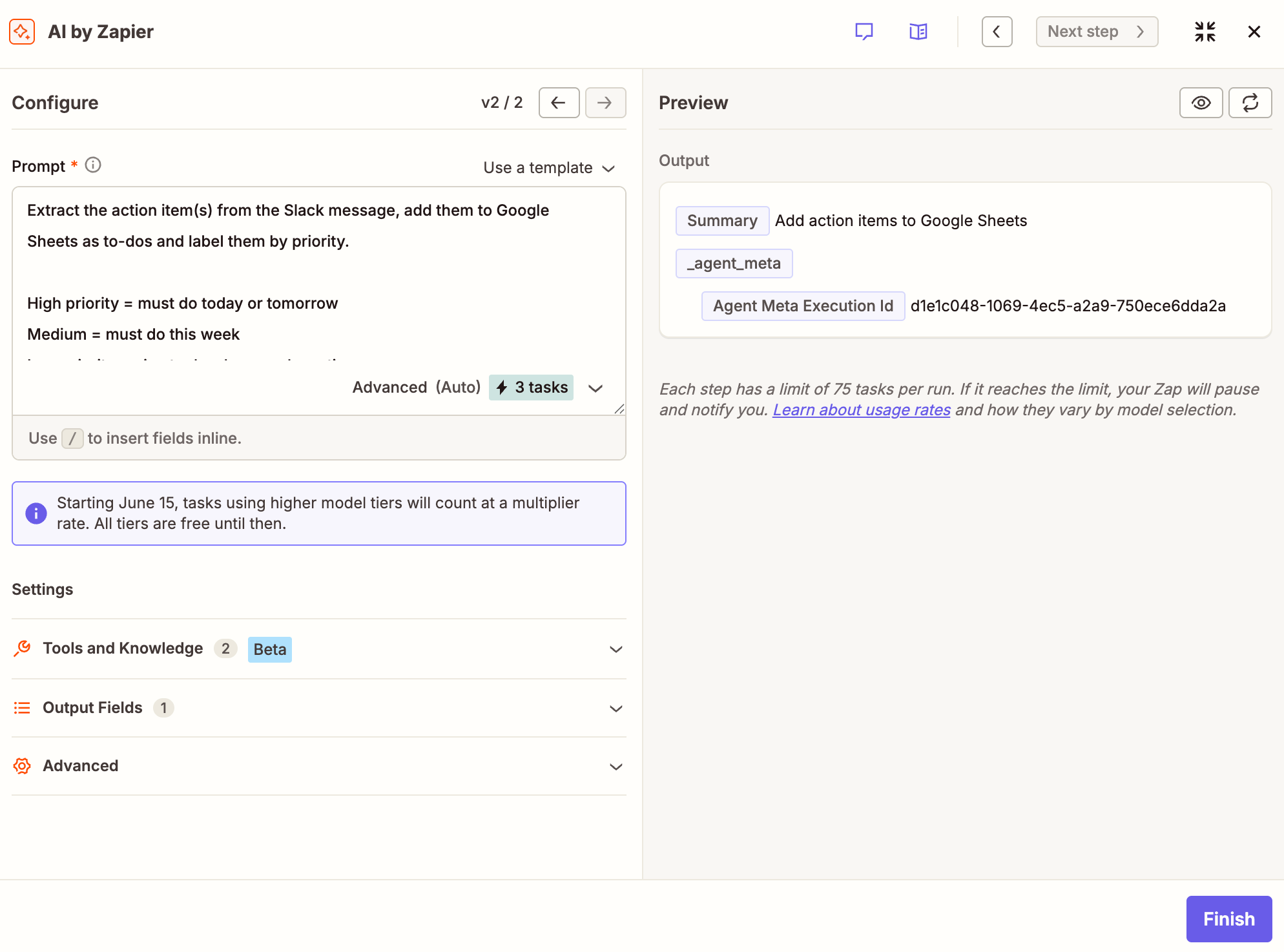
Some platforms, including Zapier, offer built-in version control. If yours doesn't, track everything in a single source of truth: the AI model you're using, system instructions, connected tools, knowledge base versions, and any other configuration that changes agent behavior. Start at v1.0.0 and increment from there.
Before making changes, duplicate your current configuration into a sandbox. This lets you experiment without breaking production. If you have multiple builders, give each person their own sandbox and pick the best candidate for release.
Building a scorecard that actually measures quality
The first real work is deciding what you're improving. Model fails to reply on-target? Focus on accuracy. Voice is off-brand? Focus on tone. Tool calls got unpredictable? Prepare to dig into schemas and APIs.
With your objective clear, create a scorecard. This separates useful results from bad outputs using two rubrics.
Rubric one covers dealbreakers. These are pass/fail conditions. If the model hallucinates, ignores a critical instruction, violates compliance, or uses a tool incorrectly, it's an instant fail. No partial credit.
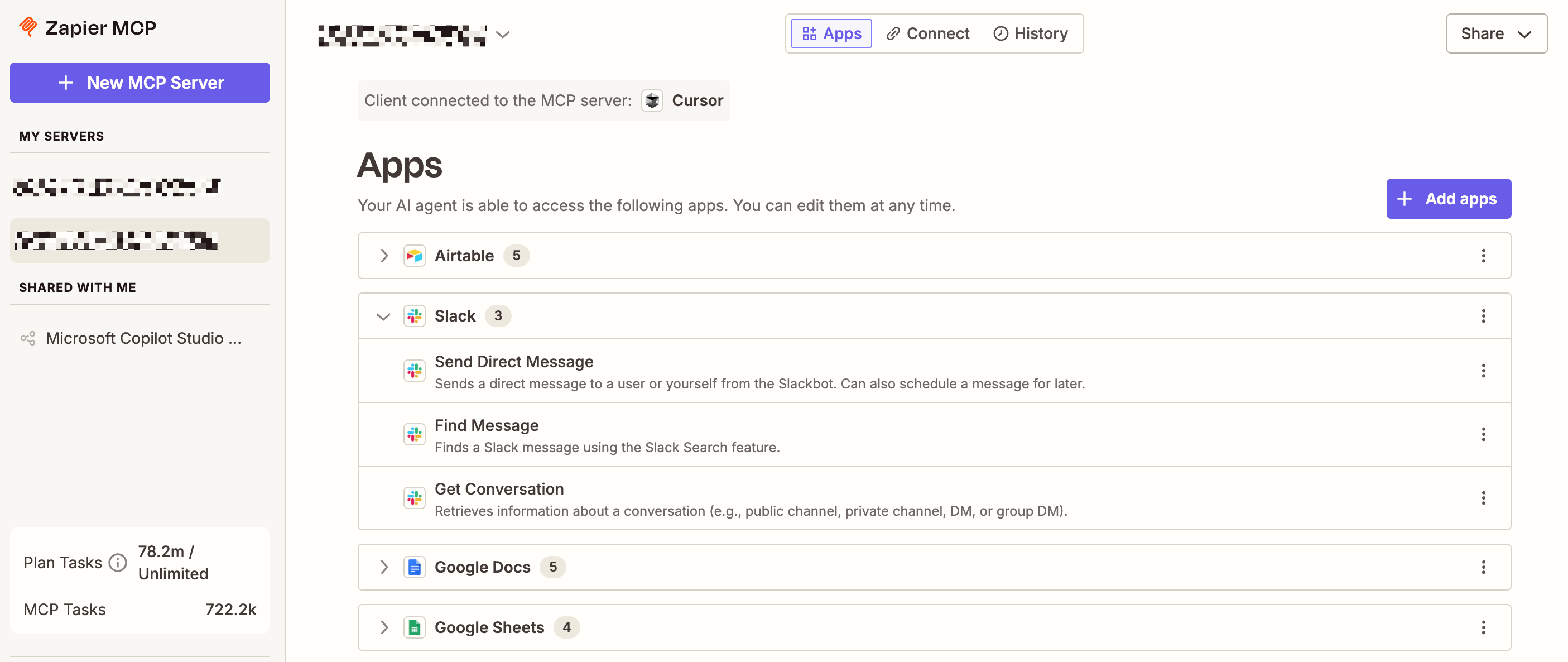
Rubric two is quality scoring on a 0-2 scale. A response scoring 0 is incorrect or confusing. Scoring 1 means partially correct but with gaps. Scoring 2 means fully correct, grounded in provided data, and easy to follow. Apply this across metrics like accuracy, groundedness, helpfulness, and brand tone.
Collecting and grading real agent outputs
Gather 20 to 50 recent responses from actual conversations or agent runs. Enough to see patterns, not so many that grading becomes overwhelming. The critical detail: this set must reflect the full range of what users actually ask. If you only collect the easy cases, you'll optimize for a narrow range and make the agent inflexible.
For simple Q&A chatbots, pairs of user prompts and agent responses work fine. For agents running multiple tool calls or multi-turn conversations, you need the full interaction history to understand why a response went wrong.
Grade each response using your scorecard. This creates a baseline. When you make changes later, you'll re-run the same grading to see if the numbers improve.
From problems to test suites
Grading reveals patterns. Maybe the agent hallucinates when asked about pricing. Maybe it calls the wrong tool for scheduling requests. Group similar failures together and prioritize by impact.
Build a test suite from your graded outputs. This is a set of prompts with known-good responses that you can run after every change. The test suite catches regressions before they hit production. It also gives you confidence that improvements in one area didn't break something else.
Experimenting and validating fixes
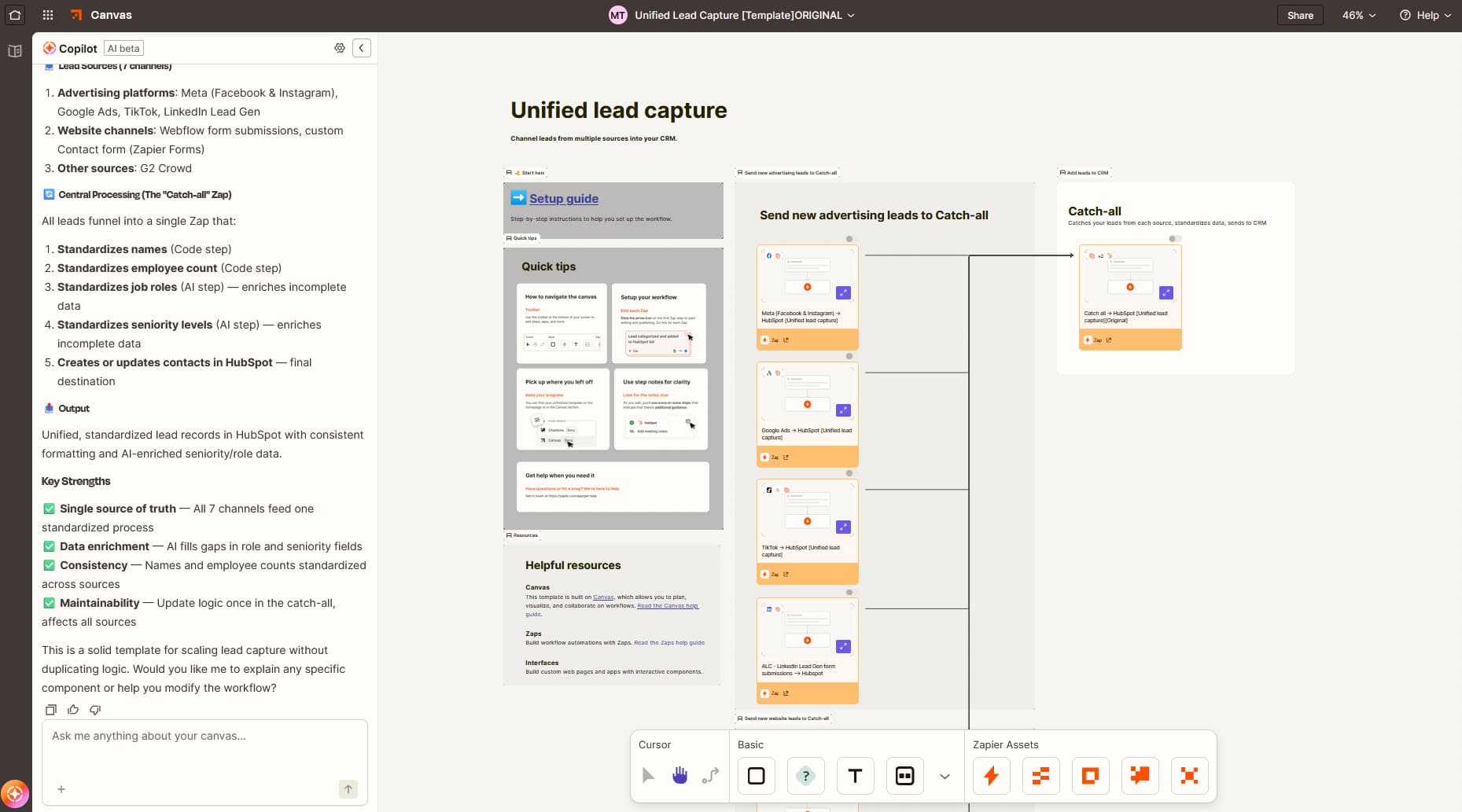
Brainstorm approaches to your top problems. This might mean rewriting system instructions, swapping to a different model, adjusting tool configurations, or updating your knowledge base. Work in your sandbox.
After each change, run your test suite. Compare the new scores against your baseline. If scores improve without regressions, you have a candidate for release. If something breaks, you know immediately.
Optional: use AI itself to evaluate responses. This can scale your grading, but the approach requires careful prompt design to avoid the evaluator making the same mistakes as the agent being evaluated.
Going live without breaking production
Write a changelog documenting what changed and why. This isn't bureaucracy. When the agent drifts again in three months, the changelog tells you what worked before and what assumptions you made.
Deploy the updated agent. Keep your previous version tagged so you can roll back if something unexpected surfaces in production. Monitor initial responses closely.
The goal is making this entire cycle repeatable. Model updates will keep coming. User needs will evolve. A team that can run this loop in a few hours per month will keep their agents effective. A team that treats each problem as a one-off emergency will burn out.
Where agents typically break
Zapier's framework identifies several common failure points. Models: newer isn't always better for your specific use case. Test before upgrading. System instructions: small wording changes can cascade into different behavior. Connected tools: schema changes or API updates can break tool calls silently. Knowledge bases: outdated documents create confident-sounding hallucinations.
The framework also emphasizes keeping humans in the loop. Agents handling high-stakes decisions need approval workflows. Agents interacting with customers need escalation paths. Automation without oversight is how small errors become expensive incidents.
Logicity's Take
For RevOps teams, this framework maps directly to pipeline automation. If you're using AI agents to qualify leads, update CRM records in [HubSpot](https://logicity.in/r/hubspot) or [Salesforce](https://logicity.in/r/salesforce), or route tickets, the same version control and test suite logic applies. The key insight: treat your AI agent like code, not like a magic box. Zapier's platform has built-in versioning; alternatives like [Make](https://logicity.in/r/make) and [n8n](https://logicity.in/r/n8n) require more manual tracking but offer similar flexibility. Budget 2-4 hours monthly for agent maintenance, not as a cost but as insurance against the slow drift that turns a helpful tool into a liability.
Frequently Asked Questions
How often should AI agents be re-evaluated?
After every model update from your provider, and at minimum monthly even without updates. User behavior and data patterns shift over time.
What's the minimum test suite size for reliable results?
20 to 50 prompt-response pairs covering the full range of user inputs. Smaller suites miss edge cases; larger ones become impractical to maintain.
Can AI evaluate its own responses accurately?
Partially. AI evaluators can scale grading but may share blind spots with the agent being evaluated. Use human review for high-stakes decisions.
What's the biggest cause of AI agent performance degradation?
Model updates from providers that change how instructions are interpreted. Version control and test suites catch these shifts before they affect users.
Covers credit management for AI tools, relevant to teams running agents at scale
Need Help Implementing This?
Setting up version control and test suites for your AI agents? Logicity's consulting team works with operations teams to build maintainable AI workflows. Contact us for a free 30-minute assessment.
Source: The Zapier Blog
Huma Shazia
Senior AI & Tech Writer
Produced with AI assistance and reviewed by the Logicity editorial team. Learn more in our Editorial Policy.






