Key Takeaways
- Stuck pixels differ from dead pixels and can often be fixed with software
- Free pixel-fixing apps cycle colors rapidly to unstick frozen transistors
- Manufacturing pressure and transistor defects are common causes of stuck pixels
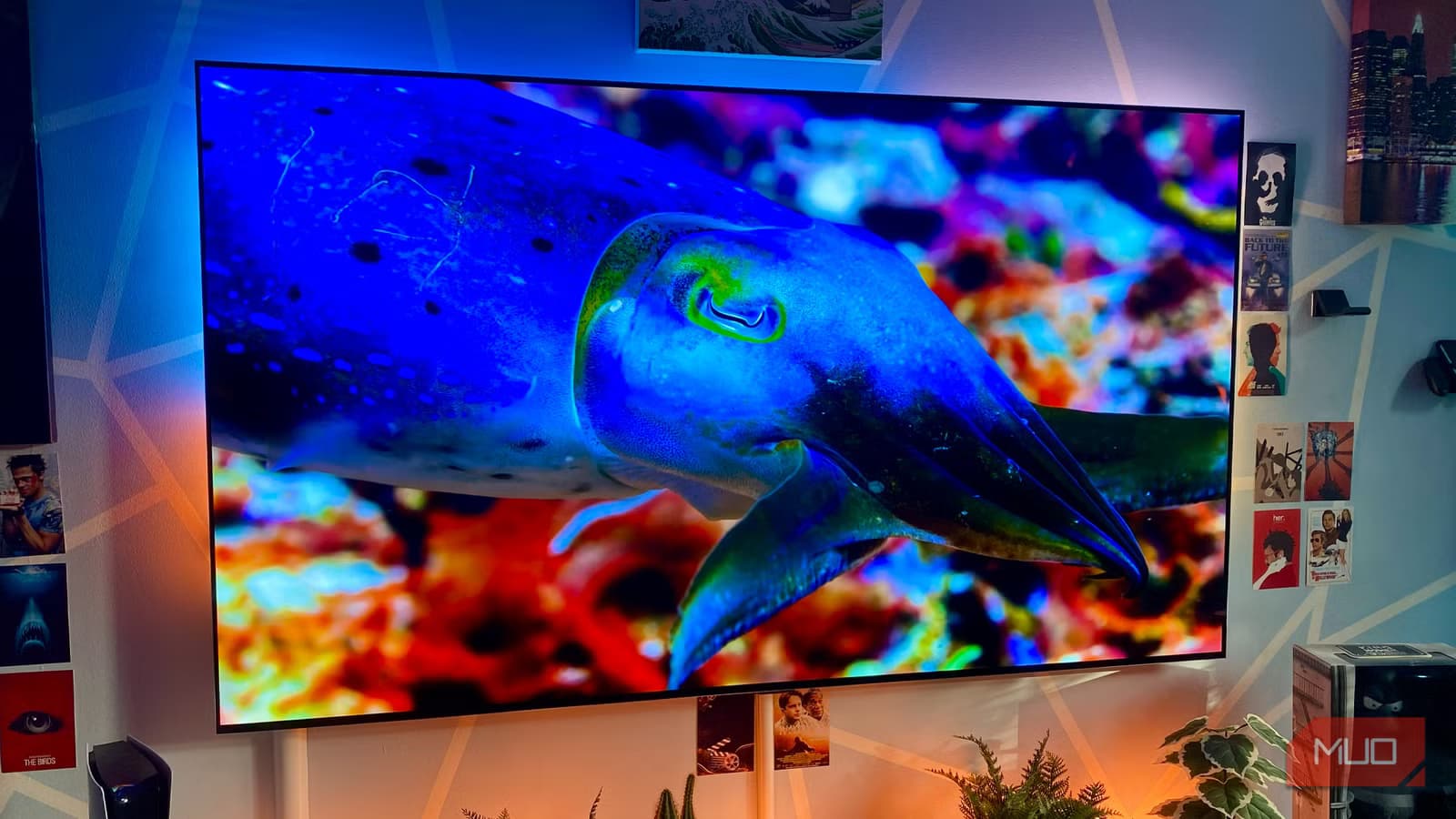
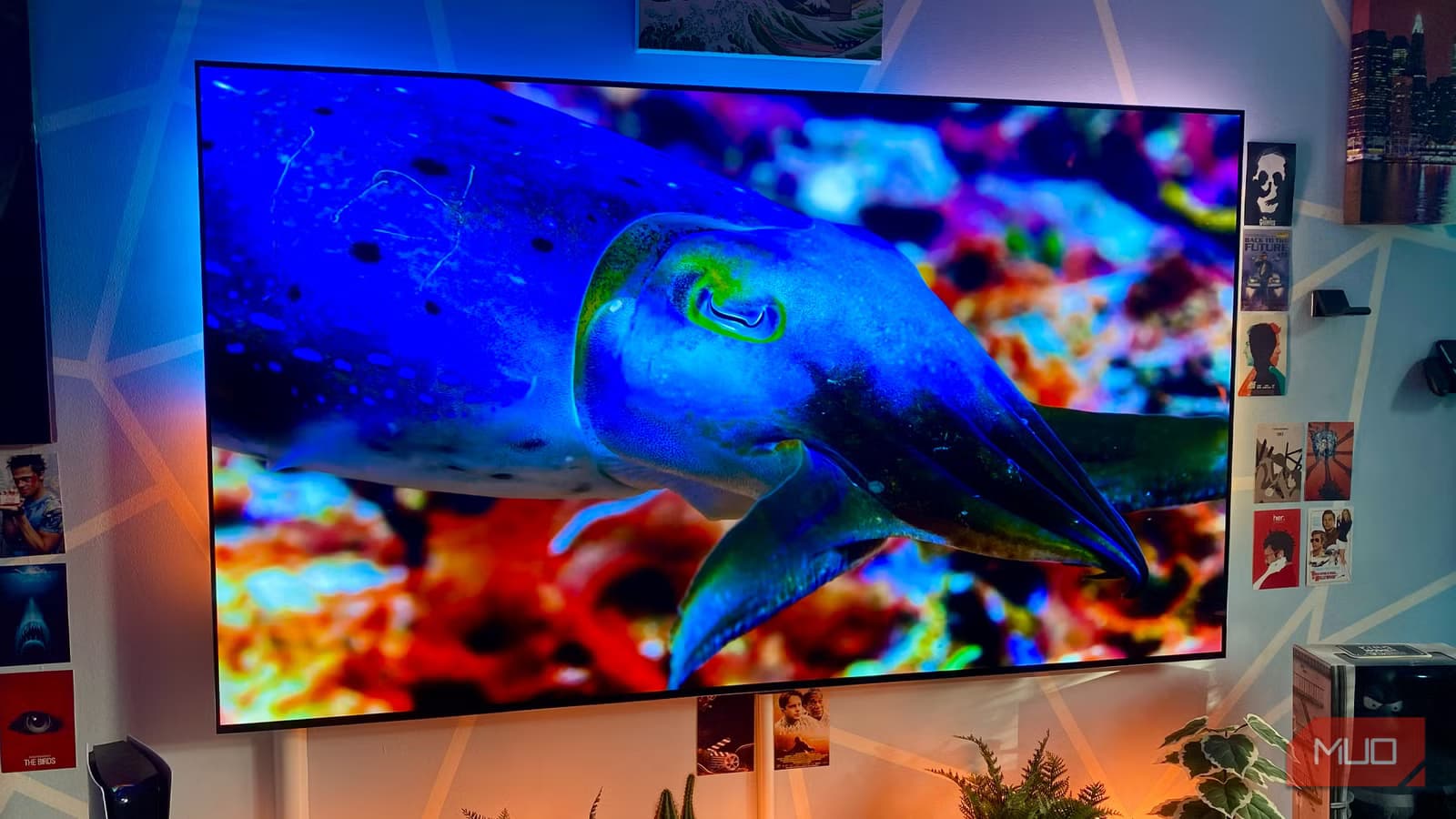
OLED TVs deliver some of the best picture quality money can buy. Deep blacks, vivid colors, near-instant response times. But they share a vulnerability with every other display technology: stuck pixels.
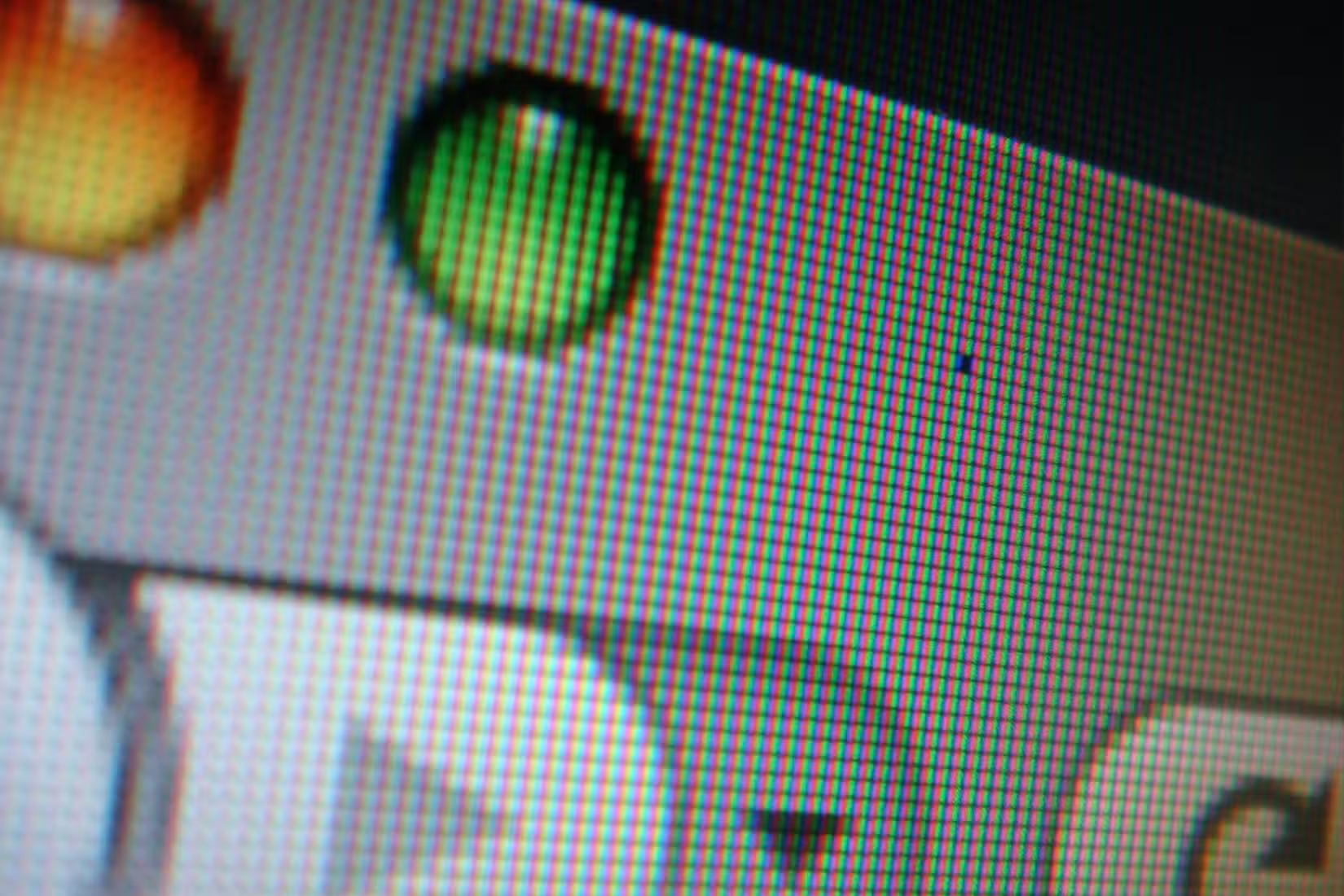
A stuck pixel is exactly what it sounds like. One tiny dot on your screen freezes on a single color and refuses to change. It stays red, green, blue, or white while everything around it behaves normally. On a large TV, you might not notice it from across the room. Sit closer, and it becomes impossible to ignore.
What Causes Stuck Pixels
Every pixel on your display is controlled by tiny transistors. These transistors tell each sub-pixel when to turn on, off, and what color to display. When a transistor gets stuck, it keeps providing power to only one color. The pixel freezes.
Several factors can cause this. Manufacturing defects are common. Pressure on the panel during production can damage transistors before the TV even leaves the factory. Physical stress, power surges, and simple age can also contribute.
Stuck pixels aren't limited to TVs. They appear on smartphones, tablets, monitors, and laptops. Larger displays face higher risk simply because they have more pixels that could fail.
Stuck vs. Dead: An Important Distinction
A stuck pixel still works. It's frozen on one color, but the transistor is active. A dead pixel is completely inactive. It shows black regardless of what's on screen because no power reaches it at all.
This distinction matters because stuck pixels can sometimes be fixed. Dead pixels usually cannot. If your problem pixel shows a color, there's hope.
How Free Pixel-Fixing Apps Work
Pixel-fixing apps use a simple technique. They rapidly cycle through colors at the stuck pixel's location. The theory: forcing the transistor to switch states repeatedly might unstick it.
These apps typically display a flashing pattern of red, green, blue, white, and black. You position the flashing area over the stuck pixel and let it run for 10 minutes to an hour. Sometimes it works on the first try. Sometimes it takes multiple sessions.
Several free options exist. JScreenFix runs directly in your browser. PixelHealer is a downloadable Windows app. Both work on the same principle. No guarantees, but no cost either.
When Software Won't Help
Pixel-fixing apps don't always work. If the transistor is physically damaged rather than temporarily stuck, no amount of color cycling will help. Dead pixels are beyond software repair.
If you've run a pixel fixer for several hours across multiple sessions with no improvement, you're likely dealing with permanent damage. At that point, your options are living with it or seeking warranty service.
Logicity's Take
Prevention Tips
- Avoid leaving static images on screen for extended periods
- Use screen savers or let the display sleep when not in use
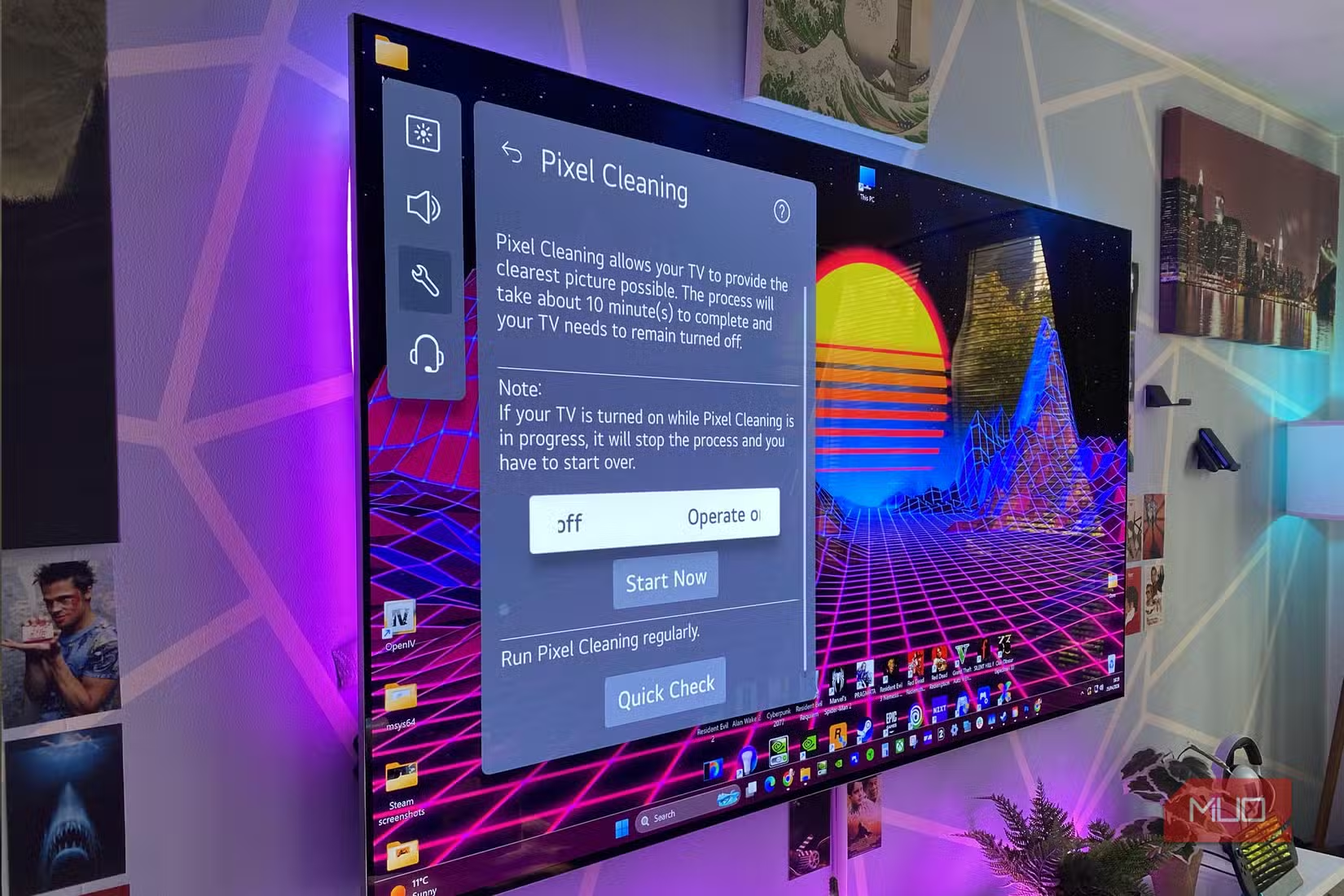
- Enable any built-in pixel refresh features your TV offers
- Keep your TV's firmware updated for the latest panel care features
Modern OLED TVs from LG, Sony, and Samsung include automatic pixel refreshing routines. These run when the TV is off and help prevent both stuck pixels and burn-in. Make sure these features are enabled in your settings.
Samsung's approach to protecting your devices
Frequently Asked Questions
Can you fix a stuck pixel yourself?
Yes, often. Free pixel-fixing apps rapidly cycle colors to unstick frozen transistors. Run them for 10-60 minutes. Multiple sessions may be needed.
What's the difference between a stuck and dead pixel?
A stuck pixel is frozen on one color but still active. A dead pixel shows black and receives no power. Stuck pixels can sometimes be fixed. Dead pixels usually cannot.
Do pixel-fixing apps damage your screen?
No. They simply display rapidly changing colors. There's no risk to your panel from running these apps.
Will OLED TV manufacturers replace a panel with stuck pixels?
Policies vary. Most require multiple stuck pixels before approving a warranty replacement. Check your specific warranty terms.
Need Help Implementing This?
Source: MakeUseOf
Manaal Khan
Tech & Innovation Writer
Produced with AI assistance and reviewed by the Logicity editorial team. Learn more in our Editorial Policy.