Key Takeaways
- Claude can explain Linux terminal commands in plain English, making the command line less intimidating for newcomers
- Users can ask follow-up questions like 'why does this work' to understand the logic behind commands
- The approach prioritizes learning over automation, helping users build genuine command-line skills
The Terminal Learning Problem
Linux terminal commands look like ancient incantations to newcomers. Strings of letters, dashes, and slashes that could either install software or accidentally delete your home directory. The documentation exists, but it often assumes you already know what you're doing.
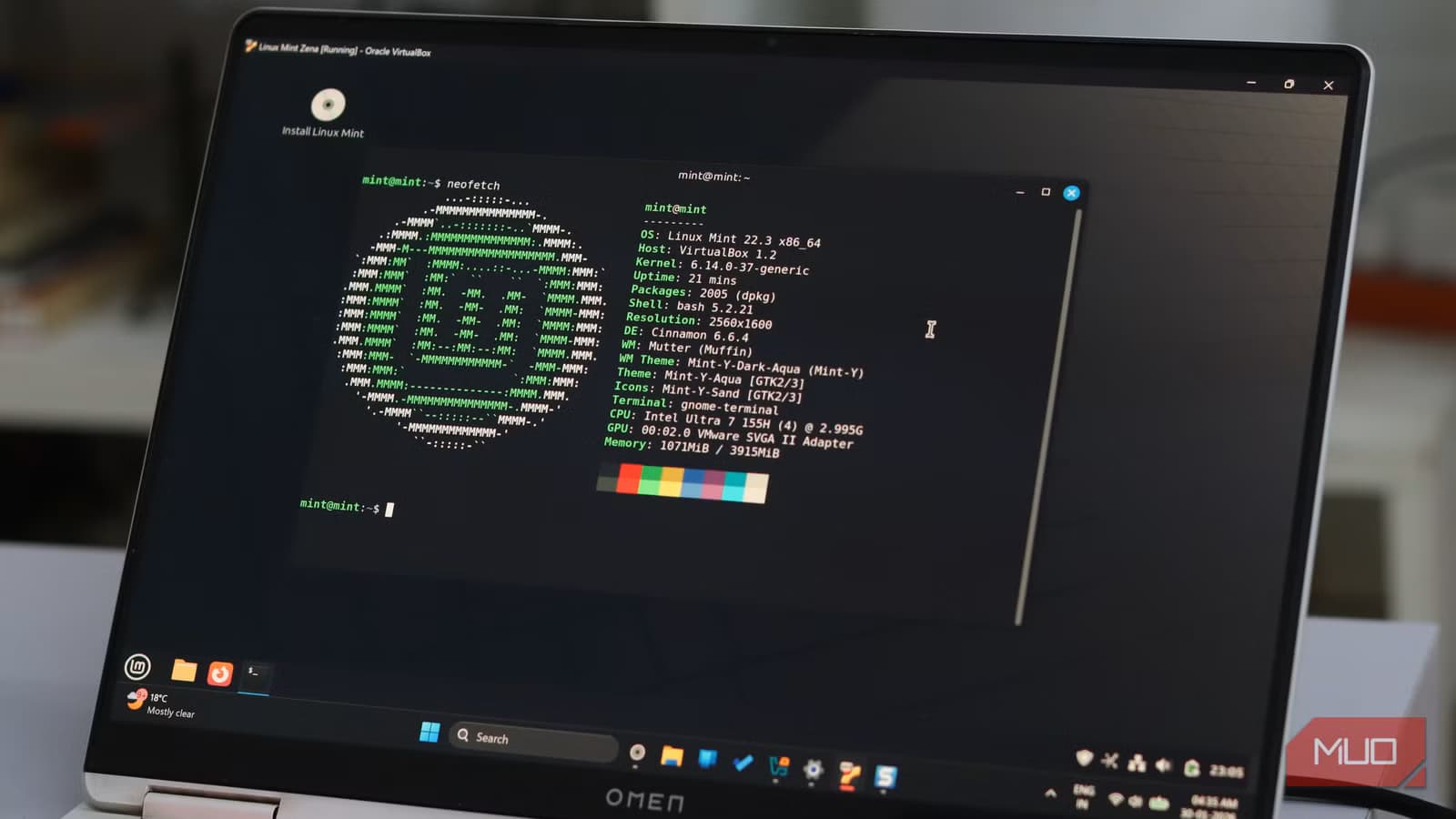
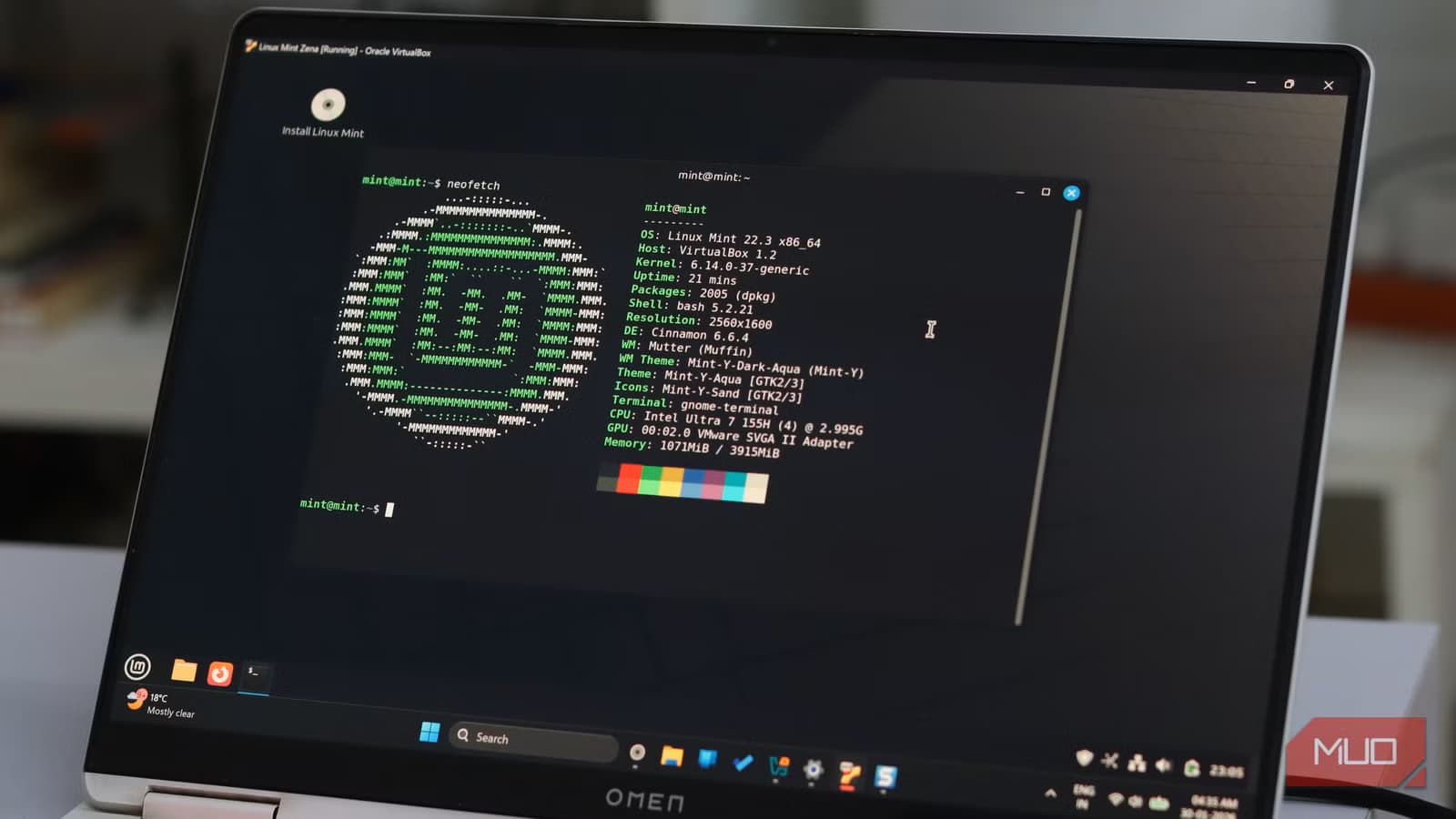
Tech writer Shaun Cichacki from MakeUseOf recently converted a mini PC into a Linux Mint machine after years on Windows 11. His discovery: the terminal isn't required for everything, but when it is required, understanding what you're typing matters.
His solution was Claude, Anthropic's AI assistant. Rather than copying commands blindly from forum posts, he started asking Claude to explain each command in plain English before running it.
Learning Instead of Automating
Claude can be installed directly on Linux and given terminal access to run commands automatically. Cichacki deliberately avoided this approach. He wanted to learn, not outsource.
The workflow: ask Claude about a command, physically type it into the terminal, then follow up with 'why does this work' to understand the underlying logic. When setting up a self-hosted instance of Inbox Zero, he used this method to grasp each sudo command before executing it.
This is a fundamentally different use case than automation. Instead of treating AI as a replacement for skill, it becomes a patient tutor that answers questions without judgment.
Why This Works Better Than Forum Posts
The Linux community has extensive documentation. Stack Overflow posts, Reddit threads, and official wikis cover nearly every scenario. The problem isn't availability. It's approachability.
Forum posts assume context. They reference concepts you may not know. They provide commands without explaining each flag. And asking a 'dumb question' in a public forum feels risky when experienced users might respond with frustration.
Claude has no ego. You can ask the same question five different ways. You can ask what 'sudo' means without worrying about being told to read the manual. The AI gives patient, context-aware explanations calibrated to your apparent skill level.

Logicity's Take
The Curiosity Gap Closes
Cichacki describes the experience as closing a 'curiosity gap.' Before Claude, there was friction between wanting to try something in the terminal and understanding what he was actually doing. That friction created hesitation. Now, the explanation comes first, and the experimentation follows.
After about a week on Linux Mint, he reports being genuinely less scared to test things in the terminal. That's the real shift: not just knowing more commands, but feeling confident enough to explore.
Another look at how companies are rethinking their AI integration strategies
Practical Applications Beyond Learning
The use case extends beyond pure education. Experienced Linux users often forget syntax for commands they rarely use. Rather than searching through man pages or old bookmarks, asking Claude is faster and returns context-specific answers.
For teams managing Linux servers, this could reduce the time junior engineers spend hunting for documentation. Senior engineers stay focused on complex problems while AI handles the routine explanations.
Limitations to Consider
AI explanations aren't infallible. Claude can hallucinate flags that don't exist or suggest commands with subtle errors. The MakeUseOf article doesn't mention any specific mistakes, but the risk is inherent to any large language model.
Best practice: use Claude to understand commands, then verify against official documentation before running anything that modifies system files. The AI accelerates learning, but it doesn't replace the need for verification.
Frequently Asked Questions
Can Claude actually run Linux terminal commands?
Yes. Claude can be installed on Linux with terminal access to execute commands directly. However, some users prefer to type commands manually and use Claude only for explanation and learning.
Is Claude better than ChatGPT for Linux help?
Both can explain terminal commands. The MakeUseOf author chose Claude, but didn't provide a direct comparison. Either AI can serve as a learning tool for command-line basics.
Do I still need Linux documentation if I use Claude?
Yes. AI explanations can contain errors. Official documentation remains the authoritative source. Use Claude to accelerate understanding, then verify critical commands against man pages or official wikis.
How do I install Claude on Linux?
Anthropic provides installation instructions on their website. The process varies by distribution but typically involves downloading a package or using a command-line installer.
Need Help Implementing This?
Source: MakeUseOf
Expanding Claude's Utility: Digital Organization and the Second Brain
The new article introduces a completely different application for Claude, focusing on personal knowledge management (PKM) and the 'second brain' concept using Obsidian. It provides a specific workflow for organizing and tagging information that was not covered in the Linux terminal-centric original article.
New Application: Gamifying Productivity with Claude and Habitica
The new article introduces a completely different use case for Claude, detailing its integration with Habitica to gamify productivity. It explains how users can use Claude to turn daily tasks into an RPG experience featuring pixel-art avatars, XP, gold, and health bars.
Security Alert: Fake Claude AI Tools Distributing 'Beagle' Malware
The new article warns about a fake Claude AI website (claude-pro[.]com) that distributes a new Windows backdoor called 'Beagle' via a malicious 'Claude-Pro Relay' download. It details how the malware disguised as a pro tool can give attackers remote access to systems, execute commands, and steal files.
Alternative for Beginners: The Reliability of Atomic Distributions
The new article recommends Fedora Atomic desktops as a reliable option for beginners, explaining the 'atomic' update process where changes are applied as a single unit to ensure system stability. It introduces a technical architecture perspective for newcomers that complements the original article's focus on AI-assisted terminal learning.
Manaal Khan
Tech & Innovation Writer
Produced with AI assistance and reviewed by the Logicity editorial team. Learn more in our Editorial Policy.






