Key Takeaways
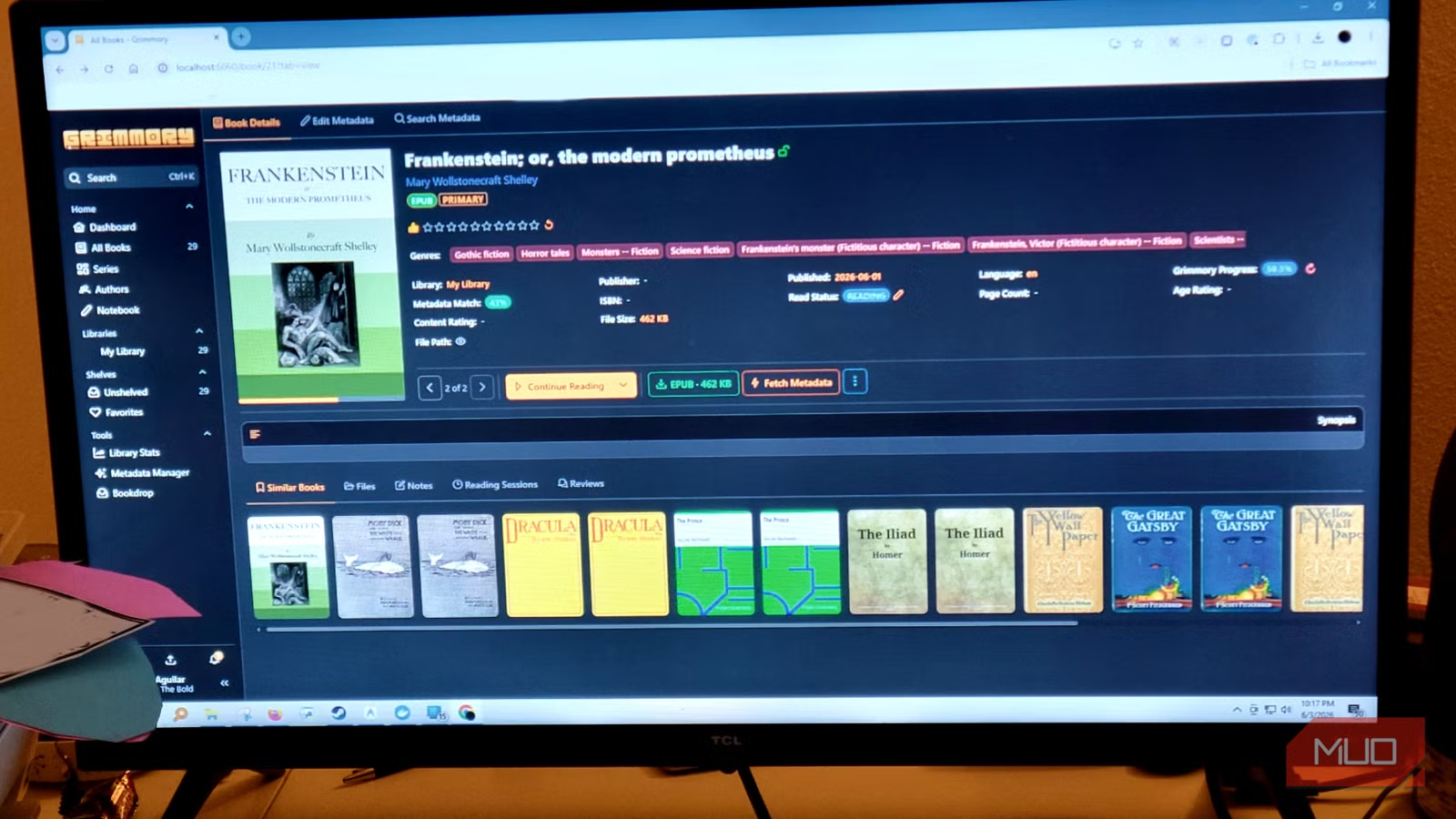
- Grimmory is a community-driven fork of Booklore, built exclusively for ebooks, comics, and audiobooks
- The app auto-imports files, pulls metadata from Google Books and Goodreads, and syncs with Kobo e-readers natively
- No subscription, no cloud dependency, and no video transcoding overhead slowing down your book library
Grimmory is a free, self-hosted ebook server that does one thing well: manage your digital book collection. The community-driven fork of the Booklore project strips out video streaming and general media features entirely, dedicating its resources to ebooks, comics, and audiobooks. For readers who've tried cramming their library into Plex or Jellyfin, it's a pointed alternative.
The problem with general-purpose media servers is priority. Plex, Jellyfin, and similar apps optimize for video first. Transcoding engines run in the background. Book management becomes an afterthought buried in menus. Grimmory flips that hierarchy. No video. No podcasts. Just reading material.
What formats does Grimmory support?
Without a heavy transcoding engine competing for resources, Grimmory handles a broad range of reading formats. Ebooks get full coverage: EPUB, MOBI, AZW, AZW3, FB2, and PDF. Comic readers get CBZ, CBR, and CB7 archive support. Audiobook listeners can load M4B, M4A, MP3, and OPUS files.
The format flexibility matters because book collections tend to be messy. You've got Kindle downloads in AZW3, DRM-free purchases in EPUB, scanned PDFs from who knows where, and manga archives in CBZ. Grimmory doesn't force you to convert everything first.

How does automatic import work?
Grimmory uses a feature called BookDrop to automate imports. You designate a watched folder on your file system. Drop a file in, and the app picks it up, checks it over, and pulls metadata from Google Books, Open Library, Amazon, and Goodreads. Cover art, synopsis, genres, ratings fill in automatically.
Nothing lands permanently in your library without review. New imports queue for approval, so you control what goes in and how it's labeled. This prevents the garbage-in problem that plagues automated systems.
Smart organization with Magic Shelves
Once your collection is imported, organization happens through Magic Shelves. This is a rule-based system that automatically builds and updates collections based on criteria you define. Set the rules once. When new files arrive, relevant shelves update on their own.
The logic is flexible. Separate books by read status. Filter lossless audio from compressed files by bitrate. Pull together unread sci-fi while excluding sub-genres you skip. The system handles taxonomy so you don't have to manually drag files into folders.
Does Grimmory have a built-in reader?
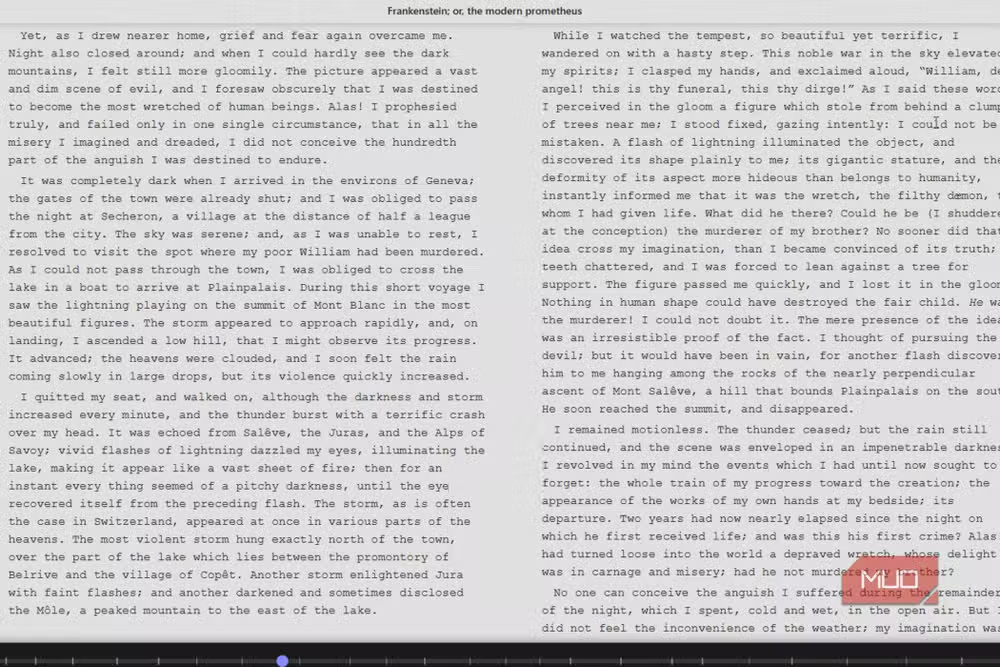
Yes. Grimmory includes a browser-based reader, so you don't need to download or configure external apps. EPUBs, MOBIs, and AZW files render with proper CSS, adjustable margins, and font scaling that works on both desktop and mobile.
PDFs use PDFium, serving documents in optimized layers. Large files scroll smoothly without the memory issues that normally appear. Comics and manga get decompressed and cached on the fly, keeping performance fast without eating through RAM.
Kobo and KOReader sync support
For Kobo users, Grimmory syncs wirelessly and automatically converts standard EPUBs into Kobo's native KEPUB format. This results in faster page turns and more accurate reading stats on the device. The app also supports KOReader's sync API.
Grimmory publishes an OPDS catalog, so apps like Moon+ Reader or Kybook can pull directly from your library using secure, per-user logins. Reading progress syncs between devices and the server. Leave off on your phone, pick up on your e-reader.
No subscription, no cloud lock-in
Grimmory runs as a standalone application backed by a MariaDB database. No subscription fees. No cloud dependency. No vendor lock-in. Your library lives on your hardware, under your control.
This matters for readers with large collections who've watched Amazon revoke Kindle purchases or seen cloud services sunset. Self-hosting means your books stay accessible regardless of what happens to any company's business model.
Logicity's Take
Grimmory represents a broader shift in self-hosting philosophy: single-purpose tools over Swiss Army knife platforms. Plex and Jellyfin try to be everything, and that versatility comes with complexity and resource overhead. For readers with serious ebook collections, a dedicated server that treats books as first-class citizens makes more sense than fighting a video-centric app. The Kobo sync and OPDS support also suggest the developers actually use e-readers, which shows in the feature priorities.
Frequently Asked Questions
Is Grimmory free to use?
Yes. Grimmory is a free, open-source, community-driven fork of the Booklore project with no subscription fees.
Can Grimmory replace Calibre?
Grimmory focuses on serving and reading books, while Calibre emphasizes format conversion and metadata editing. They can complement each other, with Calibre handling prep work and Grimmory handling serving.
Does Grimmory work with Kindle devices?
Grimmory supports Kindle formats like AZW and AZW3, but native Kindle device sync is not mentioned. Kobo e-readers and KOReader-compatible devices get direct sync support.
What database does Grimmory use?
Grimmory runs on a MariaDB database as a standalone application.
Can multiple users access Grimmory?
Yes. The OPDS catalog supports secure, per-user logins for external reader apps.
Another take on how technology changes access to knowledge
Need Help Implementing This?
Setting up a self-hosted ebook server involves Docker, database configuration, and network permissions. If you're building a home lab or need guidance on self-hosting infrastructure, reach out to Logicity's community or consult the Grimmory documentation for step-by-step setup instructions.
Source: MakeUseOf
Huma Shazia
Senior AI & Tech Writer
Produced with AI assistance and reviewed by the Logicity editorial team. Learn more in our Editorial Policy.






