Key Takeaways
Google Chat vs Slack Review – Still Good?
- Slack offers a more polished chat experience and stronger AI features, including a personal agent on Business+
- Google Chat comes free with Google Workspace and integrates natively with Docs, Sheets, and Meet
- Both start around $7/month per user, but full AI features require the $14-15 tier on either platform
Slack remains the gold standard for workplace chat, but Google Chat has closed the gap. If your company already pays for Google Workspace, Chat costs nothing extra and plugs directly into Docs, Sheets, and Meet. For startups and remote teams that prize customization, huddles, and AI-powered workflows, Slack still pulls ahead. The right choice depends on where your team already lives and what you actually need from a chat tool.
Disclosure
Some links in this post are affiliate links — Logicity earns a commission if you sign up, at no extra cost to you. We only link products we have used or actively recommend.
| Feature | Google Chat | Slack |
|---|---|---|
| Chat experience | Threads, reactions, but less intuitive | Industry-leading polish and UX |
| Video/meetings | Google Meet (100-1,000 participants), huddles, clips | Huddles (up to 50), audio/video clips |
| Project management | Basic task assignment and file management | Built-in PM tools, CRM on Business+ |
| Automation | Workspace Studio across Google apps | Workflow Builder with 60+ templates |
| AI features | Summaries, translation, answers (Business Standard+) | Transcripts, recaps, Slackbot agent (Business+) |
| Pricing (paid) | $7-14/user/month | $7.25-15/user/month |
| Integrations | ~100 via Marketplace, plus Zapier | 2,600+ native, plus Zapier |
How does the chat experience compare?
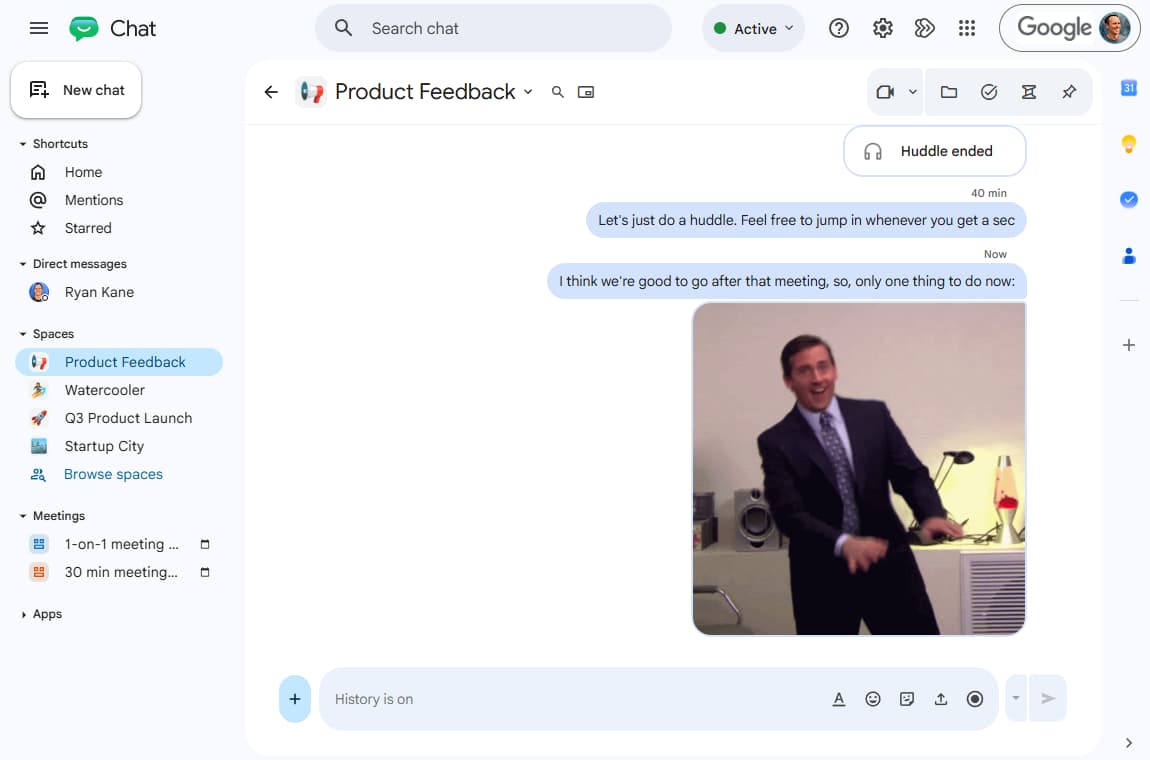
Slack built its reputation on making workplace chat feel less like email and more like instant messaging. Channels, threads, emoji reactions, and a searchable history became the template everyone else copied. Google Chat adopted most of these features over the years, but the execution still trails. Thread navigation in Chat feels clunkier. Keyboard shortcuts are fewer. The search is good, though not quite as fast at surfacing old conversations.
For teams that spend hours per day in chat, Slack's polish compounds. Small touches, like the ability to schedule messages, mark threads as unread, or set custom statuses per workspace, add up. Google Chat works fine for occasional coordination. It does not reward power users the same way.
Video calls and async communication
Google's advantage here is obvious: Google Meet. If your company runs meetings through Meet already, Chat surfaces scheduling, joining, and recording without leaving the app. Meet supports 100 to 1,000 participants depending on your Workspace tier, which makes it viable for all-hands calls that Slack cannot handle.
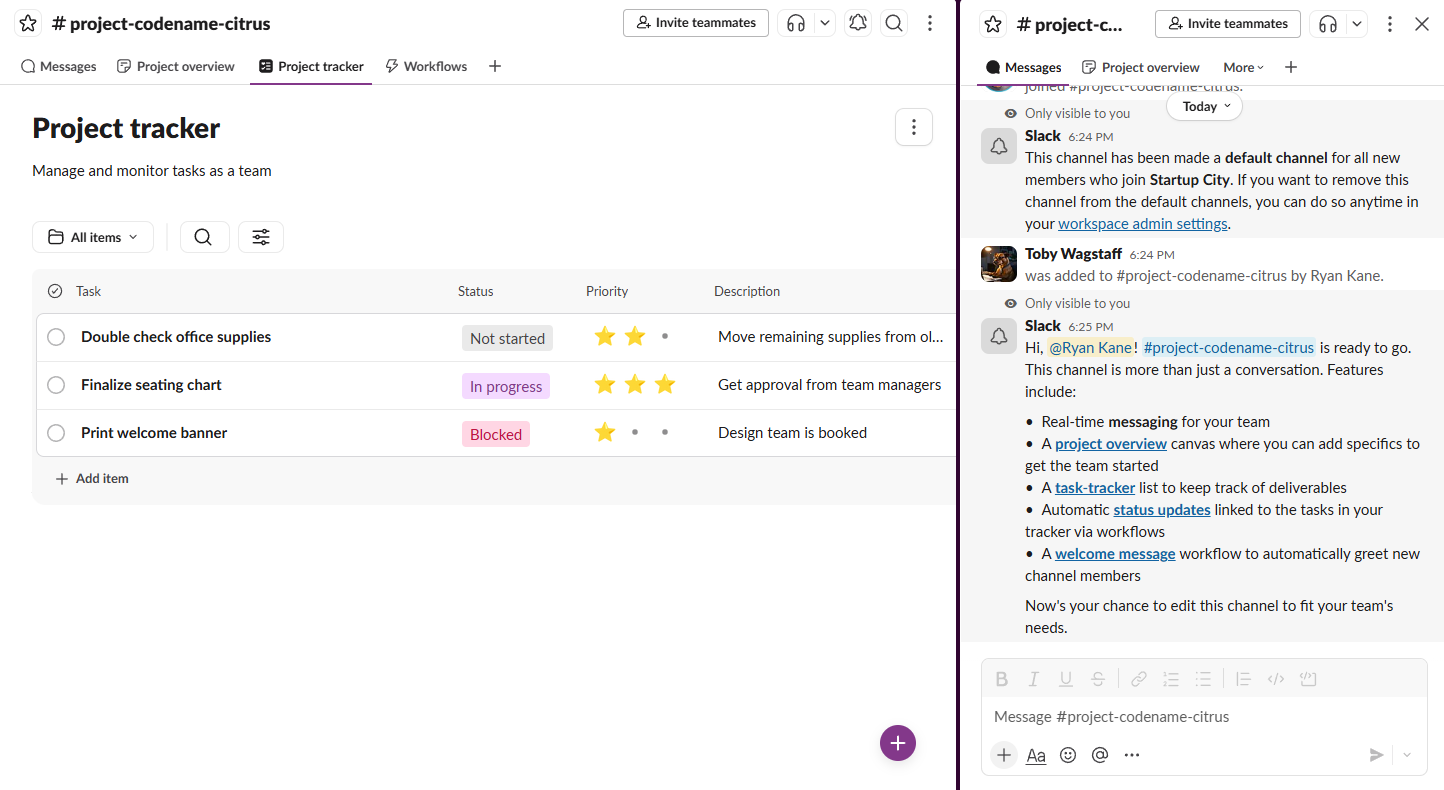
Slack's huddles are different. They are designed for quick, informal check-ins, not structured meetings. You jump in, talk, share a screen, and leave. The 50-person cap makes huddles unsuitable for large groups, but for a five-minute sync with your engineering lead, they are faster than scheduling anything. Both platforms now support async video and audio clips for when a message would take too long to type.
Project management inside chat
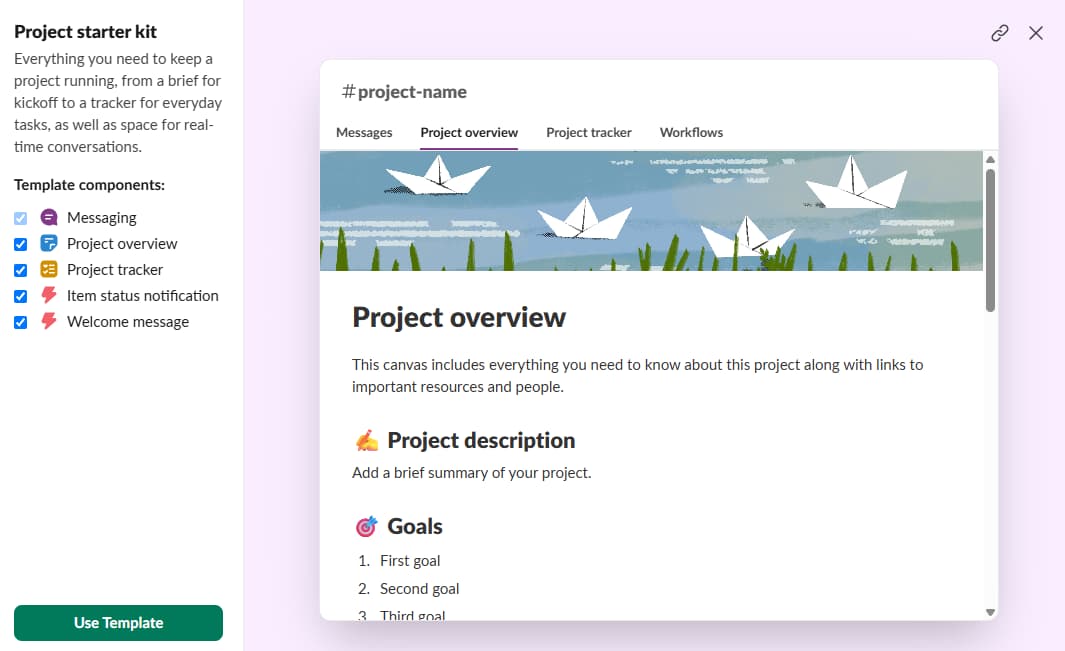
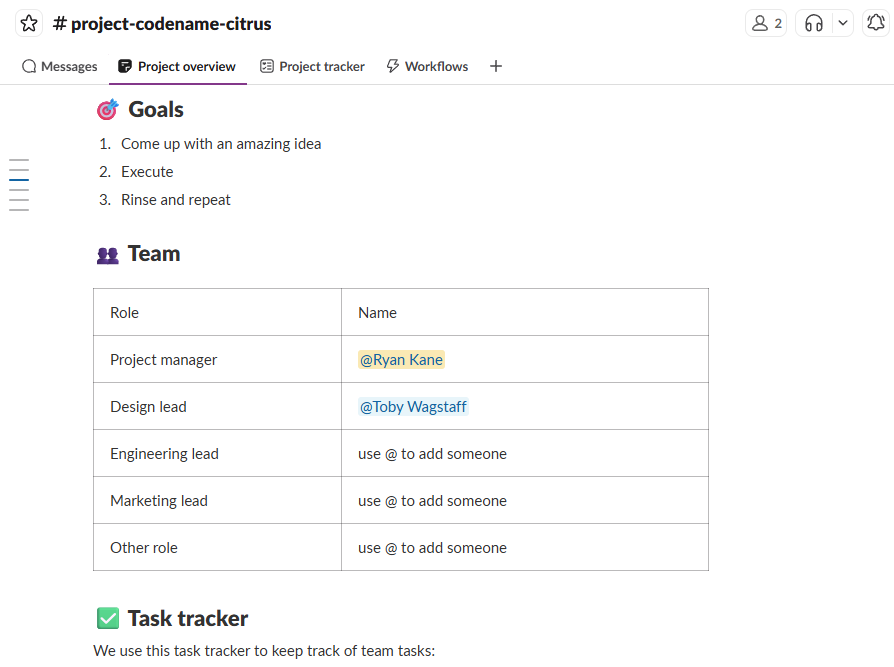
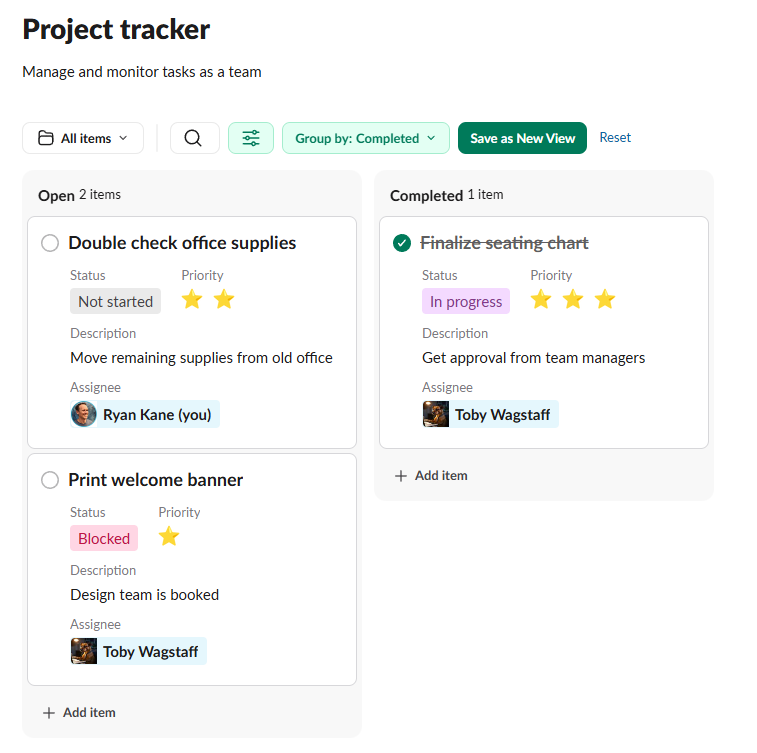
Slack has evolved into more than a chat app. Recent updates added in-app project management: task lists, due dates, and file organization that let small teams skip a dedicated PM tool. On the Business+ plan, you also get a CRM powered by Salesforce, which is useful if you are tracking deals and do not want to pay for a separate seat.
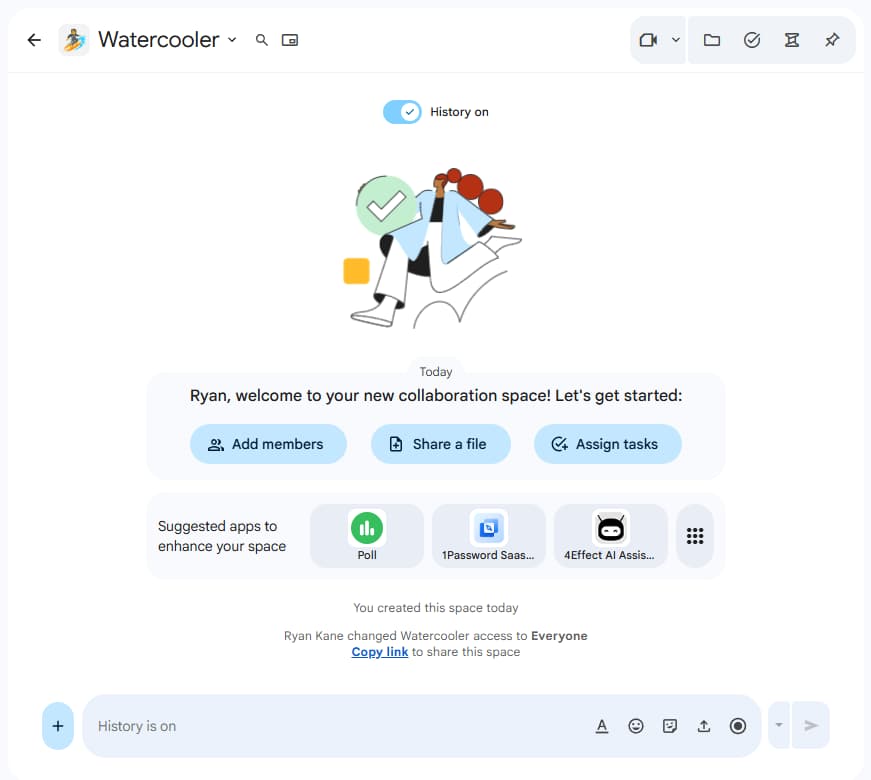
Google Chat lets you assign tasks and manage files, but the feature set is thinner. For serious project tracking, you will probably pair Chat with Asana, ClickUp, or another dedicated tool. That is not necessarily a problem if you already have a PM stack, but it does mean more context-switching.
Automation: workflows and integrations
Google introduced Workspace Studio to let users build automations across Chat, Docs, Sheets, and other Google apps. You can insert AI steps anywhere in the workflow. For organizations deep in Google's ecosystem, this is valuable: a form submission in Sheets can trigger a Chat notification, create a Calendar event, and draft a Doc, all without third-party glue.
Slack's Workflow Builder is more mature for chat-specific automation. There are over 60 templates for common tasks like onboarding checklists, standup prompts, and approval requests. You can generate workflows using natural language, and the builder connects to Slack's 2,600+ integrations. Both platforms also integrate with Zapier, which opens up thousands more apps if you need to bridge ecosystems.
Compares two tools often used alongside Slack or Chat for workflow automation
AI features: Slackbot vs Gemini
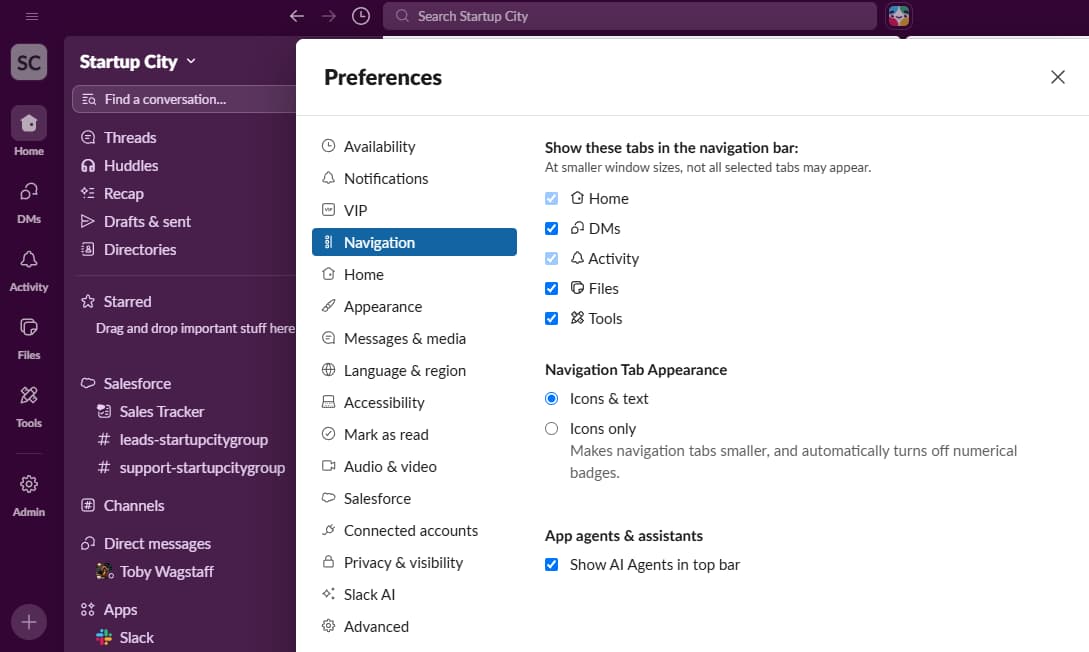
Slack includes AI features on every paid plan. The entry tier gives you automatic huddle transcripts and thread summaries. Business+ adds AI-powered search, daily recaps of channels you missed, and Slackbot, a personal agent that can pull information from connected apps and answer questions in context.
Google Chat's AI, powered by Gemini, is more limited. You can get AI-generated answers, translate an entire Space's messages automatically, and summarize conversations. These features require the Business Standard plan at $14 per user per month. Gemini's translation is genuinely useful for global teams, but Slack's agent capabilities feel a step ahead for now.
Logicity's Take
Google Chat's AI translation is an underrated feature for distributed teams. But Slack's Slackbot agent, which can query connected apps and deliver contextual answers, is closer to what an AI assistant should do in a work context. If your team is evaluating these tools primarily for AI, Slack's Business+ tier at $15/user/month is the benchmark to beat.
Pricing breakdown
Google Chat is free if you already use Google Workspace. Standalone plans start at $7 per user per month, billed annually. For the AI features, you need Business Standard at $14 per user per month.
Slack offers a free tier with 90 days of message history. Paid plans start at $7.25 per user per month. The full AI suite requires Business+ at $15 per user per month. The pricing is close enough that cost alone should not decide your choice. The question is whether your team already pays for Workspace or needs Slack's deeper feature set.
✅ Pros
- • Free with Google Workspace
- • Native integration with Meet, Docs, Sheets, Drive
- • Gemini-powered translation for global teams
❌ Cons
- • Chat UX trails Slack's polish
- • Fewer third-party integrations (~100 vs 2,600+)
- • AI features require $14/user tier
Pros: Best-in-class chat experience, Built-in project management and CRM on Business+, Slackbot agent works across connected apps. Cons: Huddles cap at 50 participants, Full AI requires $15/user tier, No free tier for serious use (90-day history limit).
Which tool should you pick?
If your company runs on Google Workspace, Google Chat is the low-friction choice. You already pay for it. It connects natively to your calendar, documents, and video calls. For enterprises with established Google infrastructure, switching costs are high and the benefits marginal.
For startups, remote-first teams, and organizations that prioritize async culture, Slack remains the stronger product. The chat experience is more refined, the automation tooling is more flexible, and the AI features are more ambitious. If you are building a productivity stack from scratch and can budget $15 per user per month, Slack earns it.
Frequently Asked Questions
Can I use Google Chat without Google Workspace?
Yes. Standalone plans start at $7/user/month billed annually. However, the main advantage of Chat is its native integration with other Google apps, so using it outside Workspace reduces its value.
Does Slack's free tier work for small teams?
It depends on your needs. The free tier limits message history to 90 days, which can be a problem for compliance or institutional knowledge. For short-term projects or very small teams, it may suffice.
Which has better security and compliance features?
Both offer strong security options, including encryption, admin controls, and compliance certifications. Enterprise plans on each platform add features like data loss prevention, eDiscovery, and HIPAA support.
Need Help Implementing This?
Choosing a collaboration tool is the easy part. Rolling it out, migrating history, and training your team takes planning. If you need help evaluating Slack, Google Chat, or other productivity tools for your organization, reach out to Logicity for a consultation.
Source: The Zapier Blog
Manaal Khan
Tech & Innovation Writer
Produced with AI assistance and reviewed by the Logicity editorial team. Learn more in our Editorial Policy.