Key Takeaways
Zapier vs Airtable (2025) - Which One is Better?
- Zapier connects 9,000+ apps; Airtable offers ~30 native integrations plus 160 extensions
- Airtable charges per seat ($20-45/user/month); Zapier charges per task ($19.99/month solo, $69/month teams)
- After Bending Spoons' acquisition, Airtable's future roadmap is uncertain—many teams now pair both tools
Zapier connects 9,000+ apps and bills per completed task. Airtable stores up to 500,000 records per base and bills per seat. The two platforms overlap only at the edges, yet SaaS teams keep asking which one to pick. The real answer: they solve different problems, and most mid-size ops stacks benefit from running both.
Disclosure
Some links in this post are affiliate links — Logicity earns a commission if you sign up, at no extra cost to you. We only link products we have used or actively recommend.
Bending Spoons' recent acquisition of Airtable has added urgency to the question. The Italian holding company is known for aggressive cost cuts after acquisitions, and Reddit threads are already buzzing with concerns about pricing changes and feature deprecations. If you're evaluating your no-code stack today, here's what actually matters.
| Zapier | Airtable | |
|---|---|---|
| Core function | AI orchestration & automation | Relational database with app-building |
| Integrations | 9,000+ native connectors | ~30 native + ~160 third-party extensions |
| Record limits | 500,000 per account (Team) | 500,000 per base; 100M+ with HyperDB |
| Pricing model | Per task ($19.99/mo solo; $69/mo teams) | Per seat ($20-45/user/month) |
| AI assistant | Zapier Copilot builds multi-step workflows | Omni AI handles app creation |
| MCP server | Connects AI tools to 9,000 apps | Scoped to Airtable data only |
| Uptime SLA | 99.9% | Not published |
What does each tool actually do?
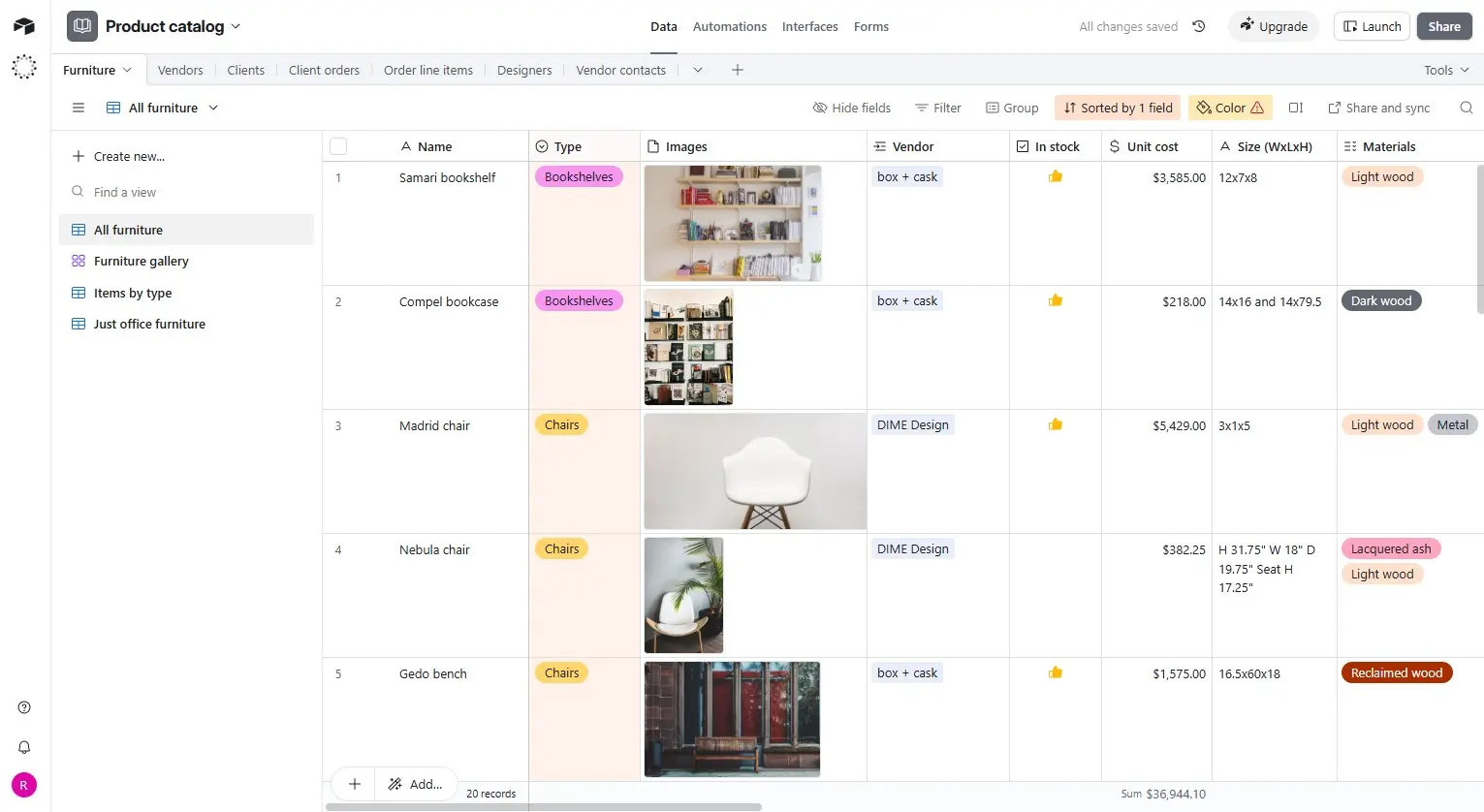
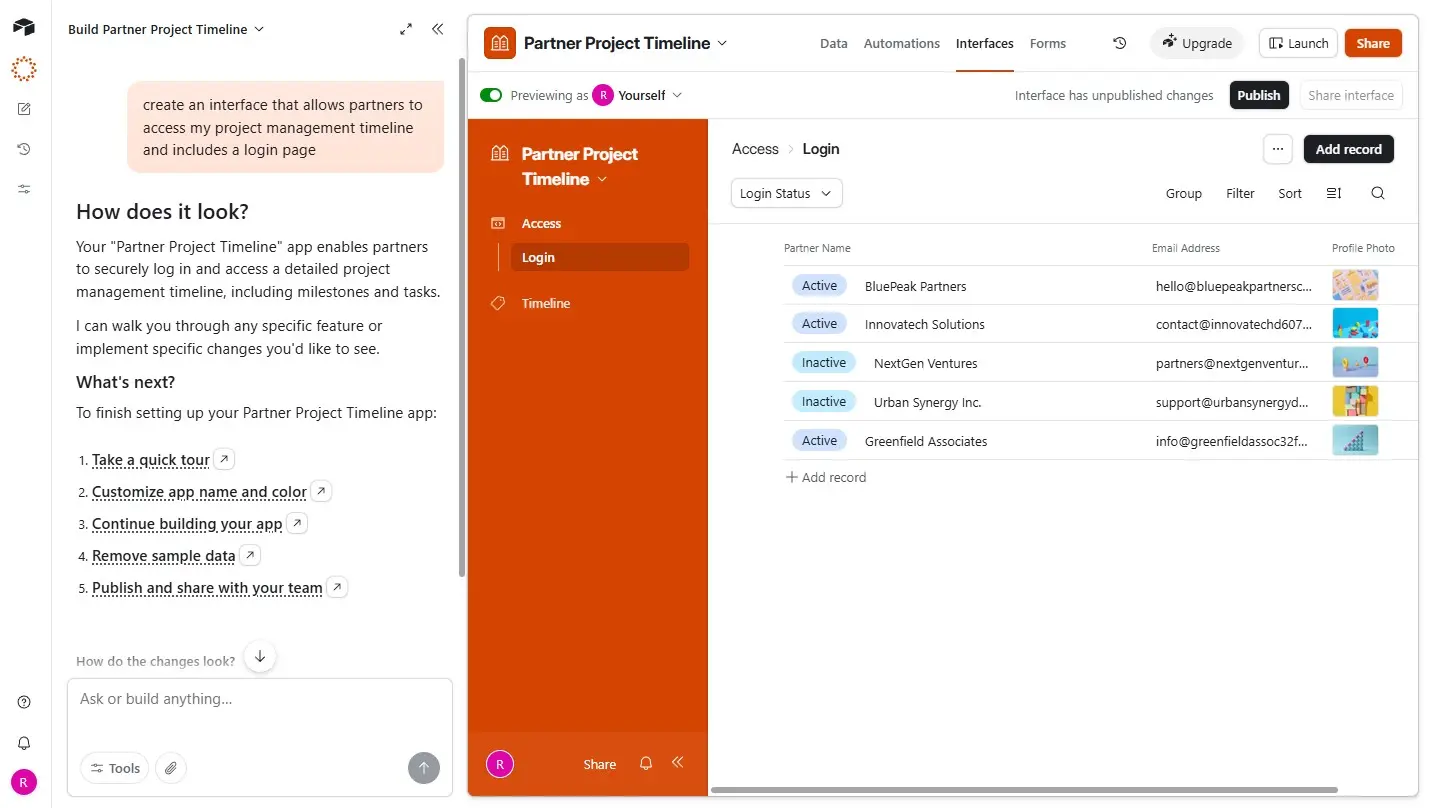
Airtable is a relational database dressed as a spreadsheet. You get grid views, Kanban boards, Gantt charts, calendar layouts, and gallery views. Linked records, lookups, and rollups let you model complex relationships without writing SQL. Non-technical teams can build vendor portals, inventory trackers, or project hubs that would have required custom dev work a decade ago.
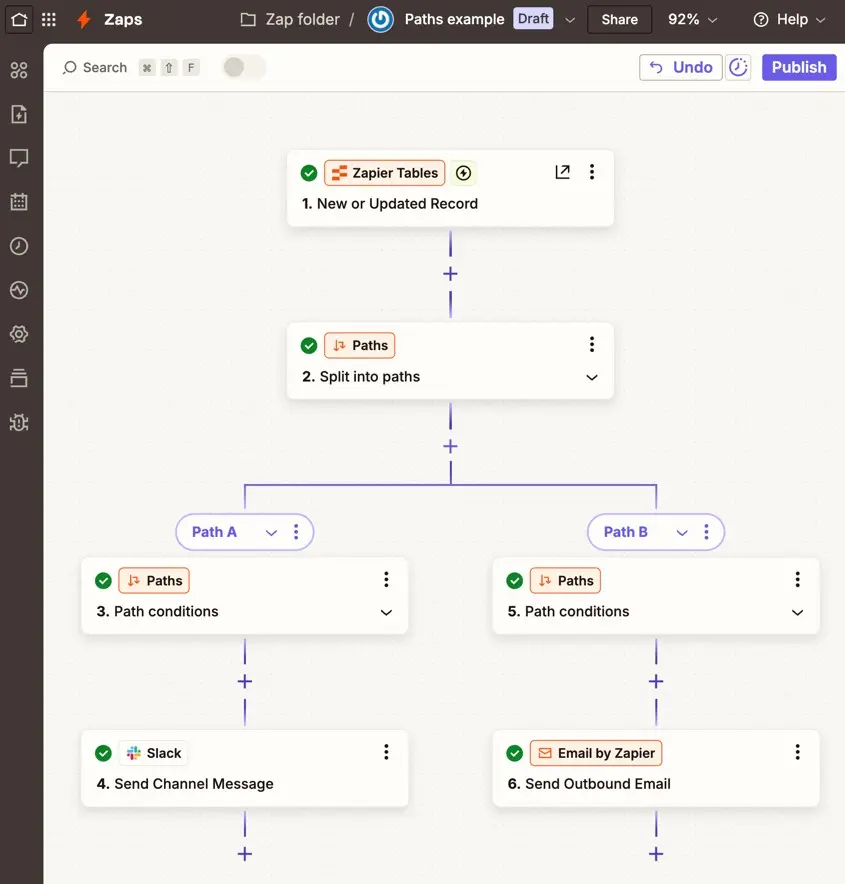
Zapier is plumbing. It moves data between apps automatically. When a form submission lands in Typeform, Zapier can create a row in Airtable, send a Slack message, and add the lead to HubSpot. Its 9,000+ connectors dwarf Airtable's ~30 native integrations.
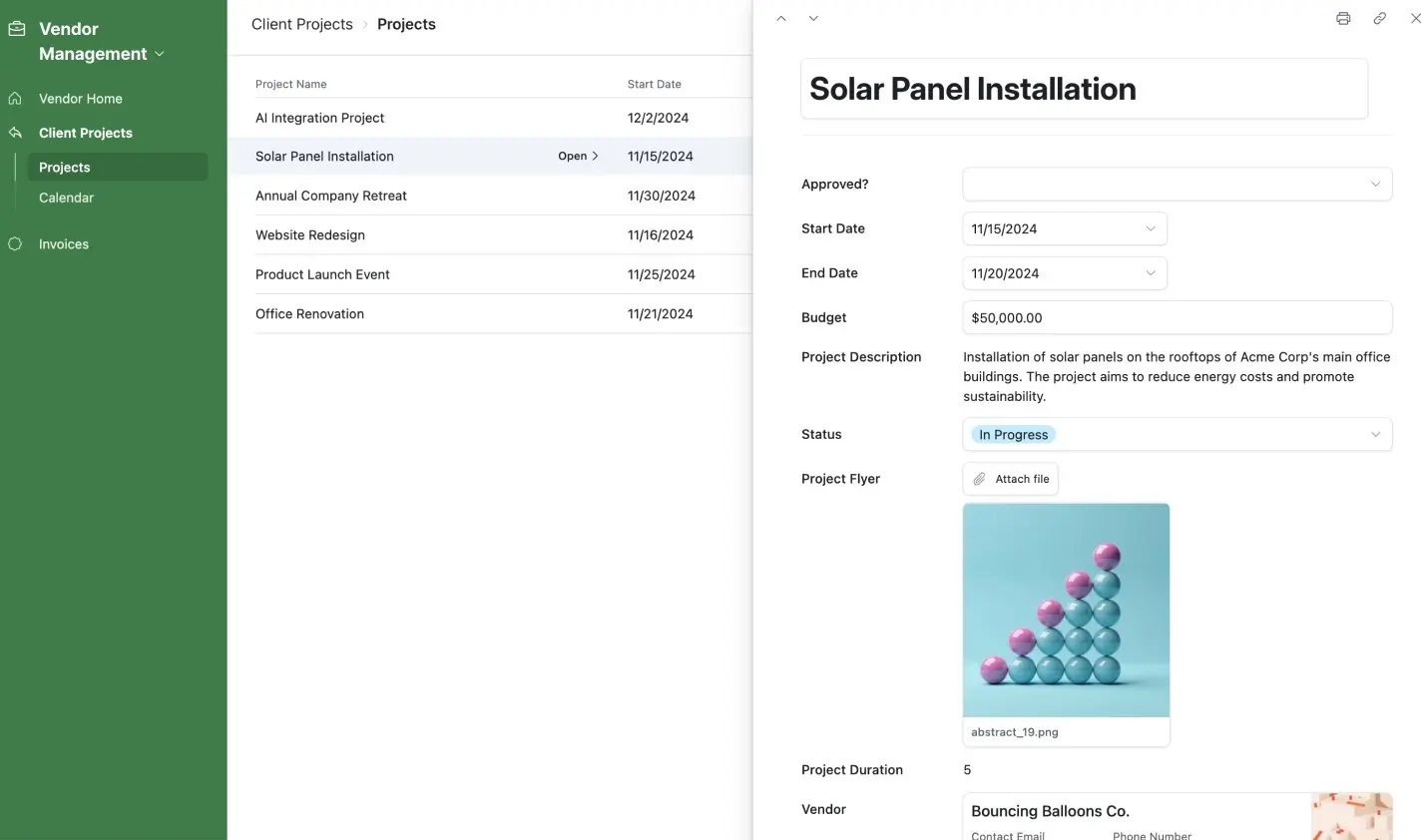
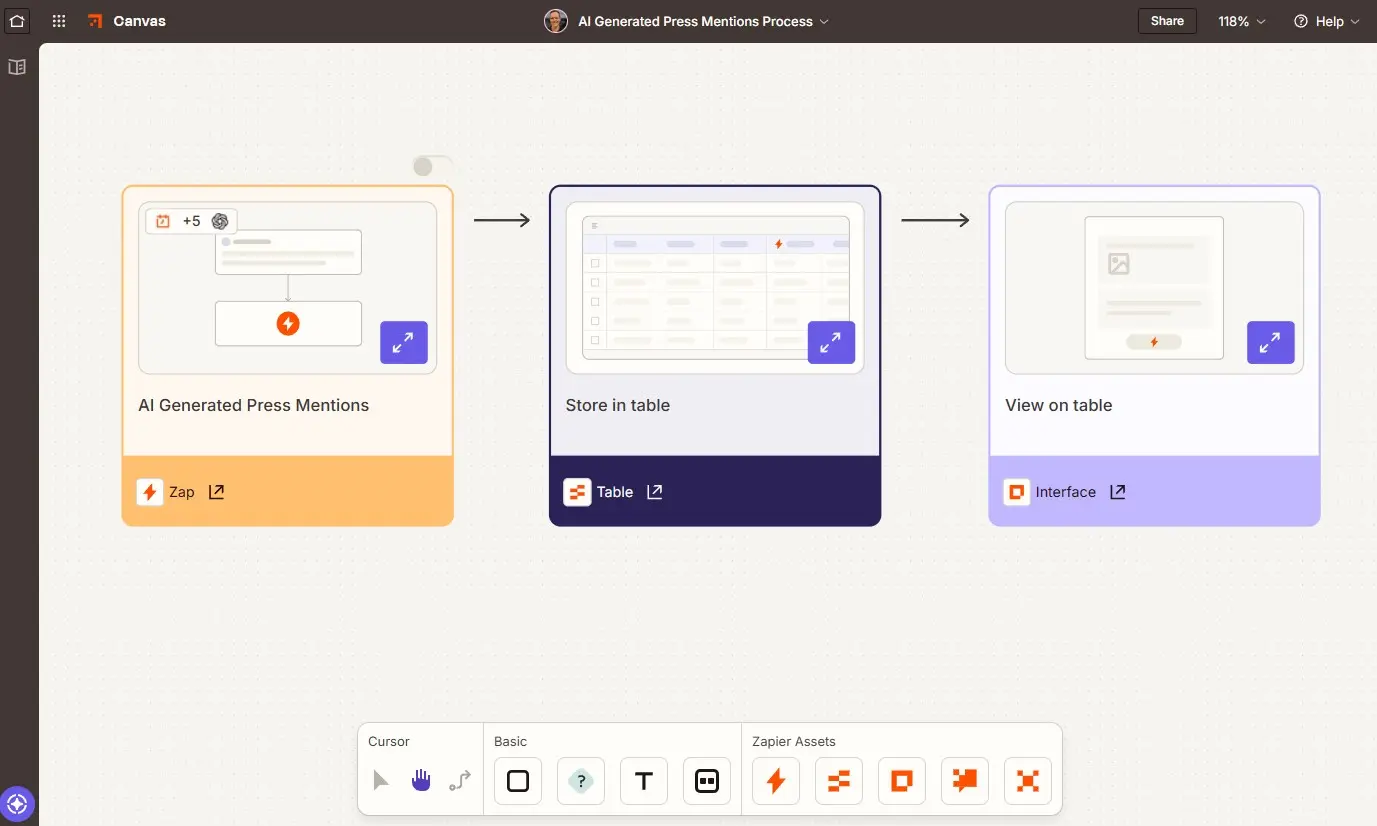
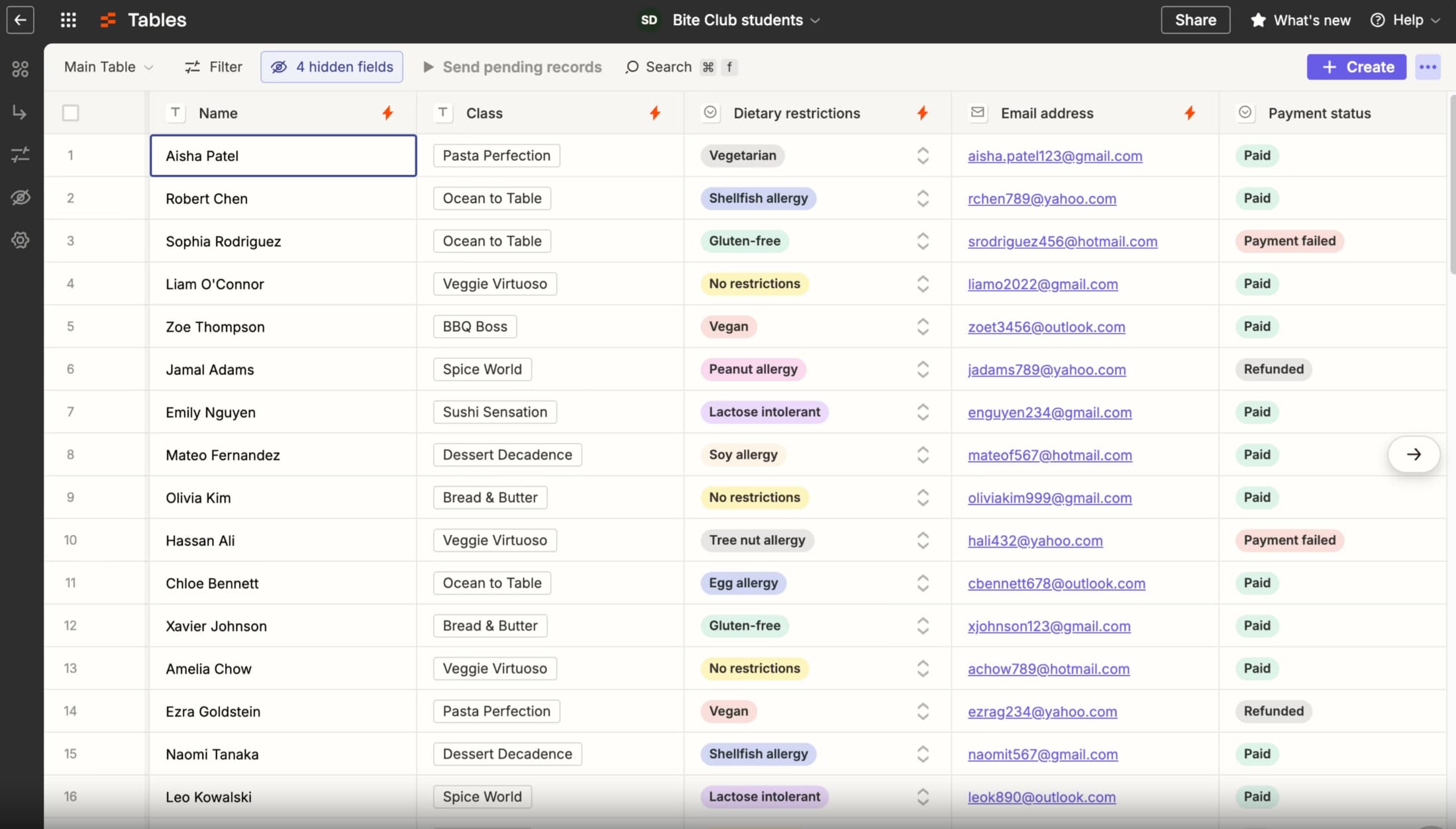
Airtable does offer automations, but they're limited. You get a small number of automations per base, and cross-platform workflows require third-party extensions or scripting. Zapier Tables, meanwhile, gives you a lightweight database inside Zapier—useful for simple storage, but nowhere near Airtable's relational depth.
How do integrations compare?
Zapier wins this category outright. Forty times more app connections is not a rounding error. If your stack includes niche tools, CRM platforms like Salesforce or Pipedrive, or legacy systems, Zapier probably has a connector. Airtable's ~160 third-party extensions help, but they're maintained by external developers with varying reliability.
Both platforms now offer MCP (Model Context Protocol) servers for AI tool integration. Zapier's MCP connects AI agents to its full 9,000-app network through a single governed connection. Airtable's MCP is scoped to your Airtable bases only. For teams building AI workflows that need to touch multiple systems, Zapier's approach is more flexible.
Pricing: per-seat vs per-task
Airtable charges per user. The Team plan runs $20/month per seat; Business costs $45/month per seat. A 15-person ops team on Business pays $675/month before hitting any usage limits.
Zapier charges per completed task. Solo users start at $19.99/month. Teams of up to 25 pay $69/month. High-volume automation can get expensive—if you're running 50,000 tasks monthly, you'll need enterprise pricing—but small teams with modest automation needs often pay less than they would for Airtable seats.
The pricing models reward different usage patterns. Airtable makes sense when many people need to view and edit data but automations are light. Zapier makes sense when a small team needs heavy cross-platform automation.
What about security and reliability?
Both platforms offer enterprise-grade security: SOC 2 Type II, GDPR compliance, SAML SSO, audit logs, role-based access control, and AES-256 encryption. Zapier adds SCIM provisioning and publishes a 99.9% uptime SLA. Airtable doesn't publish an uptime guarantee, which matters if you're building customer-facing workflows.
For high-volume task execution, Zapier's infrastructure is more battle-tested. Airtable occasionally throttles API requests under heavy load, which can break automations that depend on it.
The Bending Spoons question
Bending Spoons acquired Airtable earlier this year. The company's playbook is well-documented: buy struggling software companies, cut staff aggressively, raise prices, and extract cash flow. Evernote and Meetup followed this path. Airtable users are understandably nervous.
No pricing changes have been announced yet. But if you're building critical workflows on Airtable, this is worth monitoring. Teams with heavy Airtable dependencies might consider pairing it with Zapier now—so automation logic lives outside any single vendor's roadmap.
Logicity's Take
The "vs" framing is misleading. Most SaaS ops teams should use Airtable for structured data and internal apps, then Zapier to connect that data to everything else. If you're budget-constrained, Zapier Tables can replace Airtable for simple use cases—but you'll miss linked records and views. Alternatives worth evaluating: [Notion](https://logicity.in/r/notion) for lighter database needs, [Make](https://logicity.in/r/make) or [n8n](https://logicity.in/r/n8n) for automation at lower per-task costs.
When to use both together
The cleanest architecture: Airtable as your system of record, Zapier as your integration layer. Store customer data, inventory, or project records in Airtable's relational tables. Use Zapier to sync that data to your CRM, trigger Slack alerts, update Google Sheets reports, or feed AI agents.
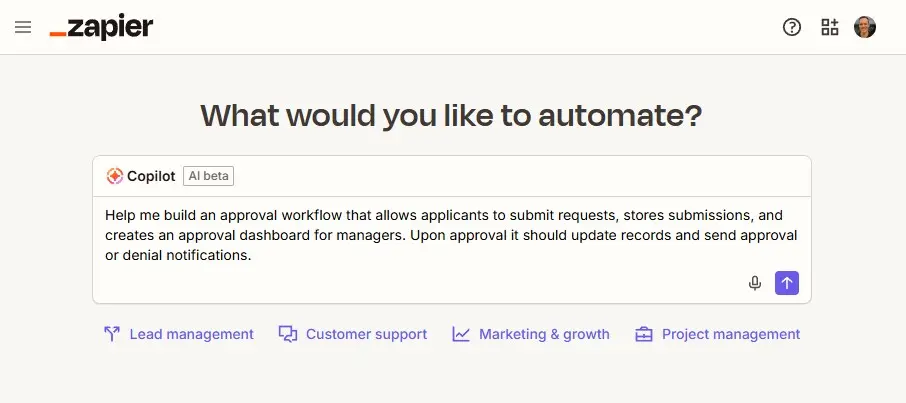
This setup also hedges against the Bending Spoons risk. If Airtable's pricing changes or features degrade, your automation logic stays intact. You can migrate your data layer to Monday.com, ClickUp, or a custom database without rebuilding every workflow.
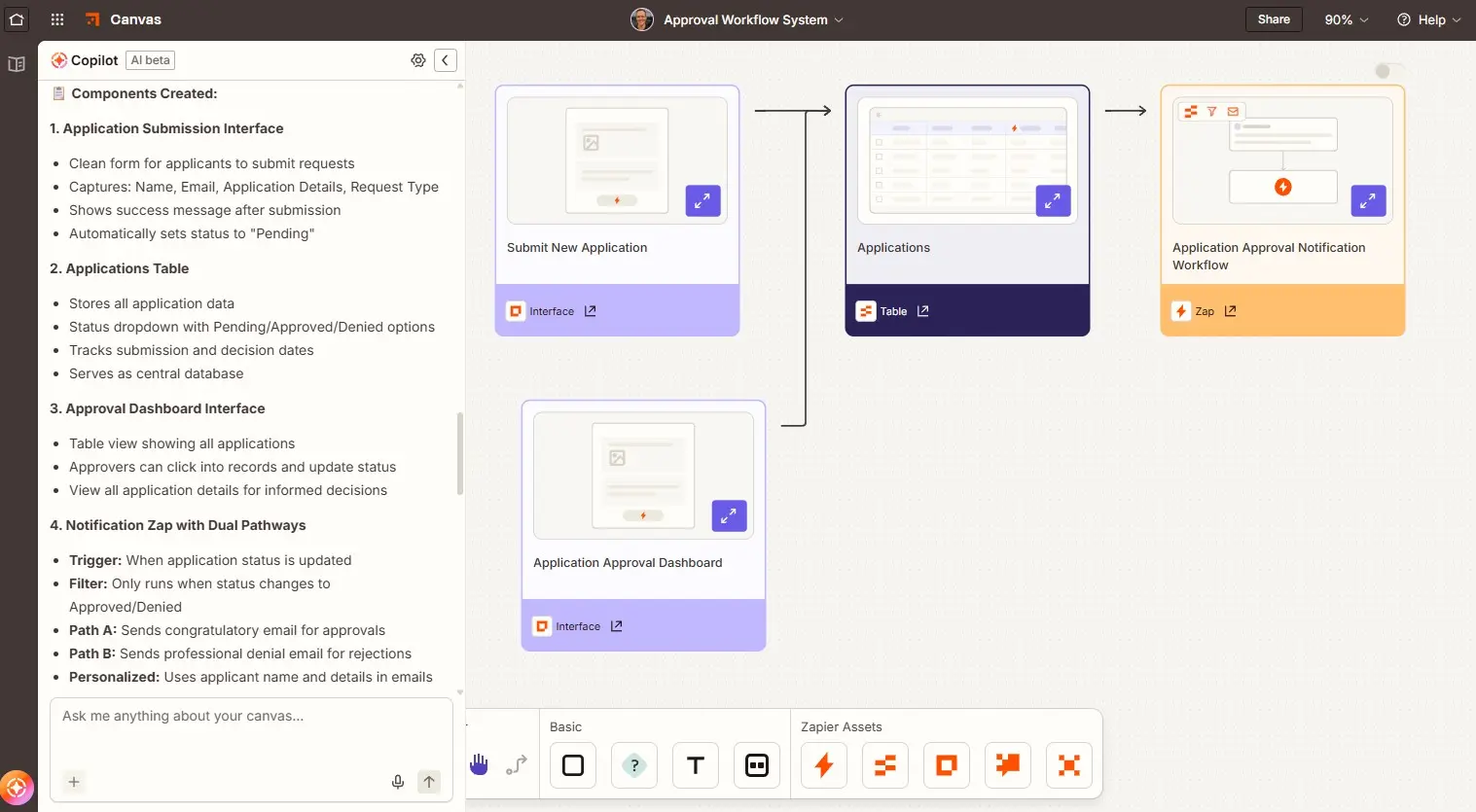
The question isn't which tool to pick. It's which layer each tool should own.
Frequently Asked Questions
Can Zapier replace Airtable completely?
Zapier Tables handles basic data storage, but it lacks Airtable's relational features, multiple views, and 500K record limits. For simple use cases, yes. For complex data modeling, no.
Does Airtable integrate with Zapier?
Yes. Zapier has native Airtable triggers and actions. You can create records, update fields, or trigger workflows when Airtable data changes.
Which is cheaper for a 10-person team?
Depends on usage. Airtable Team costs $200/month for 10 seats. Zapier Team costs $69/month for up to 25 users, but high task volume adds cost. Light automation plus heavy database use favors Airtable; heavy automation plus light storage favors Zapier.
Need Help Implementing This?
Logicity can help you design a no-code stack that balances cost, flexibility, and vendor risk. Reach out for a 30-minute workflow audit.
Source: The Zapier Blog
Manaal Khan
Tech & Innovation Writer
Produced with AI assistance and reviewed by the Logicity editorial team. Learn more in our Editorial Policy.