Key Takeaways
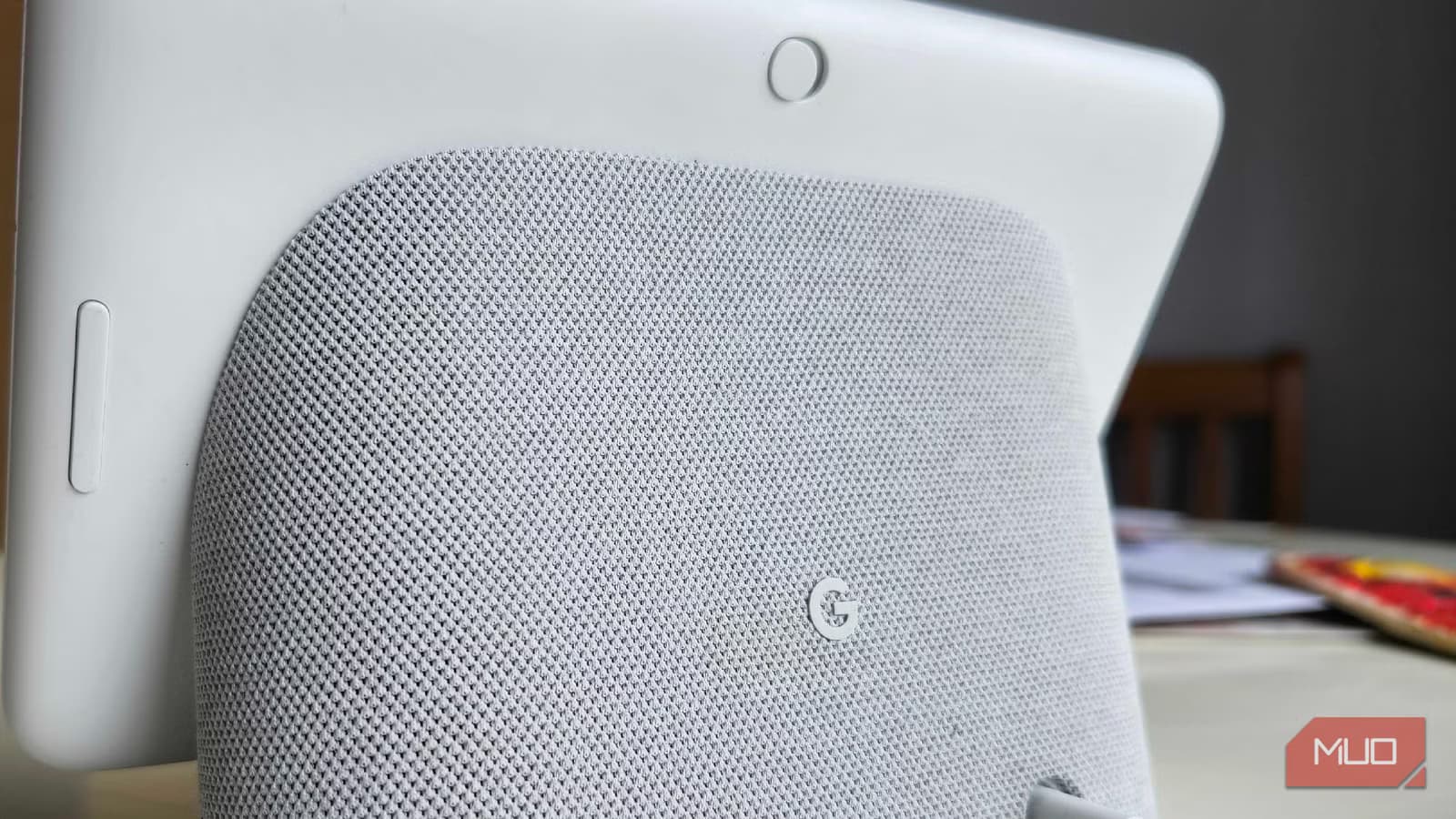
- Every Google Home and Nest speaker released since 2016 now supports Gemini, including third-party Assistant devices
- The cloud-dependent architecture that critics called a flaw enabled Google to upgrade millions of devices instantly
- Google Home Premium subscribers get Gemini Live for hands-free back-and-forth conversations without repeating the wake word
Google's Gemini for Home rollout has reached every Nest and Google Home speaker dating back to the original 2016 model. The free software update replaces Google Assistant with Gemini's conversational AI, handling multistep commands and natural language requests that the old assistant fumbled. If you own a Nest Mini, Nest Audio, Home Max, or even a third-party Assistant speaker, the upgrade is available now.
The timing matters. Google just released the $99 Google Home Speaker, its first hardware designed for Gemini from the ground up, complete with a neural processing unit for on-device AI. But the company's decision to support a decade of legacy hardware means most users don't need to buy anything.
Why older Nest speakers work with Gemini at all
Google's smart speakers have always relied entirely on cloud processing. They can't even tell you the time without an internet connection. Critics have pointed to this as a weakness for years. But that architectural choice turned into an asset here. Because the hardware offloads all processing to Google's servers, the company could flip a switch and upgrade millions of devices to Gemini without touching a single speaker.
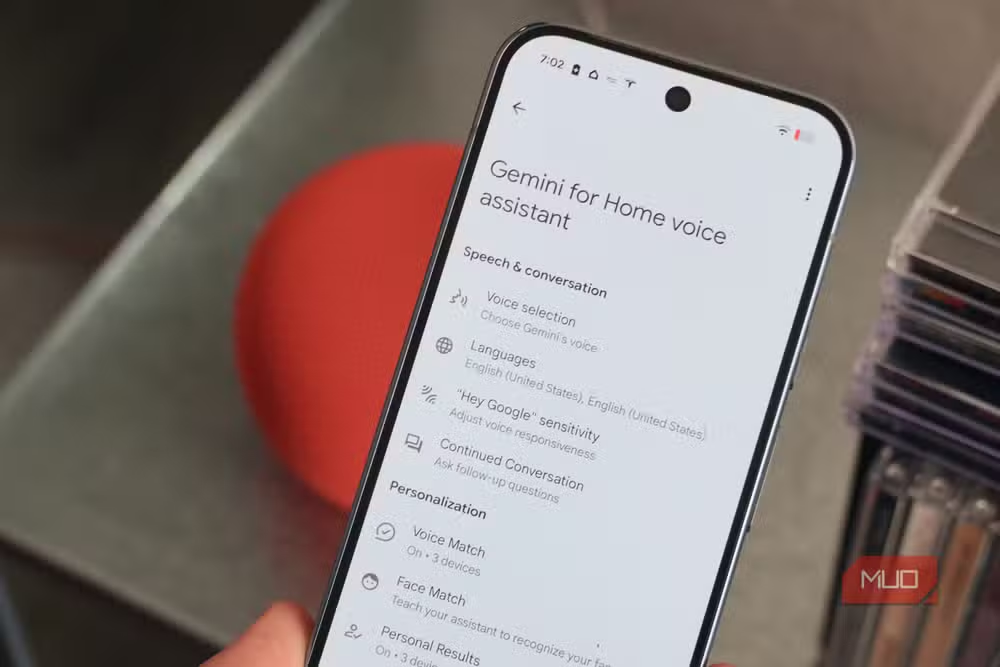
When Gemini for Home becomes available for your account, you'll receive a push notification prompting you to swap out Assistant. Accepting replaces the AI on every compatible device in your home simultaneously. The supported list includes Google Home, Home Mini, Nest Mini, Nest Audio, Home Max, Nest Hub, and Nest Hub Max. Third-party devices like the Insignia Voice Speaker and Lenovo Smart Display 10 also qualify.
What actually changes when you switch
The most obvious difference is the voice. During onboarding, you pick from 10 new options, each with distinct accents, speaking styles, and tones. Every speaker and display in your home adopts your choice. The robotic cadence of Google Assistant gives way to something more conversational, though Brady Snyder at MakeUseOf notes it can feel "uncanny at times."
More substantively, Gemini handles complex requests that tripped up its predecessor. You can phrase commands naturally, the way you'd ask a friend, rather than structuring them around the assistant's limitations. Multistep requests work. The AI maintains context better across follow-up questions.
Response time is the tradeoff. A 2017 speaker running Gemini will be slower than Google's new hardware. The gap exists because the old devices lack local processing and must wait for server roundtrips. But functionality remains identical.
Gemini Live brings hands-free conversations
Google Home Premium subscribers unlock Gemini Live on their speakers and displays. Say "Hey Google, let's chat" to start a session. From there, you can have a back-and-forth conversation without repeating the wake word for every follow-up. The feature suits longer interactions: learning a new topic, studying for an exam, or just talking through an idea.
Free users get a simpler version called Continued Conversation. It lets you ask follow-up questions without saying "Hey Google" again, but doesn't support the extended dialogue sessions that Gemini Live enables.
How to enable Gemini for Home
- Wait for Google's push notification or check the Google Home app for a Gemini upgrade prompt
- Accept the switch to replace Google Assistant with Gemini on all supported devices
- Choose your preferred voice from the 10 available options during onboarding
- Optional: Subscribe to Google Home Premium to unlock Gemini Live features
If you haven't received the notification yet, you can join the Gemini for Home early access program through the Google Home app settings.
Google's rare act of not killing old hardware
Google catches criticism for abandoning products early. Stadia, Google Reader, Inbox, and dozens of other services have trained users to expect short lifespans. The Gemini for Home rollout runs counter to that pattern. A speaker purchased in 2016 now runs the same AI as hardware released this week.
The economics probably help explain why. Google's smart speaker strategy depends on keeping users inside its ecosystem, where voice commands lead to searches, shopping, and data collection. Upgrading existing hardware extends that relationship at near-zero marginal cost. Forcing everyone to buy new speakers would push some to Amazon or Apple instead.
More ways to get more from hardware you already own
Another hidden Google setting worth checking
Frequently Asked Questions
Which Nest speakers support Gemini for Home?
Every Google Home and Nest smart speaker released since 2016 supports Gemini for Home. This includes Google Home, Home Mini, Nest Mini, Nest Audio, Home Max, Nest Hub, and Nest Hub Max. Compatible third-party Assistant speakers like the Insignia Voice Speaker and Lenovo Smart Display 10 also qualify.
Do I need to pay for the Gemini upgrade on my Nest speaker?
No. The basic Gemini for Home upgrade is free. Google Home Premium subscribers get additional features like Gemini Live for extended conversations, but the core Gemini functionality replaces Google Assistant at no cost.
Will my old Nest Mini be slower with Gemini?
Yes. Older speakers lack the neural processing units in new hardware, so they depend entirely on cloud processing. Response times will be slower than the new Google Home Speaker, though functionality remains the same.
Can I switch back to Google Assistant after enabling Gemini?
The source does not specify whether Google allows users to revert to Assistant after switching. Check the Google Home app settings if you want to explore that option before committing.
What is Gemini Live on Google Home?
Gemini Live is a Premium feature that enables continuous back-and-forth conversation with your speaker. Say "Hey Google, let's chat" to start a session where you can ask follow-up questions without repeating the wake word.
Logicity's Take
Google's decision to support decade-old hardware signals a shift in how the company values installed base over hardware revenue. With an estimated 100+ million Nest devices sold globally, the math favors keeping users engaged over forcing upgrades. The real question: will this patience extend to the next AI transition, or is Gemini for Home a one-time gesture to slow Amazon's smart speaker momentum?
Need Help Implementing This?
Logicity offers consulting for enterprises deploying smart home technology at scale. Contact our team for guidance on fleet management, voice assistant strategy, and connected device rollouts.
Source: MakeUseOf
Huma Shazia
Senior AI & Tech Writer
Produced with AI assistance and reviewed by the Logicity editorial team. Learn more in our Editorial Policy.






