Key Takeaways

- Obsidian Git plugin syncs vaults through GitHub for free, replacing the $5-10/month official service
- Official Obsidian Sync limits version history to 30 days ($5 tier) or 12 months ($10 tier), while Git keeps history forever
- GitHub provides 15GB free storage compared to Obsidian Sync's 1GB limit on the basic tier
Obsidian's note-taking app has a loyal following among developers, writers, and knowledge workers who appreciate its local-first, Markdown-based approach. But syncing notes across devices requires either the official Obsidian Sync subscription or a DIY solution. According to How-To Geek's Faisal Rasool, there's a free alternative that actually outperforms the paid option in several ways.
What Obsidian Sync Costs
The official Obsidian Sync service comes in two tiers. The $5/month plan limits you to syncing one vault with 1GB of storage. Version history only goes back 30 days. After that cutoff, older versions are permanently deleted.
The $10/month tier bumps storage and lets you sync up to 10 vaults. Version history extends to 12 months before deletion. For heavy users managing multiple projects, that $120/year adds up.
The Free Alternative: Obsidian Git
Obsidian Git is an open-source plugin that uses GitHub repositories to store and sync your vaults. The concept mirrors how developers already manage code: your notes live in a private GitHub repo, and each device clones from that repo.

You can sync changes manually or configure automatic sync whenever you create or edit notes. The setup requires Git installed on your devices and a GitHub account, but once configured, it runs quietly in the background.
Where Git Beats the Official Service
| Feature | Obsidian Sync ($5) | Obsidian Sync ($10) | Obsidian Git (Free) |
|---|---|---|---|
| Monthly Cost | $5 | $10 | $0 |
| Storage | 1GB | More (unspecified) | 15GB (GitHub free tier) |
| Vault Limit | 1 vault | 10 vaults | Unlimited |
| Version History | 30 days | 12 months | Permanent |
| Granular Control | Limited | Limited | Full (per-note selection) |
The storage difference is significant. GitHub's free tier offers 15GB, compared to the 1GB cap on Obsidian Sync's basic plan. For users with image-heavy vaults or years of accumulated notes, that extra headroom matters.
Version history is where Git truly shines. Every commit to your repo is preserved indefinitely. You can recover any version of any note from any point in your vault's history. Obsidian Sync's 30-day or 12-month limits mean older versions simply vanish.
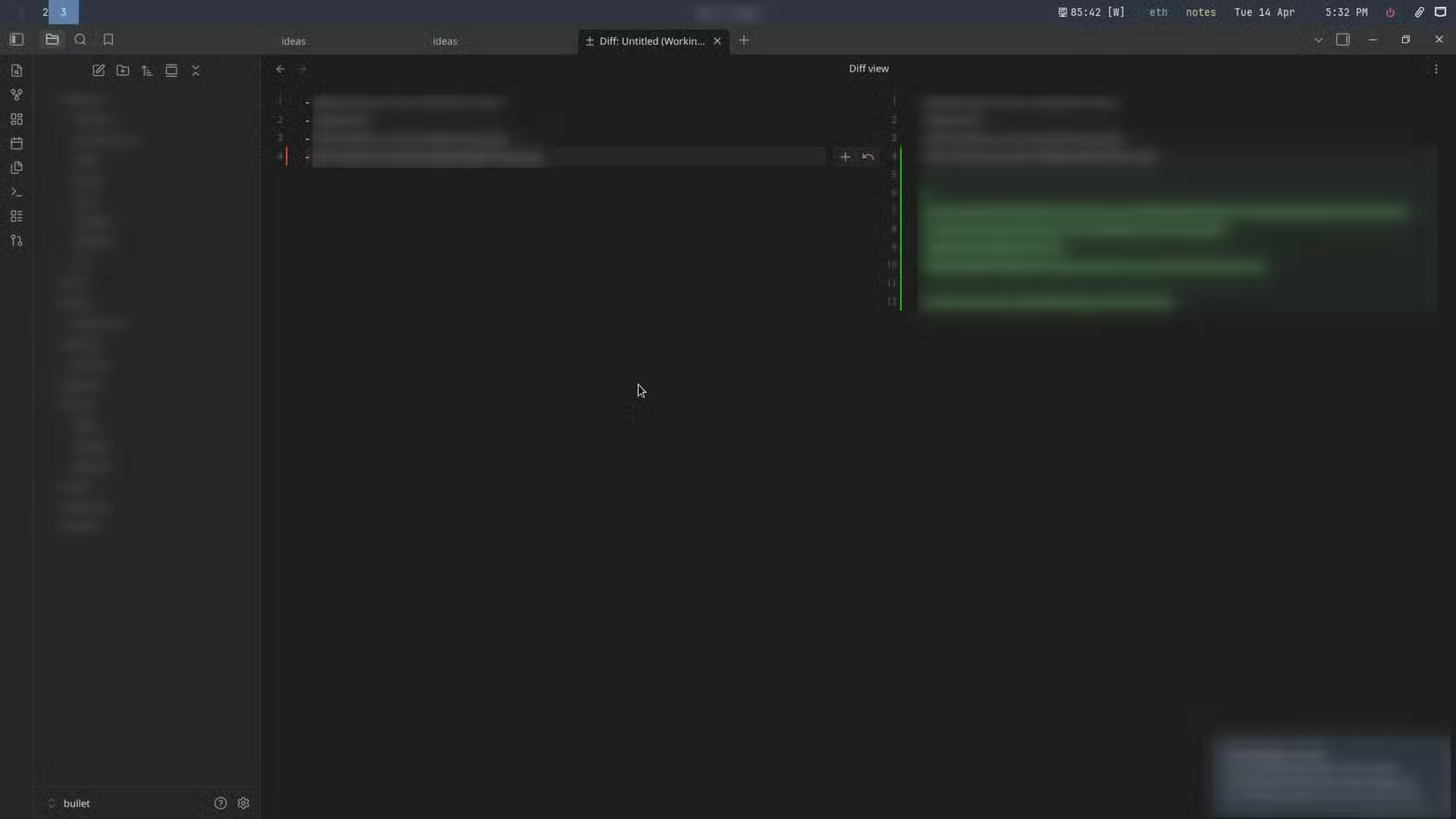
Obsidian Git also gives you granular control over what gets synced. You can exclude specific notes or folders from version control using a .gitignore file. The official service syncs everything or nothing.
Setting It Up
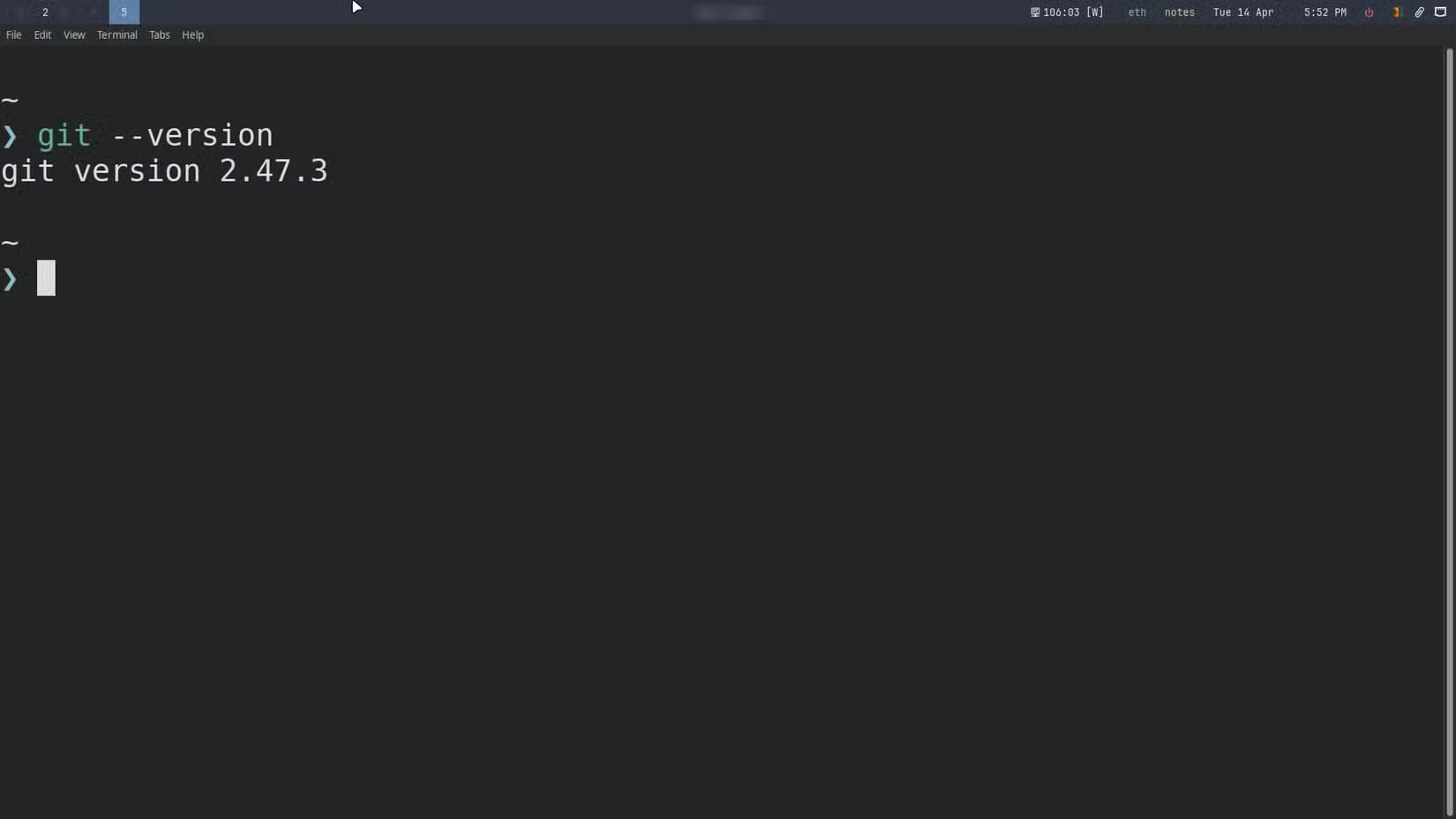
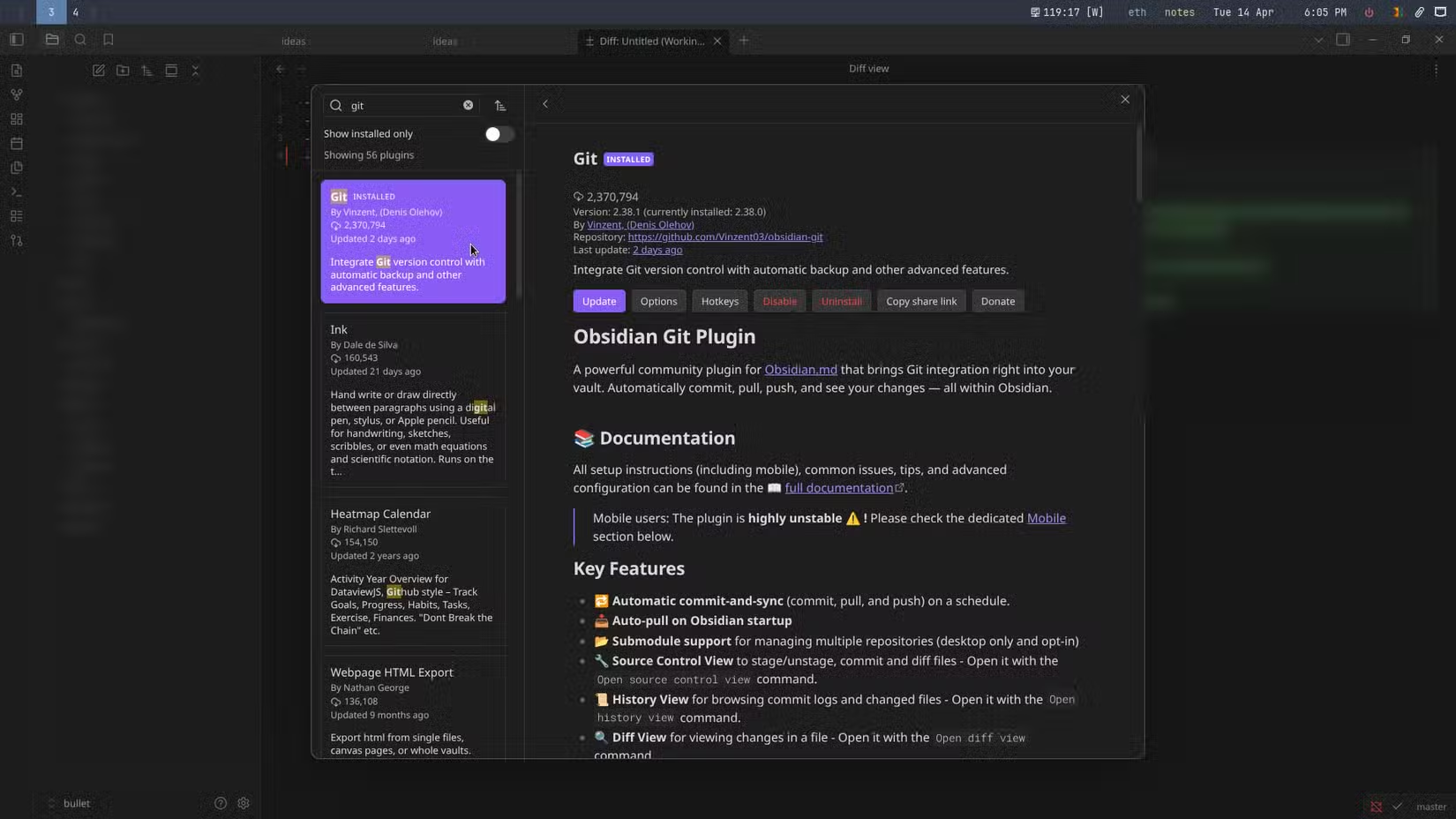
The setup involves installing the Obsidian Git plugin from the community plugins marketplace, creating a private GitHub repository, and connecting the two. You'll need Git installed on each device you want to sync.
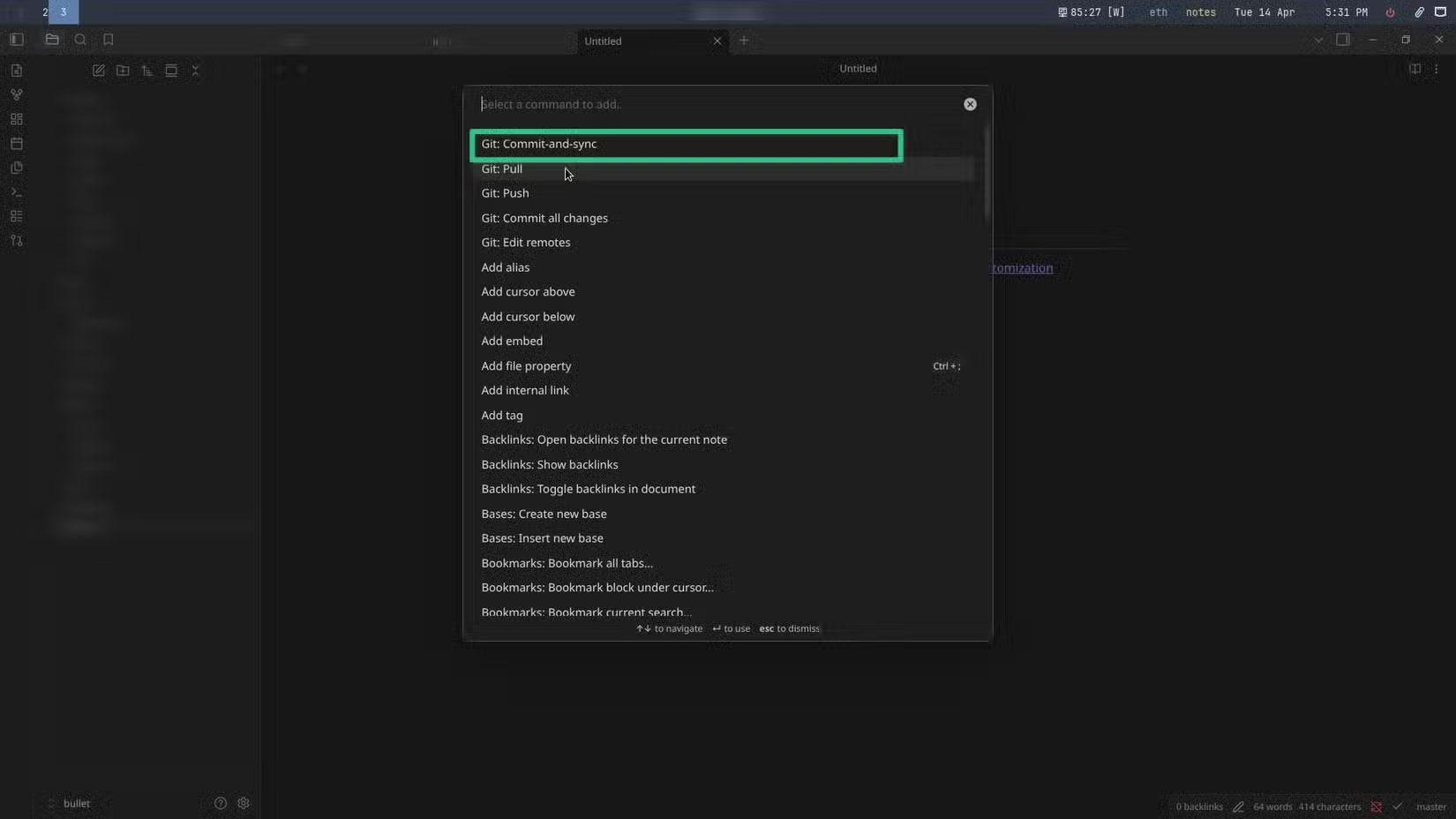
Once configured, you can commit and sync changes directly from Obsidian's command palette. The plugin handles the Git commands behind the scenes, so you don't need to touch a terminal after initial setup.
The Tradeoffs
✅ Pros
- • Free with 15GB storage vs. $5-10/month with 1GB+
- • Permanent version history (Git keeps everything)
- • Unlimited vaults
- • Granular control over which files sync
- • Works with existing GitHub workflows
❌ Cons
- • Requires Git knowledge for initial setup
- • Mobile setup is more complex than desktop
- • No official support (community-maintained plugin)
- • Merge conflicts possible if editing same note on multiple devices
The Git approach isn't for everyone. If you've never used Git, there's a learning curve. Mobile sync can be trickier since iOS and Android don't have native Git clients. Some users install working-copy apps or similar tools to bridge that gap.
Merge conflicts are another consideration. If you edit the same note on two devices before syncing, Git won't know which version to keep. You'll need to resolve the conflict manually. Obsidian Sync handles this automatically with its own conflict resolution.
Related GitHub platform changes affecting developer workflows
Who Should Use Which
Obsidian Sync makes sense if you want zero setup friction, sync primarily between mobile devices, or prefer official support. The $5/month tier works fine for casual users with a single small vault.
Obsidian Git is better suited for developers already comfortable with GitHub, anyone managing multiple vaults, users who need permanent version history, or those who simply prefer not to pay for what Git does free.
Logicity's Take
Frequently Asked Questions
Does Obsidian Git work on mobile devices?
Yes, but setup is more complex. iOS users typically need apps like Working Copy to handle Git operations. Android has similar workarounds but requires additional configuration.
Is my data private with GitHub sync?
Yes, if you use a private repository. GitHub's free tier allows unlimited private repos. Your notes remain encrypted in transit and only accessible to your GitHub account.
Can I switch from Obsidian Sync to Git without losing notes?
Yes. Your vault is just a folder of Markdown files. You can initialize Git in your existing vault folder and push to GitHub while keeping all your notes intact.
What happens if I edit the same note on two devices?
Git will flag a merge conflict. You'll need to manually choose which version to keep or combine the changes. This is less seamless than Obsidian Sync's automatic conflict resolution.
Does the Obsidian Git plugin auto-sync in the background?
It can. The plugin has settings for automatic commits and pulls at configurable intervals. You can also trigger sync manually via the command palette.
Need Help Implementing This?
Source: How-To Geek
Huma Shazia
Senior AI & Tech Writer
Produced with AI assistance and reviewed by the Logicity editorial team. Learn more in our Editorial Policy.