Key Takeaways
- F-Droid hosts over 4,500 open-source apps, all with verifiable source code
- The platform works on Android phones, tablets, and Fire TV devices
- Apps on F-Droid are labeled with 'anti-features' like ads or tracking, making risks transparent
What Is F-Droid?
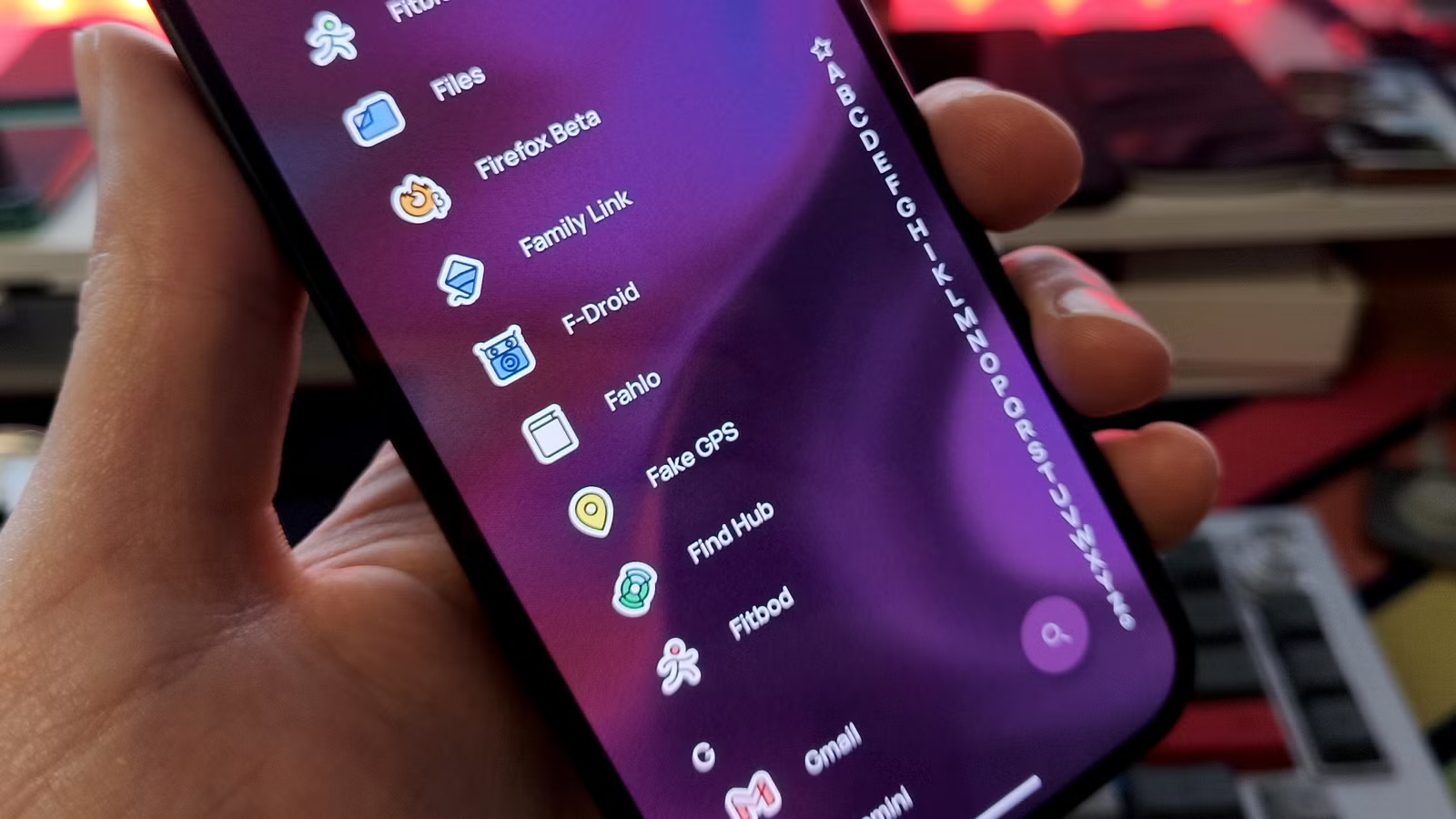
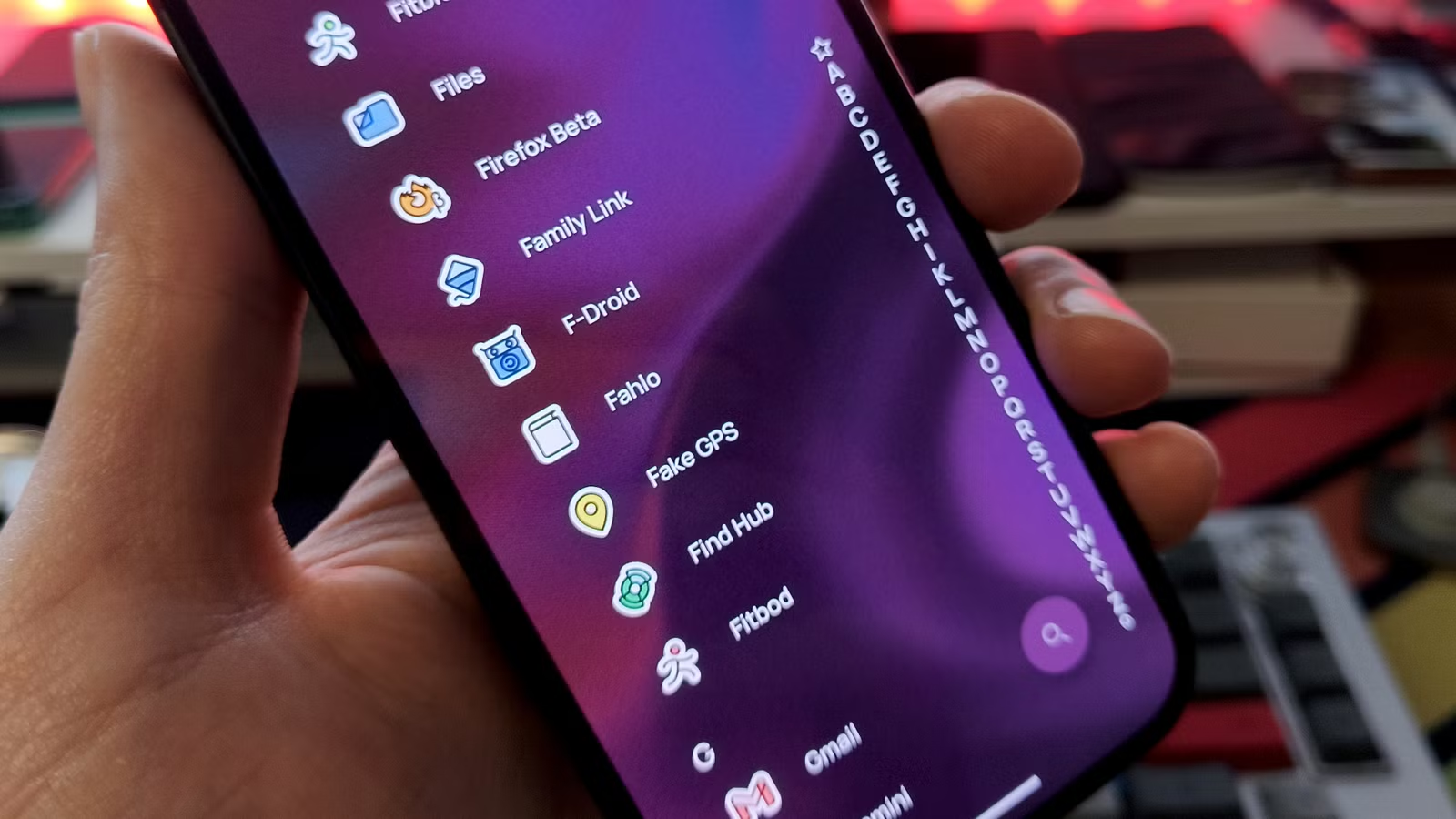
F-Droid is a volunteer-maintained app store for Android that hosts only free and open-source software. Every app in its catalog has publicly available source code. That means developers, security researchers, or curious users can inspect exactly what an app does before installing it.
The store currently hosts over 4,500 apps. Compare that to the Play Store's millions, and you'll see the tradeoff: F-Droid offers a curated, smaller collection rather than an endless scroll of options.
The apps tend toward utility software: file managers, note-taking apps, password managers, system tools. You won't find Instagram or Netflix here. What you will find are ad-free alternatives to common tools, often built by independent developers who prioritize function over monetization.
Why Use F-Droid Alongside the Play Store?
F-Droid isn't just for people running custom ROMs or de-Googled phones. It works fine as a secondary app store on any Android device with the Play Store installed.
The Play Store is crowded. Search for 'file manager' and you'll get dozens of results, many stuffed with ads or requiring subscriptions for basic features. Telling the good from the bad takes effort.
F-Droid's smaller catalog makes decisions simpler. Instead of 50 file managers, you might see five. All of them are open source. None of them hide their tracking behavior.
“F-Droid is a repository that hosts a suite of apps that prioritize function over profit. Unlike the proprietary 'black boxes' on the Play Store, these apps are transparent and respectful of your digital autonomy.”
— MakeUseOf
The Anti-Features System
F-Droid takes a different approach to app warnings than Google does. Instead of hiding problematic behavior, it labels it.
Each app listing shows 'anti-features' if they exist. These are things like ads, non-free dependencies, tracking, or reliance on proprietary services. You can see exactly what compromises an app makes before you install it.
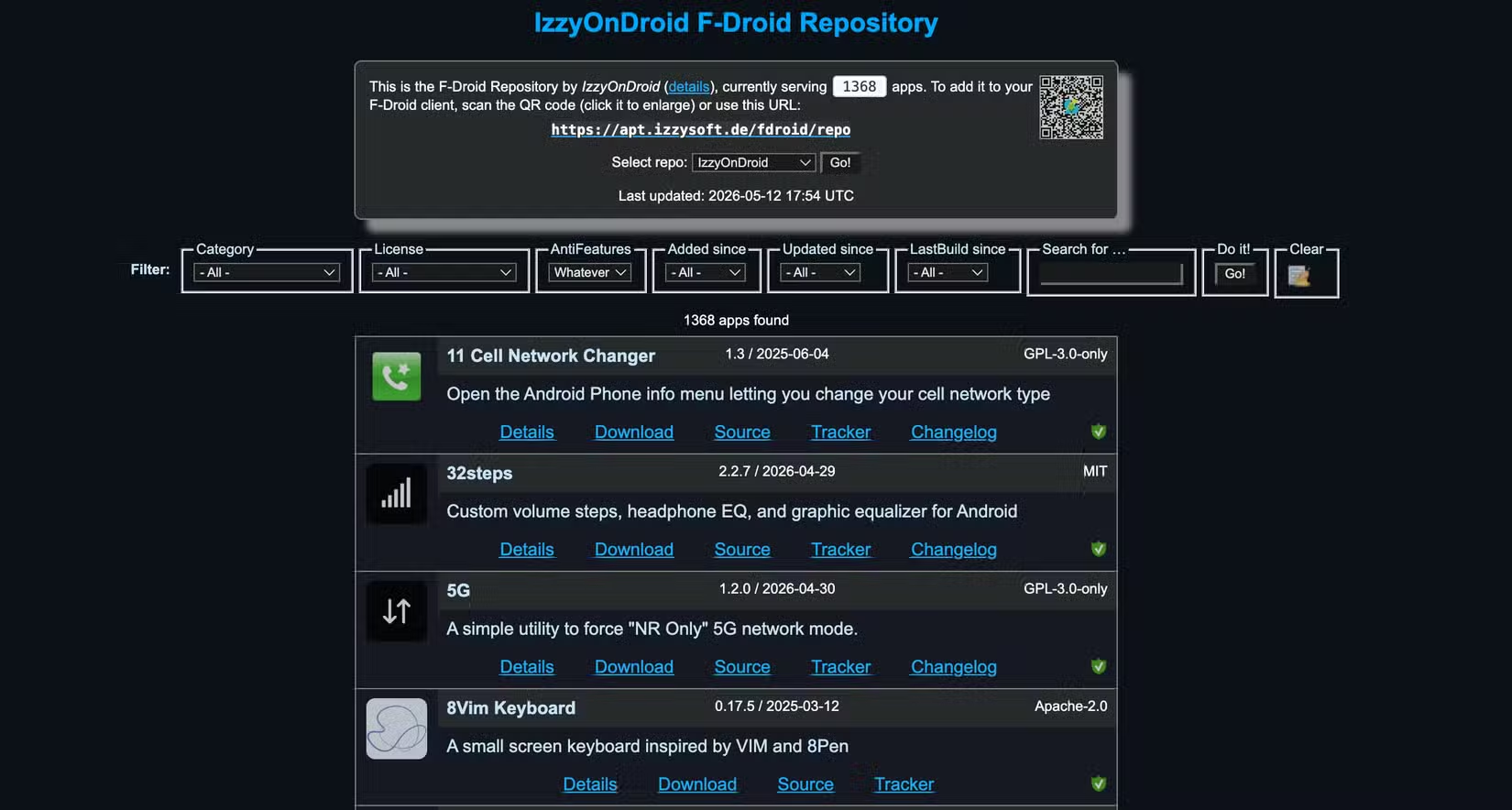
This transparency matters. A Play Store app might bury tracking in its privacy policy. An F-Droid app with tracking gets a visible label warning you upfront.
Expanding F-Droid with Repositories
F-Droid supports additional repositories, similar to how Linux package managers work. These repos offer apps that aren't in the main F-Droid catalog.
The most popular is IzzyOnDroid, which hosts over a thousand apps not found in the default store. These might be apps that don't meet F-Droid's strict policies, beta versions, or simply apps that haven't been submitted to the main repo.
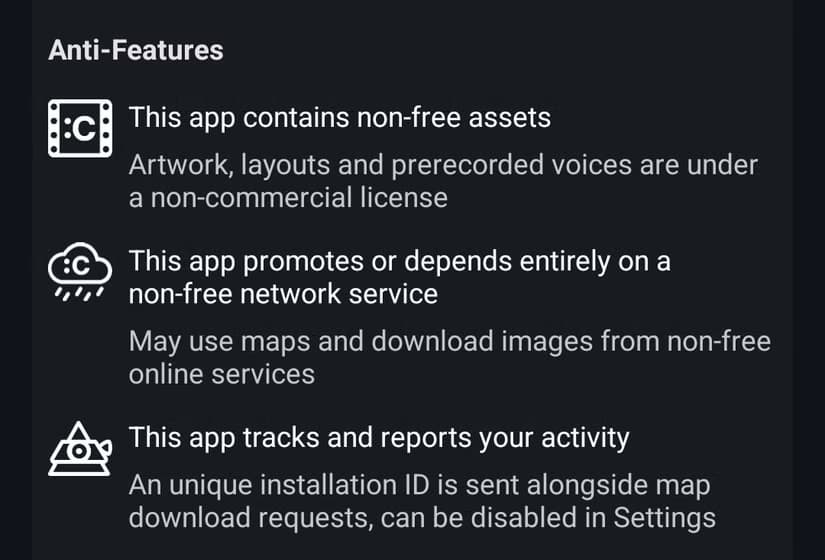
Adding a repo is straightforward. Once enabled, those apps appear in your F-Droid searches and receive updates through the same interface. It's more convenient than manually sideloading APKs.
Some developers maintain their own repos for a single app. Bitwarden, the open-source password manager, offers one. This lets you get updates directly from the developer while still managing everything through F-Droid.
The Update Lag Tradeoff
F-Droid builds apps from source code rather than distributing developer-compiled binaries. This adds a layer of trust: you know the app matches the published code. But it also means updates take longer.
Typical delay between a developer publishing an update and F-Droid making it available is 2 to 5 days. For most utility apps, this doesn't matter. For security-critical apps, some users prefer alternatives.
Power users in communities like r/Privacy often pair F-Droid with tools like Obtainium. Obtainium pulls APKs directly from developers' GitHub releases, giving you the latest version immediately while F-Droid handles everything else.
F-Droid on Fire TV and Android TV
F-Droid isn't limited to phones. It installs on Fire TV Sticks, Android TV boxes, and tablets. The interface adapts to larger screens and remote controls.
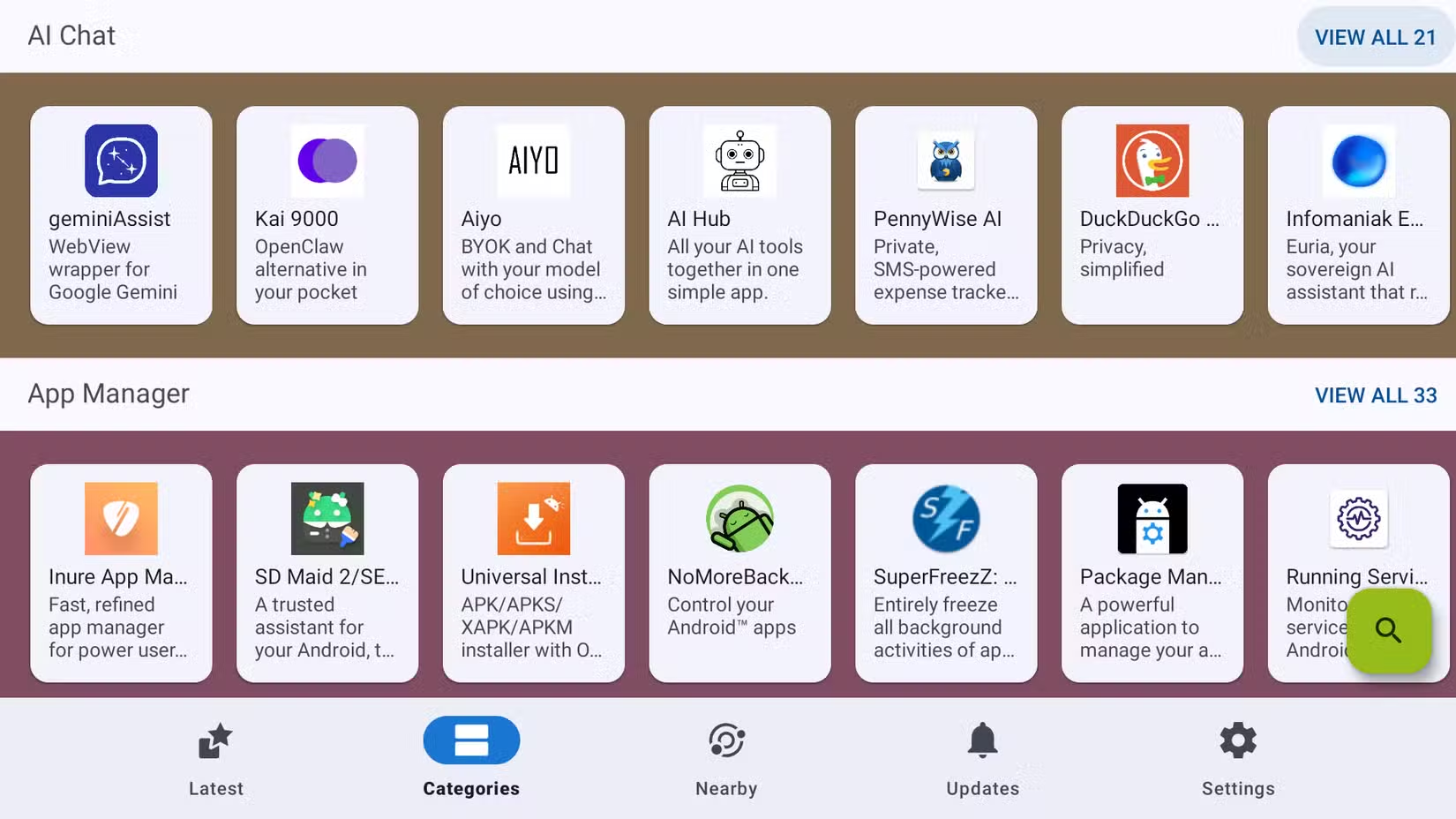
On a Fire TV, this means access to open-source media players, system tools, and utilities that Amazon's app store doesn't carry. You can install apps like VLC, NewPipe (an ad-free YouTube frontend), or various IPTV players.
Installation requires enabling 'Apps from Unknown Sources' in your device settings, then downloading the F-Droid APK. After that, it works like any other app store.
Practical Apps Worth Trying
If you're new to F-Droid, here are categories where it offers strong alternatives to Play Store apps:
- File managers: Simple, ad-free tools without cloud upsells
- Note-taking: Markdown editors and plain-text note apps
- Password managers: Bitwarden and KeePass variants
- Media players: VLC and others with no ads
- System utilities: Battery monitors, clipboard managers, file sync tools
Is F-Droid Secure?
Open source doesn't automatically mean secure. But it does mean auditable. Anyone can review the code, flag issues, or verify that an app does what it claims.
F-Droid's build process adds another layer. They compile apps from source rather than trusting developer binaries. This prevents a compromised developer account from pushing malicious updates.
The tradeoff is that F-Droid's security depends on their infrastructure. If their build servers were compromised, apps could be affected. Google has more resources for this, but also a larger attack surface and less transparency about what gets approved.
✅ Pros
- • All apps are open source with verifiable code
- • Anti-features system labels ads, tracking, and dependencies clearly
- • Works on phones, tablets, and TV devices
- • Expandable via third-party repositories
- • Free, with no accounts or subscriptions required
❌ Cons
- • Updates arrive 2-5 days after developers publish them
- • App catalog is much smaller than the Play Store
- • No official support for major commercial apps
- • Some apps require manual APK updates for latest features
Logicity's Take
Another practical open-source tool for developers
Frequently Asked Questions
Is F-Droid safe to install?
Yes. F-Droid builds apps from verified source code and labels any concerning features. It's generally considered safer than sideloading random APKs, though it lacks Google's Play Protect scanning.
Can I use F-Droid alongside the Google Play Store?
Absolutely. F-Droid works as a secondary app store on any Android device with Play Store installed. There's no conflict between them.
Why are F-Droid updates slower than the Play Store?
F-Droid compiles apps from source code rather than using developer binaries. This verification step adds 2-5 days of delay but provides stronger guarantees that the app matches its published code.
Does F-Droid work on Fire TV?
Yes. You can sideload F-Droid onto Fire TV Sticks and Android TV devices. It provides access to open-source apps not available in Amazon's app store.
What's the IzzyOnDroid repository?
IzzyOnDroid is a third-party F-Droid repository with over 1,000 additional apps. It includes apps that don't meet F-Droid's strict inclusion policies or haven't been submitted to the main store.
Need Help Implementing This?
Source: How-To Geek
Huma Shazia
Senior AI & Tech Writer
Produced with AI assistance and reviewed by the Logicity editorial team. Learn more in our Editorial Policy.