Key Takeaways
- Click-to-Do creates a screen overlay that lets you highlight content for AI analysis
- The feature focuses heavily on text summarization, which is rarely the bottleneck in most workflows
- Most Copilot+ Ready PCs from the past two years can theoretically run Click-to-Do
What Click-to-Do Actually Does
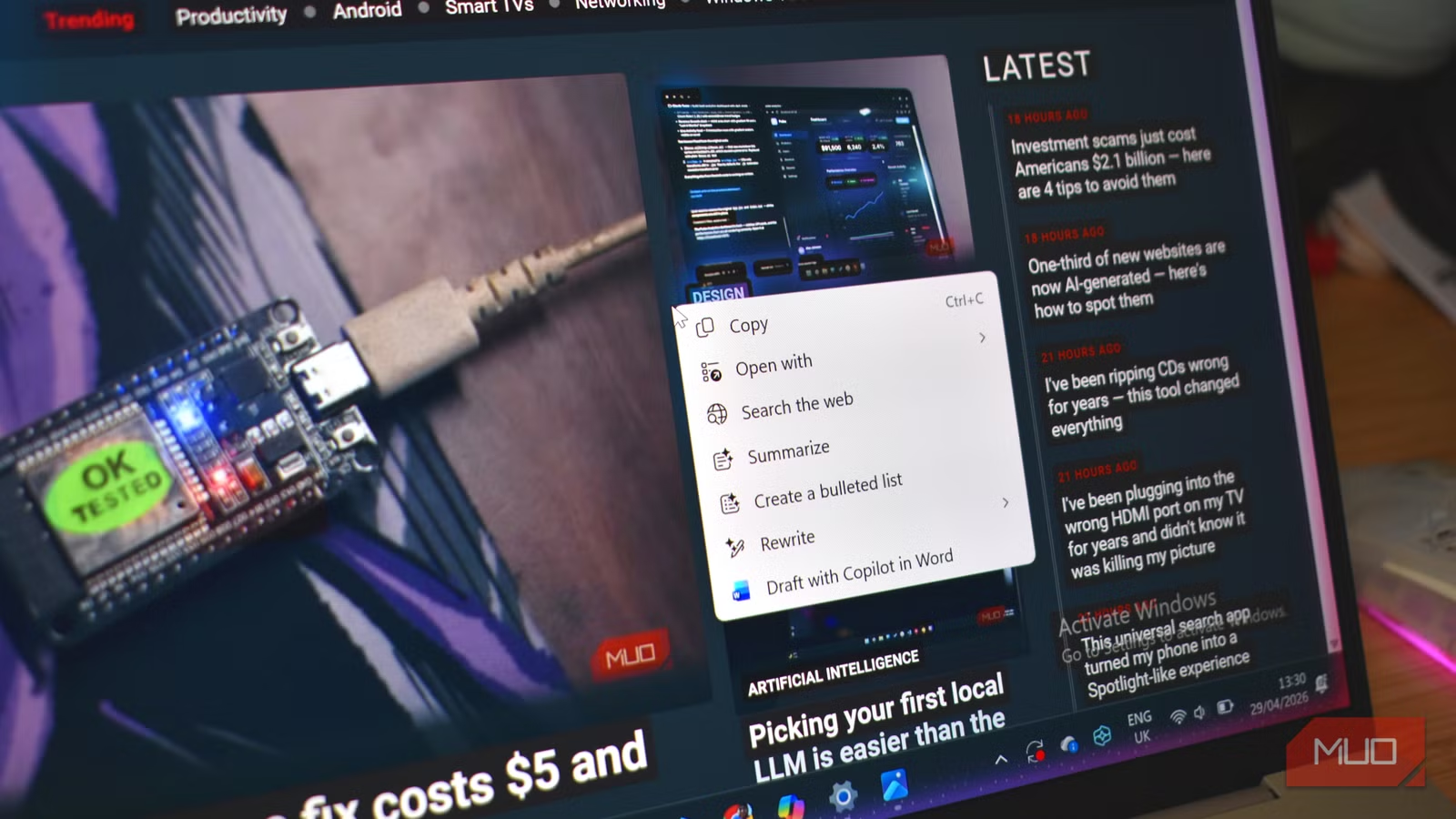
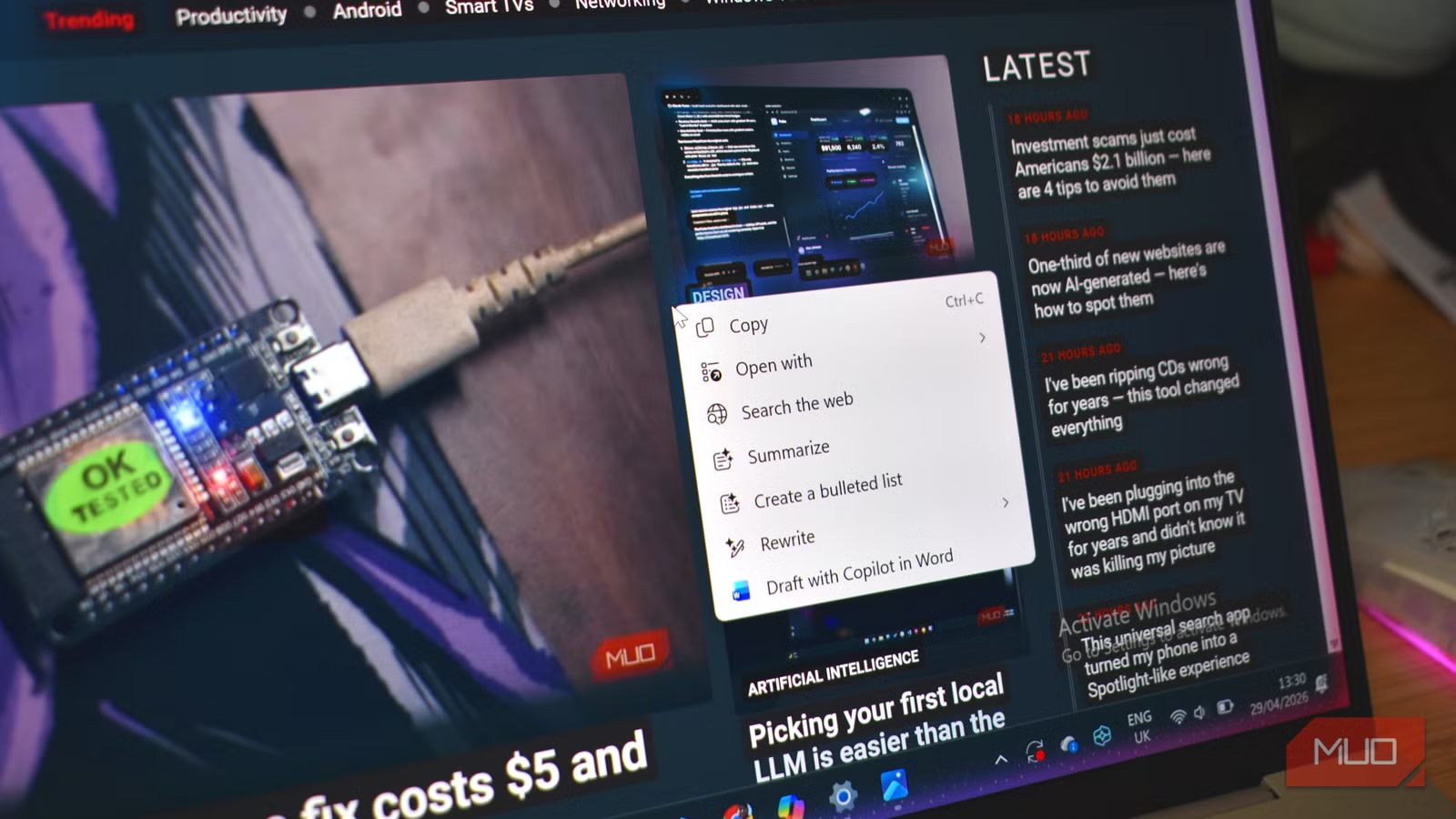
Press Win + Q or hold the Windows key, and Click-to-Do springs to life. Your screen gets a purple overlay with a matching border. Your cursor becomes a bright circle. Click somewhere, and that circle transforms into a vertical cursor like you'd see in Word or Google Docs.
From there, you highlight whatever's on screen. Click-to-Do analyzes your selection and offers context-aware options. The menu changes based on what you've highlighted, though in practice the options lean heavily toward one thing: summarizing text.
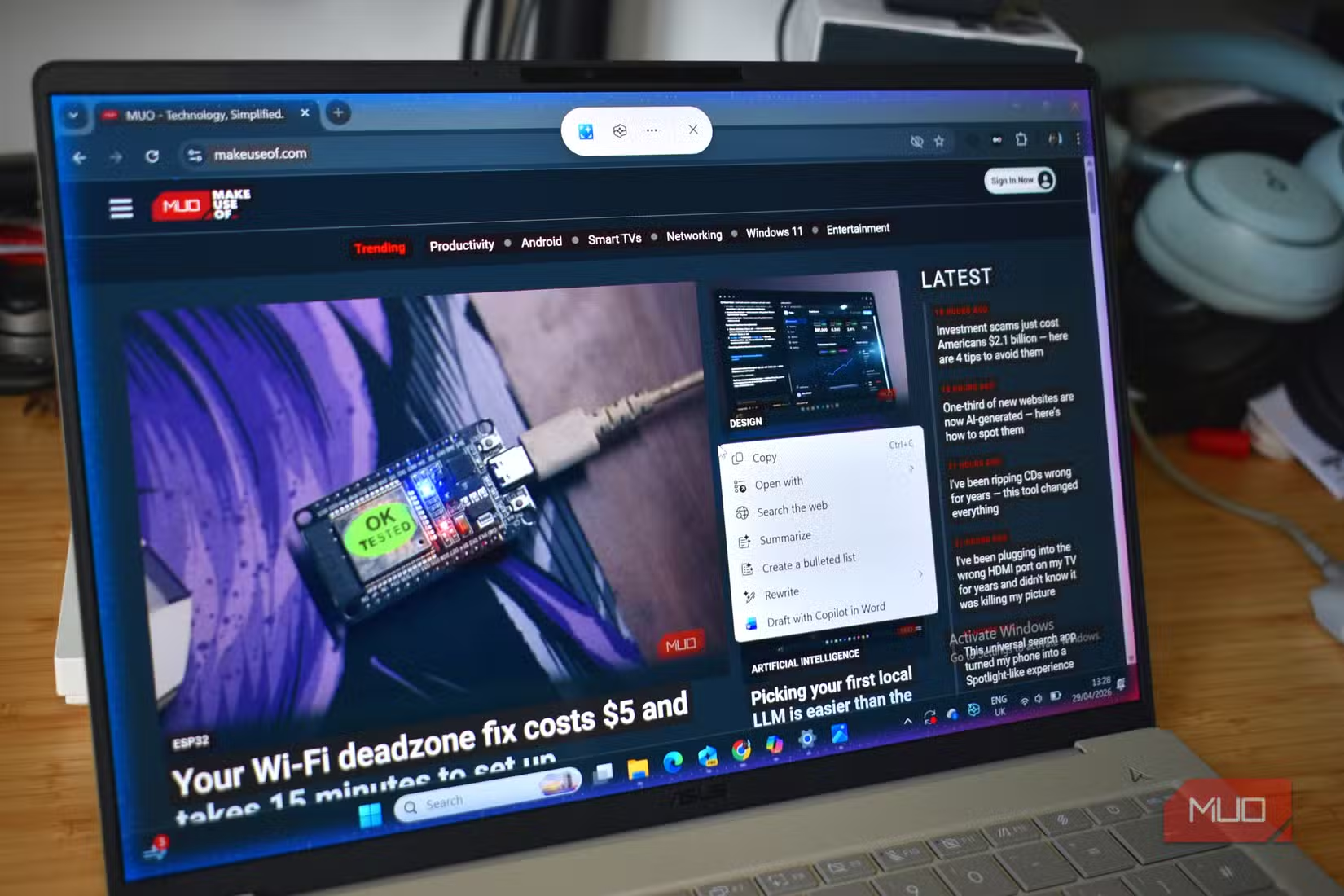
The pitch sounds useful. An AI tool that scans documents, suggests rewrites, answers questions about whatever's on your screen. Microsoft promises it keeps your voice and productivity in mind. After extended testing, the reality is more limited.
The Problem It Solves Isn't Really a Problem
Click-to-Do's core function is summarization. You highlight a document, a webpage, an email thread. The AI condenses it. Results vary based on the content type and your expectations.
Here's the issue: if you're reading something on screen, you've already committed to reading it. By the time you invoke Click-to-Do to summarize a document, you're already engaged with that document. The friction of highlighting, waiting for analysis, and reviewing the summary often takes longer than just skimming the original.
Summarization works well for content you haven't read yet. But Click-to-Do requires you to have that content visible on screen. It can't scan your inbox and surface what matters. It can't triage your unread tabs. It only works on what you're already looking at.
The Features That Could Matter
Beyond summarization, Click-to-Do offers rewriting tools. Highlight text, ask it to make the tone more formal or casual, get a revised version. This is genuinely useful for drafting emails or cleaning up quick notes before sharing them.
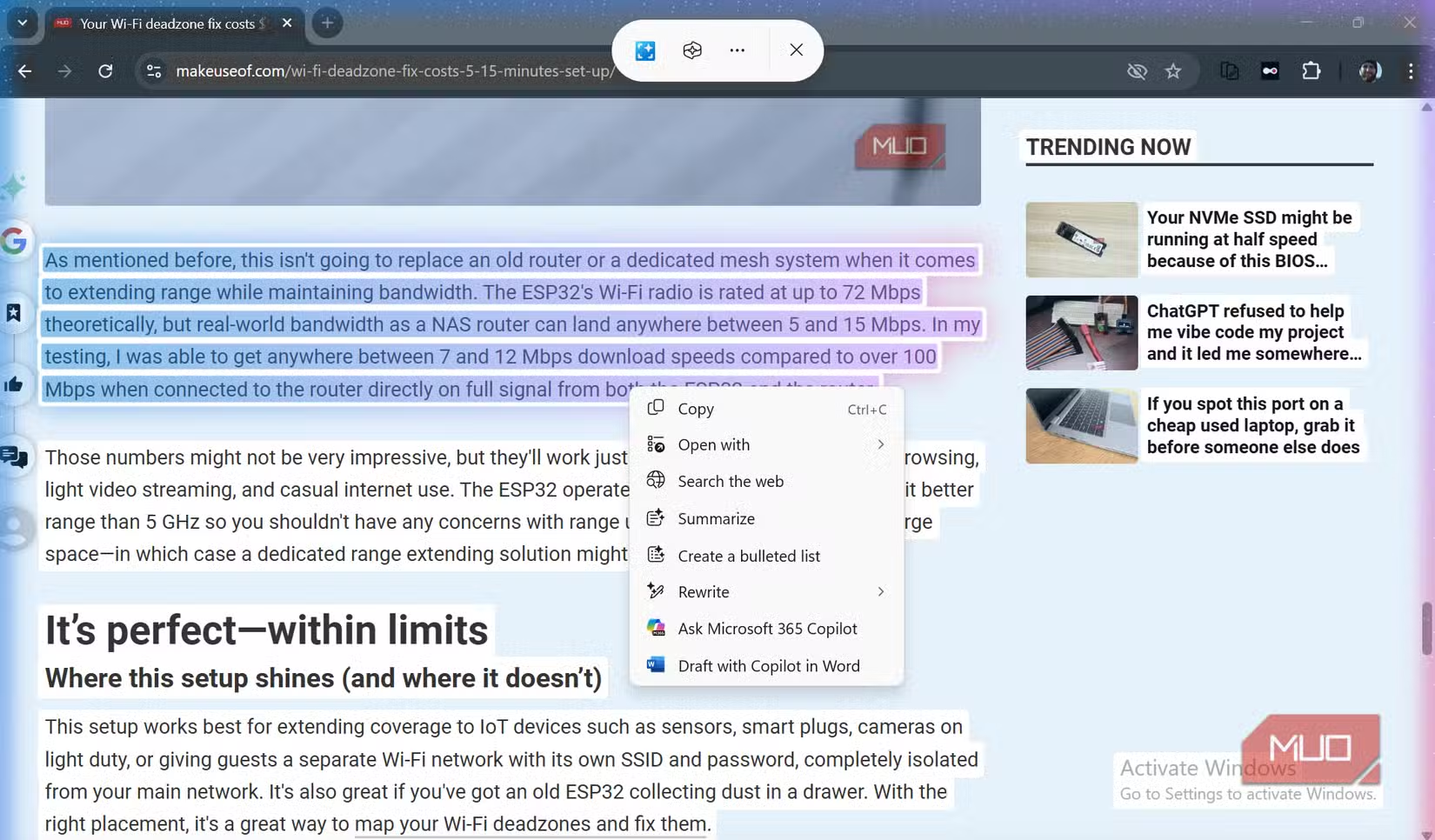
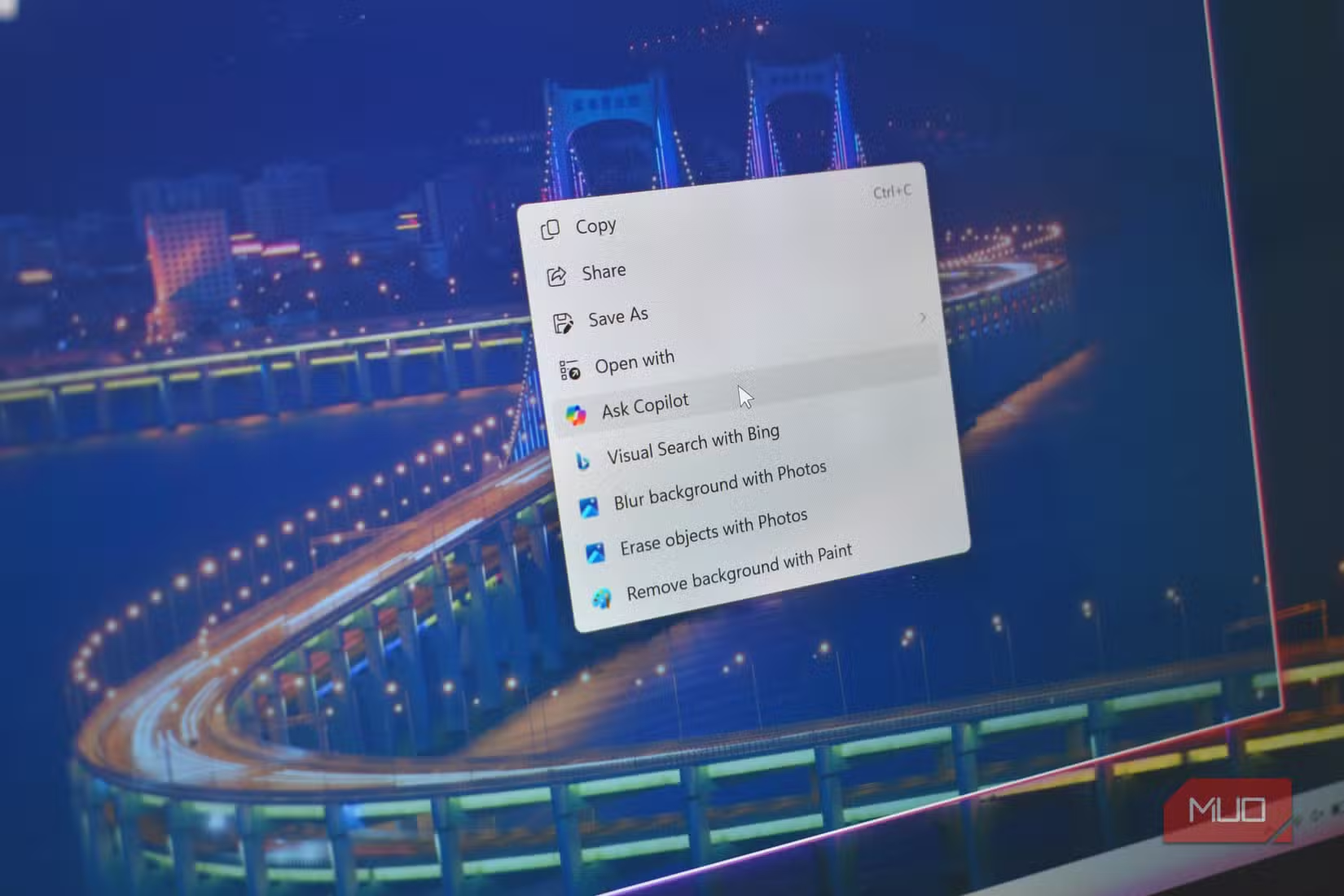
The Ask Copilot option lets you pose questions about highlighted content. If you're reviewing a contract or technical document and need clarification on a specific clause, this shortcut beats copying text into a separate chat window.
These secondary features hint at what Click-to-Do could become. The problem is that Microsoft keeps marketing the summarization angle, which is the least compelling use case for most workflows.
Who Benefits From Click-to-Do
Some users will find genuine value here. If your job involves reviewing lengthy documents you didn't write, like legal contracts, research papers, or dense reports from vendors, the summarization function saves time. The key is content you're encountering for the first time, not content you authored or already know.
- Legal and compliance teams reviewing third-party contracts
- Researchers scanning academic papers for relevance
- Executives who receive lengthy briefing documents
- Anyone who processes high volumes of text written by others
For most knowledge workers, though, the bottleneck isn't summarizing documents. It's finding the right documents in the first place. It's managing task lists. It's coordinating with teammates. Click-to-Do doesn't touch any of that.
Hardware Requirements and Availability
Most PCs and laptops manufactured in the past two years are theoretically Copilot+ Ready with Windows 11. That means Click-to-Do should work on recent hardware without special upgrades. The feature is part of Microsoft's broader push to make AI tools native to the Windows experience.
Whether your specific machine qualifies depends on its neural processing unit (NPU) capabilities. Microsoft has been vague about exact thresholds, but if you bought a laptop in 2024 or later from a major manufacturer, you likely have access.
Logicity's Take
More context on Microsoft's AI strategy
The Bottom Line
Click-to-Do is a solution looking for a problem. The technology works. The user interface is intuitive. The underlying AI produces reasonable outputs. But the core use case, summarizing content you're already viewing, addresses a friction point that barely exists for most users.
Microsoft has the pieces for something genuinely useful. Integrate Click-to-Do with search. Let it scan your inbox before you open it. Have it triage your browser tabs. Those features would solve real problems. Summarizing a document you've already opened? That's a party trick, not productivity.
Frequently Asked Questions
How do I activate Click-to-Do in Windows 11?
Press Win + Q or hold the Windows key. This creates a purple overlay on your screen with a circular cursor for highlighting content.
Does Click-to-Do work on all Windows 11 PCs?
Most PCs manufactured in the past two years are Copilot+ Ready and should support Click-to-Do. Older machines may lack the required NPU hardware.
What can Click-to-Do do besides summarize text?
Click-to-Do offers rewriting tools for adjusting tone, plus an Ask Copilot feature for posing questions about highlighted content.
Is Click-to-Do the same as Microsoft Copilot?
Click-to-Do is one feature within the Copilot+ PC suite. It focuses on screen content analysis, while Copilot itself offers broader AI assistant capabilities.
Need Help Implementing This?
Source: MakeUseOf
The 'Magic Wand' Fallacy: Why AI Can't Interpret Messy Data
The new article introduces the 'magic wand fallacy,' explaining that AI cannot fix disorganized data schemas or broken logic in Excel spreadsheets regardless of what is highlighted. It provides a specific technical critique of the 'highlight and analyze' interaction model, arguing that messy data leads to ambiguous prompts and unreliable outputs.
Huma Shazia
Senior AI & Tech Writer
Produced with AI assistance and reviewed by the Logicity editorial team. Learn more in our Editorial Policy.






