Key Takeaways

- Cursor keeps you in control with diff-based approvals; Windsurf's Cascade agent works more autonomously
- Windsurf works as an extension in 40+ editors including JetBrains and Vim; Cursor is VS Code only
- Windsurf holds HIPAA, FedRAMP High, and ITAR certifications; Cursor has SOC 2 Type II with Privacy Mode
AI IDEs promise faster shipping and higher productivity. But speed creates skepticism. What if you deploy code you don't fully understand? What if the agent makes a change that becomes impossible to debug when it breaks in production?
On paper, Cursor and Windsurf look identical. Both are VS Code forks. Both offer pair programming and agent modes. Both claim to understand your codebase. In practice, they feel completely different to use. They represent two distinct philosophies about what software development should become.
After extensive testing of both tools and deep dives into their documentation, here's what actually matters when choosing between them.
Where Cursor and Windsurf Converge
Both tools share a common foundation. They're VS Code forks with semantic indexing of your codebase. They let you ask questions across your entire project. They offer both pair programming and autonomous agent modes. They integrate with external services through Zapier, connecting to 9,000+ apps.
The convergence stops there. Everything else, from interaction philosophy to deployment flexibility to compliance posture, diverges sharply.
| Feature | Cursor | Windsurf |
|---|---|---|
| Collaboration style | AI as copilot: every suggestion waits for approval | AI as co-author: Cascade anticipates next steps |
| Codebase understanding | Semantic index from embeddings | Semantic index + just-in-time agentic search |
| Agent orchestration | Cursor 3 Agent Window with Slack/GitHub/Teams triggers | Cascade + Devin integration for cloud VM tasks |
| IDE flexibility | VS Code fork only | IDE + plugin for 40+ editors (JetBrains, Vim, Xcode) |
| Free plan | Limited completions, exhausted in days | Unlimited completions, daily/weekly quota resets |
| Compliance | SOC 2 Type II, Privacy Mode, Ghost Mode | SOC 2 Type II + HIPAA + FedRAMP High + ITAR |
Cursor Is a Copilot. Windsurf Is a Co-Author.
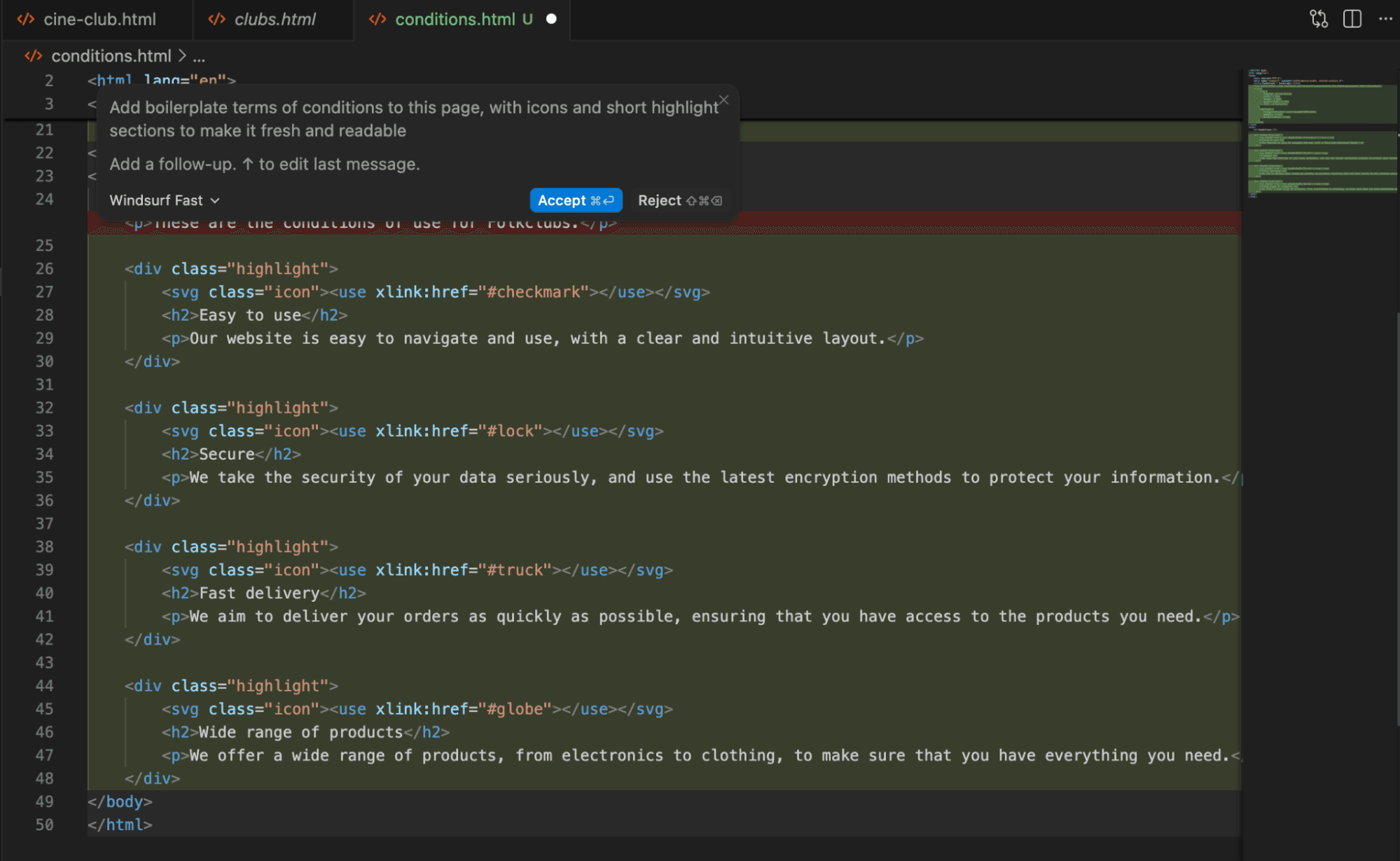
This is the fundamental split. Cursor keeps you in the driver's seat. Every AI suggestion waits for your approval. Every diff is yours to review. You steer, the AI assists.
Windsurf's Cascade agent works differently. It anticipates your next steps and starts working on them. When it's aligned with your intentions, this feels fast. When it's not, you spend time correcting course.
“The goal isn't just to write code faster; it's to elevate the developer from an implementer to an architect who manages agents.”
— Aman Sanger, CEO of Cursor
The philosophies reflect different bets about developer workflows. Cursor bets that developers want precision and control. Windsurf bets that developers want to delegate and supervise.
“Windsurf treats the IDE as a collaboration platform, not just a text editor. By bringing Devin into the loop, we're changing the definition of pair programming.”
— Shishir Patil, CTO of Cognition/Codeium
IDE Lock-in vs. Editor Freedom
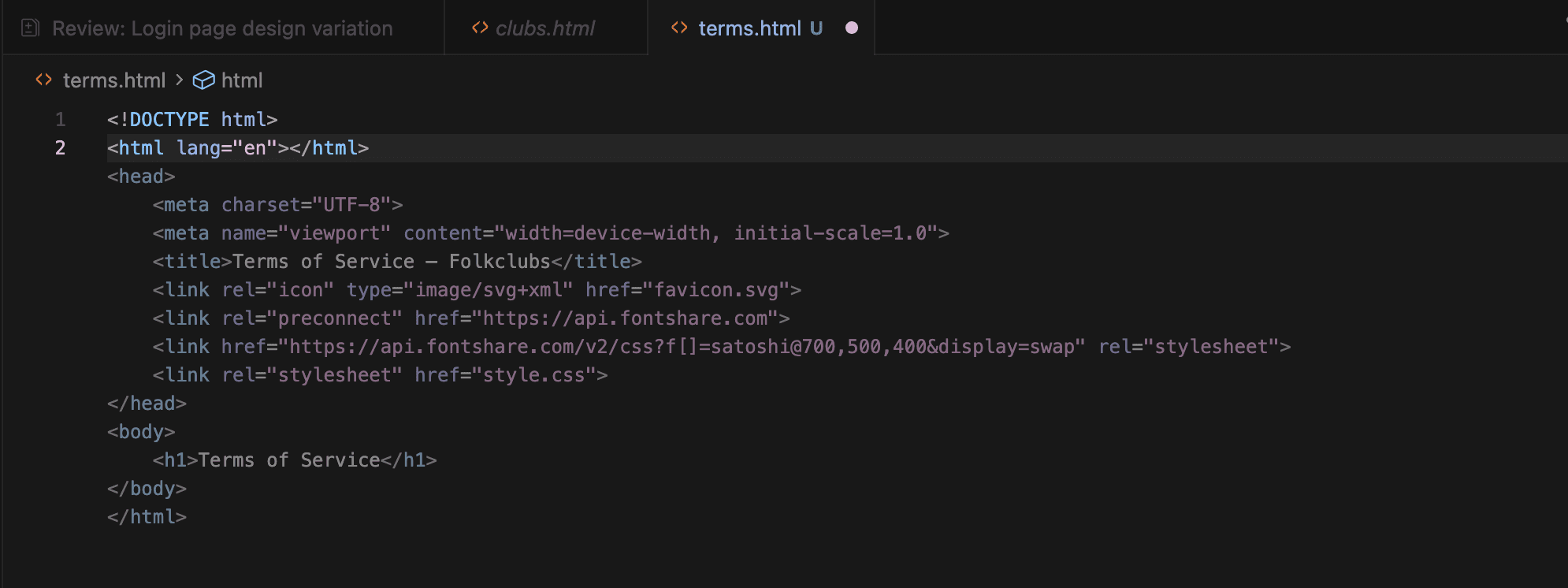
Cursor exists only as a standalone VS Code fork. If your team uses JetBrains IDEs, Vim, NeoVim, or Xcode, you can't use Cursor without switching editors.
Windsurf ships as both a standalone IDE and as a plugin for 40+ editors. You can keep your existing workflow and add AI capabilities on top. For teams with diverse editor preferences, this flexibility matters.
The tradeoff: Cursor's tight VS Code integration enables deeper features. Windsurf's plugin approach means some capabilities may be limited outside the standalone IDE.
Codebase Understanding: Index vs. Search
Both tools build semantic indexes of your codebase using embeddings. This lets you ask questions across your entire project and use the codebase as context for AI tasks.
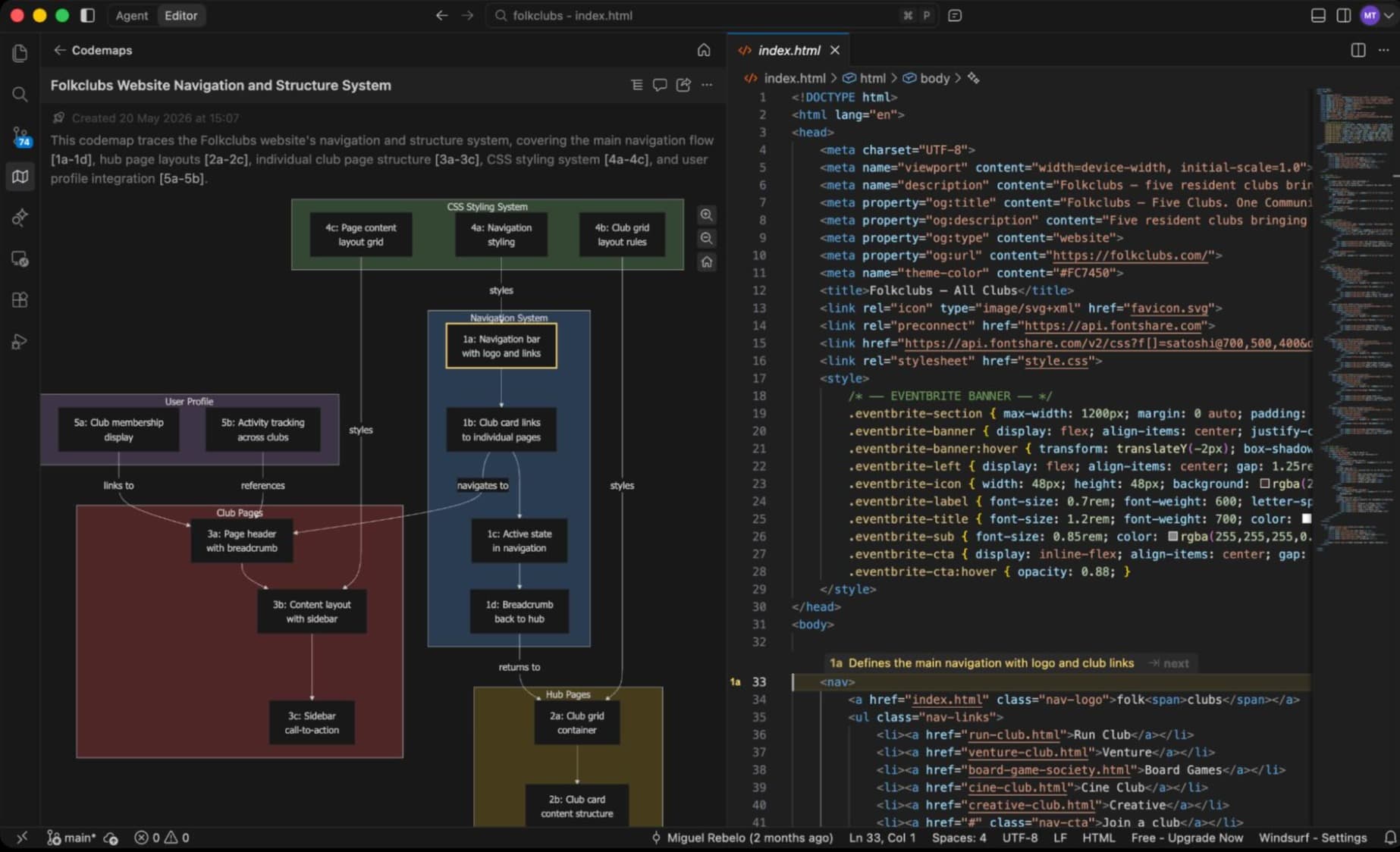
Windsurf adds what it calls Codemaps. Beyond the static index, it performs just-in-time agentic search to enrich context. When Cascade is planning your next steps, it's actively searching for relevant code, not just querying a pre-built index.
In practice, this means Windsurf can surface relevant context you might not have thought to include. It also means more compute happening in the background. The speed difference depends on your codebase size and complexity.
Agent Orchestration and External Triggers
Cursor's Agent Window, introduced with Cursor 3, was built specifically for orchestration. It can trigger from Slack, GitHub, Teams, and Linear. You can set up workflows where a Slack message kicks off a coding task, or a GitHub issue automatically generates a PR.
Windsurf takes a different approach. Cascade handles multi-file tasks autonomously within the IDE. For longer-running tasks, it integrates with Devin to hand off work to a cloud VM. But Windsurf lacks native Slack or Teams bots. There's no automated PR review equivalent.
If your workflow involves external triggers and cross-tool automation, Cursor's orchestration capabilities are stronger. If you primarily work within the IDE and want autonomous execution of complex tasks, Windsurf's Cascade/Devin integration delivers.
Free Tier: Days vs. Weeks of Usage
Cursor's free plan includes limited tab completions and agent requests per month. Active users report exhausting these limits within a few days. Cursor doesn't publish specific numbers, making it hard to plan around.
Windsurf's free tier is substantially more generous. Unlimited tab completions. Daily and weekly quota resets instead of monthly. Access to SWE-1-lite at no cost. Plus one app deploy per day. For light work or evaluation, you can use Windsurf's free tier for weeks before hitting limits.
Neither free tier will sustain heavy daily use. But Windsurf gives you more room to evaluate before committing to a paid plan.
Compliance: Good vs. Comprehensive
Cursor holds SOC 2 Type II certification. It offers Privacy Mode, where no code is retained after requests complete. Ghost Mode processes everything locally. For most companies, this covers the bases.
Windsurf goes further. Beyond SOC 2 Type II, it holds HIPAA, FedRAMP High, and ITAR certifications. Team and Enterprise plans include Zero Data Retention.
If you're in healthcare, government contracting, or defense-adjacent industries, Windsurf's compliance posture may be a requirement, not a preference. For typical tech companies, Cursor's SOC 2 and Privacy Mode are sufficient.
The "Vibe Coding" Debate
Both tools have sparked discussion about what some call "Vibe Coding." The idea that developers can ship features without deeply understanding the generated code. Enterprise teams report a 45% average reduction in time-to-PR using agentic IDEs. But speed comes with questions about maintainability.
HackerNews threads consistently debate the black-box nature of autonomous agents in Windsurf versus the transparency of Cursor's diff-based approach. Reddit discussions report that while both tools crush boilerplate, they struggle with complex architectural refactoring in massive legacy monorepos.
The 12 million estimated AI-assisted developers worldwide in 2026 are navigating this tradeoff daily. The $2.4 billion AI-native IDE market suggests most are finding value despite the risks.
Which One Should You Use?
Choose Cursor if you value control and transparency. If you want to review every change before it's applied. If your workflow involves external triggers from Slack, GitHub, or Linear. If you're comfortable with VS Code and don't need JetBrains or Vim support.
Choose Windsurf if you want AI to work more autonomously. If you need to use your existing IDE (JetBrains, Vim, Xcode). If your industry requires HIPAA, FedRAMP, or ITAR compliance. If you want a usable free tier for evaluation.
✅ Pros
- • Cursor: Precise control with diff-based approvals
- • Cursor: Strong external orchestration via Slack/GitHub/Teams triggers
- • Windsurf: Editor flexibility across 40+ IDEs
- • Windsurf: Comprehensive compliance for regulated industries
- • Windsurf: More generous free tier with unlimited completions
❌ Cons
- • Cursor: VS Code only, no JetBrains or Vim support
- • Cursor: Free tier exhausts within days of active use
- • Windsurf: Autonomous agents can require course correction
- • Windsurf: No native Slack/Teams bot or automated PR review
For teams split between philosophies, consider this: you can try Windsurf's free tier extensively before committing, while Cursor's free tier forces a quicker decision. Start with Windsurf to explore, then evaluate Cursor's precision if you find yourself fighting the autonomous agent.
Logicity's Take
Frequently Asked Questions
Can I use Cursor with JetBrains or Vim?
No. Cursor is only available as a standalone VS Code fork. Windsurf offers plugins for JetBrains, Vim, NeoVim, Xcode, and 40+ other editors.
Which AI IDE has a better free plan?
Windsurf's free tier is more generous with unlimited tab completions, daily quota resets, and access to SWE-1-lite. Cursor's free tier typically exhausts within a few days of active use.
Is Cursor or Windsurf better for regulated industries?
Windsurf holds HIPAA, FedRAMP High, and ITAR certifications beyond SOC 2 Type II. Cursor has SOC 2 Type II with Privacy Mode and Ghost Mode. For healthcare or government work, Windsurf's compliance posture is stronger.
What is Windsurf's Cascade agent?
Cascade is Windsurf's autonomous agent that anticipates your next coding steps and executes multi-file tasks. It can hand off longer-running work to Devin on a cloud VM.
Can Cursor trigger from Slack or GitHub?
Yes. Cursor 3's Agent Window supports triggers from Slack, GitHub, Teams, and Linear for automated workflows. Windsurf lacks native Slack/Teams bot integration.
A complementary comparison exploring how Replit's browser-based approach differs from Cursor's IDE-first model
Need Help Implementing This?
Source: The Zapier Blog
Manaal Khan
Tech & Innovation Writer
Produced with AI assistance and reviewed by the Logicity editorial team. Learn more in our Editorial Policy.