Key Takeaways
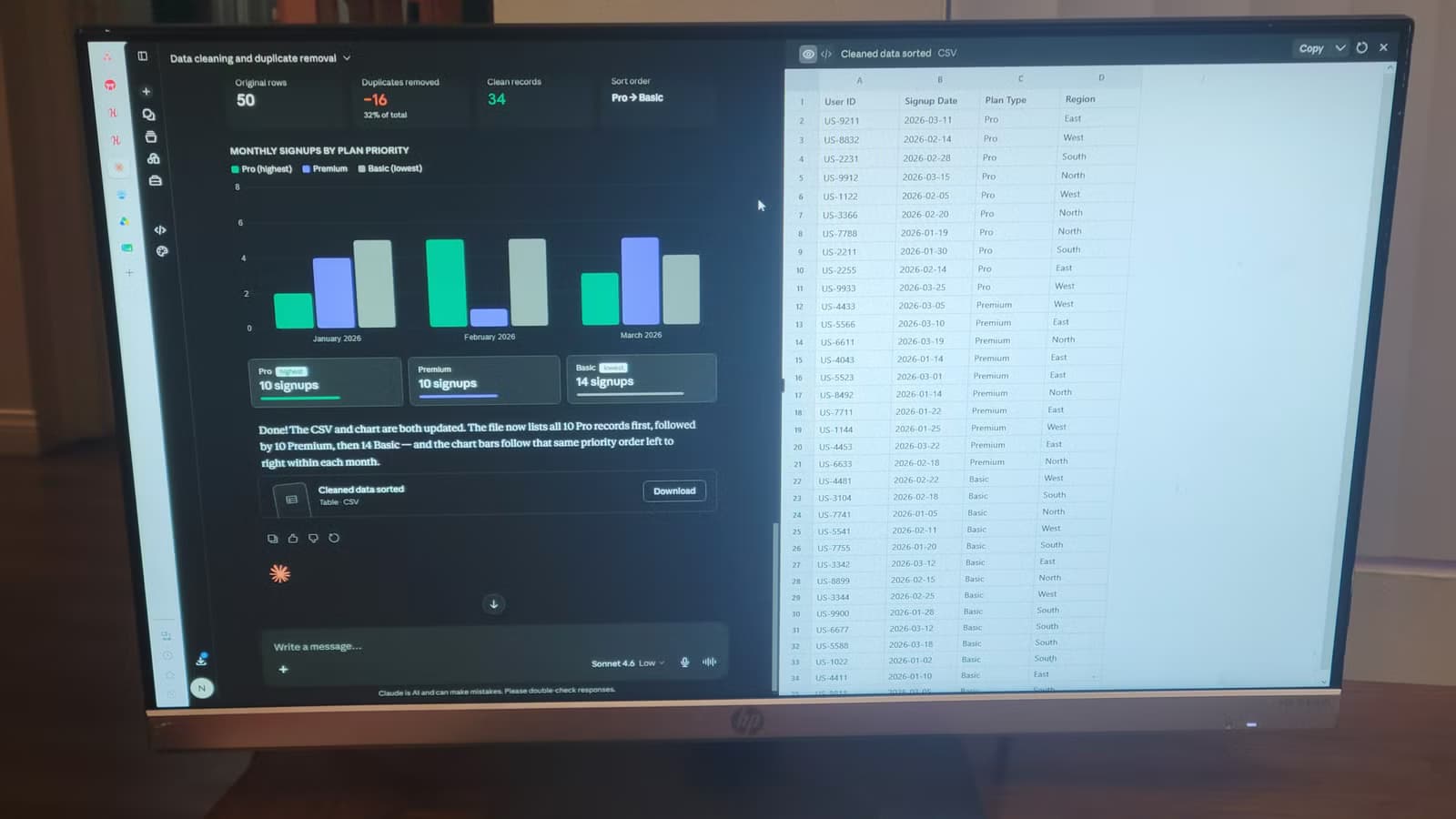
- Claude's canvas executes Python in a sandboxed environment directly in chat, eliminating local setup
- You describe goals in plain English and Claude writes, runs, and debugs code automatically
- Heavy canvas use can consume up to 65% of your 5-hour usage window under shared token limits
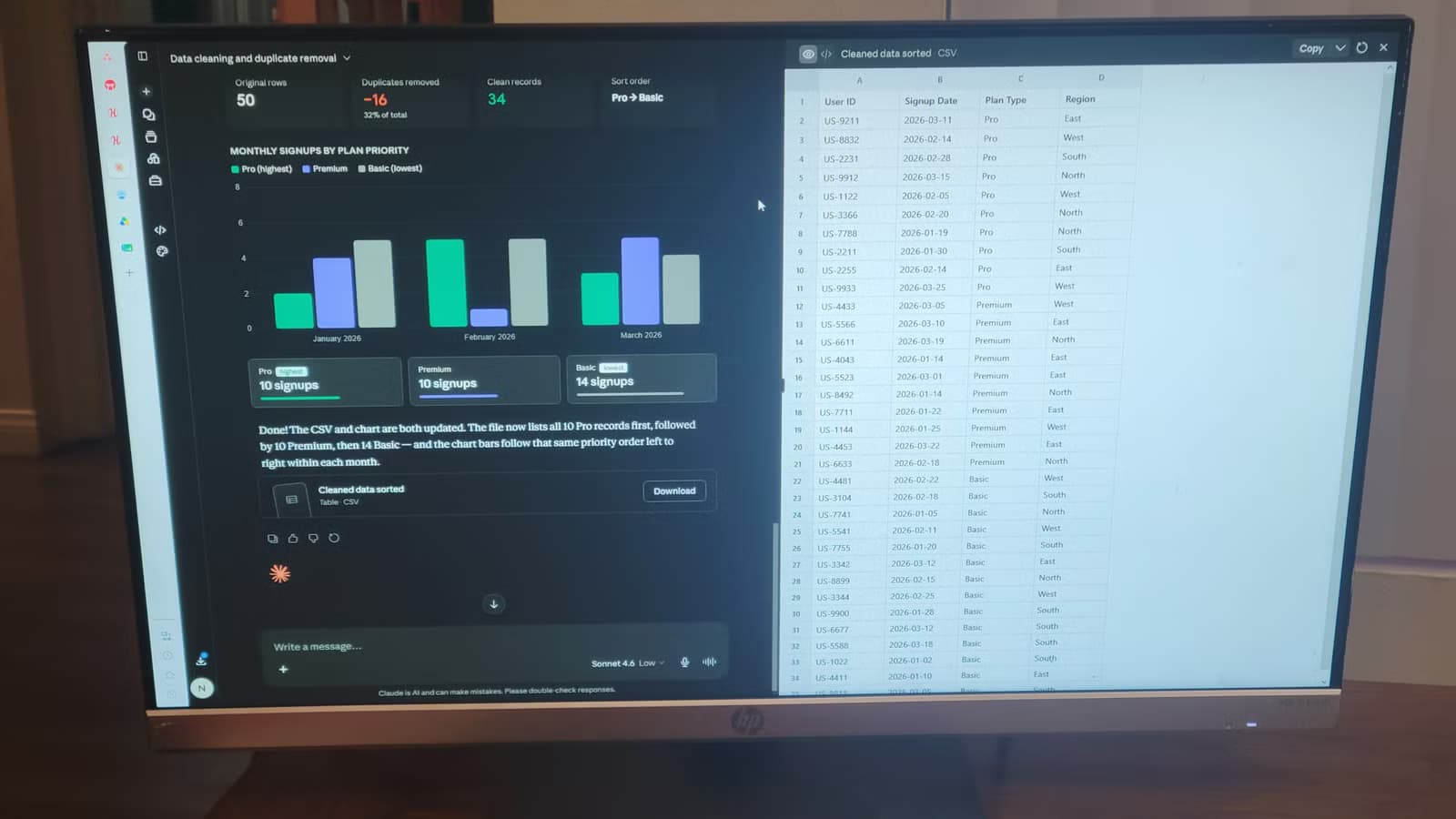
Cleaning 10,000 rows of server logs or fixing broken CSV files is tedious. You can write a Python script yourself, or you can tell Claude what you need and watch it build, run, and debug the code inside your chat window.
Claude's execution canvas is a sandboxed environment that lives inside the chat interface. You drop in files, describe the fix in plain language, and the system handles the rest. No Python install. No terminal. No matplotlib syntax to remember.
How the Canvas Works
The canvas runs a full code execution engine behind the scenes. You describe a goal, Claude writes the code, runs it in a secure container, and shows you the result. If something breaks, it reads its own error messages and fixes the problem without your input.
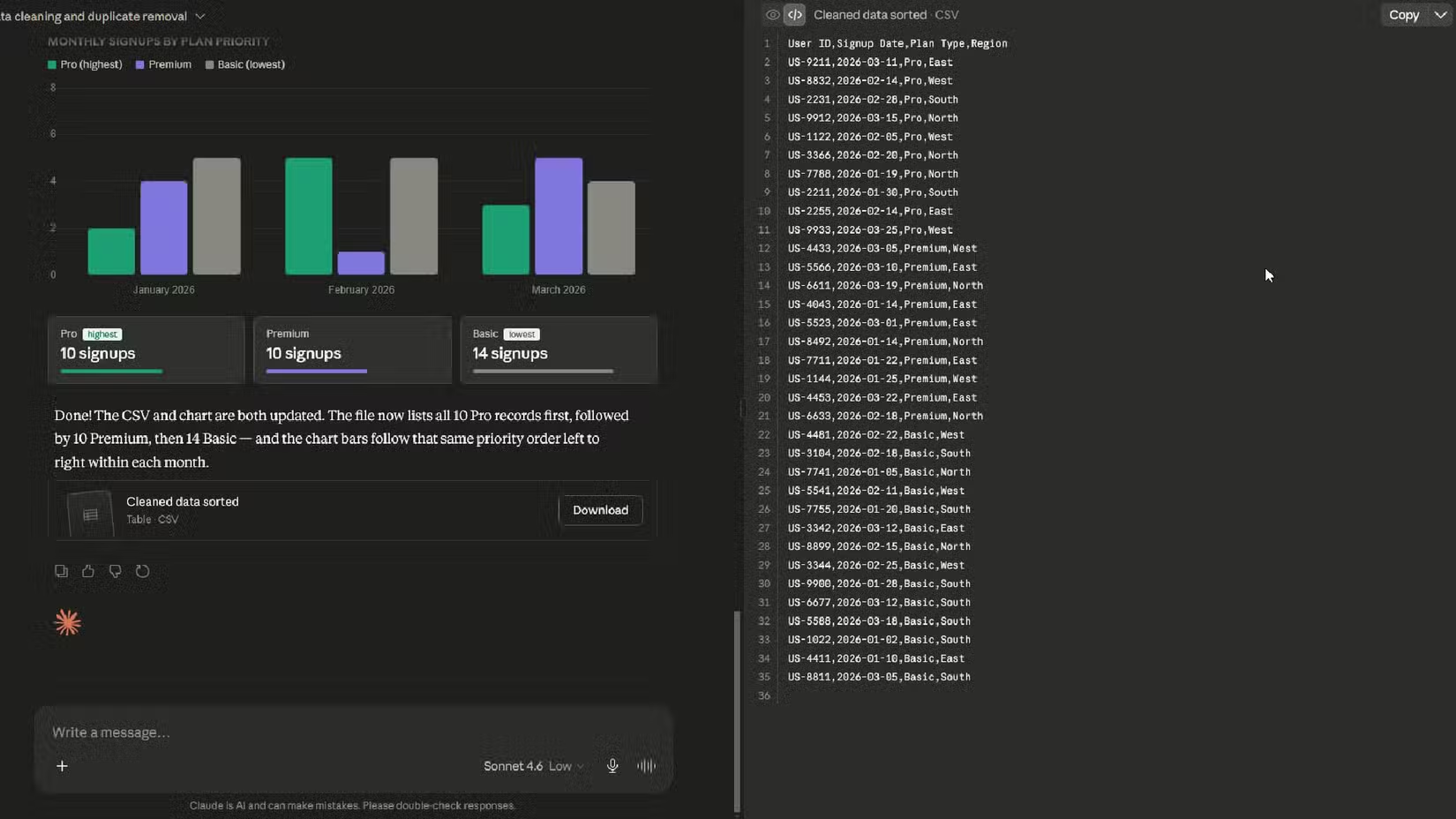
This is different from the usual workflow. Normally you ask for code, copy it into your editor, run it, hit an error, paste the stack trace back, and repeat. The canvas does all of that automatically.
The environment comes pre-loaded with common data science libraries like pandas and matplotlib. You never see a terminal. You never deal with dependency conflicts. Claude figures out what's needed and executes everything out of sight.
Logicity's Take
Who This Actually Helps
The canvas works best for people who need a quick result but don't want to set up a dev environment. You can process spreadsheets, parse logs, or generate charts without knowing Python syntax. It's also useful for prototyping ideas before you build them properly.
One anonymous senior developer on Reddit said they let Claude write 95% of their code now and barely correct it. That level of confidence shows up in how people actually use the tool. You describe specifics, Claude ships working code.

This isn't a good way to learn how to code. The regular chatbot interface is better for that because you see the logic and can ask follow-up questions. The canvas is designed for getting things done, not education.
The Limit Problem
The canvas shares strict usage quotas with Claude Code and general chat. A single complex canvas prompt can consume 65% of your 5-hour usage window. That makes it expensive for heavy, iterative work.
Community reaction on Reddit and X is split. Engineers praise the tool as a vibe-prototyper that skips the Figma mockup stage entirely. One viral tweet claimed Claude Design killed the meeting you were going to schedule to review the mockup.
But the token economics undercut the promise. If you're building something complex, you hit the limit before you finish. That's frustrating when the tool works as advertised but the usage cap stops you mid-task.
What Claude Is Actually Good At
Claude scored 72.5% on the OSWorld benchmark, achieving functional parity with human task completion. It's writing production code at scale. Anthropic's own codebase is now 80% authored by Claude.
The canvas extends that capability to people who don't code. You can process data, build prototypes, and fix formatting issues without opening a terminal. That's valuable for product managers, analysts, and anyone who needs code output but doesn't want to write code.
Anthropic hit an estimated $47 billion annualized run-rate revenue in May 2026, fueled by its Agentic product suite. The company holds an estimated 54% market share in enterprise coding and design agents. The canvas is part of that pitch.
How Claude's internal use at Anthropic scaled to production-level code authorship
Alternative no-cost tools for creative work without subscription lock-in
When to Use It
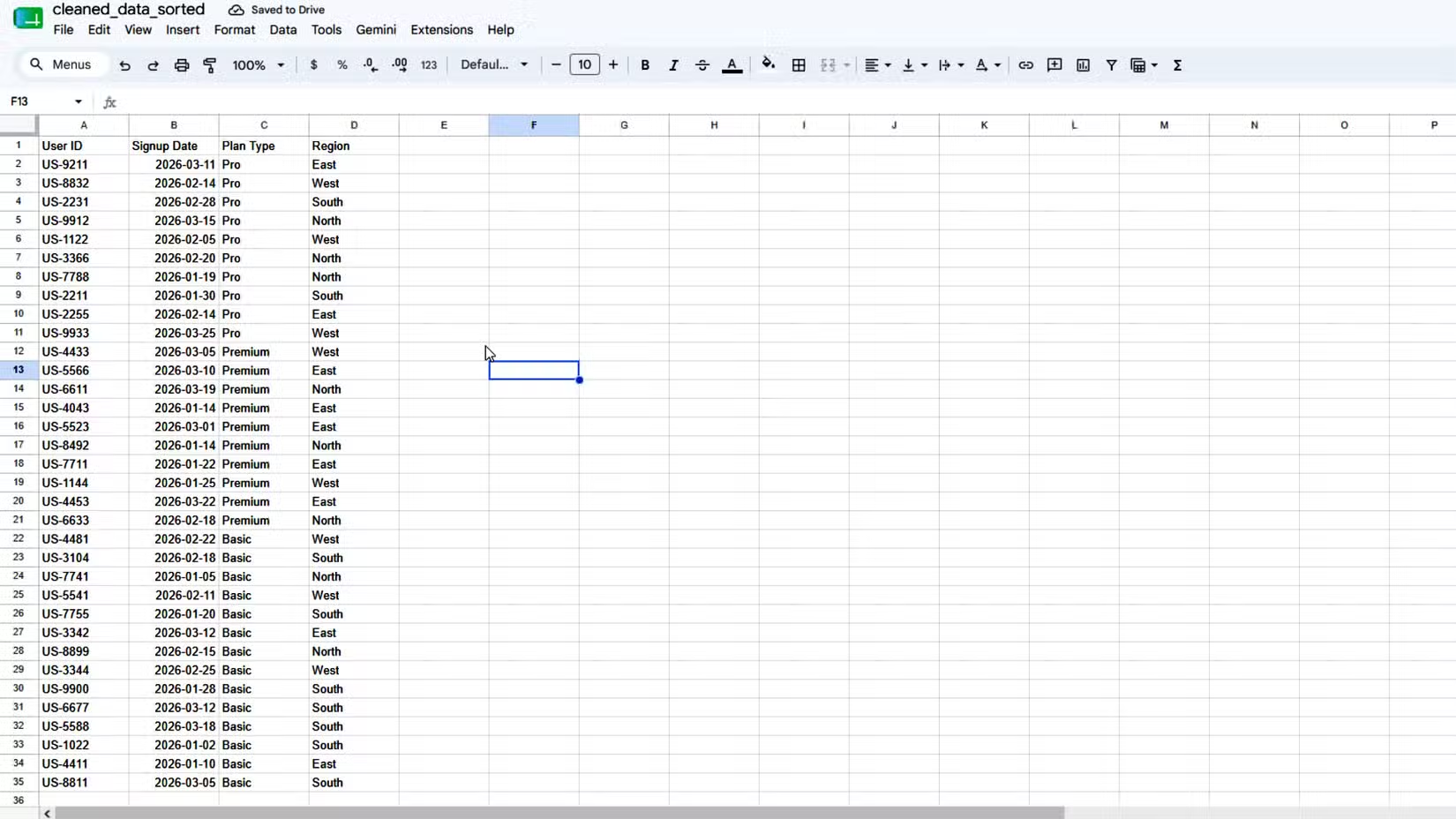
Use the canvas when you have a specific, bounded task. Cleaning a CSV. Generating a bar chart. Parsing log files. It's not for building full applications or learning Python from scratch.
If you're iterating on complex logic or need dozens of test runs, you'll hit the usage cap. In that case, copy the code Claude generates and run it locally. The canvas gives you working code to start from, which is still faster than writing it yourself.
The tool works because it removes friction. You don't need to install libraries, configure environments, or debug syntax errors. Claude does that work invisibly. For one-off tasks, that's a real time saver.
Frequently Asked Questions
Do I need to know Python to use Claude's canvas?
No. You describe what you want in plain English and Claude writes and runs the code. The canvas is designed for people who need code output but don't want to write it themselves.
Can I see the code Claude writes?
Yes. The canvas shows the code it generates. You can copy it and run it locally if you want. This is useful if you hit the usage limit and need to finish the work outside Claude.
What happens if Claude's code has an error?
Claude reads its own error messages and fixes the problem automatically. You don't need to paste stack traces back into chat. The sandboxed environment handles debugging in the background.
Does the canvas work for learning Python?
Not really. The regular chatbot interface is better for learning because you can ask follow-up questions and see the logic explained. The canvas is designed for getting tasks done, not education.
What's the usage limit for the canvas?
The canvas shares strict token quotas with Claude Code and general chat. A single complex prompt can consume up to 65% of your 5-hour usage window. That makes heavy iterative work difficult within the current limits.
Need Help Implementing This?
Source: How-To Geek
Huma Shazia
Senior AI & Tech Writer
Produced with AI assistance and reviewed by the Logicity editorial team. Learn more in our Editorial Policy.