Key Takeaways
- NotebookLM prioritizes source fidelity but lacks reasoning capabilities
- Claude Projects allows custom instructions that shape AI behavior per project
- The best AI research workflow may require both tools for different tasks
NotebookLM Does Retrieval Well. Reasoning? Not So Much.
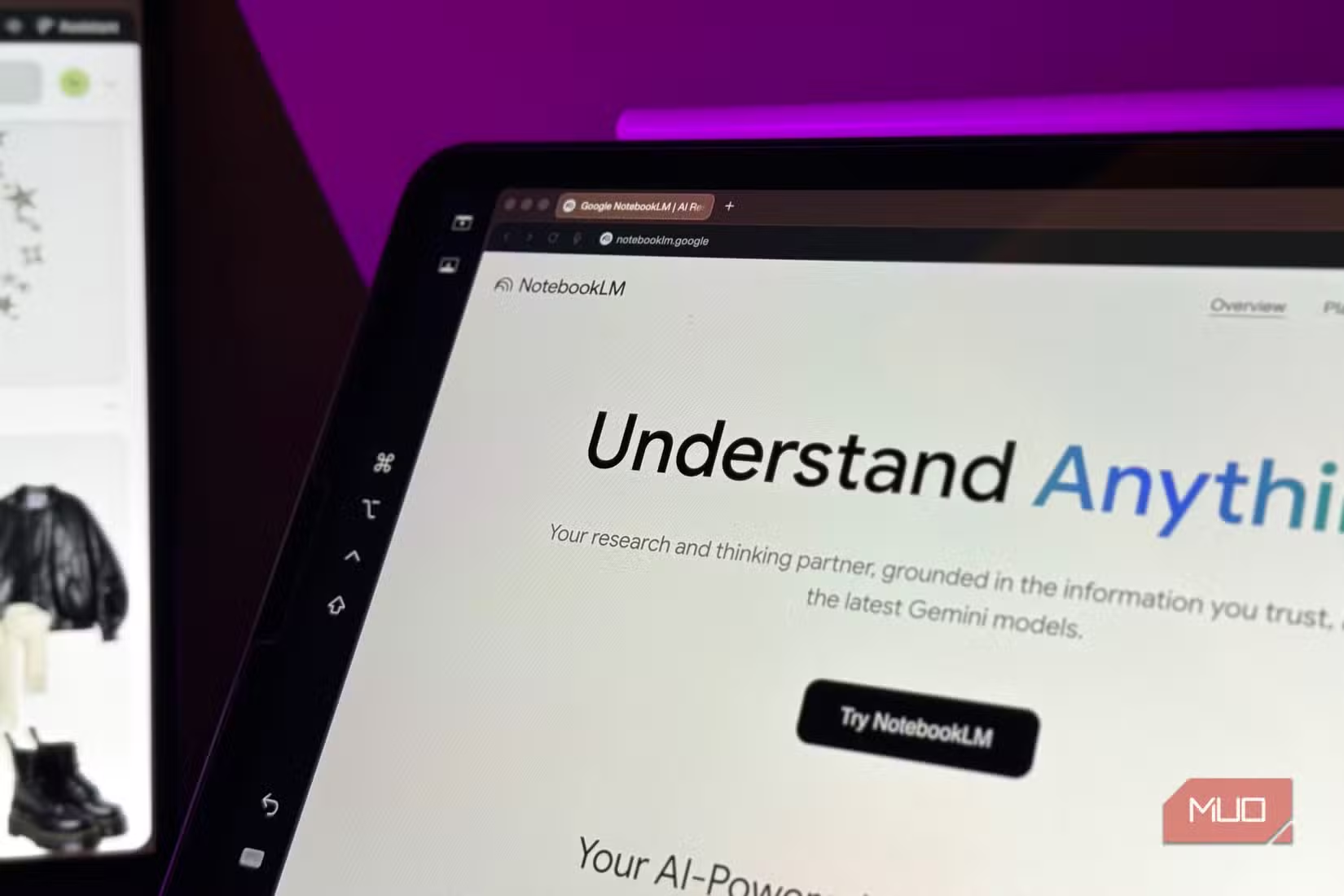
Google's NotebookLM has earned its reputation as a solid research companion. Upload your sources, ask questions, and it pulls grounded answers directly from your documents. It creates audio overviews, infographics, and mind maps. The free tier makes it accessible to anyone.
But there's a gap that becomes obvious after extended use: NotebookLM retrieves information. It doesn't reason with it.
When you ask NotebookLM to place your argument in a larger context or analyze connections across your sources, it tends to fall short. Source fidelity appears to be its guiding principle, sometimes to a fault. The tool sticks so close to what's explicitly stated that it can't take the next logical step.
There's also no way to give NotebookLM custom instructions for how it should behave. You can't tell it to adopt a specific analytical framework, maintain a particular tone, or apply domain expertise to its responses. Each conversation starts from scratch without behavioral context.
What Claude Projects Adds to the Equation
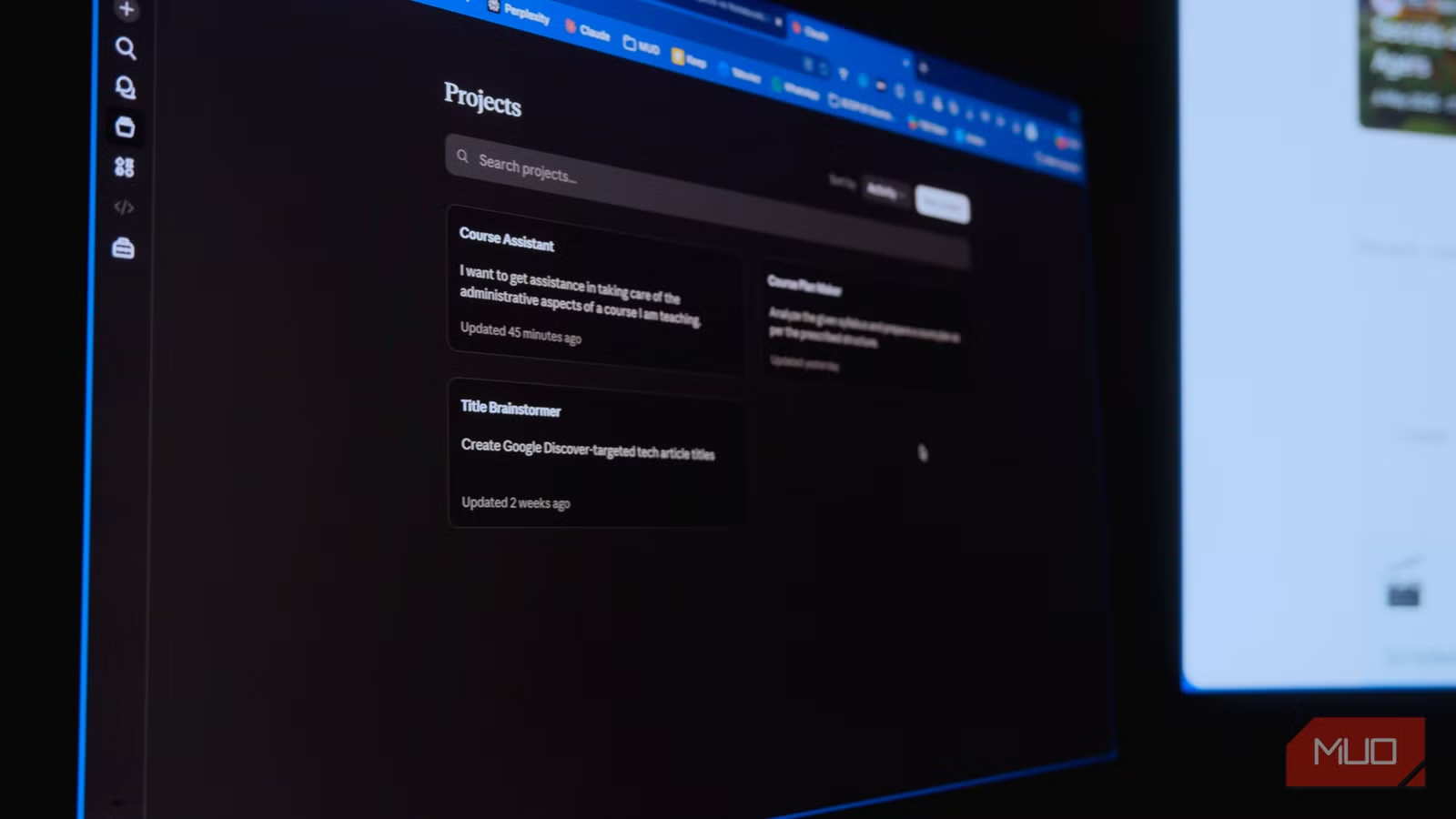
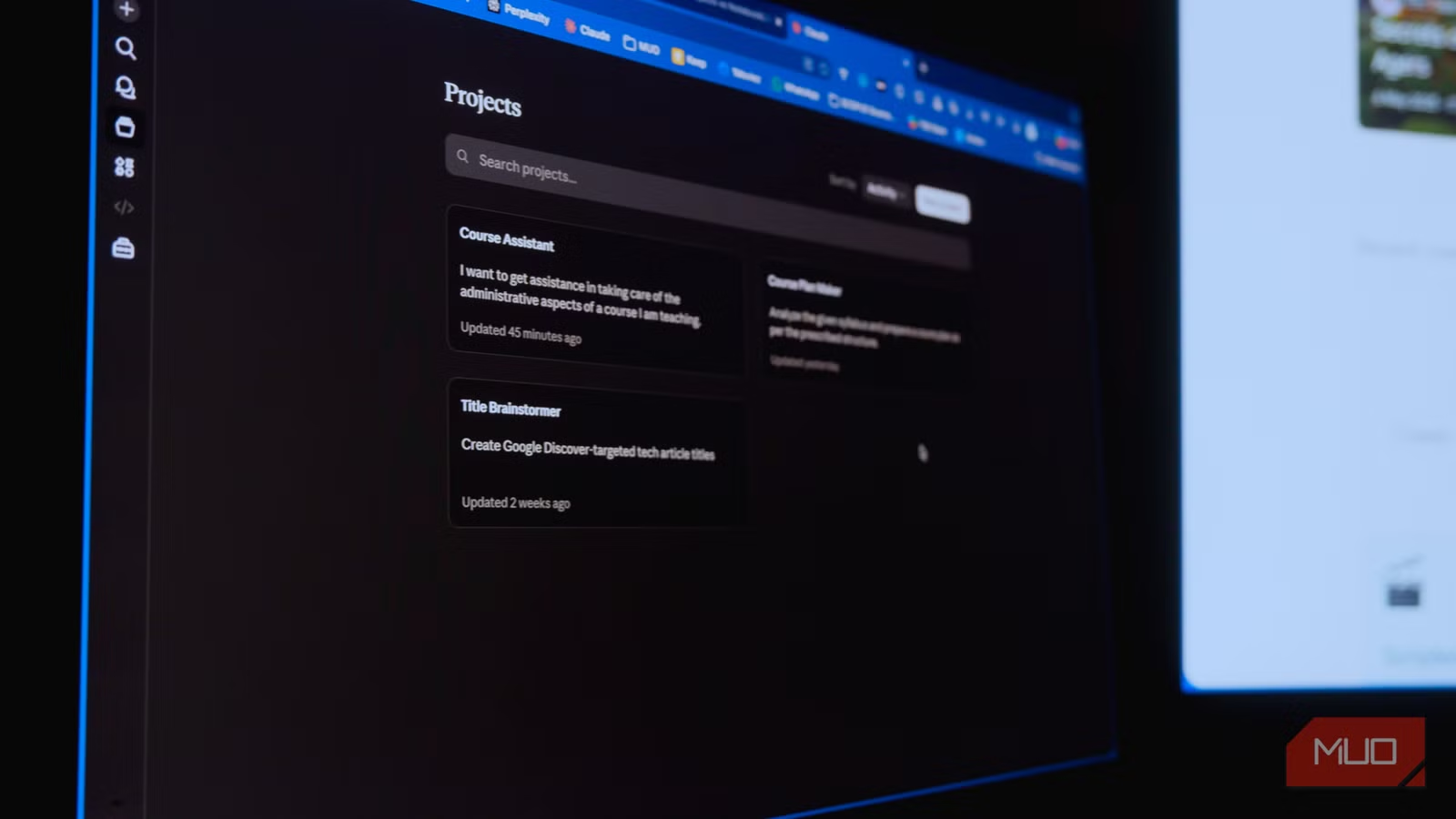
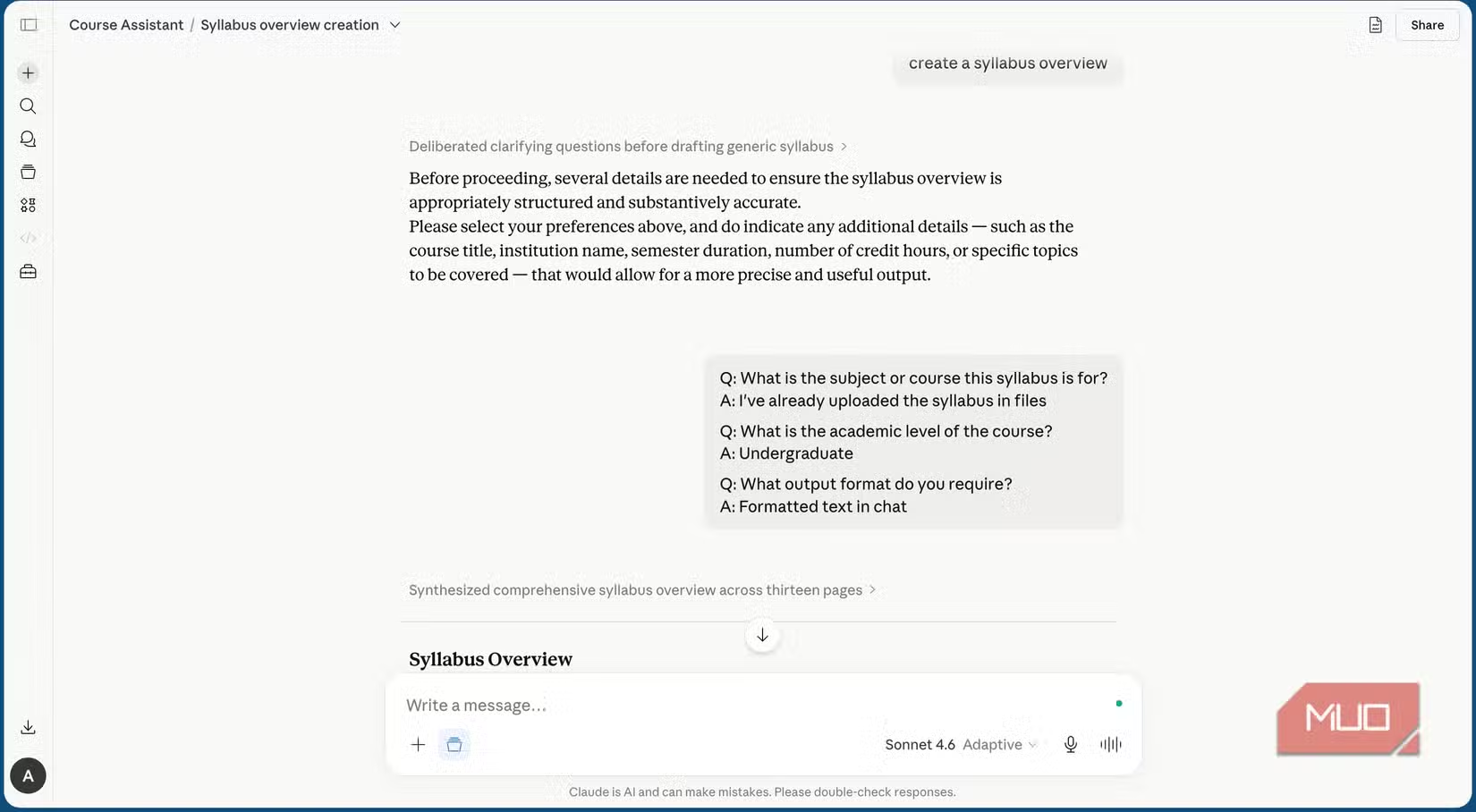
Claude Projects approaches the same problem differently. Where NotebookLM treats your documents as a retrieval database, Claude Projects treats them as context for a conversation that can evolve.
The key difference is the custom instructions field. You can tell Claude exactly how you want it to engage with your materials. Want it to push back on weak arguments? Write that in. Need it to always consider a specific theoretical framework? Add those instructions. The AI's behavior adapts to your research needs rather than forcing you to adapt to its defaults.
This matters most when your work involves synthesis, not just lookup. If you're writing an analysis that requires connecting ideas across multiple sources, or you need the AI to identify gaps in an argument, Claude Projects can actually engage with that task.
Where Each Tool Fits
NotebookLM isn't broken. It's doing exactly what it's designed to do: keep answers grounded in your source material. That's valuable when you need accuracy and citation support. The audio overview feature alone makes it worth using for certain workflows.
But if your research requires the AI to think beyond what's explicitly stated, to infer, synthesize, or critique, you'll hit NotebookLM's ceiling quickly.
| Feature | NotebookLM | Claude Projects |
|---|---|---|
| Source grounding | Strong | Good |
| Reasoning & synthesis | Weak | Strong |
| Custom instructions | Not available | Full control |
| Audio overviews | Yes | No |
| Free tier | Yes | Limited |
The smart approach is to use both. Start with NotebookLM for initial source exploration and fact-checking. Move to Claude Projects when you need to build arguments, identify patterns, or get analytical feedback.
Connecting AI tools like Claude to your existing workflow
The Custom Instructions Advantage
The instructions field in Claude Projects changes more than you might expect. It's not just about tone or formatting preferences. You can define how the AI should approach problems, what assumptions it should make (or challenge), and what kind of output structure works for your project.
For research workflows, this means you can create specialized assistants for different types of work. A project for academic writing might have instructions to always cite sources and flag unsupported claims. A project for competitive analysis might emphasize finding weaknesses in arguments.
NotebookLM has no equivalent. Every interaction follows the same retrieval-first pattern regardless of what you're trying to accomplish.

Logicity's Take
Frequently Asked Questions
Is Claude Projects free to use?
Claude Projects requires a Claude Pro subscription. NotebookLM offers a free tier with its core features.
Can NotebookLM reason with source material?
NotebookLM prioritizes source fidelity over reasoning. It retrieves information accurately but struggles with synthesis, inference, and contextual analysis.
What are custom instructions in Claude Projects?
Custom instructions let you define how Claude should behave within a specific project. You can set analytical frameworks, tone preferences, and behavioral guidelines that persist across conversations.
Should I use NotebookLM or Claude Projects for research?
Use NotebookLM when you need accurate retrieval and source-grounded answers. Use Claude Projects when you need reasoning, synthesis, or critical analysis of your materials.
Need Help Implementing This?
Source: MakeUseOf
Huma Shazia
Senior AI & Tech Writer
Produced with AI assistance and reviewed by the Logicity editorial team. Learn more in our Editorial Policy.