Key Takeaways
- ChatGPT is the most widely used for quick outlines and integrates with Canva and PowerPoint, but requires fact-checking
- NotebookLM excels at research-heavy presentations by grounding outputs in uploaded source documents
- Claude handles long documents and narrative-heavy presentations with strong context retention
Three Tools, Three Approaches
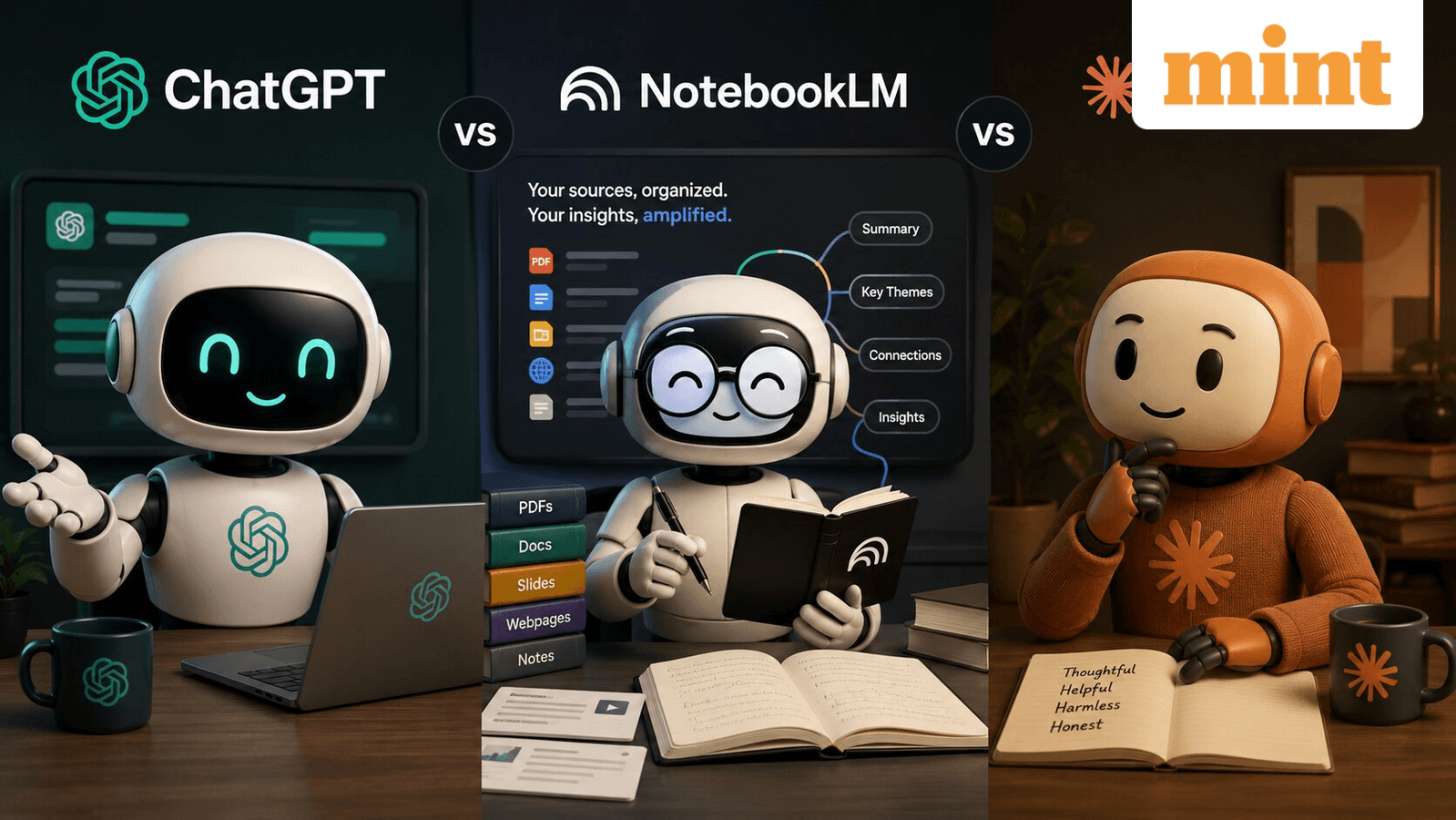
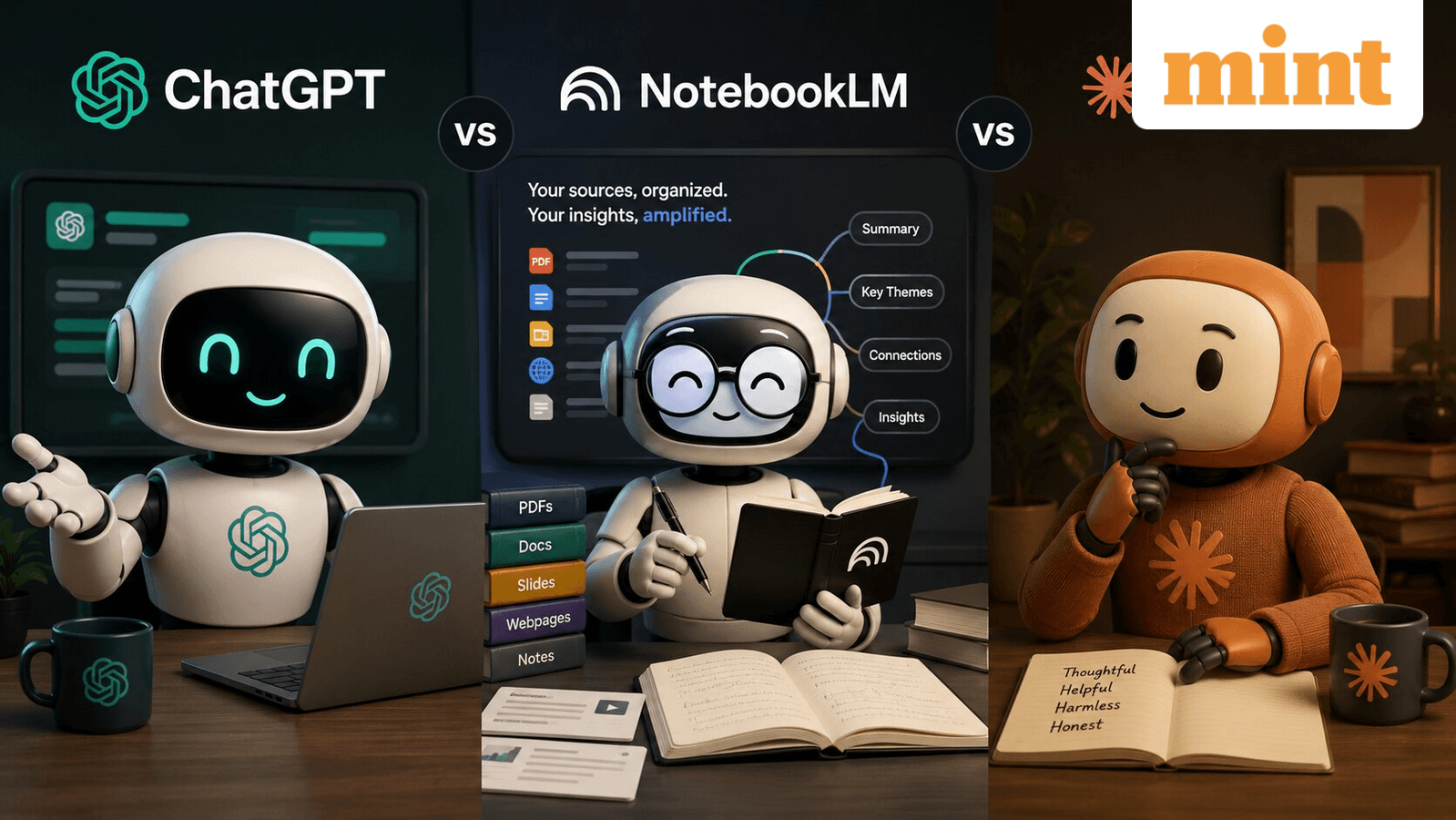
AI chatbots are now part of how many professionals build presentations. They help brainstorm ideas, summarize research, draft speaker notes, and generate slide structures. But ChatGPT, NotebookLM, and Claude work differently. Some are better at research-heavy explainers. Others perform well at storytelling or slide structuring.
The question isn't which tool is "best." It's which one fits your specific presentation needs.
ChatGPT: Speed and Integrations
ChatGPT is currently the most widely used option for general presentation workflows. Users commonly rely on it to create outlines, convert rough notes into structured slides, draft speaking scripts, and simplify technical concepts into presentation-friendly language.
OpenAI's chatbot also integrates with third-party tools like Canva and Microsoft PowerPoint. Several YouTube tutorials showing Canva-ChatGPT workflows have gained traction online. These demonstrate how users can generate slide content and visual ideas using prompts.
The catch: ChatGPT still requires manual refinement. While it generates presentation structures quickly, users often need to verify facts, manually redesign slides, and rewrite sections for tone or accuracy. Users frequently point out that ChatGPT can prioritize fluency over factual grounding, especially in research-heavy presentations.
NotebookLM: Research-First Design
Google's NotebookLM takes a different approach. Instead of functioning as a general chatbot, it's designed around uploaded source material. You feed it PDFs, websites, reports, and notes. That makes it useful for research presentations, academic explainers, and document-heavy meetings.
NotebookLM's "Video Overviews" feature can convert uploaded documents into AI-generated visual explainers with narration, quotes, charts, and images pulled from the source material. Google positions this as a way to simplify complex information into presentation-style summaries.
The platform also includes mind maps, source-grounded summaries, and citation-linked outputs. These help users trace information back to original documents. This grounding system gives NotebookLM an advantage when research accuracy matters.
The limitation: NotebookLM depends entirely on what you upload. Weak or incomplete source documents lead to weak outputs. Some users on Reddit have also flagged inconsistent audio generation and rollout limitations in newer features.
Claude: Long-Form Narrative Strength
Anthropic's Claude is often preferred by users working on lengthy reports, business proposals, and narrative-heavy presentations. Unlike ChatGPT, Claude is known for handling long documents with strong context retention. That makes it useful when you need the AI to understand and reference material across a large document set.
For presentations that require sustained storytelling or need to pull from extensive background material, Claude's context window gives it an edge.
| Feature | ChatGPT | NotebookLM | Claude |
|---|---|---|---|
| Best for | Quick outlines, integrations | Research-heavy, source-grounded | Long-form narrative |
| Third-party integrations | Canva, PowerPoint | Limited | Limited |
| Source grounding | Weak | Strong (citation-linked) | Moderate |
| Context retention | Moderate | Document-dependent | Strong for long docs |
| Manual refinement needed | High | Moderate | Moderate |
Choosing the Right Tool
The choice depends on your presentation type:
- Need a quick outline or draft? ChatGPT gets you there fastest, especially if you're already using Canva or PowerPoint.
- Building from research papers or reports? NotebookLM's source grounding helps maintain accuracy and provides citations.
- Working on a narrative-heavy pitch or long business proposal? Claude's context retention handles extended material better.
None of these tools eliminate the need for human editing. ChatGPT may invent facts. NotebookLM is only as good as your uploads. Claude still requires you to verify its outputs. But each can significantly speed up the drafting phase when matched to the right task.
More productivity tool alternatives
Frequently Asked Questions
Can ChatGPT create PowerPoint slides directly?
Not natively. ChatGPT generates text outlines and content, but you need to use integrations with tools like Canva or manually copy content into PowerPoint. Third-party plugins and workflows exist to bridge this gap.
Does NotebookLM work without uploading documents?
No. NotebookLM is designed around source material you provide. Without uploaded PDFs, websites, or notes, it has nothing to ground its outputs in.
Which AI tool is most accurate for research presentations?
NotebookLM has an advantage here because it links outputs to your uploaded sources and provides citations. ChatGPT may prioritize fluency over factual accuracy.
Is Claude better than ChatGPT for presentations?
It depends on the task. Claude handles long documents and narrative-heavy content better. ChatGPT is faster for quick outlines and has more third-party integrations.
Do these AI tools replace professional presentation design?
No. They help with content generation, structure, and drafting. Visual design, fact-checking, and final polish still require human work.
Logicity's Take
Need Help Implementing This?
Source: mint / Tarunya Sanjay
Huma Shazia
Senior AI & Tech Writer
Produced with AI assistance and reviewed by the Logicity editorial team. Learn more in our Editorial Policy.