Key Takeaways
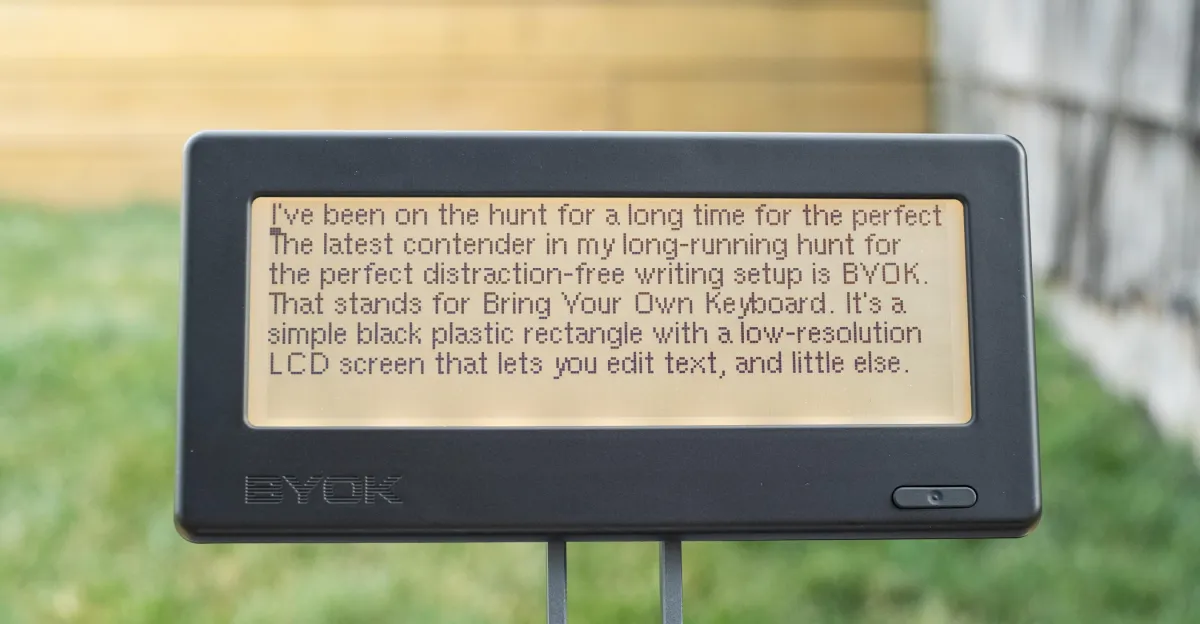
- BYOK costs $199 and lets you connect any keyboard, unlike competitors with built-in keyboards
- Battery life exceeds 20 hours in real-world testing, with weeks of on-and-off use between charges
- The device strips away all formatting options, leaving only plain text editing with basic shortcuts
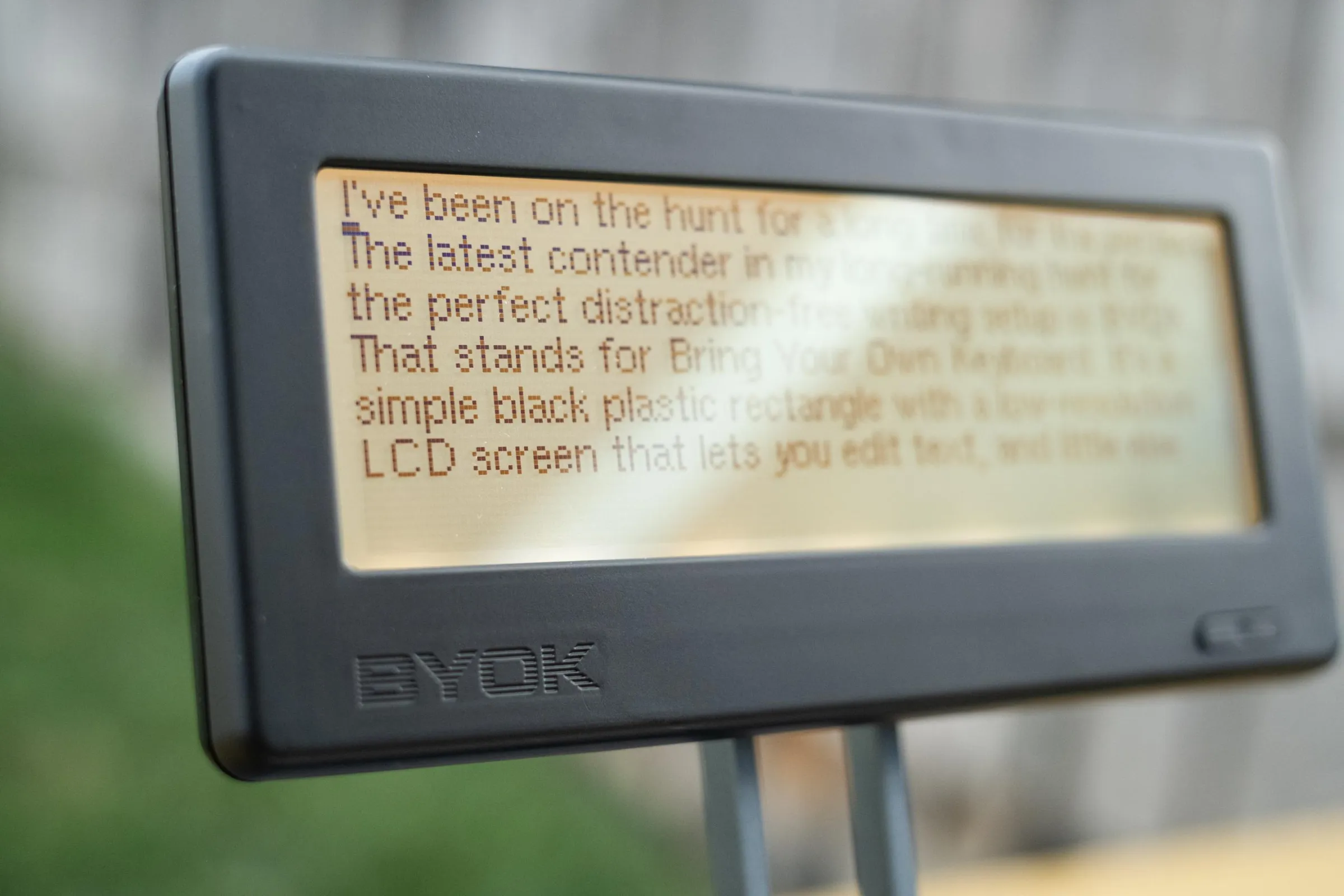
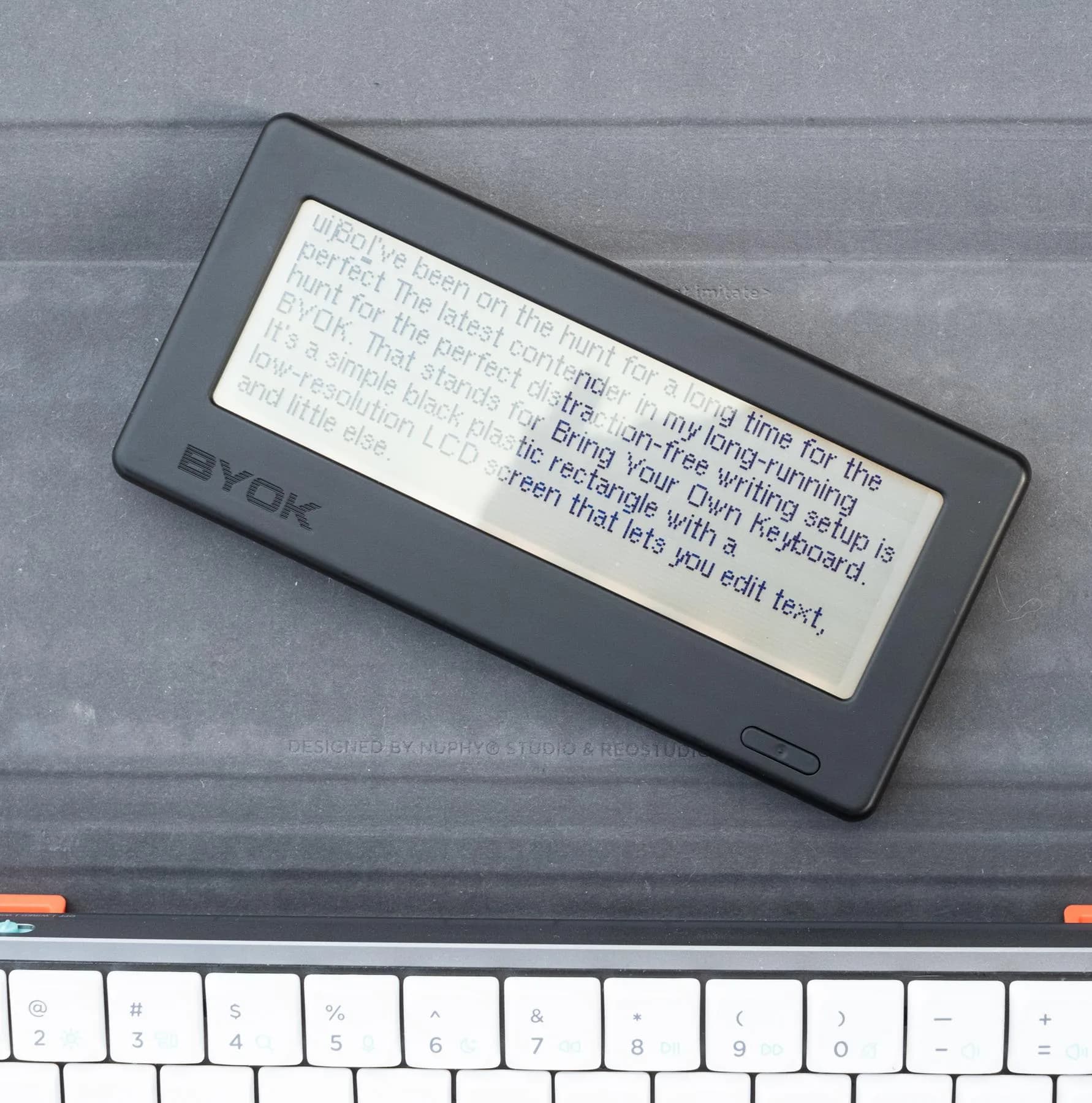
BYOK, a $199 plastic rectangle with a low-resolution LCD screen, just became The Verge's weekend editor Terrence O'Brien's go-to distraction-free writing tool. The device does almost nothing except let you edit text with your preferred keyboard. That turns out to be exactly the point.
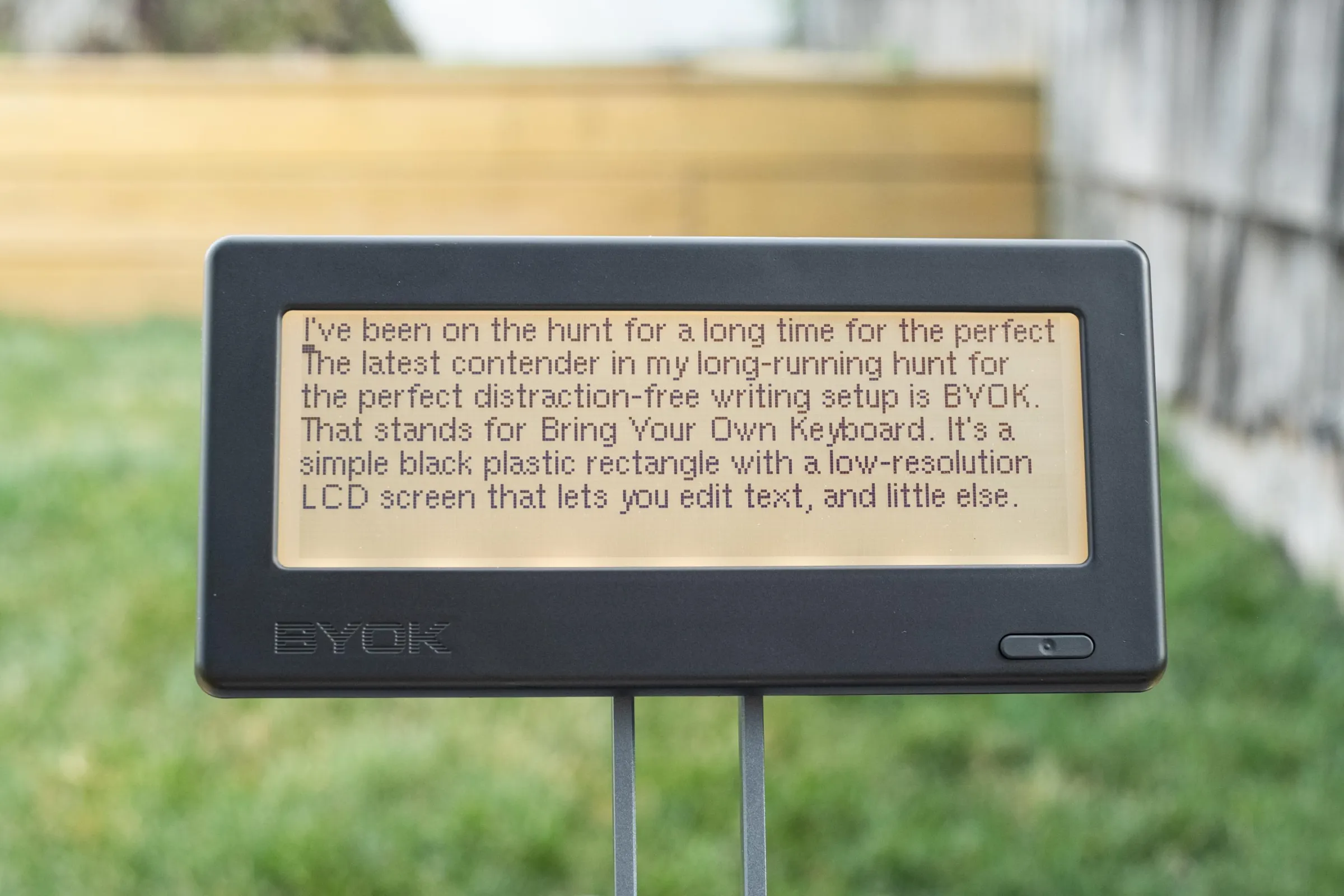
The name stands for Bring Your Own Keyboard, and it describes the core differentiator. Unlike competitors from Pomera or Freewrite, BYOK ships without a keyboard attached. You connect whatever you already own, whether that's a compact Bluetooth board or a heavy aluminum mechanical keyboard. For writers who have strong preferences about their typing experience, this flexibility matters.
What makes BYOK different from Freewrite?
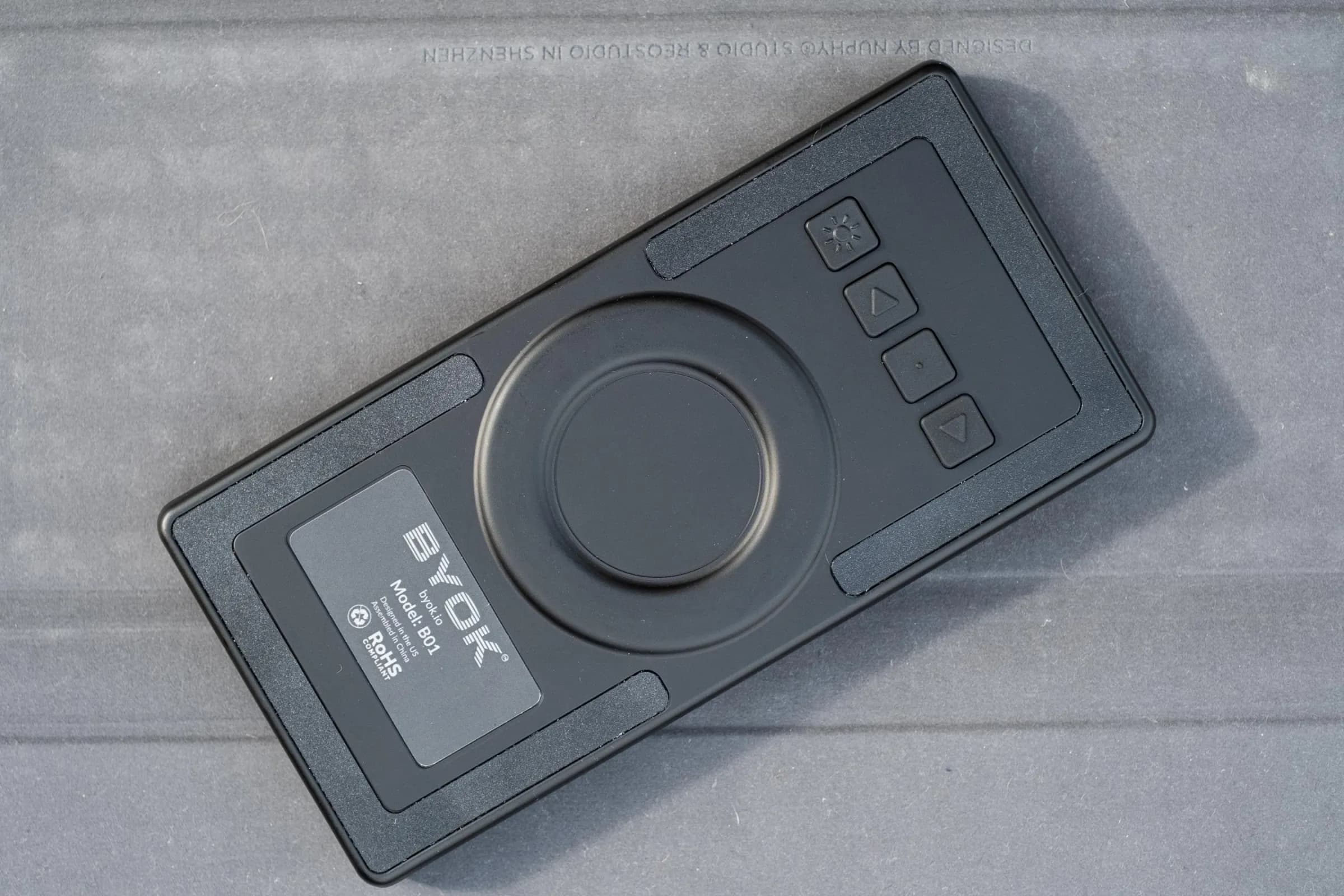
Freewrite devices cost $649 and up. They include built-in mechanical keyboards and E Ink screens. BYOK takes the opposite approach: strip the hardware down to the essentials and let writers customize everything else. A MagSafe-compatible ring on the back works with tripod stands, gooseneck mounts, or simple collapsible rings. You can even prop it against a stack of books.
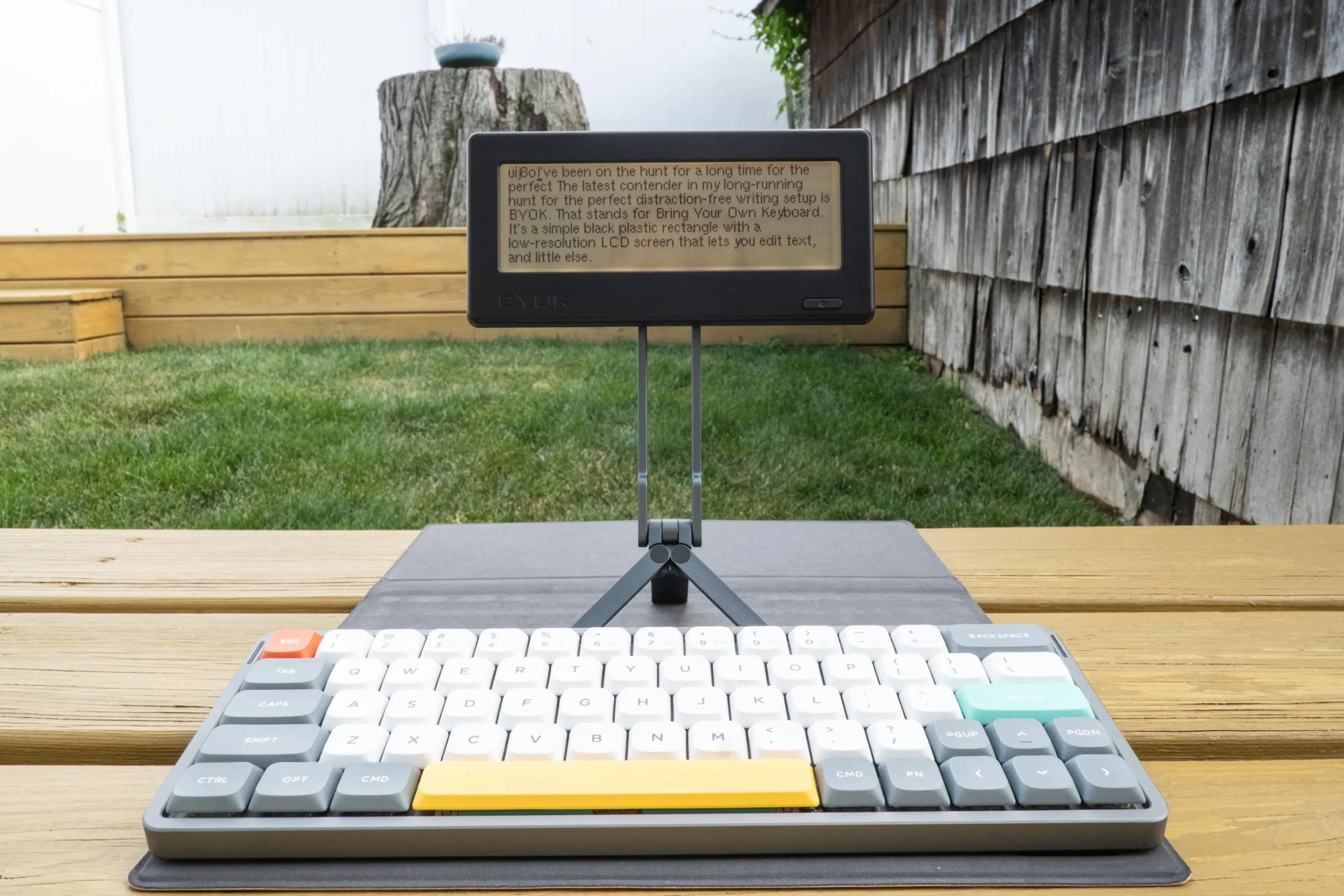
O'Brien tested the device with keyboards ranging from palm-sized Blackberry-style boards to Iqunix's MQ80, a heavy aluminum mechanical keyboard. The MQ80 provided the best typing experience, but its weight made it impractical for travel. He settled on a NuPhy Air 60 as his daily driver.
The software does almost nothing
BYOK's operating system is deliberately sparse. You get projects (folders) containing files. Standard keyboard shortcuts work: Ctrl+F to find, Ctrl+C to copy, Ctrl+V to paste. A status bar shows word count and battery level. You can insert notes and tasks by typing "::" followed by a keyword at the start of a line.
That's it. No links. No bold or italics. No formatting options. Just text.
For writers accustomed to Obsidian's extension ecosystem or Notion's feature sprawl, this sounds limiting. But O'Brien, who previously tried an Obsidian setup on a Boox Palma, found the simplicity liberating. Obsidian's Android app required extensions that needed updating and occasionally broke. BYOK has fewer variables to manage.
Battery life and hardware quirks
The company quotes 20 hours of battery life, or five hours with the backlight at maximum. In real-world testing, O'Brien used the device on and off for more than two weeks before needing to recharge. That's weeks between charges for typical writing sessions.
The hardware isn't perfect. The backlight is uneven across the screen. Bluetooth didn't always automatically reconnect to paired keyboards. Navigation buttons on the back feel clunky, though you rarely need them once a keyboard is connected. These are minor complaints for a device that prioritizes simplicity over polish.
The companion app needs work
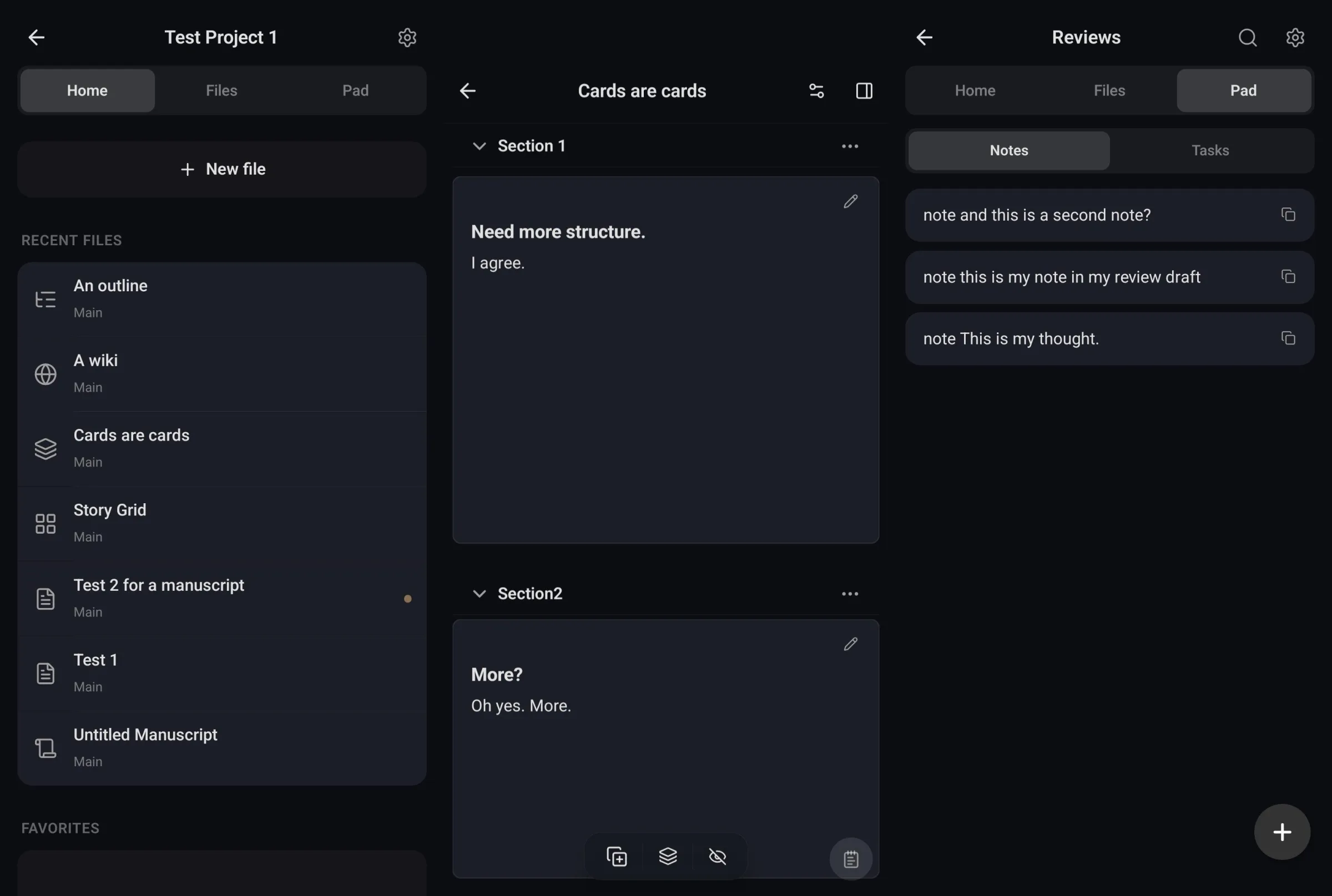
BYOK Studio, the desktop companion app, received a less enthusiastic reception. O'Brien called it "clunky." The app offers various format views including outline, wiki, cards, story grid, manuscript, and plain text. But the interface lacks the refinement of the hardware's focused simplicity.
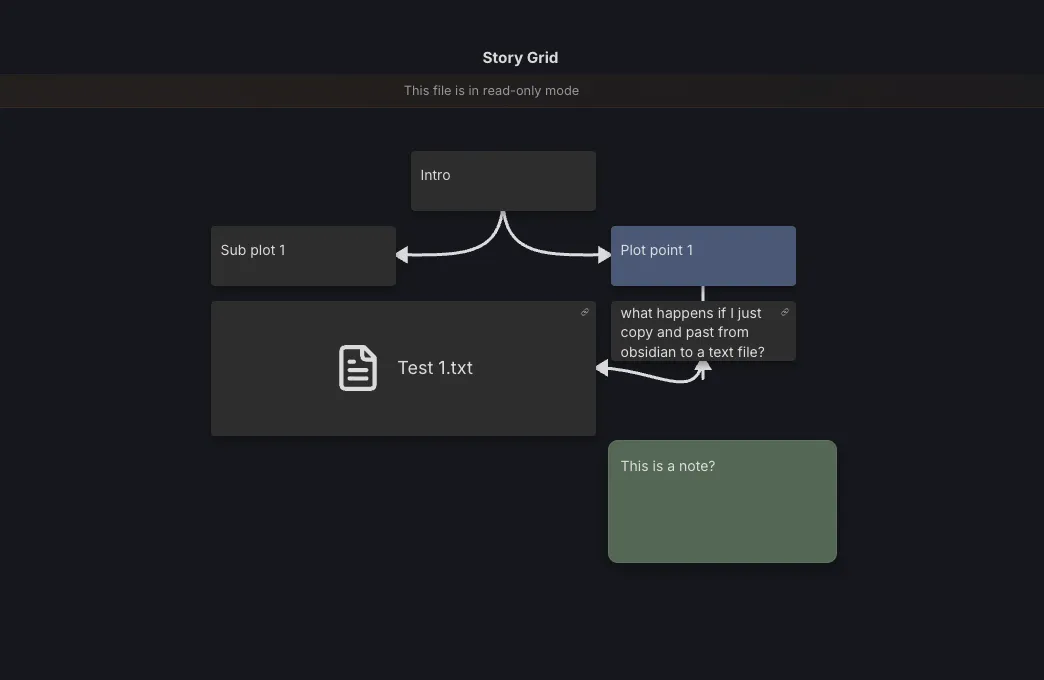
The story grid feature in particular seems half-baked. It displays a flowchart of connected elements, but the interface doesn't make clear how writers should use it productively.
Who should consider this device?
O'Brien wrote three reviews and two short stories on the BYOK during testing. He noted it's "particularly well-suited" for fiction writing, where distraction-free focus matters most. For anyone who already owns a preferred keyboard and wants a simple screen to pair with it, the $199 price undercuts Freewrite by more than $450.
The device earned a 7 out of 10 Verge Score. Its limitations are intentional: no internet, no apps, no notifications. For writers who have tried dedicated apps, converted laptops into writerdecks, or experimented with E Ink tablets, BYOK offers a different trade-off. It's a black plastic rectangle that stays out of your way.
Logicity's Take
The distraction-free writing market is fragmenting into two camps: all-in-one devices like Freewrite ($649+) and modular options like BYOK ($199). For organizations equipping content teams or executives who write, BYOK's bring-your-own-keyboard approach could reduce friction, since employees can use familiar hardware. The real question is whether the clunky BYOK Studio app improves before enterprises consider it seriously. Watch for integration announcements with tools like Notion, Google Docs, or Slack. Without cloud sync that matches how teams actually work, BYOK remains a solo writer's tool.
Frequently Asked Questions
Does BYOK work with any keyboard?
Yes. BYOK connects via Bluetooth or wired USB to any compatible keyboard. The Verge tested it with palm-sized boards, mechanical keyboards, and compact 60% layouts.
How does BYOK sync files to other devices?
BYOK uses the companion BYOK Studio app for desktop sync. The review noted the app is clunky and needs refinement.
What's the battery life on BYOK?
The company claims 20 hours with backlight off, 5 hours at maximum brightness. Real-world testing showed over two weeks of on-and-off use before needing a charge.
How does BYOK compare to Freewrite?
BYOK costs $199 versus Freewrite's $649+. BYOK has no built-in keyboard and uses an LCD instead of E Ink. Freewrite offers a more polished all-in-one package; BYOK offers flexibility.
Need Help Implementing This?
Evaluating productivity tools for your team? Contact our advisory team for vendor comparisons and implementation guidance.
Manaal Khan
Tech & Innovation Writer
Produced with AI assistance and reviewed by the Logicity editorial team. Learn more in our Editorial Policy.