Key Takeaways
- Apple's MacBook Neo entry at ₹70000 forces Windows OEMs to match build quality and battery life
- Total cost of ownership favors MacBook for design teams, Windows for enterprise software compatibility
- Samsung Galaxy Book4 offers best Windows value for Microsoft 365-heavy workflows
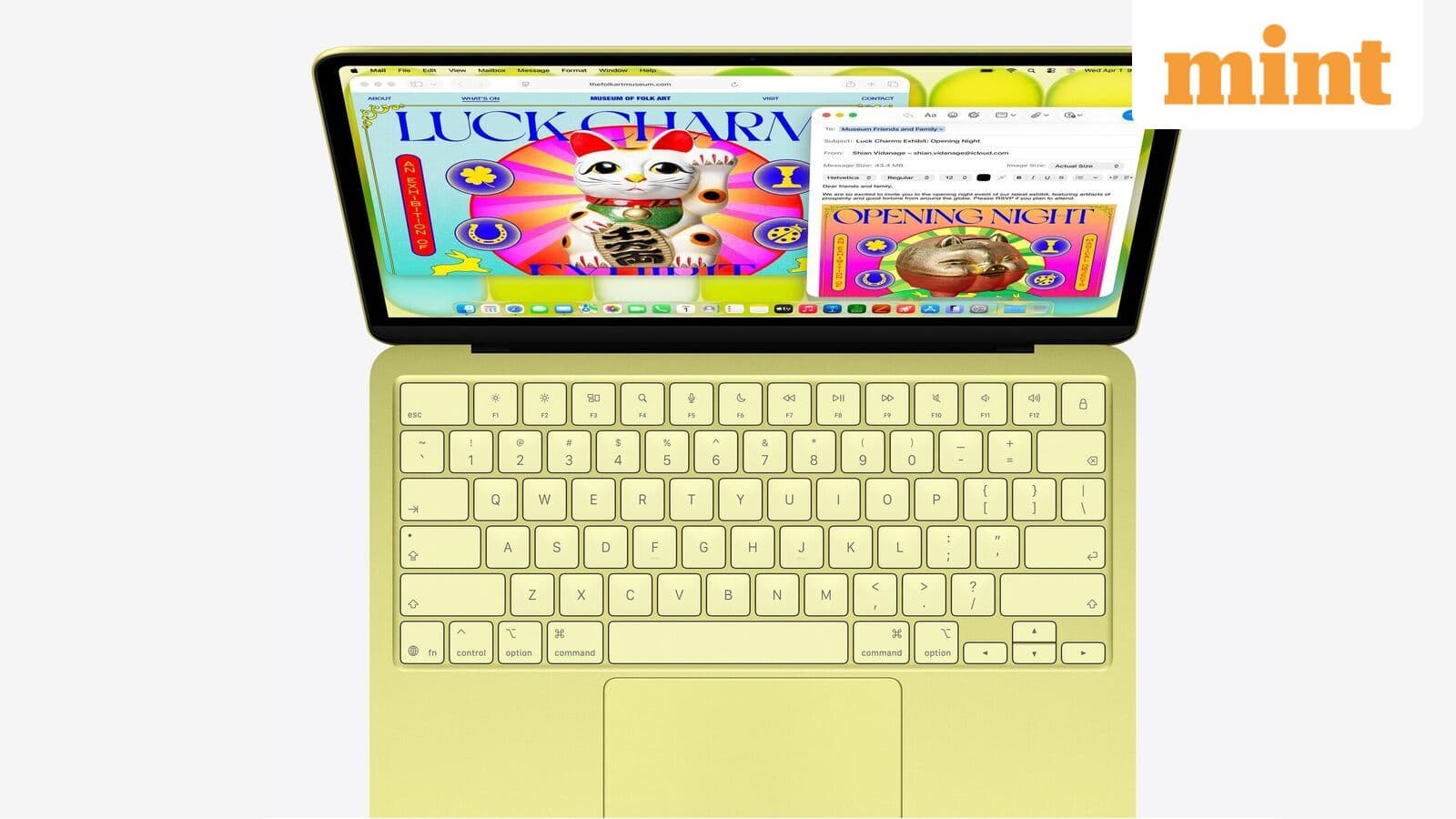
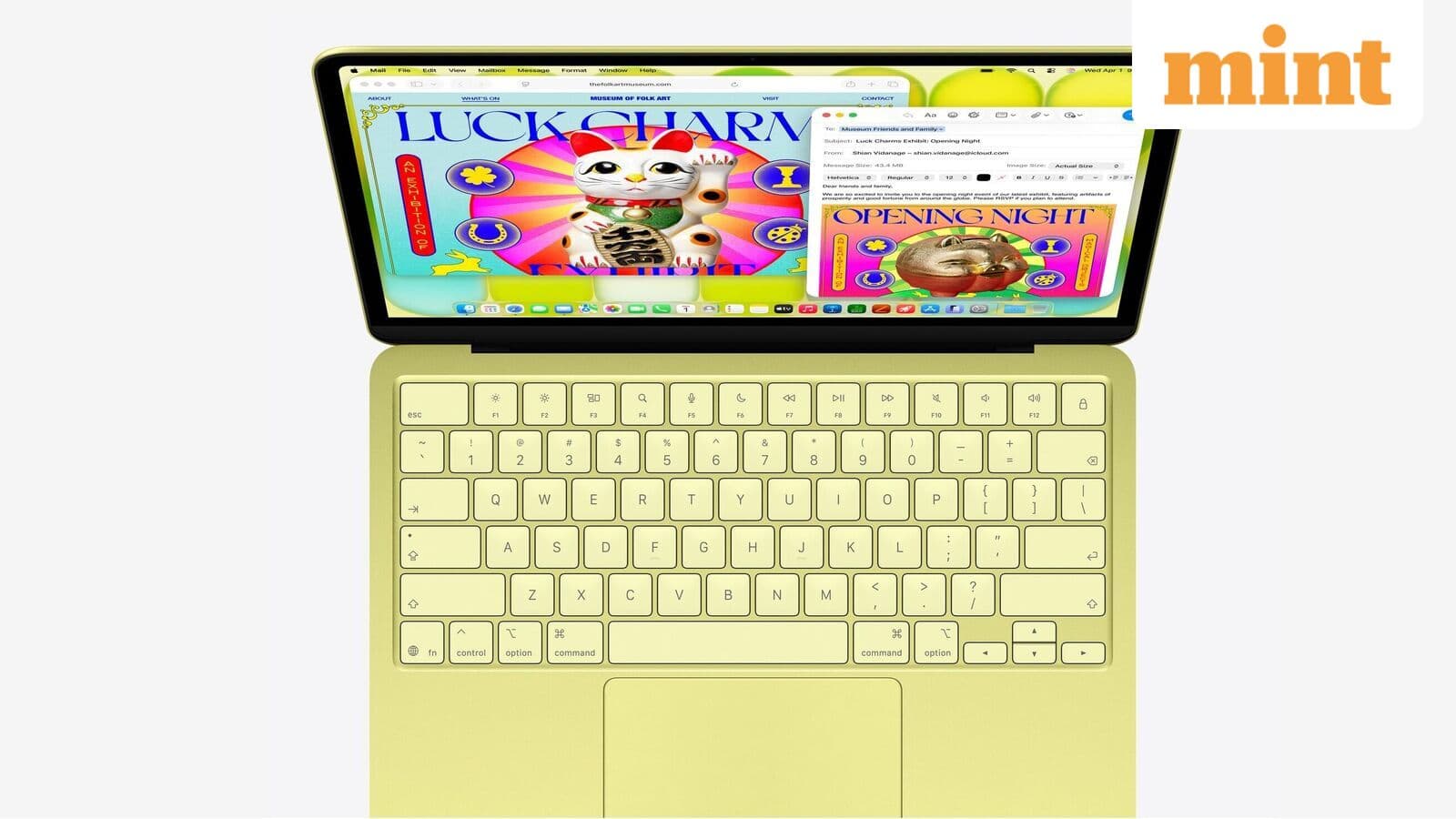
According to [Mint](https://www.livemint.com/technology/gadgets/buying-a-laptop-under-rs-70000-in-2026-makes-the-decision-easier-thanks-to-apple-11776425529693.html), Apple's MacBook Neo has fundamentally changed the laptop buying decision under ₹70000 by bringing premium build quality, all-day battery life, and macOS efficiency to a price point previously dominated by Windows machines.
Here's what this means for your next hardware procurement cycle: the ₹70000 laptop segment is no longer about compromise. It's about choosing the right ecosystem for your team's workflow.
Why Should Business Leaders Care About This Price Segment?
If you're equipping a 10-person team, the difference between ₹50000 and ₹70000 laptops is ₹2 lakh in total spend. That's not trivial. But here's the real calculation most procurement teams miss: total cost of ownership over three years.
A laptop that lasts 4 years instead of 3 saves you 25% on hardware costs. A machine with genuine all-day battery life eliminates the need for charger infrastructure in meeting rooms. A device that runs cool and quiet reduces support tickets.
The MacBook Neo's entry into this segment isn't just about Apple expanding market share. It's about raising the baseline for what ₹70000 buys in 2026. Windows OEMs have responded with better displays, improved thermals, and longer battery life across the board.
Executive Summary
For teams running Microsoft 365, CRM software, or enterprise applications, Windows laptops like the Samsung Galaxy Book4 offer better compatibility. For design teams, content creators, or mixed device environments, the MacBook Neo's ecosystem integration and build quality justify the learning curve.
Best Laptops Under 70000: MacBook Neo vs Windows Options
The decision isn't really MacBook vs Windows anymore. It's about which ecosystem your team already lives in, and where your critical software runs best.
| Feature | Apple MacBook Neo | Samsung Galaxy Book4 | Business Impact |
|---|---|---|---|
| Build Quality | Premium aluminum, lightweight | Slim metal design | Both handle daily commute and office use well |
| Display | 13" Liquid Retina, high brightness | 15.6" Full HD | Larger screen for spreadsheet work vs better color accuracy |
| Battery Life | All-day (12+ hours) | 8-10 hours typical | MacBook wins for road warriors and remote meetings |
| Software Compatibility | macOS apps, limited enterprise | Full Windows ecosystem | Critical for ERP, legacy software, and IT management |
| Ecosystem Integration | iPhone, iPad, AirDrop | Samsung devices, Quick Share | Depends on your team's existing devices |
| Price Point | ~₹70,000 | ~₹65,000 | Similar investment, different value propositions |
Which Laptop Should Your Startup Buy in 2026?
Let's cut through the spec sheets. Here's the decision framework based on role and workflow:
For developers and engineers: If your stack is cloud-native with VS Code, terminal-based workflows, and containerized development, the MacBook Neo's Unix-based environment is genuinely productive. But if you're building Windows applications, running Visual Studio, or working with .NET heavily, stick with Windows. The same logic applies to teams building Android apps. While Android Studio runs on both, Windows machines offer better emulator performance in this price range.
For sales and business development: The Samsung Galaxy Book4's 15.6-inch display makes CRM dashboards and spreadsheets easier to navigate. Microsoft Teams and Outlook run natively. If your sales team lives in these tools, the workflow friction of switching to macOS isn't worth the battery life gains.
For design and content teams: The MacBook Neo wins here. Color accuracy matters for design work, and the creative software ecosystem on macOS remains stronger for video editing, graphic design, and content creation workflows.
If your design team is evaluating tools, this analysis of code-first design workflows is worth reading
Total Cost of Ownership: The Numbers That Matter
Hardware cost is just the beginning. Here's what the three-year TCO looks like for a 10-person team:
- Initial hardware: ₹7 lakh (both options similar)
- IT support time: MacBooks typically generate 30-40% fewer support tickets for hardware issues
- Software licensing: Windows Pro licenses add ₹12,000-15,000 per device if not included; macOS is free
- Accessory costs: MacBook users often need dongles (₹2,000-5,000 per user); Windows laptops typically have more ports
- Resale value: MacBooks retain 50-60% value after 3 years; Windows laptops typically 25-35%
The resale value difference is often overlooked. If you're a startup planning to upgrade hardware every 2-3 years, MacBooks essentially cost less to own despite similar upfront pricing.
What About Enterprise Software Compatibility?
This is where business reality hits Apple's marketing. Many Indian enterprises run software that simply doesn't exist on macOS:
- Tally and accounting software: Windows-only or web-based with limitations
- Industry-specific ERP systems: Often Windows-dependent
- Legacy CRM and inventory management: Rarely Mac-compatible
- Government compliance software: Almost exclusively Windows
Before committing to MacBooks for any team, audit your critical software stack. The clean design and battery life mean nothing if your team can't run the tools they need.
Related cost analysis for IT infrastructure decisions
The Samsung Galaxy Book4: Best Windows Option at This Price
If Windows is the right choice for your team, the Samsung Galaxy Book4 stands out in this segment. Here's why:
✅ Pros
- • 15.6-inch display is genuinely better for productivity work
- • Intel processors handle multitasking well for office workloads
- • Samsung ecosystem integration useful if team uses Galaxy phones
- • Fast SSD storage reduces boot and app launch times
- • Slim metal design doesn't scream 'budget laptop' in client meetings
❌ Cons
- • Battery life of 8-10 hours can't match MacBook's 12+ hours
- • Build quality is good, not exceptional
- • Display color accuracy is adequate, not designer-grade
- • Bloatware requires cleanup time for IT teams
For Microsoft 365-centric workflows, the Galaxy Book4's integration with Samsung's Quick Share and Multi Control features create a smoother experience than you'd expect. If your team already uses Samsung phones, the cross-device functionality approaches what Apple offers within its ecosystem.
Procurement Recommendations by Company Stage
Your company stage should influence this decision as much as individual role requirements:
Pre-seed to Series A startups: Standardize on one platform. The management overhead of supporting both macOS and Windows with a small IT function (often just the CTO wearing multiple hats) isn't worth the flexibility. Pick based on your founder's preference and critical software needs.
Series B and beyond: You can afford mixed environments. Let teams choose based on workflow, but establish clear support policies. Engineering on MacBooks, sales on Windows is a common and sensible split.
Enterprise and SMBs with established IT: Your existing infrastructure matters more than individual device specs. If you're running Active Directory, SCCM, and Windows-based security tools, adding MacBooks creates real management complexity.
Strategic context for startup infrastructure investment decisions
Frequently Asked Questions
Frequently Asked Questions
Is the MacBook Neo worth ₹70000 for business use?
Yes, if your workflow is compatible with macOS. The build quality, battery life, and resale value justify the price. But audit your critical software first. If you need Windows-specific applications, no amount of premium build quality compensates for workflow friction.
How long should business laptops last before replacement?
Plan for 3-4 years. Both MacBooks and quality Windows laptops in this price range can deliver 4 years of productive use. Beyond that, battery degradation and software requirements typically force upgrades. Budget accordingly in your IT planning.
Should startups standardize on Mac or Windows?
Early-stage startups should standardize on one platform to minimize IT overhead. Choose based on your critical software stack and founder preferences. Mixed environments make sense only when you have dedicated IT resources to support both.
What's the real battery life difference for daily business use?
In real-world use with video calls, browser tabs, and productivity apps, expect 10-12 hours from the MacBook Neo and 6-8 hours from most Windows laptops in this range. That's the difference between all-day use and needing a charger by 3 PM.
Are budget Windows laptops reliable enough for business?
At ₹70000, you're not buying budget anymore. The Samsung Galaxy Book4 and similar options from Lenovo and HP in this range offer genuine business-grade reliability. The days when Windows laptops under ₹1 lakh were inherently compromised are over.
Logicity's Take
As a Hyderabad-based agency that equips our own team for AI development, Next.js projects, and client work, we've lived this decision. Our engineering team runs MacBooks because terminal workflows, Docker, and the Unix environment genuinely make development smoother. Our business and operations team uses Windows because Tally, certain government compliance tools, and our accounting workflows require it. The honest answer is that there's no universally correct choice. What we've learned from equipping a 15-person team over the past three years: the cost of making the wrong ecosystem choice isn't the hardware price. It's the productivity loss when someone can't run the tool they need, or the support time when your IT person has to troubleshoot an unfamiliar OS. If you're building a tech team in India, audit your software dependencies before falling for Apple's marketing. The MacBook Neo is genuinely excellent hardware. But excellence in a vacuum doesn't help when your team needs to run software that doesn't exist on macOS. Start with the workflow, not the device.
Need Help with Tech Infrastructure Decisions?
Logicity helps startups and growing businesses make smart technology choices. From hardware procurement strategies to building internal tools that actually work with your existing systems, we bring practical experience from our own operations. Get in touch if you're planning a team expansion or infrastructure upgrade.
Source: mint / Amit Rahi
Huma Shazia
Senior AI & Tech Writer
Produced with AI assistance and reviewed by the Logicity editorial team. Learn more in our Editorial Policy.