Key Takeaways
- Image Playground now generates photorealistic images, not just stylized illustrations
- New editing tools let you modify specific parts of an image without regenerating the whole thing
- All generated images include SynthID watermarks for transparency
When Apple launched Image Playground in late 2024, it was essentially a toy. You could create stylized avatars and cartoon-style illustrations for Messages and Notes. Fun, but not useful. The iOS 27 update changes that. Apple's image generator now produces photorealistic output that competes directly with ChatGPT and Google Gemini.
The update arrives in developer beta now, with public betas expected in July. Full release will likely land in September alongside the new iPhones. Here's what's actually different and whether it matters.
What's New in Image Playground
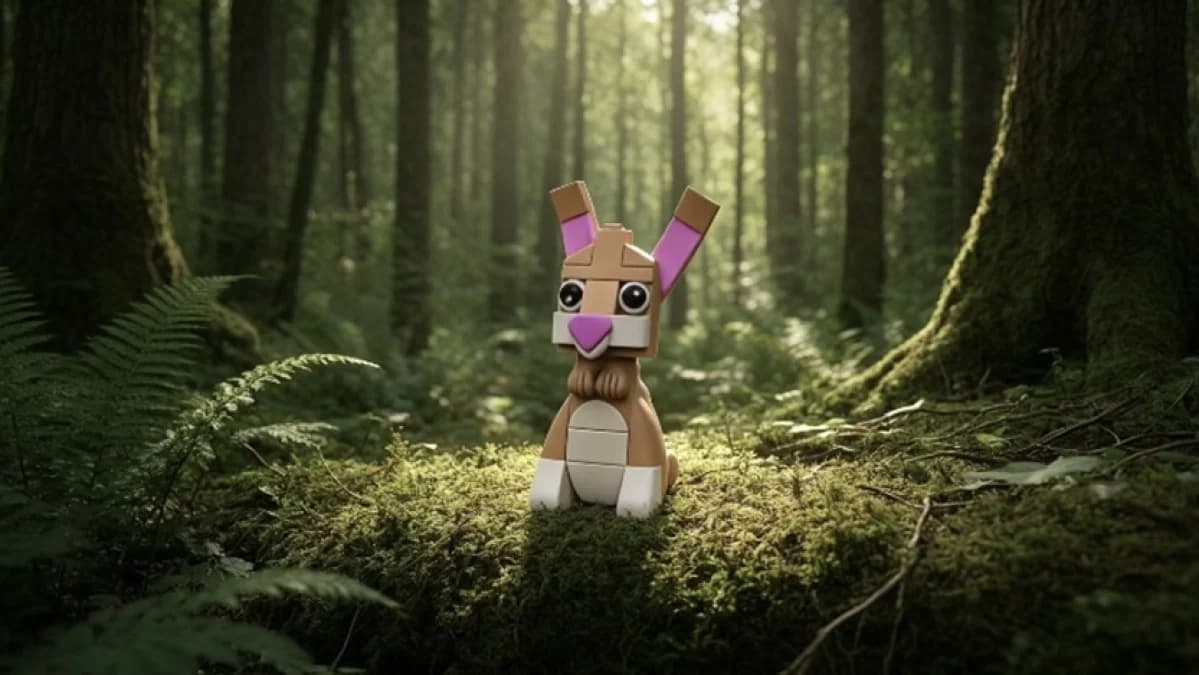
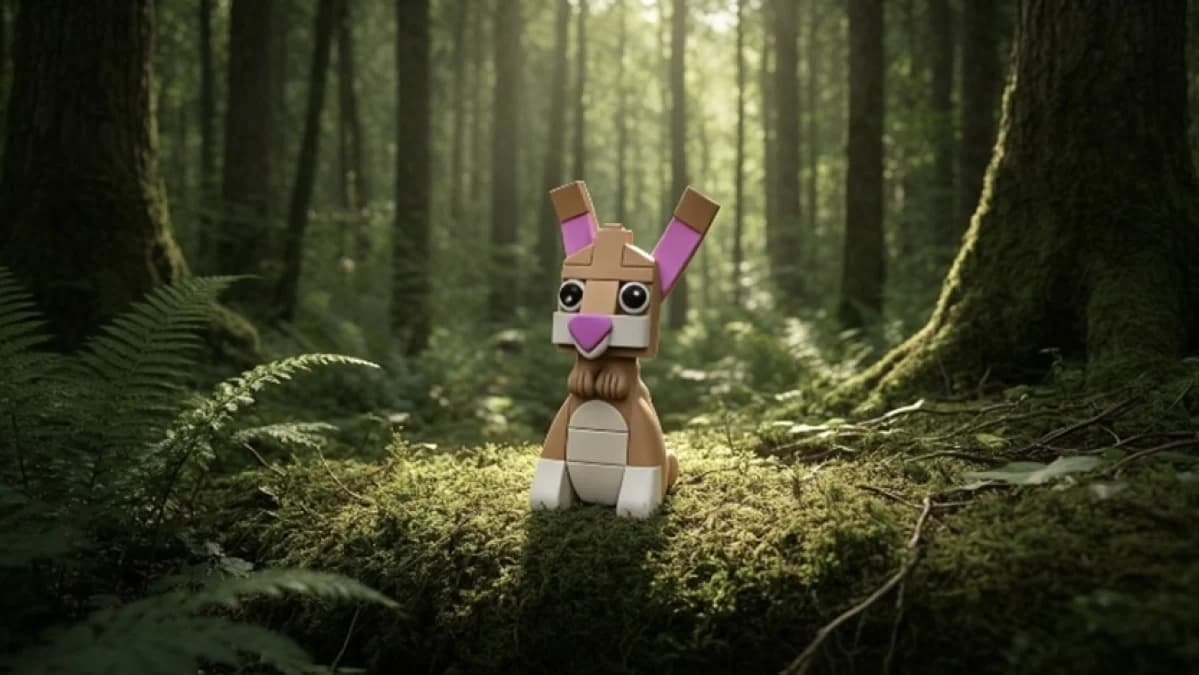
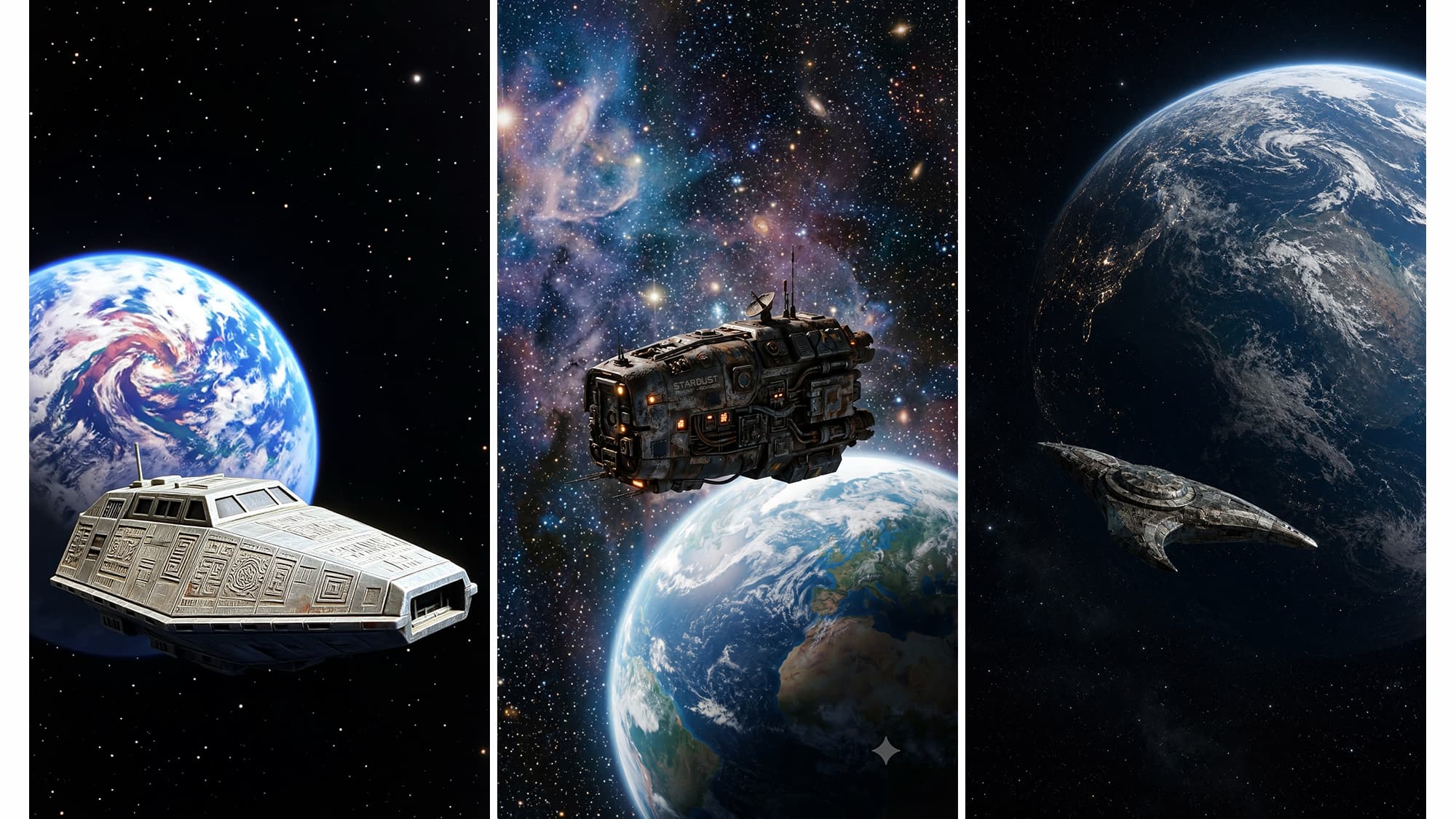
The headline feature is photorealism. Previous versions of Image Playground limited you to sketches and illustrations. Now you can prompt for actual photos. Ask for an English meadow or a towering temple, and you get something that looks like a photograph rather than a children's book illustration.
Apple also added orientation controls. You can now choose between square, portrait, and landscape formats. This sounds basic because it is. ChatGPT and Midjourney have offered this for years. But for Image Playground users, it's a genuine upgrade.
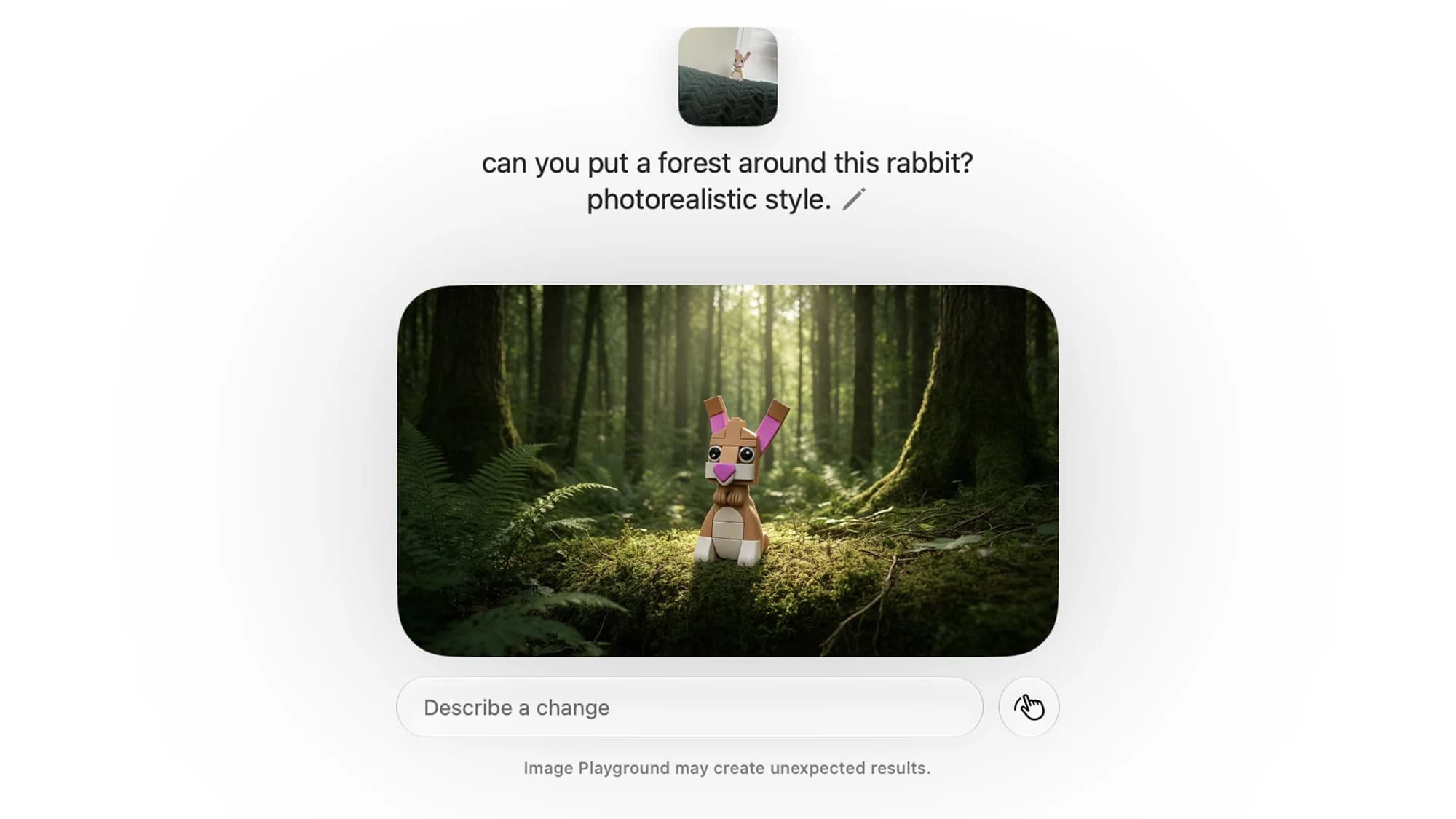
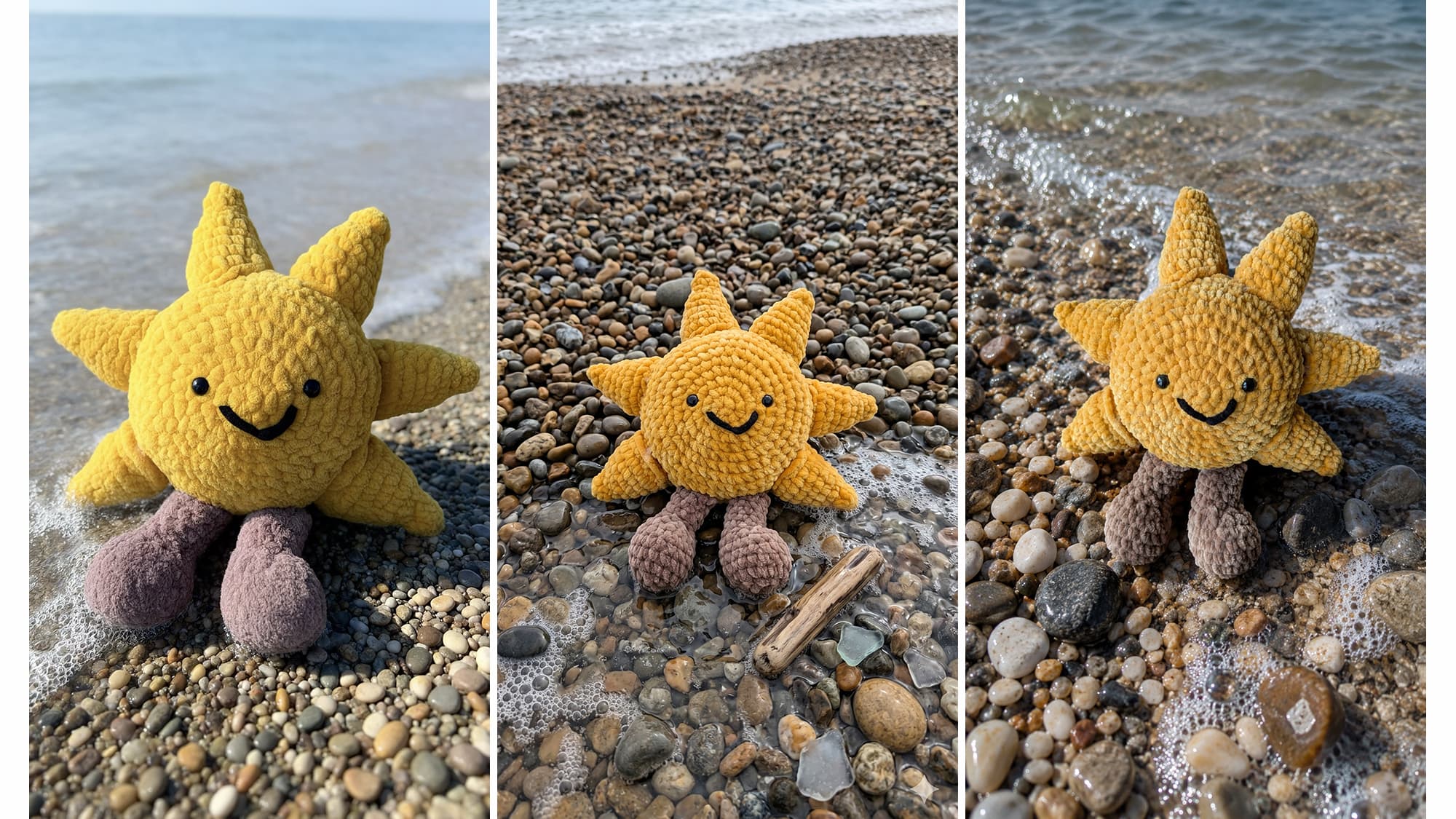
The more interesting addition is photo-based prompting. You can submit an existing photo as a starting point, then ask Image Playground to transform it. Want to put your dog in a jungle scene? That's now possible. This brings Apple closer to the "magic eraser" and generative fill features that Google and Adobe have been refining for years.
Smart Editing Without Full Regeneration
The most useful new feature is targeted editing. Previously, if you didn't like one element of a generated image, you had to regenerate the entire thing and hope the next attempt was better. Now you can highlight a specific area and prompt changes to just that section.
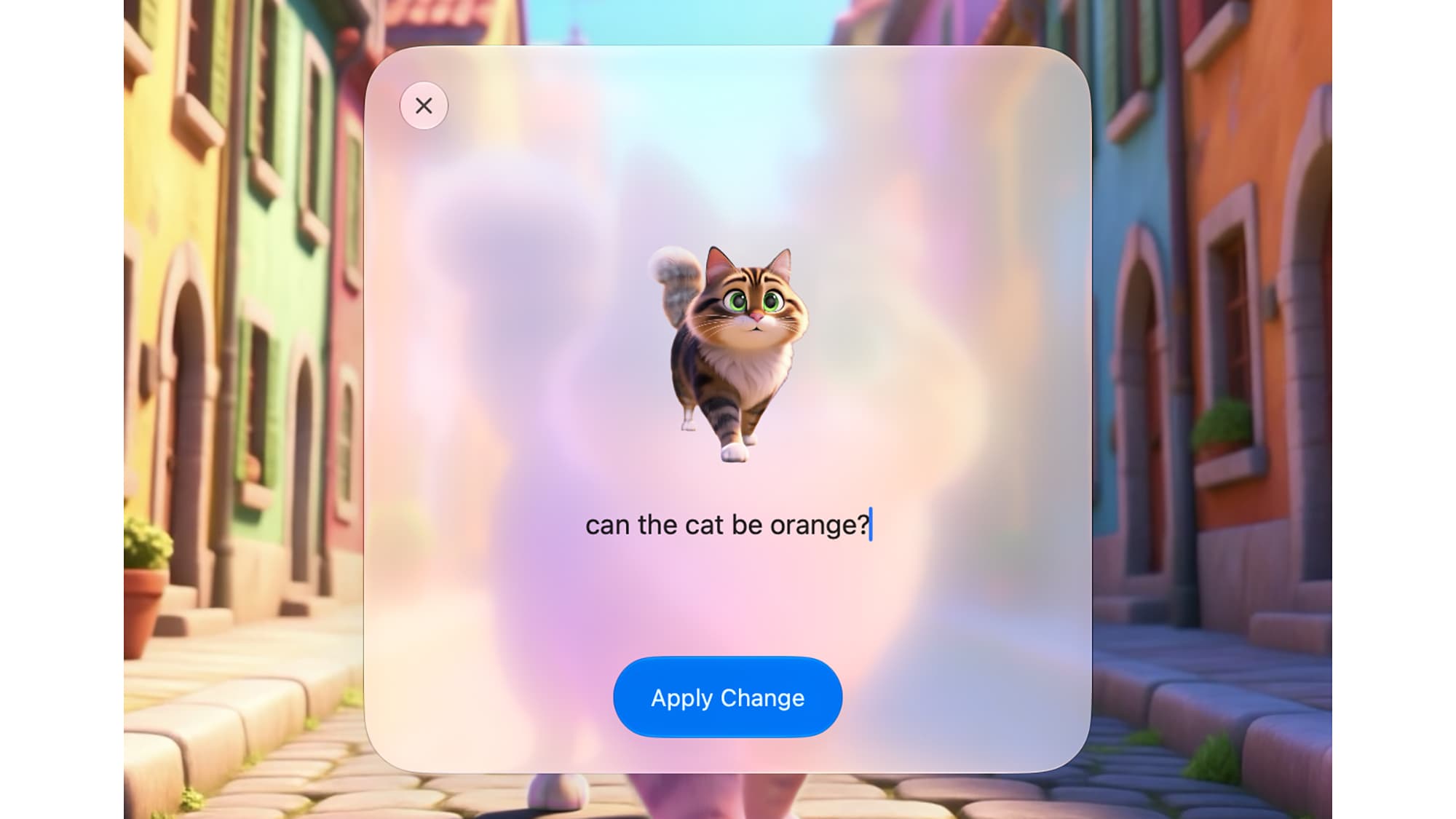
Change the color of an object. Remove something entirely. Alter the weather in a scene. The background stays consistent while your targeted element changes. This is similar to what Google's Nano Banana AI model introduced, and it makes the generation process far less frustrating.
In testing, the feature works well. Creating a cartoon-style cat on a street, then changing the cat's color without affecting the background, produced clean, consistent results.
Privacy and Watermarking
Apple is applying SynthID watermarks to all Image Playground creations. This is the same invisible watermarking system that Google Gemini and ChatGPT use to identify AI-generated content. It's part of an industry push for transparency as photorealistic AI images become harder to distinguish from real photographs.
“We aren't just making images anymore; we're providing a studio-grade creative tool that lives in your pocket, powered by Private Cloud Compute.”
— Craig Federighi, SVP of Software Engineering at Apple
Apple also emphasizes that Private Cloud Compute means no user images are stored or accessed by Apple, and none are used to train its models. This is the privacy pitch Apple makes across its AI features, and it's a genuine differentiator from competitors who may use your inputs for model improvement.
Hardware Requirements
The new photorealistic generation requires an iPhone 16 or later, or a Mac with an M-series chip. This isn't arbitrary gatekeeping. Running advanced diffusion models locally demands significant computational power. If you're on an older device, you won't see these features even after updating to iOS 27.
How It Compares to ChatGPT and Gemini
Both ChatGPT and Gemini have spent the past year improving their image generation to the point where some outputs are difficult to distinguish from real photos. Apple is entering this race late but with some advantages.
The main advantage is integration. Image Playground works natively across iOS, iPadOS, and macOS. You can set generations as Contact Posters or wallpapers directly. You don't need to leave an app, sign into a separate service, or manage another subscription.
The tradeoff is capability. Midjourney and dedicated AI art platforms still offer more fine-grained control, more style options, and generally higher-quality output at the extreme end. Image Playground is targeting convenience over professional-grade results.
Usage Limits and Monetization Questions
Community discussion on Reddit and HackerNews has focused on reports of daily usage caps tied to iCloud+ subscriptions. This suggests Apple may be testing how to monetize generative AI features beyond hardware sales. The company hasn't confirmed pricing details, but the infrastructure costs for running these models are substantial.
For most casual users, free tier limits will probably be fine. Power users who want unlimited generations may end up paying, either through iCloud+ tiers or a future Apple Intelligence subscription.
Logicity's Take
Another major mobile OS update with AI integration
How Google is integrating Gemini across its ecosystem
Frequently Asked Questions
When will iOS 27 with the new Image Playground be available?
Developer betas are available now. Public betas arrive in July, with full release expected in September 2026.
What devices support the new photorealistic Image Playground?
You need an iPhone 16 or later, or a Mac with an M-series chip to run the new photorealistic generation features.
Can you edit AI-generated images in Image Playground?
Yes. The new version lets you highlight specific areas and prompt changes without regenerating the entire image.
Are Image Playground creations watermarked?
Yes. All generated images include SynthID invisible watermarks to identify them as AI-created.
Is Image Playground free to use?
Details aren't confirmed, but reports suggest there may be daily usage caps tied to iCloud+ subscription tiers.
Need Help Implementing This?
Source: Lifehacker
Manaal Khan
Tech & Innovation Writer
Produced with AI assistance and reviewed by the Logicity editorial team. Learn more in our Editorial Policy.






