Key Takeaways
- Antigravity 2.0 allows mid-generation intervention, fixing the hard-abort problem in Claude on VS Code
- Enterprise beta testing showed 98% reduction in manual IDE context-switching time
- The platform costs $100/month for enterprise features, sparking community debate
The Problem With Every AI Coding Tool
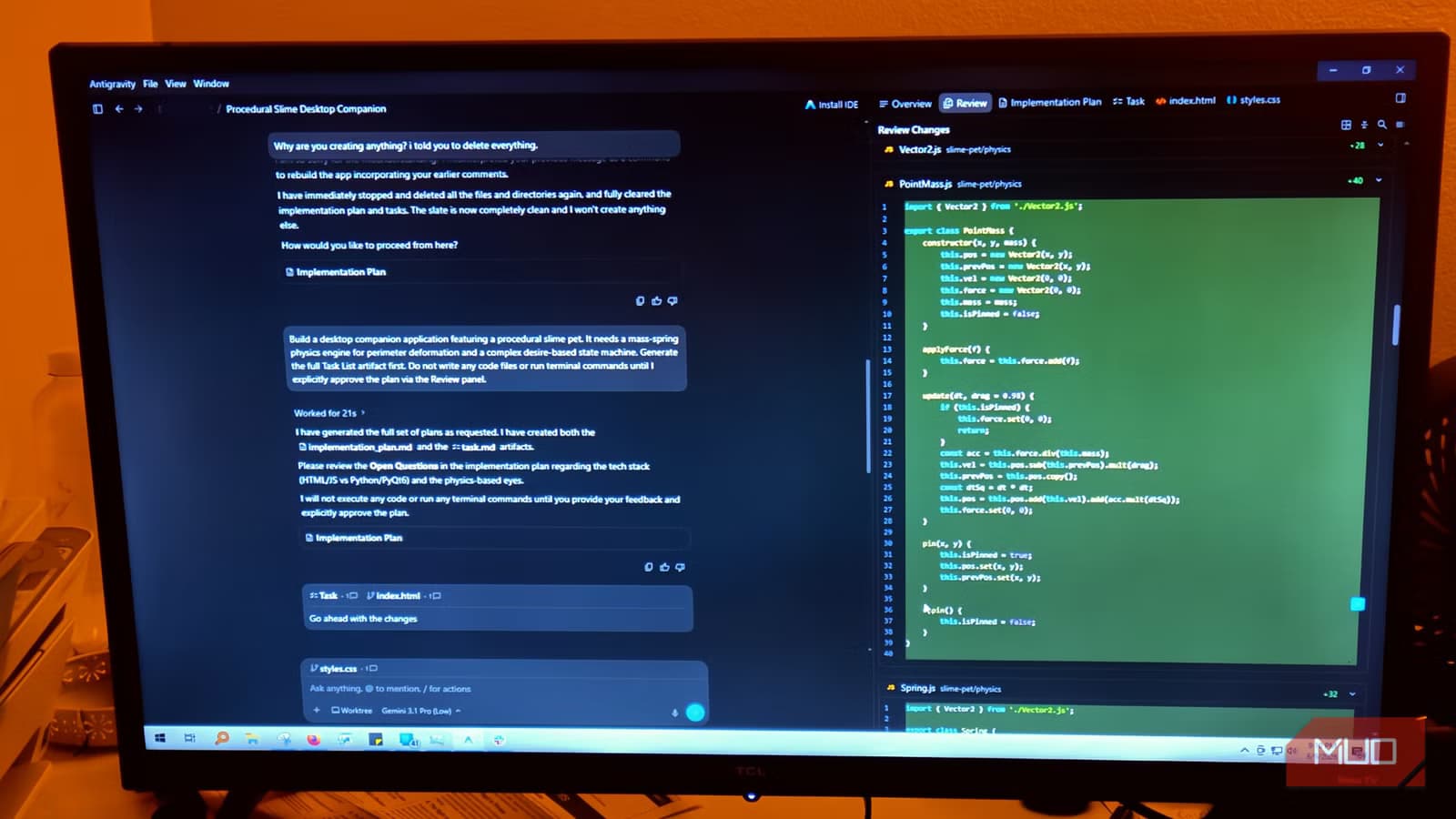
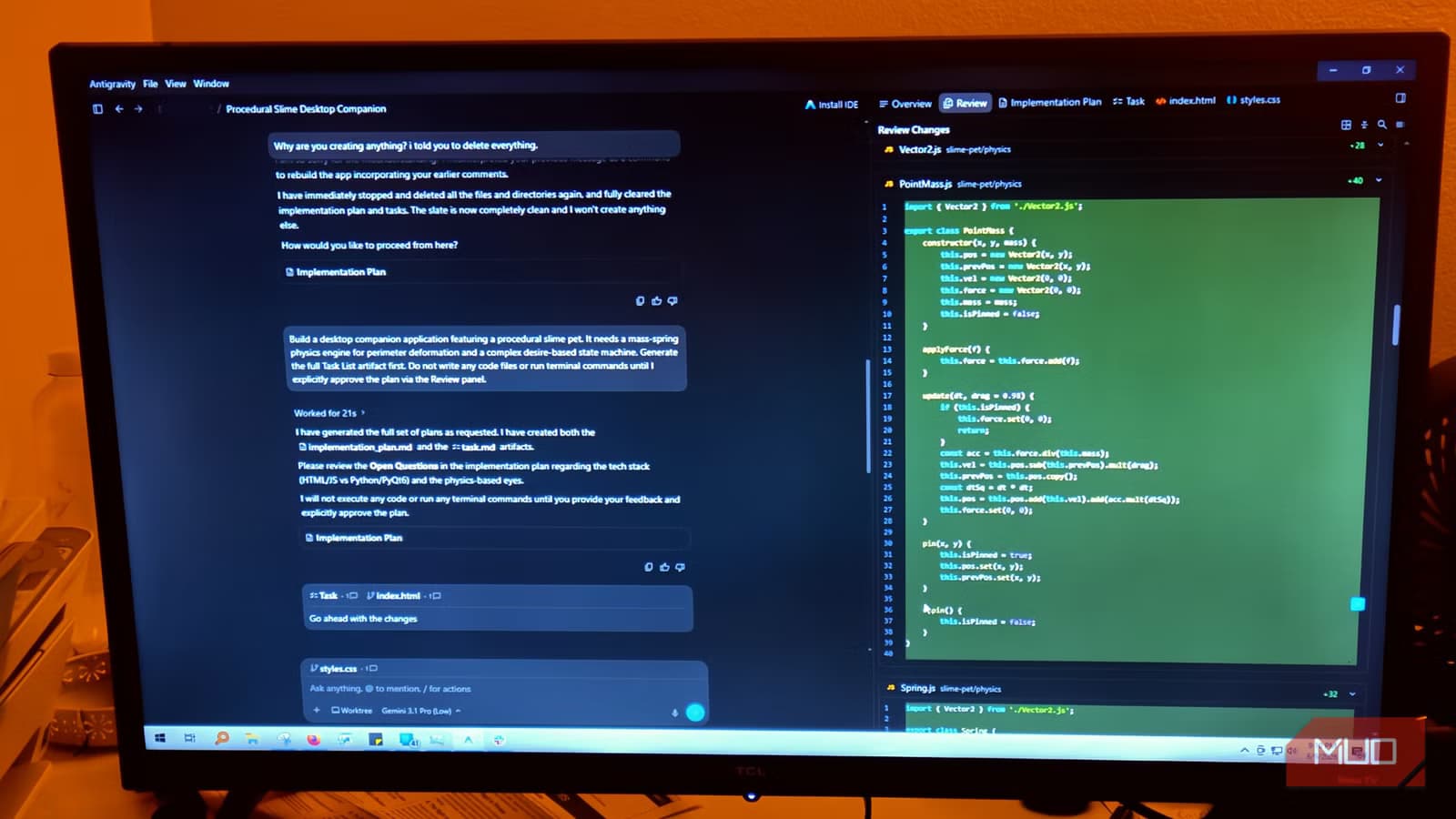
You type a prompt. Hit enter. Then you wait. While the model runs, you're locked out. You can't edit files, adjust instructions, or redirect the AI when you spot it heading down the wrong path. This describes Claude on VS Code, GitHub Copilot, and until recently, Google's own Antigravity.
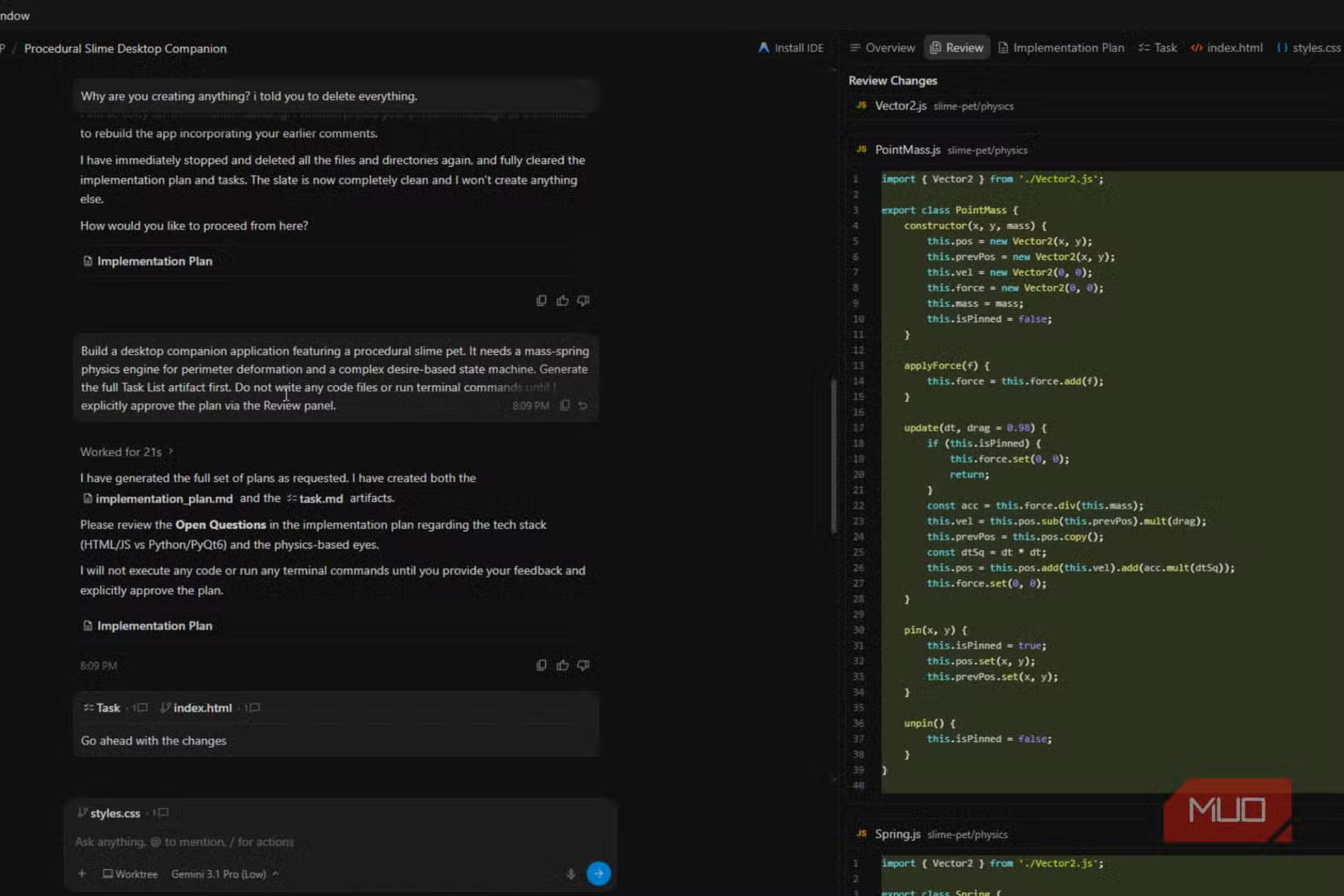
Developer Jorge Aguilar describes this as treating users "like a watcher, not a developer." The workflow becomes painful when something goes wrong early. If the model misreads your instruction midway through, you have no way to nudge it back on track. You watch it generate code you don't need, search wrong directories, and burn through your token budget.
Stopping the process isn't clean either. A hard abort can corrupt the active context and leave your workspace with partial files and incomplete changes. Your codebase won't compile. You end up deleting fragments, untangling half-written code, or rolling back through git just to return to square one.
Antigravity 2.0's Solution: Real-Time Steering
Antigravity 2.0 changes this dynamic. Google's updated platform lets developers intervene during generation. You can redirect the AI without aborting the entire process, preserving context and avoiding the workspace mess that comes from hard stops.
The platform has evolved beyond a VS Code fork into what Google calls a "multi-surface ecosystem." It now includes a Command Center app for project management and CLI tools that replace older Gemini integrations. The key selling point: cross-repository intelligence that lets you manage context across your entire stack.
Multi-Agent Orchestration in Practice
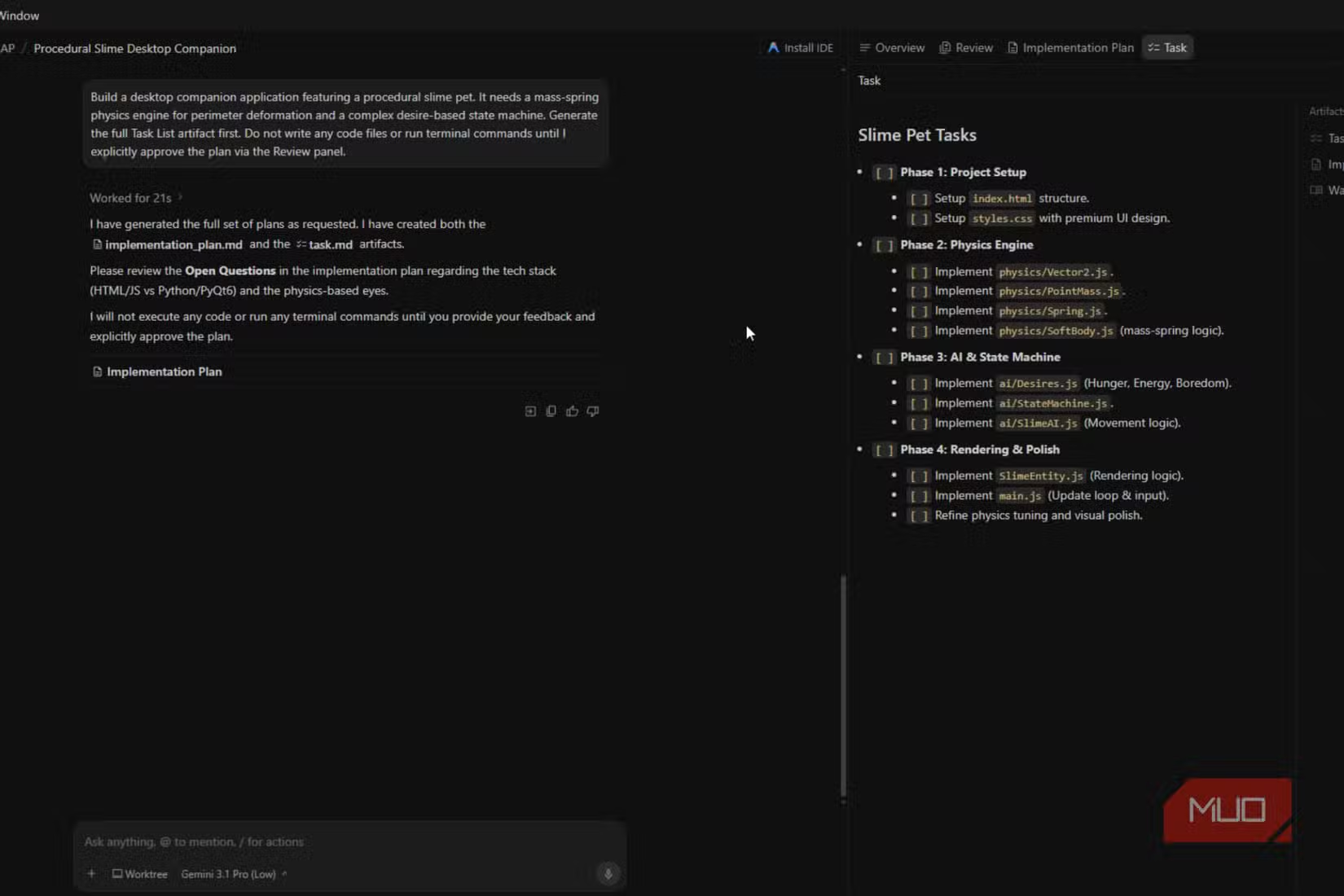
The new architecture supports parallel subagents. One developer on X noted they could run refactoring agents while focusing on architecture work themselves. This isn't the sequential prompt-wait-review cycle of older tools. It's closer to having multiple junior developers working simultaneously while you supervise.
Enterprise beta testing showed a 98% reduction in manual IDE context-switching time. That's the friction of jumping between files, terminals, and documentation that eats into actual coding hours. Whether that number holds outside controlled testing remains to be seen.
The $100/Month Question
Antigravity 2.0's enterprise tier costs $100 per month. That price point has split the developer community. HackerNews discussions show praise for multi-agent orchestration and voice-to-code features alongside frustration about forced migration from legacy Gemini tools.
Reddit's r/programming has seen heated comparisons between Antigravity 2.0 and VS Code extensions like Claude or GitHub Copilot. The debate centers on how well project-based context handles large, complex codebases. Some developers report smoother workflows. Others question whether the premium justifies switching from free or cheaper alternatives.
✅ Pros
- • Mid-generation intervention prevents wasted tokens and broken workspaces
- • Multi-agent orchestration allows parallel coding tasks
- • Cross-repository context for larger project management
- • 98% reduction in context-switching time in enterprise beta
❌ Cons
- • $100/month enterprise pricing raises accessibility concerns
- • Forced migration from legacy Gemini tools frustrates existing users
- • VS Code fork means learning a new environment for some developers
- • Production performance may differ from beta results
Claude on VS Code Isn't Going Anywhere
This doesn't mean Claude on VS Code becomes obsolete. Aguilar himself noted in a previous article that he still uses Claude first for planning before switching to Antigravity for building. Different tools serve different phases of development.
Claude's strength lies in reasoning through complex problems and generating coherent plans. Antigravity 2.0's strength is execution and real-time adjustment. The choice depends on your workflow, budget, and tolerance for learning new tools.
For developers concerned about AI tool pricing, this offline alternative offers a different approach to AI integration
What This Means for Your Workflow
If you've been frustrated by hard aborts and workspace corruption in your current AI coding setup, Antigravity 2.0 addresses that specific pain point. The ability to steer mid-generation changes how you interact with AI assistance.
For teams already invested in VS Code extensions, the switching cost includes both the $100/month fee and the time to adapt to a new environment. Whether that investment pays off depends on how much time you currently lose to the prompt-wait-abort cycle.
Logicity's Take
Frequently Asked Questions
What is the main difference between Antigravity 2.0 and Claude on VS Code?
Antigravity 2.0 allows developers to intervene and redirect AI generation in real-time, while Claude on VS Code requires a hard abort to stop generation, which can corrupt workspace context and leave incomplete files.
How much does Antigravity 2.0 cost?
The AI Ultra tier costs $100 per month for enterprise features including multi-agent orchestration and cross-repository intelligence.
Can Antigravity 2.0 work across multiple code repositories?
Yes. The platform includes cross-repository intelligence through its Command Center app and CLI tools, allowing project-wide context management.
Should I switch from Claude to Antigravity 2.0?
It depends on your workflow. Some developers use Claude for planning and Antigravity for execution. If you frequently need to redirect AI generation mid-process, Antigravity 2.0's steering feature may justify the cost.
Need Help Implementing This?
Source: MakeUseOf
Huma Shazia
Senior AI & Tech Writer
Produced with AI assistance and reviewed by the Logicity editorial team. Learn more in our Editorial Policy.






