Key Takeaways
- Screen Reactions overlays selfie camera footage on screen recordings with AI-powered green screen
- Floating Bubbles let you keep apps like calendar and messages accessible over your main screen
- Beta testers reported 72% improvement in multitasking efficiency using the Bubble Bar on foldables
Android 17 is rolling out to Pixel devices today via the June Pixel Drop, and two features stand out: Screen Reactions, which overlays your selfie camera on screen recordings, and floating app Bubbles that let you keep apps accessible without leaving your current screen. Google also released Wear OS 7 and expanded its AI tools, but the multitasking upgrades are what make this update practical for everyday use.
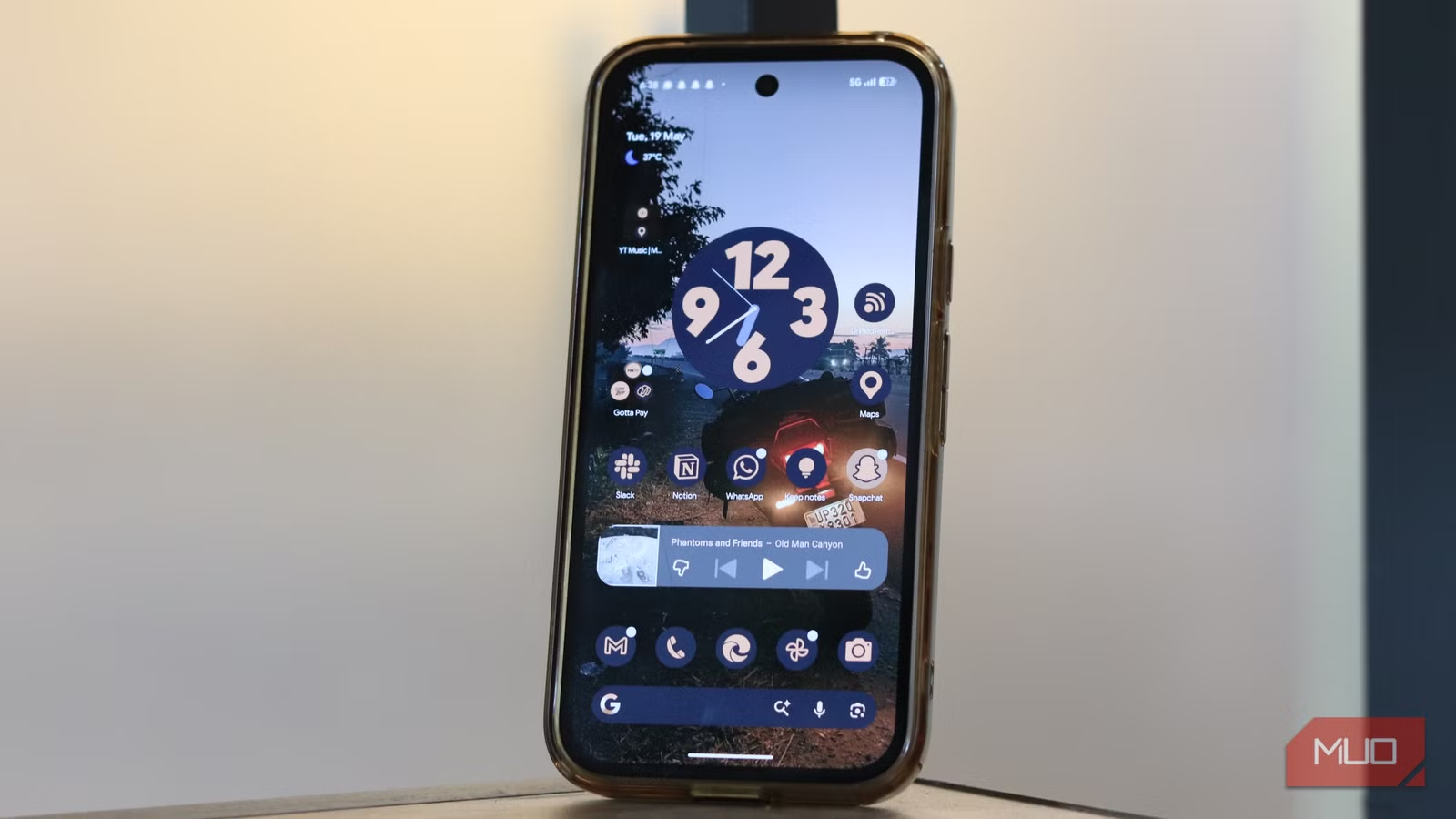
The update, internally codenamed "Cinnamon Bun," represents Google's first major Q2 release cycle shift. It's designed to align better with new hardware launches rather than the traditional fall window.
How Screen Reactions works
Screen Reactions builds on the existing screen recorder. When you start a recording, the feature automatically overlays footage from your front camera in a corner of the screen. AI generates a green screen effect behind you, similar to Google Meet's background replacement. You can react to gameplay, tutorials, or anything else on screen without needing third-party editing software.
“The Screen Reactions feature is a game-changer for creators. It effectively turns every user into a potential video reactor without needing complex third-party editing software.”
— Ron Amadeo, Senior Tech Editor at Ars Technica
Some Reddit users on r/Android have raised concerns about battery drain from the persistent background service that powers this feature. Google hasn't addressed power consumption in its announcement, so real-world testing will reveal whether it's a problem.
What floating Bubbles actually do
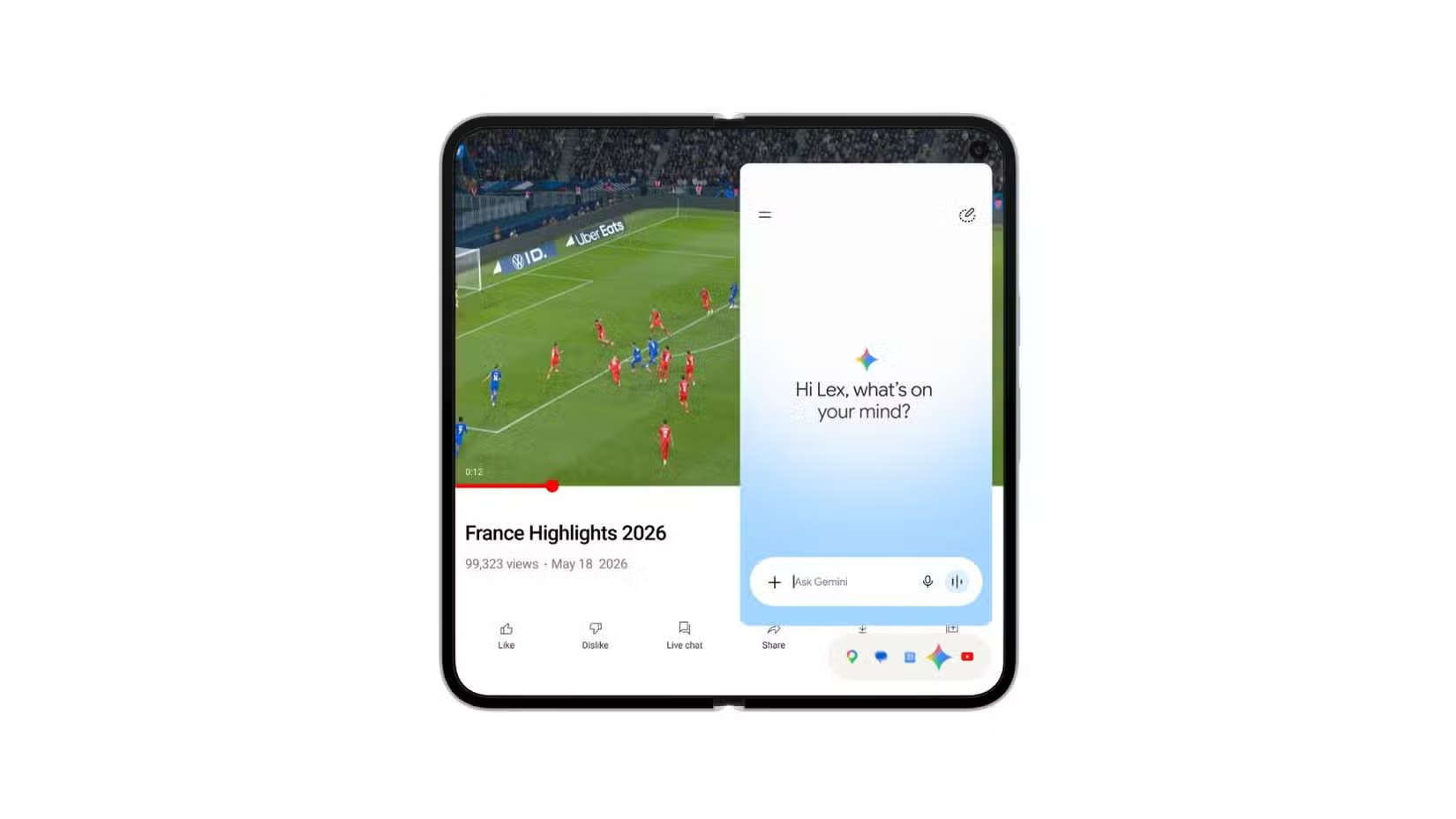
If you've used chat bubbles in Google Messages or Facebook Messenger, the concept is familiar. But Android 17's Bubbles go further. You can turn your calendar, browser, messages, or other apps into small floating icons that hover above whatever you're doing. Tap the bubble, and the full app opens in an overlay.
This differs from the chat-specific bubbles you've seen before. Those only showed conversation threads. The new system launches complete app instances, letting you jump between tasks without navigating away from your main activity.
On Pixel foldables, this expands into the Bubble Bar, a persistent row of app icons you can keep visible at all times. Reddit's r/Android community has called it the "missing piece" for making foldables actually useful.
“Android 17 is the first major platform update that feels truly built for the diverse form factors of the modern era, from pocketable phones to expansive tablets.”
— Sameer Samat, VP of Product Management at Google
AI features: Gemini Omni and Lyria 3
The June Pixel Drop also brings Gemini Omni and Lyria 3 to Pixel phones. Gemini Omni lets you generate full videos through text prompts, though Google hasn't detailed the limitations. You'll need a Google AI subscription to use it.
Full breakdown of the new Gemini and Lyria AI capabilities
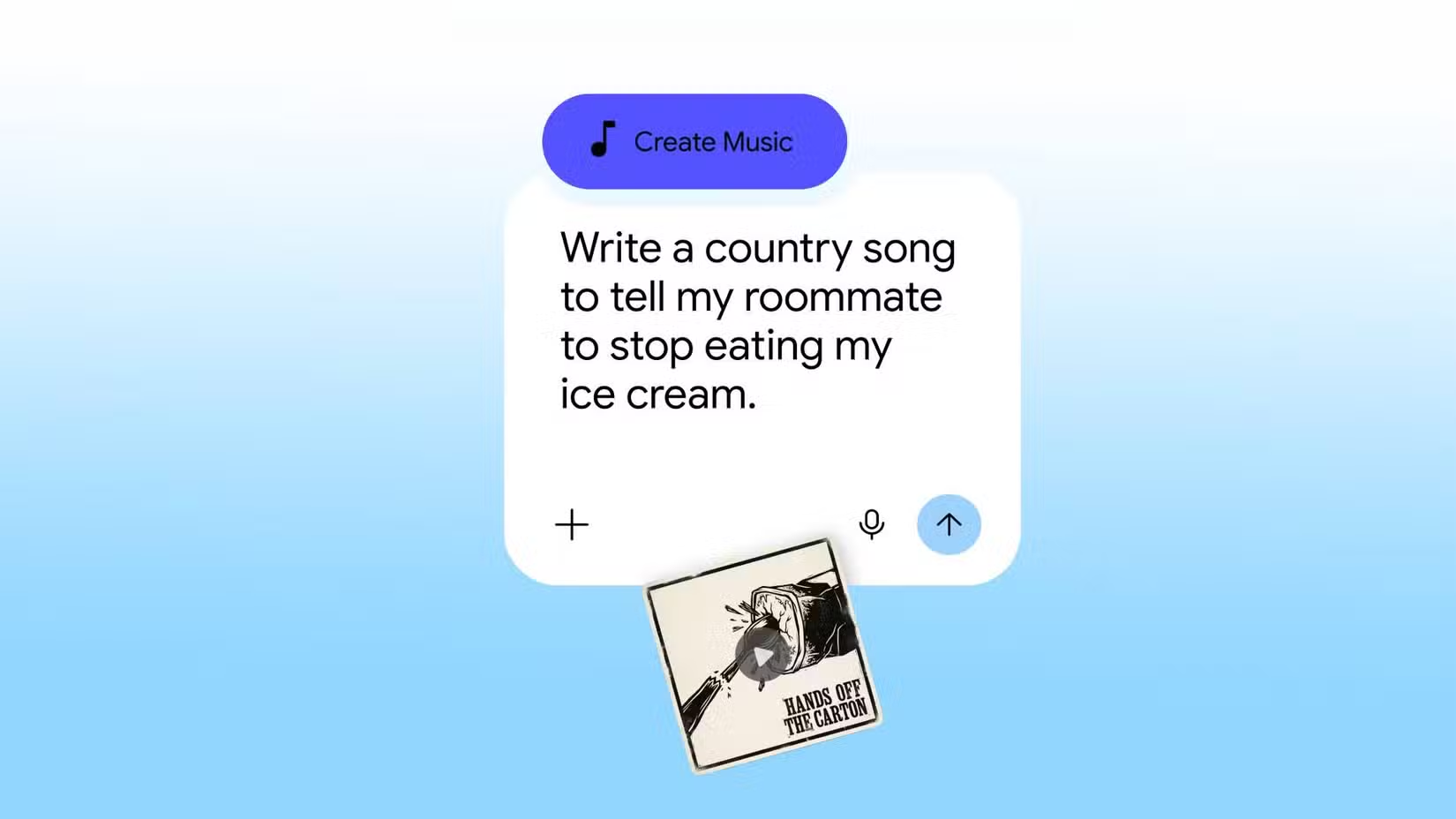
Lyria 3 handles music generation. You can use text prompts or images to create original tracks, then adjust tempo, vocal levels, and other settings. It's running on-device, not in the cloud.
Google also expanded several existing AI features. Edit Photos, Voice Translate, Manual Call Screen, and Magic Cue now work across more apps and regions. The upgraded Quick Share feature, which improves photo sharing with Apple's AirDrop, is coming to the Pixel 9a and Pixel 8a.
Under the hood: memory and battery improvements
Beyond the visible features, Android 17 includes system-level stability enhancements. Background process memory consumption dropped 40% in testing, which should help phones with 6GB or 8GB of RAM feel snappier when running multiple apps.
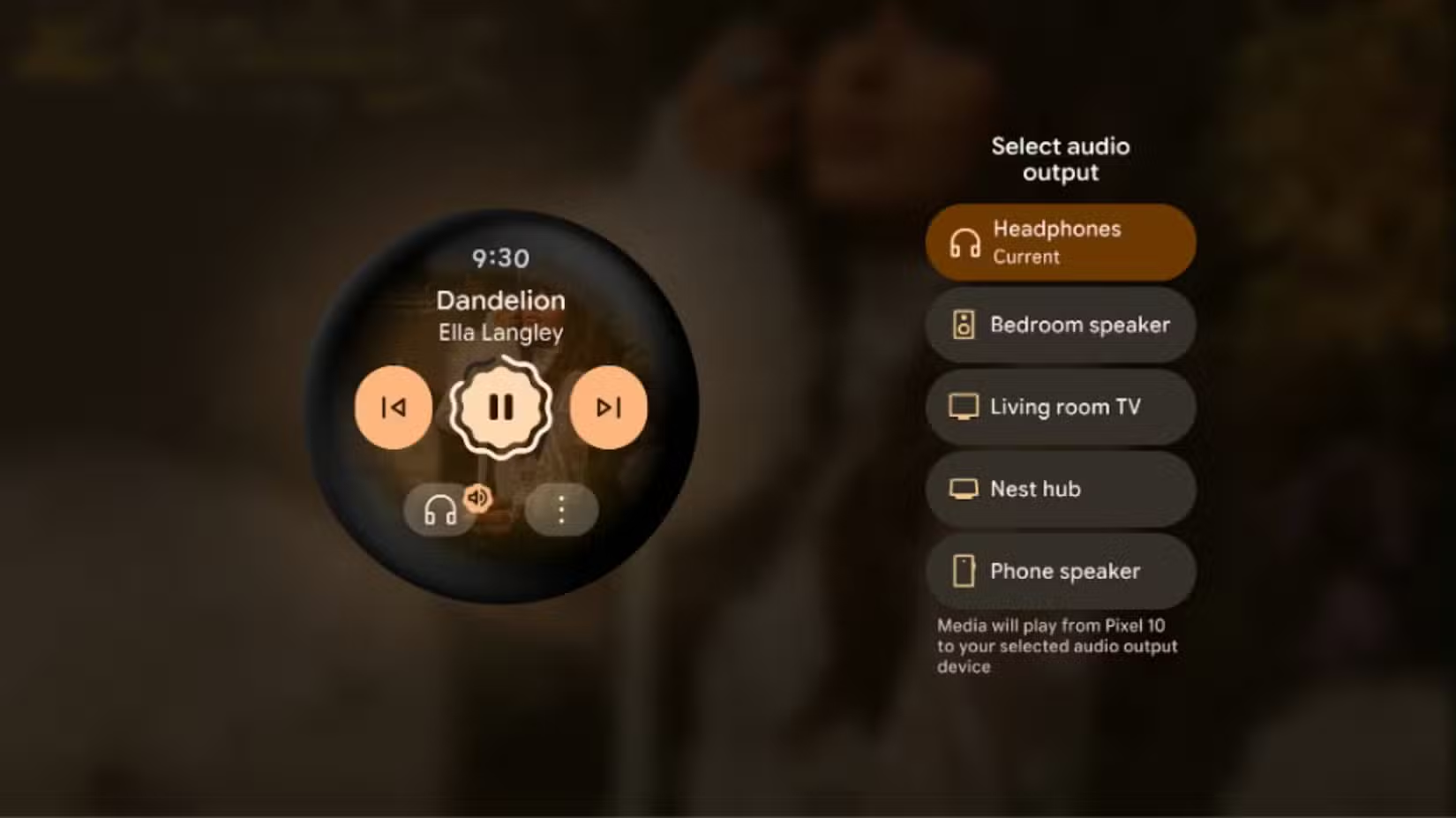
Wear OS 7, bundled with this drop, adds Live Updates and unspecified battery gains. Google didn't provide specific numbers on battery life improvements, so expect independent reviewers to benchmark this over the coming weeks.
Ideas for what to do with your previous Pixel after upgrading
When other phones will get Android 17
Samsung is already working on One UI 9 based on Android 17. Expect the usual pattern: Pixel devices first, then Samsung flagships within a few months, then other manufacturers through late 2026 and into 2027. The Q2 release timing might compress this schedule slightly since it gives OEMs more runway before the holiday buying season.
Frequently Asked Questions
Which Pixel phones get Android 17?
The June Pixel Drop is rolling out to all currently supported Pixel phones and tablets. Google hasn't dropped any models from support with this release.
Do I need a subscription for Screen Reactions?
No. Screen Reactions is a free feature built into the screen recorder. Only Gemini Omni requires a Google AI subscription.
Can I disable Bubbles if I don't want floating apps?
Yes. Bubbles is an opt-in feature. You choose which apps to enable as floating bubbles.
Will Android 17 drain my battery faster?
Google claims 40% reduced memory consumption for background processes, but hasn't addressed battery life directly. Some users have raised concerns about Screen Reactions running in the background.
Logicity's Take
The real story here isn't the AI features. It's that Google finally made foldables feel like they justify their premium price. The Bubble Bar addresses the awkwardness that's plagued Android foldables since launch: big screens with no good way to use two apps at once. Screen Reactions, meanwhile, is Google betting that reaction content isn't a YouTube fad but a permanent behavior worth building into the OS.
Need Help Implementing This?
If you're building apps that need to integrate with Android 17's new multitasking APIs or want to optimize for the Bubble Bar on foldables, Logicity can connect you with developers who've been working with the beta. Reach out through our contact page.
Source: MakeUseOf
Huma Shazia
Senior AI & Tech Writer
Produced with AI assistance and reviewed by the Logicity editorial team. Learn more in our Editorial Policy.