Key Takeaways
- Android 17 now requires all native files to be marked read-only before execution, blocking last-minute code injection
- The change targets 'dynamic code loading,' a technique malware uses to bypass Play Store reviews
- Users won't see any interface changes, but apps can no longer swap in malicious code post-installation
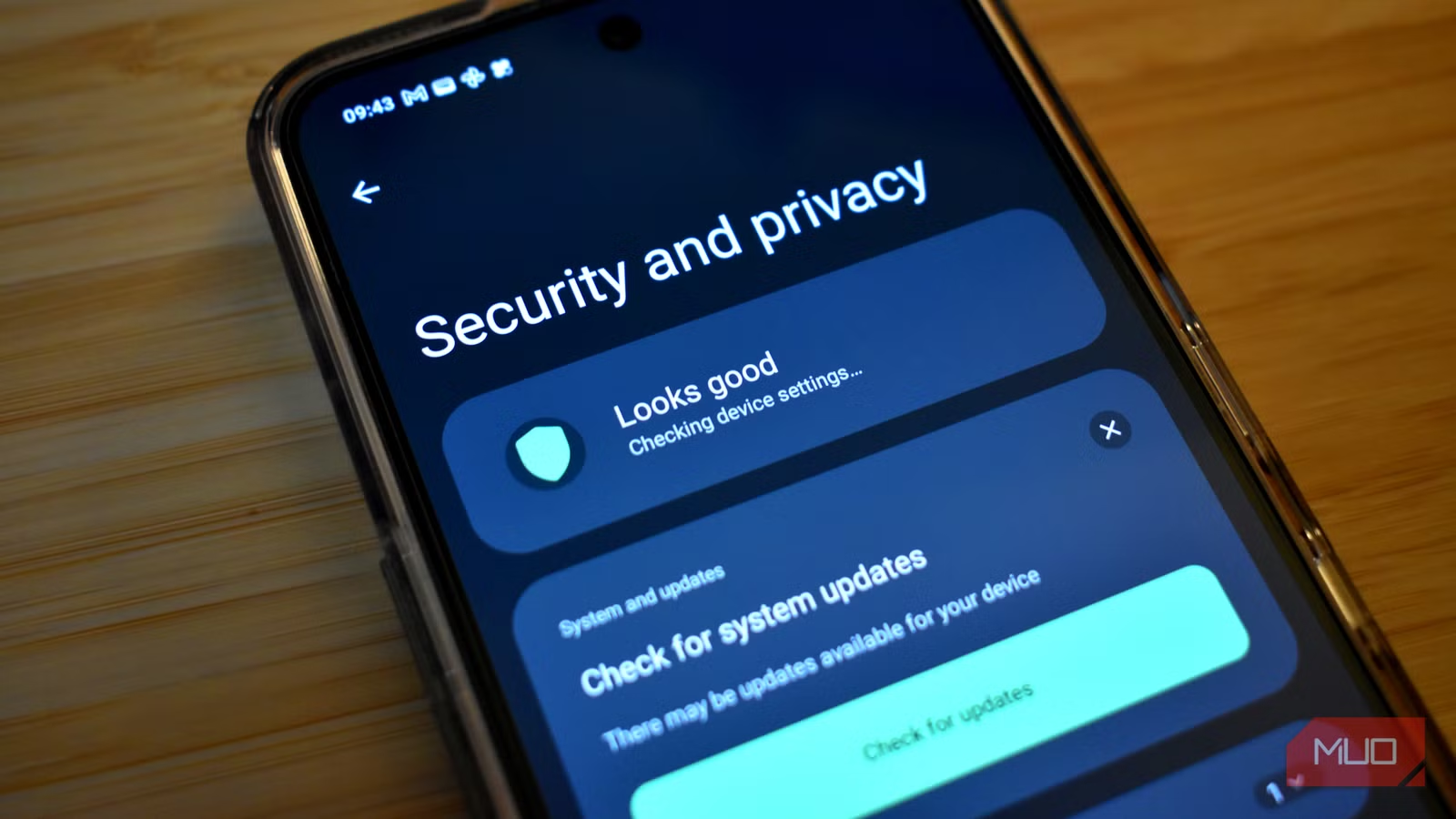
Android 17's biggest security improvement won't show up in any settings menu. Google has locked down how apps load code at runtime, forcing all native files to be read-only before execution. The change blocks a common malware technique where apps pass Play Store review, then swap in malicious code after you've installed them.
This is backend plumbing, not a feature announcement. But for the 3.3 billion active Android devices worldwide, it addresses one of the most persistent gaps in mobile security: apps that behave during review, then turn hostile on your phone.
How do apps sneak malware past Google Play reviews?
The trick is called dynamic code loading. An app submits clean code to Google's review process. It functions exactly as advertised during testing. But once installed on your phone, the app fetches new code from a remote server and executes it. That new code can be anything: a keylogger, a credential stealer, a cryptominer.
Google Play's rules already prohibit dynamic code loading. The problem is enforcement. Detecting code that might change later requires predicting behavior that hasn't happened yet. Malware authors exploit this gap constantly. Google blocks over 1 million malicious apps annually before they reach users, but some slip through.
What does Android 17 change technically?
According to Android 17's security documentation, all native files must now be marked as read-only before the system will execute them. In plain terms: the operating system refuses to run code that arrived after installation and wasn't locked down from the start.
Files from remote sources get the same treatment. If an app downloads a script or binary and tries to execute it, Android 17 checks whether that file is read-only. If it's not, execution fails. The app can still download data, but it can't run new instructions.
This doesn't eliminate every malware vector. A malicious app could still exfiltrate your data through its original code. But it closes the code-swapping loophole that lets clean-looking apps transform into something else entirely.
Why hasn't Google done this before?
Legitimate apps sometimes use dynamic code loading too. Game engines load assets on demand. Some development frameworks update components without full app updates. Security teams have to balance protection against breaking real use cases.
Google has been tightening this gradually. The shift toward memory-safe languages like Rust in Android's codebase has already reduced memory safety vulnerabilities by about 70% since 2022. This read-only enforcement is the next step: preventing runtime code modification entirely rather than just catching exploitation attempts.
Does this protect apps from outside the Play Store?
Yes. The read-only requirement operates at the OS level, not the store level. Whether you install an APK from a browser, a third-party store, or ADB, Android 17 applies the same enforcement. Sideloaded apps can't inject new code at runtime any more than Play Store apps can.
This matters because sideloading remains common in some markets and among power users. The protection follows the code, not the distribution channel.
The best security updates stay invisible
Google could have announced this in a keynote. It didn't. The change appears only in security documentation, buried beneath flashier features like app Bubbles and new Gemini capabilities. That's the right call. Security that requires user action is security that fails when users don't act.
The 125 billion apps Google Play Protect scans daily will now have one less attack surface to exploit. Most Android users will never know this changed. That's the point.
Another look at how automated systems catch what humans miss
Logicity's Take
This fix addresses the economic problem, not just the technical one. Malware authors invest in code-swapping specifically because it's cheap to evade store reviews. By making the attack impossible at the OS level, Google raises the cost of building Android malware without requiring users to change behavior. It's the kind of invisible, systemic hardening that actually moves security forward, unlike another warning dialog users will click through.
Frequently Asked Questions
Do I need to enable anything to get this Android 17 security feature?
No. The read-only enforcement operates automatically at the operating system level. Once your phone updates to Android 17, the protection is active without any settings changes.
Will this break any of my existing apps?
Most apps won't be affected. Apps that legitimately used dynamic code loading may need developer updates to comply, but Google has given developers time to adapt through documentation and migration guides.
Does this protection work on all Android 17 phones or just Pixel devices?
The security change is part of core Android 17, so any device running Android 17 gets the protection regardless of manufacturer.
Can malware still get onto my Android 17 phone?
Yes. This blocks one specific attack vector, code-swapping after installation. Malware can still arrive through other means like phishing, pre-installed malicious apps, or vulnerabilities in other system components.
Need Help Implementing This?
If you're managing Android devices for an organization or developing apps that need to comply with Android 17's new security requirements, reach out to Logicity for guidance on enterprise mobile security and Play Store compliance strategies.
Source: MakeUseOf
Huma Shazia
Senior AI & Tech Writer
Produced with AI assistance and reviewed by the Logicity editorial team. Learn more in our Editorial Policy.






