Key Takeaways
- Modern process mapping tools now execute workflows, not just document them
- Zapier Canvas leads for turning diagrams directly into automations
- Free options like draw.io still work for teams that need offline diagramming
My first few attempts at mapping out my content production pipeline looked less like a workflow and more like a conspiracy theorist's corkboard. That's what happens when you skip process mapping altogether.
The Zapier Blog recently published their picks for the best process mapping tools in 2026. The verdict: the gap between diagramming and doing has closed. The top tools don't just let you draw boxes and arrows. They let you run them.
Logicity's Take
What Changed in Process Mapping
The global Business Process Management market is projected to hit $26 billion by 2026. Process mining, the fastest-growing segment, is expanding at 34.4% annually. But here's the uncomfortable number: only 5% of businesses operationally manage their documented processes.
That 95% gap between planning and execution is exactly what the new generation of tools aims to close. Modern process mapping has evolved into what analysts call "Process Intelligence." Maps serve as living blueprints that can automatically trigger, track, and optimize live software workflows.
“The best process mapping tools are the difference between a workflow that runs on its own and a team that spends three hours in a Slack huddle arguing about handoffs.”
— Staff Writer, The Zapier Blog
The 9 Best Process Mapping Tools
1. Zapier Canvas: Best for Turning Processes Into Automations
Zapier Canvas represents the clearest example of the documentation-to-execution shift. You map your process visually, then convert it directly into a working automation. No context switching between your diagramming tool and your automation platform.
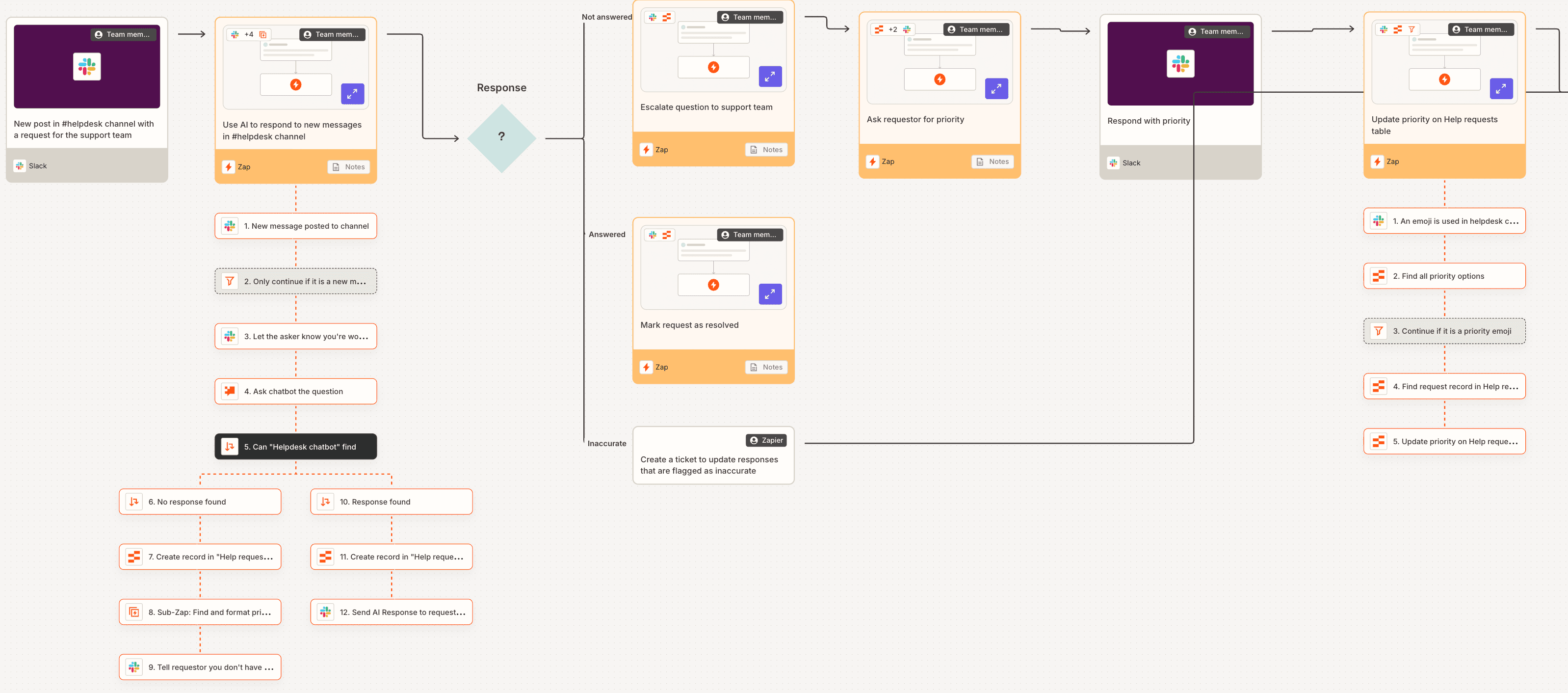
This approach addresses a persistent complaint in the no-code community: the friction of designing in one tool and building in another. On Reddit's r/nocode and HackerNews, power users increasingly advocate for integrated platforms like Zapier Canvas to reduce that context switching.
2. Lucidchart: Best for Technical Depth
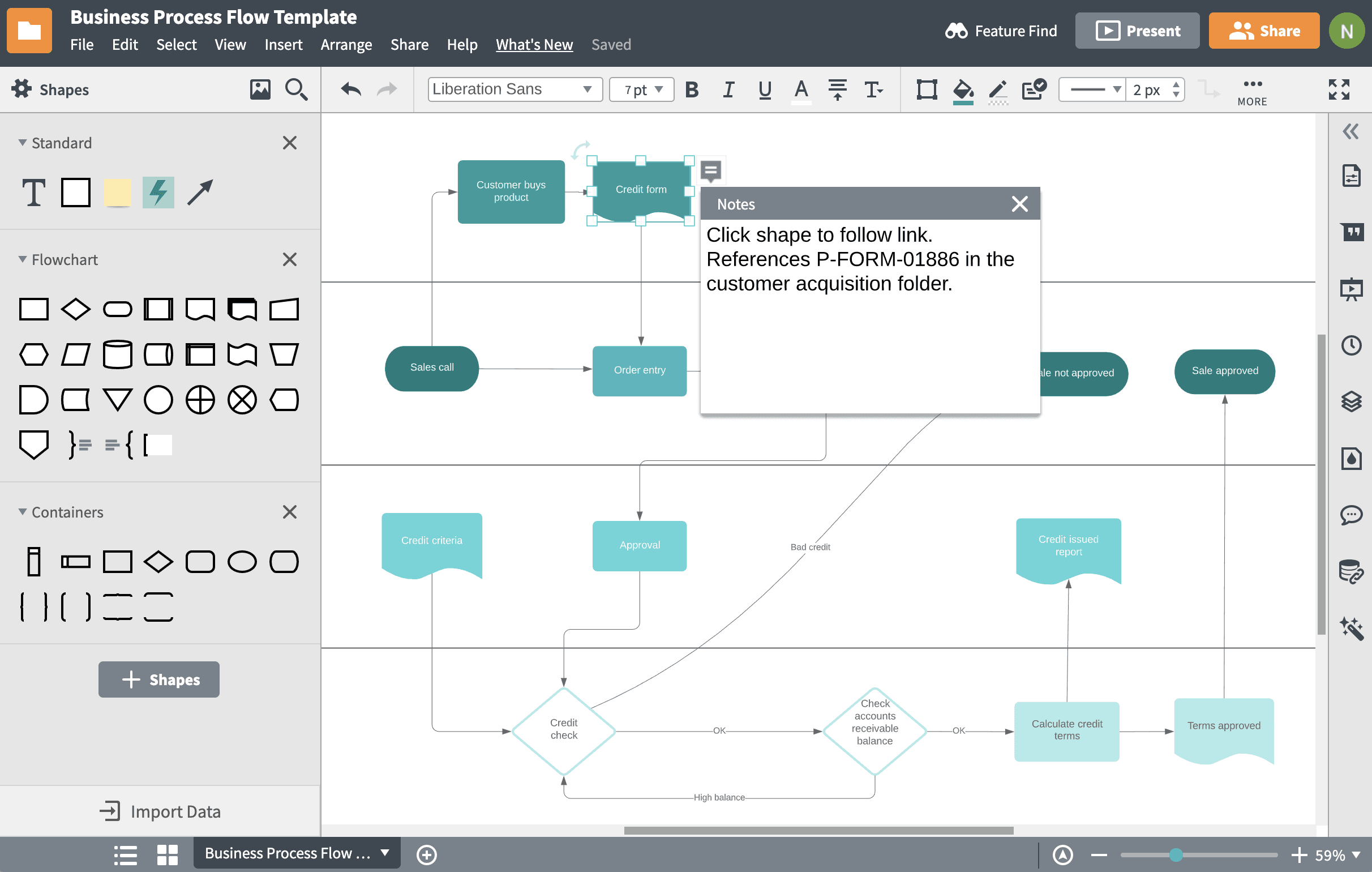
Lucidchart remains the choice for teams that need technical precision. It supports Business Process Model and Notation (BPMN), UML, and dozens of other industry-standard formats. If compliance or engineering documentation matters, Lucidchart delivers.
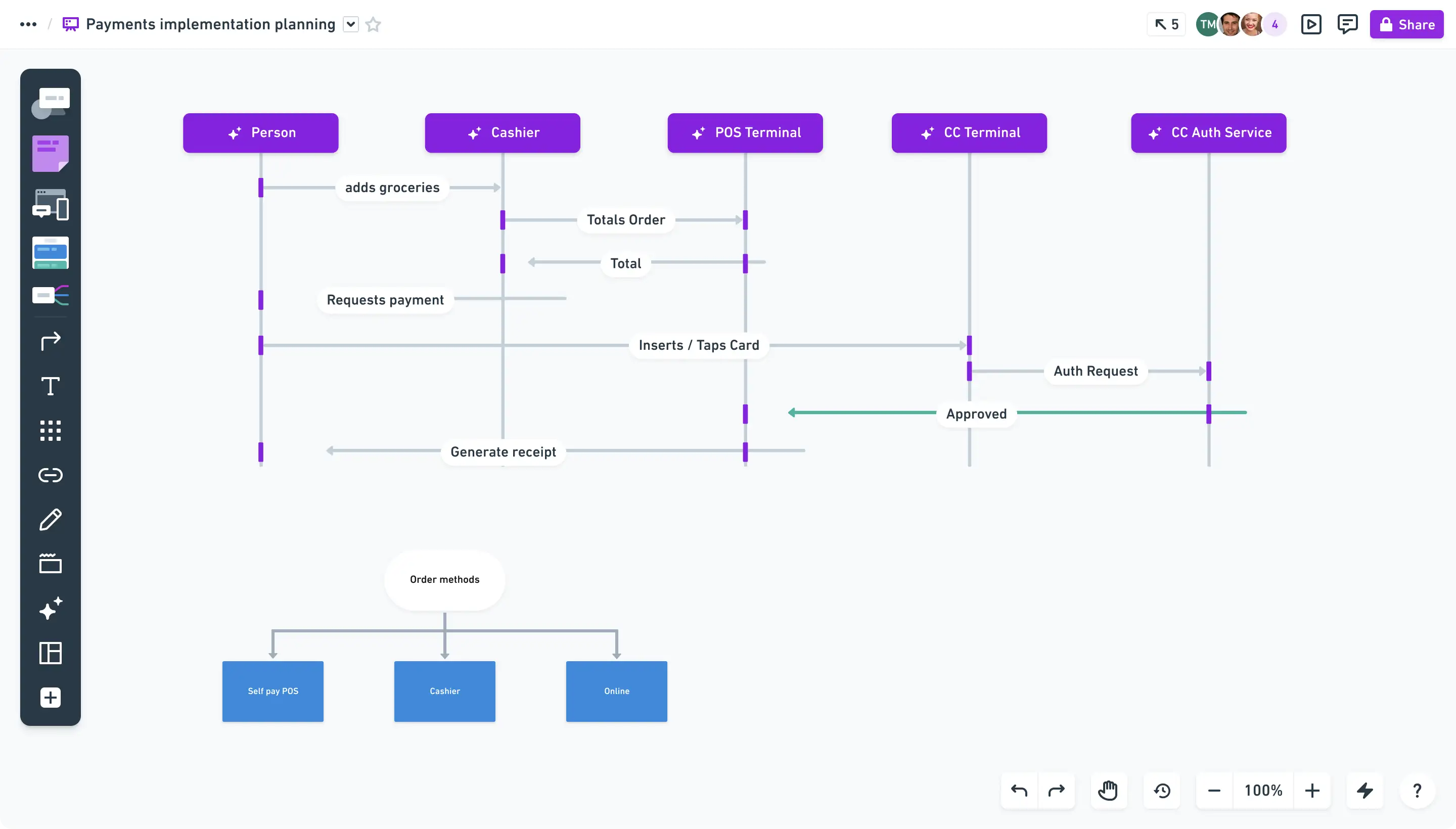
3. Miro: Best for Team Brainstorming
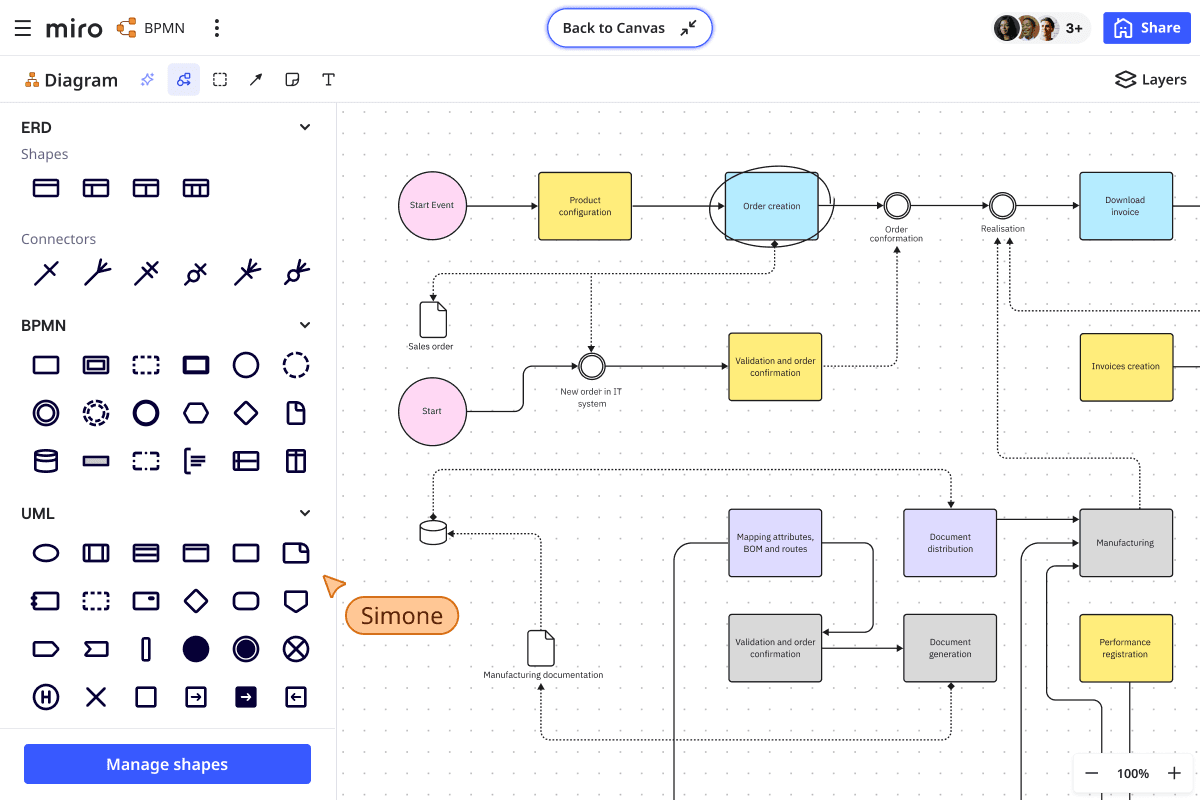
Miro's strength is real-time collaboration. When you need a dozen stakeholders to map a process together, the infinite canvas and live cursors make it feel like everyone's in the same room. It's less about technical precision and more about getting alignment fast.
4. Whimsical: Best for Speed and Focus
Whimsical strips away feature bloat. If you want to sketch a flowchart in five minutes without navigating a complex interface, this is it. The keyboard shortcuts and minimal design choices mean faster mapping with fewer distractions.
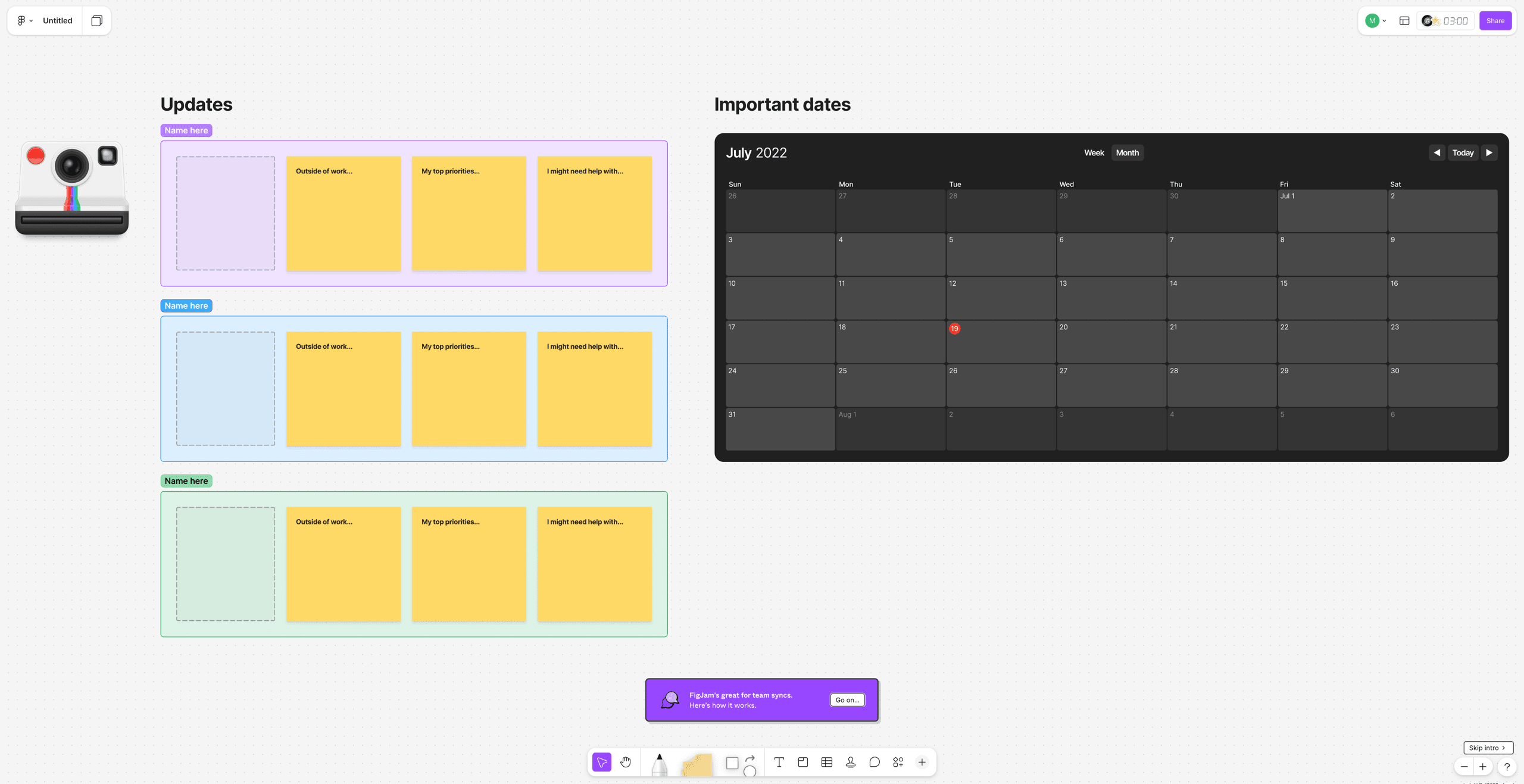
5. FigJam: Best for Designers
If your team already lives in Figma, FigJam makes process mapping feel native. The integration means designers can flow between interface work and workflow documentation without switching tools. It's less powerful than dedicated options but wins on convenience.
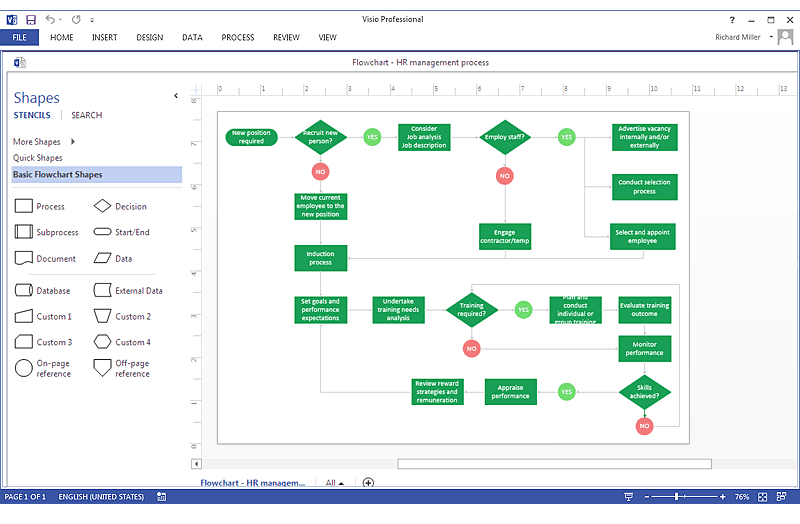
6. Microsoft Visio: Best for Microsoft Shops
Visio has been around for decades. It's not flashy. But if your organization runs on Microsoft 365, the integration with SharePoint, Teams, and the rest of the stack makes it the path of least resistance. Enterprise IT will approve it without a fight.
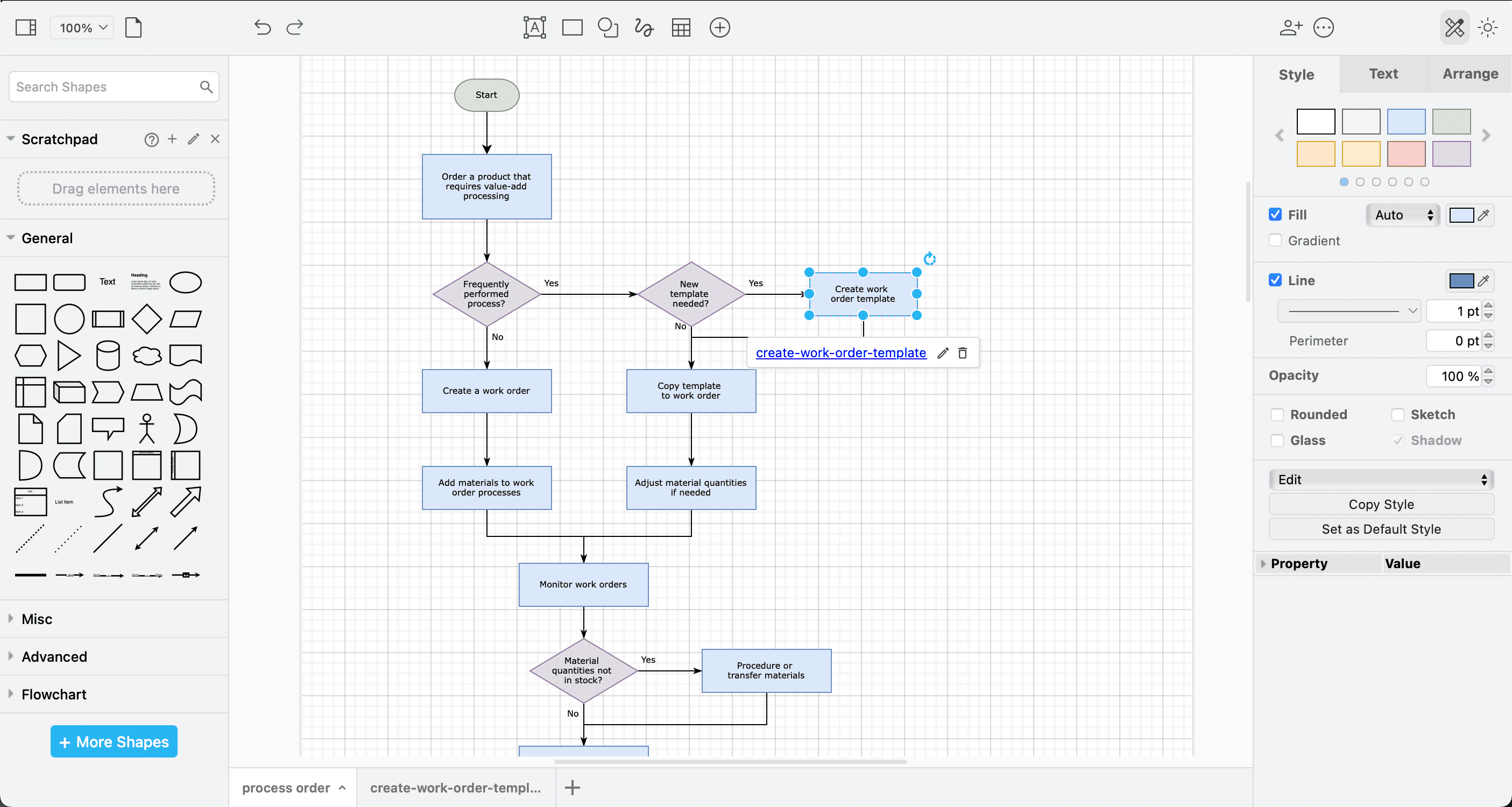
7. draw.io: Best for Free, Offline Use
draw.io (also known as diagrams.net) costs nothing and works offline. For teams with security requirements that prevent cloud tools, or for individuals who just need to map something without signing up for another service, it's hard to beat.
8. Canva: Best for Visual Presentations
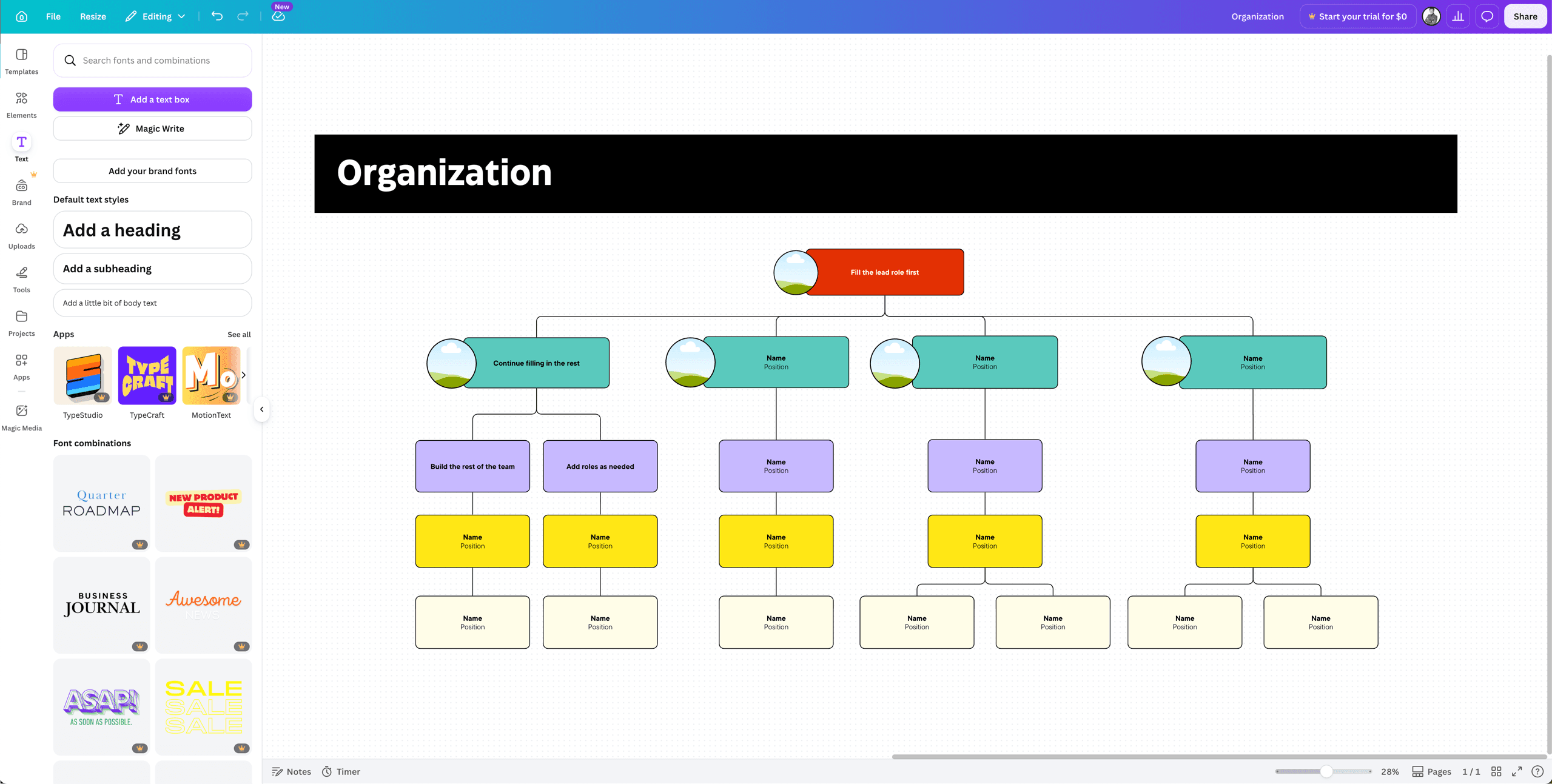
Canva isn't a process mapping tool. But if you need to present a process map to executives who care more about aesthetics than notation, Canva's templates make your workflows look polished. Think of it as the presentation layer for diagrams built elsewhere.
9. Process Street: Best for Checklist Completion
Process Street takes a different approach. Instead of diagrams, it turns processes into interactive checklists. Team members follow step-by-step workflows, with conditional logic handling branches. It's less visual but more executable for repetitive operational tasks.
How to Choose the Right Tool
The Zapier Blog evaluation focused on four non-negotiable features: collaboration, templates, integration, and ease of use. But the real decision comes down to what happens after you finish the diagram.
| Tool | Best For | Key Strength | Integration Focus |
|---|---|---|---|
| Zapier Canvas | Automation teams | Diagrams become live workflows | Zapier ecosystem |
| Lucidchart | Technical documentation | BPMN and compliance support | Enterprise tools |
| Miro | Collaborative brainstorming | Real-time team editing | Broad integrations |
| Whimsical | Quick sketching | Speed and simplicity | Minimal |
| FigJam | Design teams | Figma integration | Figma ecosystem |
| Microsoft Visio | Microsoft shops | M365 integration | Microsoft 365 |
| draw.io | Offline/free use | No cost, no account | Local storage |
| Canva | Presentations | Visual polish | Export-focused |
| Process Street | Operations teams | Interactive checklists | Task tracking |
If your process maps end up as reference documents that nobody opens after the initial meeting, a simple tool like Whimsical or draw.io will do. If you want maps that actually run your workflows, Zapier Canvas or Process Street make more sense.
The Integration Question
Community discussions on HackerNews and Reddit's r/nocode reveal a persistent debate: stick with industry-standard diagramming tools like Lucidchart and Miro for documentation, or switch to integrated platforms that offer direct automation execution.
The answer depends on your team's workflow. If process maps serve compliance or training purposes, documentation-first tools work fine. If processes exist to be executed, the extra overhead of maintaining diagrams separate from automations creates friction that adds up.
If you're streamlining your process mapping tools, you might want to streamline your code editor too
Frequently Asked Questions
Frequently Asked Questions
What is the best free process mapping tool?
draw.io (diagrams.net) is completely free, works offline, and requires no account. It supports standard flowchart notation and exports to multiple formats.
Can process mapping tools automate workflows directly?
Yes. Tools like Zapier Canvas and Process Street let you convert process diagrams into live automations or interactive checklists that execute the mapped workflow.
What's the difference between process mapping and process mining?
Process mapping means designing workflows manually. Process mining uses software to analyze existing system logs and automatically discover how processes actually run, often revealing differences from documented procedures.
Which process mapping tool works best with Microsoft 365?
Microsoft Visio offers the deepest integration with SharePoint, Teams, and other Microsoft 365 applications. It's the default choice for organizations already invested in the Microsoft ecosystem.
Is BPMN notation necessary for process mapping?
Not always. BPMN (Business Process Model and Notation) matters for compliance documentation, technical specifications, and cross-organizational standardization. For internal team workflows, simpler flowcharts usually work fine.
Need Help Implementing This?
Source: The Zapier Blog
Huma Shazia
Senior AI & Tech Writer
Produced with AI assistance and reviewed by the Logicity editorial team. Learn more in our Editorial Policy.