Key Takeaways
- SteamOS struggles on non-supported hardware due to NVIDIA driver issues
- EndeavourOS and CachyOS stand out for balancing Arch's power with usability
- Artix Linux appeals to users who want alternatives to systemd, but its dated UI costs it points
Arch Linux commands loyalty among power users for its rolling releases and bare-metal approach. But installing vanilla Arch remains a rite of passage most people skip. That's where Arch-based distros come in: they preserve the package ecosystem and the AUR while smoothing the rough edges. Dibakar Ghosh at How-To Geek tested nine of them and published a ranked list based on real installations, not spec sheets.
The results are instructive. Some distros that look impressive on paper stumbled in practice, while a few lesser-known options punched above their weight. Here's what the testing revealed.
Why SteamOS ranked last
SteamOS occupies the bottom of Ghosh's list, at number nine. That sounds harsh for Valve's gaming-focused operating system, but the reason is simple: it wouldn't install on his desktop. His Ryzen 5 5600G system with an RTX 3060 GPU hit a wall with NVIDIA driver compatibility.

Valve's official compatibility list covers only the Steam Deck, the Lenovo Legion Go S, and a handful of other handhelds in beta. There's no official support for custom desktops. Reddit threads confirm that NVIDIA driver issues trip up many users attempting desktop installs.
On supported hardware, SteamOS remains excellent. The tight integration between Valve's software and the Steam Deck's AMD hardware delivers a polished gaming experience. But if you want SteamOS on a desktop tower, you're on your own.
Artix Linux: flexibility without polish
Artix Linux landed at number eight. Its main draw is freedom from systemd. You pick your init system: dinit, OpenRC, runit, or s6. For users who distrust systemd's scope or simply prefer alternatives, that's a real feature.
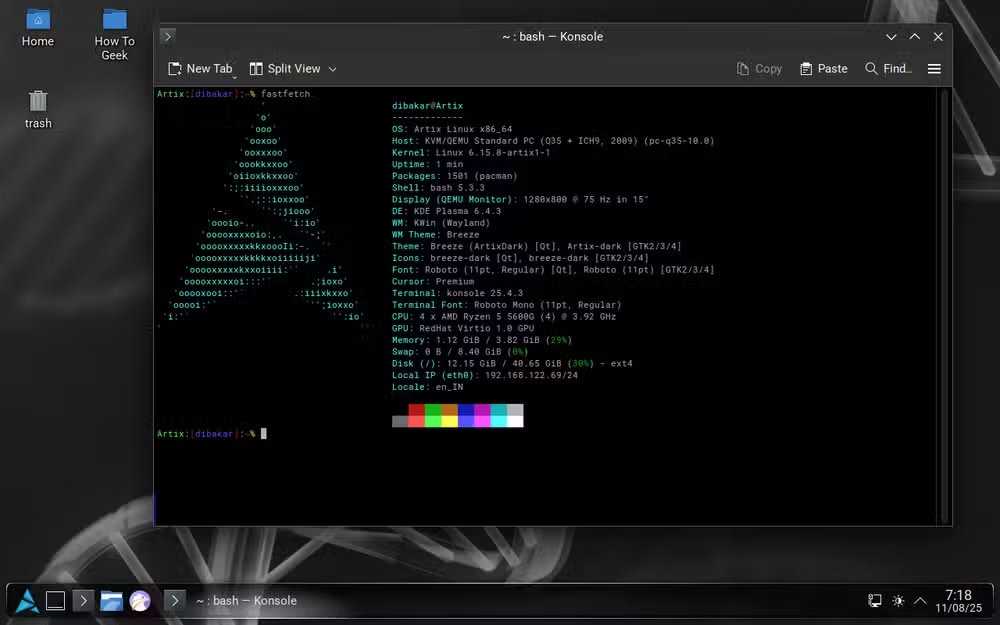
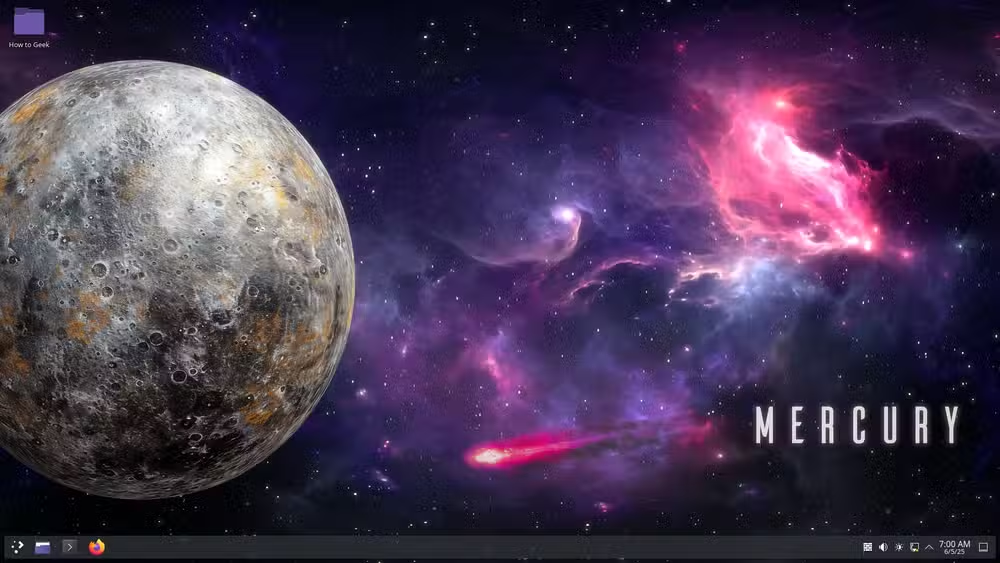
The downsides are harder to ignore. Ghosh describes the homepage as looking like "stepping back into the early 2000s." Finding the right ISO took extra effort. The default KDE Plasma theme mixes a Windows 7 Aero vibe with Chromebook minimalism, a combination that feels disjointed. You can customize it, but first impressions matter, especially for users evaluating multiple distros back-to-back.
BlackArch: looks good, runs rough
BlackArch ranked seventh. It targets security researchers and penetration testers, bundling thousands of cybersecurity tools from its dedicated repository. The aesthetic is on point: dark, minimal, and undeniably "hacker movie."
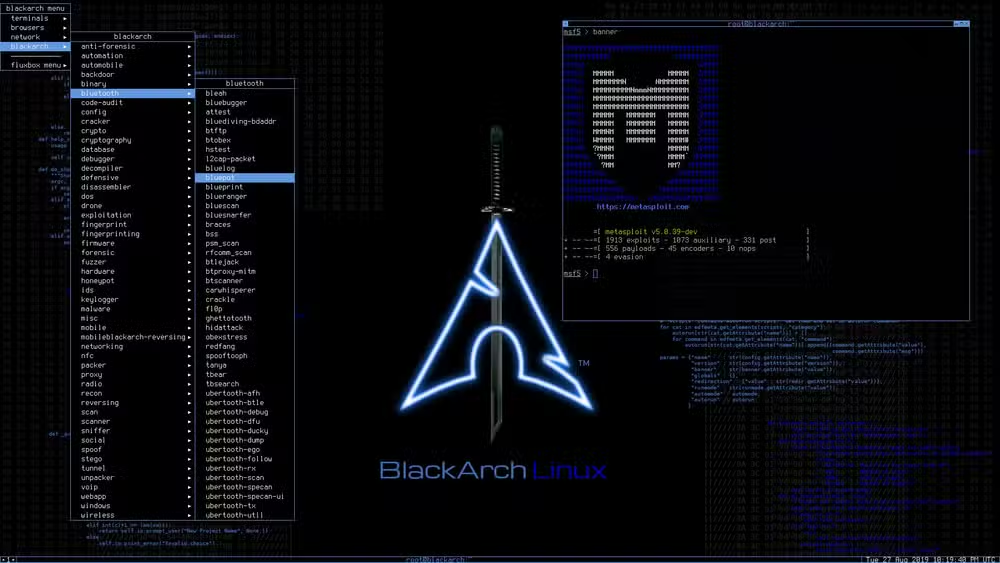
But Ghosh reports hours of troubleshooting just to get it running. For a security-focused distro, that's a problem. Professionals under time pressure often reach for Kali Linux instead, which ships with similar tools and better out-of-box support. BlackArch appeals to enthusiasts willing to wrestle with configuration, not teams that need to start testing immediately.
The middle tier: Manjaro and Garuda
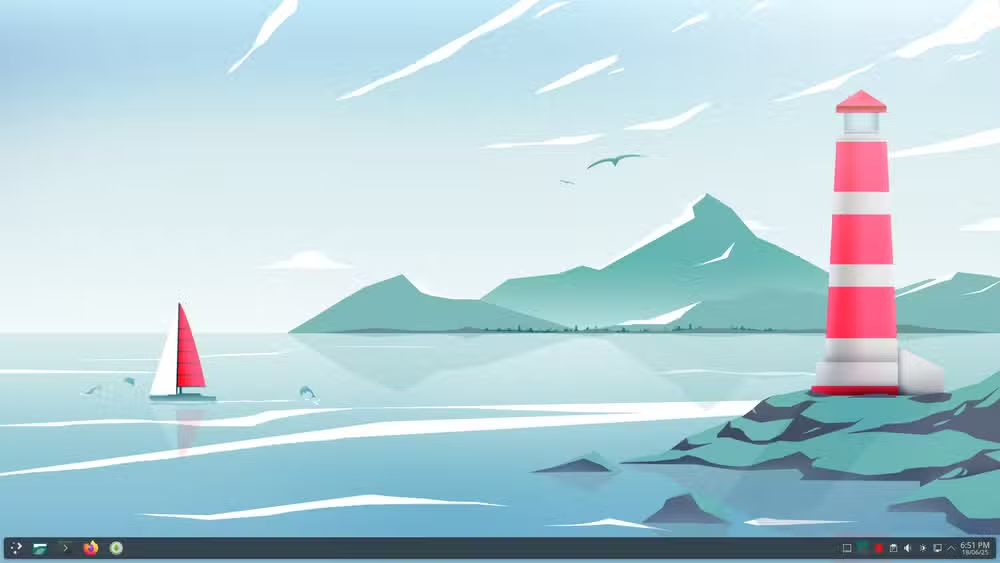
Manjaro sits in the middle of the pack. It's arguably the most famous Arch derivative, designed to make Arch accessible. Updates are held back briefly for stability testing, which means you trade bleeding-edge packages for fewer broken installs. The project offers official spins with KDE, GNOME, and Xfce.
Garuda Linux aims at gamers. It ships with performance tweaks out of the box and a heavily customized KDE Plasma desktop. The default look is aggressive, lots of blur and neon accents, which polarizes users. Under the hood, it includes the Chaotic-AUR for precompiled packages that would otherwise need manual building.
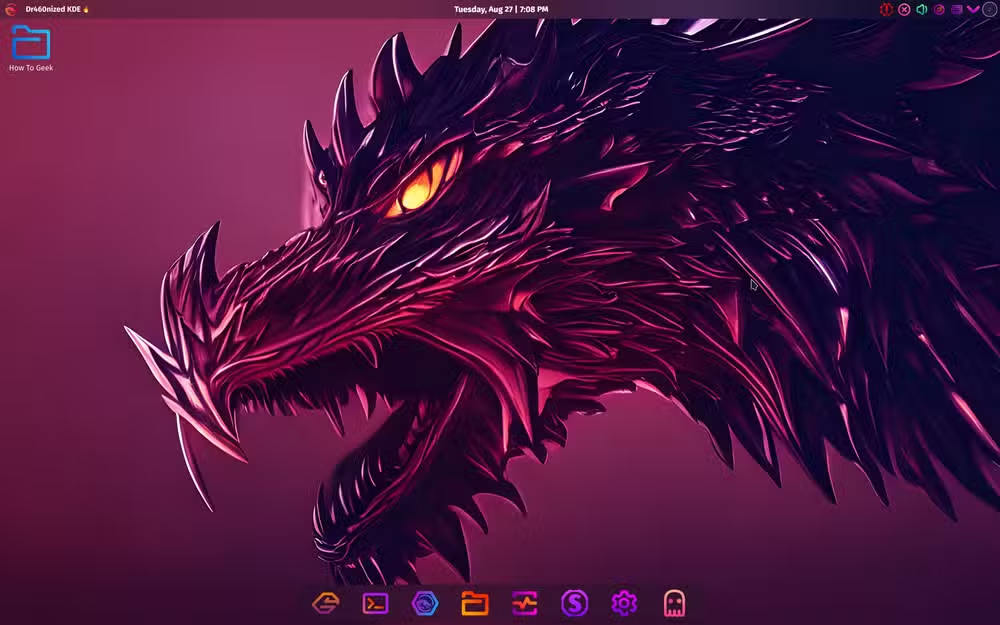
Top picks: CachyOS and EndeavourOS
CachyOS and EndeavourOS earned high marks. CachyOS focuses on performance optimization, compiling packages with CPU-specific flags. It's aimed at users who want speed gains without hand-tuning everything themselves.
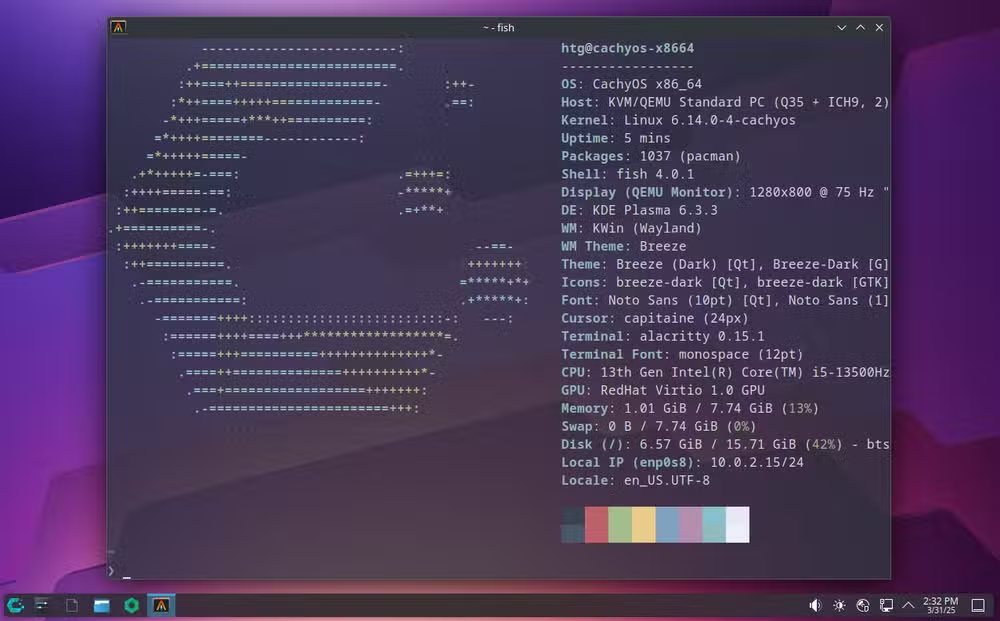
EndeavourOS takes a different approach. It stays close to vanilla Arch but adds a graphical installer and sensible defaults. The project describes itself as "terminal-centric" while remaining welcoming to newcomers. For users who want Arch's rolling releases without the manual installation process, EndeavourOS is often the recommendation.
What the AUR means for all these distros
Every distro on this list shares access to the Arch User Repository, which contains over 77,000 user-contributed packages. That's a significant advantage over distros with smaller ecosystems. If software exists for Linux, someone has probably packaged it for the AUR.
The Arch Wiki, with its 700,000+ pages, also applies across the board. Documentation written for Arch usually works for its derivatives, which reduces the learning curve when switching between them.
Logicity's Take
This ranking reflects one tester's workflow, but the underlying tension is universal: Arch-based distros trade stability for freshness. SteamOS failing on NVIDIA hardware shows how fragmented Linux gaming support remains outside officially blessed configurations. EndeavourOS and CachyOS represent a mature middle ground, giving users most of Arch's benefits without the installation gauntlet. For engineering teams evaluating internal tooling, the distro choice matters less than whether your hardware and software stack are tested together.
Frequently Asked Questions
What is the easiest Arch-based distro for beginners?
EndeavourOS is widely recommended. It offers a graphical installer and stays close to vanilla Arch while removing the manual setup hurdles.
Can I install SteamOS on a regular desktop PC?
Technically yes, but Valve only supports Steam Deck and a few specific handhelds. Desktop installs, especially with NVIDIA GPUs, often fail due to driver issues.
What is the Arch User Repository (AUR)?
The AUR is a community-driven repository with over 77,000 packages. It lets users install software not in the official Arch repositories, compiled from source or via helper tools.
Is Manjaro the same as Arch Linux?
No. Manjaro is based on Arch but holds packages back for stability testing and includes its own tools. It's more beginner-friendly but not identical to Arch.
Which Arch distro is best for gaming?
Garuda Linux targets gamers with performance tweaks and preinstalled gaming tools. CachyOS also optimizes for speed. SteamOS excels on supported hardware like the Steam Deck.
Need Help Implementing This?
If you're evaluating Linux distros for development workstations or internal infrastructure, reach out to Logicity. We can help you assess compatibility, performance trade-offs, and long-term maintenance requirements for your specific stack.
Source: How-To Geek
Huma Shazia
Senior AI & Tech Writer
Produced with AI assistance and reviewed by the Logicity editorial team. Learn more in our Editorial Policy.






