Key Takeaways
- Google has systematically absorbed popular third-party utilities into Android over the past decade
- Native integration eliminates security risks from shady apps that requested excessive permissions
- Power users often lose customization options when Google replaces flexible third-party tools
Android in 2010 was a different beast. Want a flashlight? Download an app. Need to take a screenshot? Root your phone first. File management? That's what ES File Explorer was for.
Over the past decade, Google has systematically absorbed these standalone utilities into Android itself. The result is a more secure, streamlined OS. But the process has also sparked debate about what happens when a platform owner copies the functionality of apps built on that platform.
The Flashlight Problem
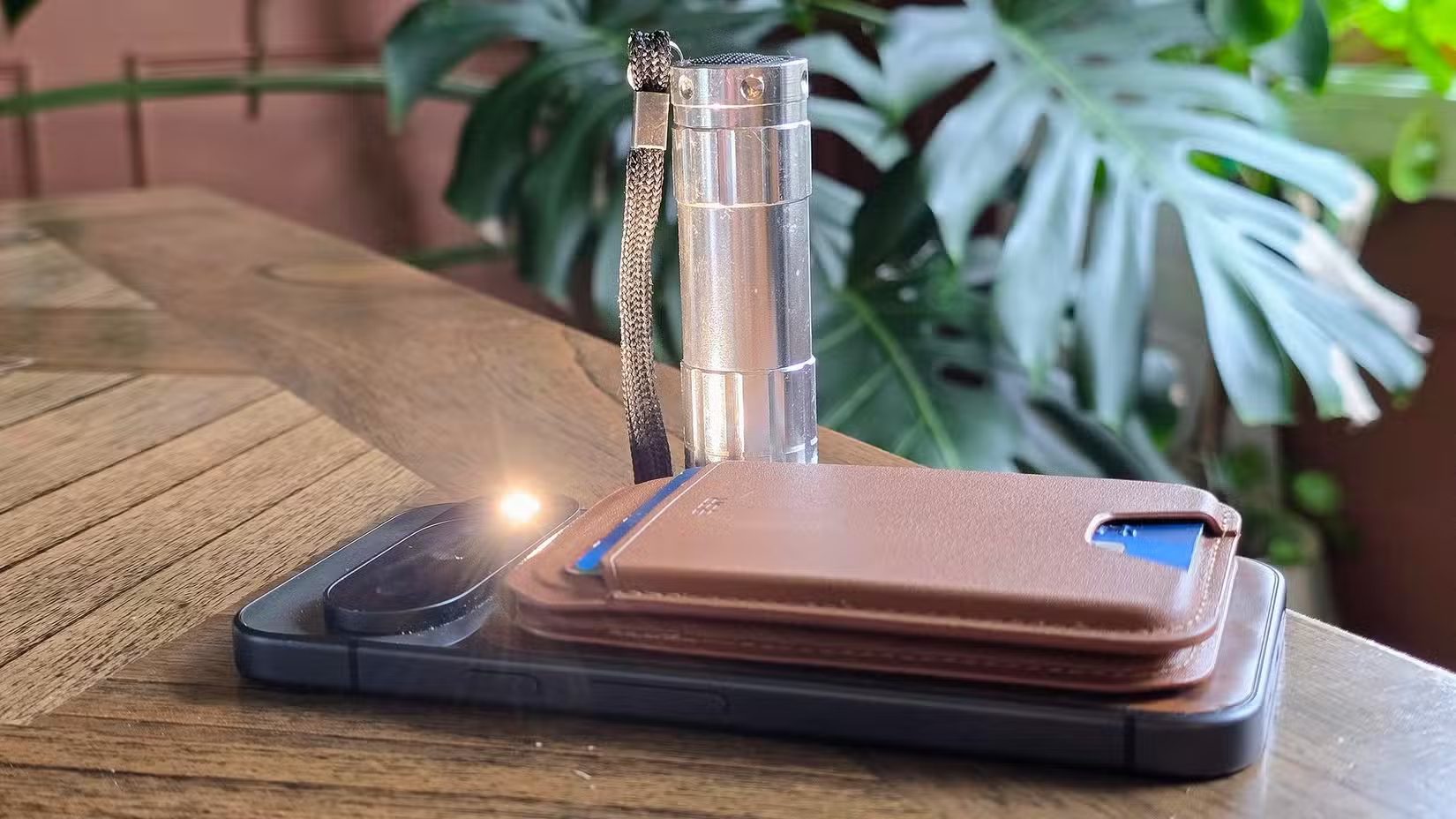
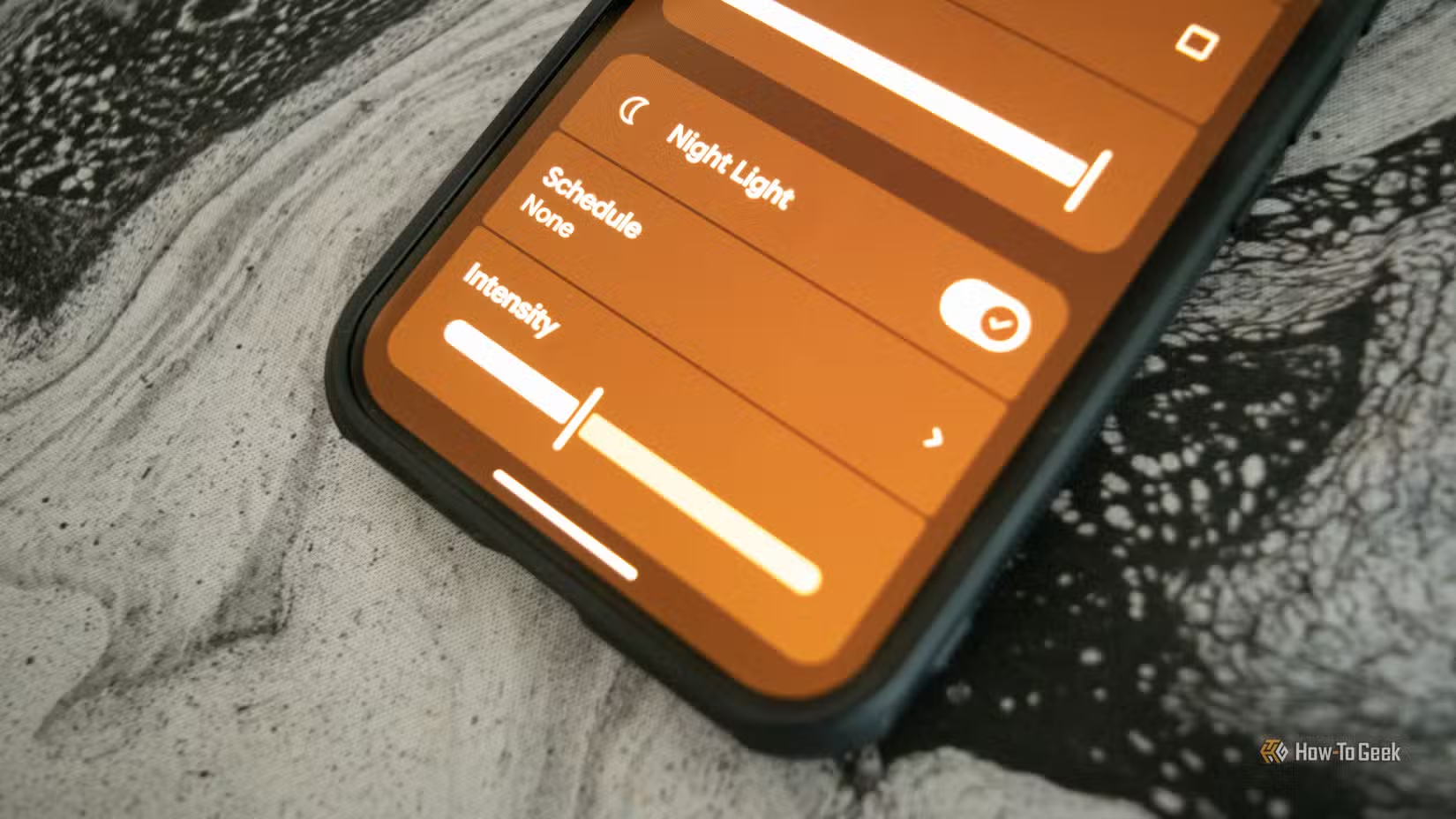
Google finally added a built-in flashlight toggle to Android's Quick Settings panel with Android 6.0 Marshmallow in 2015. Users had to wait another decade for a brightness slider. Before that, flashlight apps were among the most downloaded utilities on the Play Store.
The problem wasn't just inconvenience. Many flashlight apps were, to put it mildly, shady. The average flashlight app requested 25 permissions before Google stepped in. GPS location, contacts, camera access. All for an app that should only need to turn on your LED flash.
Research found that 95% of users were surprised to learn simple utility apps were tracking their GPS location. The native flashlight toggle requests zero permissions.
Screenshots: A Feature That Required Root
Until Android 4.0 Ice Cream Sandwich, taking a screenshot required rooting your phone. That meant voiding your warranty and potentially compromising your device's security just to capture what was on your screen.
Today, holding power and volume down is so intuitive that most users don't realize it wasn't always there. The feature's absence in early Android versions shows how barebones the OS was at launch.
File Management and the ES File Explorer Saga
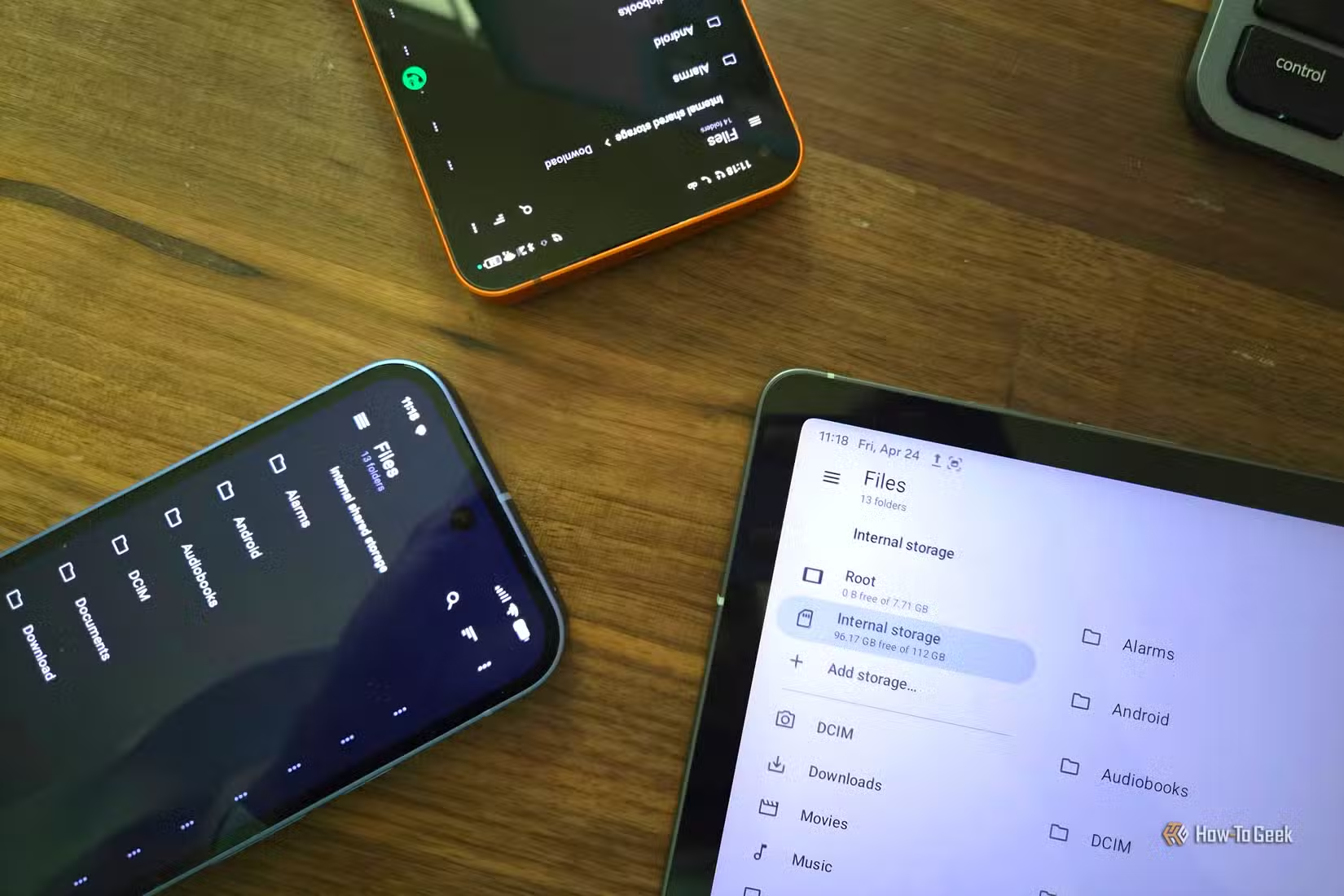
ES File Explorer was once the gold standard for Android file management. It offered features Android's basic file browser couldn't match: cloud storage integration, network shares, app management.

Then it got acquired and stuffed with bloatware, adware, and questionable data collection practices. The r/Android community still cites ES File Explorer as the cautionary tale for why users are wary of feature-bloat in popular apps. Google's native Files app, while less powerful, doesn't have those problems.
The "Sherlocking" Debate
Apple fans call this practice "Sherlocking," named after Apple's 2002 decision to build features from the third-party app Watson into its own Sherlock search tool. Google does the same thing, just more gradually.
The debate centers on a fundamental tension. Platform owners argue they're improving security and user experience. Developers argue they're being squeezed out after proving market demand.
“It's like a seatbelt in a car; we are adding the protections so you can use it safely... We don't want to allow you to completely compromise your phone.”
— Sundar Pichai, CEO at Google
Not everyone agrees with Google's framing.
“Freedom and not technical superiority is why many people choose Android in the first place.”
— Louis Rossman, Consumer Rights Advocate
Security Gains Are Real
MKBHD and other tech reviewers have pointed out that native Android features finally rendering legacy utility apps obsolete is a major win for general user security. When Google builds a flashlight toggle, it doesn't need GPS permissions.
Google's Play Integrity API has seen an 80% reduction in unauthorized usage for apps that adopt it. The company is clearly pushing toward a more locked-down Android, even as power users push back.
What Power Users Lose
The tradeoff is flexibility. Third-party file managers offered scripting, root access, and granular controls. Third-party launchers still exist but face increasing restrictions. Google's native solutions are safer but simpler.
Community discussions on r/Android frequently center on this double-edged sword. Users appreciate improved security and performance. Power users lament the loss of deep customization.
The Pattern Continues
Google recently rolled out Theft Detection features that effectively replace older third-party anti-theft trackers. The cycle continues: innovative developers prove demand, Google absorbs the functionality, users get a more secure but less flexible experience.
For most users, this is a net positive. For developers who built businesses on these utilities, it's an existential threat. For power users, it's a slow erosion of what made Android appealing in the first place.

Logicity's Take
Google's absorption of third-party utilities is ultimately good for security. But the company should do more to support developers whose innovations it absorbs. An acquisition fund or revenue-sharing program for utilities that become native features would acknowledge the value these developers create.
Another example of how third-party utilities can create security risks
How major tech companies are investing in software security
Frequently Asked Questions
Why did early Android require third-party flashlight apps?
Android didn't include a native flashlight toggle until version 6.0 Marshmallow in 2015. Many early phones also lacked LED flashes, making the feature seem less essential to Google at the time.
Is it safe to use third-party utility apps on Android today?
Many third-party utilities are safe, but you should check permission requests carefully. If a flashlight app asks for GPS access, that's a red flag. Native Android features generally require fewer permissions.
What is "Sherlocking" in the context of mobile apps?
Sherlocking refers to a platform owner building features that copy third-party app functionality. The term comes from Apple's 2002 decision to integrate features from the Watson app into its Sherlock search tool.
What happened to ES File Explorer?
ES File Explorer was acquired and loaded with adware, bloatware, and aggressive data collection. It became a cautionary tale for users about trusting third-party utilities with excessive permissions.
Does Google compensate developers whose features it absorbs?
No. Google does not have a formal program to compensate developers whose utility apps are replaced by native Android features.
Need Help Implementing This?
If you're building Android apps or evaluating mobile security for your organization, we'd love to hear from you. Reach out to our team for guidance on navigating platform changes and security best practices.
Source: How-To Geek
Huma Shazia
Senior AI & Tech Writer
Produced with AI assistance and reviewed by the Logicity editorial team. Learn more in our Editorial Policy.