Key Takeaways
- Adobe Audition leads as the most powerful editor, while Audacity remains the best free multitrack option
- AI has become a standard studio tool, handling noise cleanup and stem separation automatically
- Text-based editing tools like Camtasia Audiate are gaining traction for high-volume podcast production
Whether you're cutting dead air from webinar recordings, adding effects to video soundtracks, or producing a podcast, you need audio editing software that matches your workflow. The problem: there are too many options. After testing more than 50 apps, here's a breakdown of the seven best audio editors available in 2026.
The audio editing market has hit an estimated $4.3 billion in global valuation this year. That growth reflects a shift in how creators work. AI now handles tasks that once required hours of manual labor. Noise cleanup, stem separation, loudness normalization. These happen automatically in most modern editors.
“The focus has shifted from 'AI-generated music' to 'AI-assisted workflow,' where tools automate the grunt work like noise cleanup and mixing, letting creators focus on the art.”
— Elena Rossi, Senior Audio Research Lead at AudioTech Solutions
The 7 Best Audio Editors for 2026
This list focuses on dedicated audio editors, not full digital audio workstations. That means you won't find GarageBand, Ableton Live, or AVID Pro Tools here. Those are broader production suites. These picks are built specifically for editing.
1. Adobe Audition: Most Powerful Overall
Adobe Audition remains the industry standard for professional audio editing. The 2026 version includes Enhance Speech 2.0, an AI-powered restoration tool that cleans up field recordings with minimal manual intervention. Multitrack editing, extensive format support, and deep plugin compatibility make it the top choice for broadcast and podcast studios.
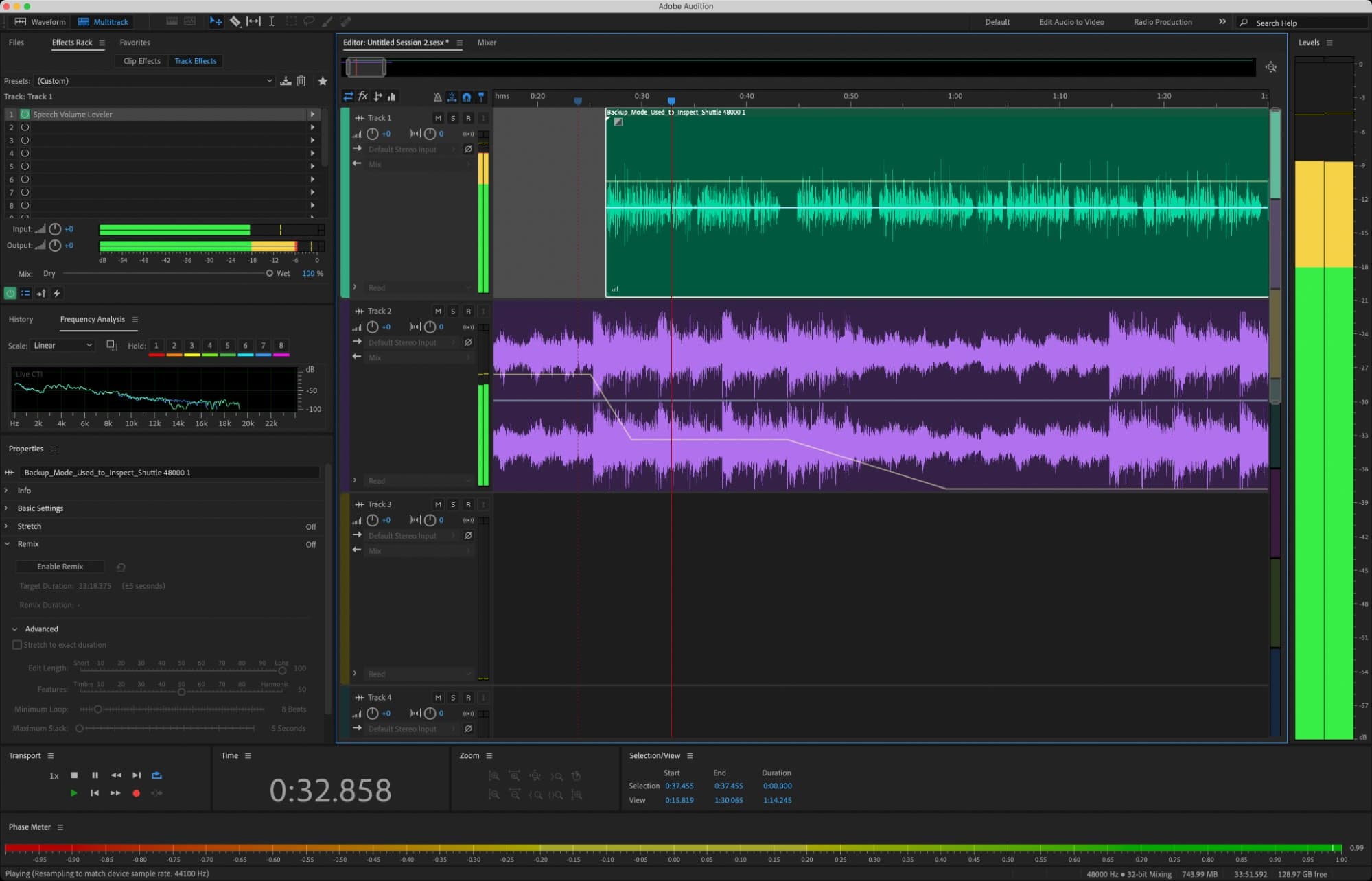
The downside is price. You'll need a Creative Cloud subscription, and the learning curve is steep for beginners. But for professionals who need precision and power, nothing else comes close.
2. Audacity: Best Free Multitrack Editor
Audacity has been the go-to free audio editor for over two decades. It's open source, runs on Windows, Mac, and Linux, and handles multitrack editing without crashing or slowing down. You can record directly, apply effects, and export to common formats.
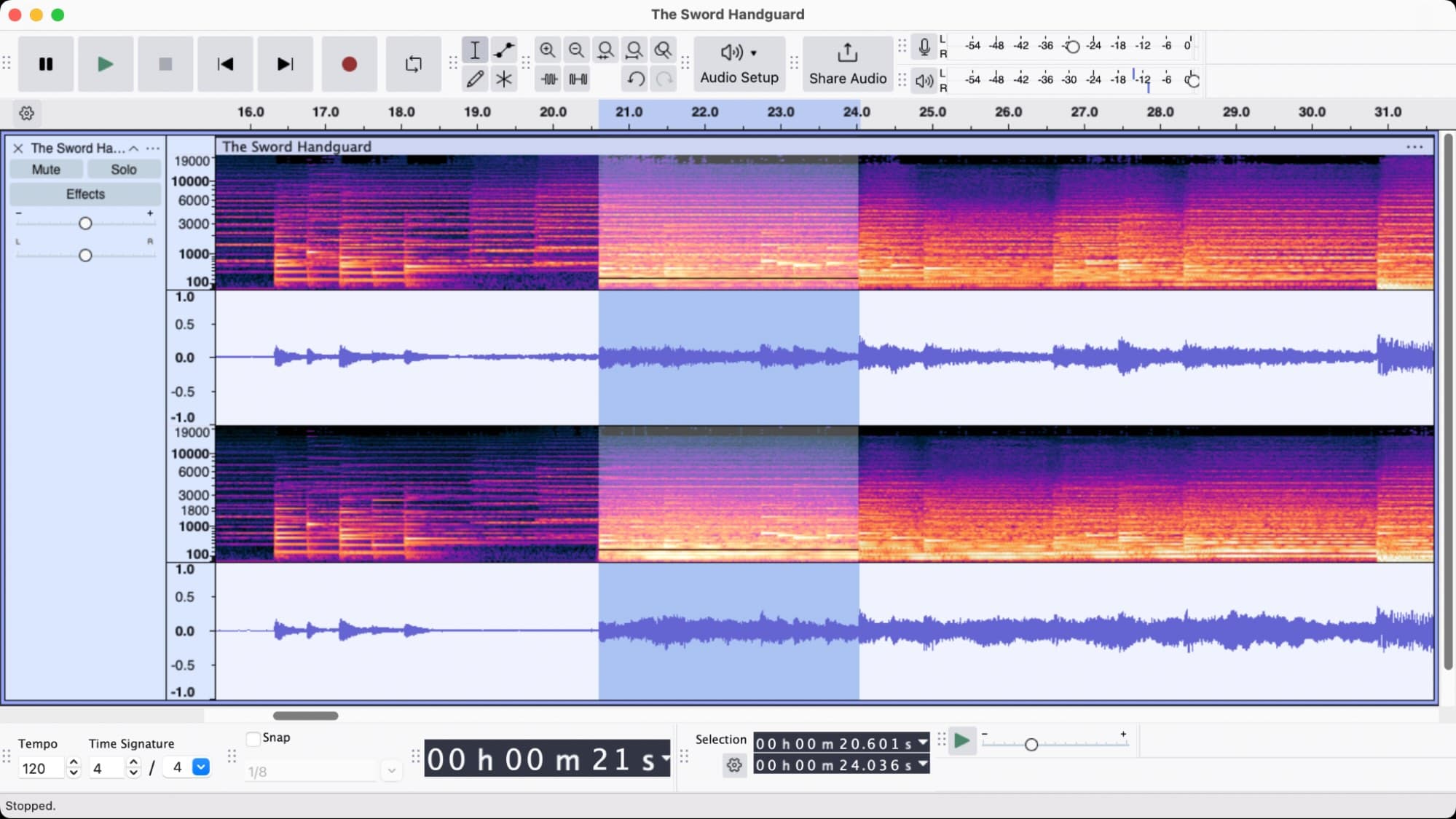
The interface looks dated. That's the main complaint. But Audacity compensates with stability and a massive library of community plugins. On Reddit's r/podcasting, power users still champion Audacity and Reaper for their customizability and lack of cloud dependency.
3. Ocenaudio: Best Free Single-Track Editor
If you only need to edit one audio file at a time, Ocenaudio offers a cleaner experience than Audacity. The interface is modern and responsive. It supports real-time previewing of effects before you apply them. This makes quick edits faster.
Ocenaudio lacks multitrack support. For simple tasks like trimming interviews, removing noise from a single recording, or converting file formats, it's enough. And it's free.
4. Acoustica Standard Edition: Budget Alternative to Audition
Acoustica Standard Edition sits between free tools and Adobe's pricing. It offers multitrack editing, noise reduction, and a reasonable set of built-in effects. The one-time purchase model appeals to users who want to avoid subscriptions.
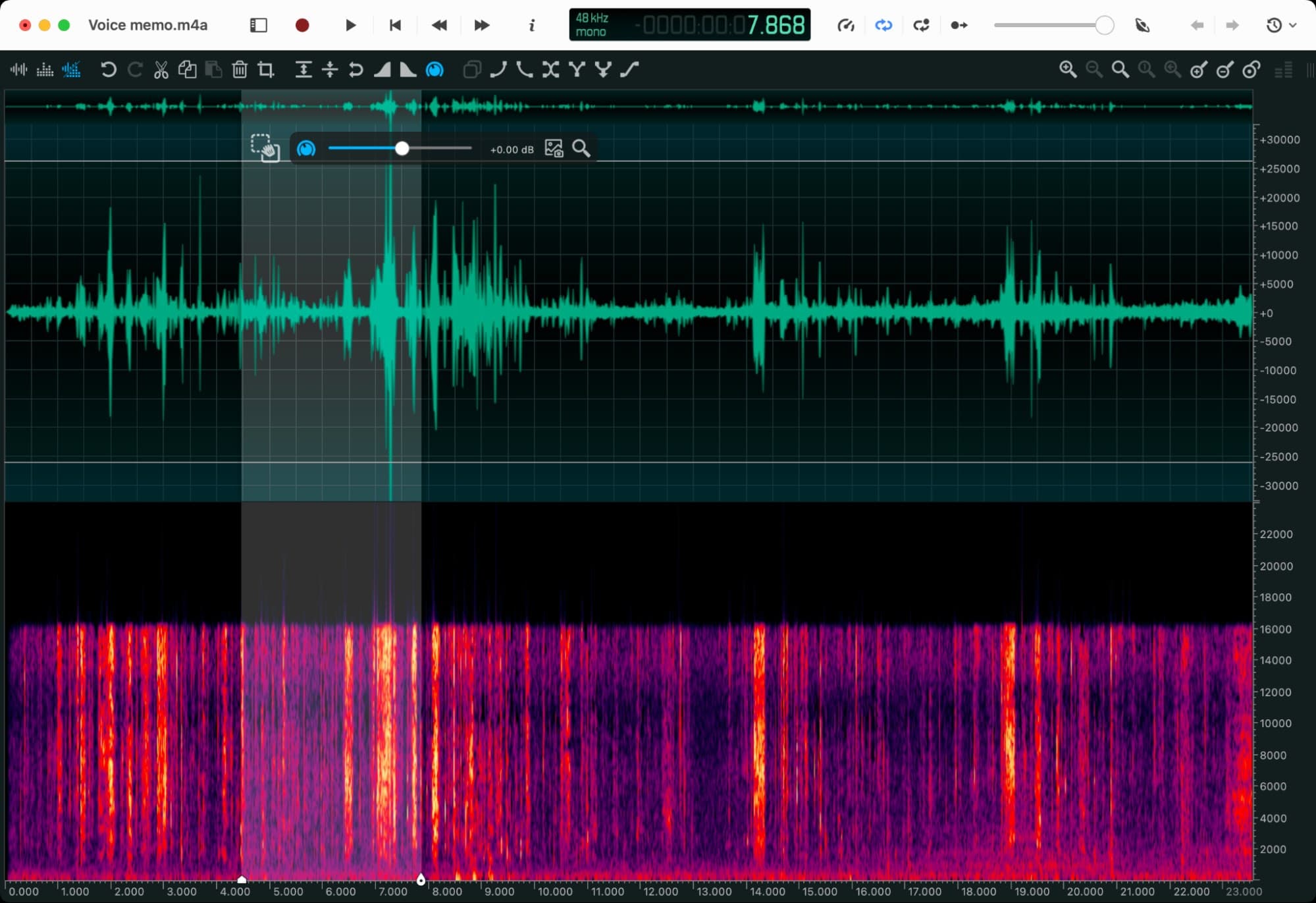
The feature set won't match Audition. But for small studios, YouTubers, and hobbyists, it covers the essentials without recurring costs.
5. Soundop: Premium Windows Editor
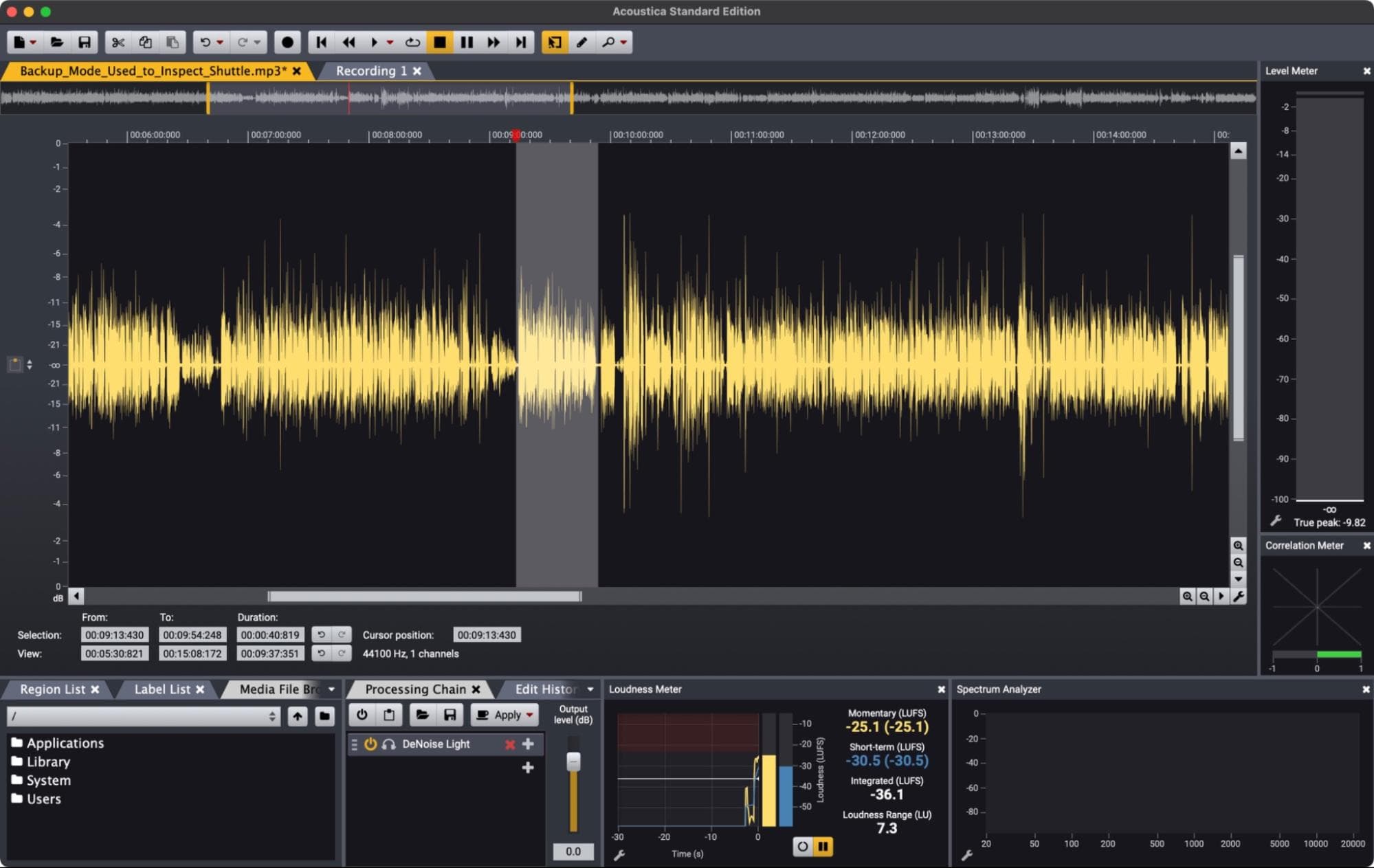
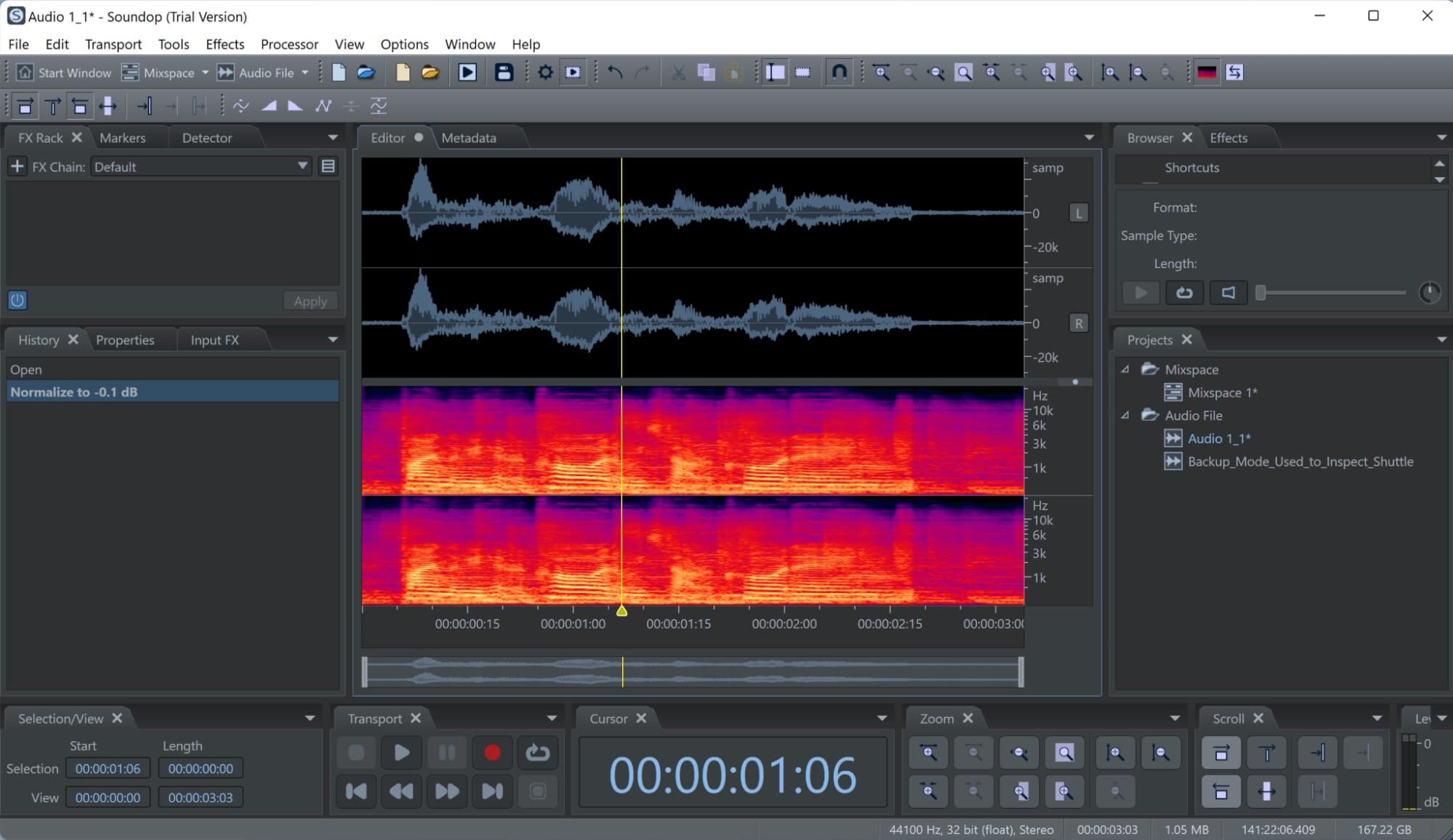
Soundop targets Windows users who want professional features without the Creative Cloud price tag. It includes spectral editing, batch processing, and a clean interface designed for audio post-production.
Mac users are out of luck. Soundop is Windows-only. But on that platform, it competes directly with Audition at a lower cost.
6. Camtasia Audiate: Transcription-Based Editing
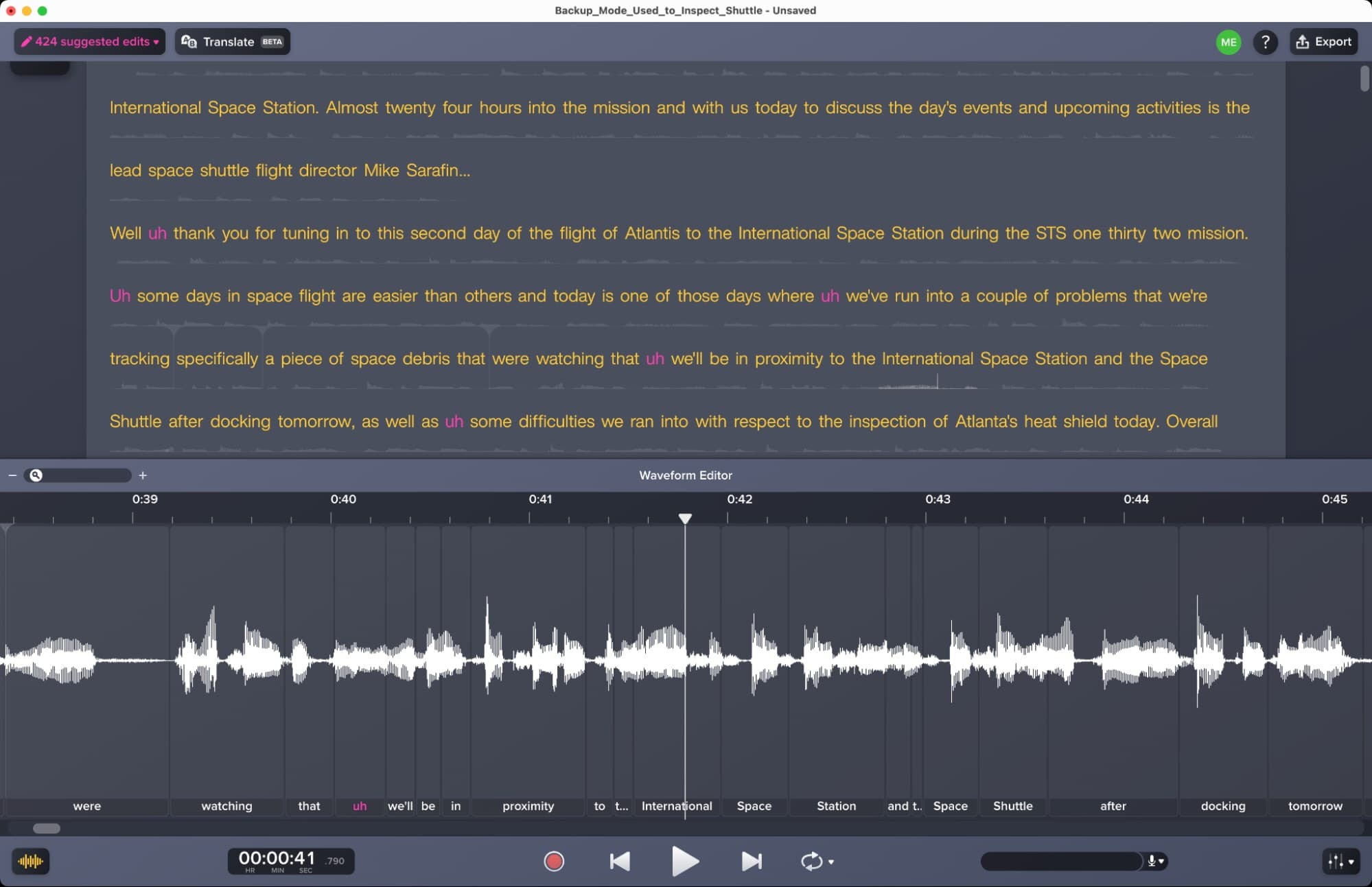
Audiate represents a different approach to audio editing. Instead of cutting waveforms, you edit the transcript. Delete a word from the text, and Audiate removes it from the audio. This speeds up podcast editing dramatically.
“Reaper remains the most powerful, non-destructive editor for pros, but the industry is clearly pivoting toward 'text-based editing' for high-volume content creators who need speed above all else.”
— David Chen, Industry Analyst at StudioInsights
The trade-off: you lose fine-grained waveform control. For interview podcasts where you mainly need to cut filler words and dead air, that trade-off makes sense.
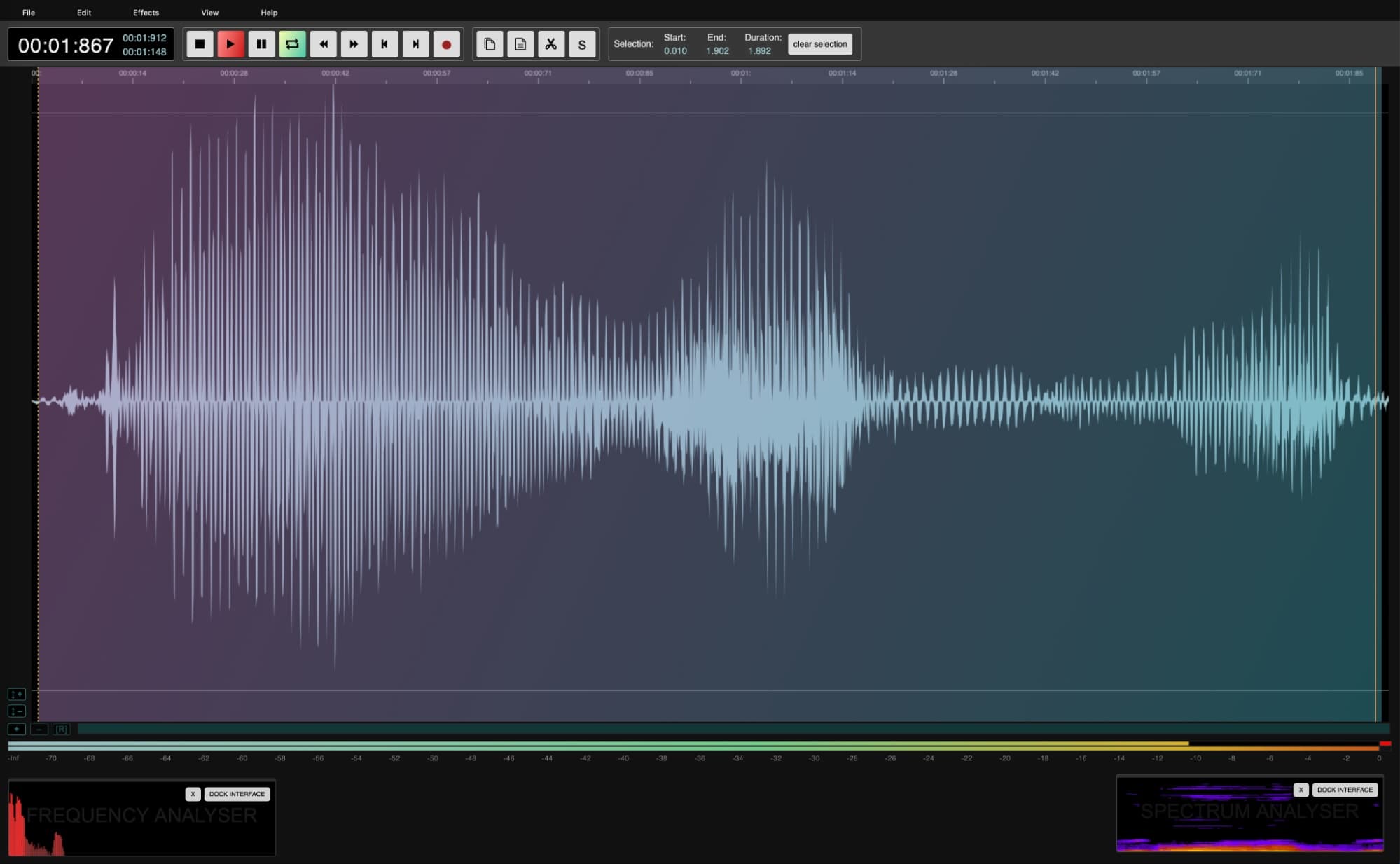
7. AudioMass: Free Browser-Based Editing
AudioMass runs entirely in your browser. No installation, no account required. Load an audio file, make basic edits, and export. It handles trimming, fading, and simple effects.
The limitations are obvious. Complex projects need desktop software. But for quick edits on borrowed computers or Chromebooks, AudioMass solves a real problem.
How the Market Has Split
The audio editing market now divides into two camps. Professional-grade DAWs handle complex mixing and mastering for music production and film. AI-first, web-based tools target podcast producers and social media creators who prioritize speed.
About 70% of creators now demand cross-platform, device-agnostic editing solutions. That's pushed browser-based tools and cloud-synced workflows into the mainstream. Meanwhile, 60% of music producers report using AI for ideation tasks like generating chord progressions or melodies.
Community Preferences
Reddit communities remain divided. On r/podcasting, discussions split between Reaper advocates and Descript converts. Reaper fans value infinite customizability and local processing. Descript users trade control for speed.
HackerNews threads focus on privacy concerns around cloud-based AI processing. Audacity's fully local approach appeals to users who don't want audio files leaving their machines. This debate will intensify as AI features become standard.
What Makes a Good Audio Editor
Every app on this list passed a baseline test. Basic editing features had to be quick and intuitive. Waveform editing, multitrack support (where applicable), and broad file format compatibility were mandatory.
- Destructive editing: Changes overwrite the original file when you save
- Non-destructive editing: Changes are reversible, original file preserved
- Plugin support: Ability to add third-party effects and processors
- AI tools: Automated noise reduction, speech enhancement, stem separation
Plugins and one-click operations matter for efficiency. The best editors include AI-driven tools that handle tasks like automatic noise reduction without manual tweaking.
| Editor | Price | Best For | Platform |
|---|---|---|---|
| Adobe Audition | Creative Cloud sub | Professional multitrack | Win/Mac |
| Audacity | Free | Free multitrack editing | Win/Mac/Linux |
| Ocenaudio | Free | Single-track editing | Win/Mac/Linux |
| Acoustica Standard | One-time purchase | Budget multitrack | Win/Mac |
| Soundop | One-time purchase | Windows professionals | Windows |
| Camtasia Audiate | Subscription | Transcript-based editing | Win/Mac |
| AudioMass | Free | Browser-based quick edits | Web |
Making the Choice
Your budget, skill level, and workflow determine the right pick. Professional studios will gravitate toward Adobe Audition. Beginners and hobbyists should start with Audacity or Ocenaudio. High-volume podcast producers might find text-based editing worth the subscription cost.
The broader trend is clear. AI has moved from novelty to necessity. Editors that lack automated cleanup and enhancement tools will lose ground. But local-first options like Audacity will retain a dedicated audience concerned about privacy and sustainability.
Logicity's Take
Frequently Asked Questions
What is the best free audio editing software in 2026?
Audacity remains the best free multitrack audio editor, offering professional-grade features without cost. For single-track editing, Ocenaudio provides a cleaner, more modern interface.
Is Adobe Audition worth the subscription cost?
For professional studios and broadcast work, yes. Audition's AI restoration tools, plugin ecosystem, and multitrack capabilities justify the Creative Cloud subscription. Hobbyists can achieve similar results with free alternatives.
What is text-based audio editing?
Text-based editing lets you edit audio by modifying a transcript. Delete words from the text, and the corresponding audio is removed. Tools like Camtasia Audiate and Descript use this approach to speed up podcast production.
Can I edit audio in a web browser?
Yes. AudioMass is a free browser-based editor that handles basic trimming, fading, and effects without installation. It's limited compared to desktop software but works on any device with a modern browser.
Which audio editor has the best AI features?
Adobe Audition's Enhance Speech 2.0 leads for AI-powered restoration. However, text-based editors like Descript and Audiate use AI transcription that fundamentally changes how you edit, which may be more impactful for podcast workflows.
Need Help Implementing This?
Source: The Zapier Blog
Manaal Khan
Tech & Innovation Writer
Produced with AI assistance and reviewed by the Logicity editorial team. Learn more in our Editorial Policy.