Key Takeaways
- The Mail and Packages integration is the most comprehensive solution, supporting USPS, FedEx, UPS, Amazon, and European carriers
- All email-based integrations require a dedicated inbox or filtered folder for security and reliability
- USPS Informed Delivery integration can display scanned images of incoming physical mail on your dashboard
Home Assistant tracks presence, energy usage, and dozens of other data points in your home. But one category often gets overlooked: physical deliveries. With the right integrations, your smart home can monitor incoming packages, display mail previews, and trigger automations when something shows up at your door.
The global logistics industry handled 159 billion parcels in 2025. A growing number of Home Assistant users want visibility into which of those parcels are headed their way. Here are six approaches, ranging from simple to comprehensive.
1. Mail and Packages: The Gold Standard
Mail and Packages is the most popular delivery tracking integration in the Home Assistant ecosystem. It works by parsing email notifications from carriers, creating sensors that display package counts, delivery status, and tracking numbers.
To install it, you'll need the Home Assistant Community Store (HACS) first. Once HACS is running, search for Mail and Packages in the core repository, download it, and add it via the Integrations screen.
The integration connects to your email inbox to scan for delivery notifications. You can filter these messages into a specific folder or Gmail label. This is important: the emails shouldn't be deleted before Mail and Packages has a chance to read them.
In the U.S., Mail and Packages supports USPS (including Informed Delivery images), FedEx, UPS, Amazon, and Walmart. International users get support for Canada Post, Australia Post, DHL, Royal Mail, Post NL, and others.
2. Amazon Order Status: Dedicated Amazon Tracking
If most of your packages come from Amazon, the Amazon Order Status integration offers focused tracking for that single retailer. Like Mail and Packages, it's installed via HACS, but you'll need to add the repository manually before it appears in the download list.
The integration scans your inbox for Amazon's order update emails. You'll get notifications when orders are received, shipped, and delivered. It also extracts tracking links you can click to view carrier details.
For users who already run Mail and Packages, there's overlap here. Amazon Order Status makes sense if you want a simpler setup focused exclusively on Amazon, or if you want to separate Amazon tracking from other carriers.
3. 17Track: Multi-Carrier International Tracking
The 17Track integration takes a different approach. Instead of parsing emails, it queries the 17Track API directly using tracking numbers you provide. This works well for international shipments where email notifications might be inconsistent or delayed.
Combined with Mail and Packages, 17Track brings the total supported carriers to over 450. The trade-off is manual entry: you need to add tracking numbers yourself rather than having them automatically discovered from email.
4. USPS Informed Delivery: See Your Mail Before It Arrives
USPS Informed Delivery is a free service that emails you scanned images of letter-sized mail before it's delivered. The Mail and Packages integration can pull these images directly into your Home Assistant dashboard.
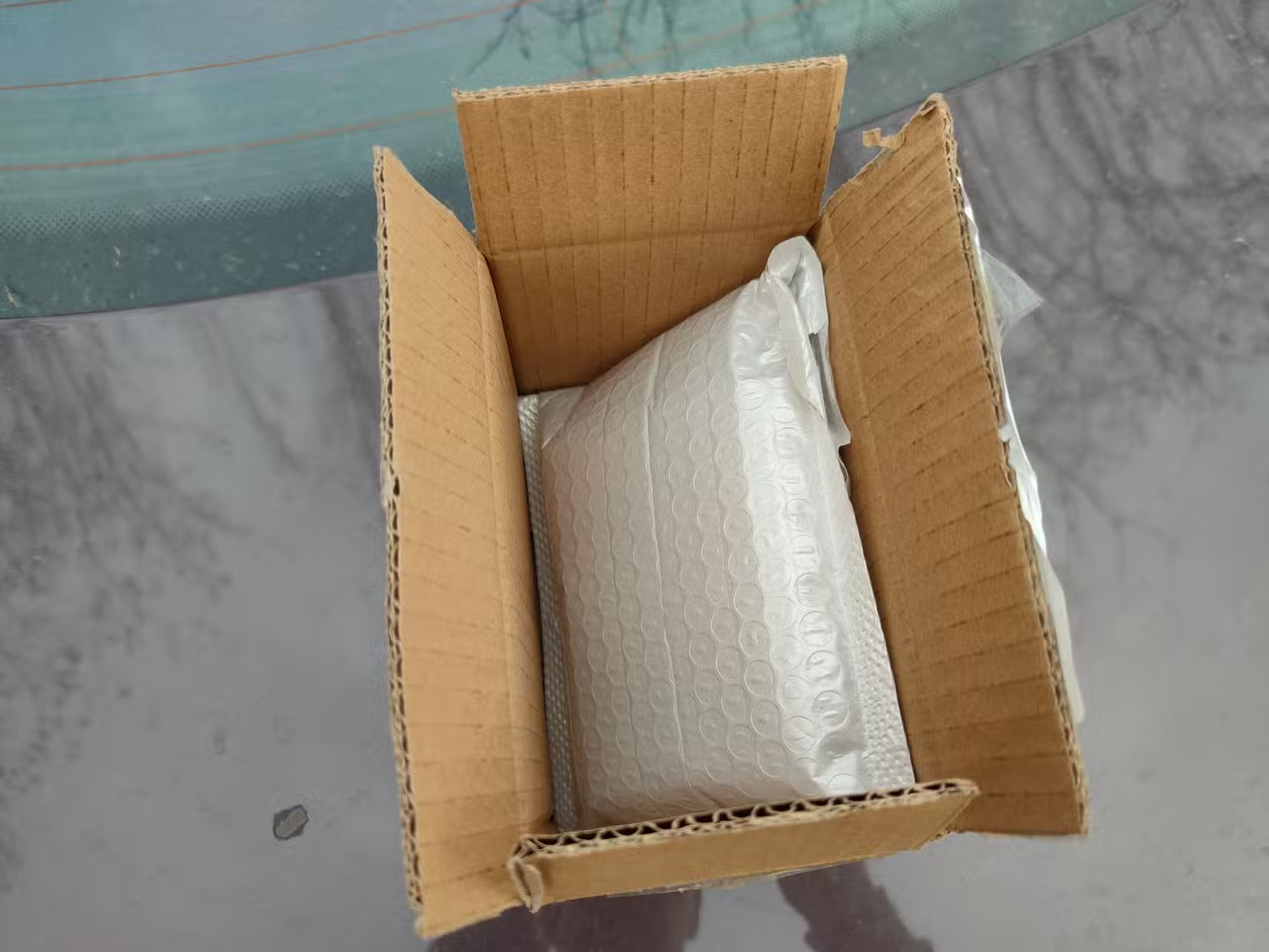
Sign up at informeddelivery.usps.com with your address. Once enrolled, enable the Informed Delivery option in your Mail and Packages configuration. Your dashboard will display thumbnail previews of incoming mail, usually by 9 AM on the delivery day.
5. Carrier Apps via Mobile Companion
If you already use carrier apps like FedEx, UPS, or Amazon on your phone, the Home Assistant Companion app can forward their notifications to your Home Assistant instance. This creates sensors based on notification content.
This approach requires less configuration than email-based integrations but offers less structured data. You'll get notifications, but building automations around specific delivery states is harder without parsed tracking information.
6. Hardware Sensors: Detect Actual Deliveries
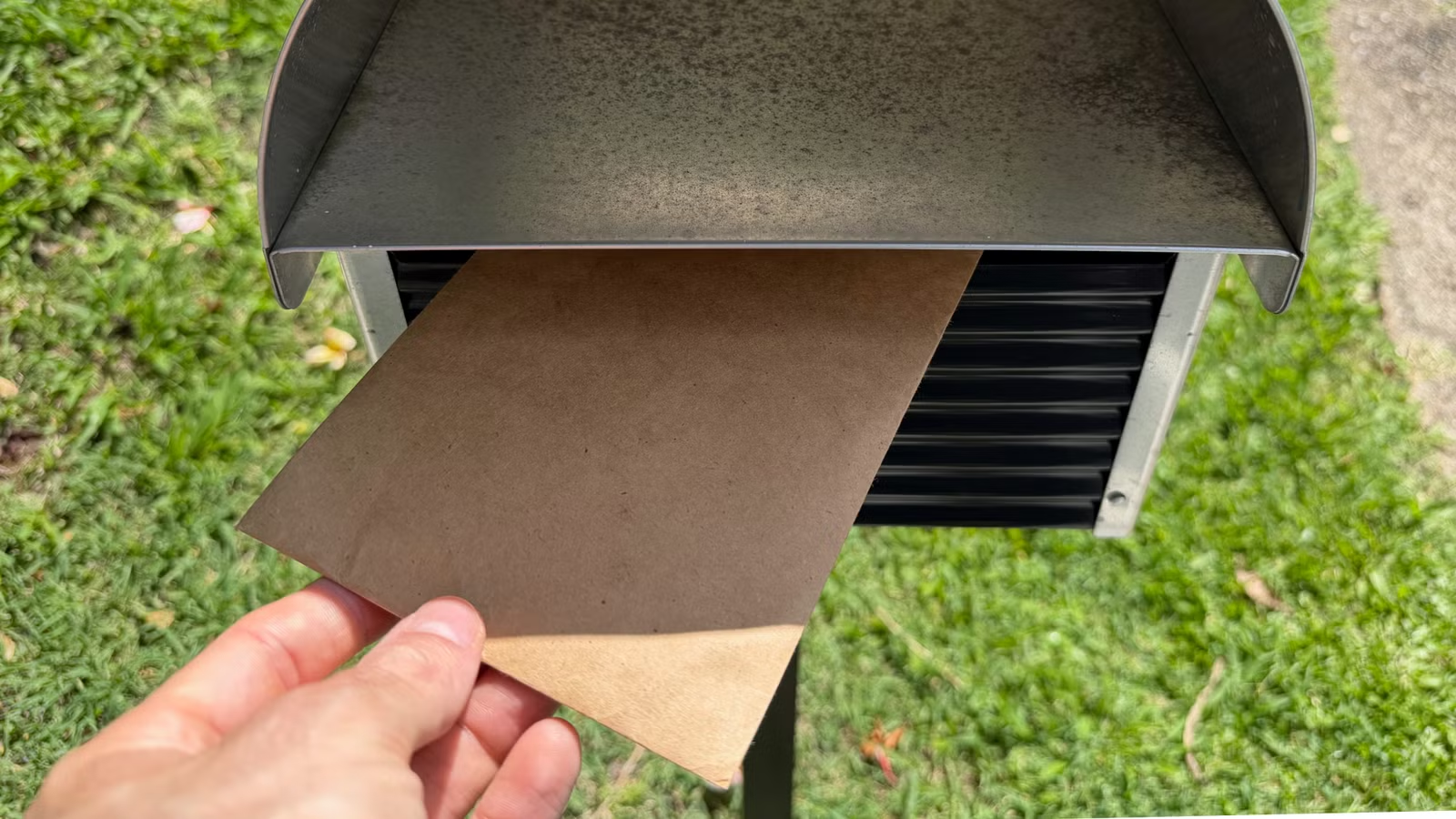
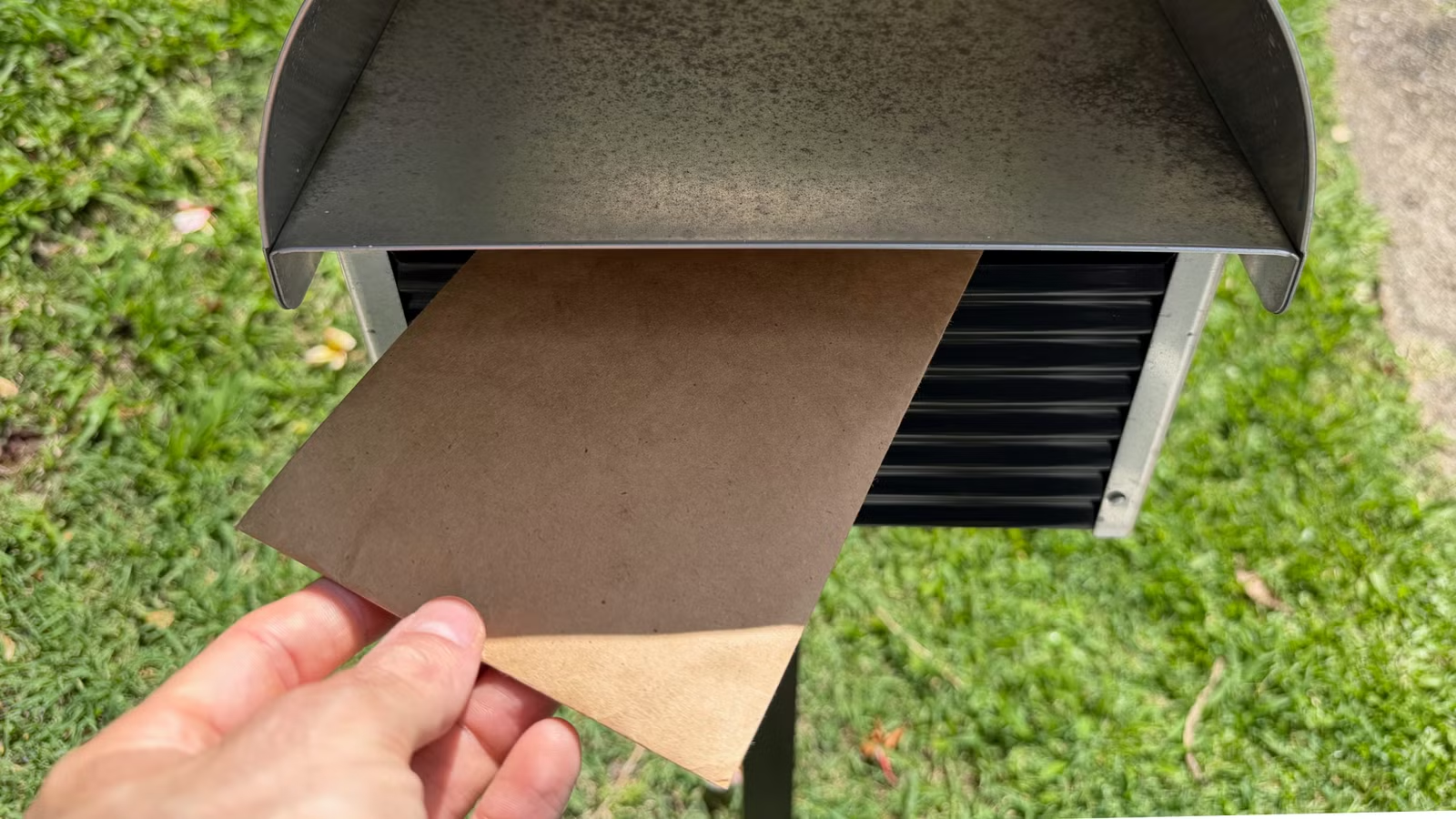
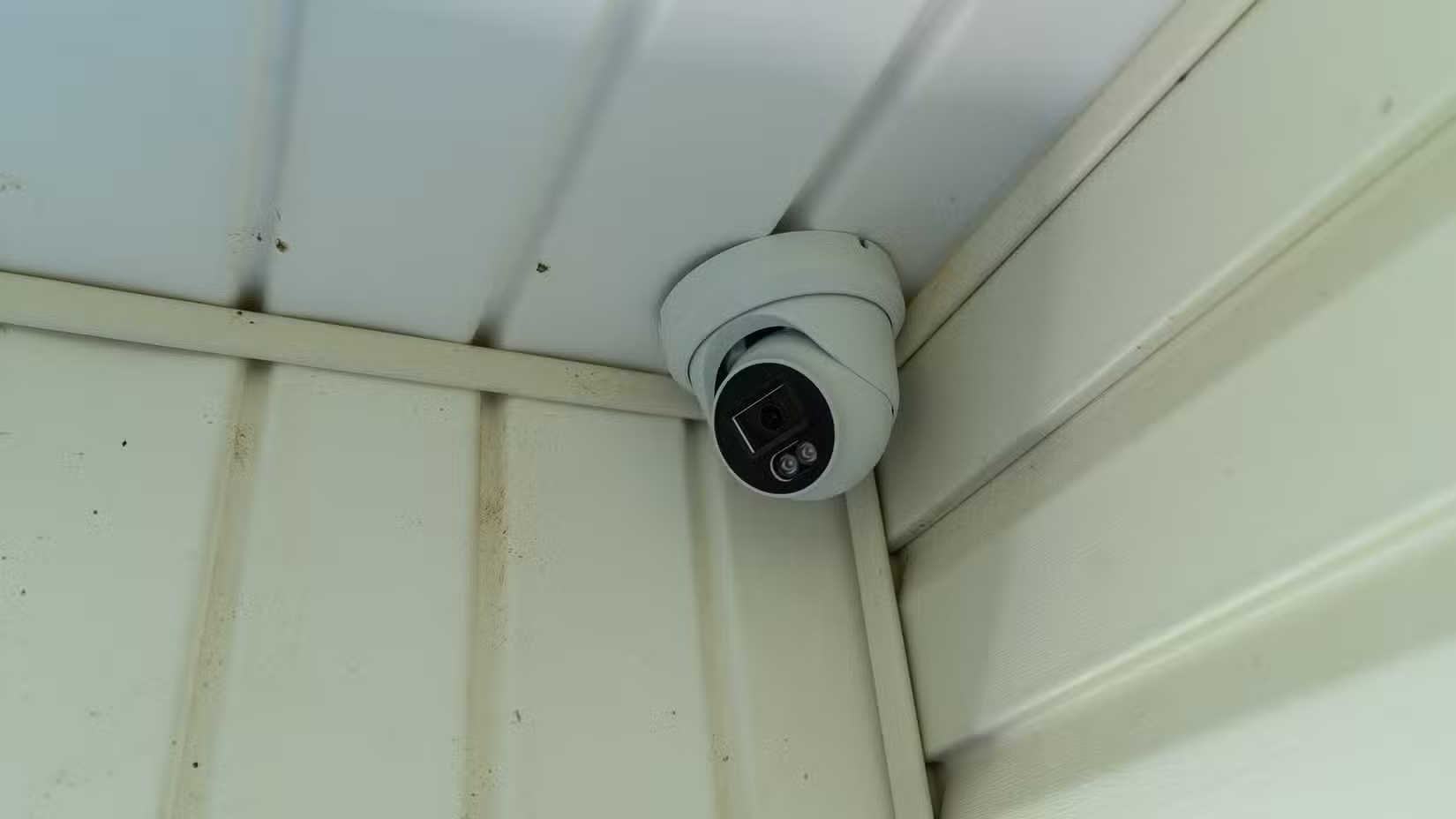
Software integrations tell you when packages should arrive. Hardware sensors confirm when they actually do. A contact sensor on your mailbox door triggers when the mail carrier opens it. A motion sensor or camera near your porch detects package drops.
Pair these with your tracking integrations for complete coverage. An automation might check if packages are expected today, then send a priority alert when the porch camera detects motion. No packages expected? The motion is probably just a neighbor walking by.
Security Considerations
Every email-based integration requires inbox access. This is a meaningful security trade-off. The standard recommendation from the Home Assistant community is to use a dedicated email address for shopping and deliveries. Forward only the relevant notifications to that address.
This limits exposure. If the integration's credentials were compromised, attackers would see your package tracking, not your bank statements or password resets.
Building Automations Around Deliveries
Tracking is useful on its own. Automations make it practical. Here are some examples:
- Send a push notification when a package is marked 'out for delivery'
- Flash porch lights when a delivery arrives after dark
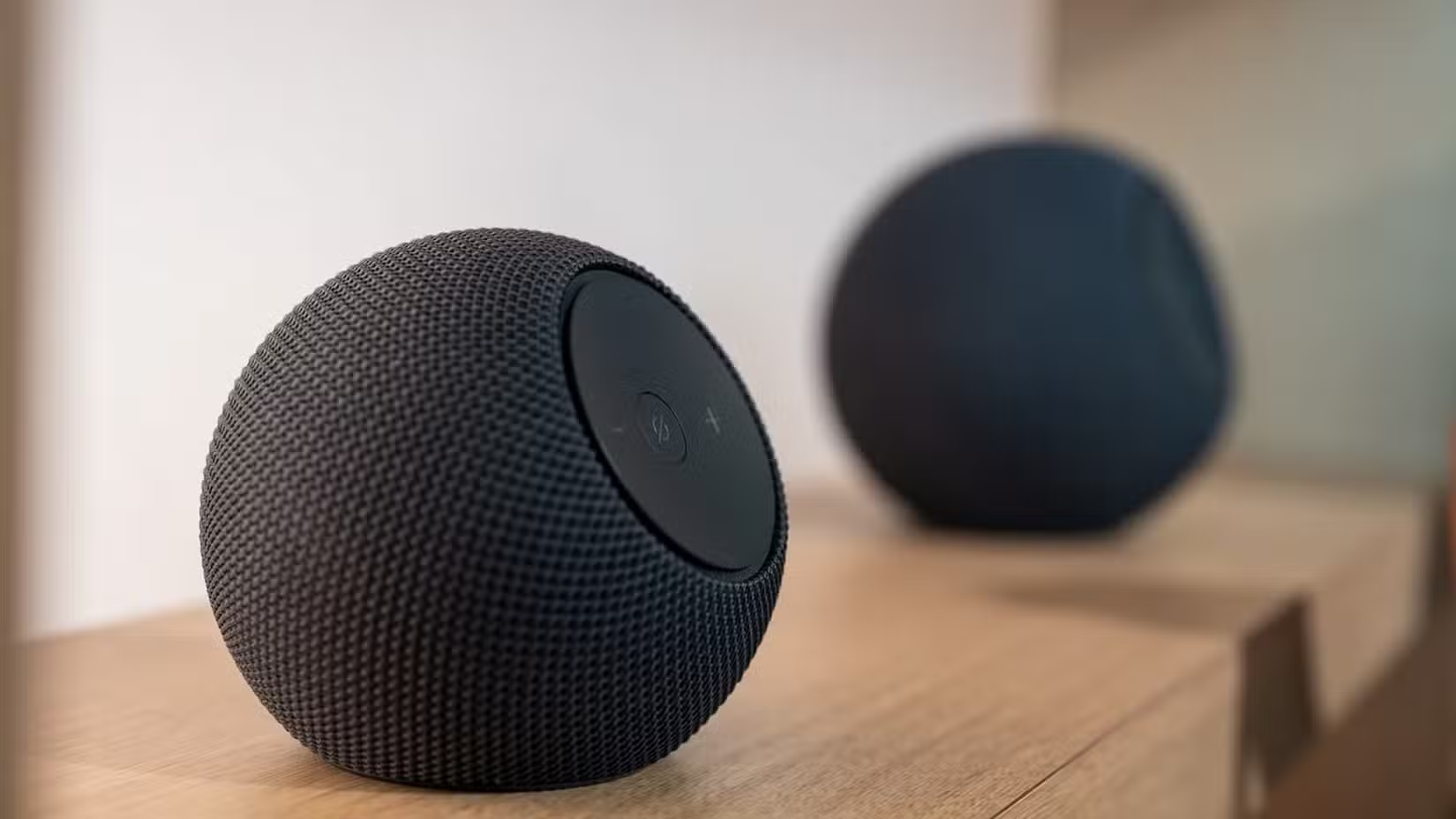
- Announce deliveries through smart speakers
- Display a delivery count on a wall-mounted dashboard
- Delay robot vacuum runs when packages are expected to avoid blocking the porch
The Mail and Packages integration creates sensors with states like 'packages_in_transit' and 'packages_delivered_today'. Use these in automations triggered by state changes.
Dashboard Setup
The Home Assistant subreddit regularly features dashboard showcases with Mail and Packages cards. Users share CSS-styled cards with animated progress bars, carrier logos, and Informed Delivery image grids.
Start simple: a Markdown card listing today's expected deliveries. Add complexity as you learn what information you actually check. Many users find that a package count and 'next expected delivery' timestamp covers 90% of their needs.

Logicity's Take
Frequently Asked Questions
Does Mail and Packages work outside the United States?
Yes. The integration supports Canada Post, Australia Post, DHL, Royal Mail, Post NL, and several other international carriers. Coverage varies by region.
Is it safe to give Home Assistant access to my email?
The security best practice is to create a dedicated email address for shopping. Forward only delivery notifications to that address, limiting what the integration can access.
Can I get notified on my phone when a package arrives?
Yes. Create an automation that sends a push notification via the Home Assistant Companion app when the delivered package count increases.
What is HACS and do I need it for package tracking?
HACS is the Home Assistant Community Store, a repository for community-built integrations. Mail and Packages, Amazon Order Status, and other delivery integrations require HACS installation first.
Can Home Assistant show images of my incoming mail?
If you're in the U.S. and enrolled in USPS Informed Delivery, the Mail and Packages integration can display scanned images of letter-sized mail on your dashboard.
Another community-built tool that fills a gap left by mainstream apps
More power-user software for customizing your daily workflow
Need Help Implementing This?
Source: How-To Geek
Huma Shazia
Senior AI & Tech Writer
Produced with AI assistance and reviewed by the Logicity editorial team. Learn more in our Editorial Policy.






