Key Takeaways
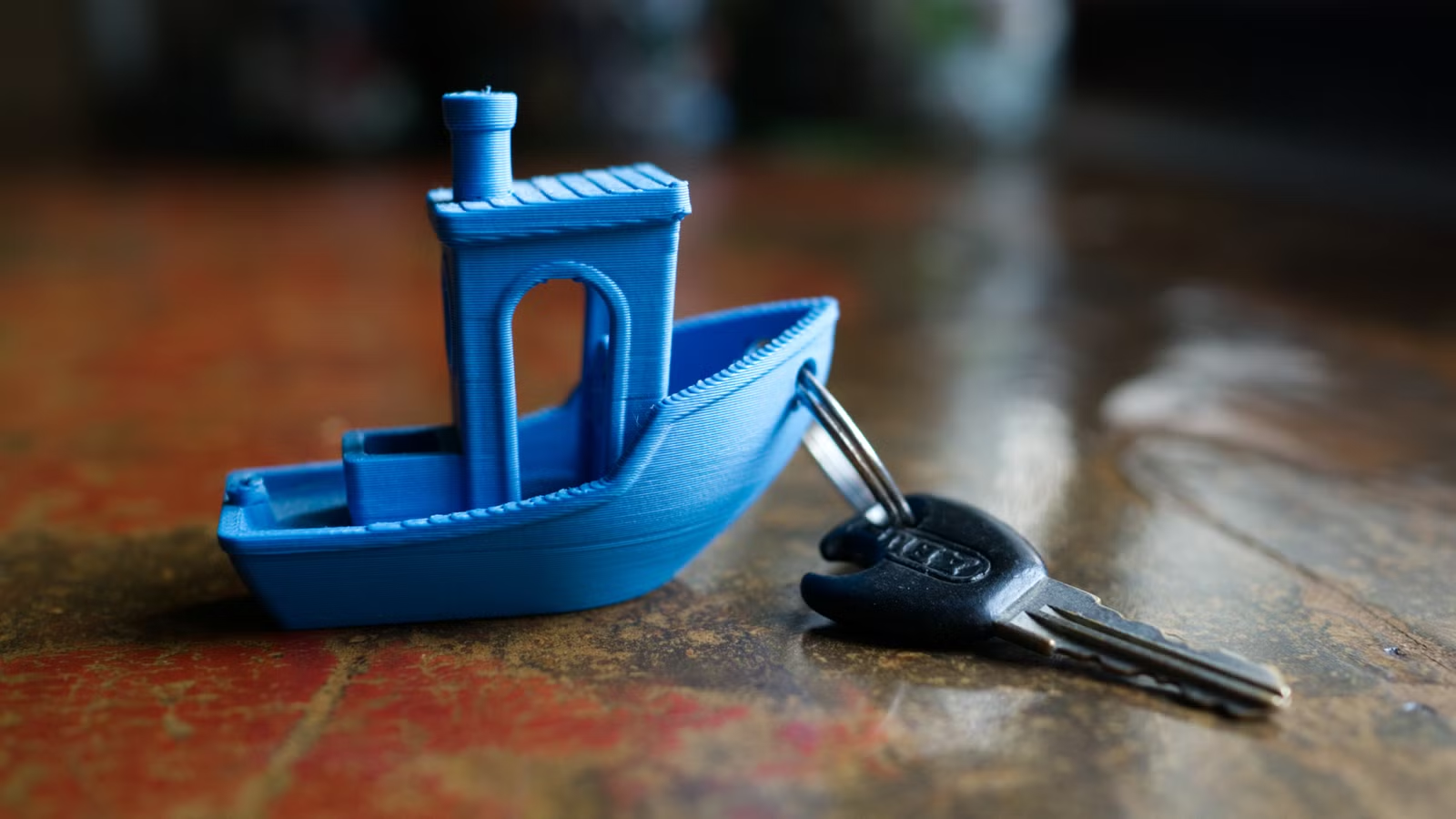
- The Benchy Shipping Co board game requires 30 Benchy models per player
- Benchy's bow hole fits a standard keyring perfectly for a novelty keychain
- Use spare Benchys to practice sanding, priming, and painting techniques before working on real prints
Every 3D printer owner has them: a drawer, a shelf, or a cardboard box stuffed with small plastic tugboats. The 3D Benchy, created in 2015 by Creative Tools as a calibration benchmark, has become the universal first print for anyone testing new filament, tweaking settings, or just learning their machine. The problem is that these 60mm boats accumulate fast, and throwing them away feels wasteful.
How-To Geek's Tim Brookes compiled six practical and absurd ways to put that Benchy fleet to work. Some require more toy boats than you've printed. Others just need sandpaper and patience.
Play a board game designed for Benchy hoarding
Benchy Shipping Co is a route-building board game for two to four players, and it leans into the problem. Each player needs 30 Benchy pieces, plus a 3D-printed game board featuring 20 port city destinations. You roll dice, collect boats, and place them on the map to form shipping routes.
Thirty Benchys per player is a tall order. Most people haven't printed that many, which makes this less a solution to your boat problem and more an excuse to create a bigger one. You'll also need a way to distinguish players, since your boats are probably a mishmash of colors and filaments. Stickers work.
If you don't want to commit to a Benchy-specific game, repurpose them as pawns. Chess pieces, Monopoly tokens, or any tabletop game that uses player markers can accommodate a small tugboat. If you need dice, you can press and recycle your old PLA filament scraps to make them.
Turn one into a keyring
The hole at the bow of a Benchy, designed to test bridging performance, happens to fit a standard keyring. Brookes discovered this by accident. It works surprisingly well for keys that stay in one place, though the boat makes for a bulky keychain if you're shoving it in your pocket.
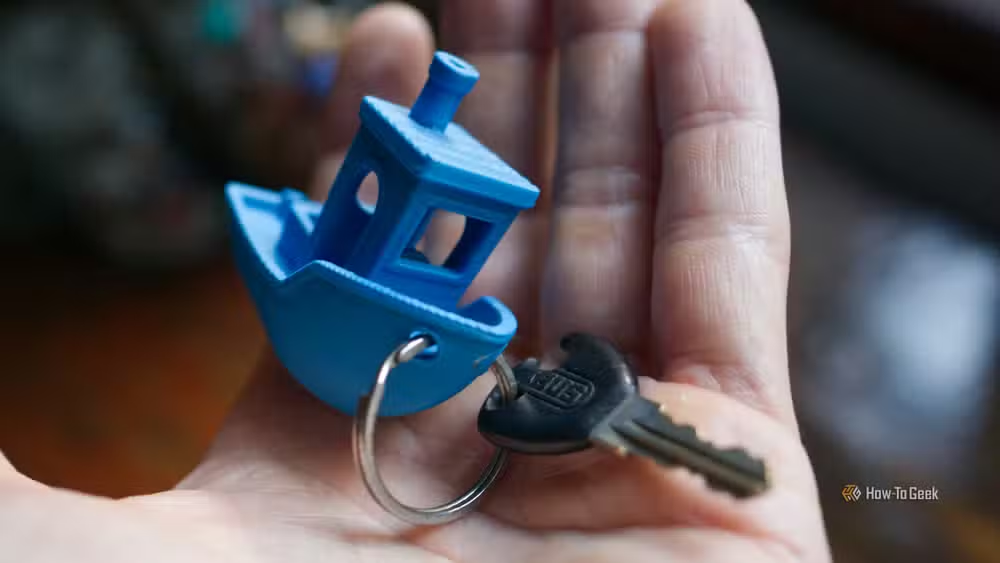
You might scratch the hull getting the ring on. That's fine. It's a Benchy. You have more.
Practice sanding before working on real prints
Sanding 3D prints reduces the visibility of layer lines, but it's easy to ruin a model if you don't know what you're doing. Benchy makes a good test subject because its design deliberately highlights ugly stepped top layers and hull ghosting.
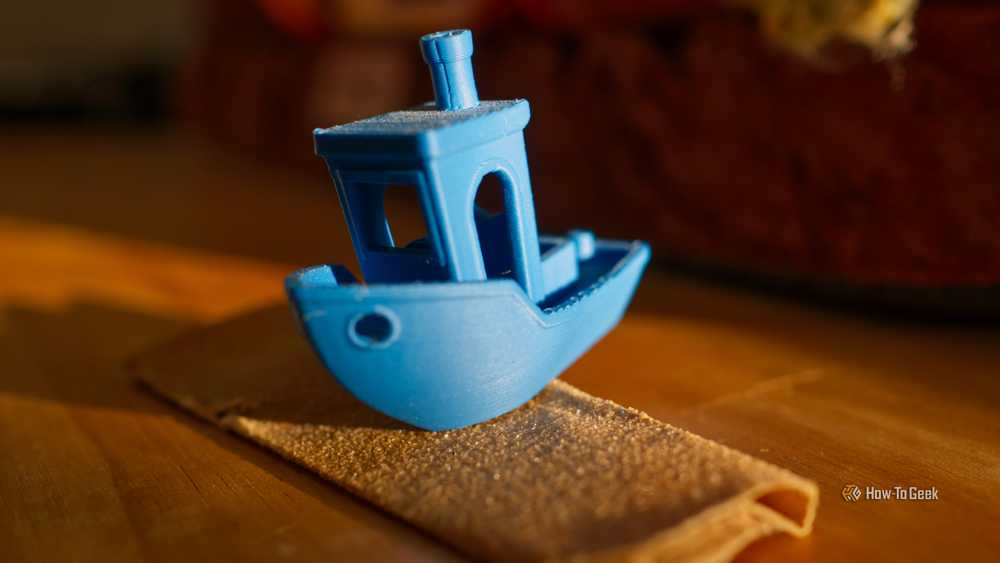
The standard approach: start with 80-grit sandpaper to remove major imperfections, move to 120-grit, then finish with 220-grit for a smooth surface. Wear a mask. If your filament contains carbon fiber, skip sanding altogether.
Experiment with priming and painting
PLA takes paint well, but results improve dramatically with primer. Spray-on automotive primer is popular in the 3D printing community because it fills minor layer lines while creating a surface that holds paint.
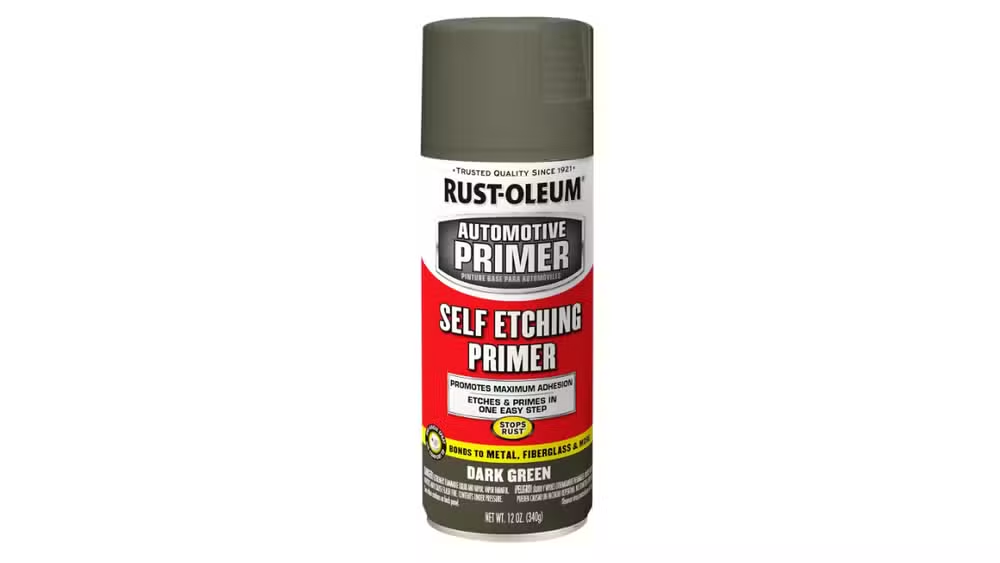
Once primed, cheap acrylics work fine. So do model paints if you're building miniatures for tabletop gaming. Use your spare Benchys to practice weathering techniques, dry brushing, or whatever YouTube tutorial caught your attention. When you're done, you have a painted tugboat for your desk instead of a naked one.
Build a Mecha Benchy robot
This one is purely for fun. A MakerWorld user named Garfield designed a combined robot that uses six Benchy models as limbs, torso, and head. It exploits the existing holes, protrusions, and recesses of the Benchy bodies to snap everything together, plus about 36 grams of additional printed parts.
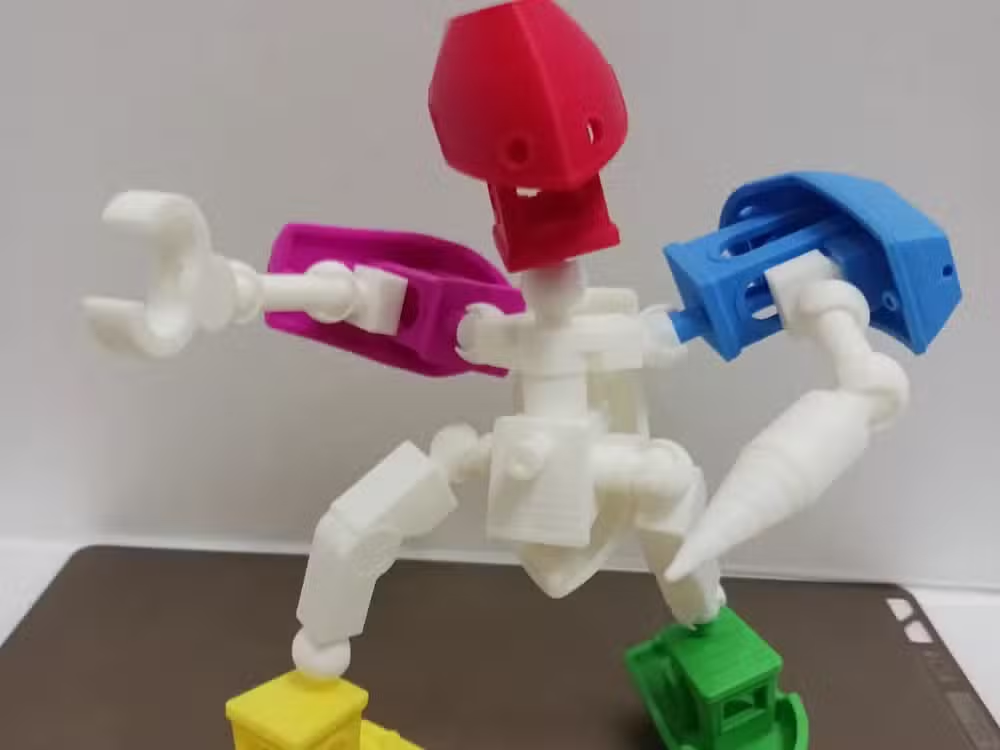
Thirty-six grams is roughly one more Benchy worth of filament. The irony isn't lost on anyone.
Why do people print so many Benchys anyway?
The 3DBenchy was designed as a torture test disguised as a keepsake. Its 60mm x 31mm x 48mm frame packs overhangs, bridges, curves, flat surfaces, and fine details into a shape that looks nice on a shelf. Print time runs 15 to 20 minutes at default settings, making it the fastest way to verify that your printer is working correctly.
Every new filament roll, every nozzle swap, every firmware update prompts another Benchy. The model has been downloaded more than 10 million times since 2015. Most of those downloads resulted in multiple prints.
Logicity's Take
The Benchy surplus is a side effect of how 3D printing actually works in practice. Calibration is constant, and the Benchy became standard because it's both functional and satisfying to keep. The suggestions here range from genuinely useful (sanding practice, paint experimentation) to delightfully pointless (Mecha Benchy). The useful ones matter more. Learning post-processing on disposable prints before you commit sandpaper to a 12-hour model is smart workflow. The Benchy pile isn't waste; it's a training ground.
Frequently Asked Questions
What is 3DBenchy used for?
3DBenchy is a calibration and benchmarking model for 3D printers. It tests bridging, overhangs, curves, and fine details in a compact form, helping users verify print quality and diagnose problems.
How long does it take to print a Benchy?
A standard Benchy prints in 15 to 20 minutes at default settings, though this varies based on printer speed, layer height, and infill density.
Can you paint PLA 3D prints?
Yes. PLA accepts acrylic and model paints well, especially when primed first. Spray-on automotive primer helps fill layer lines and improves paint adhesion.
Is it safe to sand 3D prints?
Generally yes, but wear a mask to avoid inhaling plastic particles. Avoid sanding filaments containing carbon fiber, as the fibers can be hazardous when airborne.
What are the dimensions of a standard Benchy?
A standard 3DBenchy measures 60mm x 31mm x 48mm, making it small enough to print quickly while large enough to show calibration issues.
Need Help Implementing This?
Looking to optimize your 3D printing workflow or integrate additive manufacturing into your product development process? Contact Logicity's editorial team for resources and expert recommendations tailored to makers and hardware teams.
Source: How-To Geek
Huma Shazia
Senior AI & Tech Writer
Produced with AI assistance and reviewed by the Logicity editorial team. Learn more in our Editorial Policy.






