Key Takeaways
- PETG withstands temperatures up to 85°C, compared to PLA's 55°C limit, making it essential for car interiors and near-electronics projects.
- PLA's brittleness makes it unsuitable for impact-prone parts like drone shells or tool mounts; PETG is 30% tougher.
- UV exposure degrades PLA quickly outdoors, while PETG maintains structural integrity and color in direct sunlight.
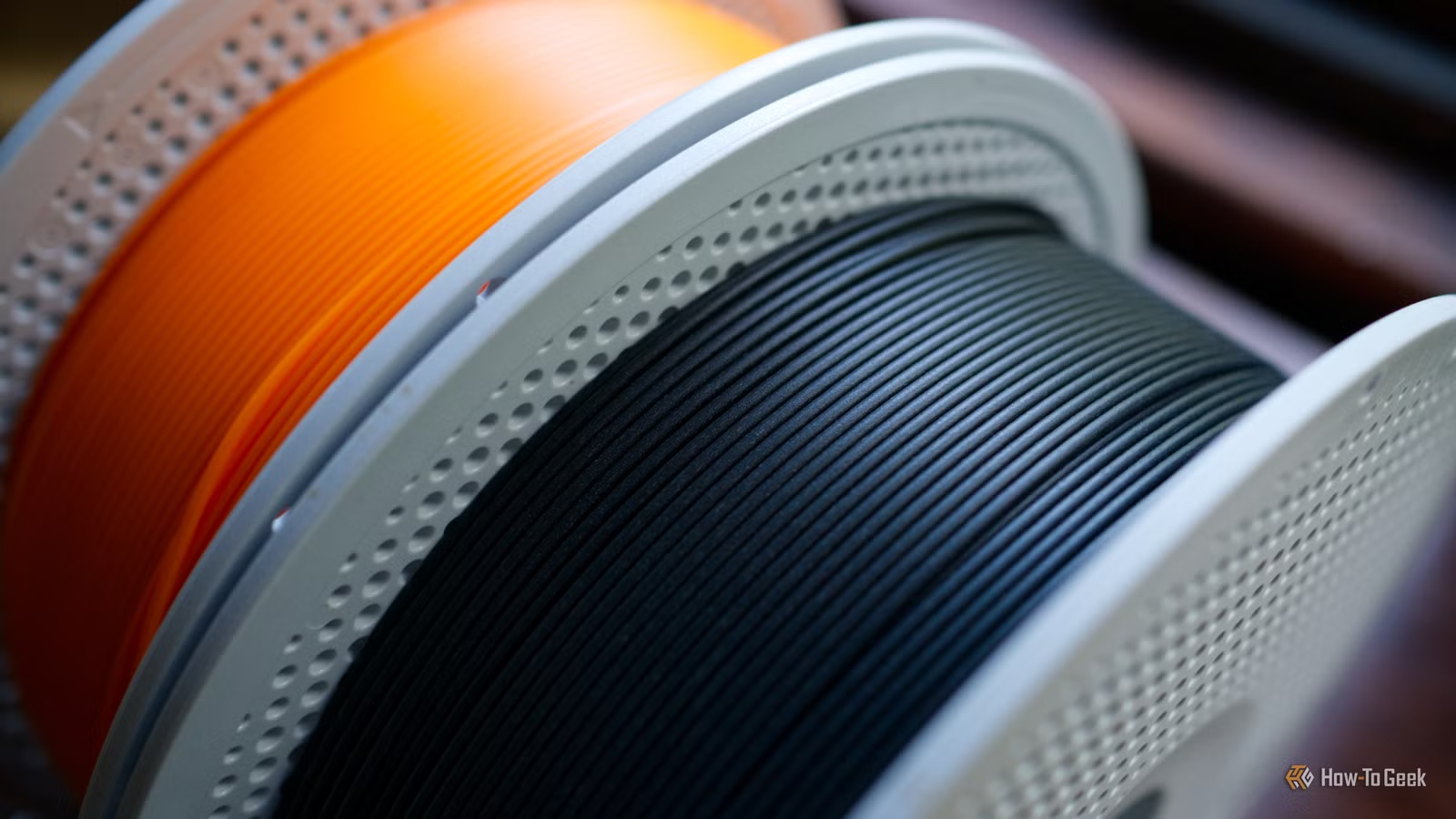
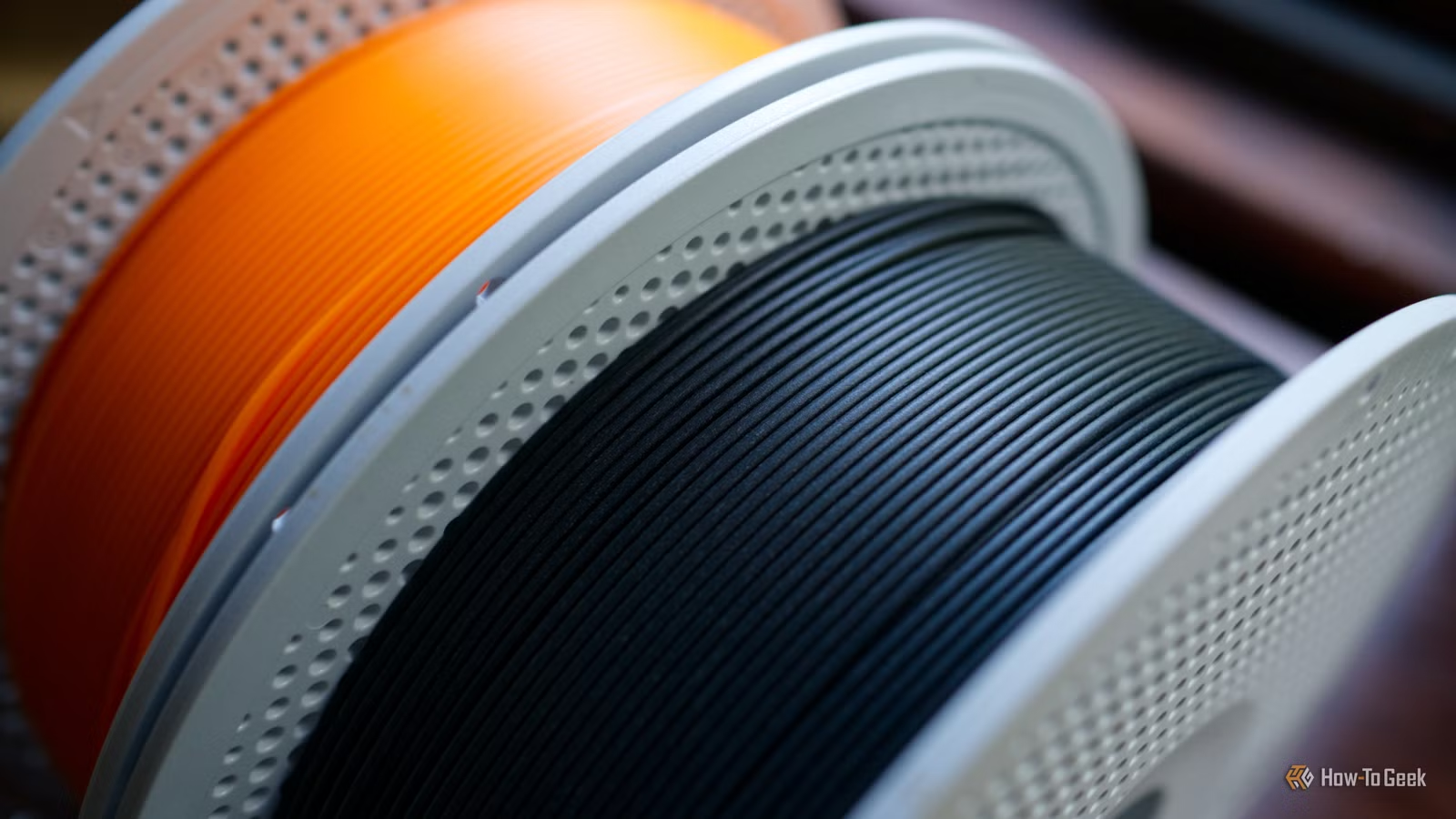
PLA filament is cheap, prints cleanly, and comes in every color imaginable. It's why nearly every beginner starts with it. But PLA has a fundamental problem: it's built for looks, not for work. Leave a PLA part in a hot car for a summer afternoon and you'll find it sagging. Drop it on concrete and it shatters. Expose it to sun and it turns brittle.
PETG costs 20-30% more per kilogram and requires fiddling with retraction settings to avoid stringing. But it survives the real world. Here are five situations where PETG is the clear choice.
1. Anything That Lives Outside
PLA degrades under UV exposure. Direct sunlight breaks down the polymer chains, turning prints chalky and fragile within months. Outdoor garden hooks, gate latches, fence clips—all will fail if printed in PLA.
PETG resists UV damage far better. It won't last forever outside, but it will give you years instead of months. Colors fade slower, and the material maintains structural integrity.
2. Parts Exposed to High Temperatures
PLA's glass transition temperature sits around 55°C. That's the point where the material starts to deform. A car interior in summer easily hits 60-70°C. Phone mounts, dashboard organizers, cup holders—all will warp.
PETG holds its shape up to 85°C. That 30-degree buffer makes the difference between a part that works and one that melts into a blob. Even indoors, prints near heat sources—next to electronics, above stoves, near radiators—need PETG.
3. Parts That Take Impacts
PLA is brittle. Drop a PLA wrench on concrete and it snaps. Clip a PLA drone arm on a tree branch and it cracks. The material has high stiffness but low ductility—it doesn't bend before breaking.
“PLA is for the display case, but PETG is for the toolbox. If you want it to survive a drop, a hot car, or a bit of torque, stop printing in PLA.”
— Stefan Herman, Founder of CNC Kitchen
PETG absorbs impacts by deforming slightly instead of shattering. Drone frames, tool handles, protective cases, wall-mounted storage hooks—all benefit from PETG's 30% increase in impact toughness over PLA. The material flexes under stress, then returns to shape.
4. Functional Parts That Need to Last
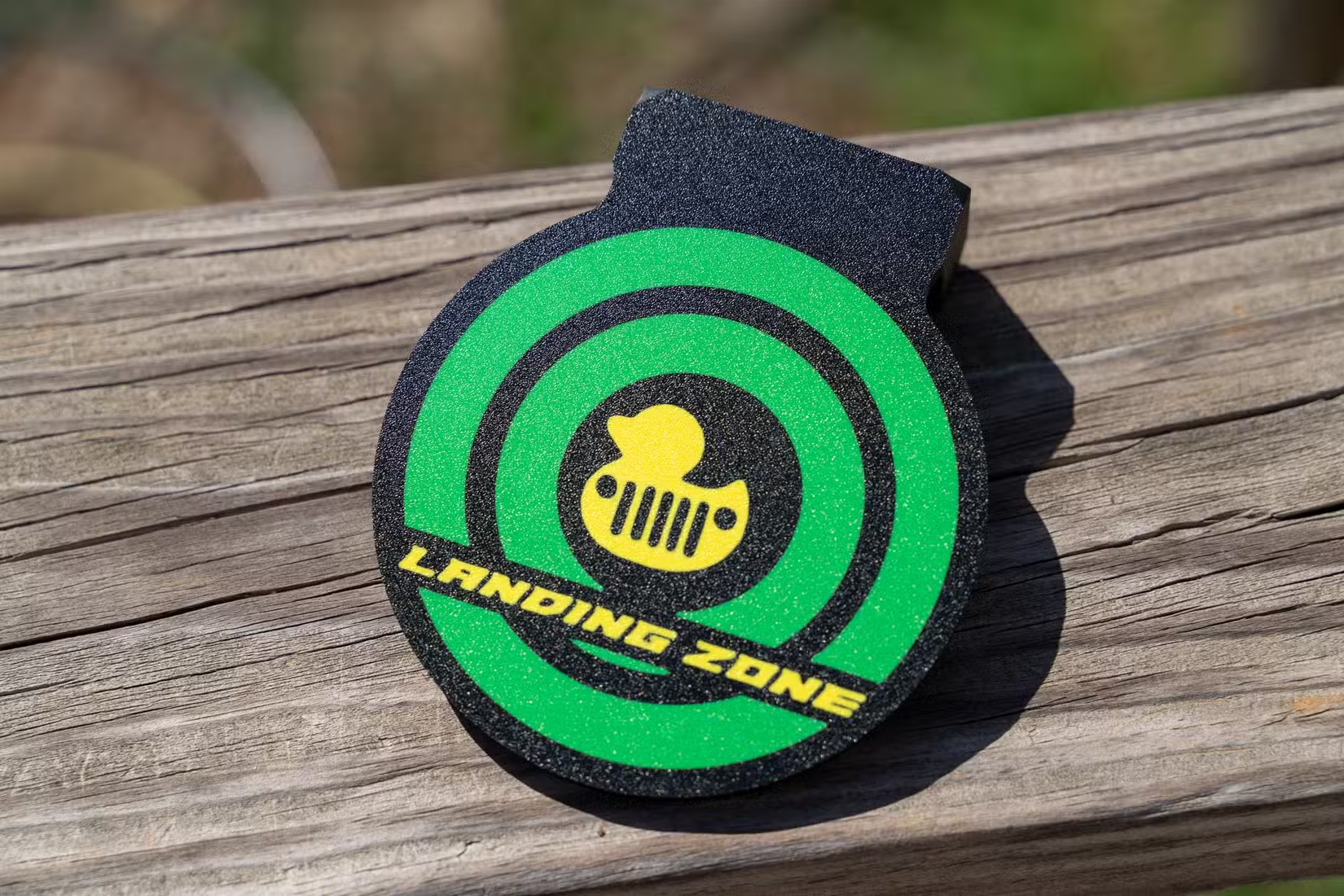
PLA works fine for miniatures, prototypes, and decorative objects. But functional parts—replacement knobs, clips that hold things together, brackets that bear weight—need durability over time.
PETG resists creep, the slow deformation under constant load. A PLA shelf bracket might hold weight at first but gradually bend downward over months. A PETG bracket maintains its shape. Machine parts, hinges, load-bearing supports—all last longer in PETG.
5. Parts That Need Chemical Resistance
PLA dissolves or softens when exposed to certain chemicals—acetone, some cleaning solvents, even prolonged contact with water can weaken it. PETG is chemically inert to most household substances.
Bathroom organizers, kitchen utensils (not for hot liquids), workshop storage—anything that might encounter solvents, oils, or moisture benefits from PETG. The material is the same plastic used in water bottles, and it handles wet environments without degrading.
What You Need to Know Before Switching
PETG isn't a drop-in replacement for PLA. It prints hotter—240-260°C for the nozzle, 70-80°C for the bed. It's stickier, so parts can be harder to remove without proper bed preparation. And it strings. Retraction settings that work for PLA will leave hair-like wisps all over PETG prints.
Start with a slower print speed—40-50 mm/s instead of PLA's 60-80 mm/s. Increase retraction distance by 1-2mm. Use a glue stick on the print bed for easy removal. The first few prints will be messy, but once dialed in, PETG prints reliably.
PETG also absorbs moisture from air faster than PLA. Store it in a sealed container with desiccant, or dry it in a filament dryer before use. Wet filament causes bubbles, stringing, and weak layer adhesion.
Logicity's Take
Frequently Asked Questions
Is PETG stronger than PLA?
PETG has higher impact strength and ductility, meaning it bends before breaking. PLA is stiffer but more brittle. For functional parts that take stress, PETG is stronger in real-world use.
Can I print PETG on the same printer as PLA?
Yes, if your printer reaches 240-260°C at the nozzle and 70-80°C on the bed. Most entry-level printers handle this. You'll need to adjust retraction and speed settings.
Why does PETG string so much?
PETG is less viscous than PLA at printing temperature, so it oozes more easily. Increase retraction distance, slow travel speed, and lower temperature by 5-10°C to reduce stringing.
How long does PETG last outdoors?
PETG resists UV damage for 2-5 years depending on sun exposure and climate, compared to PLA's 6-12 months. Neither is as durable as ASA or polycarbonate for permanent outdoor use.
Is PETG food safe?
Raw PETG is food-safe, but 3D-printed parts have layer lines that trap bacteria. PETG is safe for dry food storage but not for containers holding liquids or anything requiring repeated washing.
Need Help Implementing This?
Source: How-To Geek
Huma Shazia
Senior AI & Tech Writer
Produced with AI assistance and reviewed by the Logicity editorial team. Learn more in our Editorial Policy.