Key Takeaways
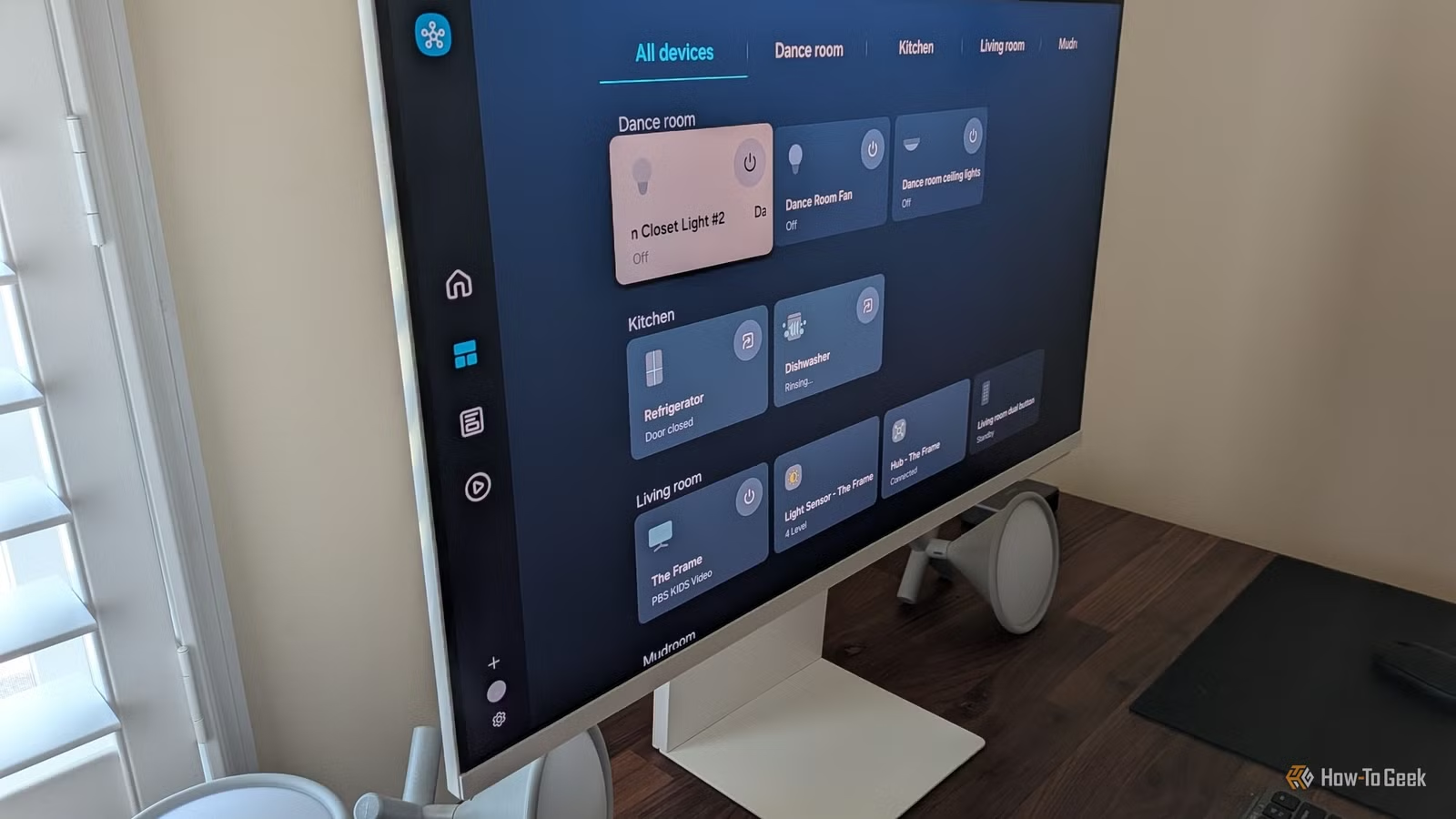
- Smart refrigerators collect and sell grocery data to brokers while creating Wi-Fi dead zones
- Connected washers and dryers offer no real benefit over a simple buzzer notification
- 16.7 billion IoT devices globally create a massive attack surface, with 60% unpatched after three years
The Smart Home Trap
Marketing teams want you to believe every appliance needs internet connectivity to be modern. Smart fridges. App-enabled toothbrushes. Wi-Fi-connected washing machines. The pitch is always the same: unprecedented convenience you never knew you were missing.
The reality? Most of these features exist to collect your data and sell it to advertisers. Not to help you.
With 16.7 billion IoT devices connected globally as of 2024, the attack surface for home networks has never been larger. Security researcher Mikko Hyppönen, Chief Research Officer at F-Secure, puts it bluntly: "If you can't secure your smart fridge, you shouldn't be connecting it to the same network that handles your banking and sensitive personal data."
Here are five devices that work perfectly fine without Wi-Fi. And probably should stay that way.
1. Smart Refrigerators: Data Collection Disguised as Convenience
The selling point of a smart fridge is usually a digital grocery list on the door. Think about that for a moment. You're connecting a major appliance to your network so you can see a list that pen and paper, or a free phone app, have handled perfectly for decades.
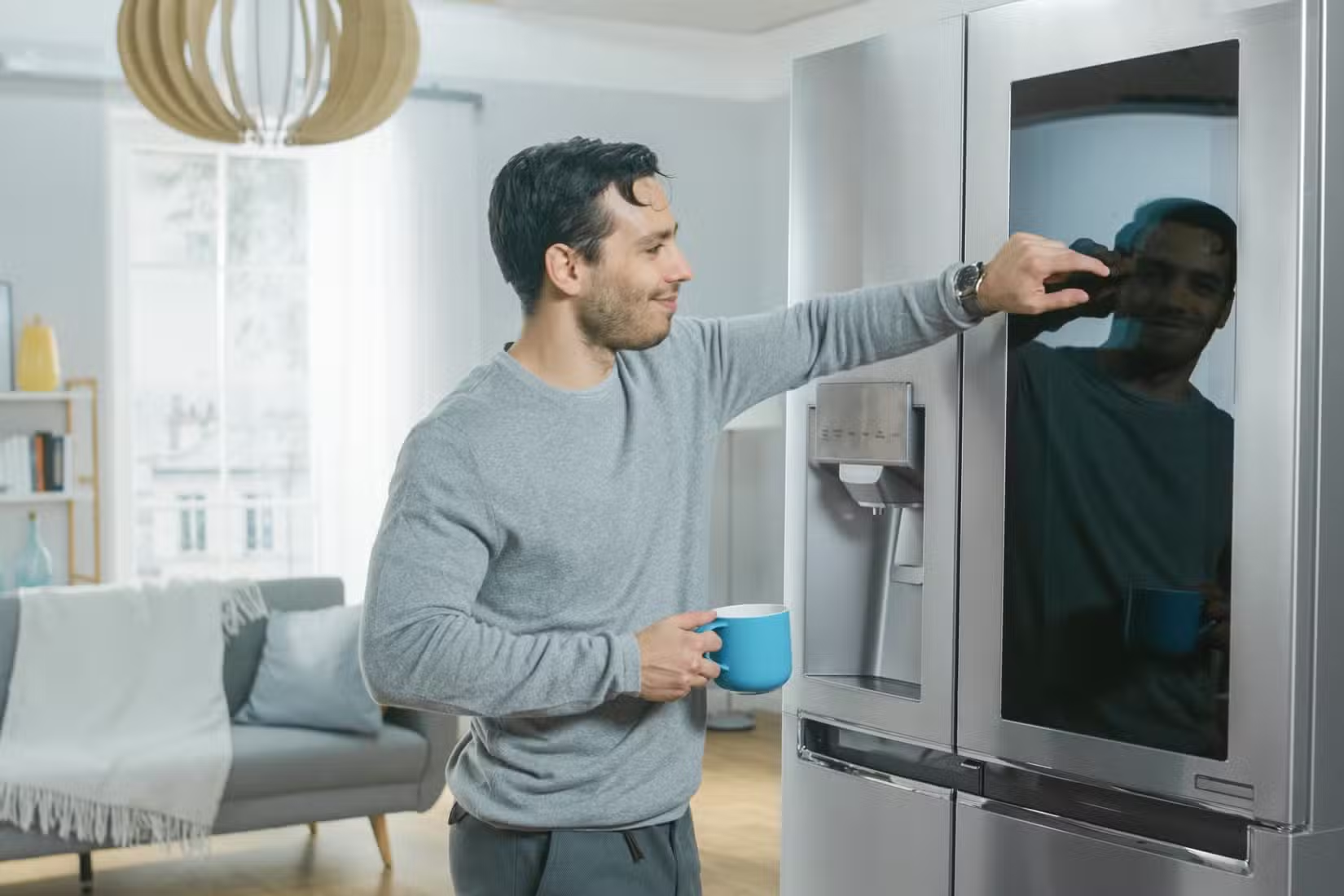
But the problems run deeper than unnecessary features. Large kitchen appliances are metal boxes packed with motors, compressors, and thick insulation. All that material bounces and absorbs wireless signals, creating dead zones throughout your house. Weak connections force network chips to keep resending data, which slows down every other device on your network.
The real reason these became "smart" was to benefit manufacturers, not you. Moving controls to an app and relying on digital diagnostics lowers their long-term service costs. But it turns a standard kitchen appliance into a data collection tool. Some fridges track your groceries automatically. Others require manual input. Either way, that information often ends up with data brokers, turning your one-time appliance purchase into an ongoing revenue stream for the manufacturer.
2. Washing Machines and Dryers: A Buzzer Works Fine
The notification your smart washing machine sends to your phone does exactly what the end-of-cycle chime has done since the 1950s. It tells you the laundry is done. The difference? The chime doesn't require your Wi-Fi password.
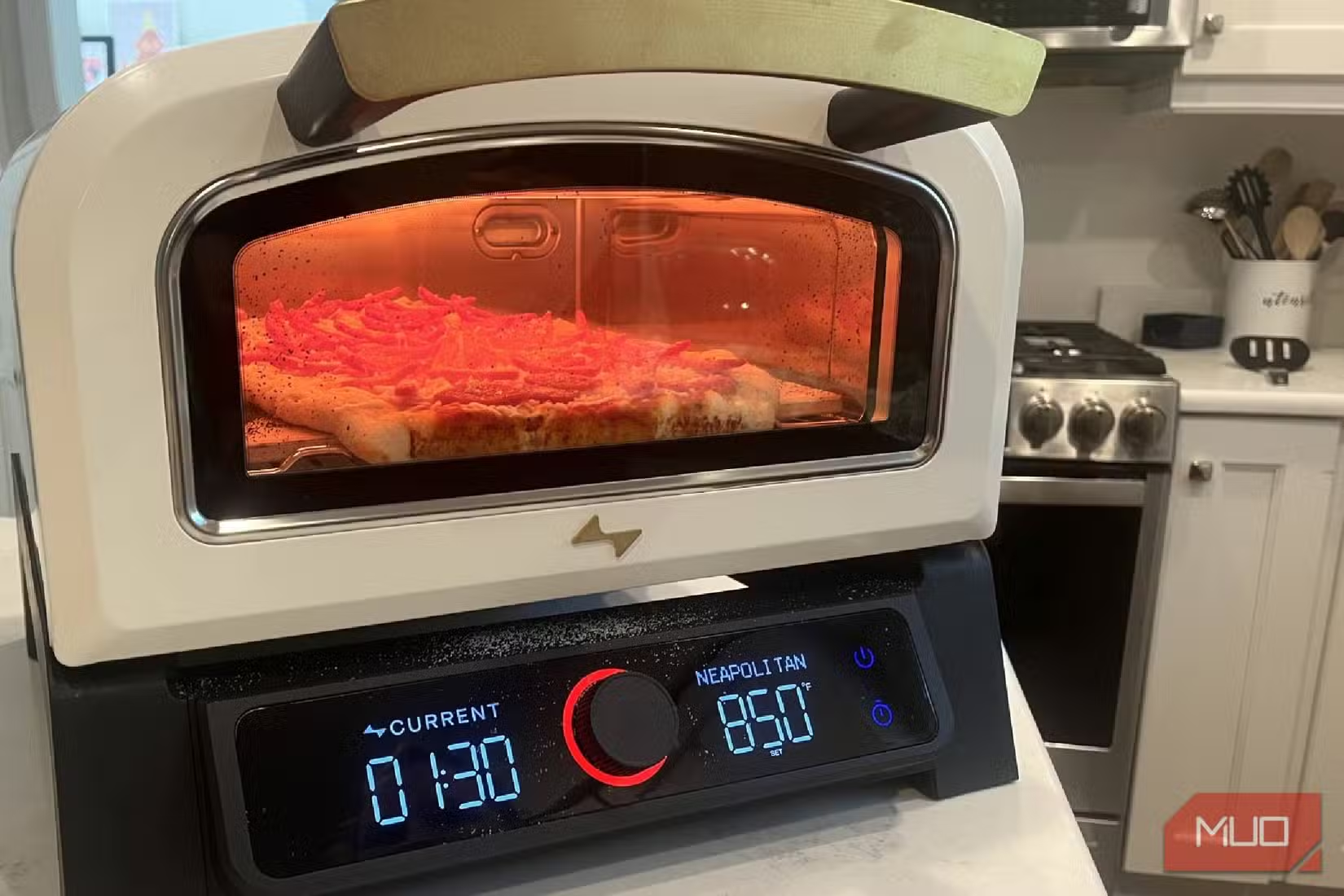
If these machines could load themselves based on the app, that would be different. But they can't. All-in-one washer-dryer combos existed long before smart connectivity. The "smart" part adds nothing except a data pipeline.
Washers and dryers are usually tucked away in closets or basements, which makes it harder for wireless signals to reach them reliably. When the connection does work, the machine can log how often you do laundry and make inferences about your household size, schedule, and habits. Companies then sell that information to data brokers.
3. Microwaves: You're Standing Right There
Smart microwaves exist. They can scan barcodes to automatically set cooking times. Some connect to voice assistants so you can say "Alexa, microwave for two minutes" instead of pressing two buttons.
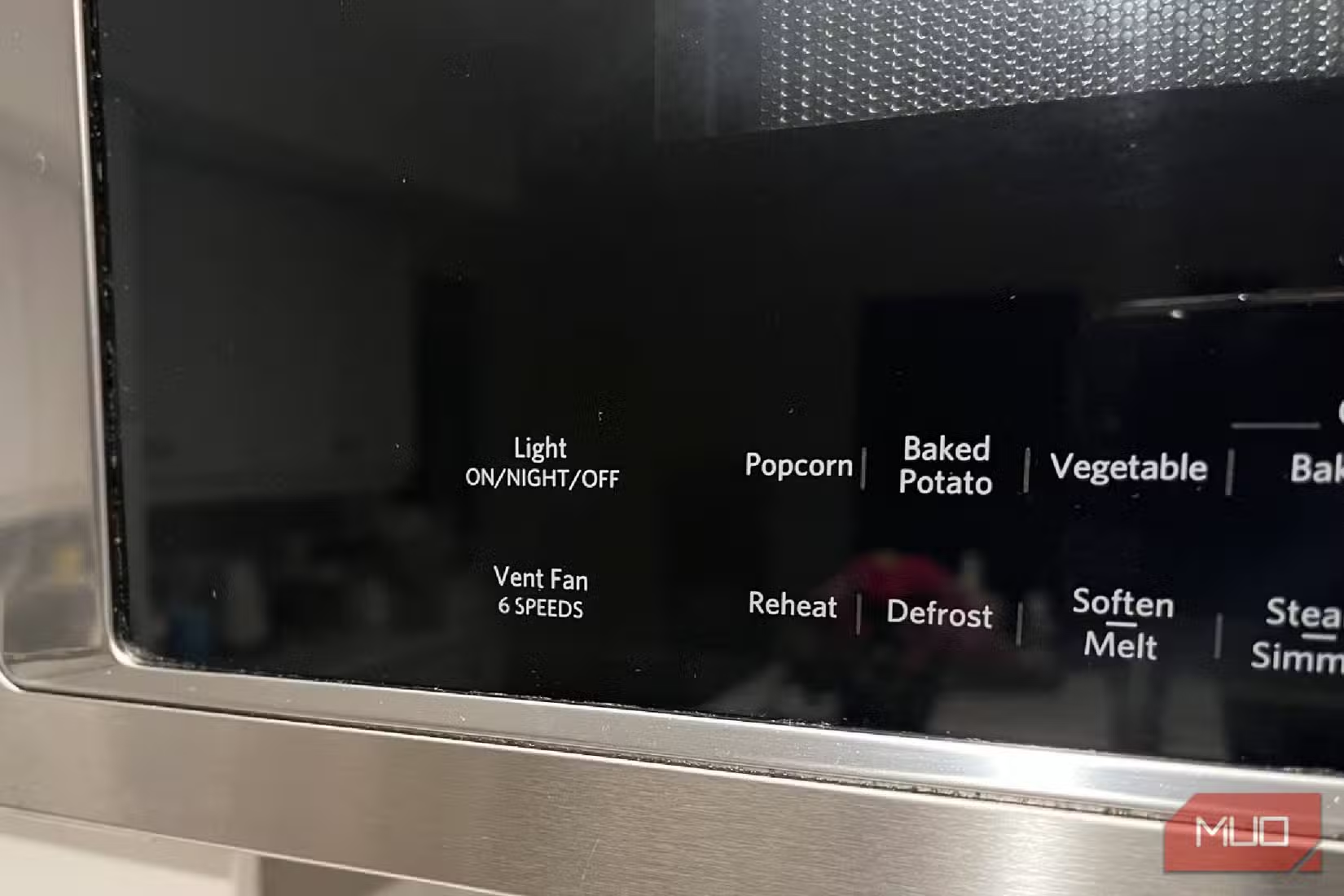
The problem: you're already standing in front of the microwave. You're putting food in, closing the door, and waiting for it to finish. The physical interface takes about three seconds to operate. The voice command takes longer if you include the time to wait for confirmation.
Meanwhile, you've added another device to your network that probably won't receive security patches after the first year.
4. Smart Toothbrushes: When Personal Gets Too Personal
App-enabled toothbrushes promise to track your brushing habits and improve your dental hygiene. In practice, they create detailed logs of when you wake up, when you go to bed, how long you spend on personal care, and whether you're home or traveling.
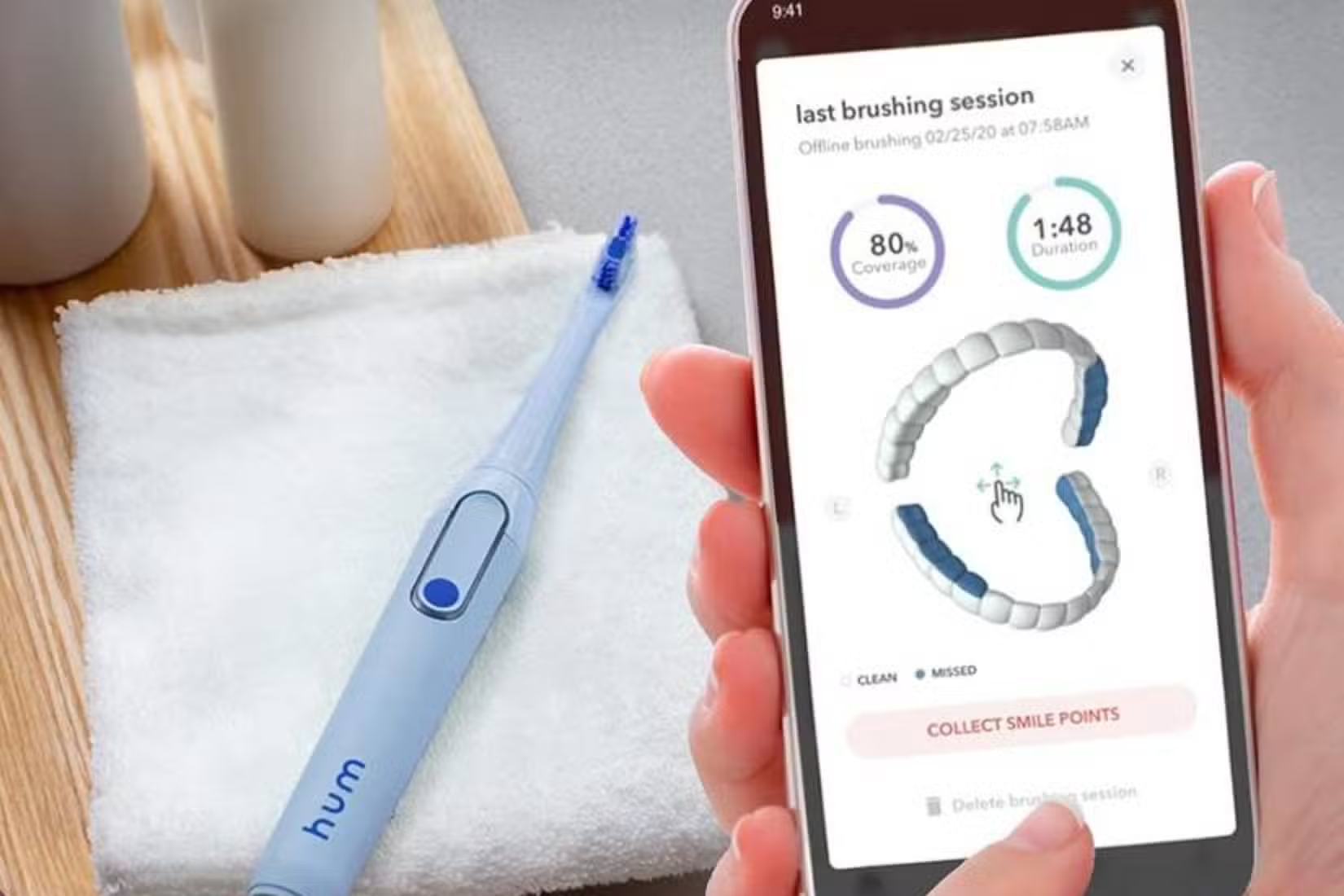
That's a lot of behavioral data from a toothbrush. The hygiene benefits? Dentists generally agree that any two-minute brush with fluoride toothpaste does the job. The app isn't making your teeth cleaner. It's making your routine more visible to data collectors.
5. Plug Timers and Simple Switches
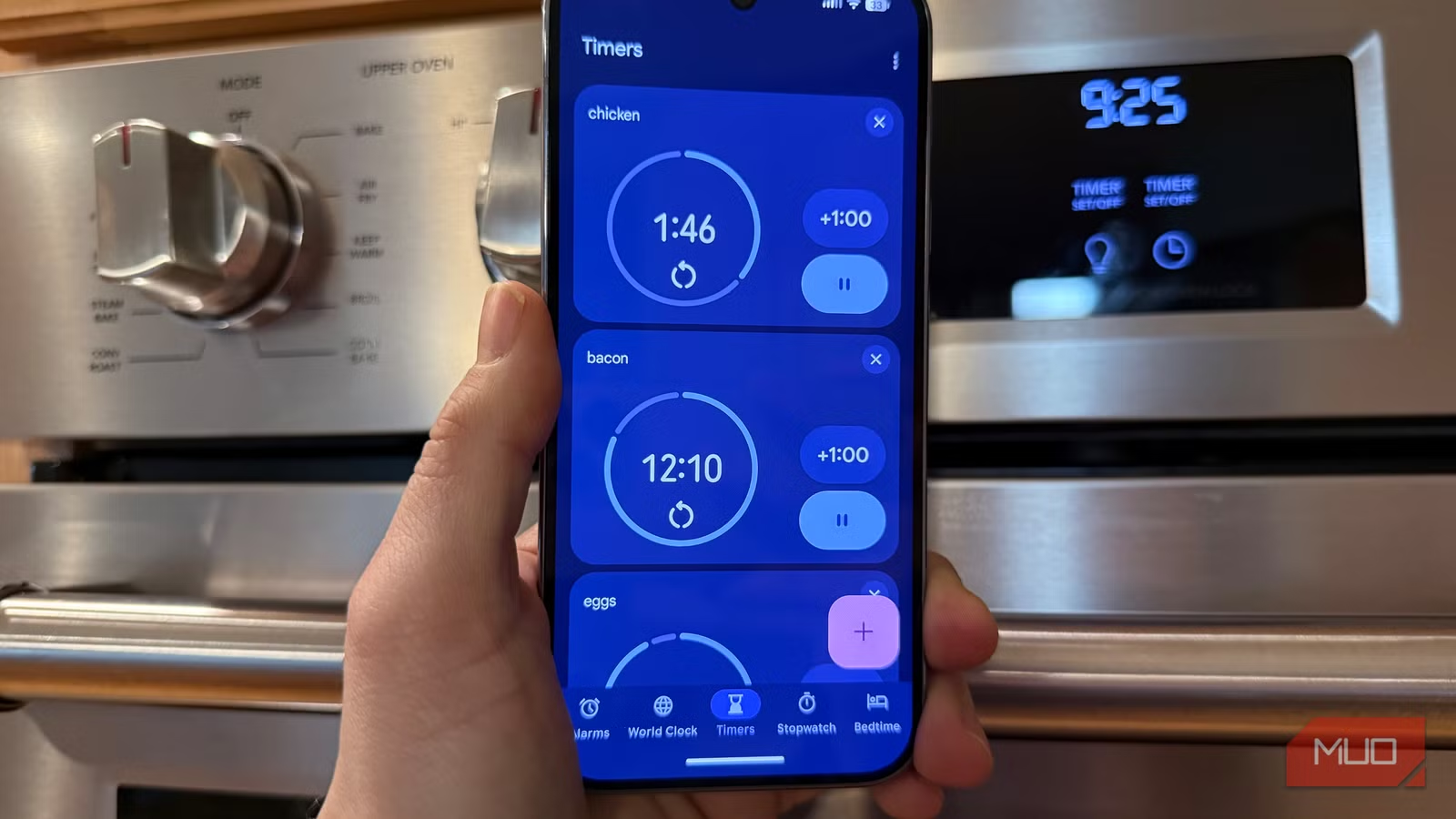
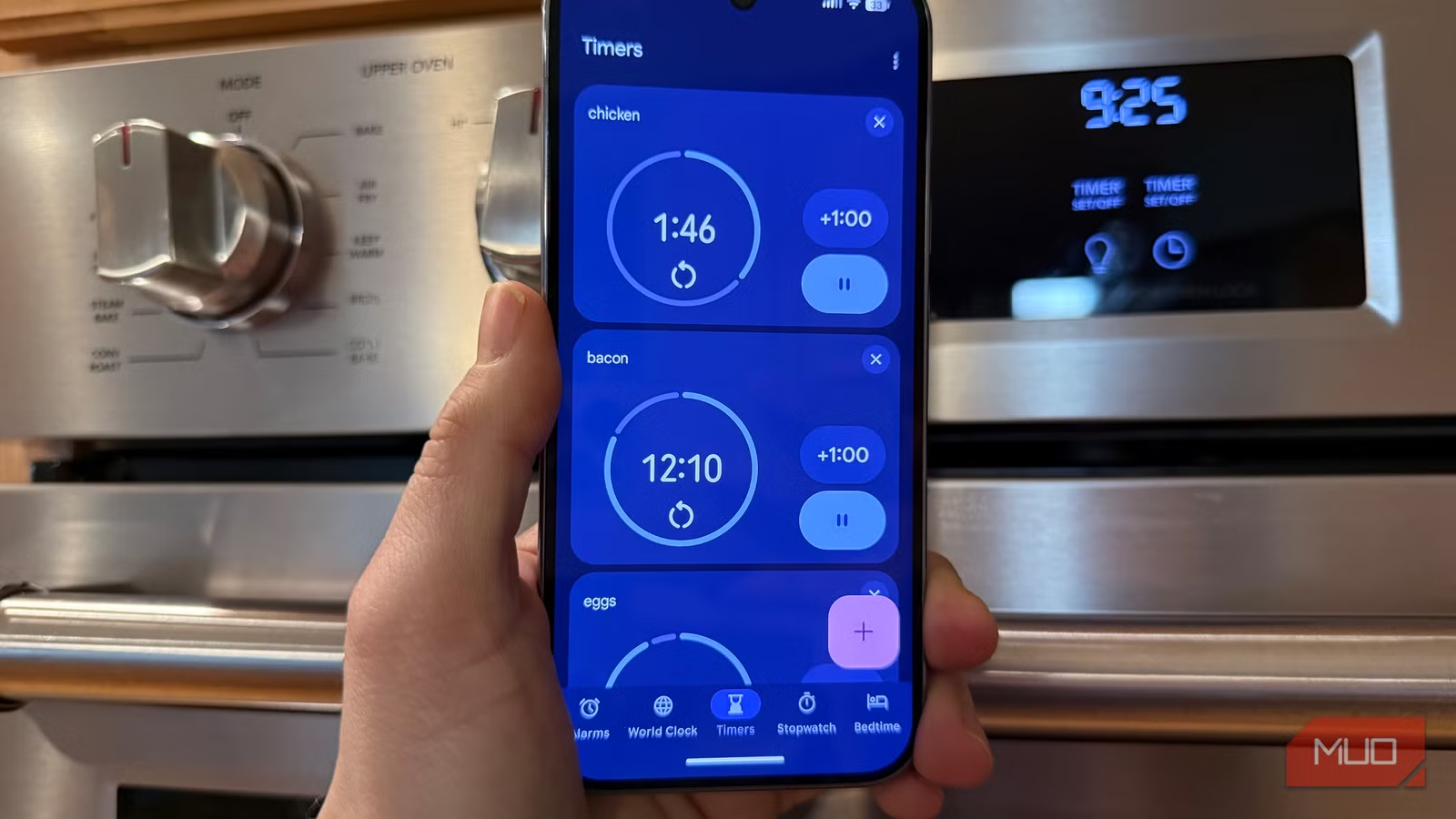
Smart plugs let you turn lamps on and off from your phone. But mechanical plug timers have done the same thing for 50 years without requiring firmware updates, cloud services, or account creation.
The mechanical timer costs less, never needs patching, won't stop working when the manufacturer discontinues the app, and can't be used as a pivot point to access other devices on your network.
The Security Problem Nobody Patches
Security researchers have a grim joke: "The 'S' in IoT stands for Security." There is no S in IoT. That's the point.
According to industry research, 60% of smart home devices remain unpatched for critical security vulnerabilities three years after release. Many manufacturers use weak, hard-coded credentials. Automated update mechanisms are rare. Once the initial sale is complete, there's little financial incentive to maintain security.
Reddit communities like r/privacy and r/homeautomation regularly share stories of smart lightbulbs being used as pivot points to access personal computers. Some "smart" cameras have been found broadcasting private feeds to the public internet. The projected annual cost of cybercrime damage globally is expected to hit $10.5 trillion by 2025, heavily fueled by insecure consumer IoT.
“If you can't secure your smart fridge, you shouldn't be connecting it to the same network that handles your banking and sensitive personal data.”
— Mikko Hyppönen, Chief Research Officer at F-Secure
What You Can Do
If you already own smart appliances and want to keep using their connected features, network segmentation helps. Creating a separate VLAN (virtual local area network) for IoT devices isolates them from your computers, phones, and sensitive data. Many modern routers support this, though setup requires some technical knowledge.
The simpler approach: don't connect devices that don't need connectivity. A refrigerator keeps food cold whether it has Wi-Fi or not. A washing machine cleans clothes either way. The chime works without the cloud.
Logicity's Take
Another case where "smart" features created unexpected costs for users
Frequently Asked Questions
Are smart refrigerators safe to use?
Smart fridges work but pose security risks. They collect data about your household, often sell it to brokers, and rarely receive security patches. The convenience features like digital grocery lists can be replicated with a phone app that doesn't sit on your home network.
How do I secure my smart home devices?
Create a separate VLAN to isolate IoT devices from your main network. This prevents a compromised smart appliance from accessing your computers and phones. Many modern routers support guest networks that provide basic isolation.
Which smart home devices are actually worth connecting?
Devices that require connectivity to function, like smart speakers for voice commands or video doorbells for remote viewing, make sense. Appliances that work identically without Wi-Fi, like refrigerators and washing machines, gain little from connectivity.
Why don't smart appliances get security updates?
Once manufacturers complete the sale, there's little financial incentive to maintain software. IoT devices often use cheap components with limited processing power, making robust security expensive to implement and maintain.
Can hackers really access my network through a smart toothbrush?
Any device on your network is a potential entry point. Security researchers have demonstrated attacks through smart lightbulbs, cameras, and other low-priority devices. The toothbrush itself isn't the target. It's a stepping stone to more valuable data.
Need Help Implementing This?
Source: MakeUseOf
Manaal Khan
Tech & Innovation Writer
Produced with AI assistance and reviewed by the Logicity editorial team. Learn more in our Editorial Policy.