Key Takeaways
- Self-hosting media, storage, and automation tools can eliminate $2,400 in annual subscription fees
- Upfront hardware costs and ongoing maintenance time should factor into savings calculations
- Docker and containerization have made self-hosting accessible to non-experts
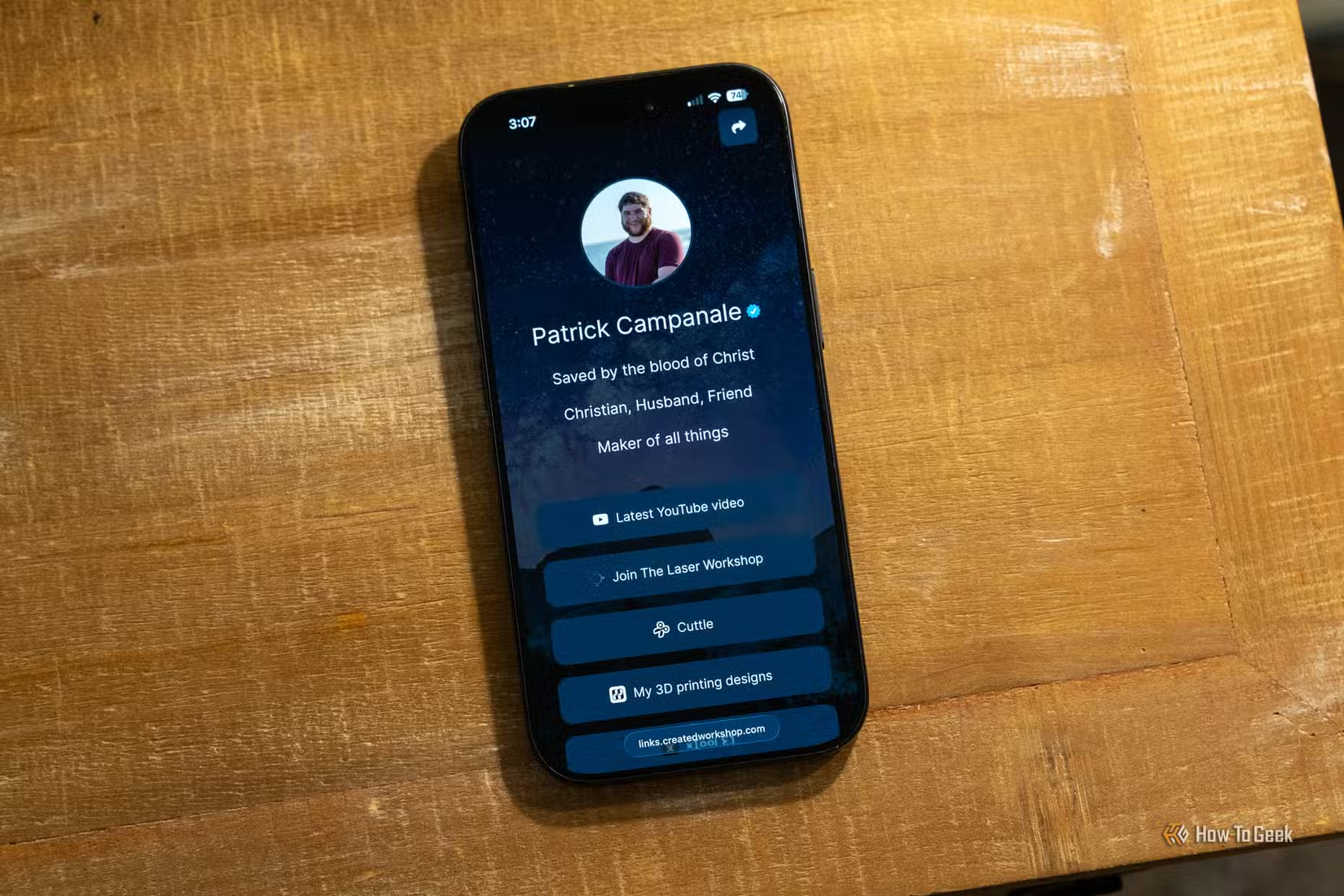
Patrick Campanale has been running his own media server for 13 years. The tech writer at How-To Geek recently tallied the subscription services he no longer pays for. The total: $2,400 per year, replaced by five self-hosted applications running on hardware he already owned.
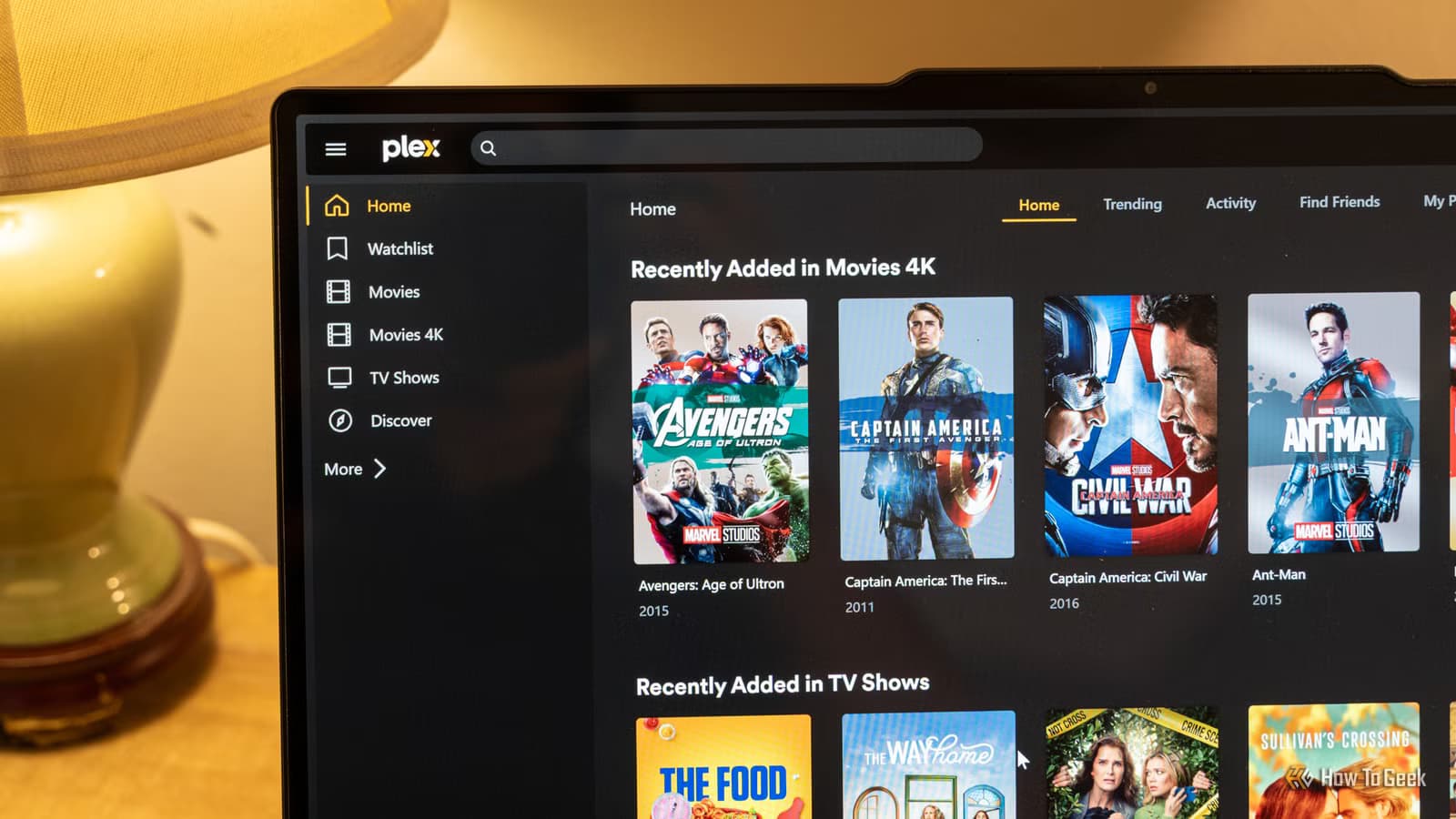
His setup includes Plex for streaming, Nextcloud for file storage, and three other open-source tools that handle tasks most people outsource to monthly services. The approach requires technical comfort and time investment, but Campanale argues the payoff extends beyond money.
“Self-hosting isn't just about saving money; it's about reclaiming digital sovereignty and ensuring you actually own the data you create.”
— Patrick Campanale, Editor/Writer at How-To Geek
The Five Apps That Replaced Subscriptions
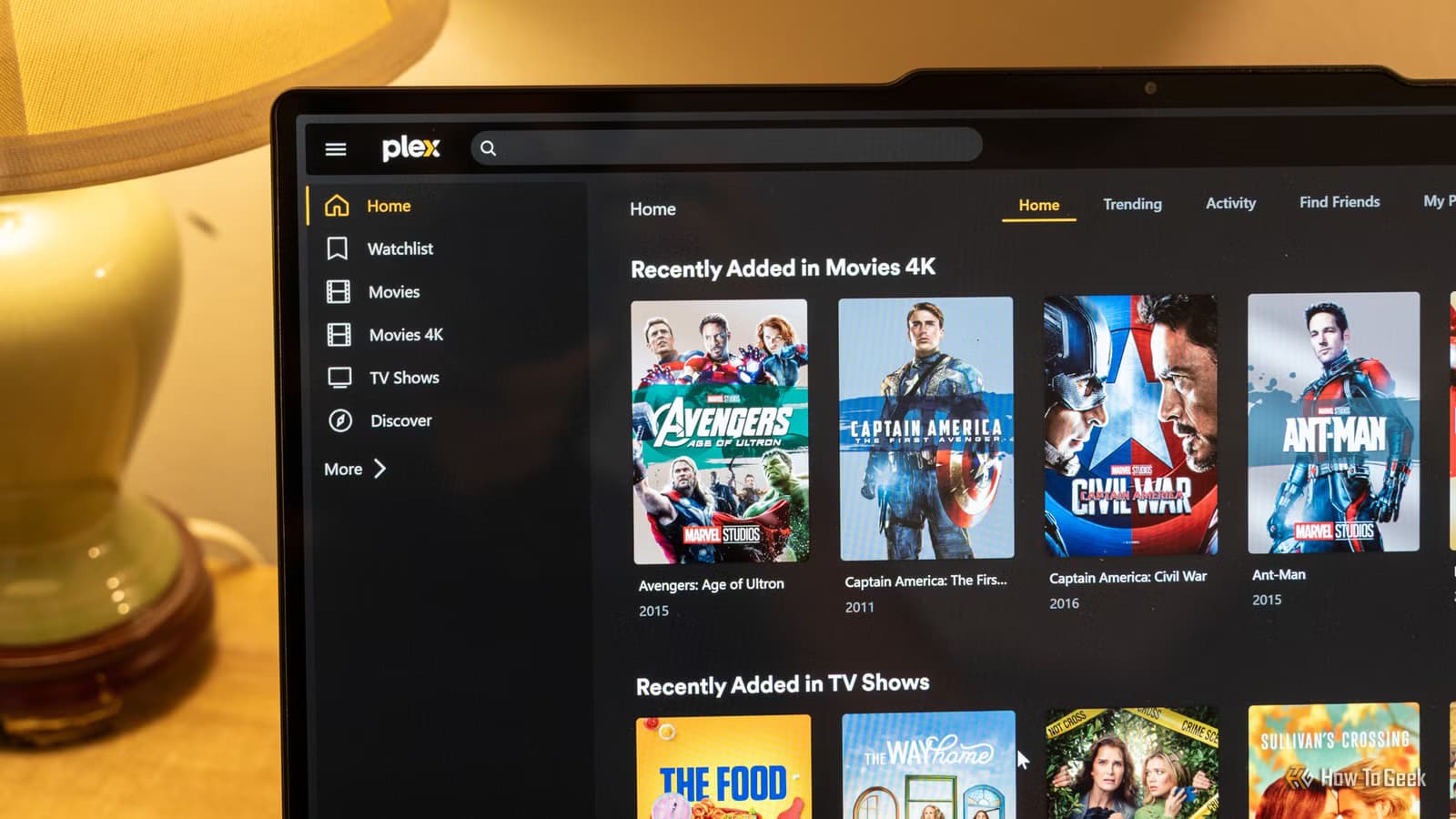
Campanale's self-hosted stack centers on Plex, the media server software that lets users stream their own video libraries to any device. He bought a lifetime Plex Pass years ago and has since canceled all streaming subscriptions. His wife and family access the shared library from anywhere.
For those who prefer fully open-source software, Jellyfin serves as a Plex alternative with no licensing fees. Both applications turn a home computer into a Netflix-style streaming service for media you own.
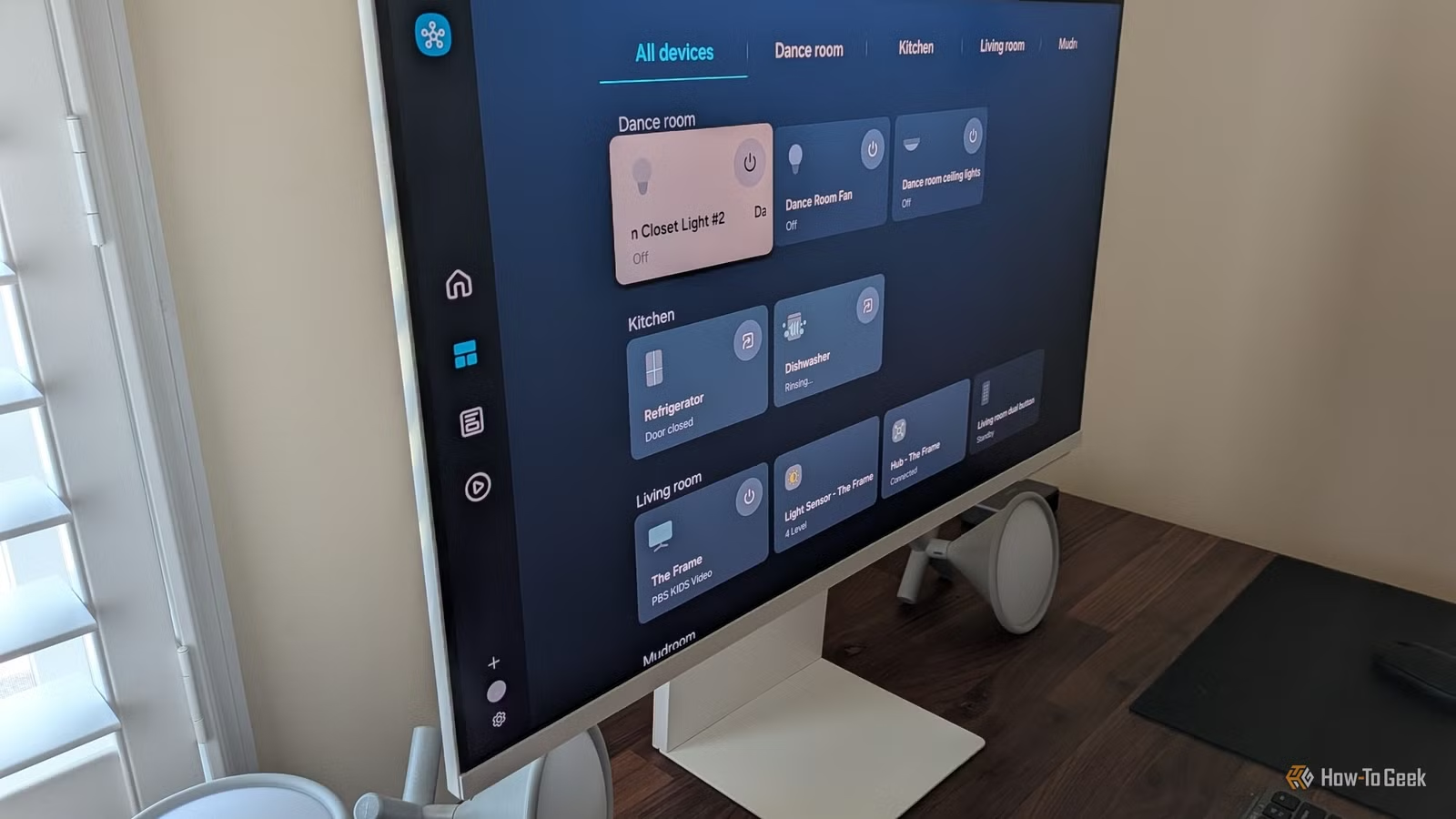
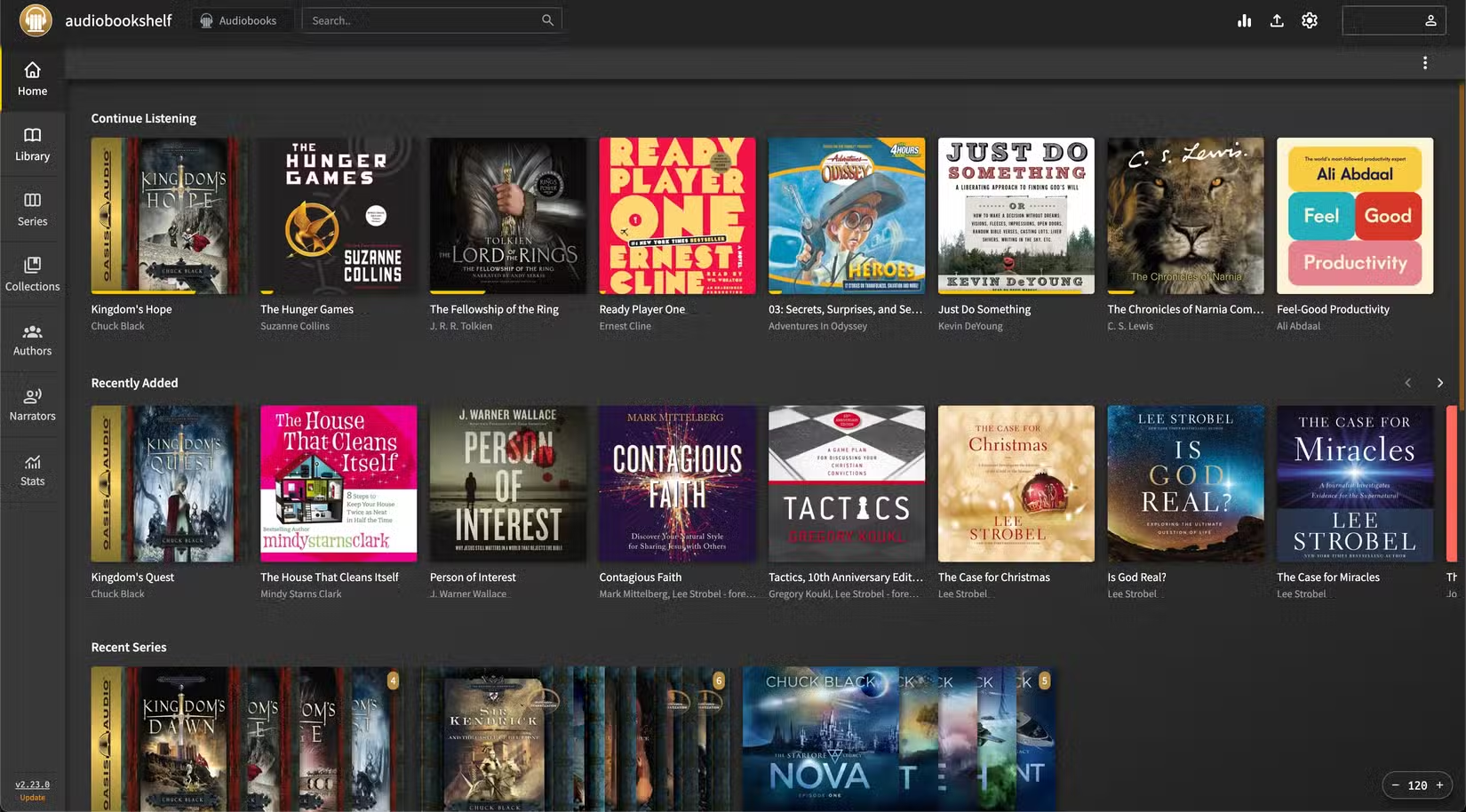
The remaining apps in Campanale's setup handle cloud storage (replacing Dropbox or Google Drive), password management, home automation, and workflow automation. Each replaces a service that typically costs $5 to $20 per month.
The Real Cost Calculation
Campanale acknowledges his setup was not free to start. He repurposed old hardware and drives, but building a capable media server from scratch can cost $300 to $1,000 depending on storage needs and performance expectations.
The self-hosting community on Reddit and Hacker News has challenged the $2,400 savings figure. Critics point to electricity costs, hardware replacement, and the hours spent on maintenance. A server running 24/7 can add $10 to $30 monthly to an electric bill. Hard drives fail. Software updates break things.
One data point complicates the cloud storage comparison: an estimated 50% of cloud storage users consume less than 20% of their allocated space. For light users, a $3/month basic plan might already be overkill.
✅ Pros
- • No recurring subscription fees after initial setup
- • Complete data ownership and privacy
- • Immunity from company price hikes or service shutdowns
- • Customization options unavailable in commercial services
❌ Cons
- • Upfront hardware investment of $300-$1,000+
- • Ongoing electricity and replacement costs
- • Requires technical knowledge and maintenance time
- • No customer support when things break
Why 2026 Is Different
Self-hosting used to require Linux expertise and command-line comfort. Docker changed that. The containerization platform packages applications with all their dependencies, making installation as simple as copying a configuration file and running a single command.
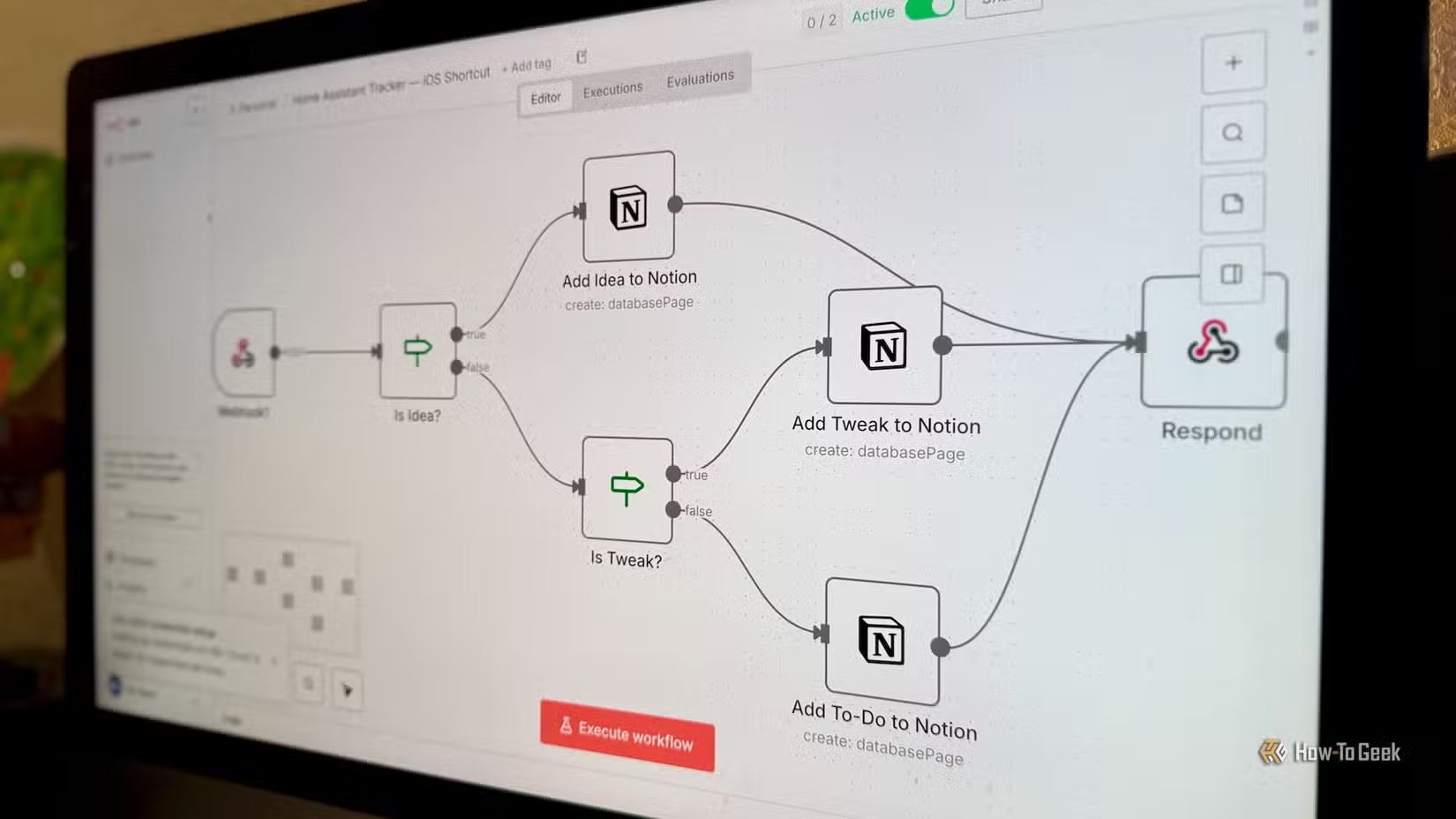
Projects like Nextcloud, Immich (a Google Photos replacement), and n8n (a Zapier alternative) now ship with one-click installers and web-based management interfaces. The barrier to entry has dropped significantly in the past three years.
The timing coincides with subscription fatigue. Streaming services have raised prices and cracked down on password sharing. Cloud storage providers have reduced free tiers. Password managers have moved features behind paywalls. Each price hike makes the self-hosting learning curve more attractive.
Who Should Consider Self-Hosting
Campanale spent five years refining his setup. He already had spare hardware and enjoys tinkering. For someone starting from zero with no technical background, the first year involves more learning than saving.
The strongest case for self-hosting applies to households with multiple streaming subscriptions, large media collections, or privacy concerns about cloud storage. A family paying for Netflix, Hulu, Disney+, and cloud storage could genuinely save $150+ monthly by switching to self-hosted alternatives.
The weakest case: someone who uses a single streaming service and 5GB of cloud storage. The economics don't work, and the convenience tradeoff isn't worth it.
Package managers simplify self-hosted software installation
Getting Started Without Going All-In
The self-hosting community recommends starting small. Install Plex or Jellyfin on an old laptop. See if you use it. Add Nextcloud for file sync if the first experiment works. Each service can run independently.
Mini PCs like the Intel NUC or used enterprise workstations offer quiet, low-power platforms for home servers. Many users start with a Raspberry Pi, though its limited processing power struggles with media transcoding.
The critical question isn't whether self-hosting saves money. It does, eventually, for the right user. The question is whether you value control over convenience, and whether you have the patience for the learning curve.
Logicity's Take
Frequently Asked Questions
How much does it cost to start self-hosting?
A basic setup using repurposed hardware can cost nothing. A purpose-built home server typically runs $300 to $1,000, plus ongoing electricity costs of $10-30 monthly.
Is Plex or Jellyfin better for self-hosted media?
Plex offers a more polished interface and easier setup, but requires a Plex Pass ($120 lifetime) for some features. Jellyfin is fully open-source and free, but requires more configuration.
Can self-hosting replace all my subscriptions?
It can replace storage, media streaming, password management, and automation tools. It cannot replace services that require licensed content, like Spotify's music catalog or Netflix's original shows.
How much technical skill does self-hosting require?
Docker has lowered the barrier significantly. Basic command-line comfort helps, but many self-hosted apps now offer web-based installers. Expect a learning curve during the first few weeks.
What happens to my data if my home server fails?
Without backups, you lose everything. Most self-hosters use RAID arrays for redundancy and off-site backups to a second location or encrypted cloud storage.
Need Help Implementing This?
Source: How-To Geek
Huma Shazia
Senior AI & Tech Writer
Produced with AI assistance and reviewed by the Logicity editorial team. Learn more in our Editorial Policy.