Key Takeaways
- Homebrew has expanded beyond macOS with over 50,000 packages now available on Linux
- Nix offers 100% reproducible environments by treating configurations as code
- Language-specific managers like npm, pip, and Conda work natively across all three platforms
Every developer knows the ritual. You sit down at a fresh machine, open a browser, and spend the next few hours visiting download pages, clicking through installers, and wondering why that one utility still bundles a browser toolbar. Linux users have avoided this for decades with package managers. The rest of us are catching up.
Several package managers now work across Windows, macOS, and Linux. Some ship native binaries for all three systems. Others tap into the Windows Subsystem for Linux (WSL) to bring a full Linux environment to Windows. Here are five that actually deliver on the cross-platform promise.
Homebrew: The Mac Default That Moved to Linux
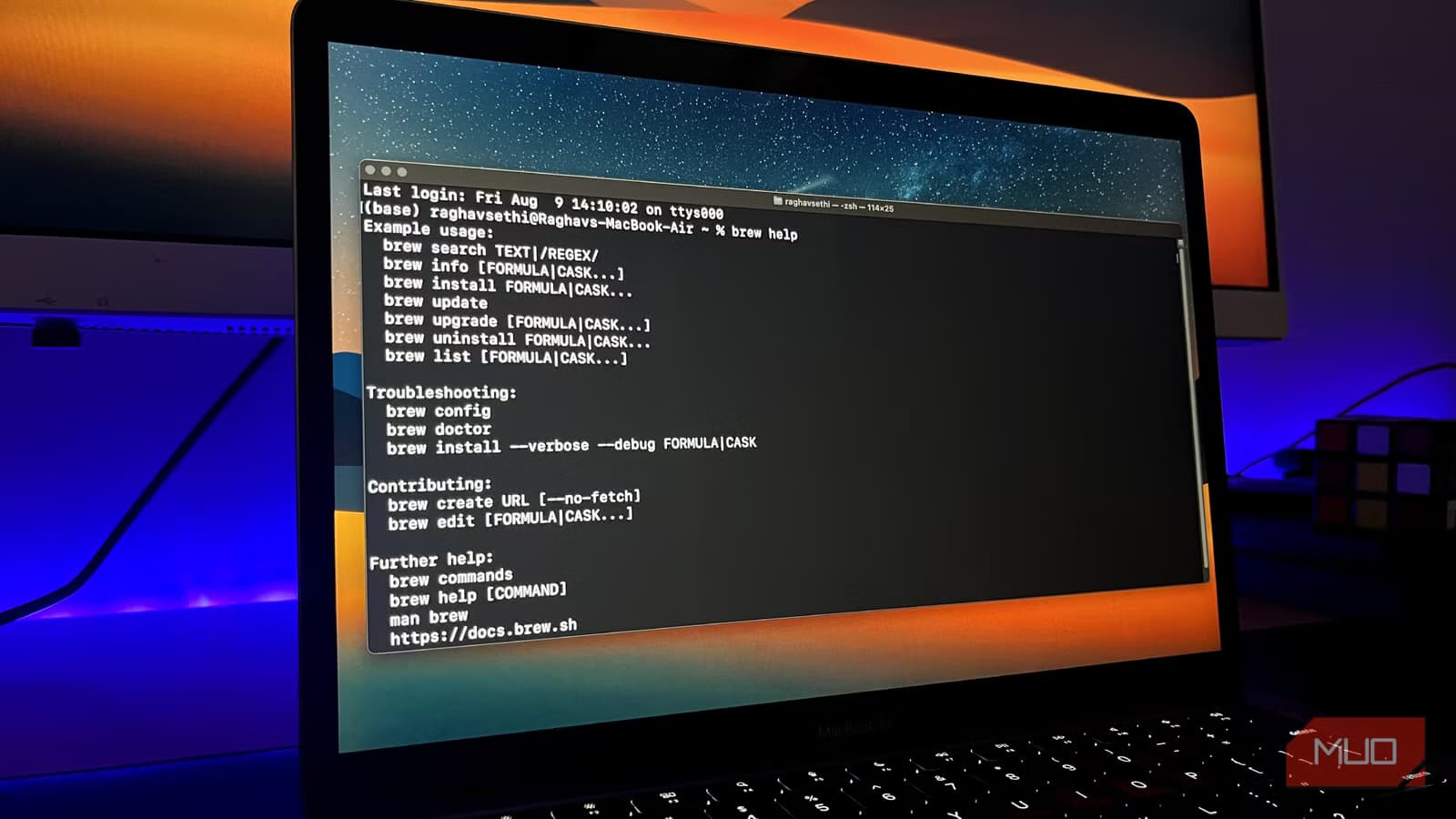
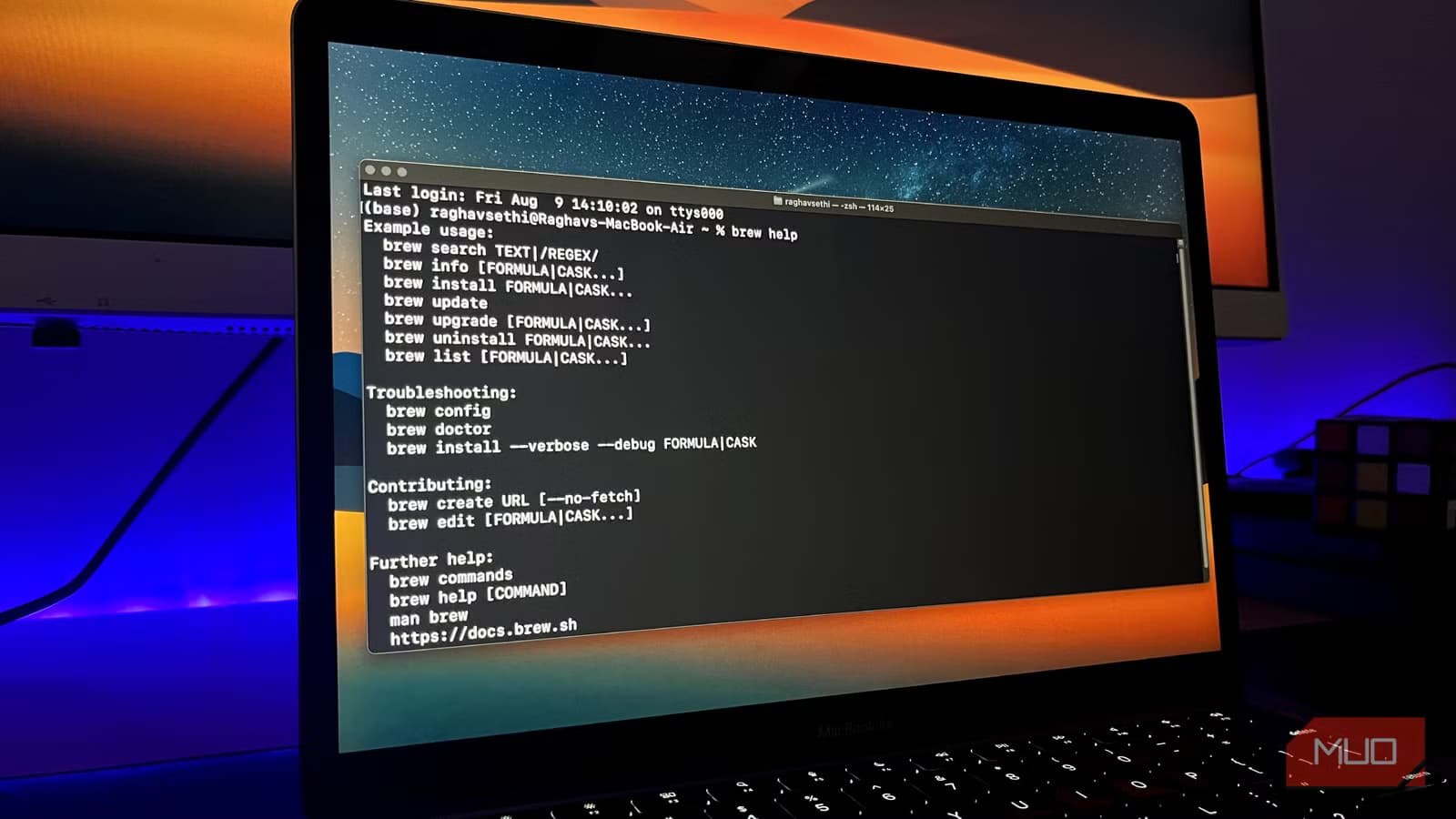
Homebrew started as a way to patch the gaps Apple leaves in the macOS command line. It has since grown into something larger. The repository now contains over 50,000 packages, and the tool runs natively on Linux.
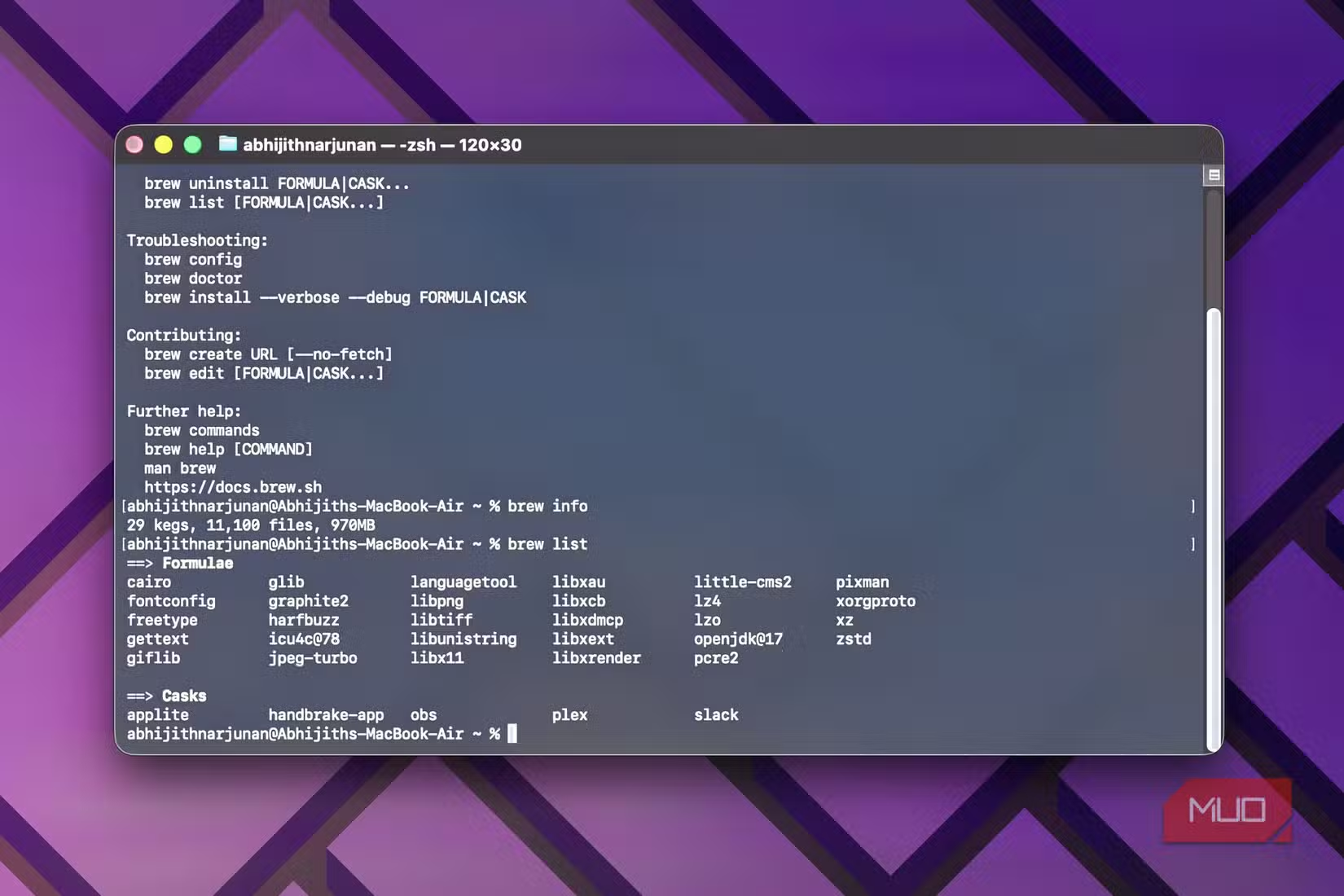
On Linux, Homebrew installs packages in its own sandbox at /home/linuxbrew/ rather than modifying core system files. This isolation appeals to developers who want user-space package management without touching their distribution's native packages.
“The goal of Homebrew is to be the missing package manager for macOS, but it has evolved into a vital bridge for cross-platform development.”
— Mike McQuaid, Homebrew Project Leader
Windows support comes through WSL. You install the Windows Subsystem for Linux, then run Homebrew inside that environment. It works, but you're running Linux commands in a Linux subsystem on Windows, not native Windows binaries.
Nix: Reproducibility as a Feature
Nix takes a different approach. Instead of just installing packages, it treats your entire system configuration as code. Every dependency, every version, every build flag gets recorded. The result is what Nix calls 100% reproducibility. The exact same environment builds identically on any machine.
This solves the classic problem of "it works on my machine" by ensuring every machine runs the same thing. The tradeoff is complexity. Nix has a steeper learning curve than most package managers. You're not just typing install commands. You're writing configuration files that describe your entire environment.
“Nix provides a unique way to handle software deployment by treating configurations as code, which is essential for modern, scalable infrastructure.”
— Eelco Dolstra, Creator of Nix
Nix runs natively on macOS and Linux. Windows support requires WSL, similar to Homebrew. The investment pays off for teams that need identical development environments across distributed machines.
Conda: Built for Data Science
Conda emerged from the scientific computing world. It handles Python packages, but also manages non-Python dependencies like C libraries that scientific tools often require. This makes it popular in data science and machine learning workflows where packages depend on compiled binaries.
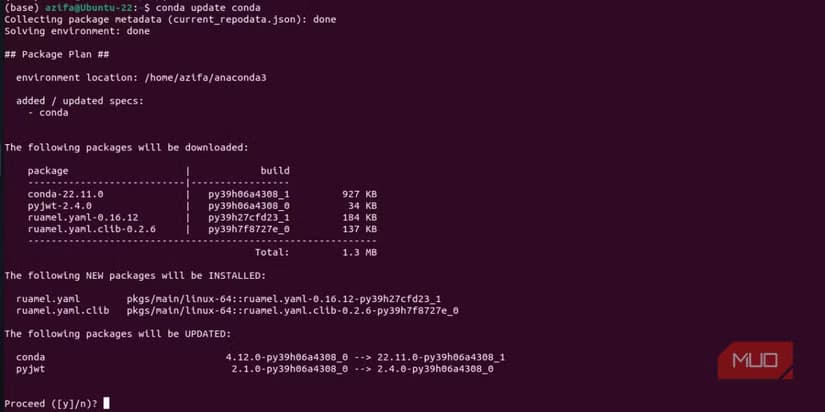
The tool supports over 40 platforms officially. Unlike pip, which handles only Python packages, Conda manages complete environments including system-level dependencies. You can create isolated environments for different projects, each with its own Python version and library set.
Conda runs natively on Windows, macOS, and Linux without requiring WSL. This makes it one of the few options that offers true cross-platform native support rather than emulation or subsystems.
npm: JavaScript Everywhere
npm ships with Node.js and manages JavaScript packages. If you're building web applications, you've likely used it. The package registry contains over a million packages, making it one of the largest software repositories in existence.
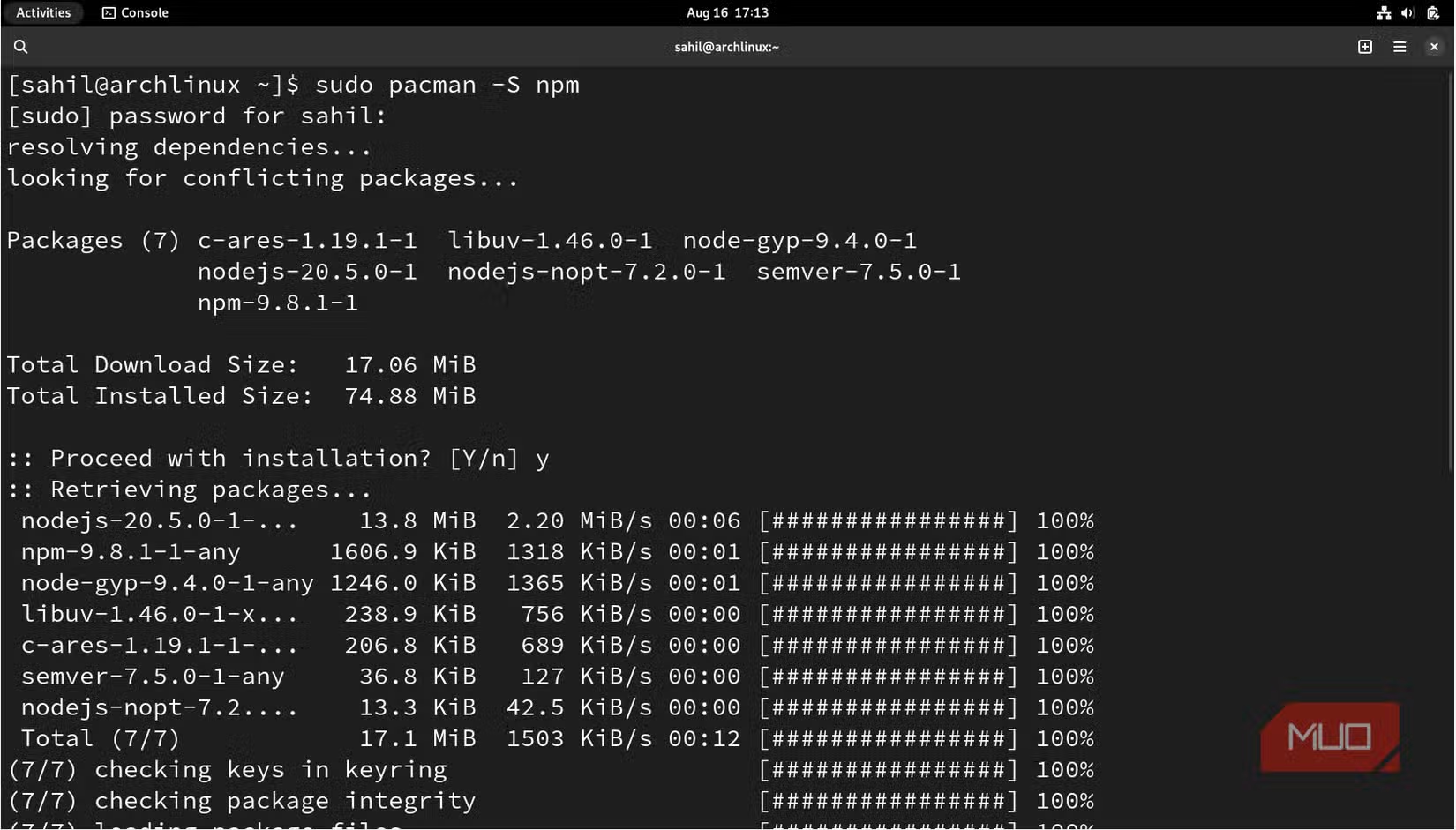
Cross-platform support is native. Install Node.js on Windows, macOS, or Linux, and npm comes with it. Packages install the same way on all three systems. Command-line tools written in JavaScript run identically regardless of operating system.
The scope is limited to JavaScript and Node.js packages. You're not using npm to install system utilities or desktop applications. But within its domain, it works consistently across platforms.
Recent npm security changes affect cross-platform package installation
pip: Python's Built-In Package Tool
pip comes bundled with Python. It installs packages from the Python Package Index (PyPI), which hosts hundreds of thousands of libraries. Like npm for JavaScript, pip is the default choice for Python projects.
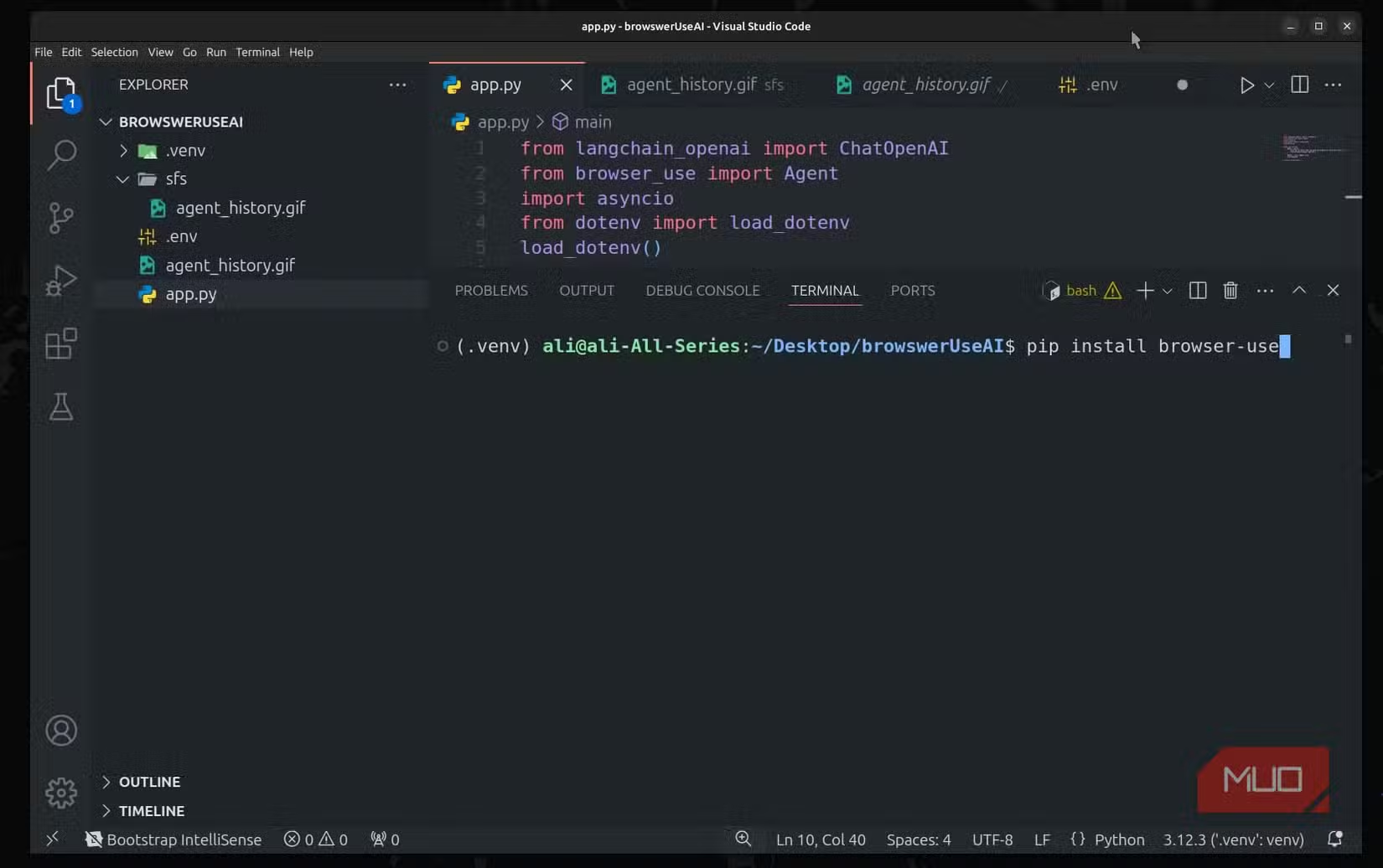
Cross-platform behavior is straightforward. pip commands work identically on Windows, macOS, and Linux. Packages that are pure Python install without modification. Packages with compiled components may require platform-specific binaries, but PyPI hosts pre-built wheels for common platforms.
pip handles only Python packages. For projects that need non-Python dependencies, many developers pair pip with Conda or use virtual environments to isolate installations.
Choosing the Right Tool
| Manager | Native Windows | Best For | Package Count |
|---|---|---|---|
| Homebrew | WSL only | General utilities, dev tools | 50,000+ |
| Nix | WSL only | Reproducible environments | 80,000+ |
| Conda | Yes | Data science, ML | 40+ platforms |
| npm | Yes | JavaScript projects | 1M+ packages |
| pip | Yes | Python projects | 400K+ packages |
The right choice depends on your workflow. Homebrew works well for general command-line utilities if you're comfortable with WSL on Windows. Nix suits teams that need guaranteed reproducibility and are willing to learn its configuration system. Conda handles data science dependencies that trip up other tools. npm and pip are essential for JavaScript and Python development respectively.
Multiple package managers can coexist. Many developers use Homebrew for system utilities alongside npm or pip for language-specific packages. The key is understanding what each tool does best.
Logicity's Take
Frequently Asked Questions
Does Homebrew work natively on Windows?
No. Homebrew on Windows requires the Windows Subsystem for Linux (WSL). You're running Homebrew in a Linux environment hosted by Windows, not installing native Windows binaries.
What is the difference between Conda and pip?
pip installs only Python packages. Conda manages complete environments including non-Python dependencies like C libraries. This makes Conda better for data science projects that depend on compiled binaries.
Is Nix worth the learning curve?
Nix pays off for teams that need identical development environments across multiple machines. The configuration-as-code approach ensures reproducibility. For individual developers or small projects, simpler tools like Homebrew may be more practical.
Can I use multiple package managers together?
Yes. Many developers use Homebrew for system utilities alongside npm or pip for language-specific packages. Just avoid installing the same package through multiple managers to prevent conflicts.
Which cross-platform package manager has the most packages?
npm has over one million packages, but they're JavaScript-specific. For general software, Nix and Homebrew each offer 50,000 to 80,000 packages across various categories.
Need Help Implementing This?
Source: MakeUseOf
Manaal Khan
Tech & Innovation Writer
Produced with AI assistance and reviewed by the Logicity editorial team. Learn more in our Editorial Policy.