Key Takeaways
- Restricting background app activity and pausing unused apps made the biggest difference to battery longevity
- Disabling Always-On Display stops passive battery drain without sacrificing notification visibility
- These optimizations aren't enabled by default, despite the Tensor G5's efficiency improvements
The Pixel 10 Pro ships with battery settings that quietly drain power overnight. A MakeUseOf writer found that five specific changes improved her battery life noticeably by the next morning, without disabling core features or crippling the phone's functionality.
The phone hasn't been out a full year, yet Shimul Sood was already watching her battery percentage more closely than she'd like. Rather than replace the device, she dug into the settings and found several background processes eating power for no good reason.
Which Pixel 10 Pro settings drain battery fastest?
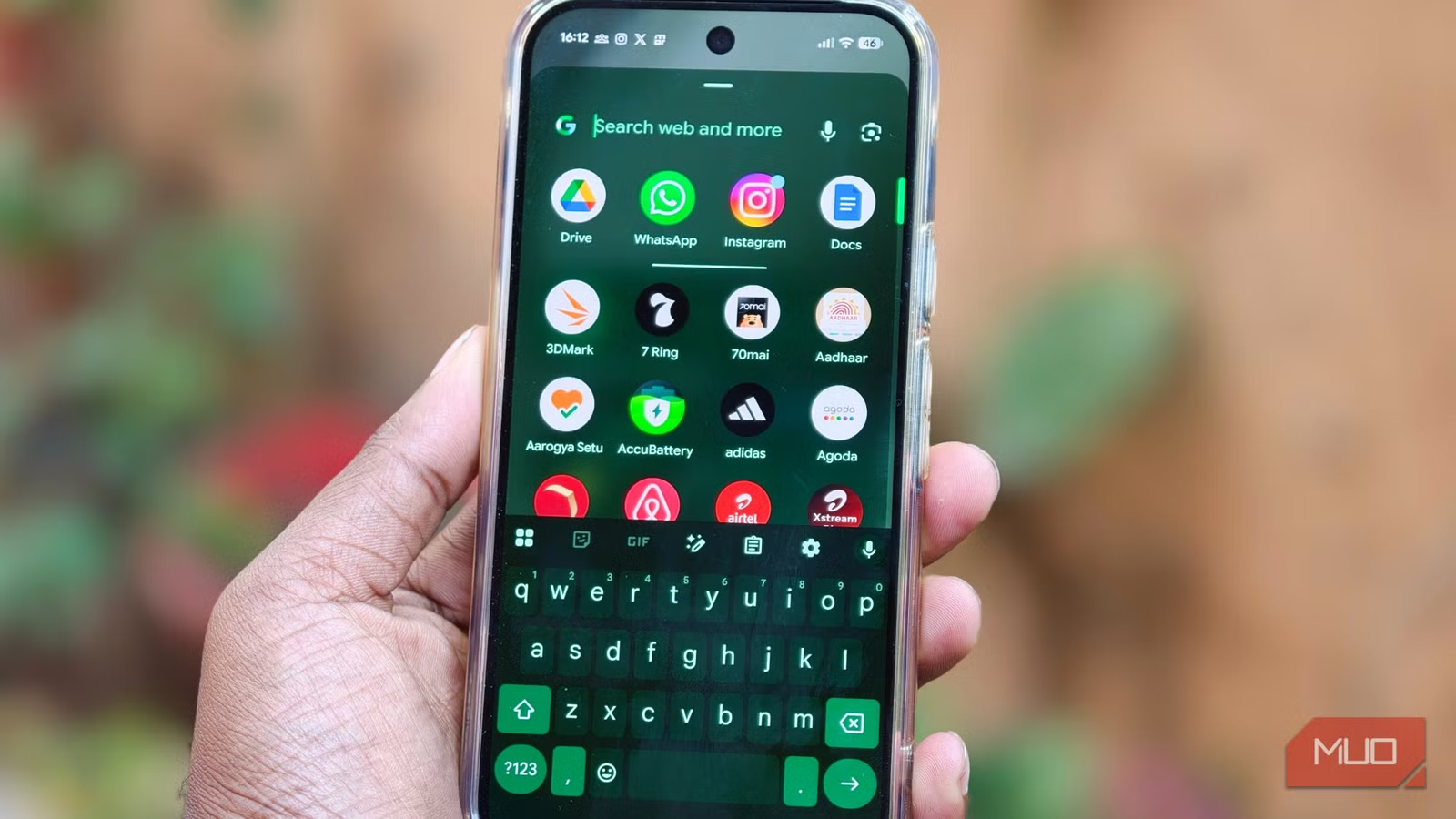
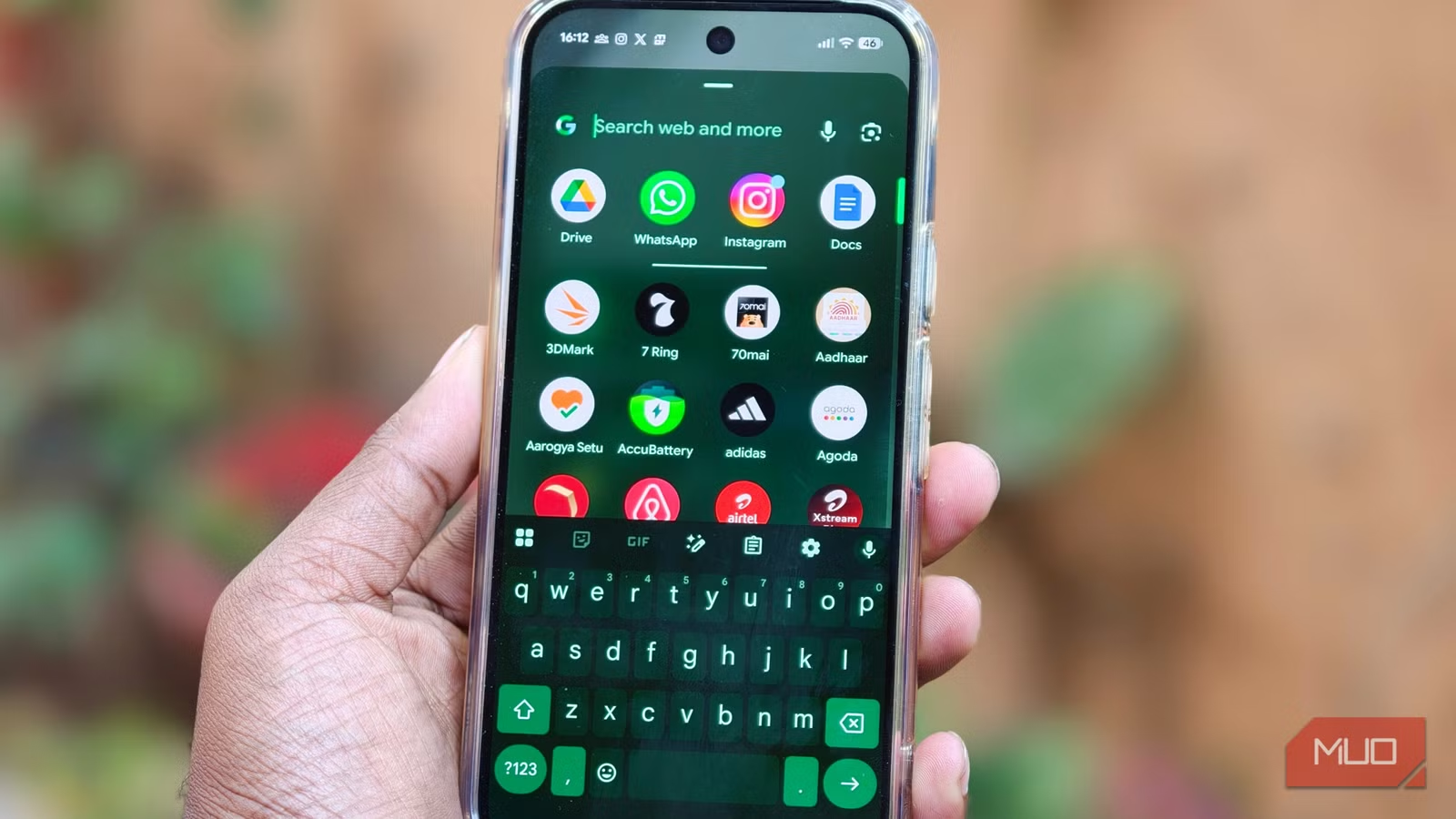
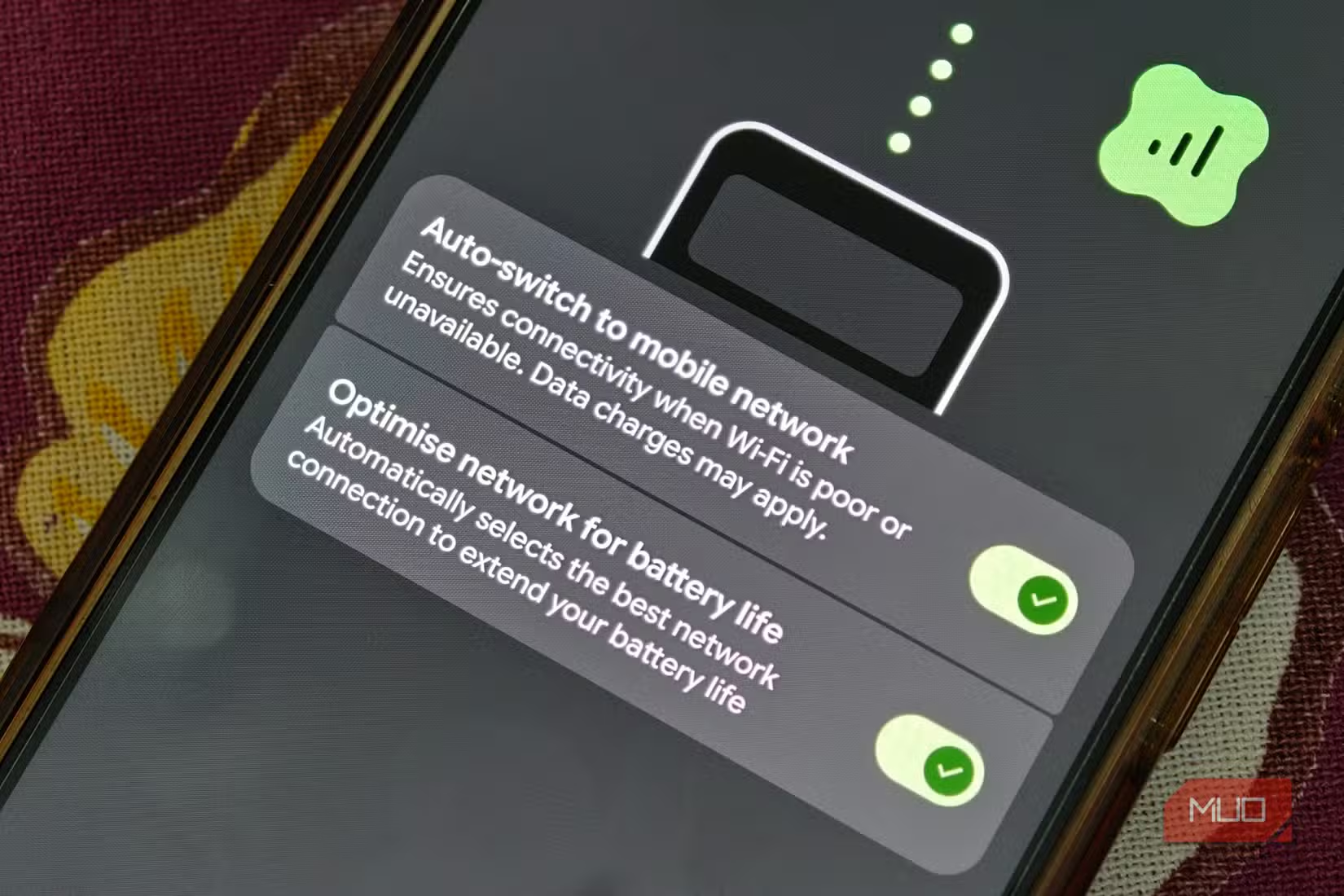
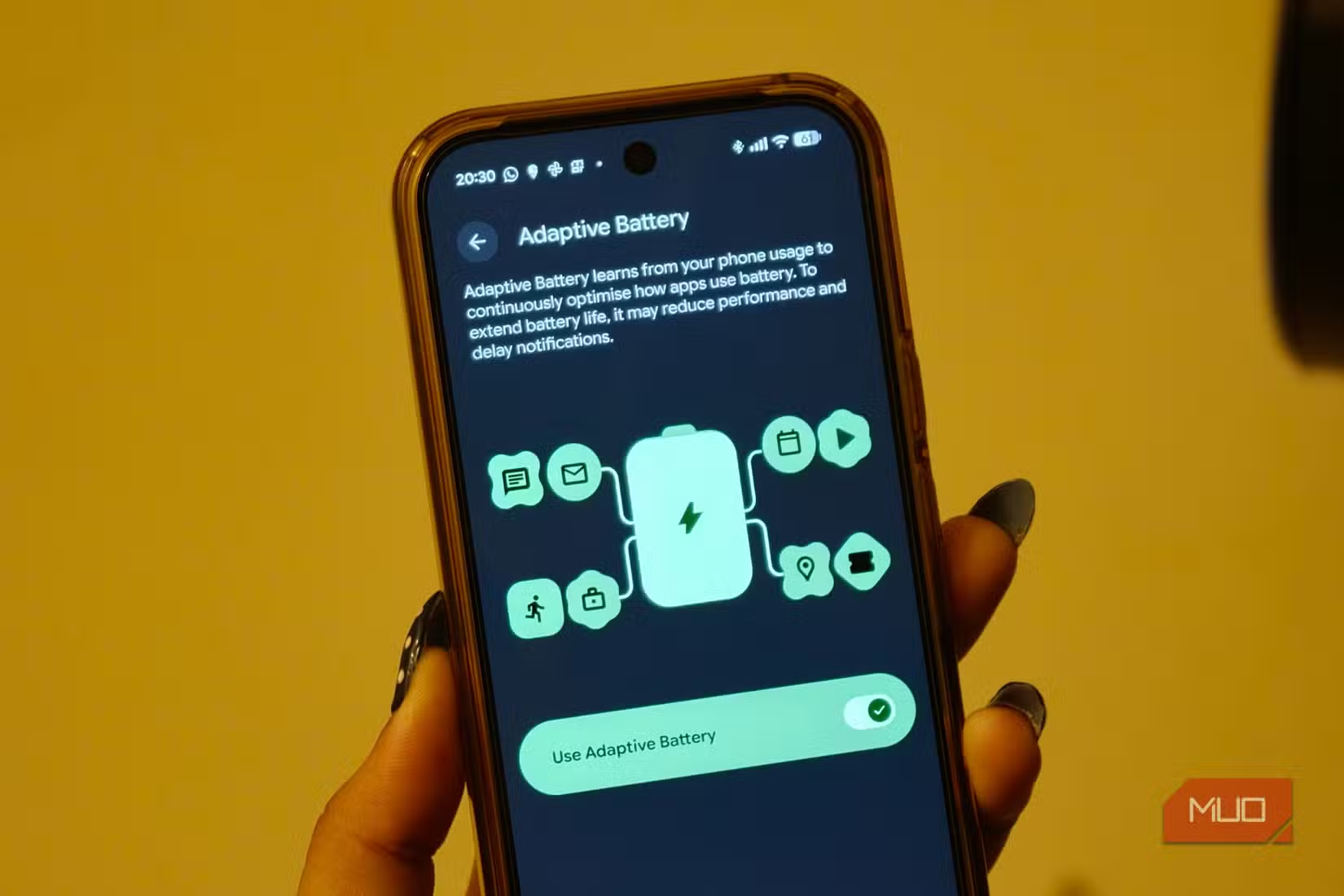
The biggest offenders were apps running unrestricted in the background. Some wake up every few minutes for reasons known only to their developers, and that constant activity compounds throughout the day. The fix: Settings > Battery > Battery Usage, then tap any power-hungry app and set "Allow Background Usage" to "Optimized."
This still lets apps run when needed, but limits how frequently they can wake up. Industry testing suggests restricting background activity and disabling "Mobile Data Always Active" can extend battery longevity by roughly 18% on modern Android flagships.
How to pause apps without uninstalling them
The second change proved even more effective: pausing apps that sit on the phone "just in case." We all have them. Shopping apps opened once a month. Games abandoned after a week. They continue running background processes and consuming resources.
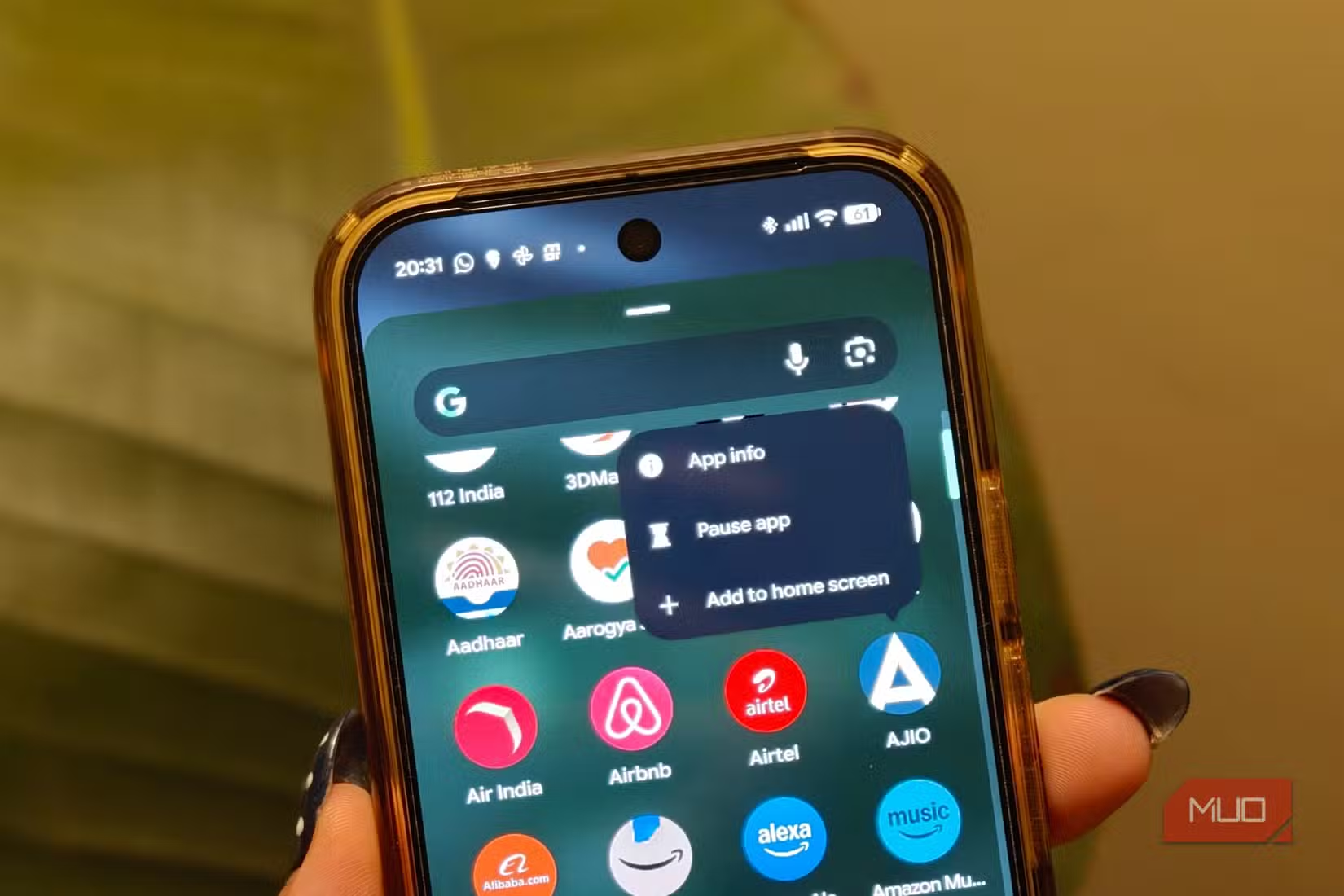
Pixel phones let you hibernate these apps with a long-press on the icon, then tap "Pause app." The app enters hibernation mode: no notifications, no content refresh, no background activity. It wakes only when you manually open it.
The catch is obvious. Don't pause your messaging app or anything you need alerts from. But for that food delivery app you use twice a year? Probably fine.
Does Always-On Display really drain battery?
Yes, and more than you'd expect. The Always-On Display sits there sipping power constantly, even when you're not looking at the phone. Since the screen already lights up for every notification, the feature is largely redundant for most users.
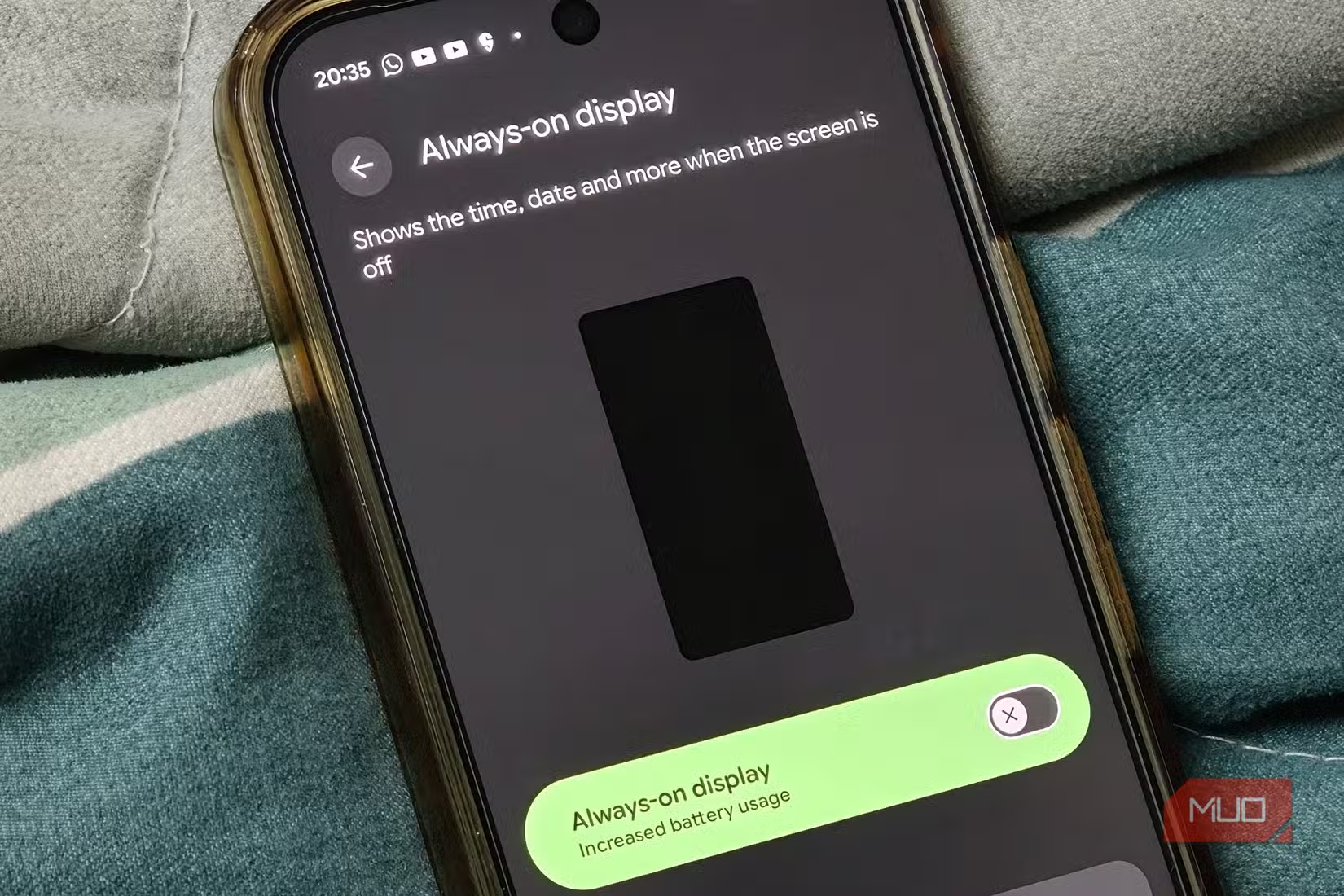
To disable it: Settings > Display and touch > Lock screen > toggle off Always-on display. Combined with the other changes, this made a noticeable difference to overnight drain.
“The combination of the Tensor G5's new efficiency cores and proactive background process management changes how we approach daily battery life, moving away from reactive charging.”
— Hiroshi Lockheimer, Senior Vice President of Platforms & Ecosystems at Google
Why aren't these optimizations enabled by default?
That's the frustrating part. The Tensor G5 chip includes architectural changes specifically aimed at balancing AI tasks with power efficiency. But the operating system's default settings don't take full advantage of this.
On r/GooglePixel, users report "night and day" differences after making these changes manually. Several express frustration that Google doesn't enable stricter background management out of the box. The stock experience prioritizes app functionality over battery longevity, which makes sense for developers but not necessarily for users.
Display resolution is another lever. Switching from "Full Resolution" to "High Resolution" reportedly cuts battery drain by around 15% on Pixel Pro displays. For most tasks, the difference isn't visible to the human eye.
How long before you notice better battery life?
Don't expect a dramatic change overnight. Battery-saving tweaks like these work in the background, and the benefits become more noticeable after a few days of regular use. The system needs time to adjust to the new restrictions and for the hibernated apps to stop their background cycles.
Sood went through this process for several apps and noticed meaningful improvement on her Pixel 10 Pro within a week. The phone went from causing battery anxiety to comfortably lasting through a full day.
Similar approach to finding hidden performance drains in default OS settings
Logicity's Take
Google ships aggressive background permissions because app developers complain when their apps get restricted by default. The tradeoff falls on users. This is a policy decision, not a technical limitation. The Tensor G5 is capable of better battery life; Google just chooses not to enable it out of the box. Until that changes, manual optimization remains necessary for anyone who wants their flagship phone to last a full day.
Frequently Asked Questions
Does pausing apps on Pixel 10 Pro delete any data?
No. Pausing an app puts it into hibernation mode. All data, settings, and login information remain intact. The app simply stops all background activity until you manually open it again.
Will optimizing background usage break app notifications?
Setting an app to "Optimized" rather than "Unrestricted" shouldn't affect most notifications. The app can still wake for important alerts. Pausing an app completely will stop all notifications from that app.
How much battery does Always-On Display use on Pixel 10 Pro?
Exact figures vary by usage, but users report noticeable improvement in overnight drain after disabling it. Since notifications still light up the screen, most functionality is preserved.
Should I reduce display resolution on Pixel 10 Pro?
If battery life matters more than maximum sharpness, yes. Switching from Full to High Resolution can reduce battery drain by approximately 15%, and most users can't perceive the difference during normal use.
Need Help Implementing This?
For enterprise device management or bulk Android optimization across your organization, contact Logicity's editorial team for vendor recommendations and deployment guides tailored to your fleet size.
Source: MakeUseOf
Manaal Khan
Tech & Innovation Writer
Produced with AI assistance and reviewed by the Logicity editorial team. Learn more in our Editorial Policy.






