Key Takeaways
- ESP32-powered E-Ink displays can run 3 to 6 months on battery thanks to deep sleep modes
- The ESPHome framework makes Home Assistant integration straightforward for smart home dashboards
- Color E-Ink panels like Spectra 6 now support high-saturation displays for picture frames and calendars
E-Ink displays look like paper, sip power, and pair well with cheap microcontrollers. The ESP32 family has become the default choice for DIY builders who want Wi-Fi, Bluetooth, and deep sleep modes in a $5 package. These five projects work well for a long weekend. Some take an afternoon. Others might stretch into Sunday evening.
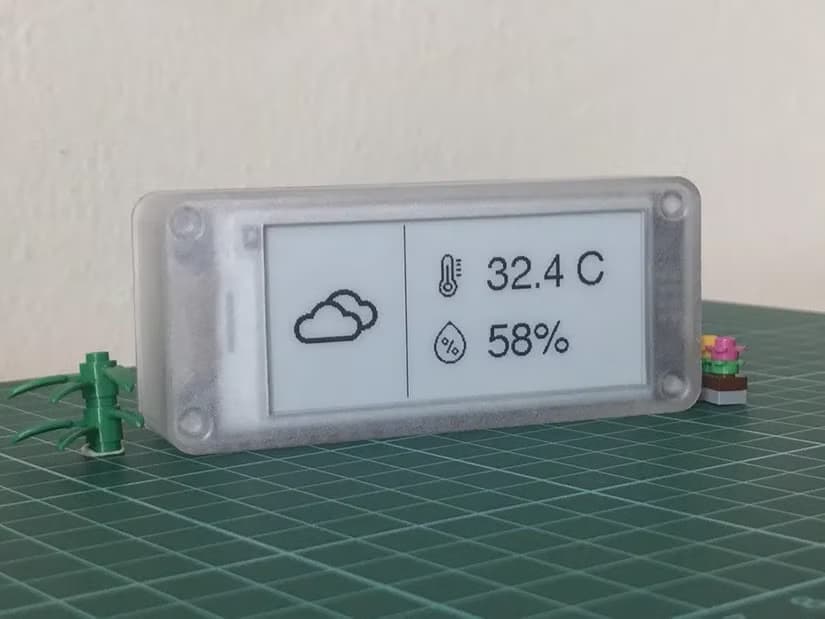
The appeal is simple: build something that stays useful without constant charging. A wall-mounted calendar can run 3 to 6 months on a small battery. A weather display updates once per hour and spends the rest of its time in deep sleep.
1. ESPHome Weather and Task Boards
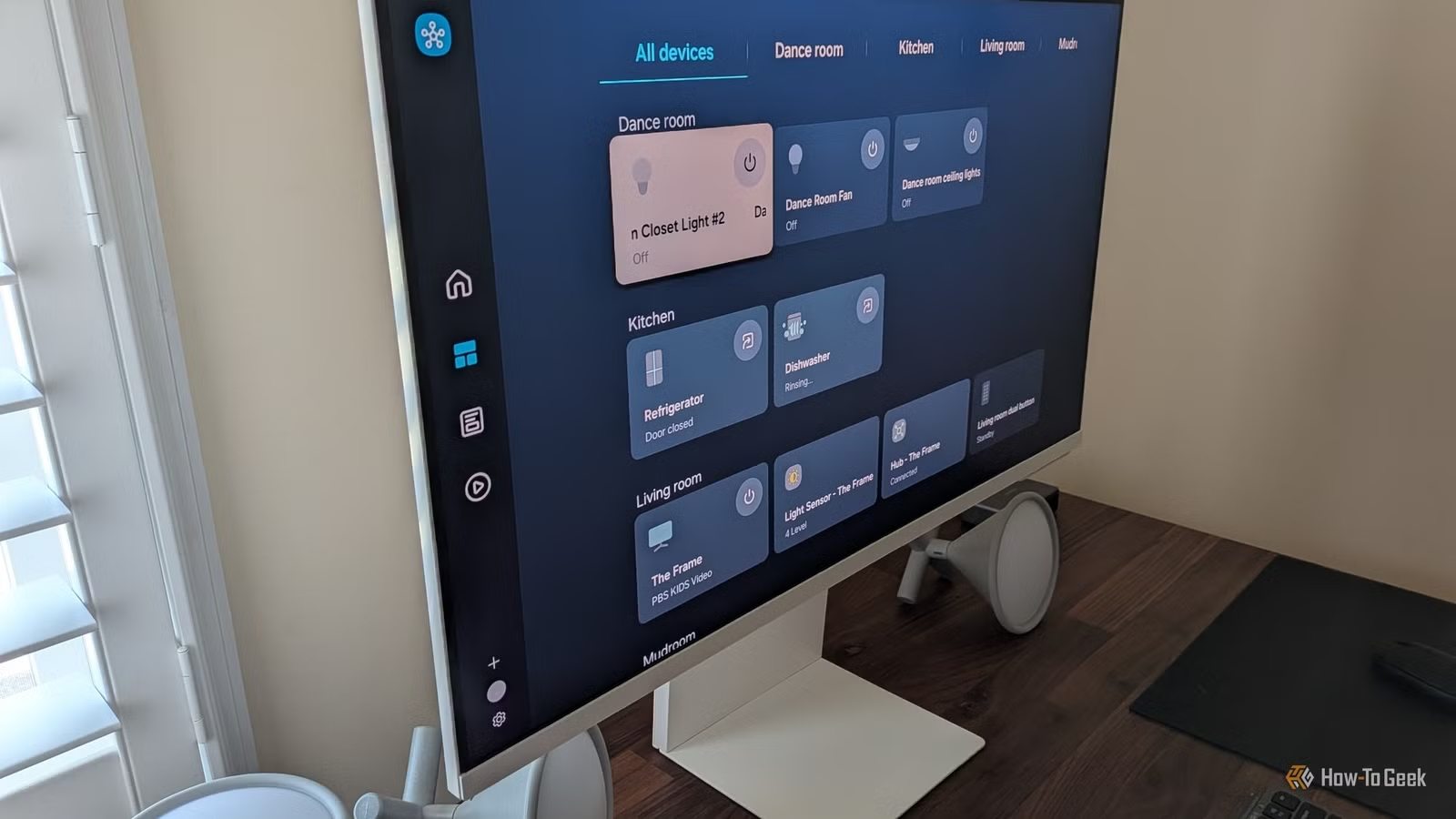
The ESPHome-eInk-Boards GitHub repository offers ready-made YAML configurations for Home Assistant users. Two standout projects: WeatherBoard pulls forecasts from Open-Meteo, while TasksBoard syncs with Home Assistant's built-in task manager or Google Tasks.
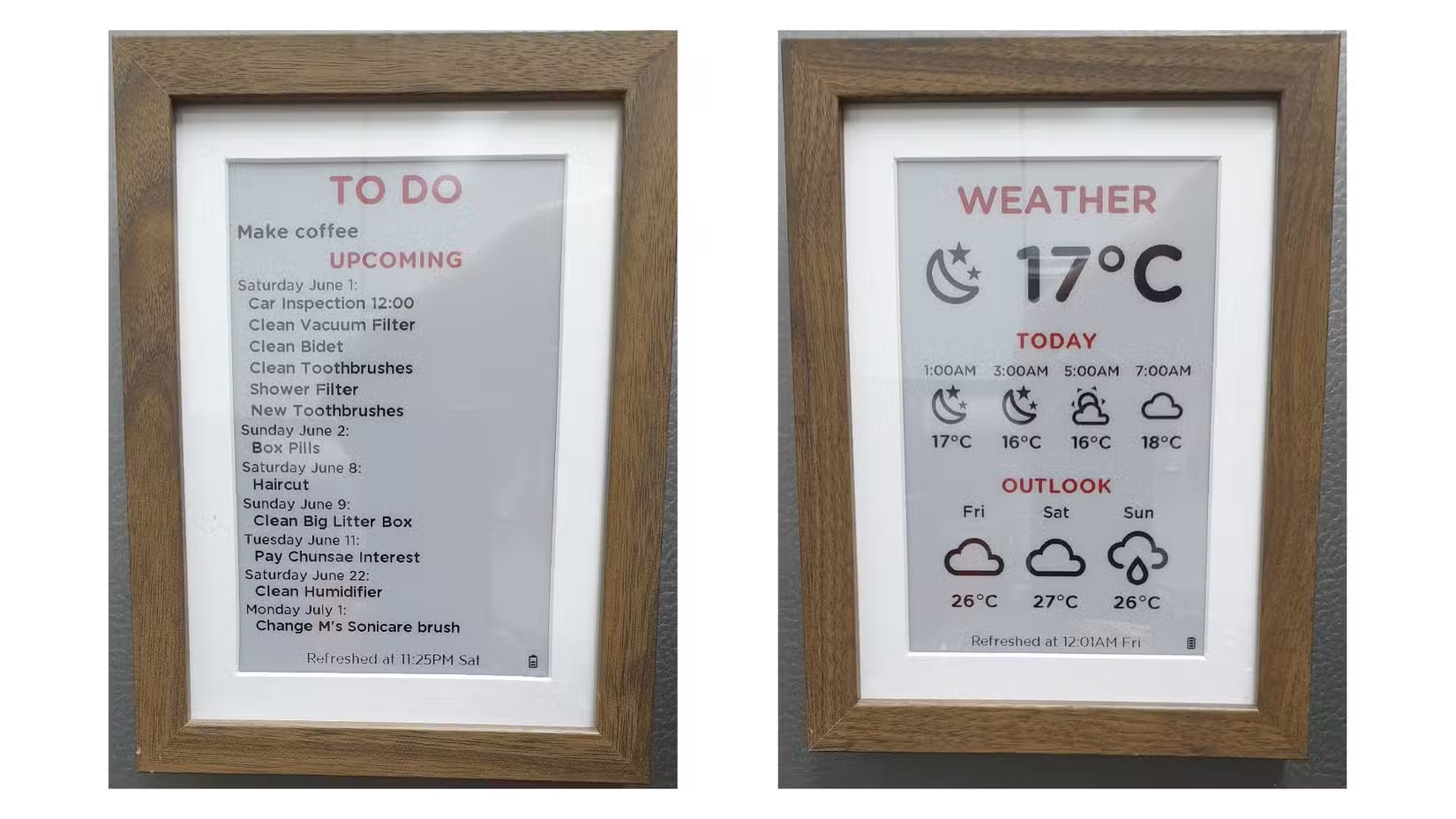
The project author provides a complete bill of materials and a build guide for mounting the board inside an IKEA picture frame. The YAML code is modular enough to serve as a starting point for custom dashboards showing whatever data matters to you.
Switching from an ESP32-S3 to the Wi-Fi 6/Matter-ready ESP32-C6 cuts power consumption by about 40% in these dashboard projects. If battery life matters more than processing power, the C6 is worth considering.
2. Color E-Ink Picture Frame
Waveshare sells a 7.3-inch color E-Ink display pre-mounted in a solid wood frame for around $100. It includes an 1,800mAh battery, so you can place it anywhere without running cables to a wall outlet.
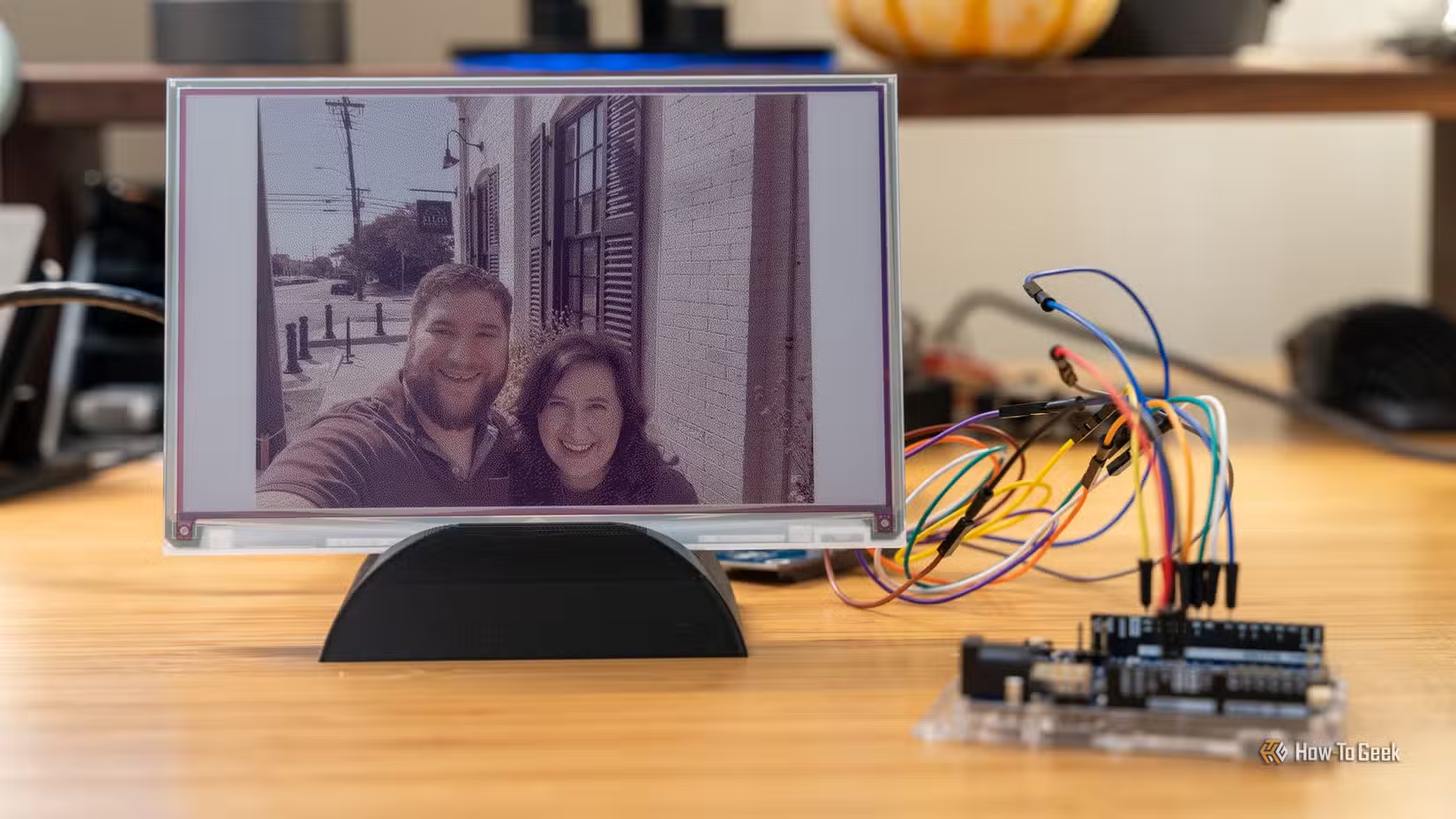
The newer Spectra 6 color standard supports higher saturation than previous generations. M5Stack's M5Paper Color uses this technology and has been showing up in desk setup posts throughout 2026. For a picture frame that rotates through family photos or displays artwork, color E-Ink finally looks good enough.
3. eFortune: ESP32 Fortune Cookie
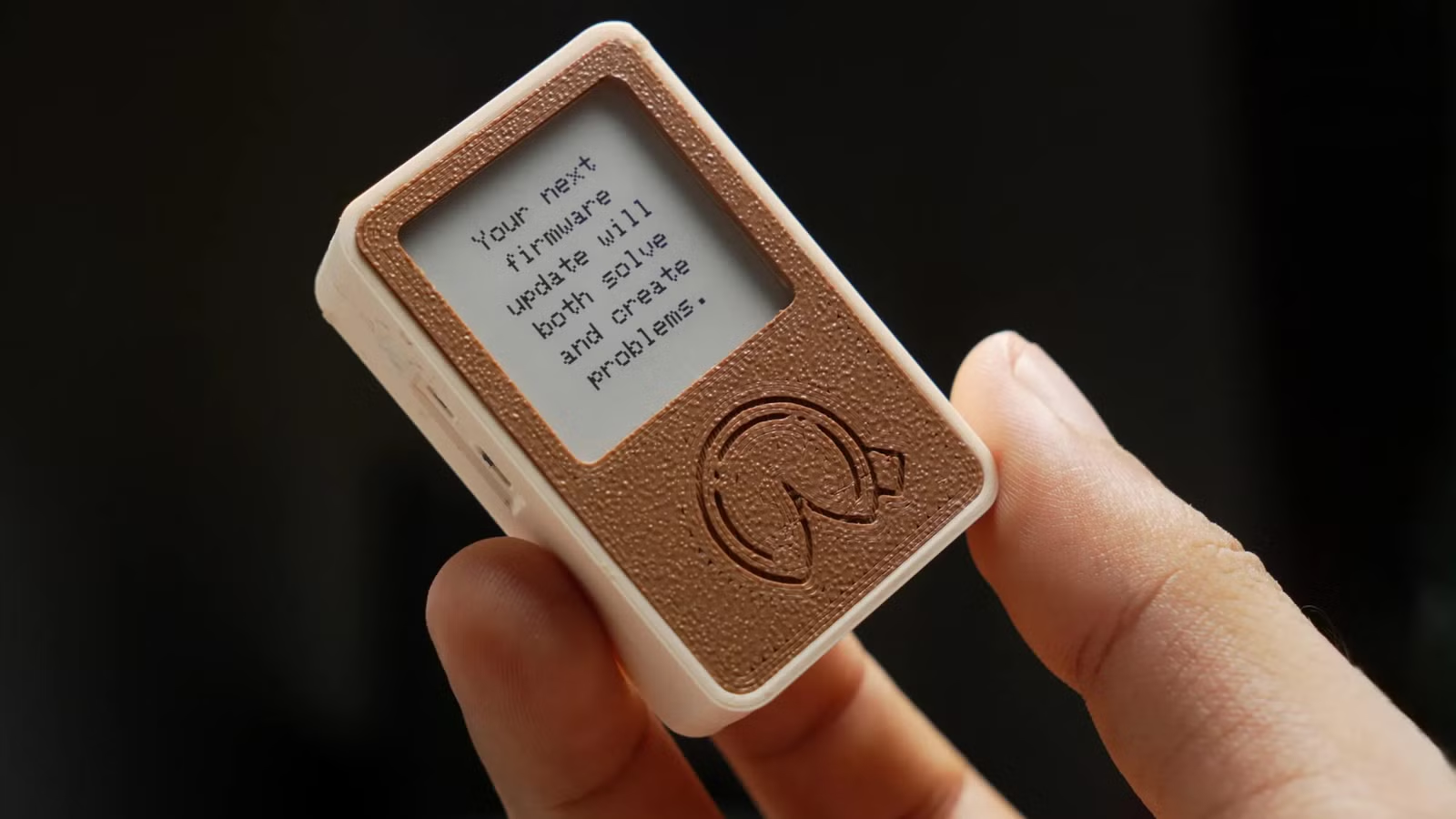
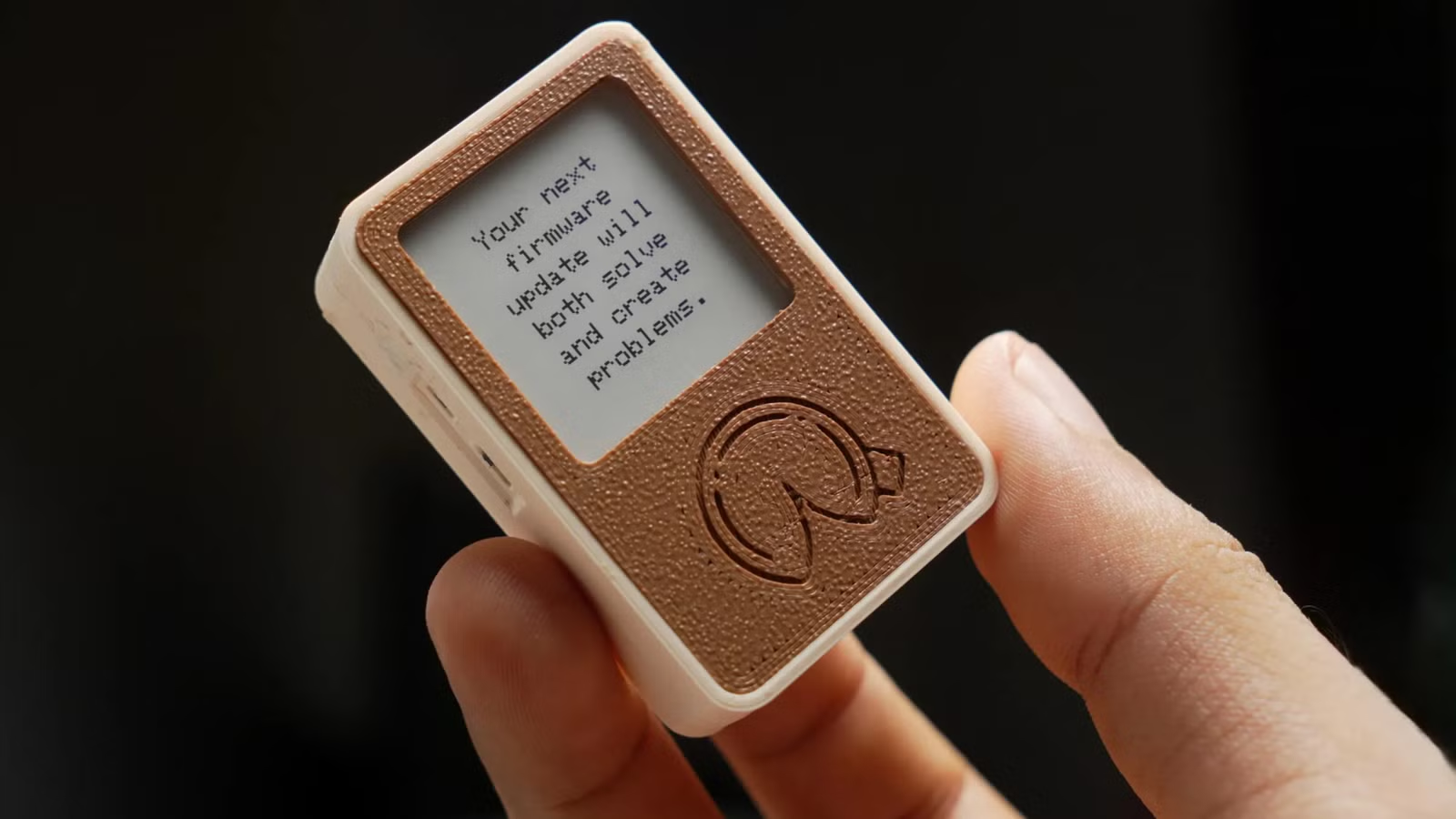
Sometimes a project should just be fun. The eFortune build on Instructables displays random fortune cookie messages on a small E-Ink screen. Press a button, get a fortune. It makes a good desk toy or conversation piece.
This is a beginner-friendly build. The parts list is short, the code is available, and you can customize the fortune database with your own messages. If you want to introduce someone to microcontroller projects, this one requires no prior experience.
4. TrailNav GPS Navigator
TrailNav combines an ESP32 with GPS and E-Ink to create a hiking navigator. The E-Ink display stays readable in direct sunlight, which is where LCD screens struggle. Since the screen only refreshes when you move or request an update, battery life extends well beyond what you would get from a phone running a maps app.
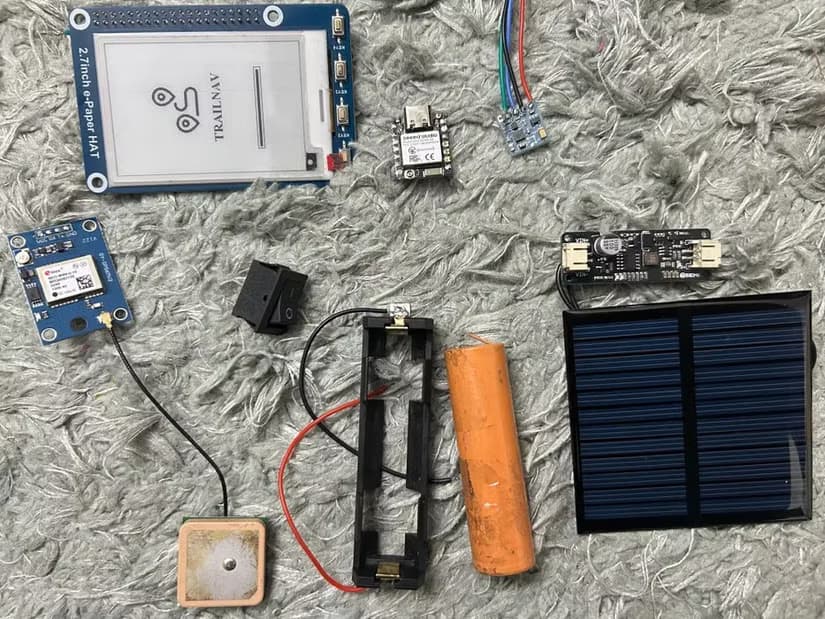
The Instructables guide walks through the build. It is more complex than the fortune cookie project. You will need to handle GPS module wiring and potentially some case fabrication. But the result is genuinely useful for hikers and cyclists who want to leave their phones in their packs.
5. Open Dual-Screen E-Reader
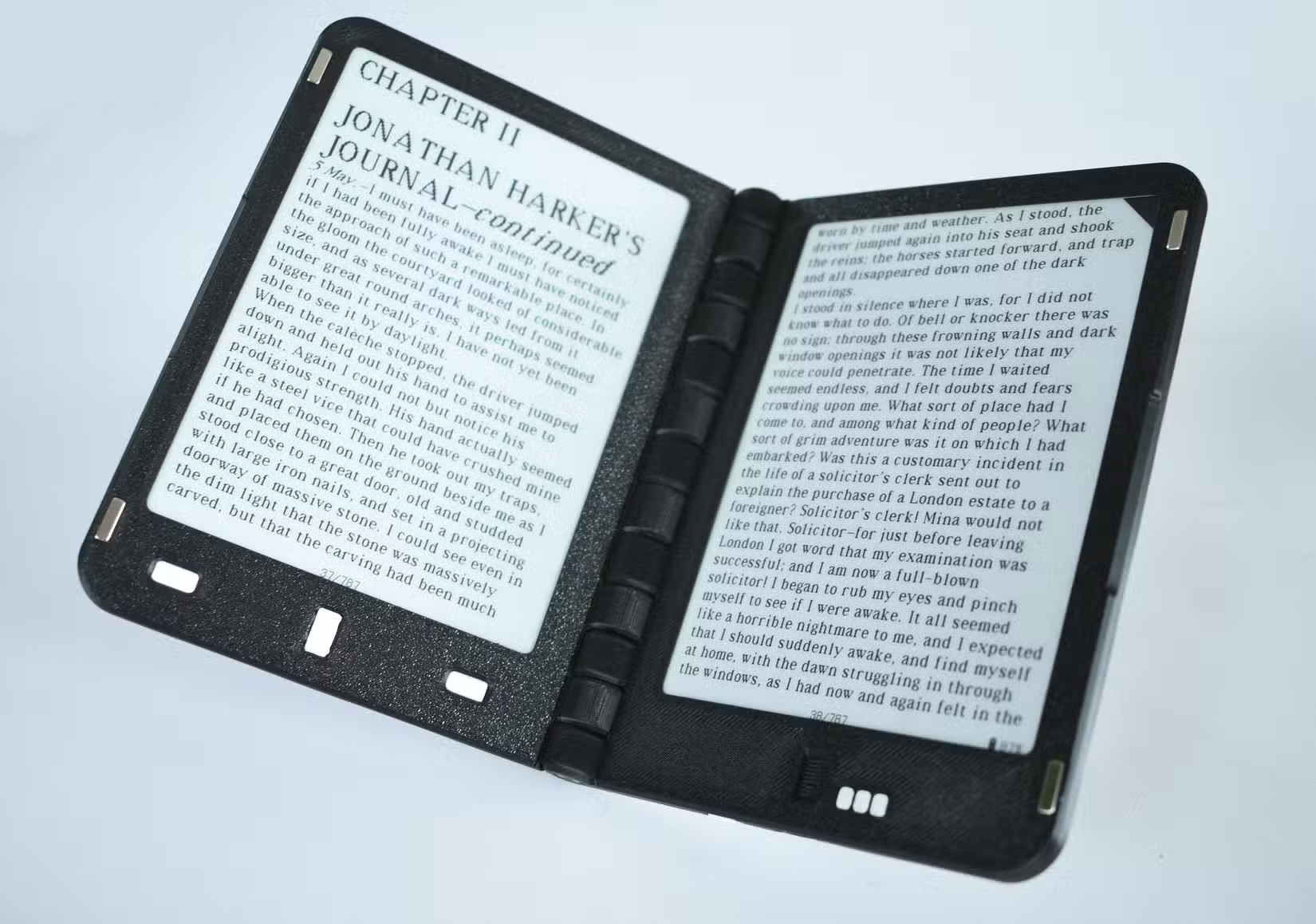
A Reddit user in r/ereader has been developing an open-source dual-screen E-Ink reader. The project aims to replicate the feel of reading a physical book with two pages visible at once.
This is the most ambitious project on the list. It requires sourcing two E-Ink panels, designing a hinge mechanism, and writing firmware for page synchronization. The developer shares progress updates and design files for anyone who wants to follow along or contribute.
Hardware Recommendations
The Seeed Studio XIAO ESP32-C3 costs around $5 and fits most of these projects. It includes Wi-Fi, Bluetooth, and a deep sleep mode that draws almost no power when idle. The compact size makes it easy to hide inside enclosures.
For displays, Waveshare sells E-Ink panels in sizes from 1.54 inches to 10.3 inches. Black-and-white displays are cheapest and refresh fastest. Color panels cost more and refresh slower, but the visual results have improved significantly with Spectra 6.
Community Resources
The r/esp32 and r/homeautomation subreddits have active discussions about E-Ink projects. A current trend involves flashing custom firmware onto budget E-Ink devices to repurpose them as smart home hubs. The Meshtastic community has been using LILYGO T-Deck MAX units for off-grid LoRa communication, with users reporting weeks of battery life.
On HackerNews, discussions often turn to privacy. The ESP32-S3's neural extension allows local voice processing without sending audio to cloud servers. For projects like voice-to-text note takers, local processing appeals to users who want the convenience without the data collection.
Logicity's Take
E-Ink projects hit a sweet spot between useful and achievable. Unlike smart home gear you buy and forget, building something yourself means you understand how it works and can fix it when things break. The ESPHome weather board is probably the best starting point for Home Assistant users. The fortune cookie is perfect for complete beginners. Pick based on your current skill level and available time.
Frequently Asked Questions
How long do ESP32 E-Ink displays last on battery?
A wall-mounted 10.3-inch calendar typically runs 3 to 6 months on battery. Smaller displays updating less frequently can last longer. The key is using deep sleep mode between updates.
Which ESP32 board is best for E-Ink projects?
The Seeed Studio XIAO ESP32-C3 at $5 works for most projects. The newer ESP32-C6 reduces power consumption by about 40% and supports Matter for smart home integration.
Can E-Ink displays show color?
Yes. Spectra 6 panels support seven colors with improved saturation. Refresh rates are slower than black-and-white displays, but color E-Ink has become practical for photos and artwork.
Do I need Home Assistant for these projects?
Only the ESPHome weather and task boards require Home Assistant. The fortune cookie, GPS navigator, and E-reader projects work standalone.
Are E-Ink displays readable in sunlight?
Yes. E-Ink reflects ambient light like paper, which makes it more readable in bright conditions than backlit LCD or OLED screens.
Many E-Ink project enclosures are 3D printed. This guide covers materials and designs to avoid.
The TasksBoard project pulls from Google Tasks. Compare task management options before building a dedicated display.
Need Help Implementing This?
Building smart home dashboards or IoT prototypes for your business? Logicity connects engineering teams with specialists in embedded systems and Home Assistant integration. Reach out to discuss your project requirements.
Source: How-To Geek
Manaal Khan
Tech & Innovation Writer
Produced with AI assistance and reviewed by the Logicity editorial team. Learn more in our Editorial Policy.