Key Takeaways
- Claude Code works for non-developers who want to build small tools and automations
- Projects let you give Claude persistent context so you stop repeating yourself
- Most Pro subscribers use their subscription like an unlimited free tier
You upgraded for more headroom. But what else did you get?
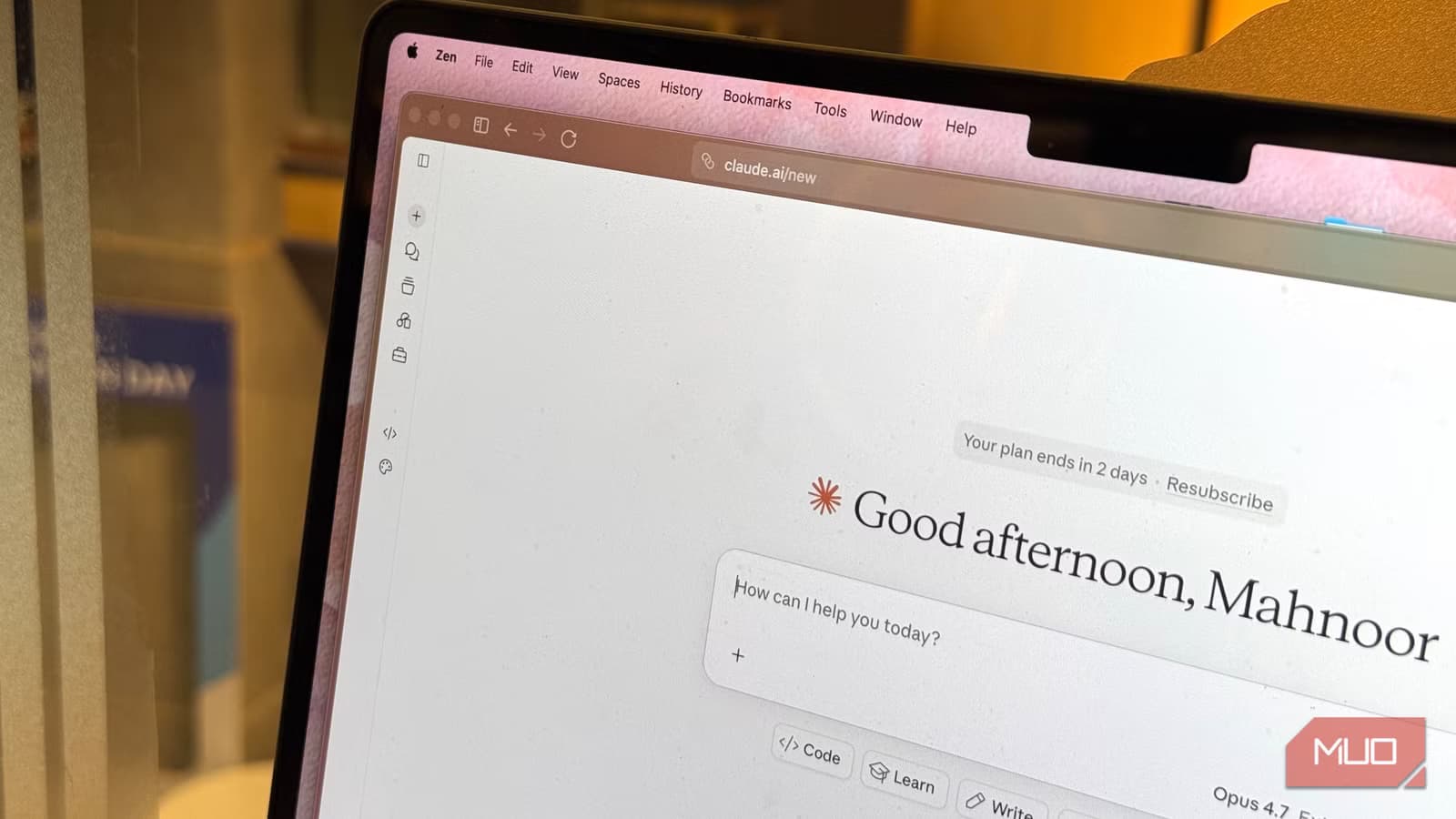
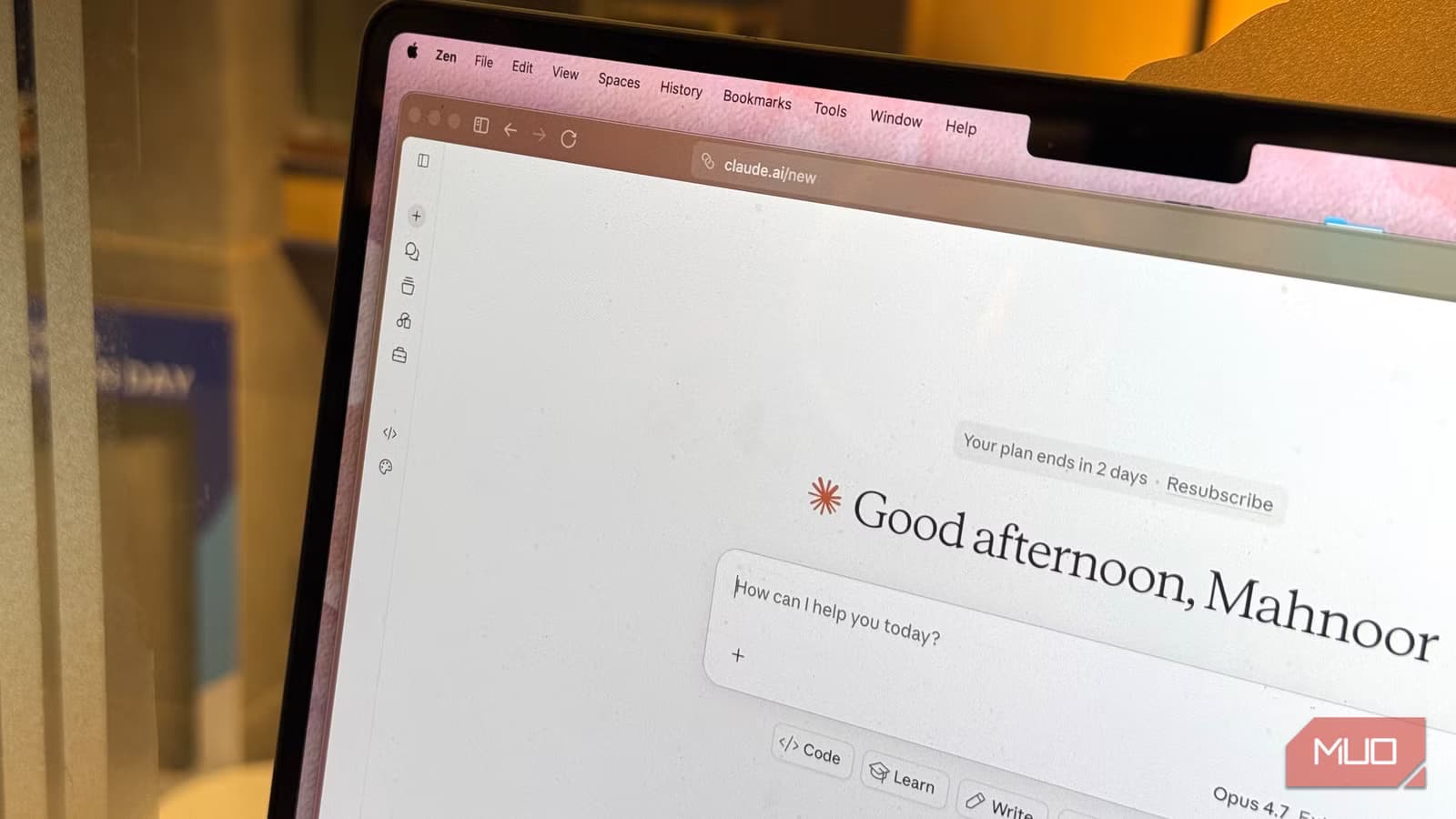
Unless you track every Anthropic release on launch day, you probably upgraded to Claude Pro for one reason: you were tired of hitting the usage limit the second you got into a groove. The extra headroom solved that problem. But here's the thing. You've likely spent months using Pro the exact same way you used the free tier. More messages, same workflow.
That means you're sitting on features you've never opened. Some of them could change how you work. Let's fix that.
1. Claude Code: Not just for developers
A lot of Pro subscribers know Claude Code exists. Fewer have touched it. The name doesn't help. It sounds like something only developers would care about. But Claude Code is quietly one of the most useful tools for non-developers too.
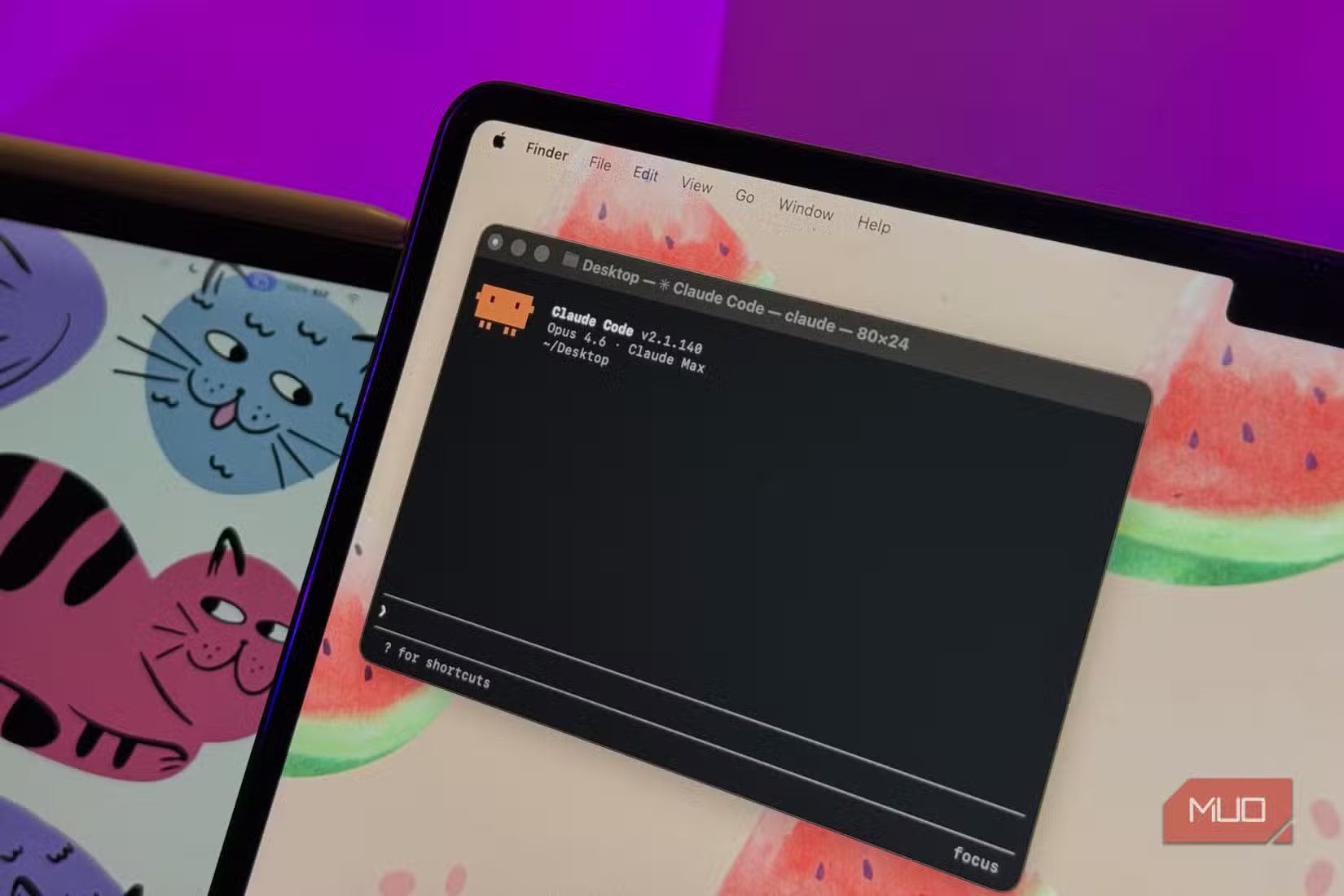
Here's what makes it different from regular Claude. It's a coding agent that runs in your terminal. Unlike Claude in your browser, it can actually touch files on your computer, run commands, and execute multi-step tasks on its own. For developers, that means refactoring codebases, debugging across multiple files, or shipping a feature without copy-pasting code back and forth.
For everyone else? Claude Code is the easiest way to actually build things. Spin up a small web app for a problem only you have. Create a browser extension. Write a script that automates an annoying task. Build a tiny tool that converts one file format to another.
The term "vibe-coding" captures this well. You describe what you want in plain English. Claude Code sets up the project, writes the files, tests it, and debugs it for you. You don't need to know how to code. You need to know what you want to build.
2. Projects: Stop repeating yourself
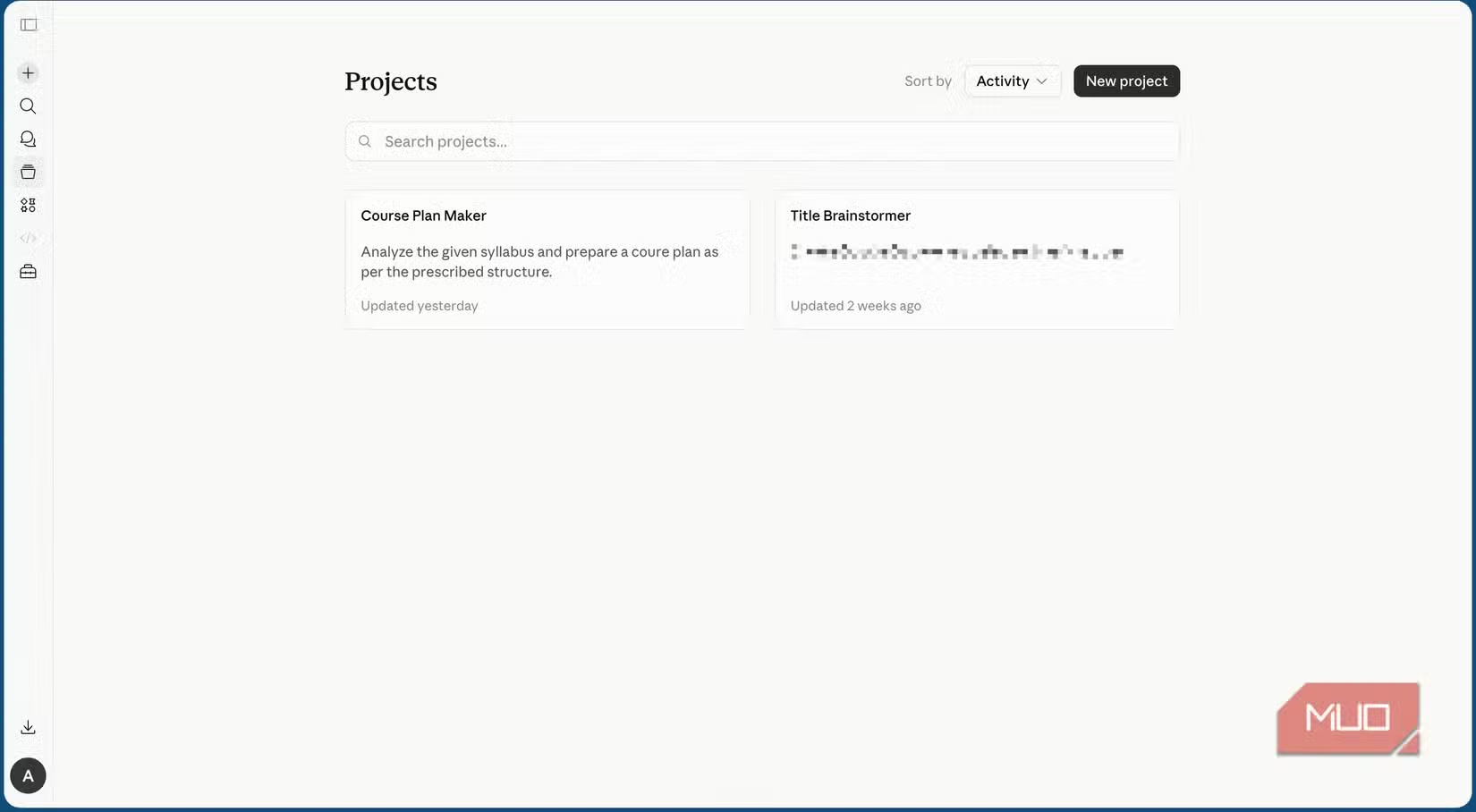
Every time you start a new conversation with Claude, you start from scratch. No memory of your preferences, your writing style, your company's context. If you've ever found yourself typing the same background info for the tenth time, Projects solves that problem.
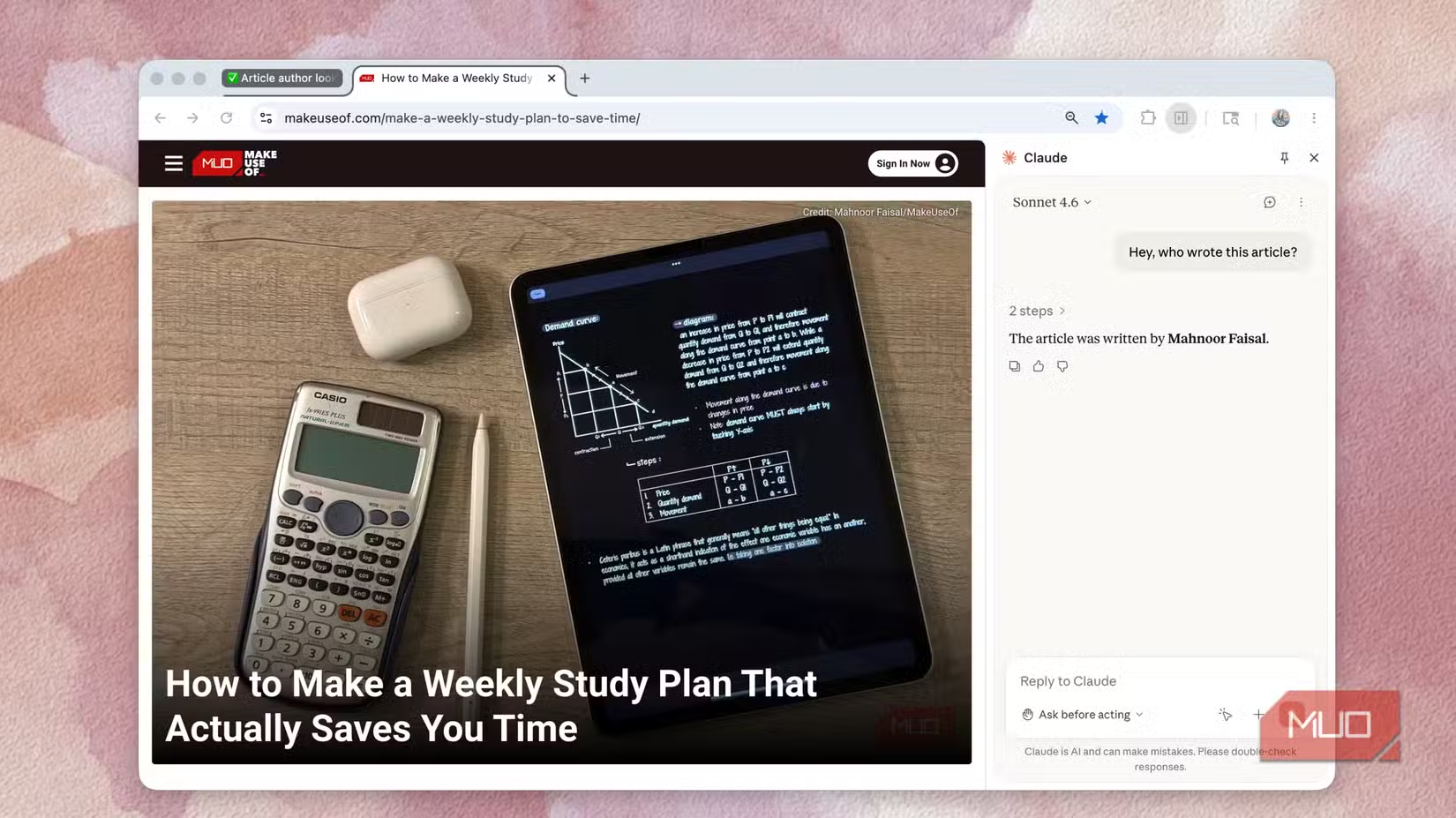
Projects let you create persistent workspaces with custom instructions and uploaded files. You can give Claude context about your business, your tone of voice, your industry jargon. That context carries across every conversation within that Project.
Think of it this way. Instead of briefing a new intern every morning, you have a colleague who already knows how your team works. They remember the house style guide. They know your product names. They understand what "the Q3 initiative" refers to.
3. File uploads that actually work
Free tier users can upload files. But Pro subscribers get more capacity and better handling of large documents. You can drop in a 50-page PDF and ask Claude to summarize it, pull out specific data points, or compare it against another document.
This matters for anyone working with contracts, research papers, technical documentation, or lengthy reports. Instead of reading the whole thing yourself, you can have Claude extract what you need.
4. Artifacts: Visual outputs you can keep
When you ask Claude to create something visual, like a diagram, a chart, or a simple webpage, it generates an Artifact. That's a standalone file you can view, edit, and download. It's not just text in a chat window that disappears.
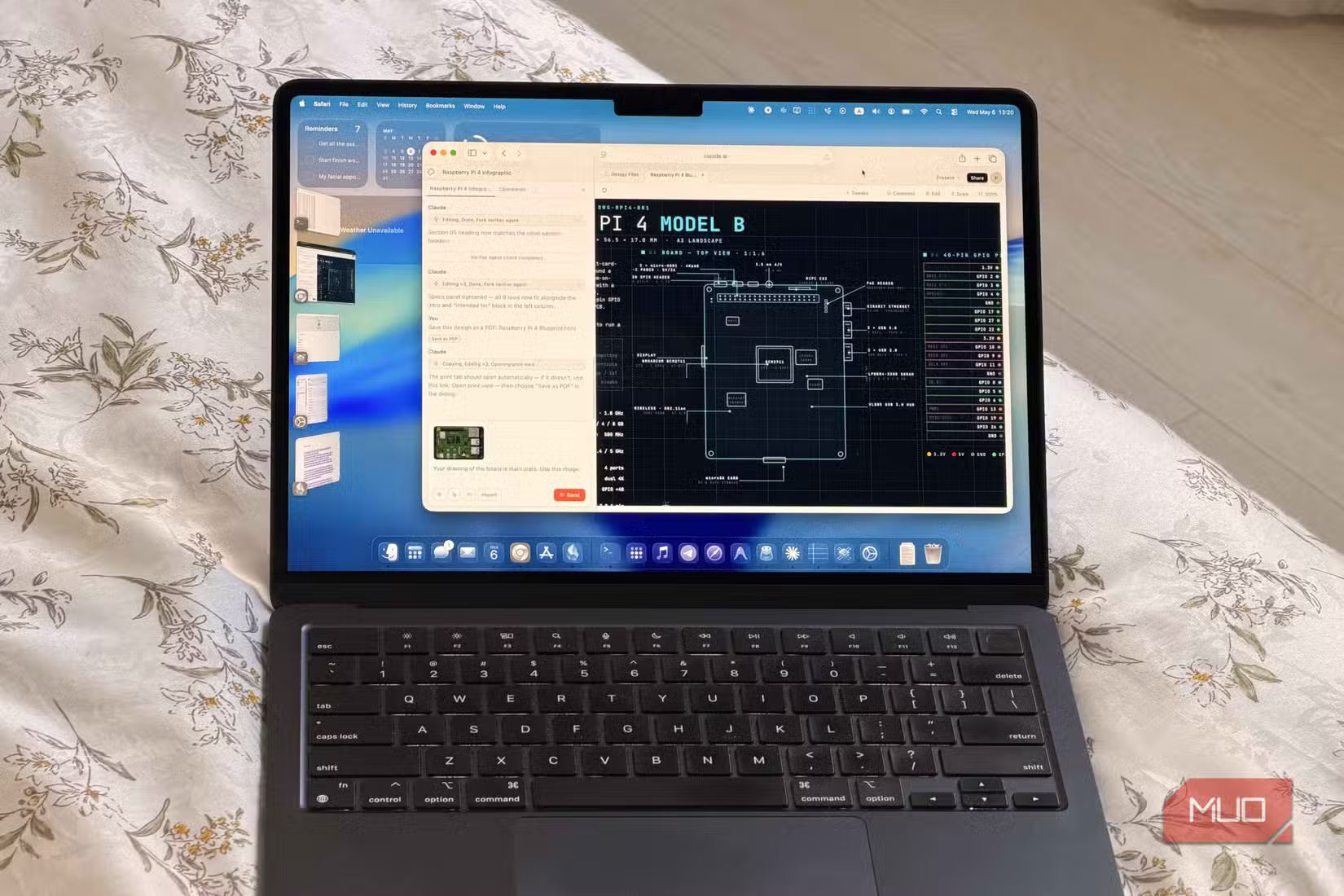
Pro subscribers get better access to more complex Artifacts. You can generate React components, interactive visualizations, and SVG graphics. For non-technical users, this means you can create professional-looking infographics and charts without opening Figma or Illustrator.
5. Model access: You're paying for the best, so use it
Anthropic keeps its most capable models behind the Pro paywall. If you're still defaulting to whatever model the interface picks, you might not be getting what you paid for. Check which model you're using for complex tasks. Claude Opus handles nuanced reasoning and longer context better than the faster models.
This matters most for tasks like analyzing complex documents, writing that requires your specific voice, or multi-step reasoning where the first answer affects everything after it.
If you want more control over AI document analysis
Why this happens
Most people upgrade to solve one problem: the usage limit. Once that's fixed, they don't explore further. The features exist. The documentation exists. But discovery is hard when you're busy actually working.
Anthropic hasn't made it easy either. Claude Code requires terminal access, which sounds intimidating even though it's not. Projects are tucked away in the sidebar. Artifacts appear automatically but don't announce themselves.
If you've been treating Claude Pro like an unlimited free tier, pick one feature from this list and try it this week. Claude Code is the highest-leverage option for most people. It takes 10 minutes to install and could save you hours on tasks you're currently doing manually.

Logicity's Take
Frequently Asked Questions
Do I need to know how to code to use Claude Code?
No. Claude Code handles the coding. You describe what you want to build in plain English. It sets up the project, writes the files, and debugs them for you.
What's the difference between Claude Pro and the free tier?
Pro gives you higher usage limits, access to more capable models like Claude Opus, Projects for persistent context, and Claude Code for building tools.
How do Claude Projects work?
Projects are persistent workspaces where you upload files and set custom instructions. That context carries across every conversation within the Project, so you don't repeat yourself.
Is Claude Pro worth $20 a month?
It depends on how you use it. If you hit usage limits regularly or need persistent context across conversations, yes. If you only chat occasionally, probably not.
Need Help Implementing This?
Source: MakeUseOf
Manaal Khan
Tech & Innovation Writer
Produced with AI assistance and reviewed by the Logicity editorial team. Learn more in our Editorial Policy.






